Looking for a reliable, easy-to-use e-signature tool? DocuSign is the market-leading e-signature software that simplifies digital document workflows for businesses.
In this article, we share our review of DocuSign: depth of features, customer support, value for money, we go over the software with a fine-tooth comb.
Try DocuSign for freeDocuSign offers a 30-day free trial with access to all features, so you can get a good idea of what the tool can do.
What are DocuSign’s features?
Creating documents with DocuSign
Editing your documents
The heart of any e-signature software lies in setting up a document. DocuSign makes this simple and intuitive, which doesn’t stop it from offering many options for different scenarios, from sending the document by email to the “In-person signing” feature.
To set up your document, start by uploading it to the platform, then mark the areas where recipients need to sign. DocuSign offers a drag-and-drop feature that makes it easy to define where signatures and other relevant information are required.
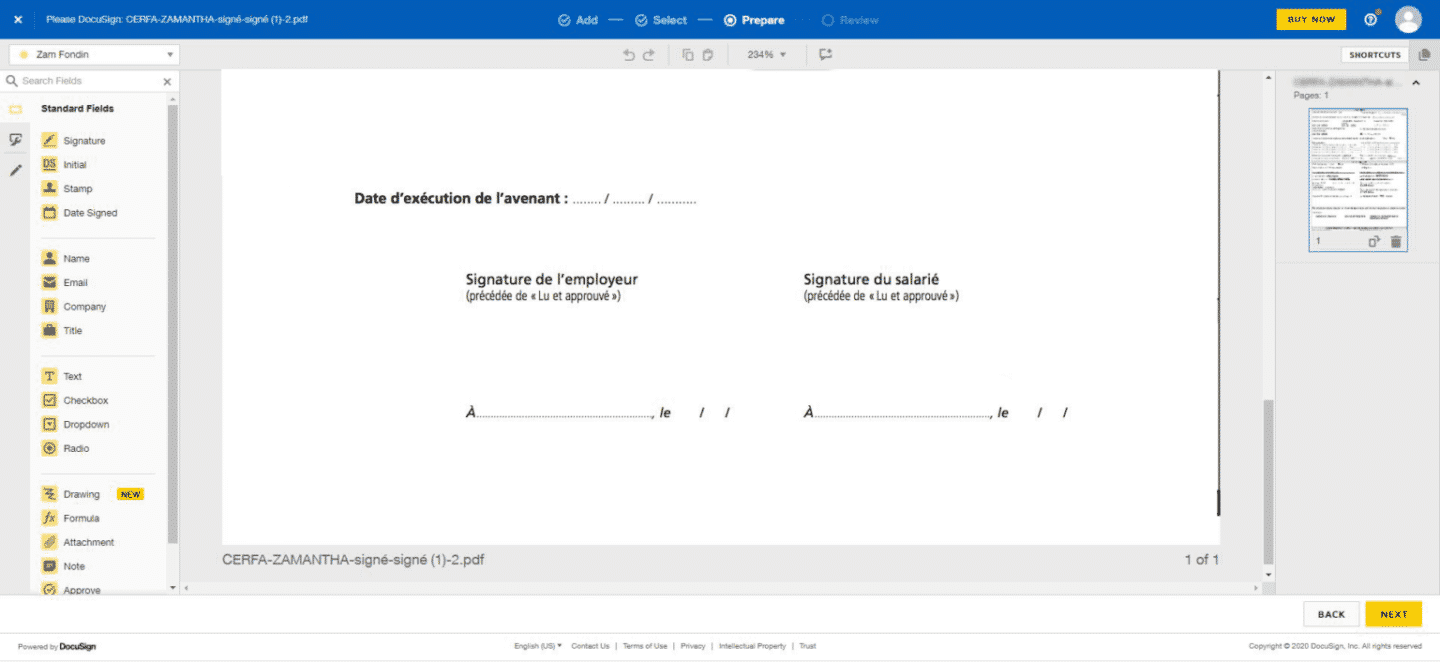 A few small details add to the software’s ease of use: if there are several signers, they are color-coded on the document. You can also set checkboxes, initials or other elements that require an action from your recipient. Likewise, if the standard fields don’t meet your needs, you can create a custom field.
You can also tighten your document’s security by adding an access code, which recipients must then enter to open and sign the form.
Creating your own templates
If you often use the same documents, you can create a template. You set them up once, then reuse them with different signers and share them with other people in your organization.
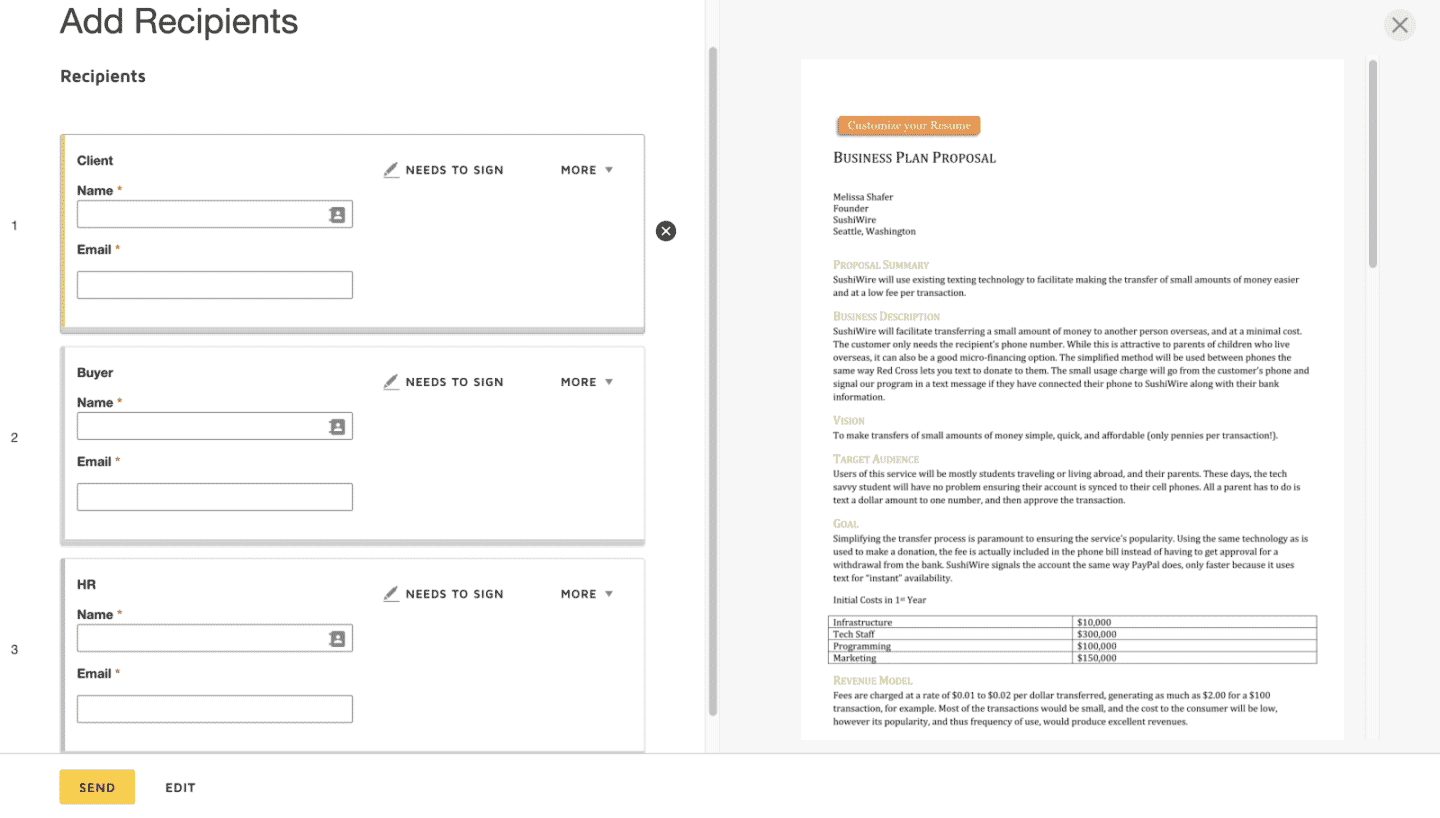 This is a big advantage for standard company forms that come up often, such as proposals, NDAs (non-disclosure agreements) or terms and conditions. You can then easily access your templates in a dedicated tab of the DocuSign platform.
When a template is used by several people in your organization, you can add a mandatory password for any changes.
The Salesdorado verdictDocuSign is an easy-to-use platform with a lot of features, including template creation, a real asset for making work easier inside a company.
Tracking your documents
Once your documents are created, the second step is managing your document flow to send, sign and store them.
Sending features
When your document is ready to send, DocuSign lets you customize the sending: in particular, you can choose whether the recipient is an in-person signer or import a list of signers.
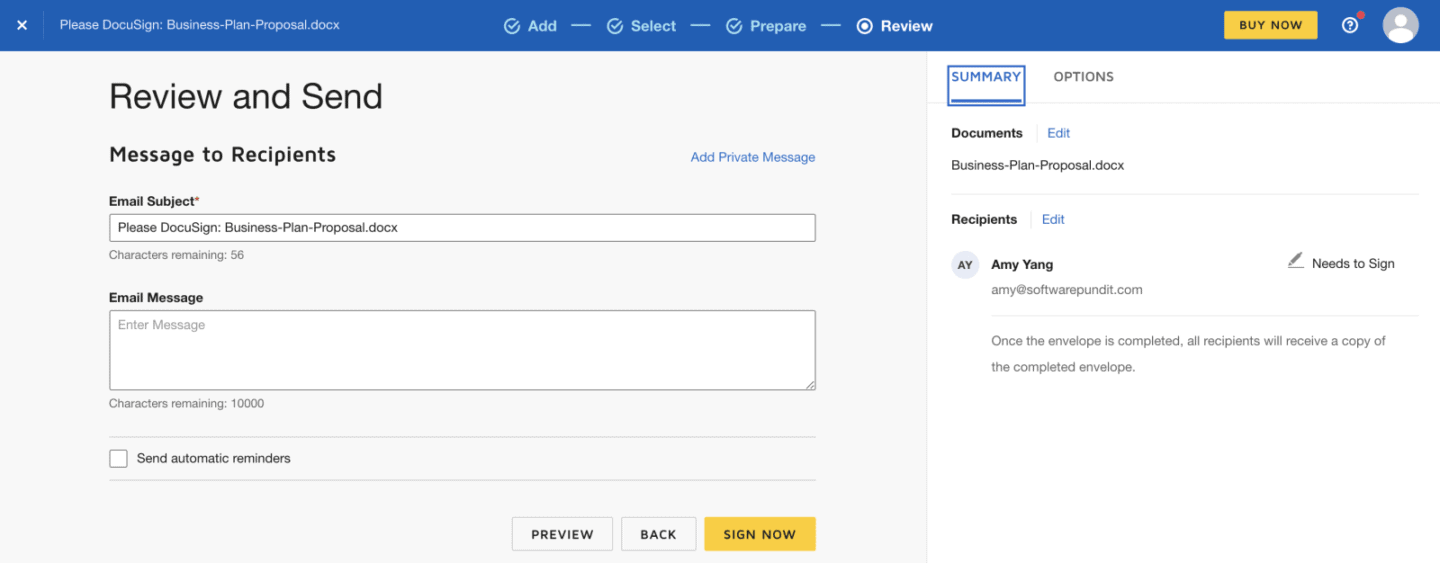 DocuSign also has a few features to streamline sending documents:
- Setting an expiration date
- Allowing recipients to change signing rights
- Allowing comments
Real-time notifications and reminders
After sending a document, you get notifications by email or on your phone as soon as it has been viewed, declined, voided or completed.
You can also set up automatic reminders to your signers and define the number of days between each reminder. Likewise, you choose the number of days before the document expires and when a signer is warned of its expiration.
Signing a document
DocuSign is easy to use, but it also includes features its competitors don’t offer, such as the “next” button, which helps each recipient move between the different areas and explains the steps to follow.
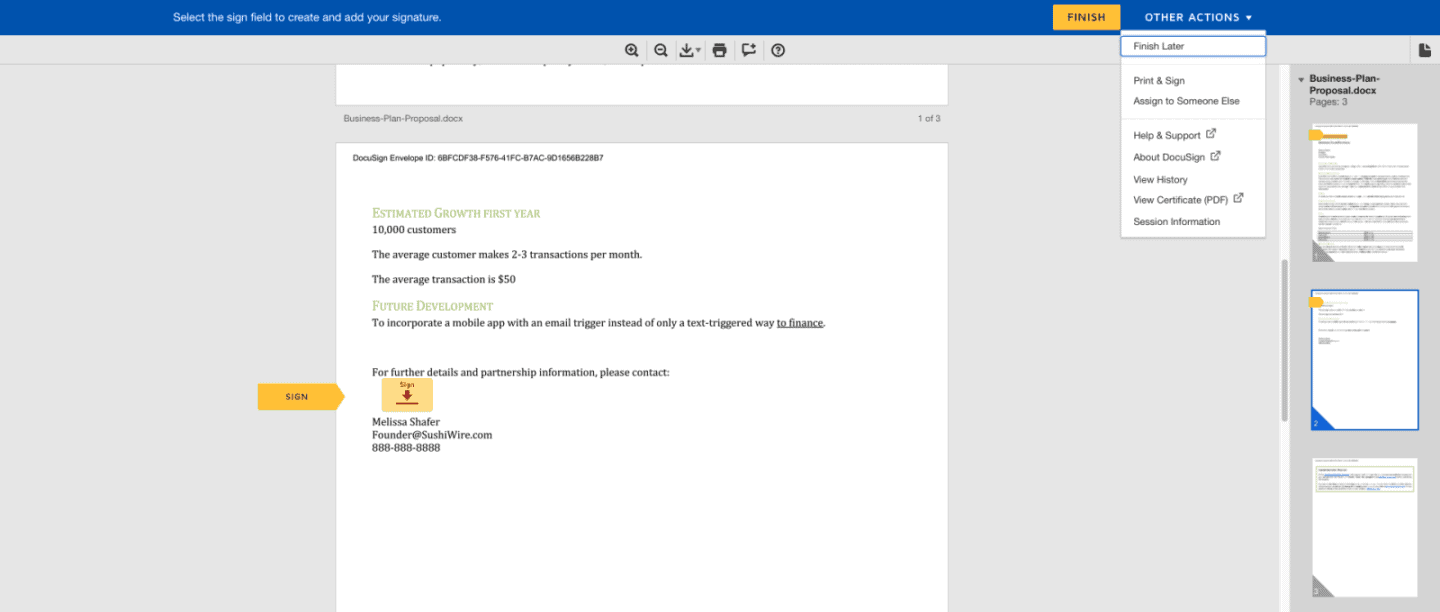
These features are:
- Zooming in and out on a document
- Rotating the document clockwise (and counterclockwise)
- Adding comments
- Downloading the document as a PDF before signing it
- Printing and signing the document
- Assigning the document to another signer
- Viewing a document’s history
- Viewing a document’s certificate
- Displaying document information (document IDs, version numbers).
Storing your documents
Once your documents are completed, you need to store them in an easy-to-use database. For this, the DocuSign application offers a cloud with organization tools you won’t find at its competitors, including a search bar and the ability to filter documents by status, sender and date. You can also create custom folders to organize your documents.
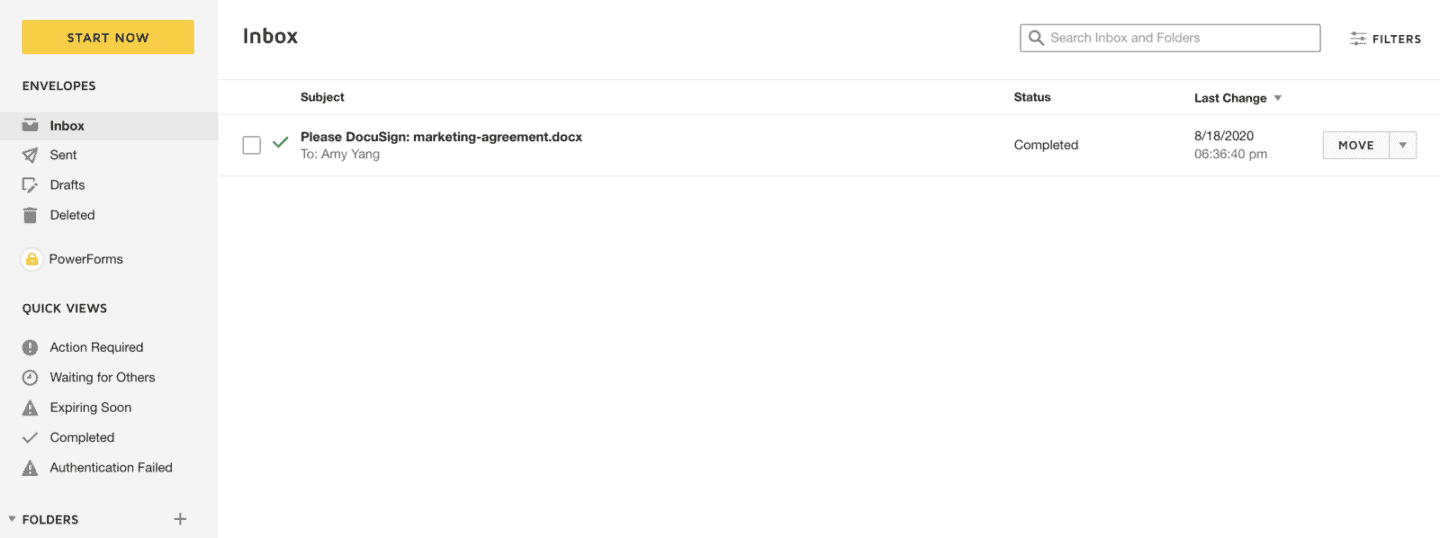 There are also shortcuts to move quickly between the different document categories. The various tabs let you see in your inbox the documents sent or deleted, but also those that require an action from you, that expire soon or that are completed.
The Salesdorado verdictFunctional, the DocuSign platform lets you track your documents’ activity precisely and schedule reminders to your signers.
DocuSign on your phone
DocuSign is available on phone and tablet for Apple and Android. The DocuSign app is very easy to use: you can edit all your documents from a dashboard. Compared to competing apps, it is more developed and notably lets you create signature fields on your documents.
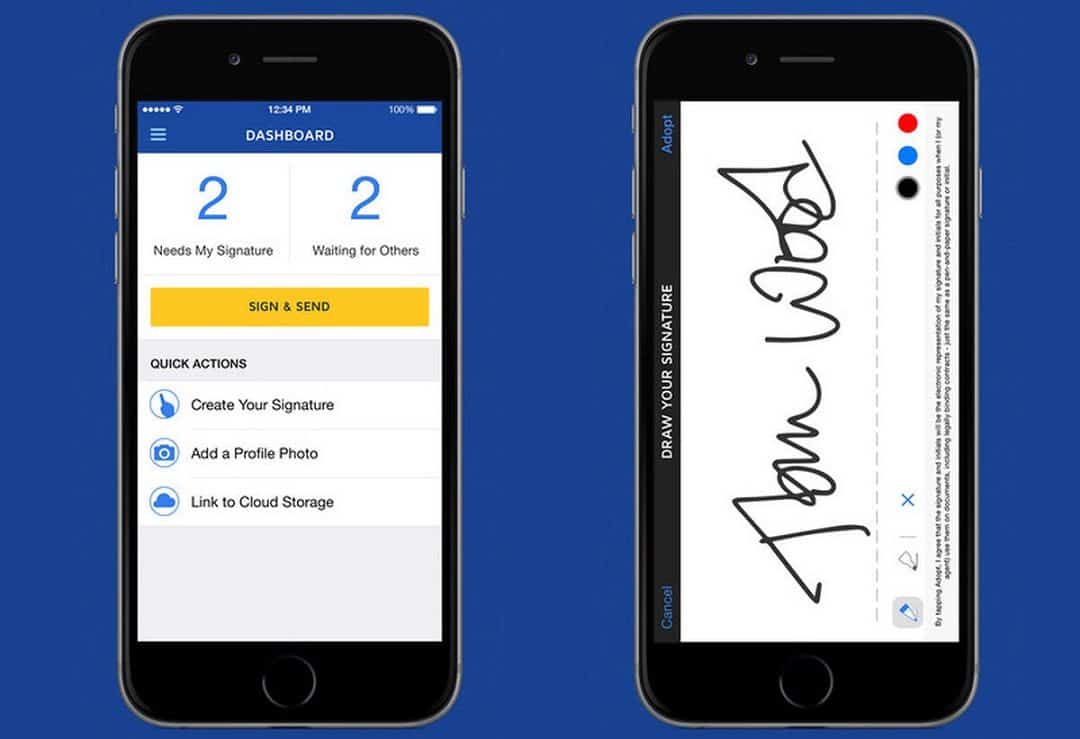
It includes a large number of features:
- The ability to filter by status.
- A library for all files
- A “Next” button to move through the document
- The ability to comment on documents
- The ability to save signatures and initials
- Access to general settings and account settings
The Salesdorado verdictThe DocuSign app is a real plus for the software, because it lets you sign your documents very simply from your phone.
How do you track your activity on DocuSign?
DocuSign offers reports to analyze the activity of your documents and your account. This keeps you up to date on their progress: the reports make it easy to see metrics such as document status, completion rate or the number of documents sent per week.
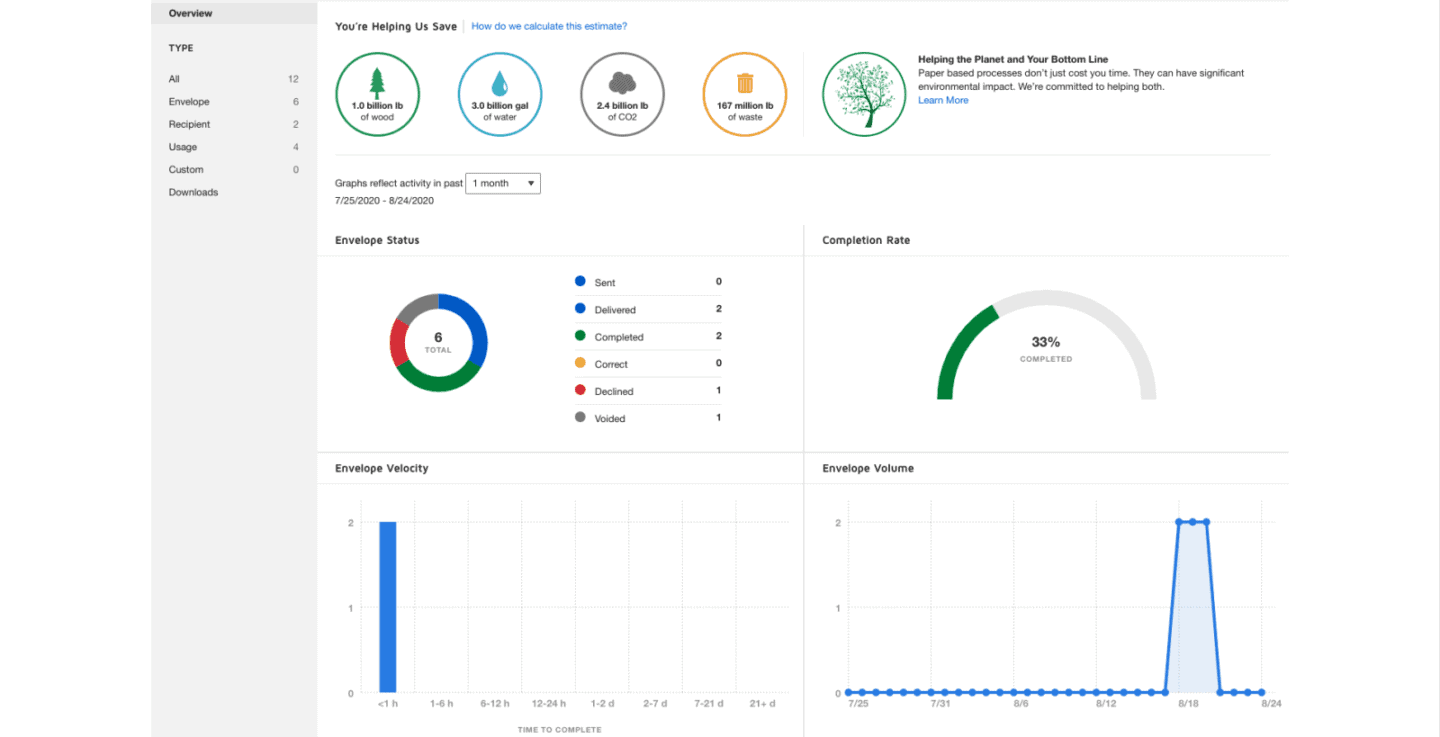
Among the standard report categories offered by DocuSign:
- Envelope: includes data on all the documents you have sent
- Recipient: data on all the recipients of your documents
- Usage: data on account activity and usage in general (available to administrators only)
- Custom: lets you change the information that appears in a report.
The Salesdorado verdictDocuSign’s reports give you statistical data to assess how your documents are progressing.
Handling legal and security aspects
E-signature software must meet specific legal and security standards.
DocuSign includes the following features:
- SSL encryption: Yes
- Secure document storage: Yes (SOC 1 Type 2, SOC 2 Type 2, PCI DSS, CSA STAR Program, APEC, PRP)
- Two-factor authentication: Yes
- ESIGN compliance: Yes
- Compliance with international laws: Yes (ISO/IEC 27001, eIDAS, GDPR, BCRs)
- HIPAA compliance: Yes
- Audit report feature: Yes
DocuSign also offers audit reports, which let you track activity and significant changes for each document. When a document is completed, you can download a “certificate of completion”, which includes key information about its changes.
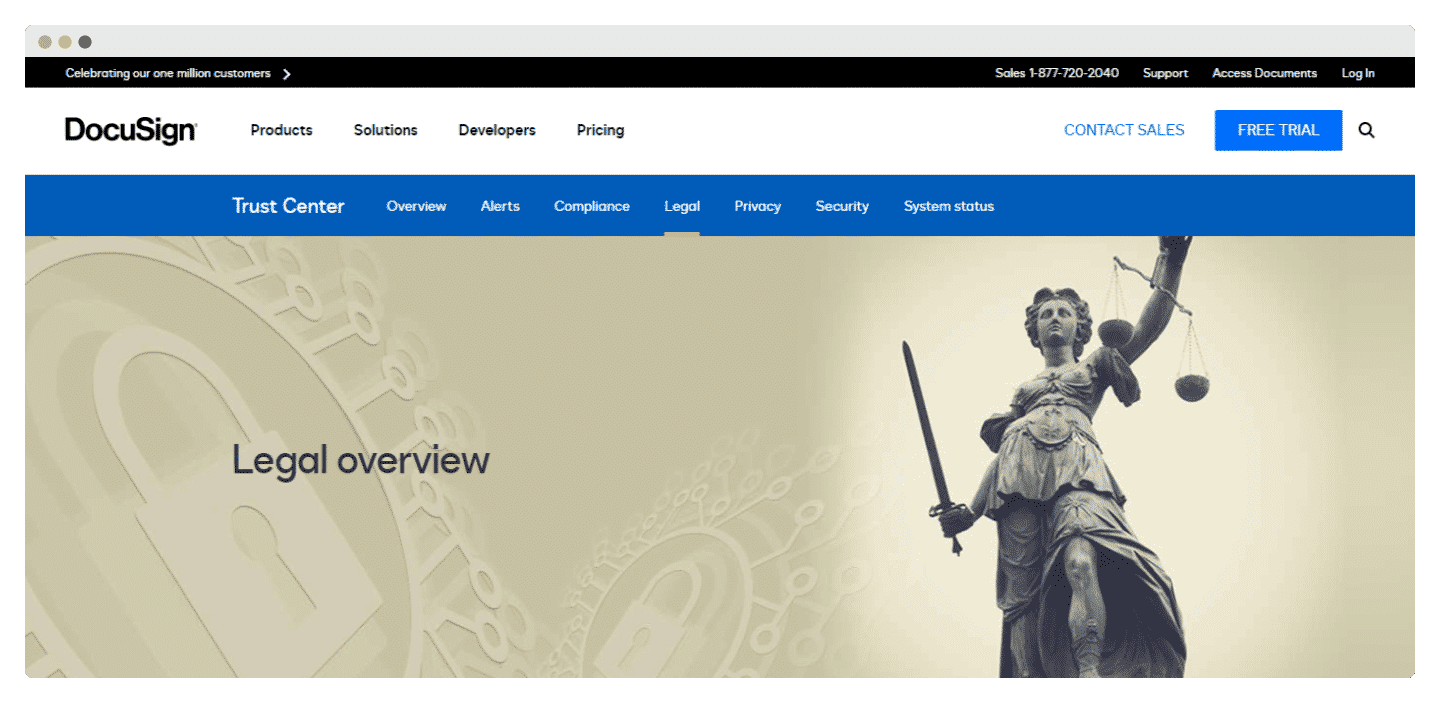
Finally, DocuSign has created a Trust Center that informs its users about the rigorous policies, processes and training put in place to meet privacy, security and compliance requirements. They rely on many IT tools and are backed by DocuSign’s various certifications. The “Trust center” also offers users various legal resources on the security and privacy of their documents.
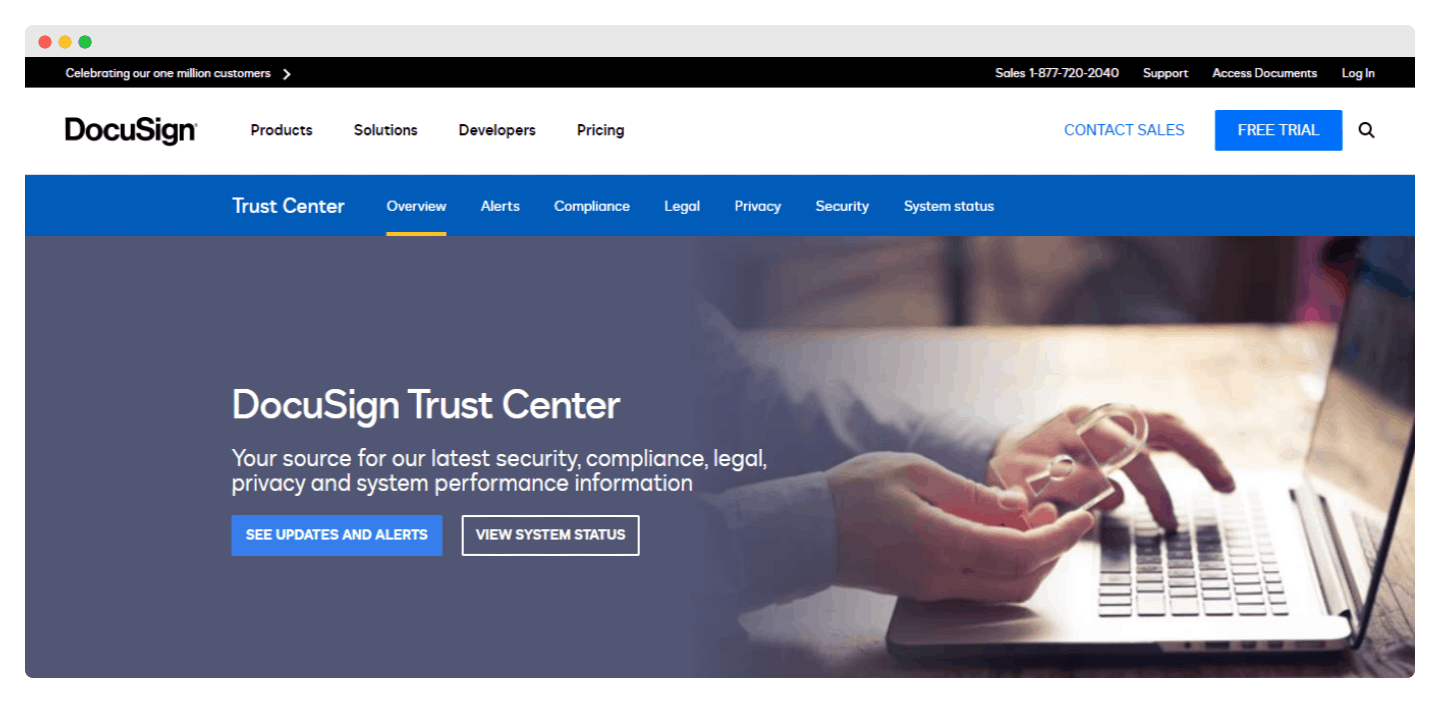
The Salesdorado verdictDocuSign offers a lot of resources on document security, through its many certifications and the Trust Center. Note, however, that most of these resources are only available in English.
Integrating DocuSign with other software
Companies that need e-signatures also use other applications, such as CRM software.
DocuSign works with more than 350 third-party providers, which helps streamline your company’s work processes.
These integrations exist in many fields, including healthcare, non-profits and education. For example, a contract closed by a sales rep who uses Salesforce to manage their sales pipeline can be finalized in DocuSign.
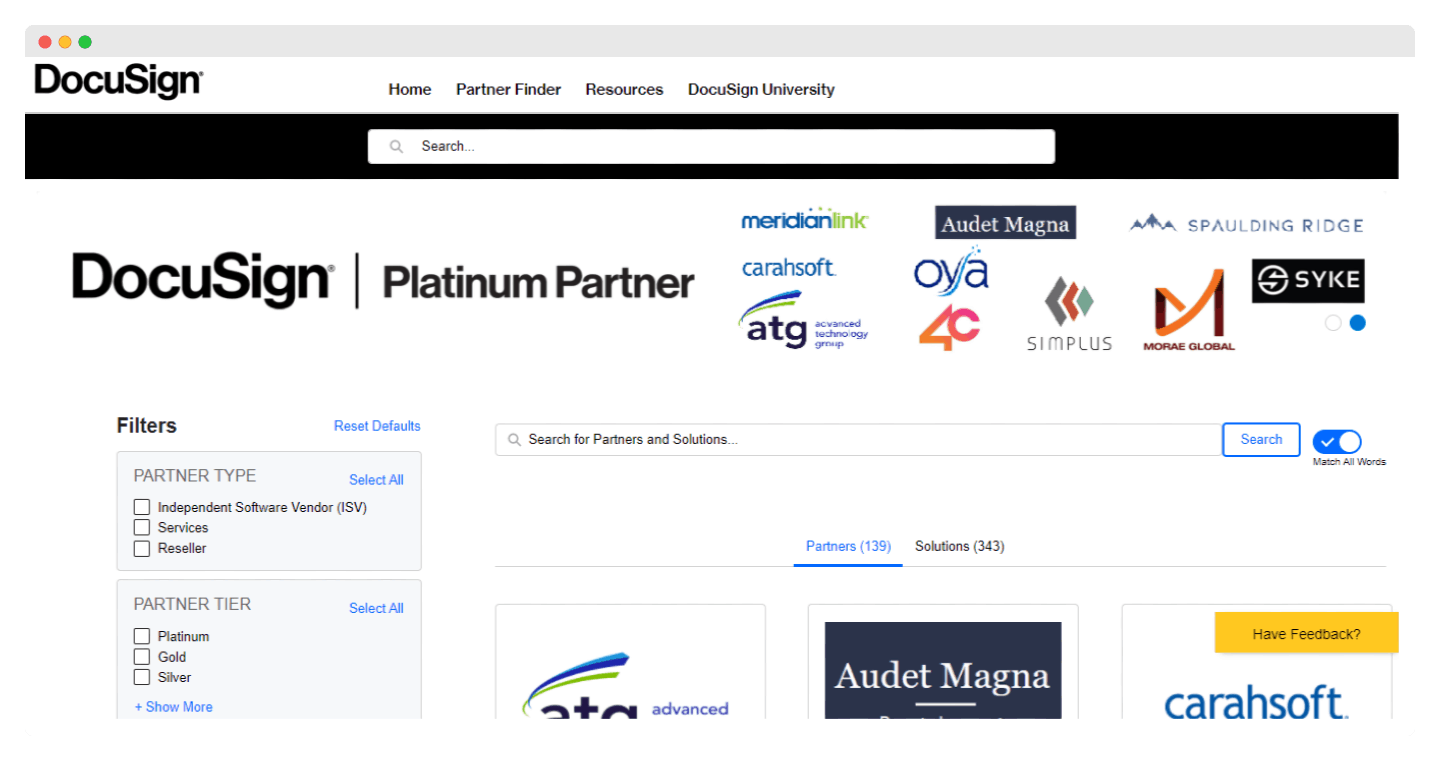 DocuSign also works with human resources (HR) software platforms, including Workday, which makes it possible to sign HR documents.
For users of different clouds, note that DocuSign integrates with widely used services such as Google Cloud and Dropbox.
The Salesdorado verdictDocuSign integrates with more than 350 software tools used by different companies, which makes work processes much easier.
DocuSign support
DocuSign’s standard support consists of a chat and an online help center that provides articles and video tutorials to answer the most common questions and issues.
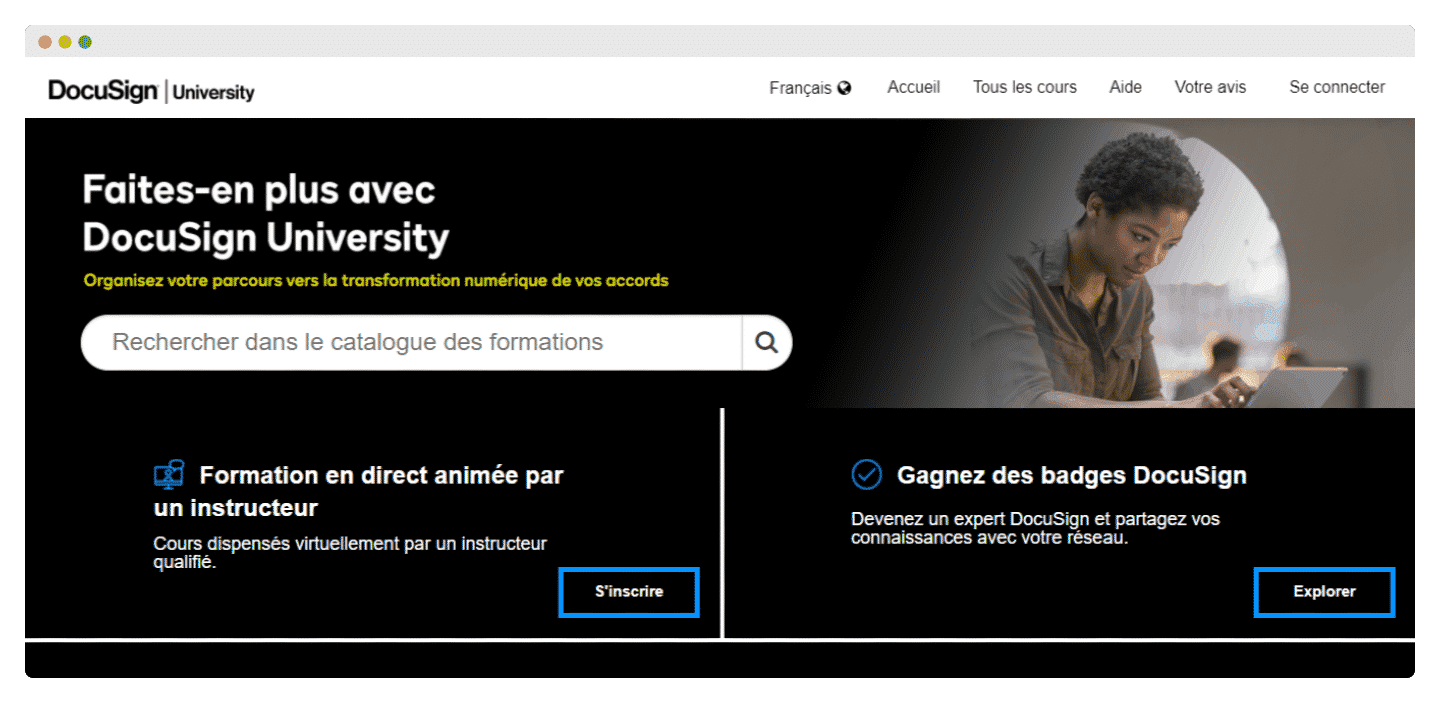
The company has also created DocuSign University, which offers online training on many topics, from the basics of e-signature to how the software engineers in your organization can customize the DocuSign API (application programming interface).
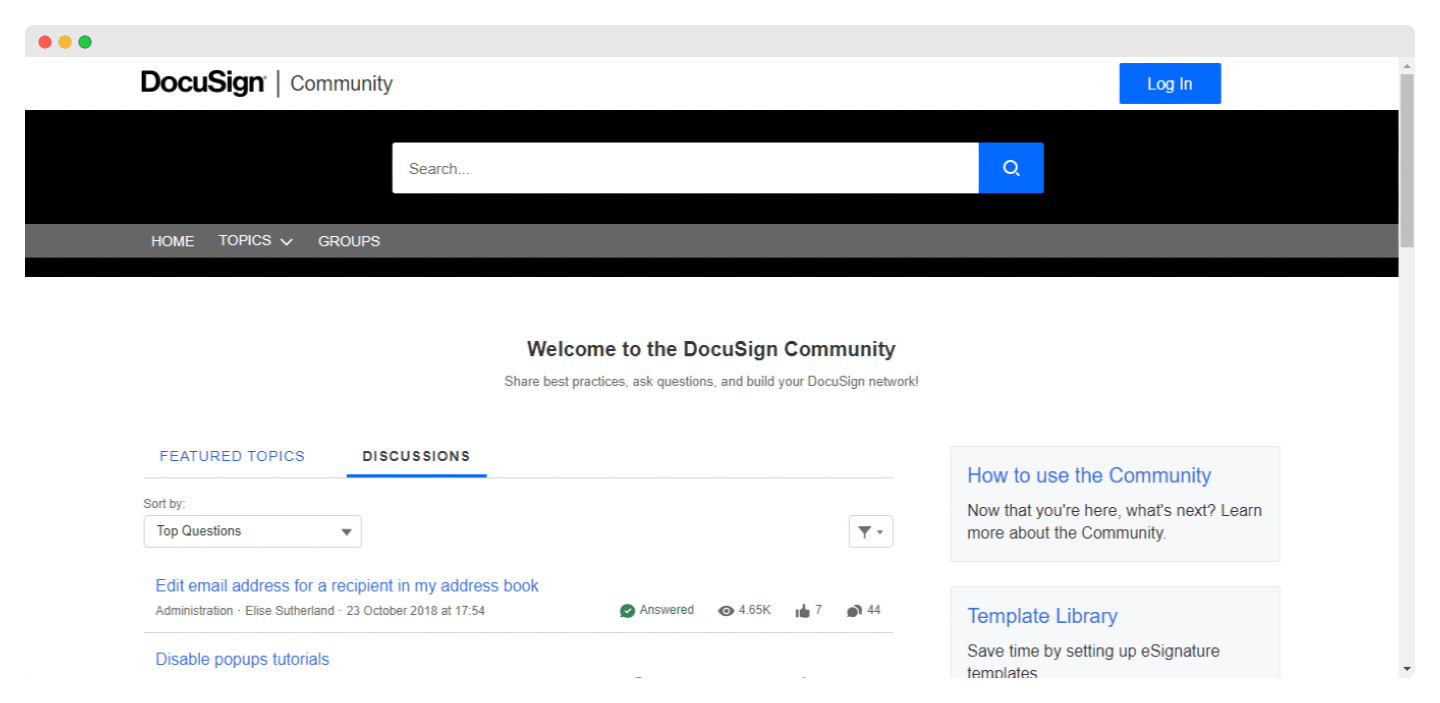
You can also ask questions to the DocuSign community through a very active forum. If that’s not enough, you can get help through the chat built into DocuSign, or submit your issue through an online case management system.
Finally, DocuSign’s Trust Center also offers users various legal resources on the security and privacy of their documents.
To get phone support or another DocuSign customer service option with faster answers, you need to pay for a separate support plan.
The Salesdorado verdictDocuSign’s support is very complete, with many tools. Note once again that apart from the chatbot, the various resources are in English.
DocuSign pricing
DocuSign offers a 30-day free trial that lets users test the tool without entering their bank details. As for paid offers, DocuSign has three types of plans:
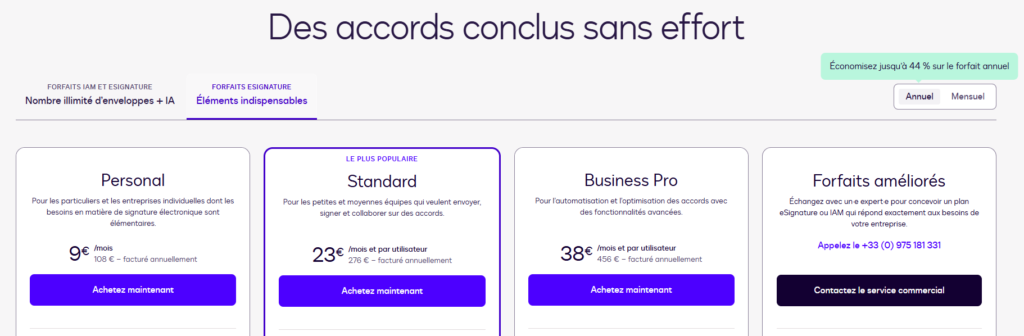
- A Personal plan at 9 euros/month that offers all the basic features but is limited to a single user and 5 documents per month.
- A Standard plan at 23 euros/month per user (billed annually), limited to 100 documents per user per year. It also includes document customization, adding comments and setting up notifications and reminders.
- And a Business Pro plan at 38 euros/month per user (billed annually) which, on top of the features mentioned above, offers options such as advanced fields or bulk sending.
- A custom plan for the largest signature needs.
The Salesdorado verdictDocuSign is on the expensive side, but its strength is offering a free trial without entering any bank details.