Videoask is a tool built by Typeform that turns a standard form into an asynchronous video questionnaire. Each question is asked on video, and respondents choose how to answer: on video, by audio or in writing. The idea can look like a gimmick at first, but the tool ended up winning us over.
The value is immediate at touchpoints where the relationship matters: collecting customer testimonials, qualifying a prospect before a meeting, pre-screening candidates, running a mini-survey or offering an interactive FAQ. The experience is polished, setup is quick and the respondent journey is fairly smooth.
Videoask is not meant to replace recruiting software or a full insights platform. It is a lightweight building block that does one thing well: putting a face and a voice on a form to drive engagement.
How Videoask works in 3 minutes
Videoask follows the logic of a form, but each question is embodied by a video. You record, or upload, short videos in which you ask your questions, and the user chooses how to reply: video, audio or text.
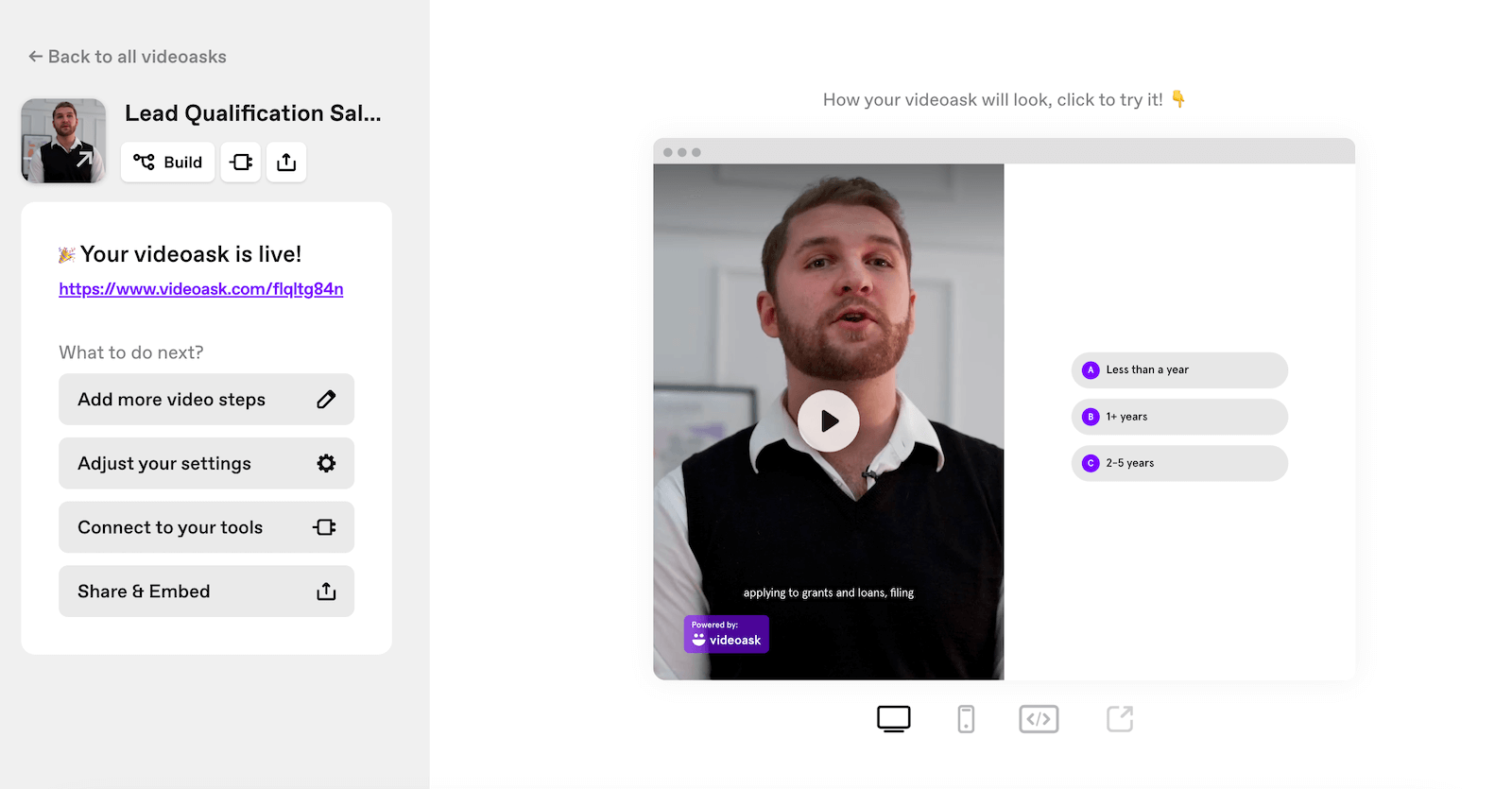
Flows are built in a drag-and-drop visual editor. You assemble your steps, define the answer options, buttons, fields, media, and add conditional logic to tailor the rest of the flow to the answers. Even without a technical background, you can build a complete flow in a few minutes.
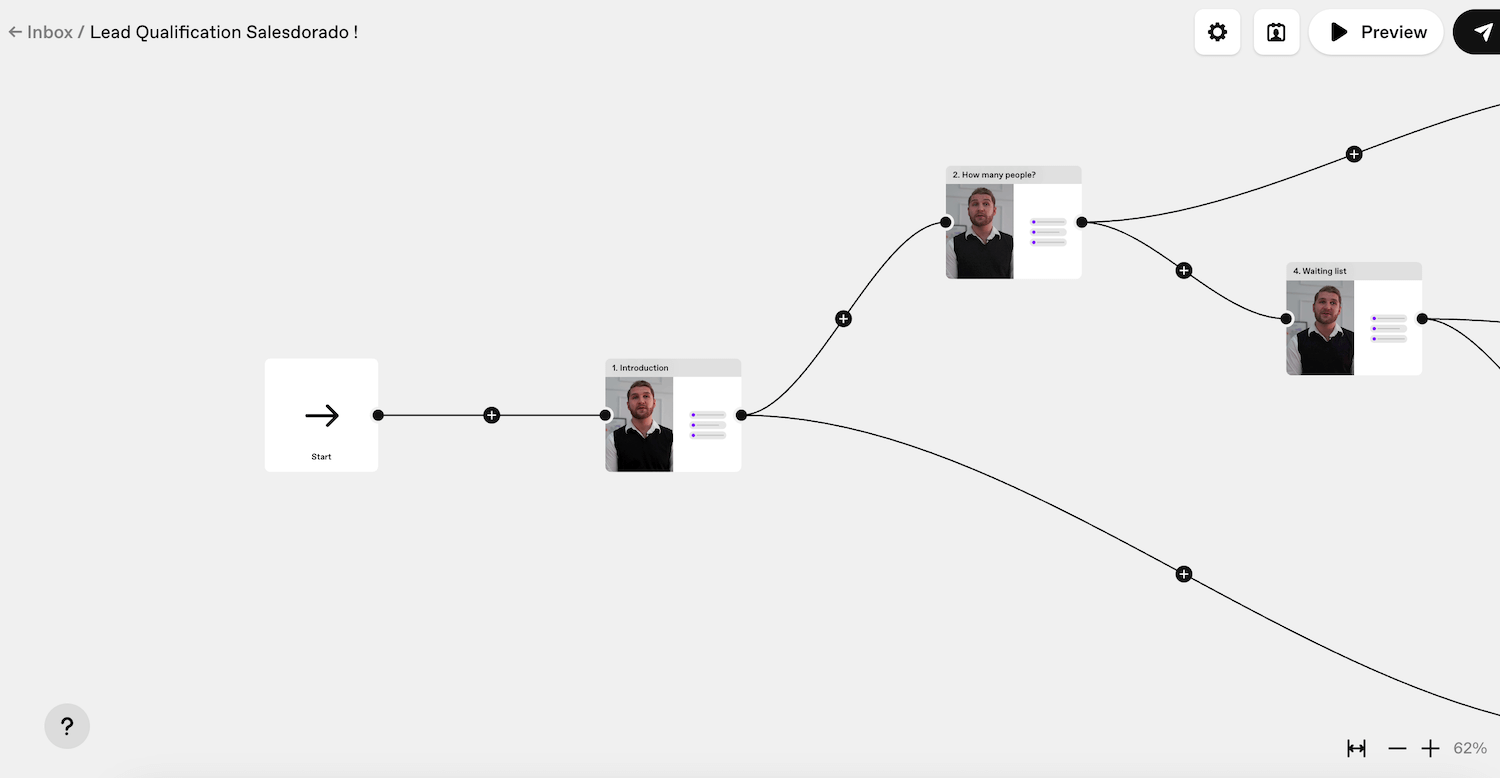
To speed things up, Videoask offers a gallery of ready-to-use templates, some designed for sales teams: lead qualification, contact forms, customer testimonial collection, candidate pre-screening, event onboarding. Just adapt them to your context and launch the campaign. You can also build the flow from scratch.
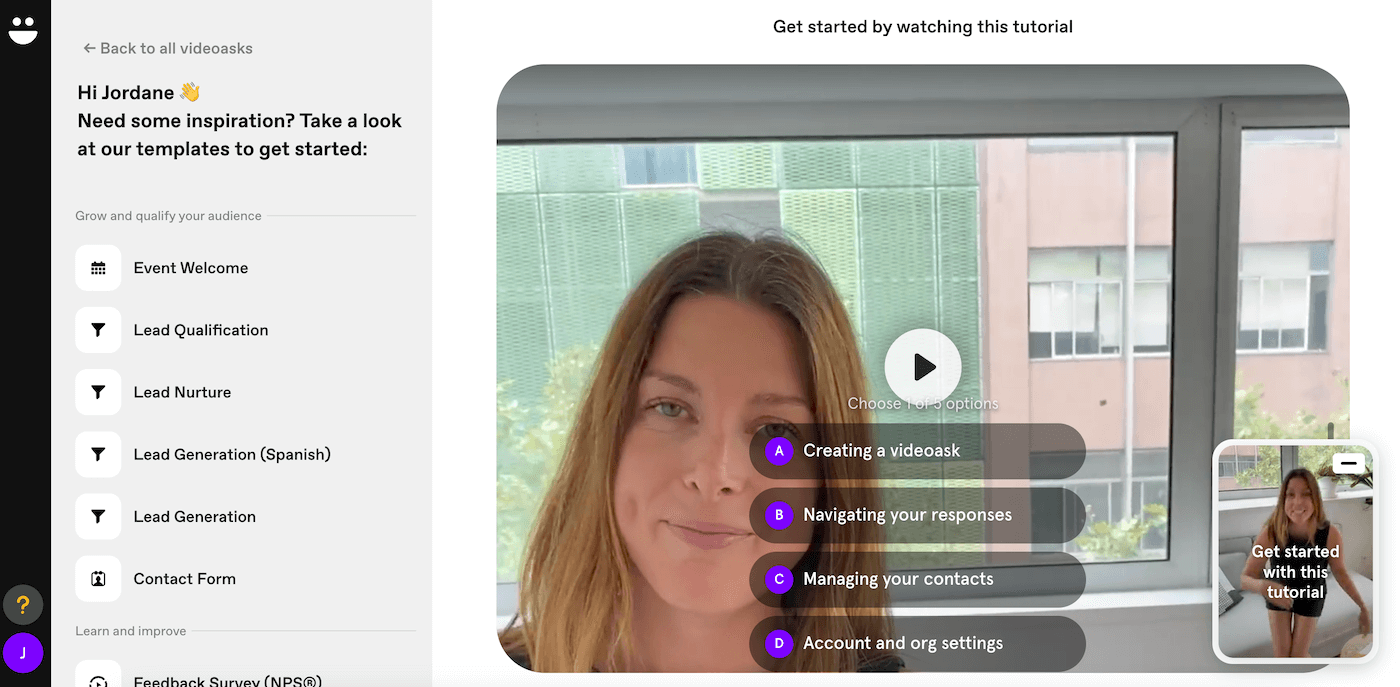
Once the video form is ready, you can share it by link, send it by email or embed it as a widget on your website. Responses land in a centralized inbox, with automatic transcription for audio and video answers. You can sort, filter and export to your usual tools, CRM, recruiting software or customer service, via Zapier, API or webhooks.
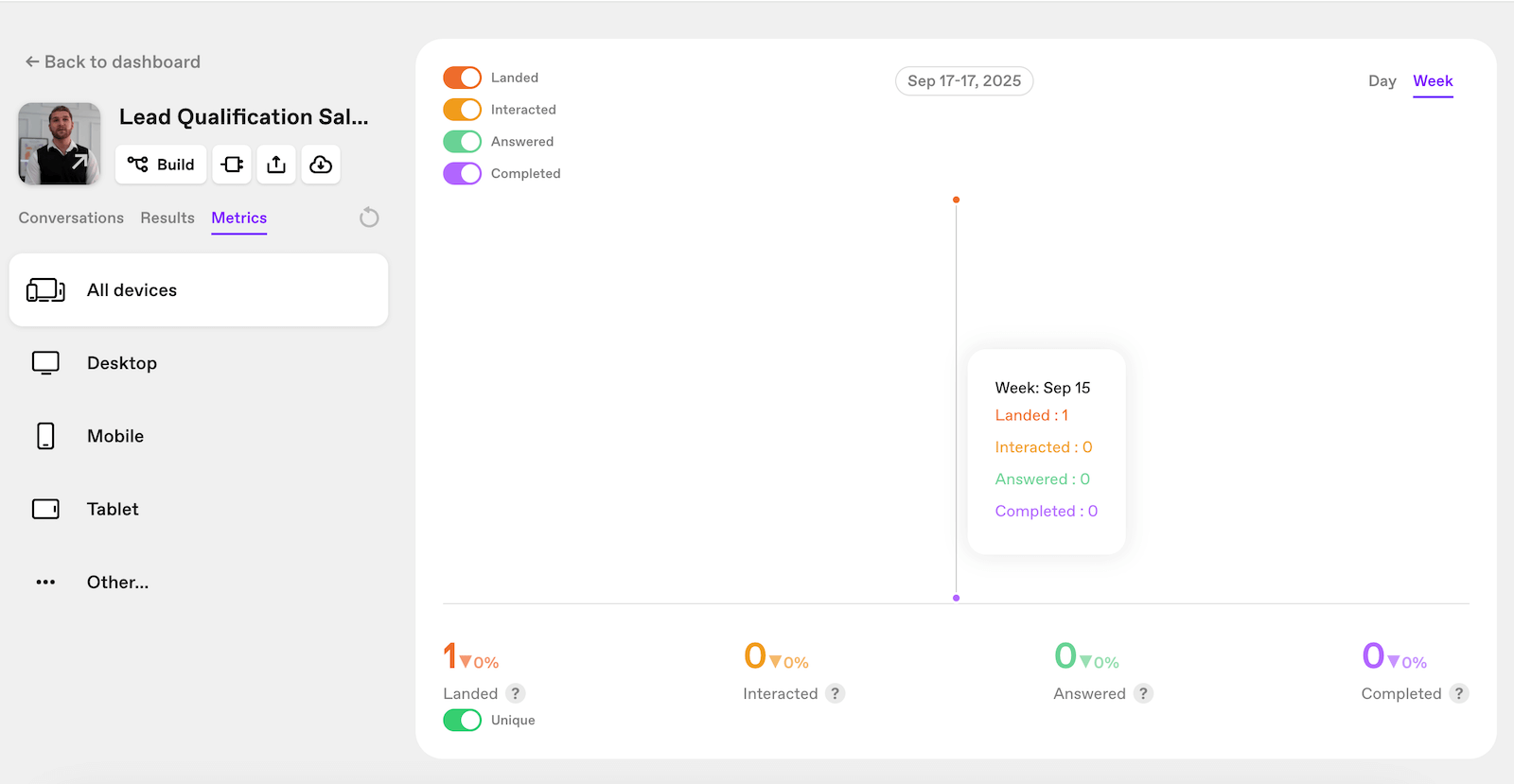
Videoask also includes contact management. The interface lets you track and enrich the profiles you collect, and even import your contacts directly from Typeform. On the other hand, you still cannot bulk upload a CSV file, which is a real shame.
On the respondent side, the experience is designed to be as smooth as possible. No account needed, no technical friction: you click, pick your reply channel and you are done. The result: flows that feel more like a conversation than a rigid questionnaire, with a direct impact on completion rate.
Plans and pricing
Videoask runs on a simple model: each plan includes a set volume of video and audio minutes processed per month, with features that expand as you move up the range. The price therefore depends on usage, meaning the number of minutes, and on the features you use.
Here is an overview of the available plans:
| Plan | Price (annual) | Included minutes | Key features | Best for |
|---|---|---|---|---|
| Start | $0 / month | 20 minutes / month | 3 steps per video, 3 users maximum, mandatory Videoask branding | Testing the tool or running a very limited one-off experiment |
| Grow | $27 / month | 100 minutes / month | Unlimited steps, up to 5 users, integrations (API, webhooks, Zapier), NPS, live calls | Freelancers or small teams that want to roll out Videoask across several use cases |
| Brand | $46 / month | 200 minutes / month | White label with custom domain, up to 10 users, priority support, AI chatbot | SMBs and marketing teams that want a professional look and fully custom branding |
| Enterprise | Custom quote | Custom volume | Adjustable minutes and seats, advanced security, dedicated support | Large organizations with high volumes and governance requirements |
Note that every minute of video or audio generated, by you or by your respondents, is counted. The model works well as long as you stay at reasonable volumes, but it can become restrictive as soon as interactions multiply.