If you prospect B2B on LinkedIn, you probably know this scenario: a Waalaxy or similar to automate invitations, a Pipedrive or a HubSpot to track deals, a Brevo for emails and a good old Excel file to score your leads. Four tools that don’t talk to each other and data scattered everywhere. In short, the daily routine of a lot of freelancers and small sales teams.
Jova sets out to fix this situation and this problem. Published by Neocamino (a French digital marketing player since 2012), this tool launched in early 2024 combines CRM, LinkedIn prospecting and marketing automation in a single platform. The original promise: going “from LinkedIn to the sale” without juggling several tools. Since then, the tool has been repositioned around Joy, an AI outbound agent that spots intent signals, prioritizes prospects and contacts them.
Does Jova really deliver on its promises? We wanted to analyze the tool in depth to give you a complete review of this platform.
What is Jova?
Jova is a French CRM built around LinkedIn and published by Neocamino. If the name rings a bell, that’s normal: Neocamino has been helping small and mid-sized businesses with digital marketing since 2012 and claims more than 2,500 customers. Jova is their answer to a simple observation: small B2B sales teams waste a crazy amount of time getting tools to talk to each other when those tools were never designed to work together.
Launched in early 2024, Jova combines three building blocks in a single platform:
- A CRM with LinkedIn and Gmail sync.
- An automated LinkedIn prospecting module.
- Marketing automation features (forms, landing pages, newsletters).
The idea is to cover the whole B2B sales cycle, from the first LinkedIn invitation to the signed deal.
In 2026, Jova presents itself as a “GTM platform powered by Joy”. The agent tracks intent signals on LinkedIn and the web (job changes, fundraising, posts, webinars), enriches and scores profiles, then launches multichannel campaigns (LinkedIn, email, phone). The LinkedIn CRM remains at the core of the tool, but the agent now takes center stage.
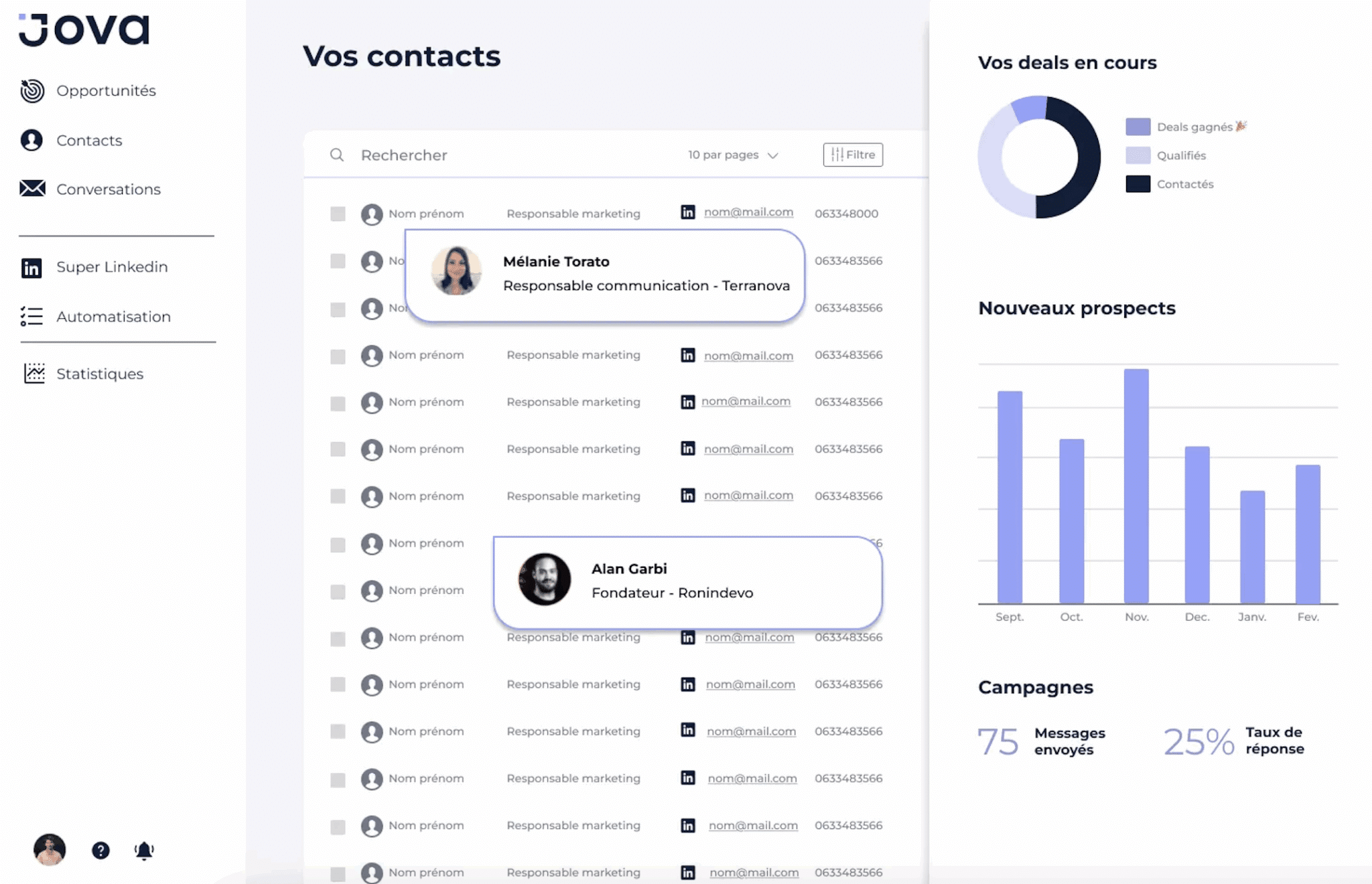
Jova is aimed at freelancers, consultants and small sales teams (2 to 10 people) whose main prospecting channel is LinkedIn. If you’re a scale-up with 50 sales reps and a well-oiled HubSpot/Salesforce setup, move along. But if you’re fed up with juggling Waalaxy, Pipedrive, Brevo and Excel, Jova is worth a look.
Salesdorado’s takeJova positions itself as a “HubSpot light built around LinkedIn”. That’s an honest way to see it: what you gain in simplicity and consistency, you lose in functional depth. For a small B2B team that prospects mainly on LinkedIn, it makes sense.
Jova’s key features
The LinkedIn CRM
Jova is first and foremost a CRM. To be precise: a CRM built around LinkedIn, a centralized tool where your LinkedIn conversations and Gmail emails automatically show up on each contact record.
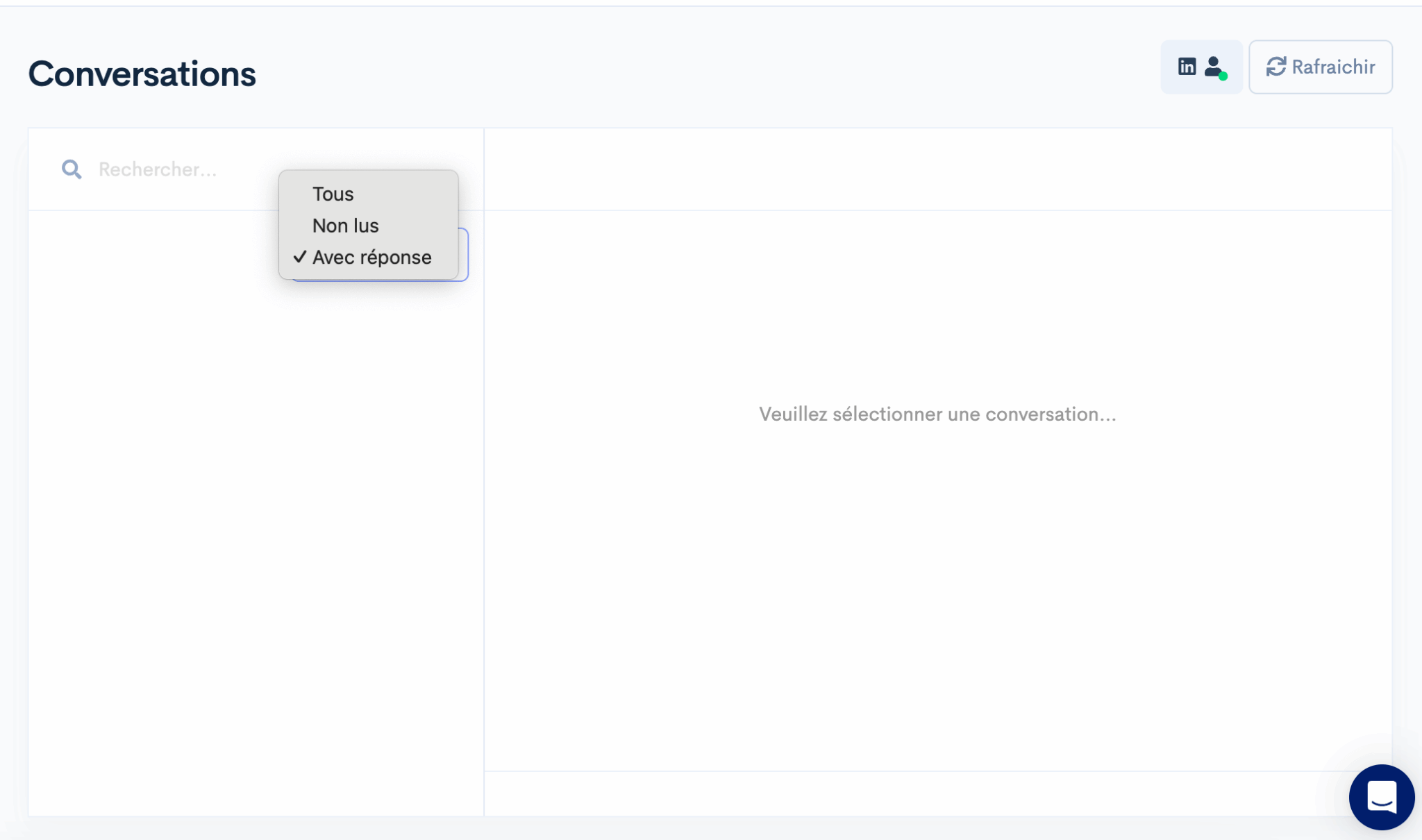
The built-in LinkedIn inbox is particularly well thought out. You manage your LinkedIn conversations directly from Jova, without switching to the LinkedIn website. From this inbox, you can add a contact to an opportunity in one click, enroll them in an automation sequence or simply enrich their record with notes.
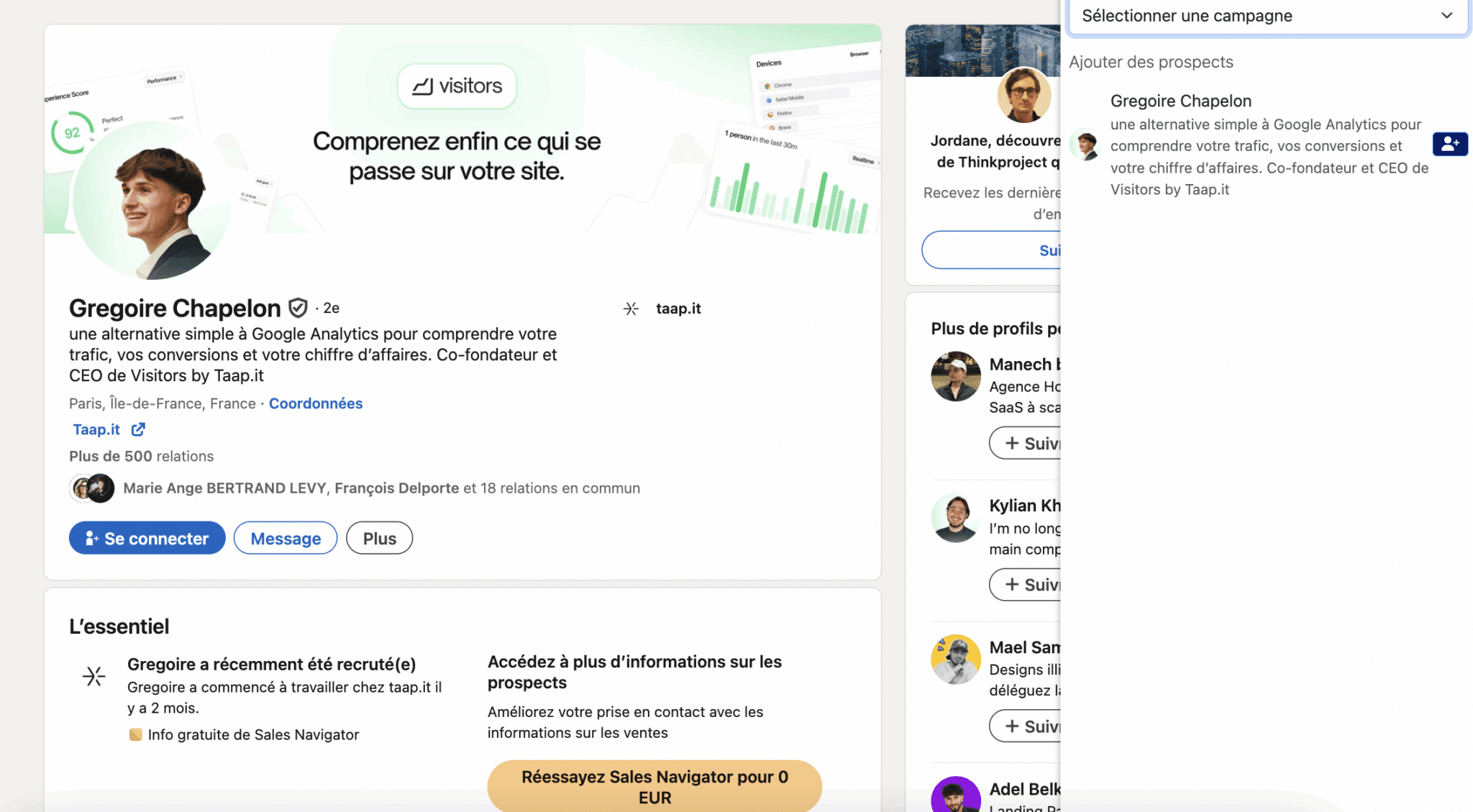
The Chrome extension is the CRM’s other strong point. When you browse LinkedIn (profile, search result, Sales Navigator), one click is enough to add the contact to Jova. Enrichment is automatic: last name, first name, job title, work email, company. And if the company is French, Jova pulls in Societe.info data (revenue, headcount, NAF code, executives).
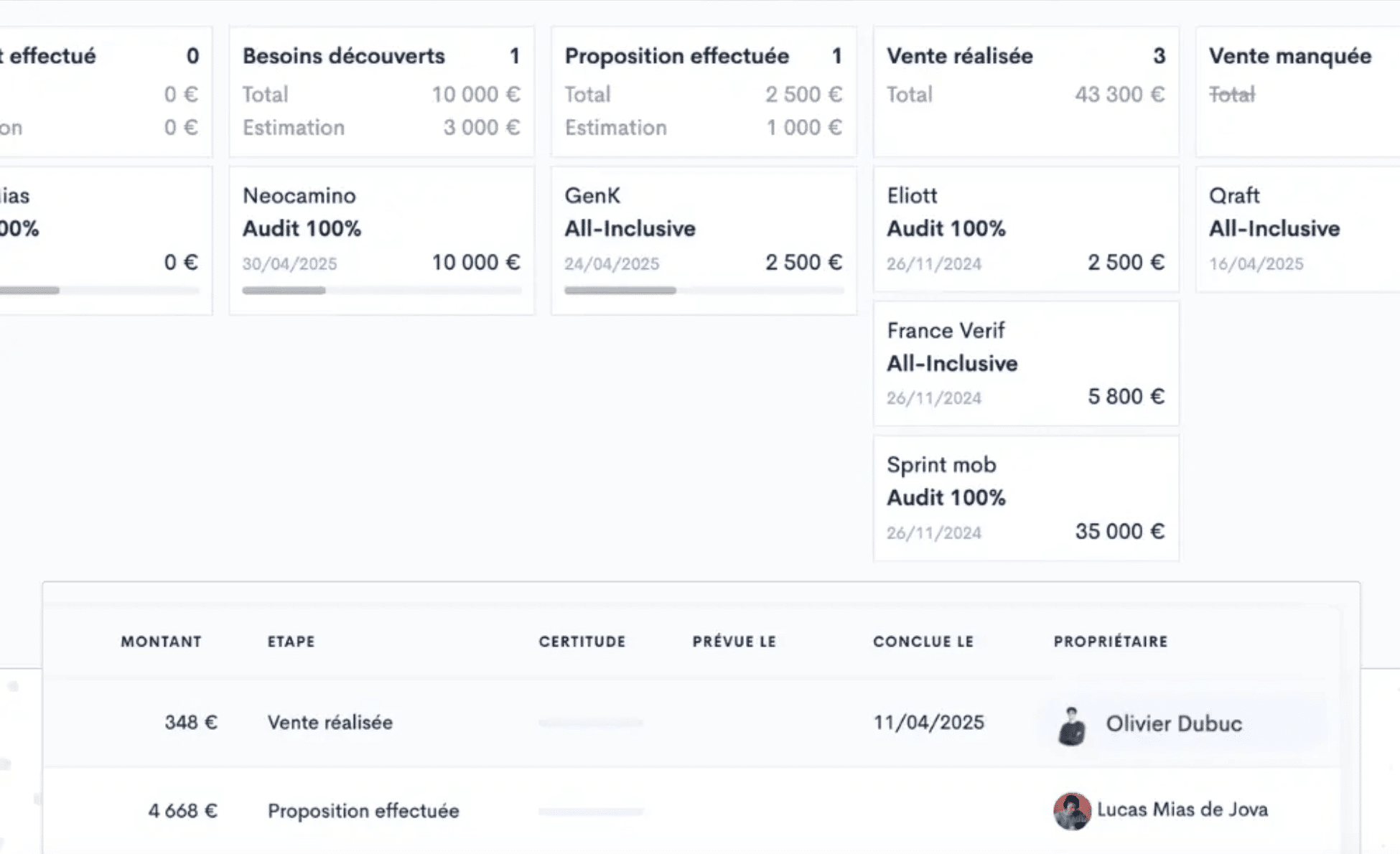
On the sales pipeline side, it’s classic but effective: drag & drop column view, customizable stages, tracking of amounts and closing probabilities. You can create several pipelines depending on your sales cycles. Each opportunity is linked to a contact and a company, with the full history of interactions.
The built-in calendar syncs with Google Calendar and Outlook. Each sales rep can share their booking link, and meetings automatically show up in the CRM and on the relevant contact record.
LinkedIn prospecting
This is Jova’s second building block and probably the one B2B sales teams care about most. The tool lets you automate LinkedIn prospecting with an approach Jova calls “reasonable”, meaning: within the limits LinkedIn tolerates, to avoid account restrictions.
- Prospect import is flexible. You can import from a regular LinkedIn search, from Sales Navigator, from the attendees of a LinkedIn event or even from the people who commented on a post. Just copy the search URL into Jova and set the number of contacts to import.
- Automation sequences follow a classic but effective logic: LinkedIn invitation, then a welcome message after acceptance, then follow-ups at D+3, D+7, etc. You personalize each message with variables (first name, company, job title) and set the delays between each step. Jova no longer publishes an invitation quota per plan: the publisher simply promises to stay within LinkedIn’s limits.
Lead scoring, long announced as “coming soon”, is now live: Joy scores prospects to prioritize those most likely to convert. Jova also offers a funnel view showing how your contacts progress (number of contacts, then opportunities, then customers) with statistics at each stage.
Marketing automation
Jova’s third building block covers marketing automation. The current pricing page no longer specifies which plan gives access to forms, landing pages and newsletters: check this point in a demo before committing.
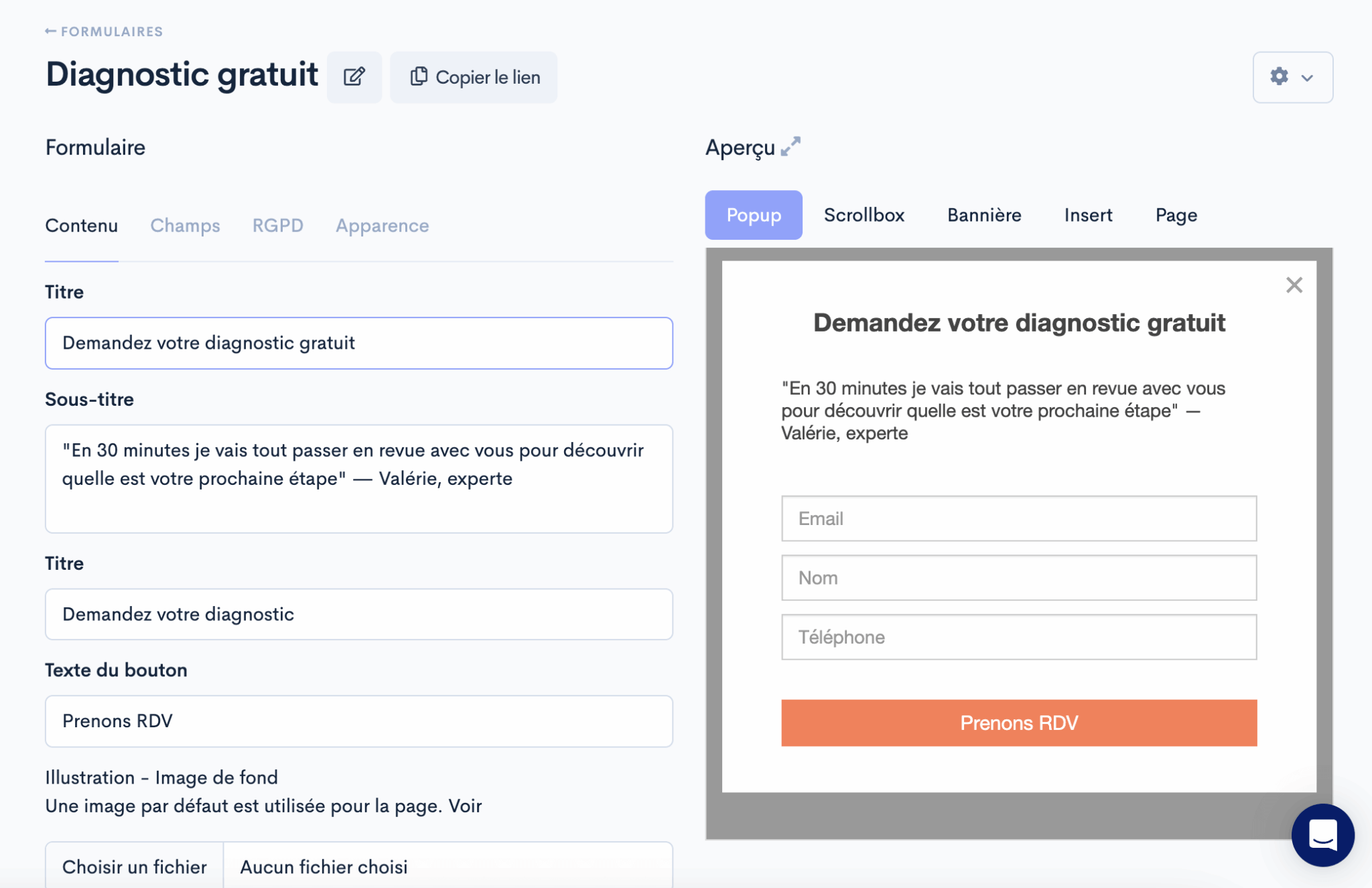
The module lets you create forms (quote requests, newsletter sign-up, content download) and landing pages directly in Jova. It’s basic but functional. In terms of customization options, it’s closer to a Typeform than to an Unbounce.
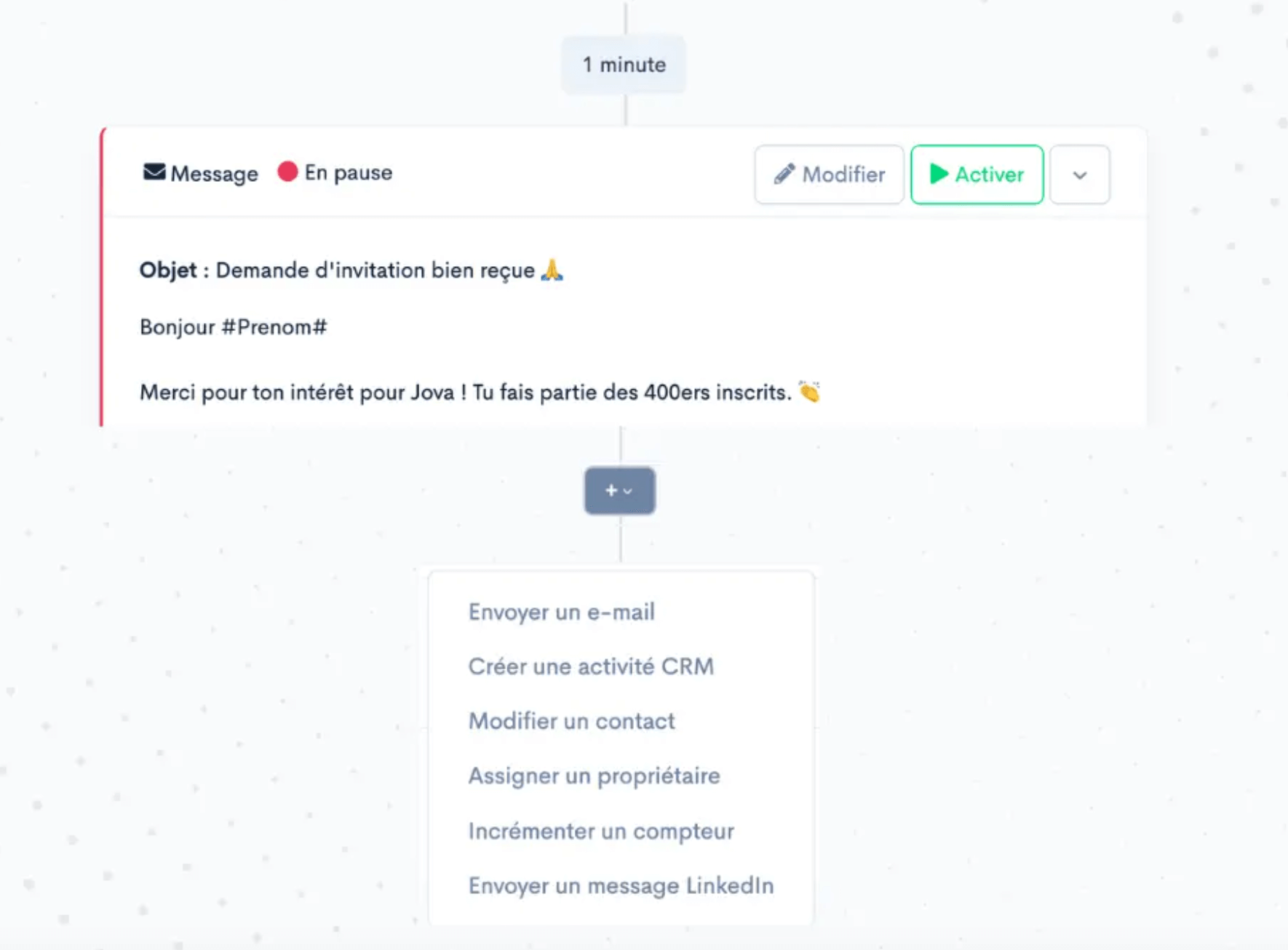
Multichannel sequences combine LinkedIn and email in the same journey. For example, you can start with a LinkedIn invitation, follow up with a message after acceptance, then switch to email if the prospect doesn’t reply. This is the feature that justifies Jova’s “all-in-one” positioning against a Waalaxy plus Brevo stack.
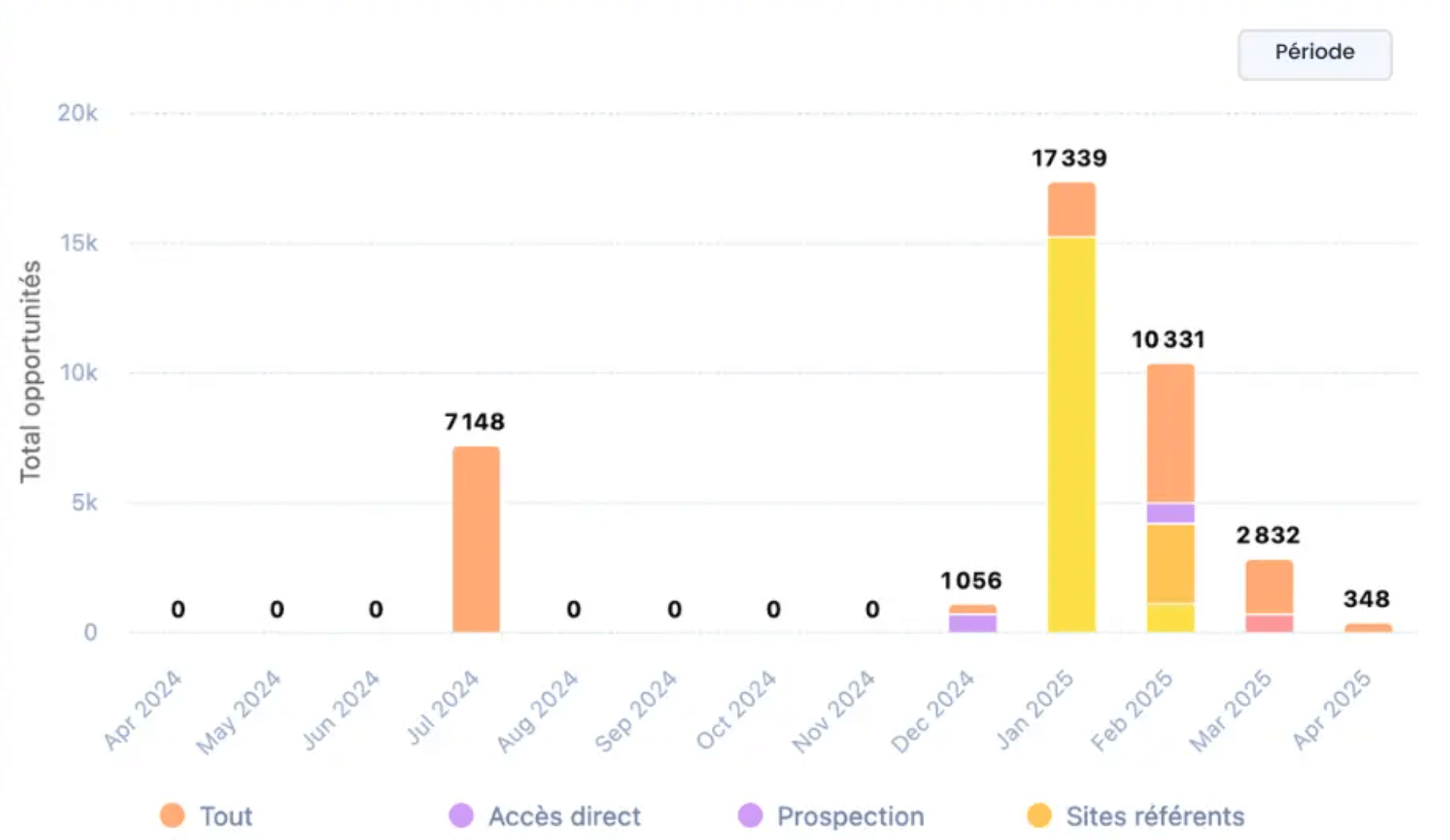
The marketing dashboard shows leads generated by source, revenue attributed to each campaign and the pages that convert best. The idea is to tie your marketing actions directly to the deals signed in the CRM, a promise few tools actually keep in practice.
Jova pricing: how much does it cost?
Jova offers two plans, Lite for one user and Team from 3 users, with 20% savings if you choose annual billing.
Here are the details:
| Plan | Monthly price | Annual price | For whom |
|---|---|---|---|
| Jova Lite | €79 per month for 1 user | €63 per month for 1 user | Founders and solo users: Joy agent, signal-based campaigns, 200 enrichment credits per month |
| Jova Team | Custom quote | Custom quote | Teams from 3 users: custom credits, CRM integrations and API |
What’s included in each plan
- Jova Lite (€63 per month billed annually, 1 user): the plan designed for founders and solo users. It includes the Joy agent, signal-based and multichannel campaigns, prospect scoring, the unified inbox, unlimited contacts and companies, and 200 enrichment credits per month.
- Jova Team (custom quote, from 3 users): everything in Jova Lite, plus custom enrichment credits, CRM integrations and the API, dedicated onboarding and priority support. The price is not displayed: you have to go through a demo.
- Enrichment add-on (all plans): B2B enrichment works with credits. 200 extra credits cost €10, i.e. 200 verified emails or 20 phone numbers.
- Free trial (7 days): a credit card is required, in exchange for 200 prospects and €50 of enrichment credits on the house. The trial can be canceled in one click.