In this article, we introduce two heavyweights of CRM software and marketing automation:
- HubSpot’s marketing tools, to be integrated with HubSpot CRM: HubSpot now sells a single platform, and the former Marketing Hub is no longer offered separately;
- and Pardot, which Salesforce renamed Marketing Cloud Account Engagement, to be integrated with the inevitable Salesforce.
In short, Account Engagement (formerly Pardot) has a clear edge in lead management and reporting, while HubSpot integrates better with all your existing tools and has a significantly shorter learning curve.
More details in the article 👇
#1 Feature scope
Content marketing and lead generation
Do you want to go all in on content marketing or run lead generation campaigns? HubSpot is the tool for you! As the leader in inbound marketing, that is only natural.
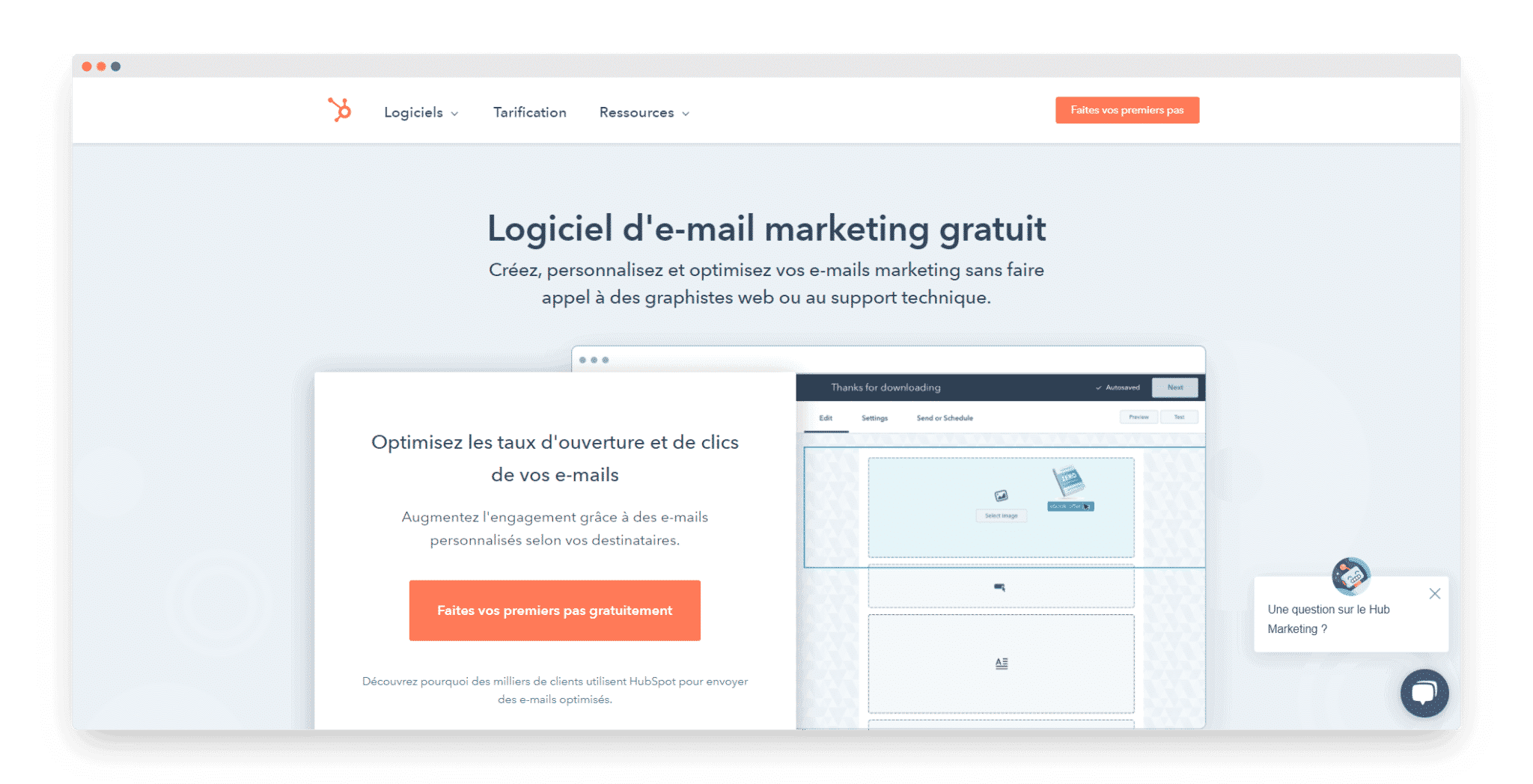
Email marketing, landing pages, form management, A/B tests, etc.: you get a whole range of very useful inbound features with this all-in-one tool.
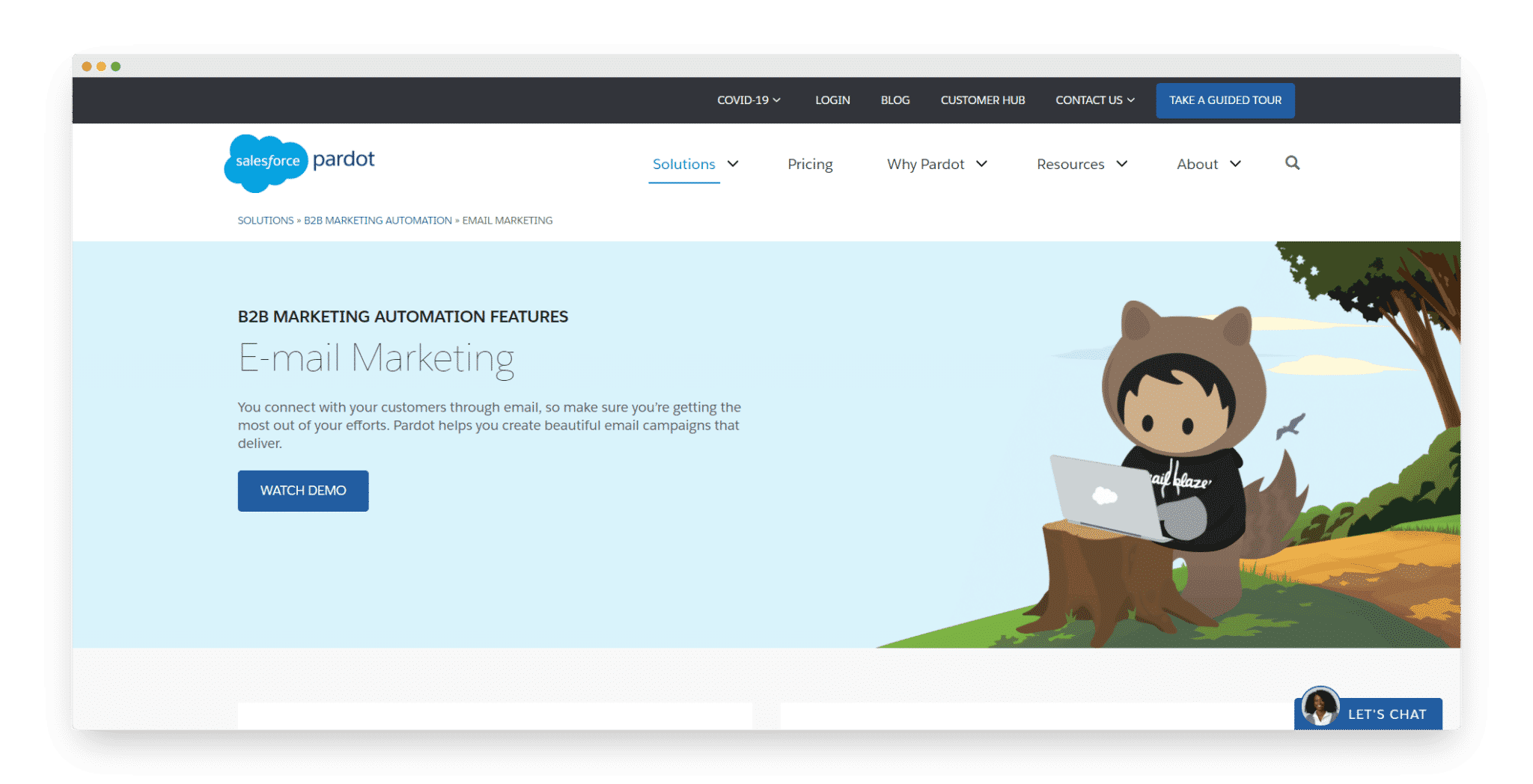
On the Account Engagement (formerly Pardot) side, the features are there: email builder, landing pages, workflow creation, etc. But the major difference with HubSpot is that the experience and customization are fairly limited. The Growth+ plan also caps out at 50 landing pages and 50 forms, unlimited from Plus+ upward, and charges advanced dynamic content as an add-on.
Advantage: HubSpotAs the leading tool in inbound marketing and thanks to its functional depth, HubSpot wins quite clearly.
Lead management
HubSpot has a very effective lead scoring feature, available from the Pro plan.
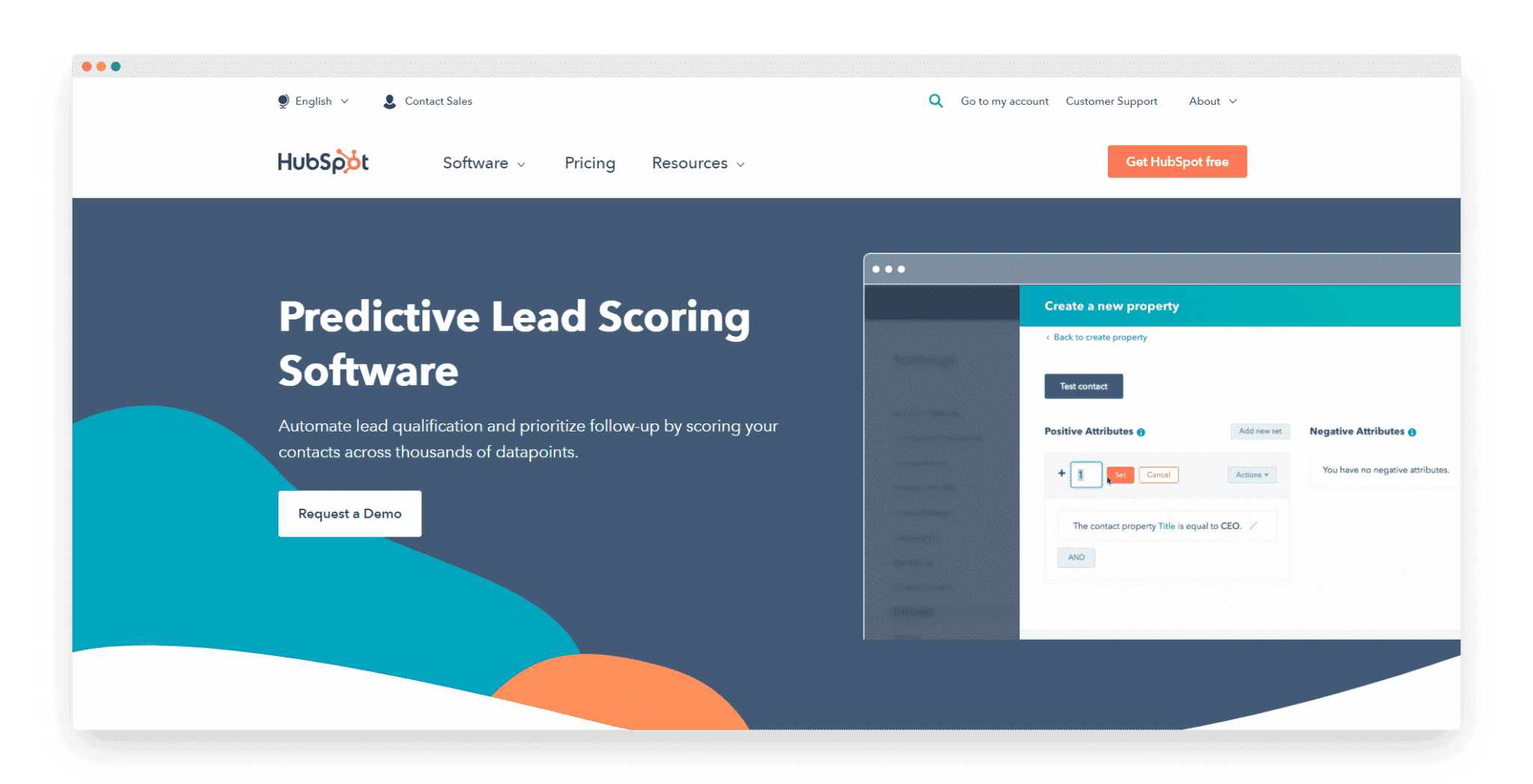
Do you want to target prospects based on their behavior? Pages visited, emails opened, etc. That is entirely possible with HubSpot.
You can also set up drip campaigns to send them relevant messages based on the actions they take.
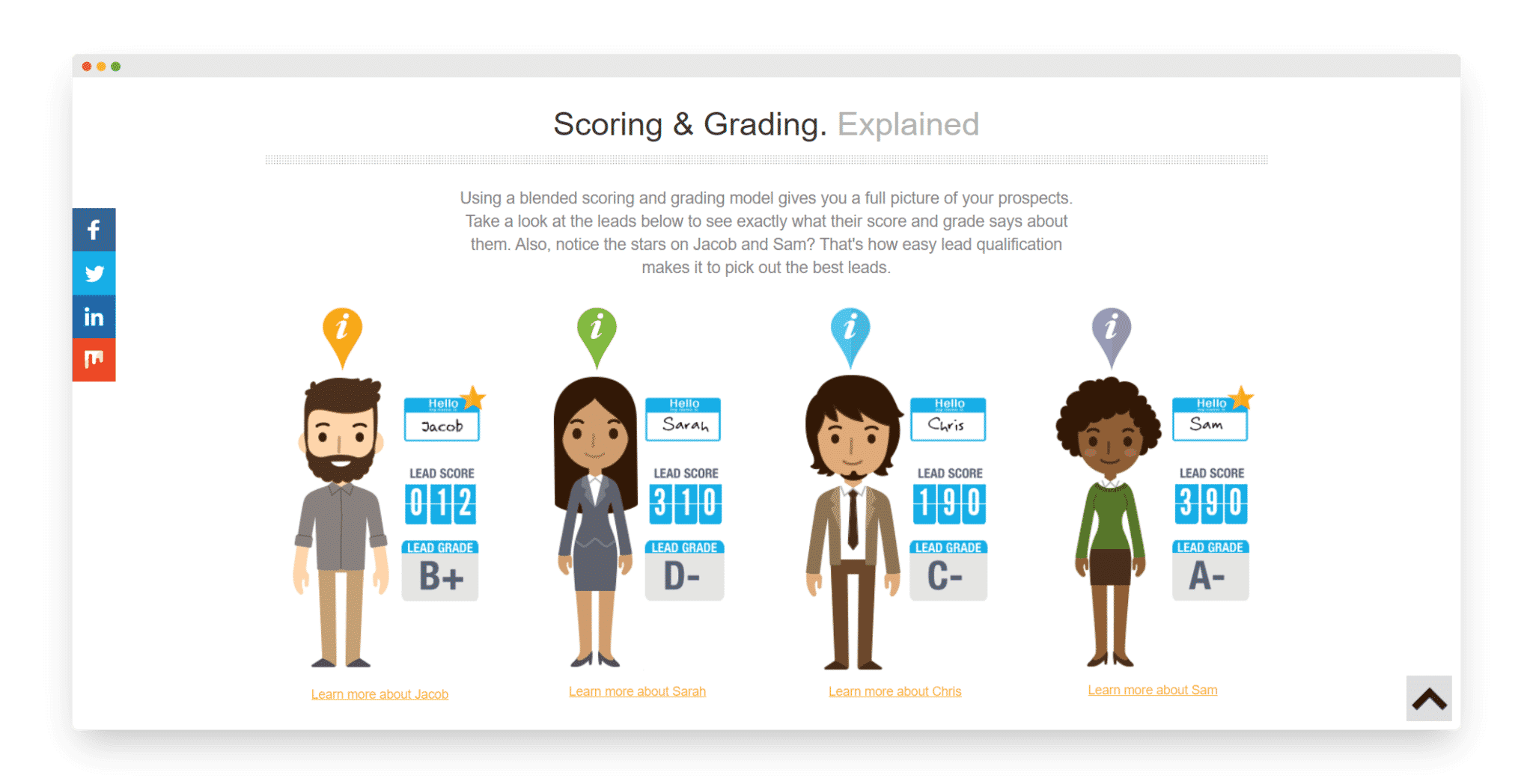
Account Engagement also has an advanced lead scoring feature: a points and prospect grading system on all plans, several scoring categories and account scoring from Plus+, then AI-powered Einstein lead scoring from Advanced+.
Account Engagement then lets you group your prospects based on their scores.
In terms of segmentation, Account Engagement offers great flexibility. You can build lists based on the stage the prospect is at, segment prospects by interest, etc.
TieEach of these tools meets slightly different needs. Segmentation and scoring are more effective with Account Engagement. On the other hand, dynamic content and marketing automation are easier to set up in HubSpot.
#2 Reporting
Reporting
You naturally want to track data on your traffic, your conversions, your most popular blog posts, etc. All of these metrics are available in one place: the HubSpot dashboard.
Custom reports are reserved for the Pro and Enterprise plans.
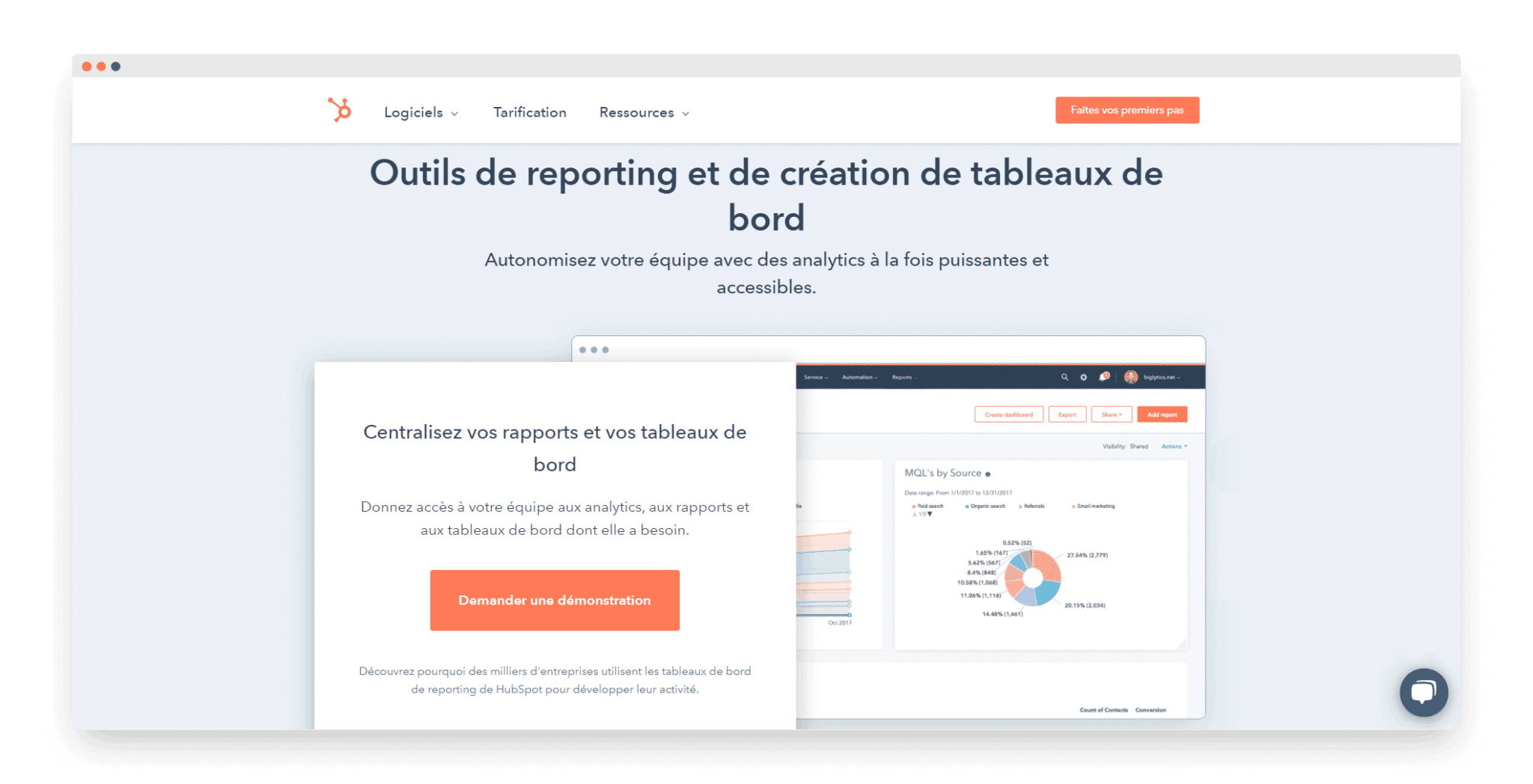
HubSpot dashboards then let you generate impressive reports. You can even generate reports on a set schedule (daily, weekly or monthly).
These reports can easily be customized using, for example, some of the templates in the HubSpot library. You will quickly realize that, on this specific point, there are better alternatives to HubSpot.
At Account Engagement, the dashboards are impressive. All plans include engagement history dashboards (5 on Growth+, 10 on Plus+, 20 from Advanced+) and ROI reports. From the Plus+ plan, you get B2B Marketing Analytics directly, with 5 licenses, and multi-touch attribution models.
Note that these analytics dashboards are fully customizable based on the data you want to track and analyze. Once your dashboard is customized, you are ready to generate reports.
At Account Engagement, many reports are available, with detailed measures you can use to evaluate every aspect of your marketing efforts.
With B2B Marketing Analytics, you can also customize your reports in every way imaginable using countless metrics. Its Plus version, which adds predictive analytics, is included in Premium+ and sold as an add-on on the other plans.
Advantage: Account EngagementImpressive dashboards, endlessly customizable reporting: Account Engagement wins on this one.
#3 Integrations
On the sales CRM side
HubSpot CRM gives your teams free tools to make their daily work as simple as possible.
Account Engagement is the B2B marketing automation tool of the Salesforce suite. The integration with Salesforce is extremely well done: deep and powerful. But to get value from CRM integrations you also need a wide range of them, and on that point Account Engagement is clearly very limited.
Advantage: HubSpotTo get the most value from HubSpot, use the HubSpot CRM. But its marketing automation tools can also work with the big CRMs on the market, such as Pipedrive or Zoho.
On the Content Management System (CMS) side
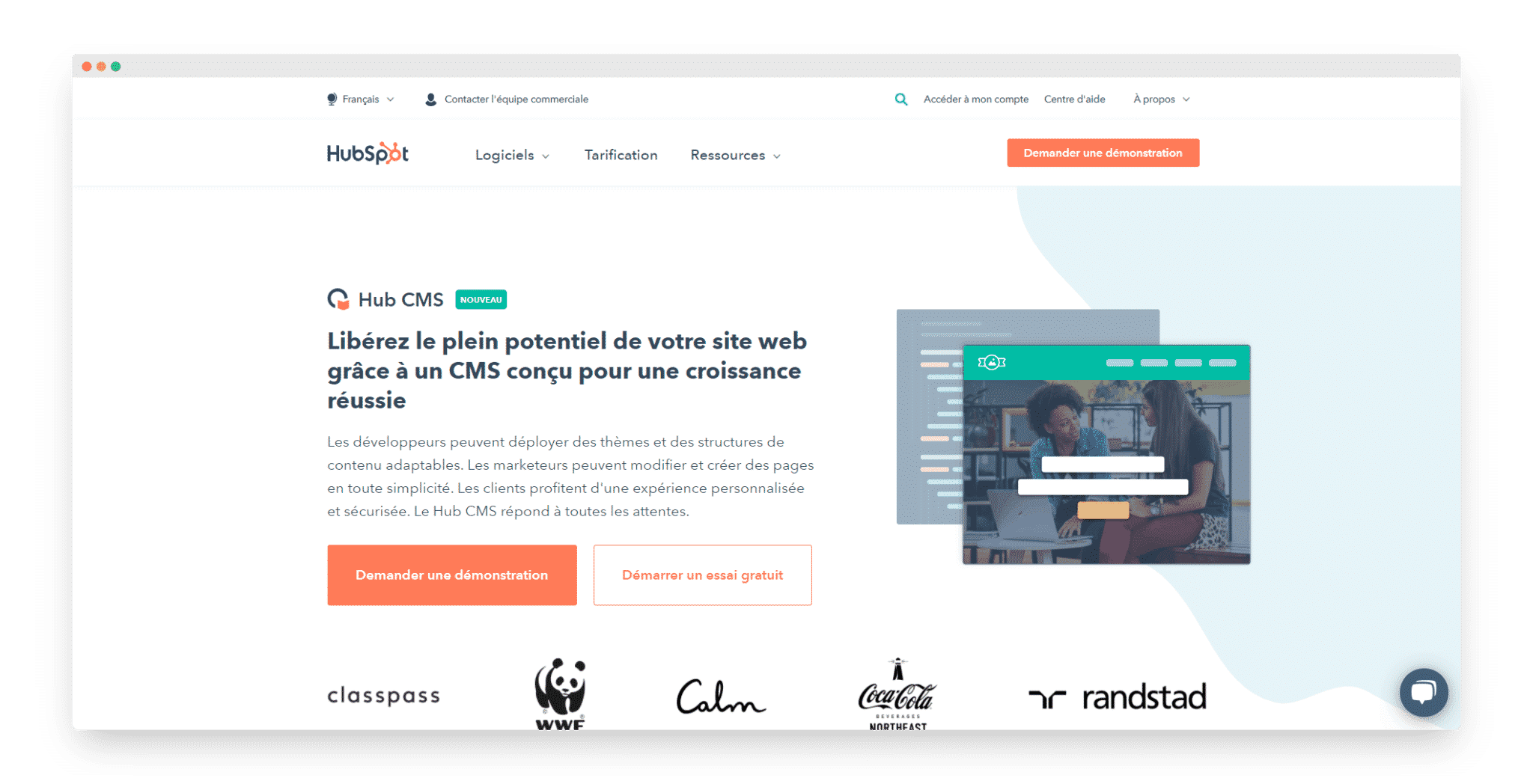
If you have not defined a precise content marketing process, no problem with HubSpot. The tool offers its own CMS to host your blog posts, for example.
HubSpot also offers many plugins, such as WordPress, to make things easier for you.
As for Account Engagement, the tool integrates with almost every website on the market. However, this requires a fairly tedious technical integration.
Advantage: HubSpotHubSpot is clearly more geared toward content marketing and online marketing. It is also much easier to use.
Other integrations
Integrations connect your HubSpot or Account Engagement platform to other software solutions. The more integration capabilities, the better.
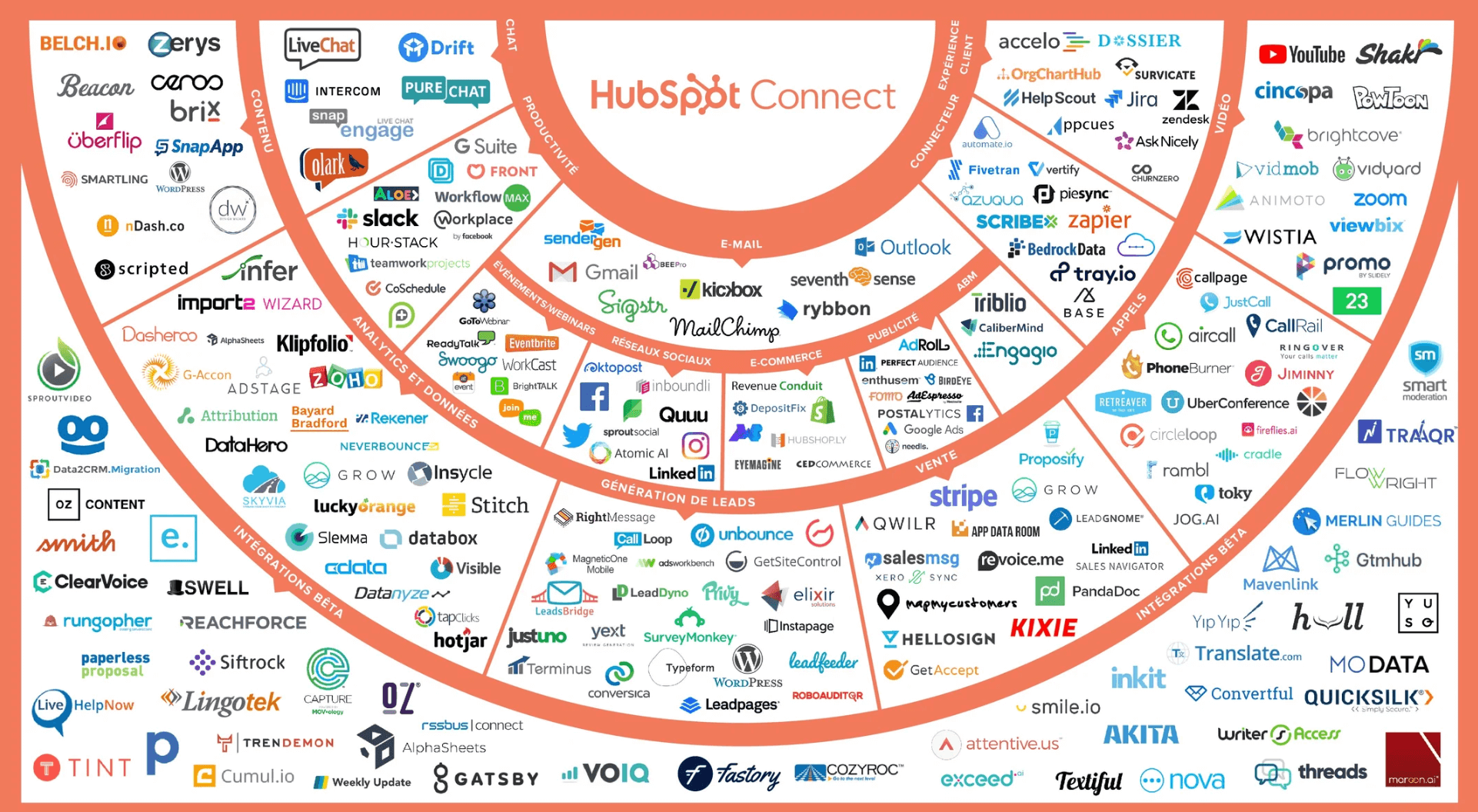
HubSpot has far more integration capabilities than Account Engagement: it advertises more than 2,000 connectable apps.
Although Account Engagement has a native integration with Salesforce, its price list shows only a handful of native connectors to third-party apps.
Account Engagement offers a few interesting integrations on all its plans, notably with EventBrite, with webinar software, and with Olark, a live chat software for generating B2B leads.
Another powerful integration is the one with Google Ads. Available from the Plus+ plan, it lets you create landing pages matching the keywords you want to rank for through a Google Ads campaign.
All your prospects’ interactions with your Google Ads campaigns feed into the overall tracking, so you can optimize your campaigns based on the results collected.
Advantage: HubSpotGoing by the raw numbers, HubSpot simply offers more integration options. Note, however, that HubSpot can integrate with Salesforce and vice versa.
#4 Support and customer reviews
What customers say
What are the reviews of HubSpot? What are the reviews of Account Engagement? Which of these two software products do customers prefer?
Going by the main online review sites, HubSpot gets better ratings than Account Engagement. Support and overall customer service often come up as strengths.
Its functional depth and marketing automation capabilities are also highlighted. HubSpot is without a doubt one of the best marketing automation solutions for small and midsize businesses.
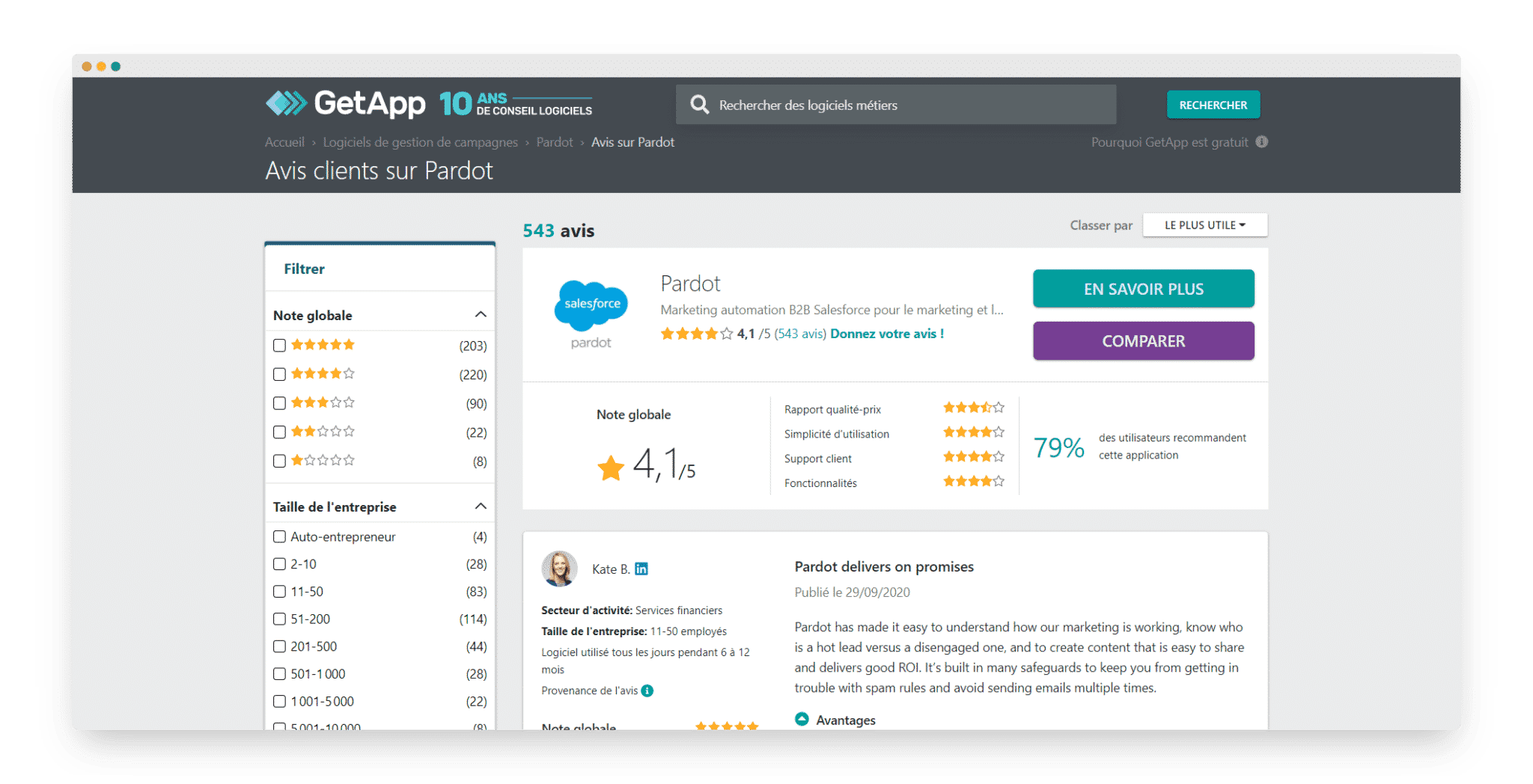
Customer reviews of Account Engagement, while very good, are slightly lower than those of HubSpot.
The negative points that come up most are how complex the system is to use and the training and other tools available, which are far too confusing for a beginner.
Advantage: HubSpotAccording to users, HubSpot wins. But watch out for platform bias!
Resources and support
With HubSpot, you have to pay to get support: email and chat support from the Starter plan, phone from Pro, in French. It is a good investment because the HubSpot support team performs very well.
Most of the time, they offer to help you solve your problem live, by chat or phone.
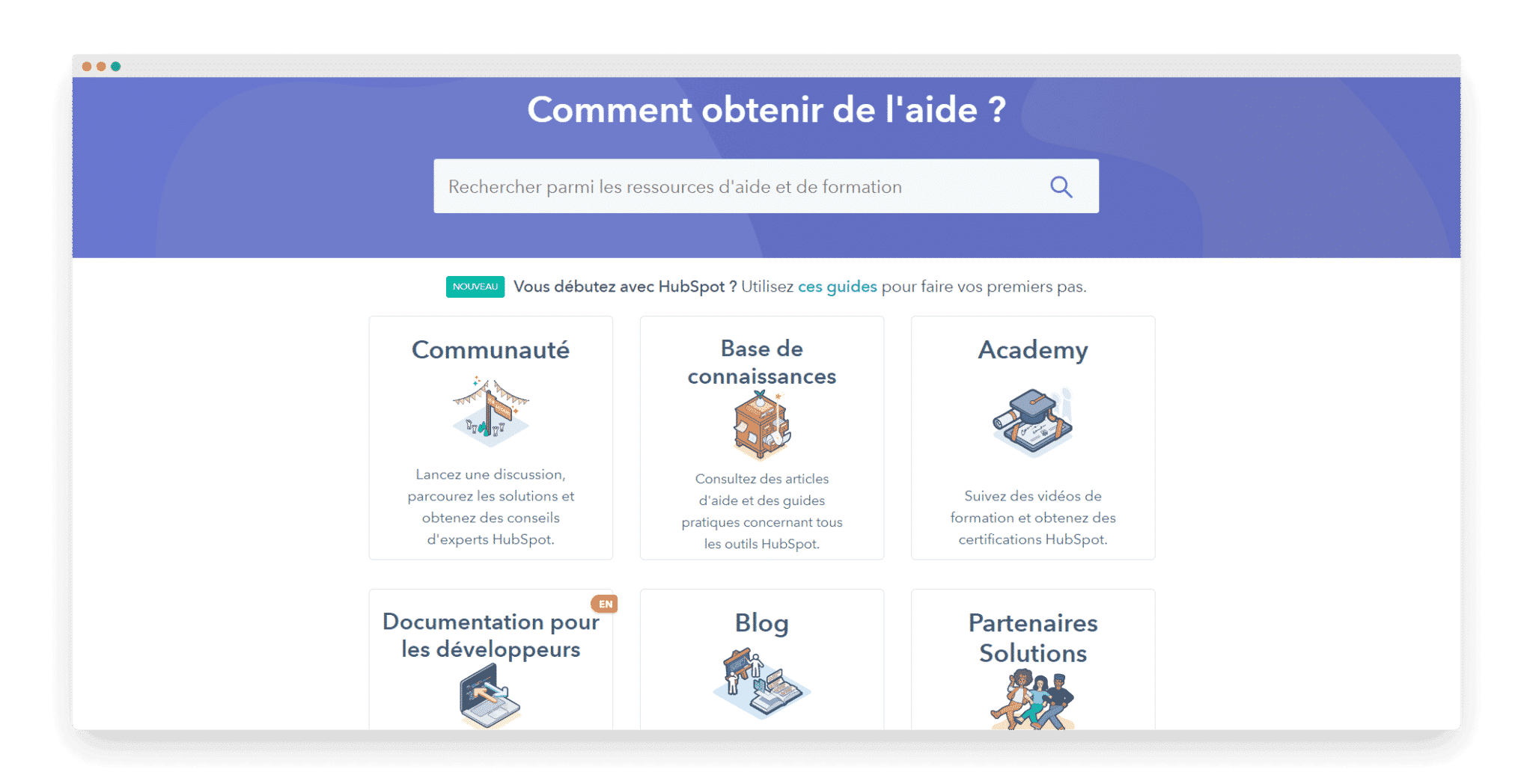
Users can also talk to other users on the forum or discover how other HubSpot customers use the platform through blog posts.
HubSpot also has a very complete resource center, HubSpot Academy, where users can take courses, including video training, and earn certifications.
As for Account Engagement, all Salesforce licenses include the Standard Success Plan, made up of self-service resources. Enhanced support comes through the Premier Success Plan, included in the Premium+ plan and sold as an add-on on the others: expert advice and training, health checks and 24/7 support for business-disrupting issues.
Business-disrupting issues are those that affect all your users and can include data integrity problems or complete system unavailability.
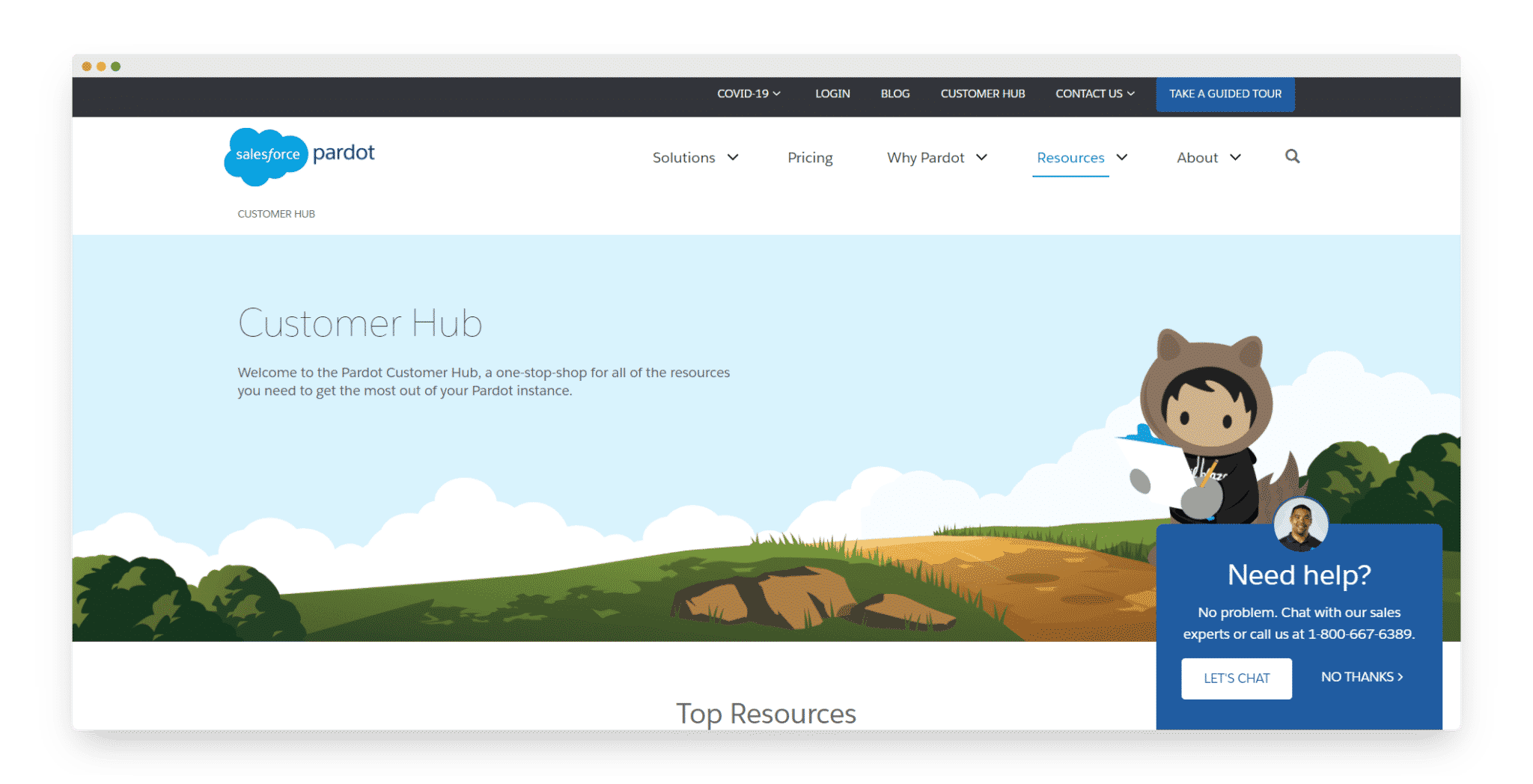
On the resources side, all Account Engagement users have unlimited access to the knowledge base, documentation and Trailhead training. These provide a large amount of useful advice and information on using Account Engagement features.
There are also many user groups you can ask for help, exchange ideas with or submit new product features to.
Finally, the Salesforce Trailblazer community lets you ask questions, talk with users, experts and partners, take learning modules, watch videos and webinars, check issues already encountered, etc.
Advantage: HubSpotCourses, video training, forums, etc. HubSpot does everything it can to ensure each user can use all the platform’s capabilities.
Onboarding and learning curve
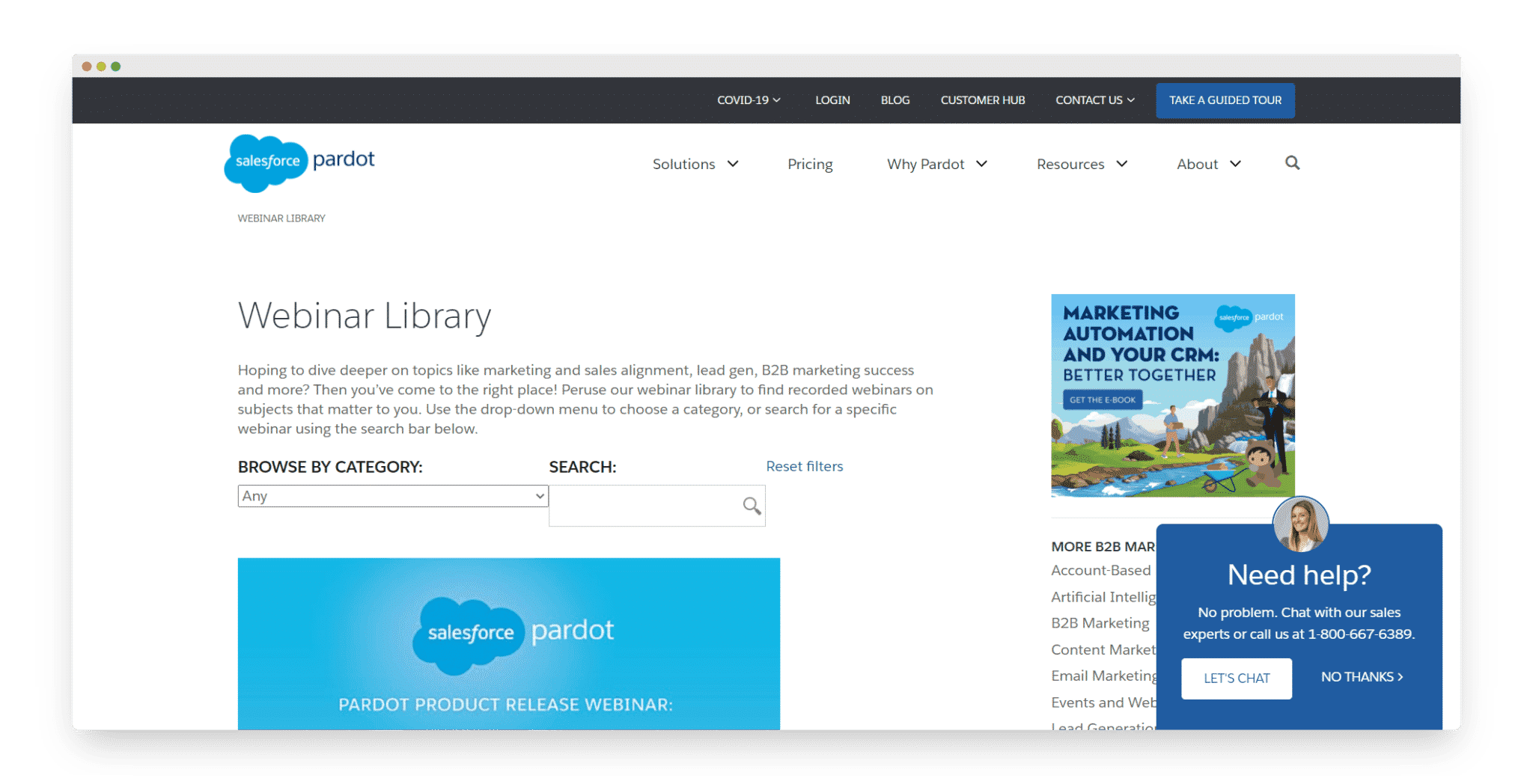
Account Engagement offers a setup assistant on all its plans. To be guided by experts, you have to go through the Premier Success Plan, or through Salesforce Professional Services and certified partners.
All plans also give access to live best-practice calls and office hours, on top of webinars on specific features.
As for HubSpot, full training and onboarding are available, for a price: onboarding is mandatory on the Pro and Enterprise plans, optional on Starter.
HubSpot’s experts build a tailored onboarding plan, with group training and migration services.
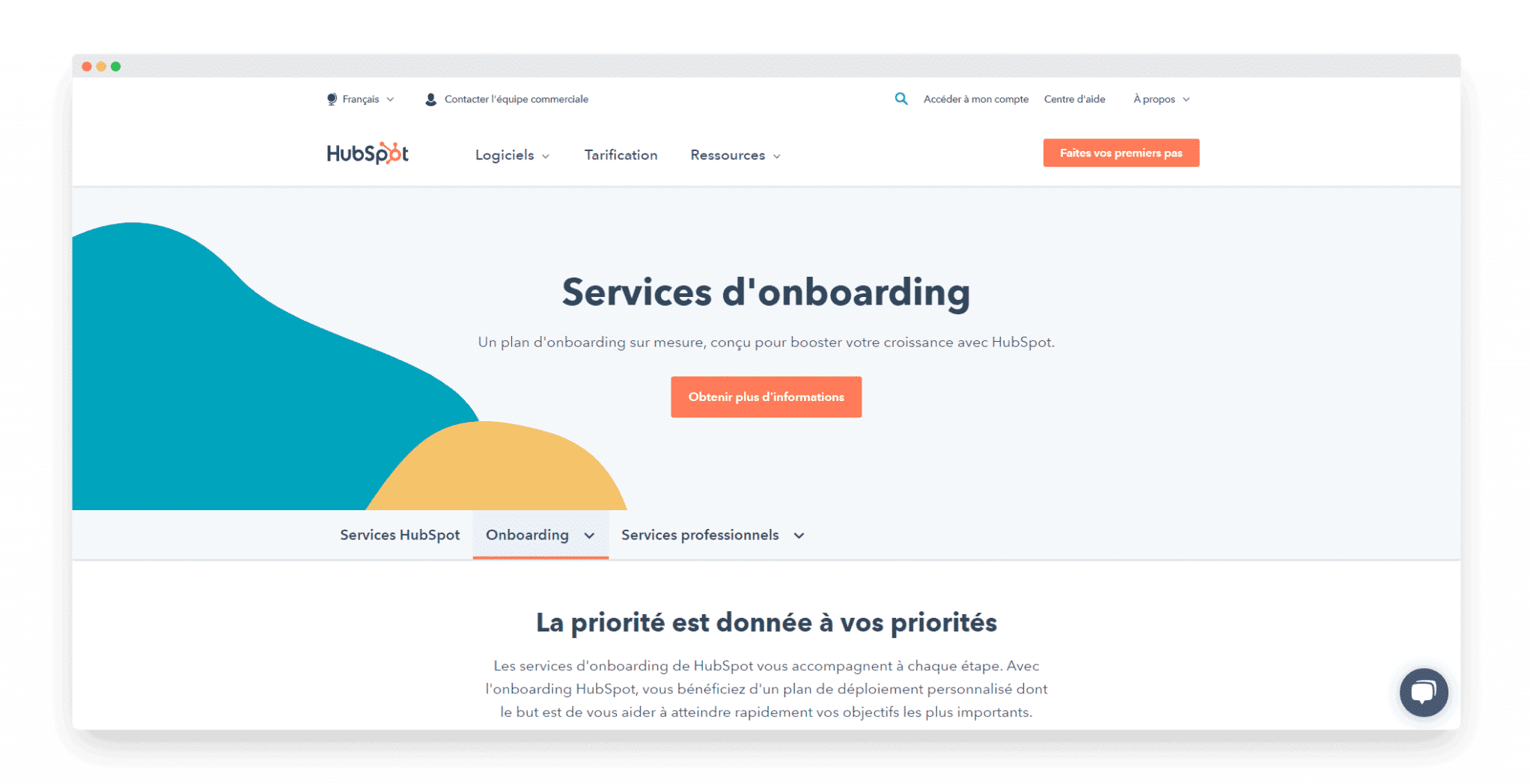
For integration and training on content strategy, analytics, campaign setup, data migration, technical advice and much more, you will have to invest in this onboarding program.
Advantage: HubSpotOnce again, HubSpot wins. Full guidance is available for each of the software’s features.
#5 Value for money
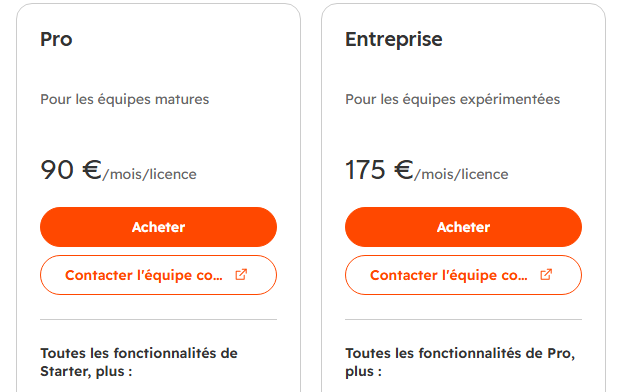
HubSpot now sells a single platform that brings together marketing, sales and customer service, billed per license. After free tools usable for up to 2 users, it offers 3 paid plans. Each includes a volume of HubSpot credits (5,000, 10,000 or 15,000 per month), consumed by bulk emails, automation and AI agents.
Salesdorado’s tipBefore committing to any of HubSpot’s plans, make sure to negotiate the number of licenses, the credits and the onboarding. HubSpot very often offers a much better rate than its public price list. Keep that in mind!
With that in mind, here are the three plans HubSpot offers:
- HubSpot Starter: up to 10 users, at €20 per license per month. It includes segments, targeted email campaigns and simple automations.
- HubSpot Pro: all Starter features plus advanced automations, lead scoring, custom reports, A/B tests and social media management, at €90 per license per month billed annually (€100 monthly), mandatory onboarding on top.
- HubSpot Enterprise: all Pro features plus team organization, a sandbox account, access control, marketing email approvals and the connection of several HubSpot accounts, at €175 per license per month, billed annually.
As for Account Engagement, its 4 plans are billed monthly, with a mandatory annual contract. Unlike HubSpot, the price depends not on a number of licenses but on a volume of contacts: 10,000 contacts included in the first three plans, 75,000 in the last one, then $100 per month for each additional block of 10,000 contacts. Email marketing is unlimited on all plans. Here is a brief summary of the Account Engagement plans:
- Growth+ at €1,250 per month. According to Salesforce, it lets you “drive growth with marketing automation”.
- Plus+ at €2,750 per month. According to Salesforce, this is the plan to “go even further with marketing automation, account-based marketing and analytics”.
- Advanced+ at €4,400 per month. According to Salesforce, this is the plan to “bet on innovation with an advanced marketing automation and analytics solution”.
- Premium+ at €15,000 per month for 75,000 contacts, with “enterprise-ready features with predictive analytics and support”.
SMS and WhatsApp are sold as add-ons, whatever the plan.
TieHubSpot is very attractive at the start (high entry price on Account Engagement) and becomes fairly attractive at very large scale because of its noticeably greater functional depth and the quality of the support, which lets you go further. But be careful! HubSpot is expensive and overall delivers less than Account Engagement, which is a very advanced tool for reporting, attribution and lead management.
The platform choice between Account Engagement and HubSpot is closely tied to your choice of CRM software. To help you decide, we recommend reading our article HubSpot vs Salesforce as well as our full comparison of CRM software.