Yuto is a mobile CRM built by the web and e-commerce agency RiaStudio in La Rochelle. The bet is simple: offer a CRM designed for field sales reps. And it works rather well. In this article, our detailed take on the software: functional scope, ease of use, customer support, integrations, and the customer reviews of Yuto.
Yuto: a mobile and very complete CRM
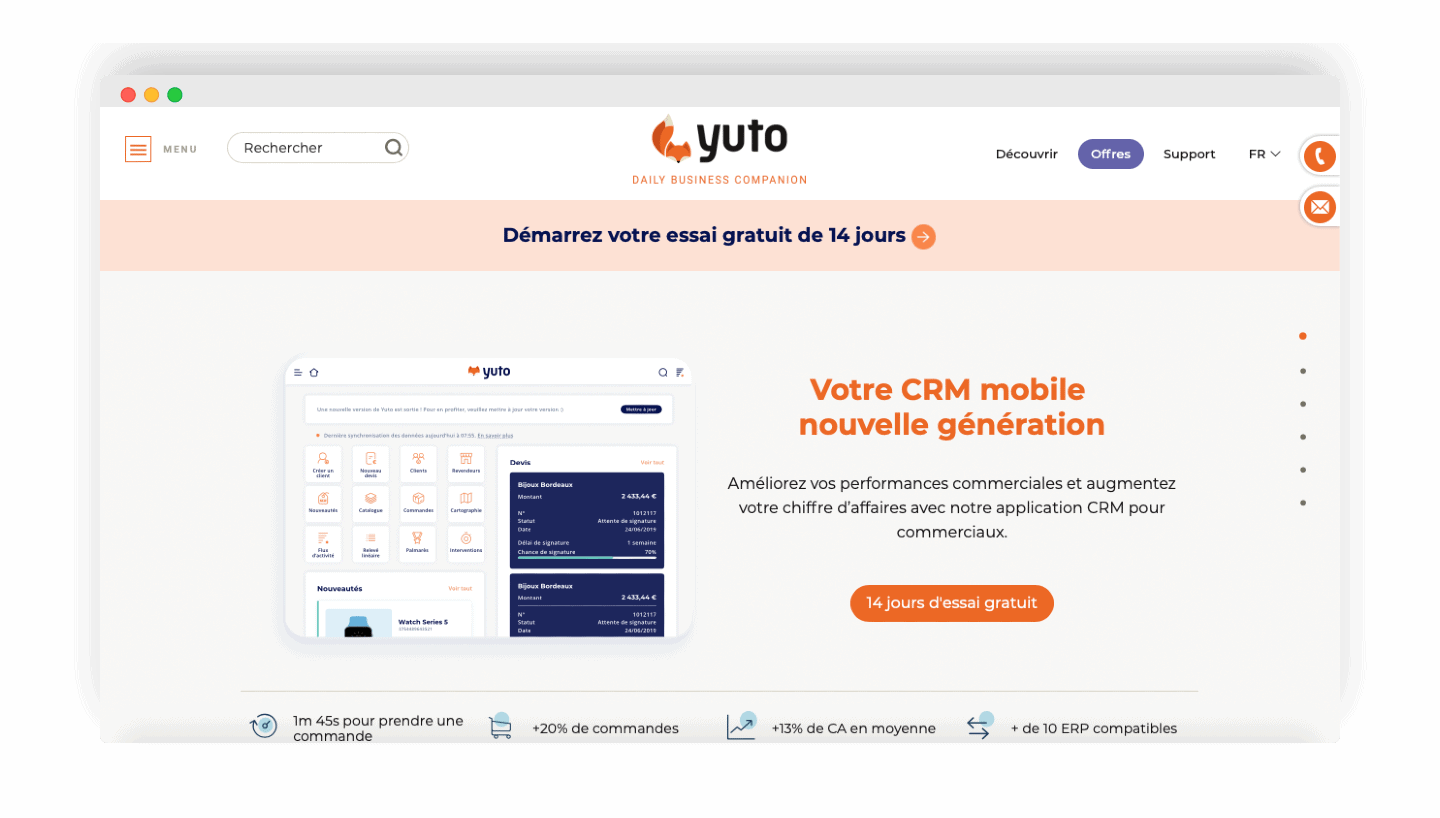
Yuto is a CRM software with plenty of features. In this part, we go through everything you need to know about this tool and its features.
Contact management in Yuto
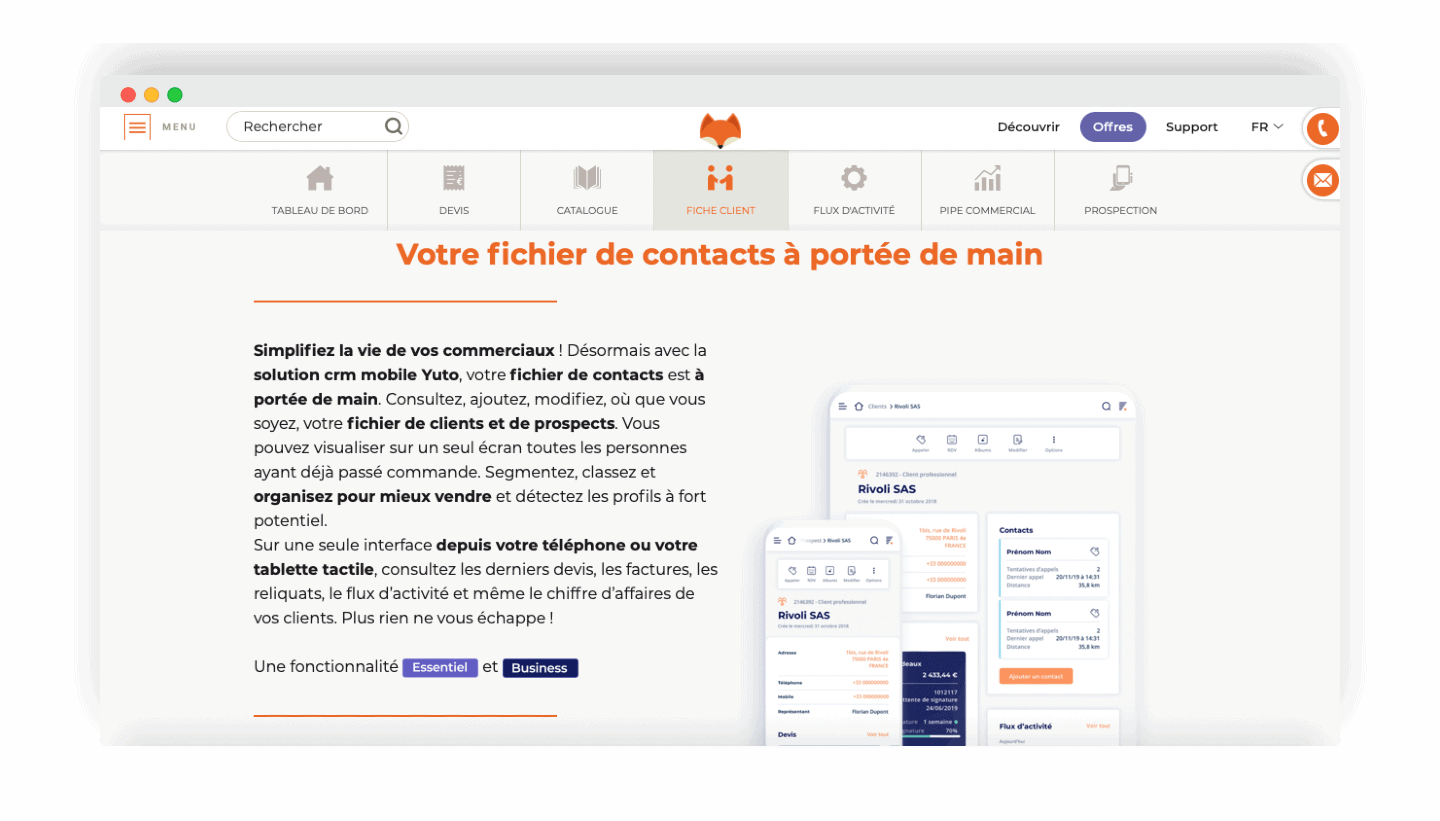
Yuto lets you import contacts from your phone book into the application. The data is analysed by Yuto, which passes a certain number of items through. In a few seconds, you get the contact’s identity (first and last name), their company and their phone number.
Once the contact is imported, you find all the information in the two sections “Customers” and “Suspects”. By syncing the application, again in a few seconds, you push that customer data up into the general administration.
You then have access to all your customer and contact data, on your phone.
The sales pipeline
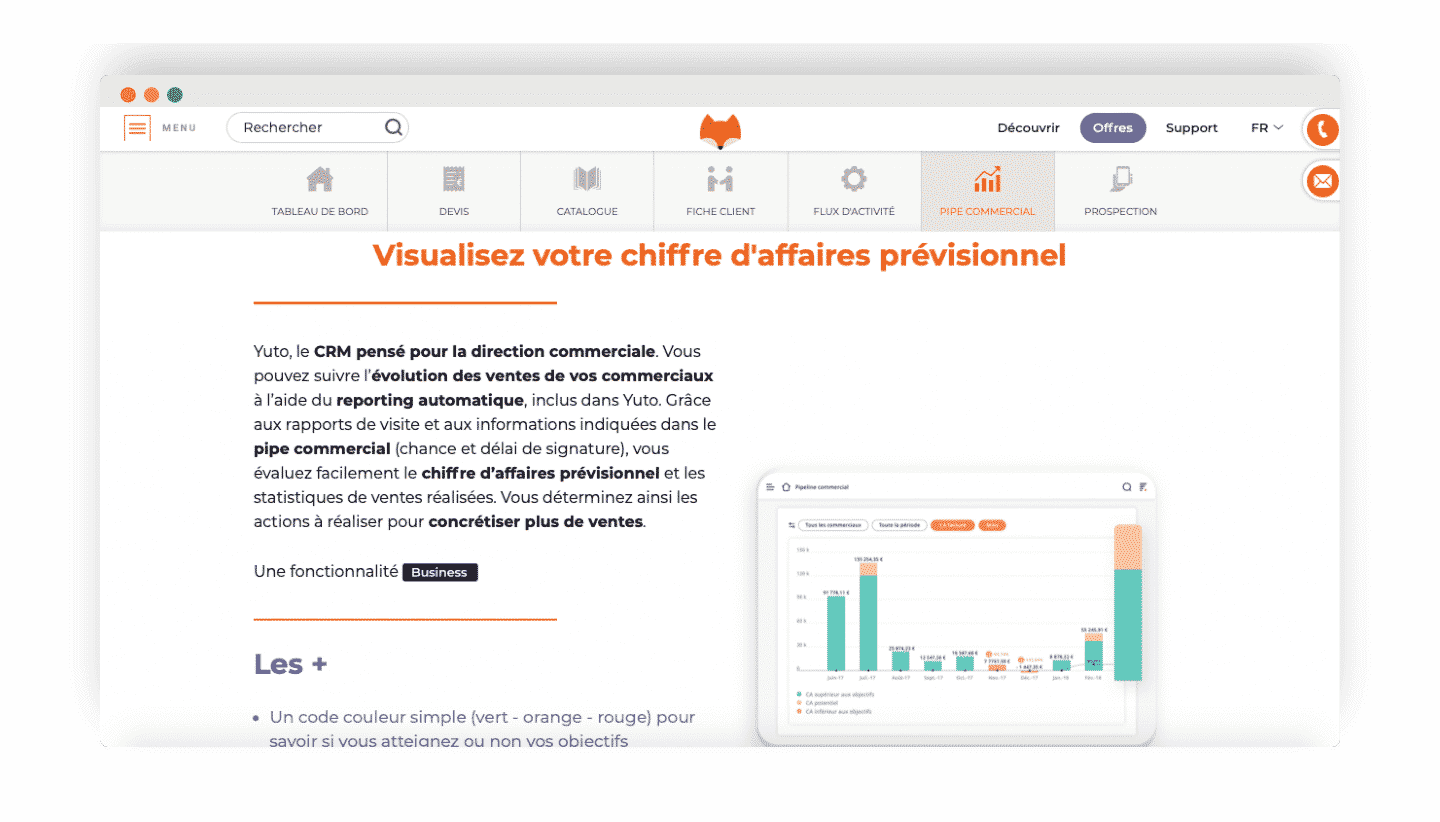
Yuto is a sales-focused CRM. It lets you track how the sales pipeline is progressing thanks to its automatic reporting feature.
Although reporting is not Yuto’s strong point, data such as visit reports, chances and signature times comes up automatically. That lets you assess your forecast revenue and analyse your sales statistics.
In the end, the sales pipeline is very effective. You can record your orders and move your deals forward straight in the pipe, very simply.
A CRM designed in the field
Mapping
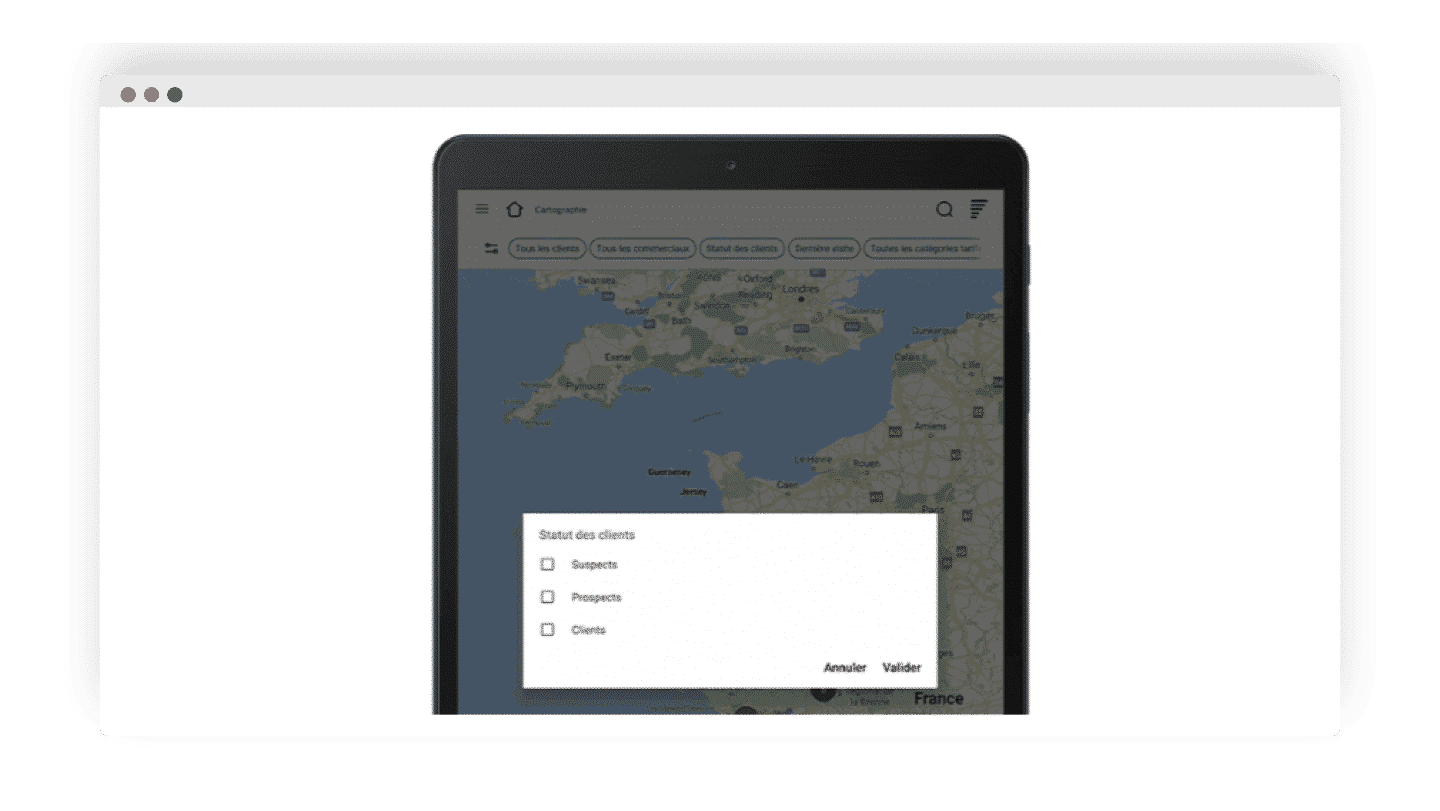
The addresses saved in your customer records come up automatically on the application’s mapping tool. You can work out which customers are nearby and refine your search thanks to customisable filters.
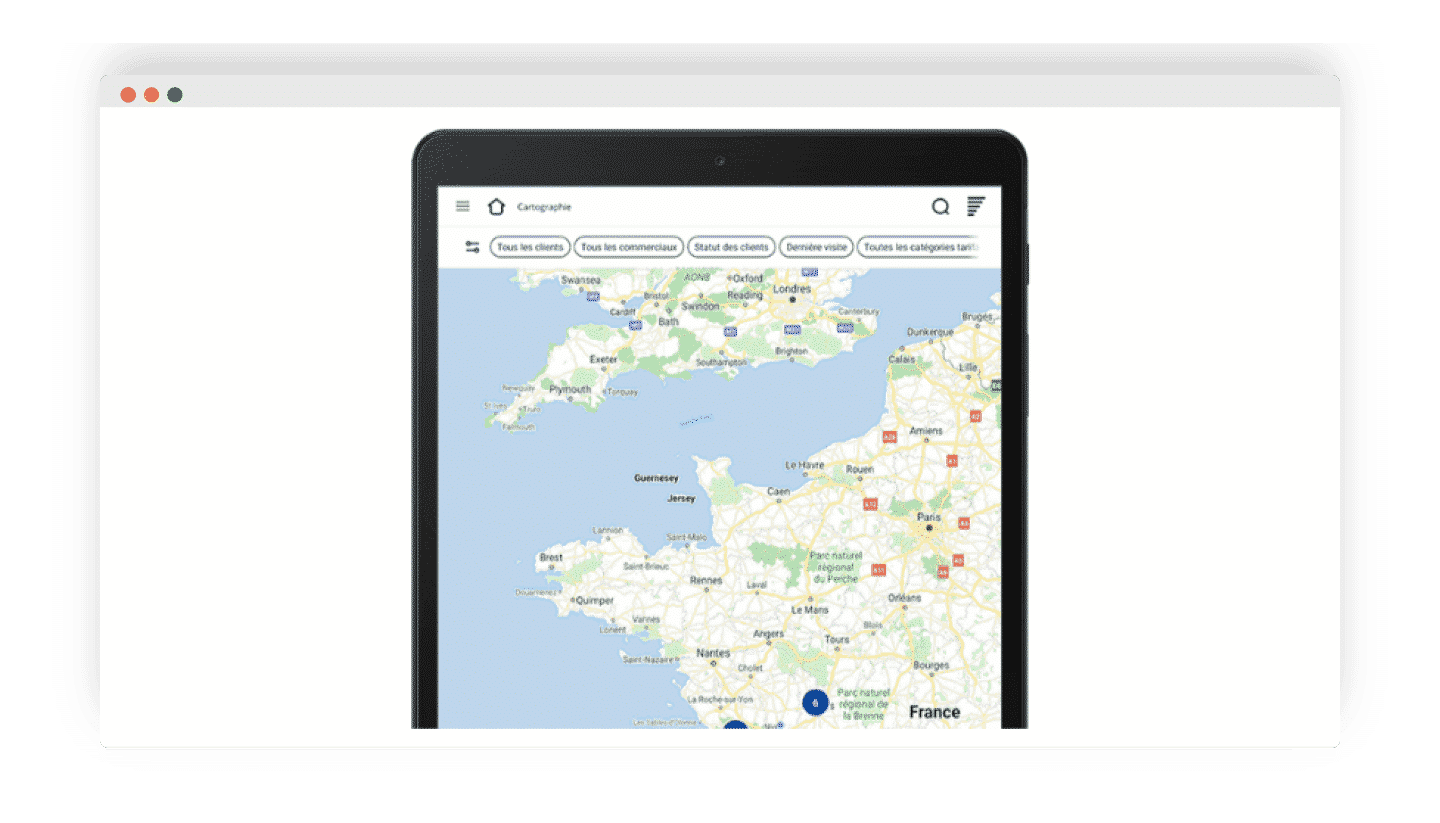
Yuto offers four default filters:
- All customers: you can look up a single customer by typing their name and get their information
- All sales reps: to track the activity of your sales teams
- Customer status: lets you pick the type of account you want to display on the map, namely suspects, leads and customers.
- Last visit: lets you pick the time brackets of your customers’ last visits.
Beyond those default filters, you can create others, customised, from the Yuto configuration in Riashop. That feature lets you match your business needs more closely.
Other filters and features round out your user experience. You can use Waze with Yuto to easily build a route. You have your position and that of the customer you want to visit.
Tracking your sales reps’ activity
Managers, you can track your sales reps’ activity closely thanks to the “visit report” feature. That report matches the information entered by your sales rep after their first exchange with a lead.
Inside the application, with the “All sales reps” filter, you can see the customer portfolio of every member of your sales team. Information you can then export to keep a trace of your sales reps’ actions.
Building quotes and invoices in Yuto
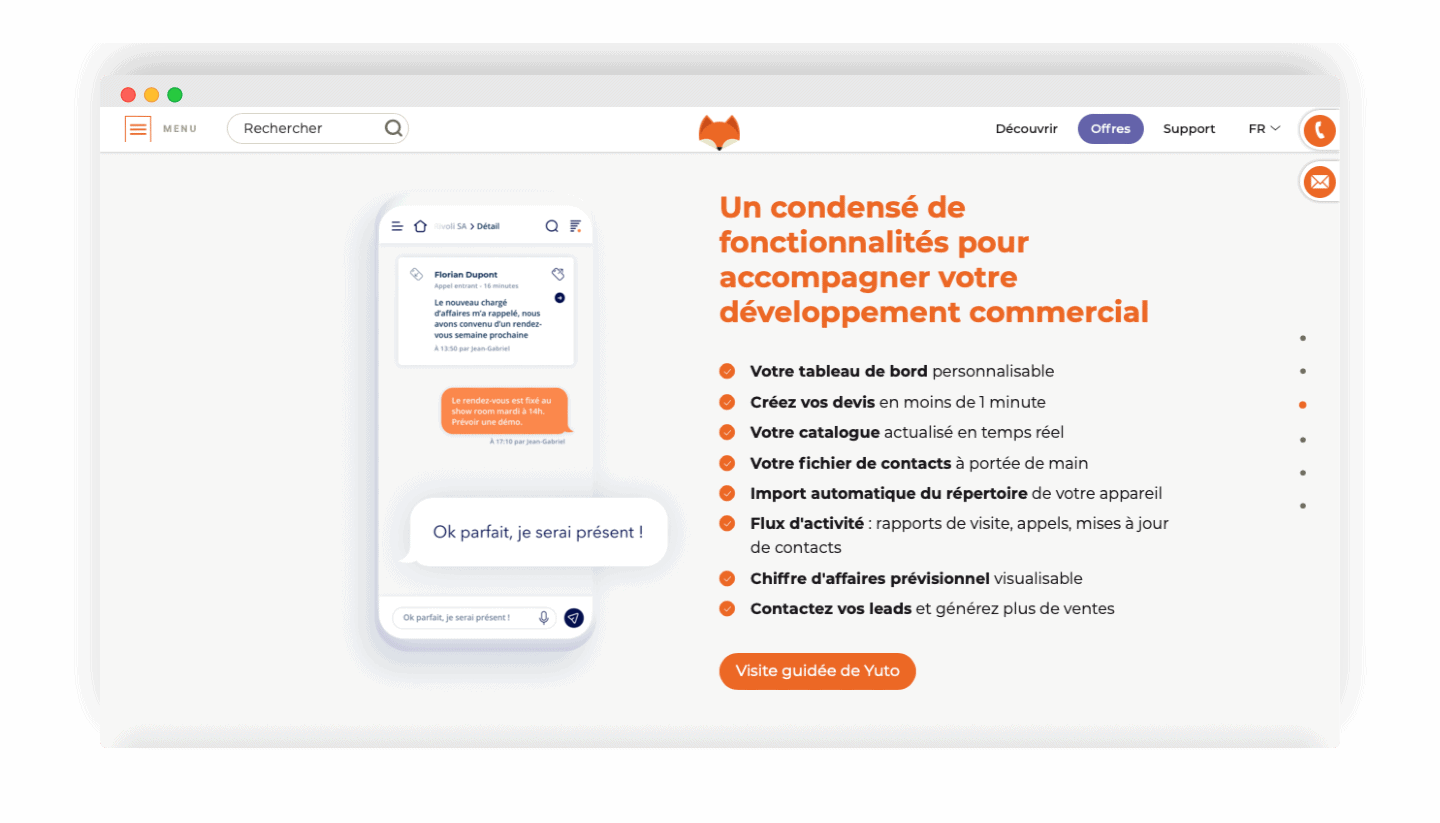
You can create quotes through the Yuto CRM in any circumstance, even with no internet connection. Very handy, the tool saves automatically at every change, such as adding a product. The document can be picked up and reworked at any moment.
Quotes can be customised and easily completed, depending on the configuration you choose. Depending on your business, you can, for instance, have custom fields. Your quote is then sent to the lead you set beforehand as the point of contact.
Once the quote is received, the customer opens it and gets access to all the commercial and legal information. They can read the terms and conditions before signing the document, on their screen, and it turns into an order.
Reporting in Yuto
To help you, Yuto offers several types of reporting:
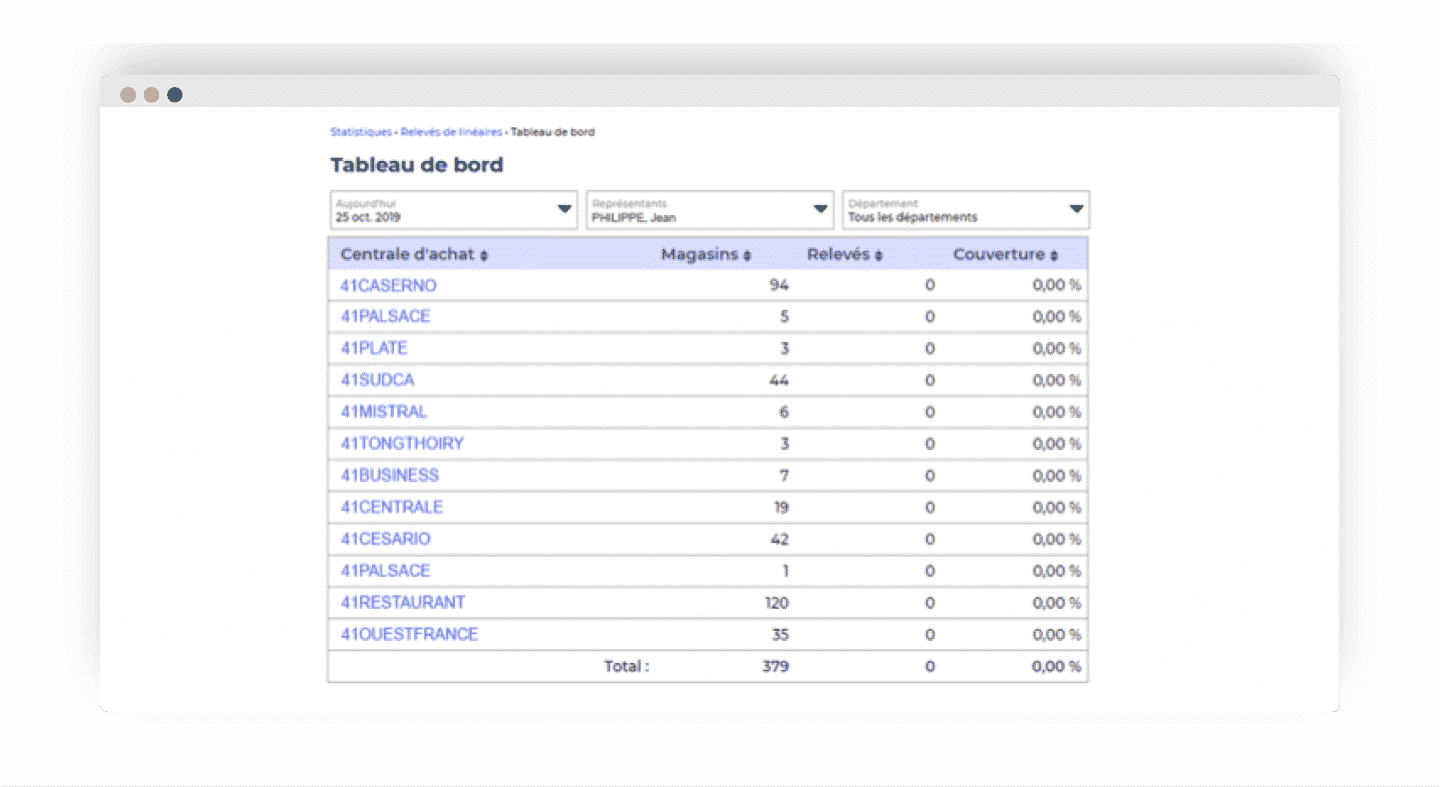
- Revenue statistics: this feature provides data on the revenue booked. You can refine your search through filters, such as the period, revenue by margin, by order status and so on. A simple colour code makes it easier to analyse your performance. Green means you have beaten your targets, orange means the opposite while yellow is a forecast.
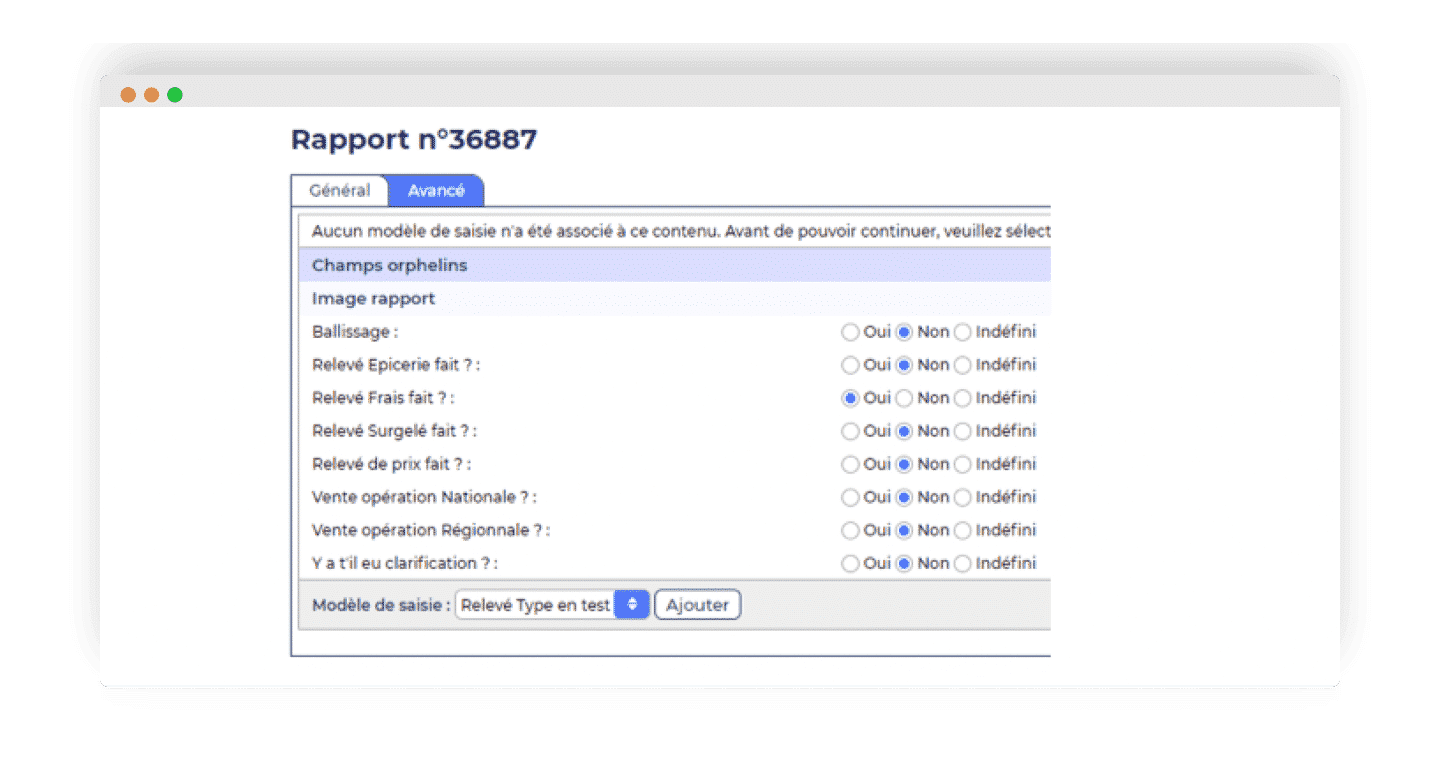
- Visit reports: Yuto records the data tied to your visits. Those statistics tell you notably the number of reports made, the type of visits carried out (product presentation, quote signing, after-sales service and so on) and the time spent per visit. That data can be configured to your needs.
- Visit time: you get access to the statistics tied to visit time, shown as a chart. Here too, you can filter by period.
Going furtherYuto is a French CRM, and a very complete one. We suggest you discover the rest of the best French CRMs on the market, through our dedicated comparison.
Product reporting
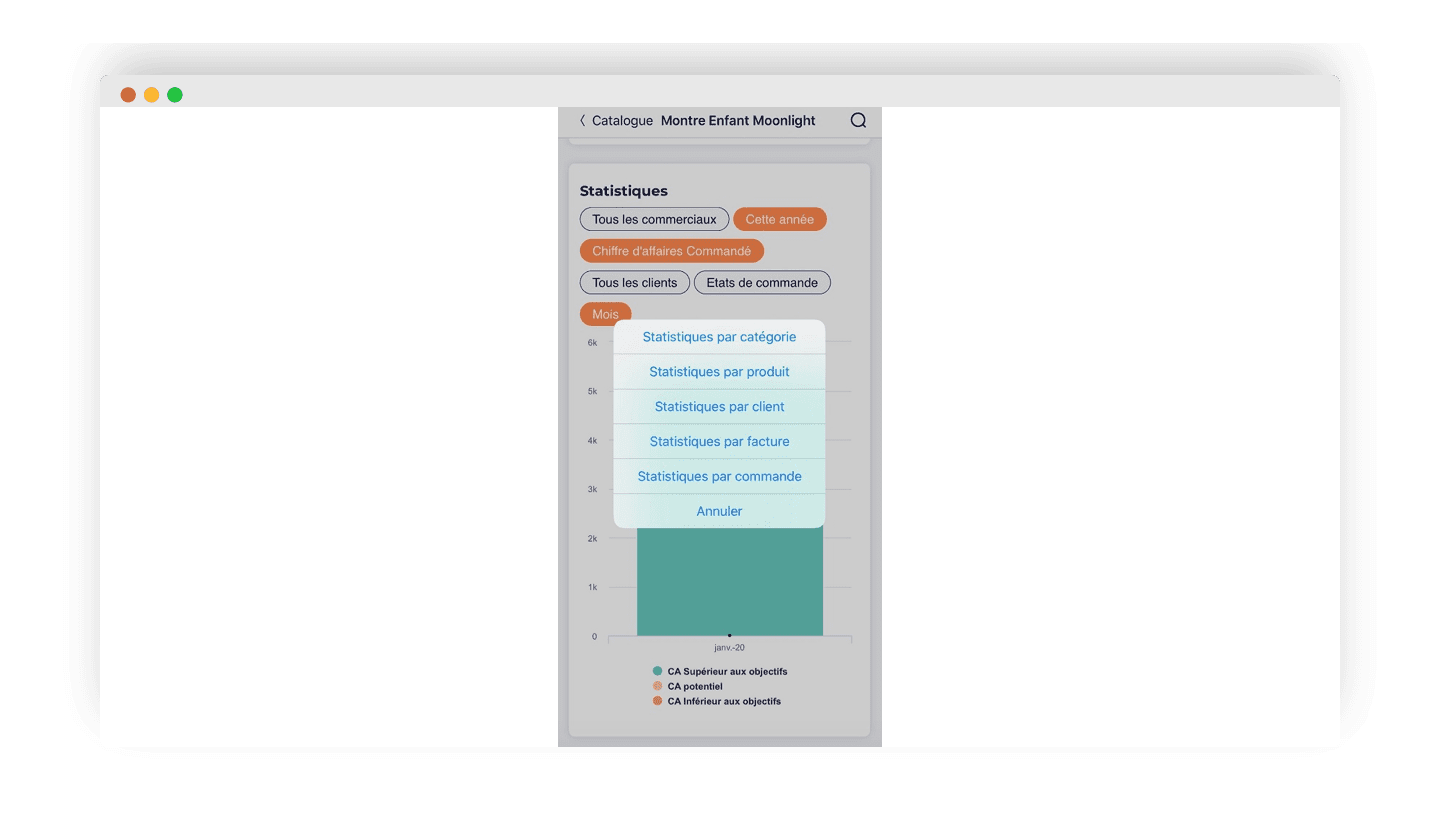
Yuto offers product reporting. That feature gives access to all the statistics tied to the sales of one particular product. You also get the related information, such as the identity of the customer or customers who placed their order.
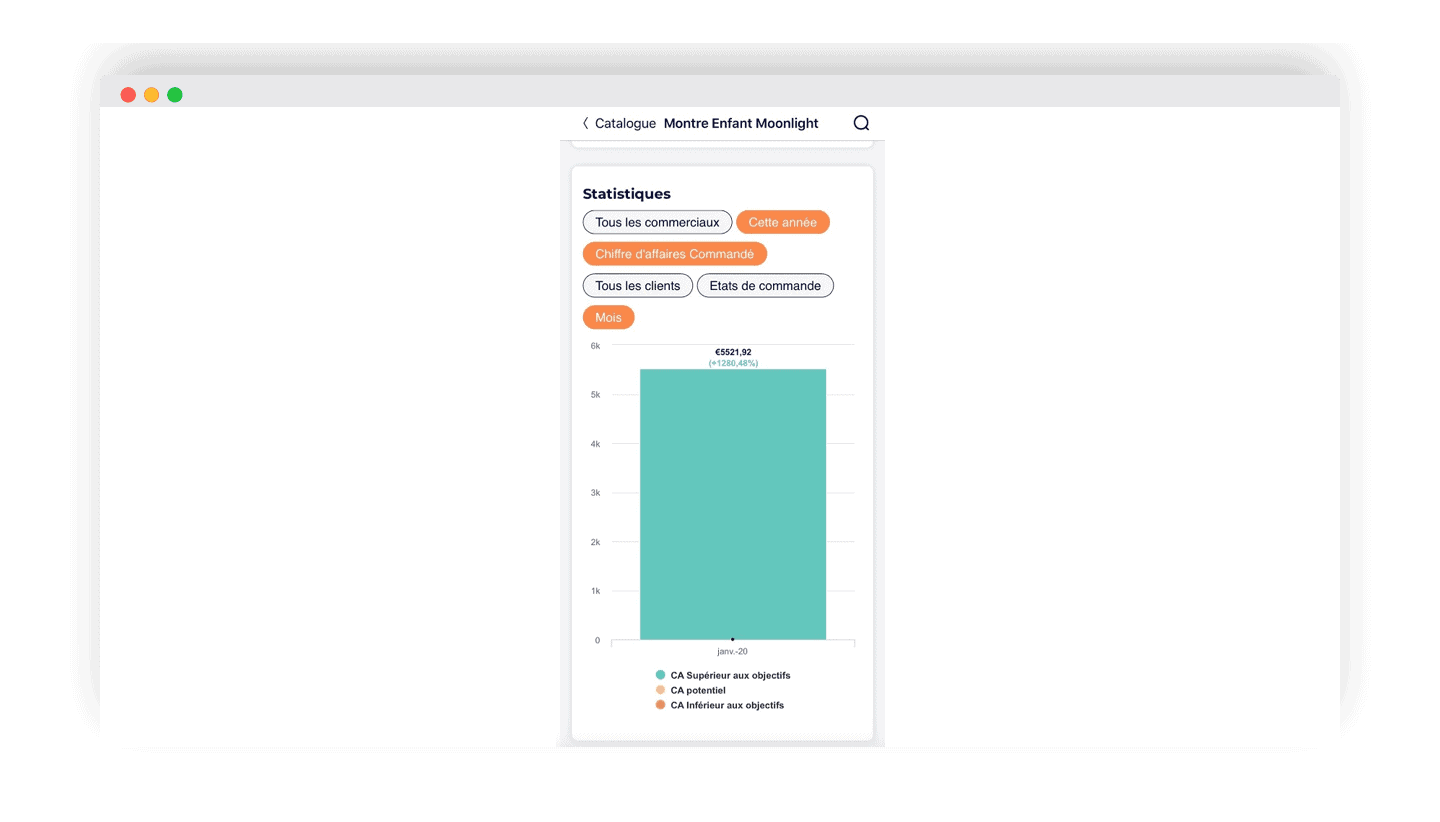
The filters available let you refine your searches. You can track the sales statistics of that product over a set period.
Salesdorado’s takeA capable piece of software, Yuto is worth discovering. We recommend testing the tool, free of charge, for 14 days to form your own view.
Yuto: a CRM software usable anywhere and at any time
Yuto is a proactive piece of software. It anticipates sales needs. That saves time and improves sales performance.
Even while on the road, your sales rep can geolocate their contacts, view the sales pipeline, enrich their customer database, track their orders and feed their reporting very simply.
The sales manager tracks how the sales activity is progressing overall. They get a view of the forecast targets, can assign a quote to one of the members of their sales team and, ultimately, adjust the sales strategy.
Managers and sales leaders can better track sales activity and forecast targets, assign quotes to their teams, and therefore fine-tune their sales process day to day.
Salesdorado’s takeYuto’s advantage lies in its accessibility. You can use it from your computer but also through a dedicated application, which works even offline. Ideal for sales reps who are often on the road.
Yuto’s integrations
Yuto is a tool compatible with the most widespread ERPs on the market, notably SAGE and Dynamics 365. Watch out, though: the integrations towards your SAGE and EBP ERP are only available from the Entreprise plan. Yuto’s Rest API is also available for using other tools.
Salesdorado’s takeWe regret how few integrations the tool offers, all the more so as some are only available from the Entreprise plan, the most advanced one.
Customer support at Yuto
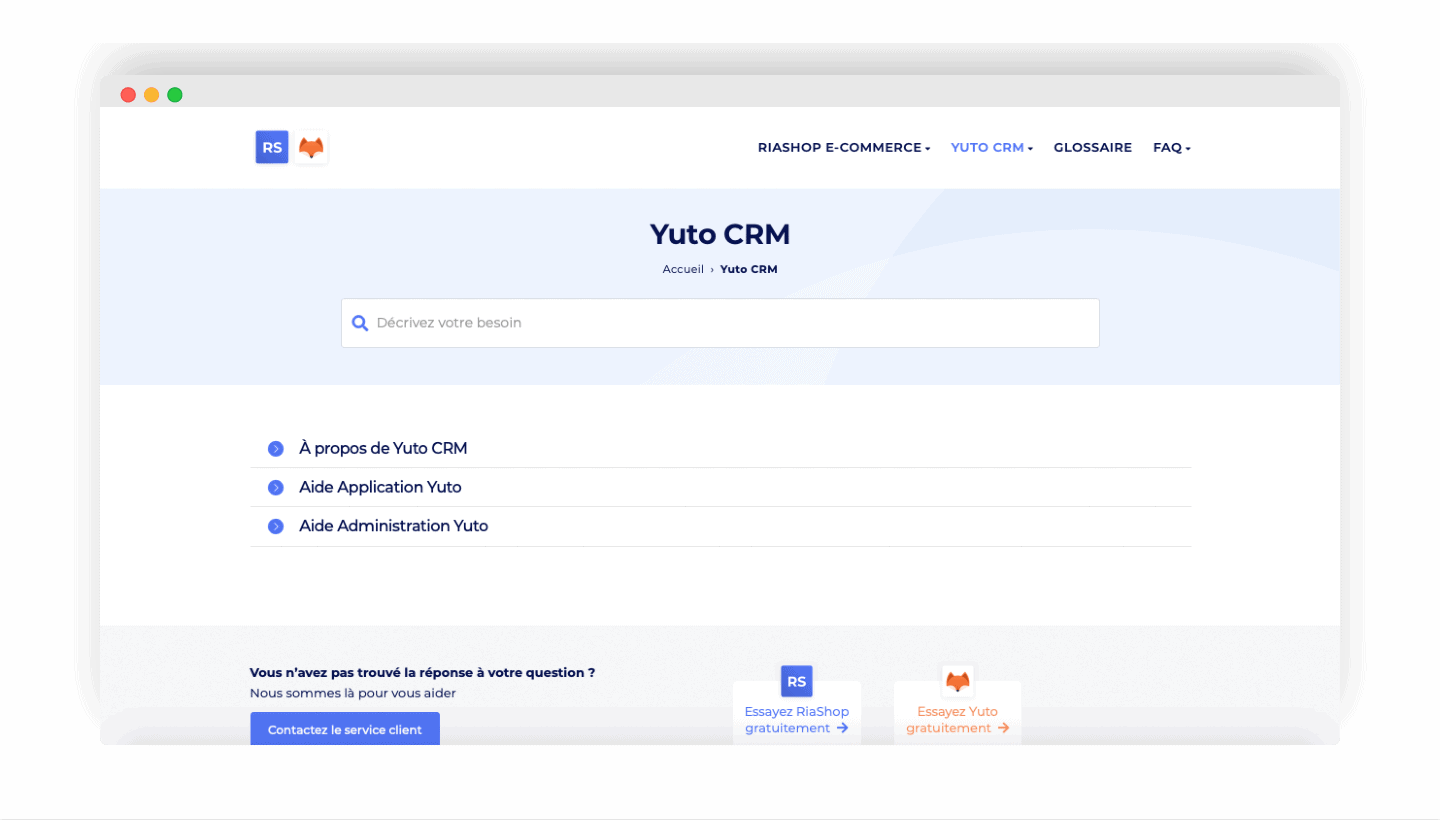
Yuto is a French solution. Customer support is available in French. You will not find any phone number to contact them. It is, however, reachable and available by email.
For more information, you can also turn to the resource centre. There you will find videos and tutorials that can answer your question. Yuto’s LinkedIn page is also very active. It puts forward plenty of webinars, to help you understand and run the product better.
Salesdorado’s takeWhile having only one way to contact customer support can be a nuisance, at Yuto that support is responsive and available. Enough to solve the problems you run into easily.
Yuto pricing
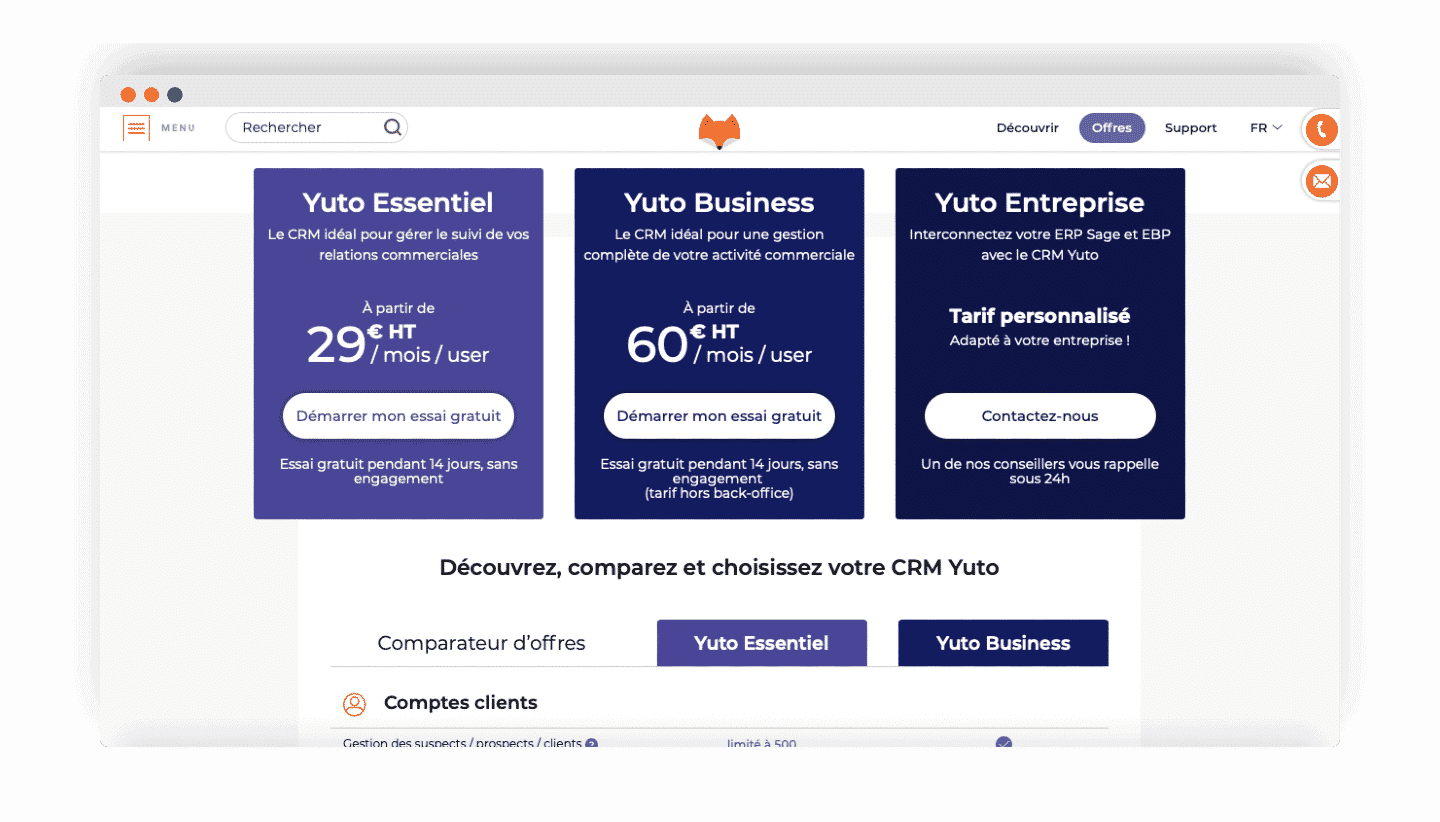
Yuto offers three pricing plans:
- Yuto Essentiel: this is the basic version. The Essentiel plan offers the essential features of a CRM software for tracking your commercial relationships. It starts at 29 euros per user per month.
- Yuto Business: richer in features, Yuto Business is the ideal plan for handling your sales activity completely. It starts at 60 euros per user per month.
- Yuto Entreprise: connect your Sage and EBP ERP straight into the Yuto CRM. On pricing, you have to turn to the sales team. The price is tailored to your company.