But what is that promise worth when a WhatsApp marketing message costs twelve cents in Germany and two and a half in the United States? Does the product hold up beyond messaging?
We put Kommo through its paces, here is our full review.
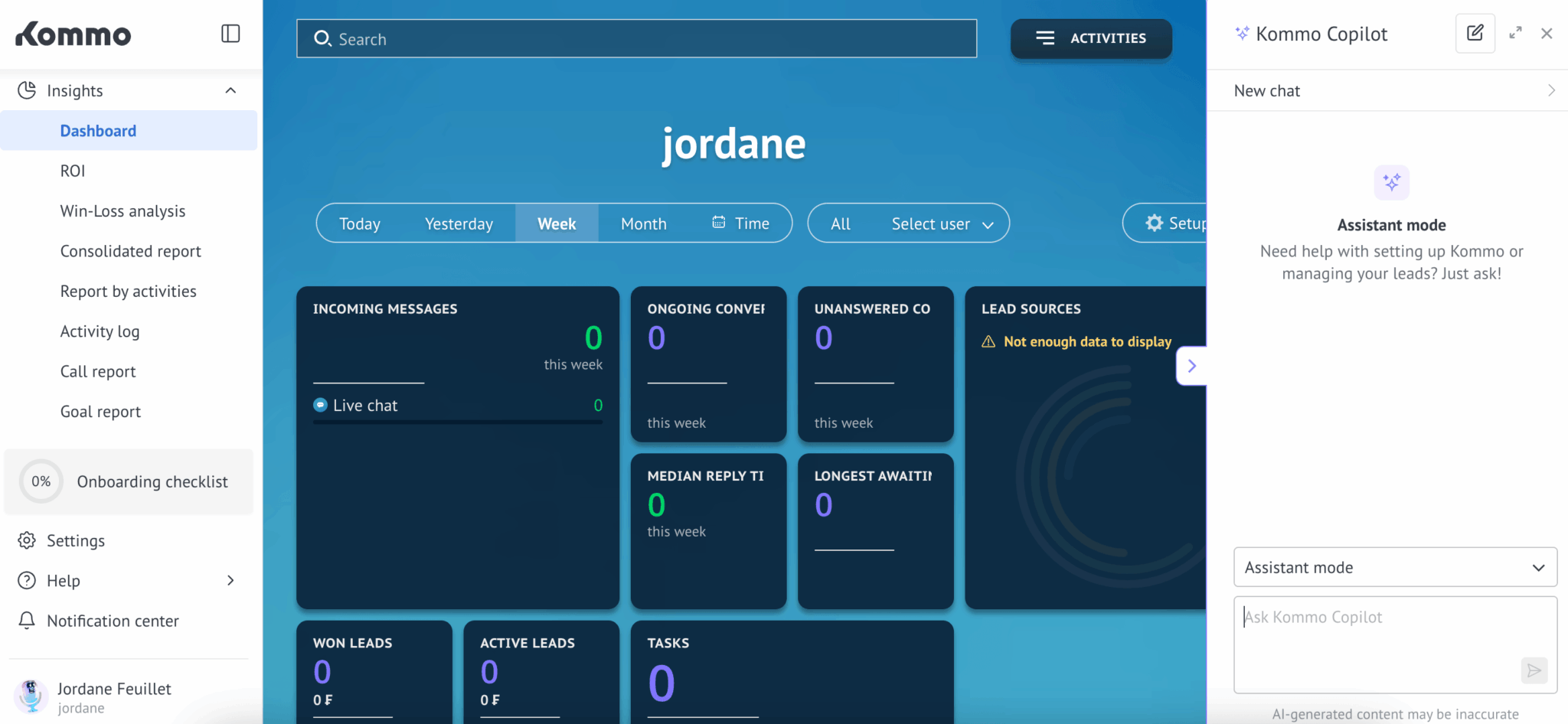
What exactly is Kommo?
Kommo has existed since 2009 under the name amoCRM, before a rebrand in October 2022. Same software, same vendor, new name: you will come across both names when looking for user feedback and it is indeed the same platform. The publishing company is QSOFT LLC, registered in California, and the tool claims thousands of customer companies in more than 100 countries.
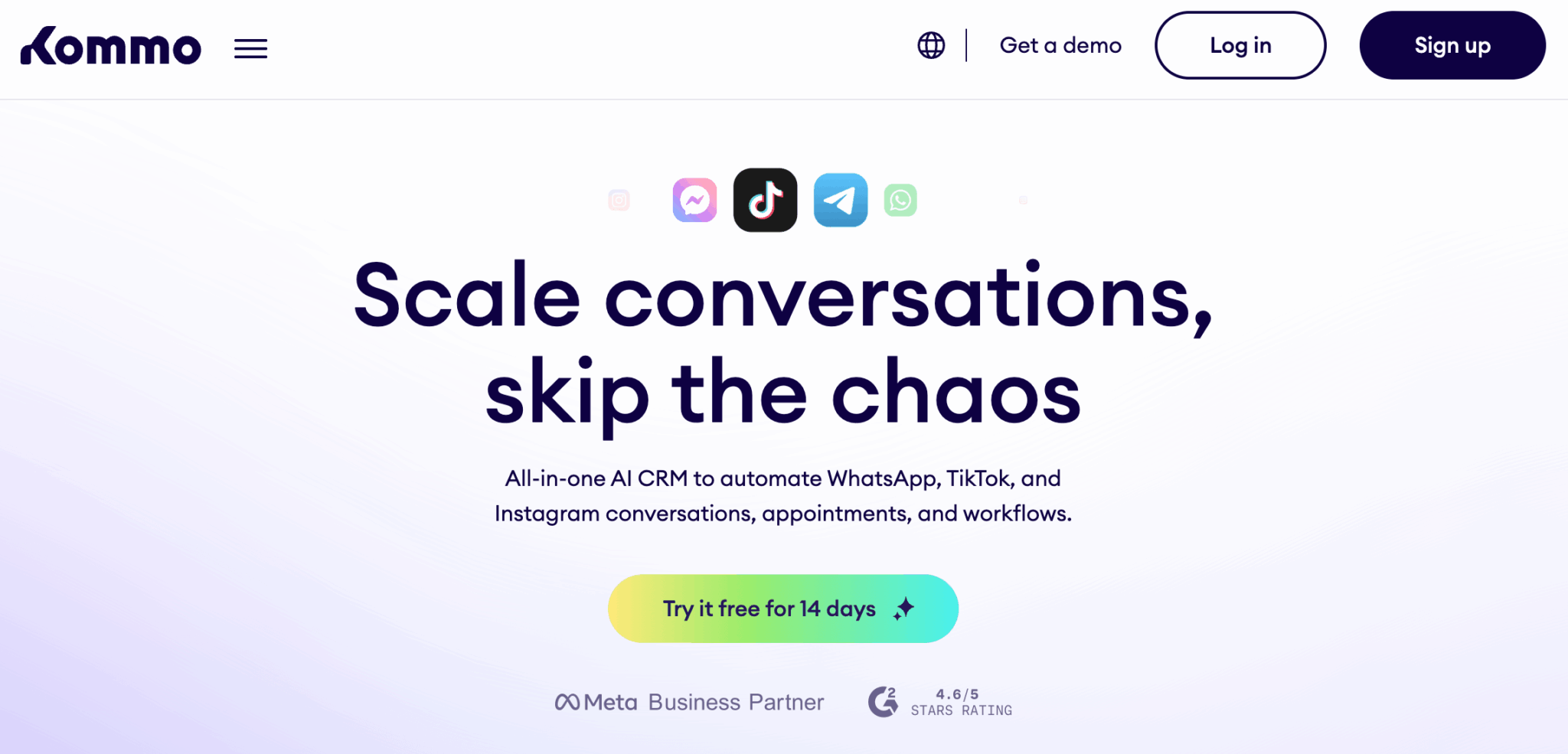
Its positioning is very clear: Kommo presents itself as the first messaging-based CRM.
The whole architecture starts from a simple observation. In a good part of the world, selling happens neither by email nor by phone, but in private conversation. The customer writes on WhatsApp or reacts to an Instagram story, then comes back to ask their real question three days later.
The customer cases the vendor puts forward come, tellingly, from Brazil and Costa Rica, two markets where WhatsApp is the default sales channel. That is no accident and it says a lot about the tool’s natural target.
The product is organised around four building blocks:
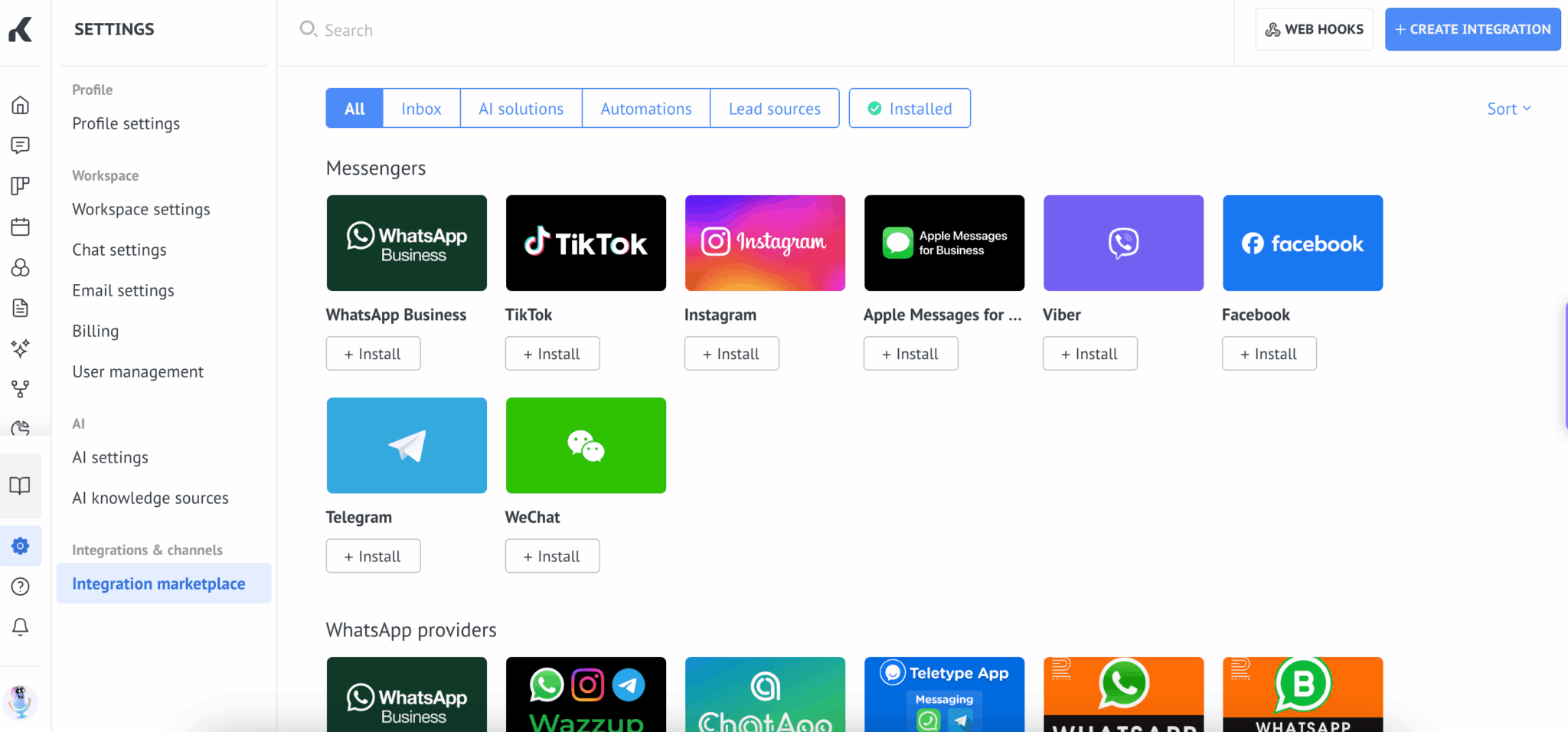
- Centralising every customer conversation in a unified inbox, whatever the channel: WhatsApp, Instagram, TikTok, Messenger, Telegram, email.
- Structuring the follow-up with a visual pipeline where each conversation becomes a deal to move forward.
- Automating qualification and replies with Salesbot, the no-code bot builder, rounded out by AI agents.
- Connecting the rest of your stack through a marketplace of more than 100 integrations and a claimed network of 5,000 partners.
One detail that matters for the reliability of the main channel: Kommo is an official Meta partner, which guarantees direct access to the WhatsApp Business API, with no extra middleman.
The unified inbox: where Kommo crushes the competition
This is the best reason to adopt Kommo.
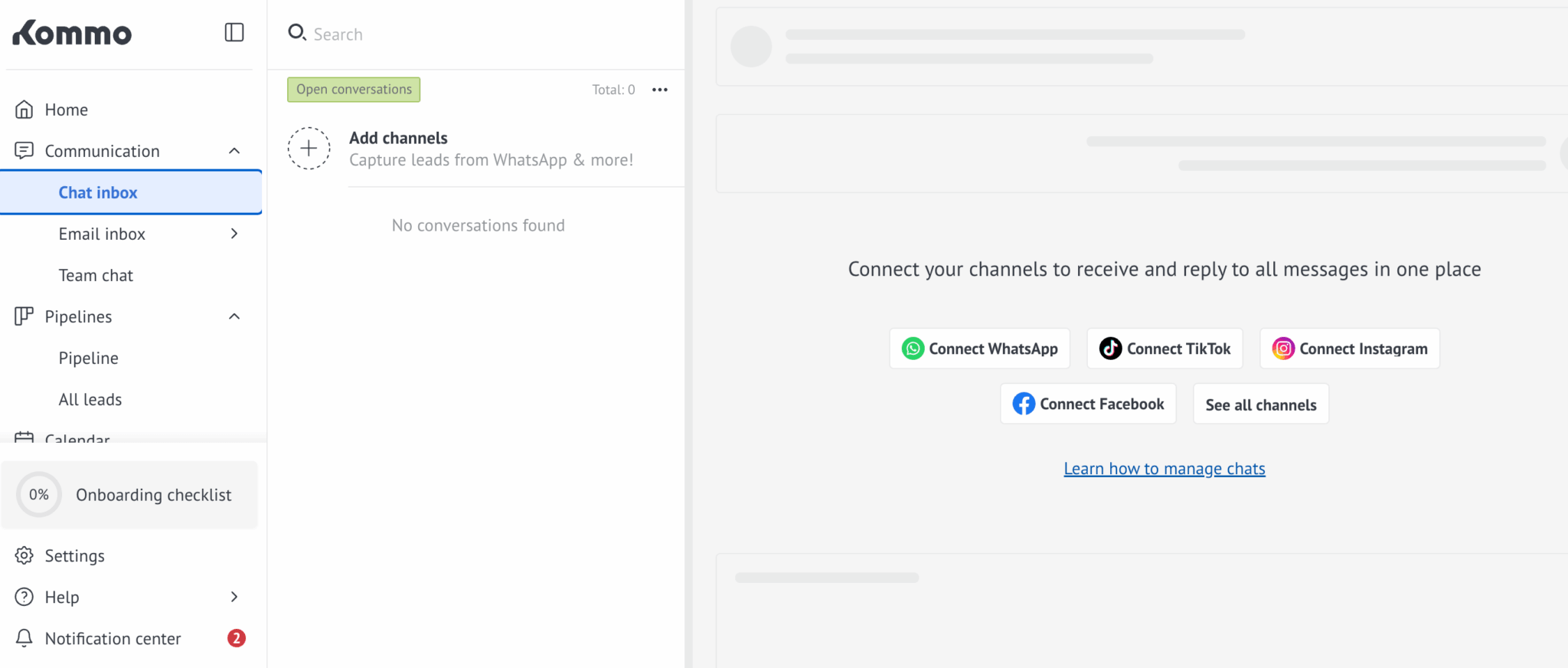
All your conversations arrive in the same place, each one linked to a customer record and a pipeline stage. Your reps stop juggling six applications and a personal phone where nobody knows what was said. The complete history of the relationship, across every channel, reads on a single screen.
In use, two things struck us:
- First, the conversation and the deal are one and the same: answering a message and moving the deal forward in the pipeline happen in the same view, with no navigation.
- Second, automatic matching works well, including when the same customer writes to you from several channels.
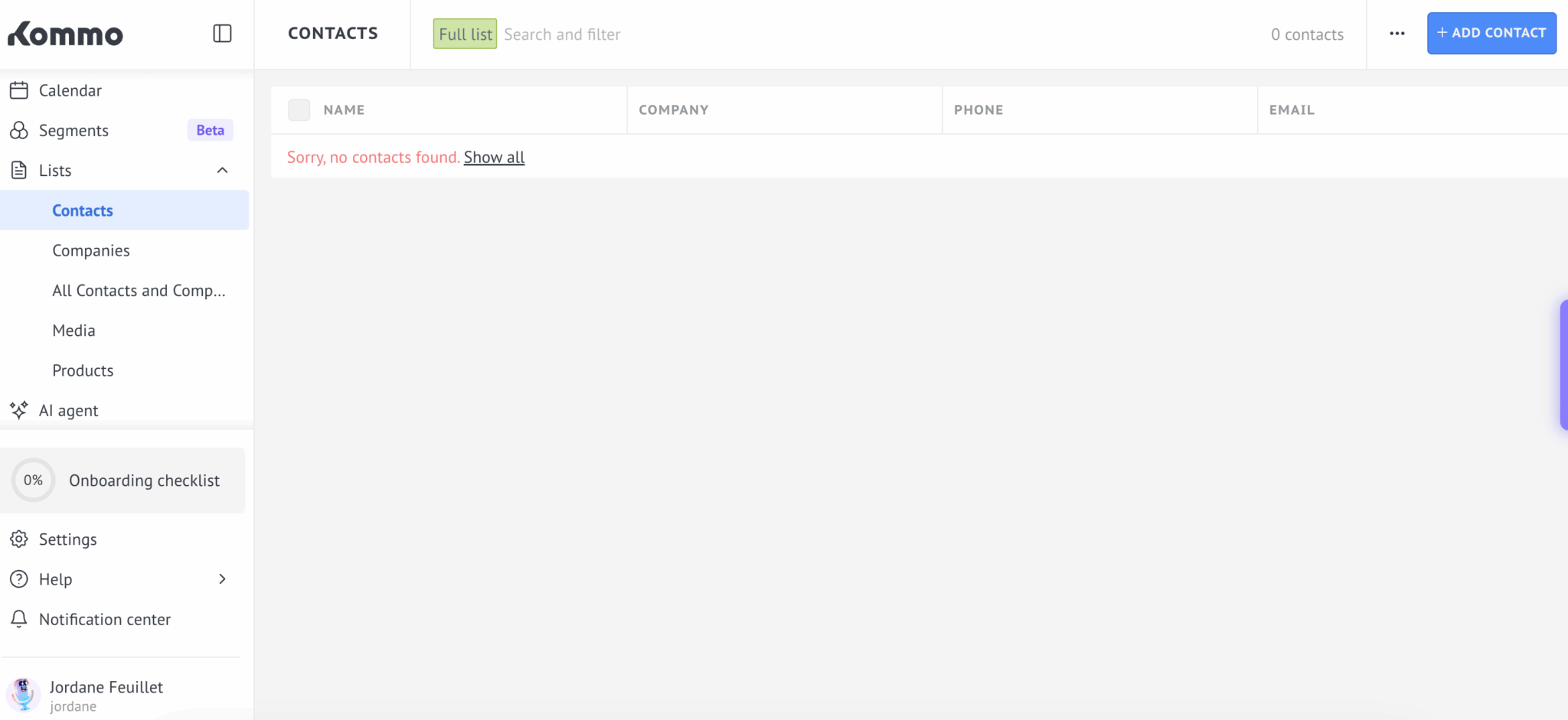
The flip side of that deep integration is dependency. The channels belong to Meta, not to Kommo. Users report that Meta sometimes treats the Messenger connection as a bot, which triggers stricter conversational rules and can interrupt the integration in the middle of a campaign. No classic CRM carries that kind of operational risk. This one does, by construction.
Salesbot and the AI agents: automating without a developer
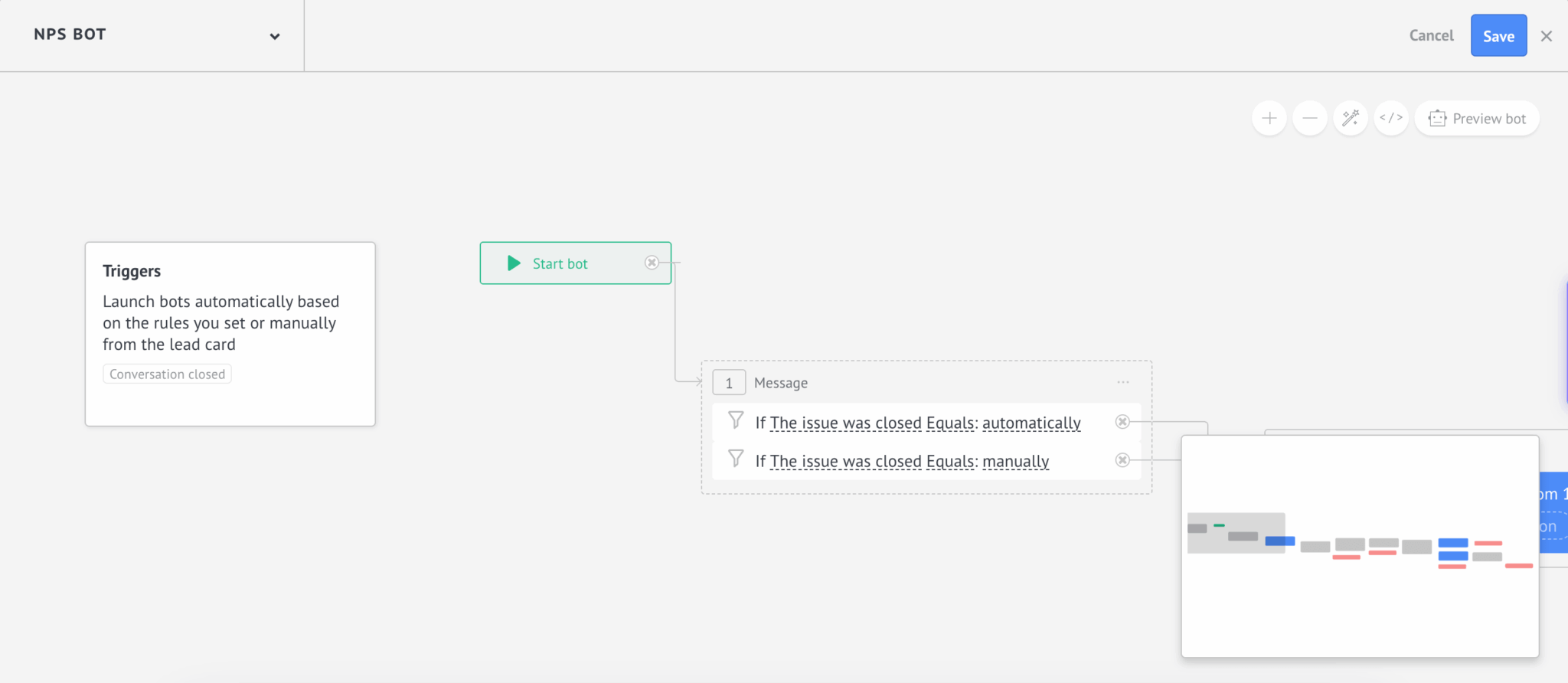
Salesbot is the product’s other big strength. The builder lets you assemble complete conversational journeys without writing a line of code: prospect qualification, answers to frequently asked questions, appointment booking, following up on conversations left unanswered.
The level of polish is real. You build a working qualification bot in an hour, with branching based on the answers and a handover to a human at the right moment.
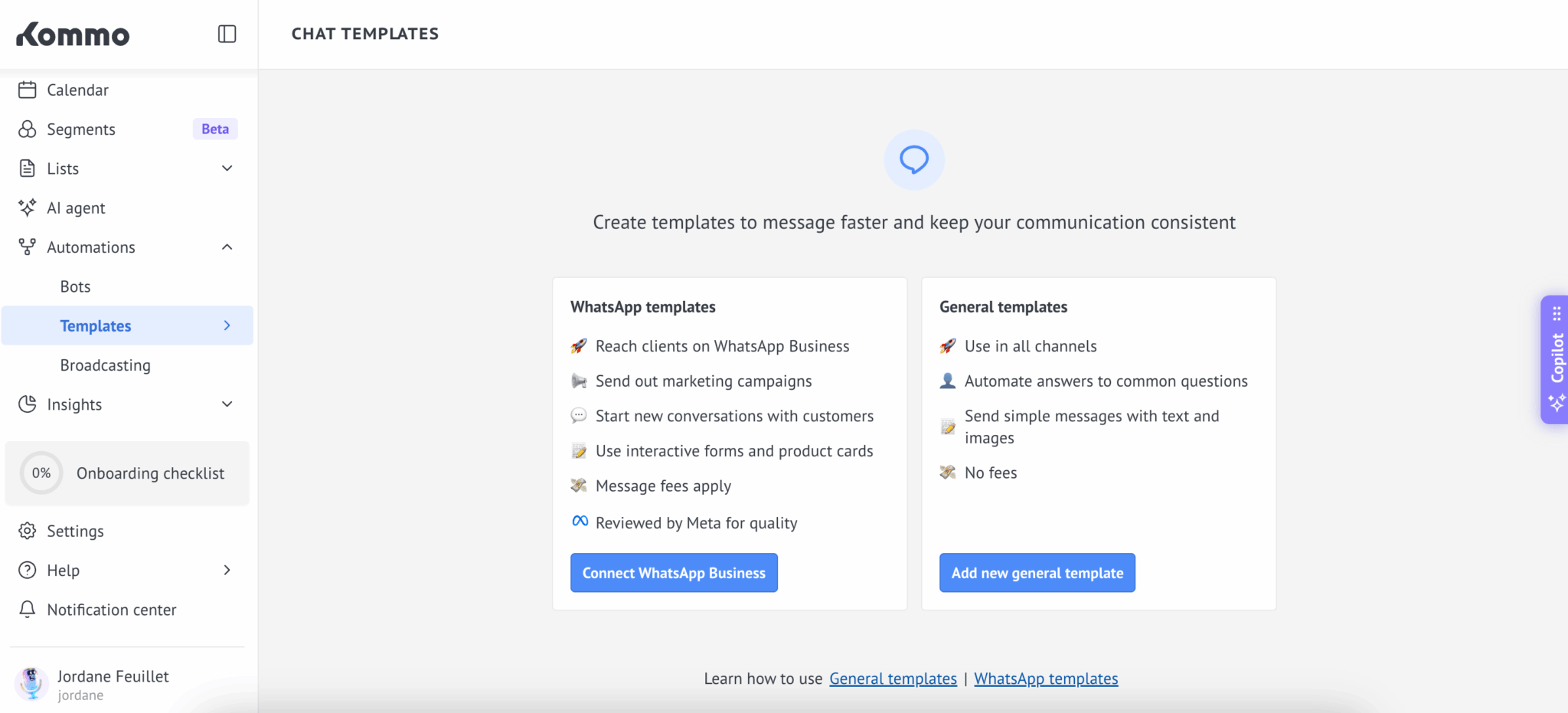
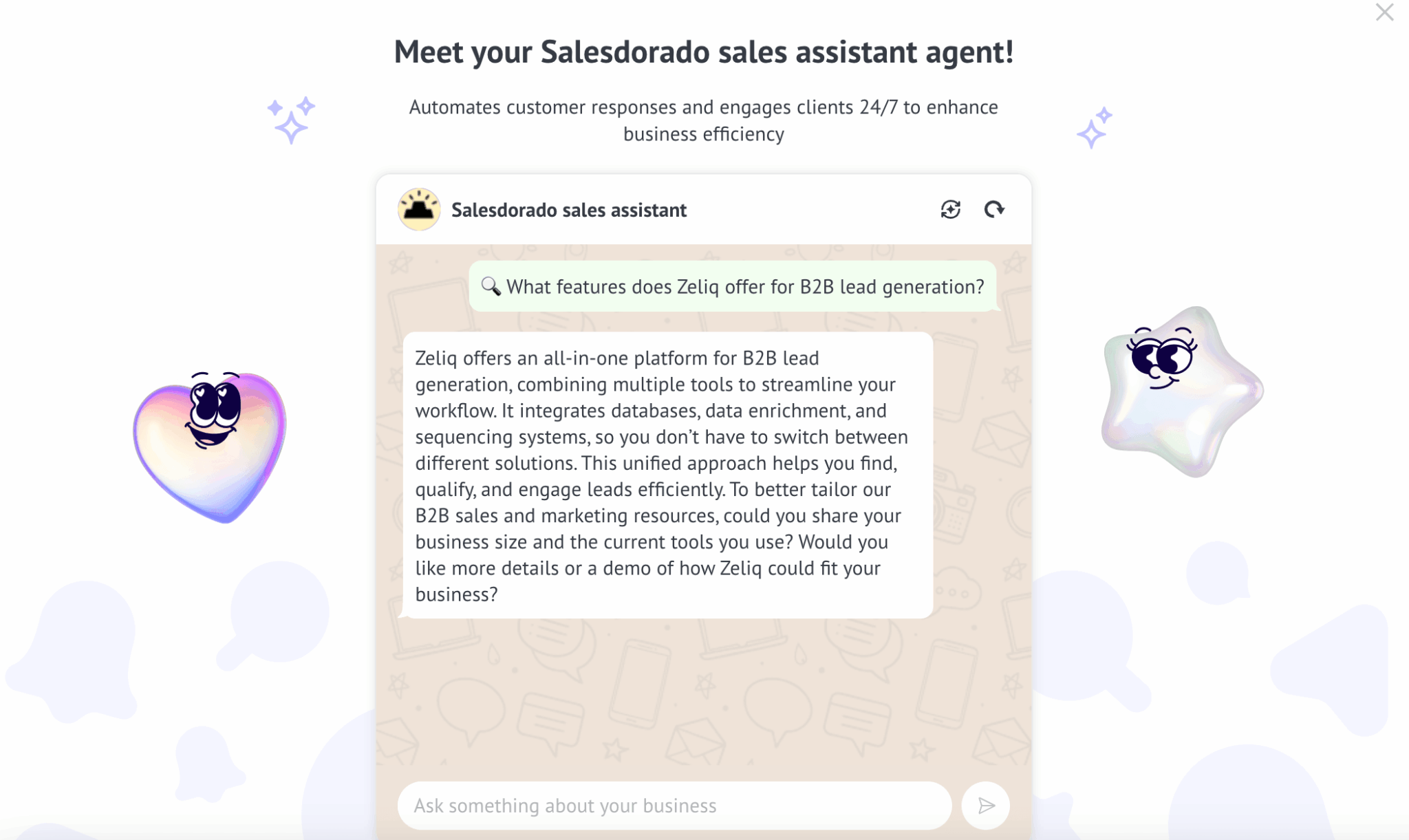
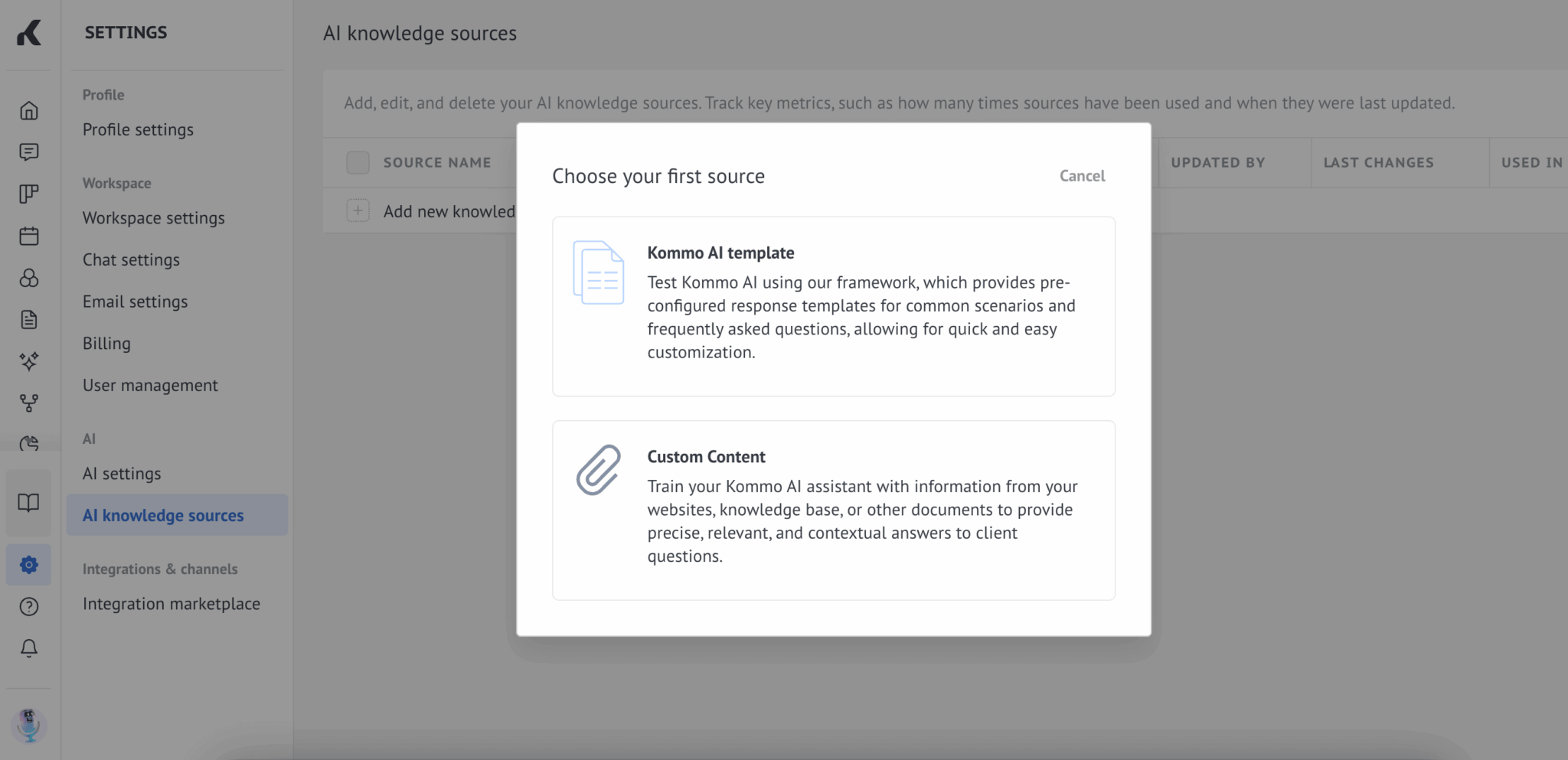
The AI agents round out the setup, from conversation summaries to automatic lead qualification. The billing mechanics deserve a careful read. Credits are allocated per seat and renewed every month, with no rollover of unused credits. On the lower plans, the allowance empties fast if you switch AI on for every exchange.
Salesdorado’s takeStart with a single bot on your most repetitive use case, then measure before extending. The classic trap with Salesbot is automating conversations too fast when they deserved a human. Your customers spot a badly calibrated bot within two messages and, on WhatsApp, the effect on the relationship is immediate.
The rest of the CRM: fine, no more than that
Once you step outside messaging, Kommo becomes an ordinary CRM again. The visual pipeline is effective and takes thirty seconds to understand, which counts when you are equipping a team new to this. The native mobile app really does exist on both stores, with a business card scanner, where many recent CRMs settle for a site adapted to small screens. Our comparison of mobile CRM software details how the others fare on that front.
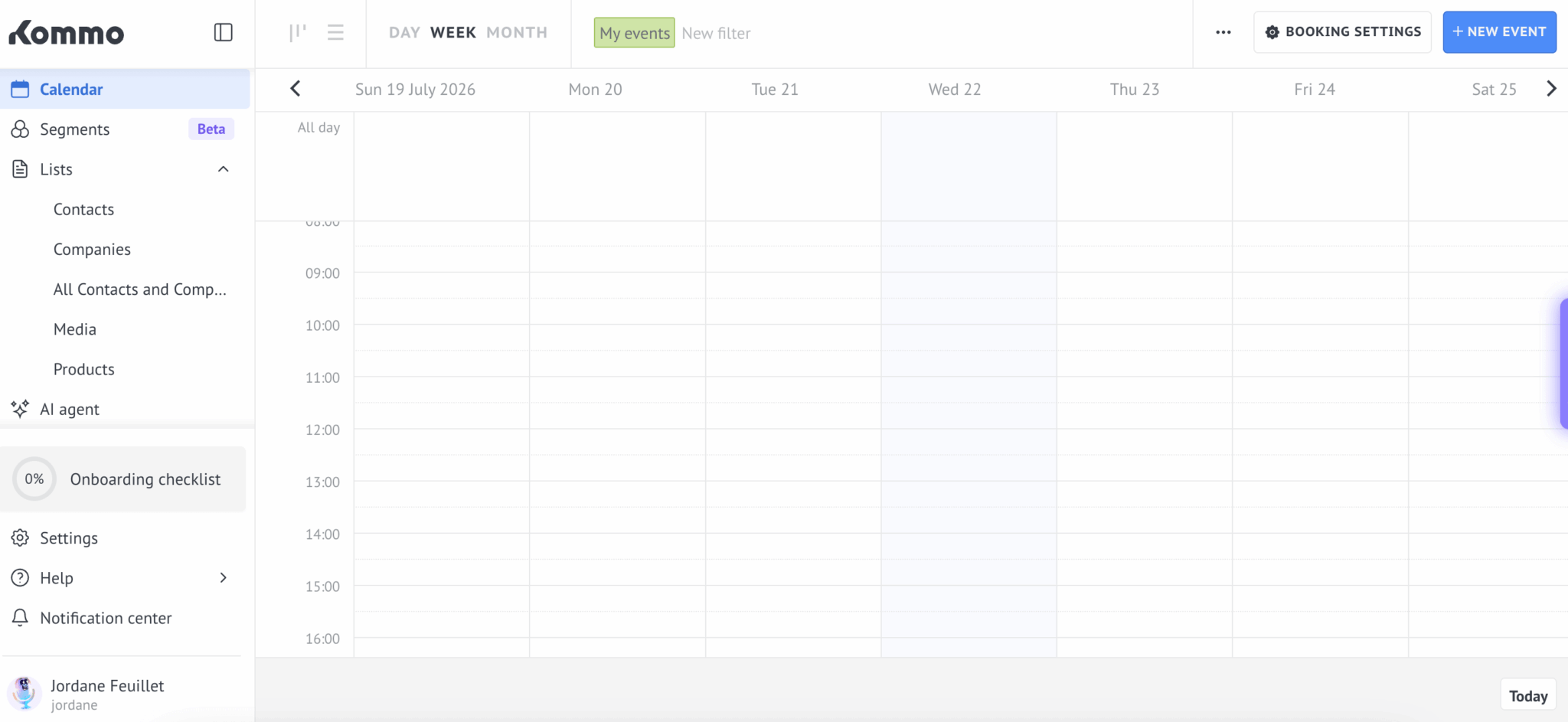
But customisation hits a ceiling fast. Kommo’s pipeline model works as long as your process fits into it. As soon as you step outside, you hit a wall. The tool adapts badly to long sales cycles running over several months, which describes classic enterprise B2B rather well.
Three limits complete the picture:
- The lead caps are per seat: 2,500 on the Base plan, 5,000 on Advanced, 10,000 on Pro. Comfortable on the face of it, but an acquisition team burns through Base’s 2,500 leads in a few weeks.
- The API documentation is patchy, with errors and grey areas around channel registration. Plan development time for your in-house connections.
- Reporting stays basic. For serious sales steering, you will have to export.
The thing to know: the channel can cost more than the software
This is the line item Kommo’s pricing page cannot show, because it does not belong to Kommo.
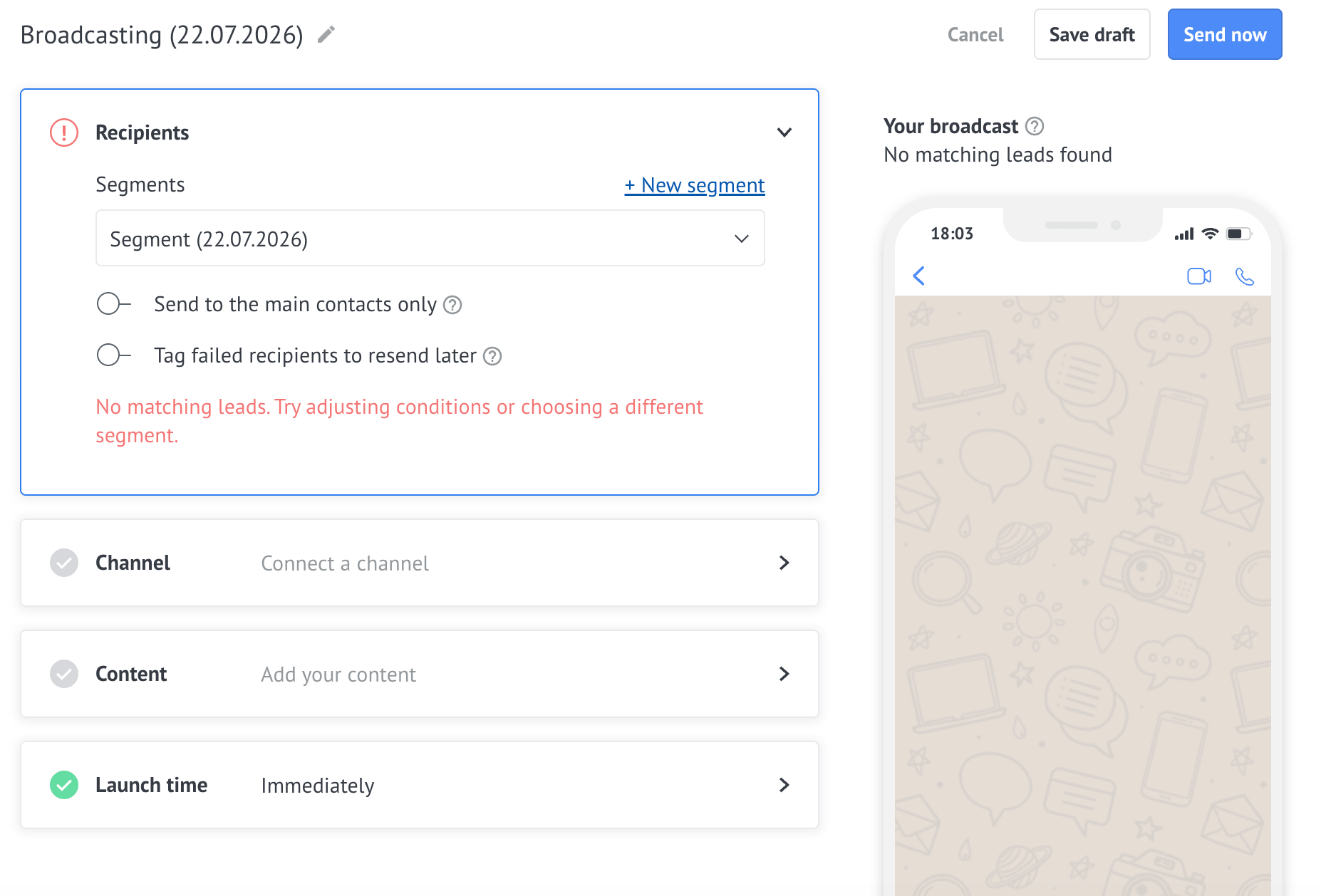
The WhatsApp Business API is billed by Meta, not by Kommo. Since July 2025, Meta charges for each template message actually delivered, according to the recipient’s country and the message category. And the gaps between markets are enormous: around $0.123 per marketing message to Germany, around $0.048 to the United Kingdom, $0.0625 to Brazil, $0.025 to the United States and around $0.010 to India. A factor of twelve between the two ends.
Let’s turn that into a concrete threshold. A team of five on the Base plan pays €65 a month in subscription. At German rates, around 530 outbound marketing messages a month are enough for your Meta bill to overtake your Kommo bill. At Brazilian rates it takes around 1,000, and at US rates around 2,600. Wherever you sell, a single follow-up campaign on your customer base burns through the allowance in a day.
Two qualifications, because reality is less brutal than that calculation:
- Free-form replies sent inside the 24-hour service window, the one that opens when a customer writes to you, are free.
- Utility messages, an appointment confirmation or a delivery notification, cost far less than marketing messages.
In other words, the cost explodes on cold outreach and stays contained on inbound conversation. That is exactly the opposite of what a sales pitch about WhatsApp prospecting promises.
One last point to watch: Meta revises its rate card regularly and two pricing changes are already announced for August then October 2026. So you are building your budget on a rate you do not control.
Kommo plans and pricing
Here is the full grid, in euros per user per month.
| Plan | 6 months | 9 months | 1 year | 2 years | Leads per user |
|---|---|---|---|---|---|
| Base | €13 | €12 | €11 | €10 | 2,500 |
| Advanced | €22 | €19 | €18 | €16 | 5,000 |
| Pro | €39 | €35 | €33 | €30 | 10,000 |
| Enterprise | On quote | Beyond the standard limits | |||
There is no monthly plan at Kommo. The minimum subscription term is six months, paid up front. So the entry price is not €13 a month, it is a cheque: €78 per user on Base, €234 on Pro. A team of five on Pro puts out €1,170 before sending the first message, and €3,600 if it commits for two years to get the best discount.
The saving from lengthening the commitment comes to around 23% between six months and two years. Fair enough, no more than that, for four times as long locked in.
The amount stays modest compared with a HubSpot or a Salesforce. The real issue is irreversibility: you are committing a half-year on a tool you have known for fourteen days of trial, with a support desk that is the users’ first grievance.
Read the refund policy twiceKommo words it in two ways that do not say the same thing. The dedicated page states that subscriptions are non-refundable. The billing FAQ, for its part, mentions a refund of unused time. On the forums, several users report difficulties getting their money back after cancelling. Before paying, ask the sales team in writing for the exact terms applying to your contract, then keep the answer.