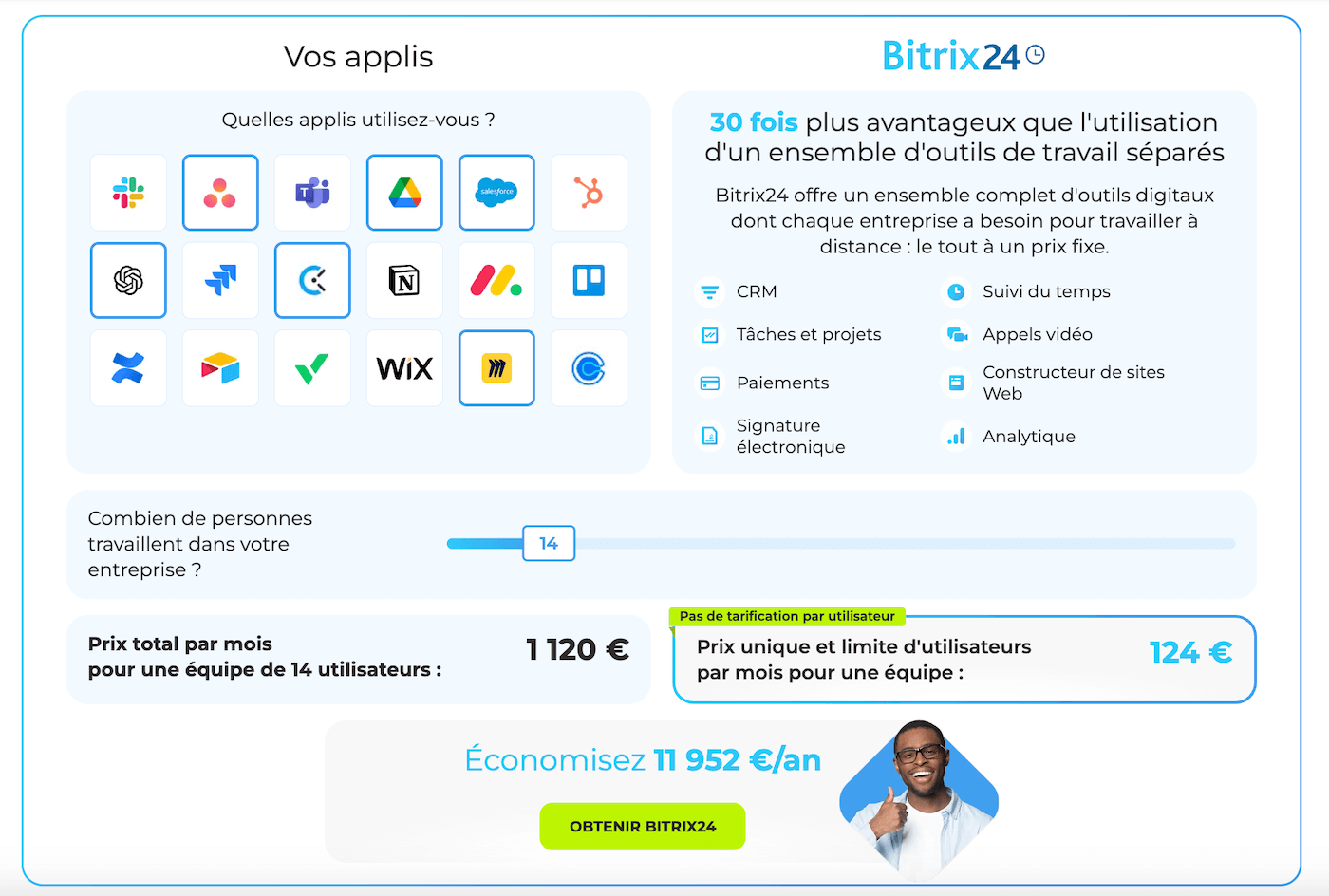
The fairly generous free plan, the fixed-tier pricing and the existence of an on-premise version for those who want to keep a hand on their data make it a solution worth looking at. The interface is modern and well thought out, even if the sheer range and diversity of the modules means you have to define clearly what you want to switch on to get the best out of the tool.
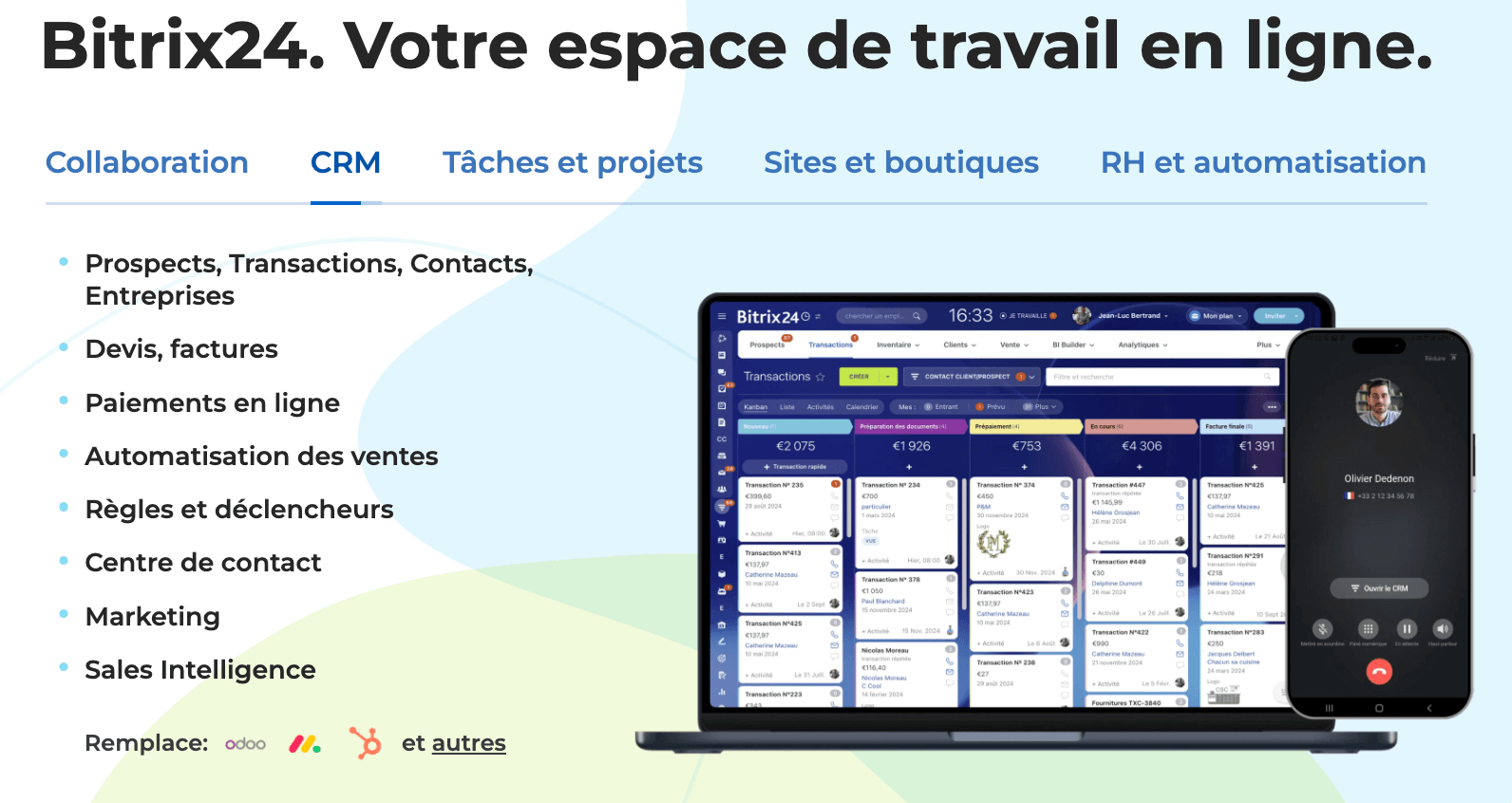
In this review we go through Bitrix24’s strengths and limits in detail, its main features, its customer service, its integrations and its pricing, to help you see whether the tool can find its place in your organisation.
Bitrix24’s main features
Bitrix24 stands out for the breadth of its scope. The vendor does not settle for a classic CRM: the tool carries sales management, marketing, customer service, internal collaboration, site building and automation alike. Let’s go through the main building blocks to understand what the tool really allows.
The CRM and contact management
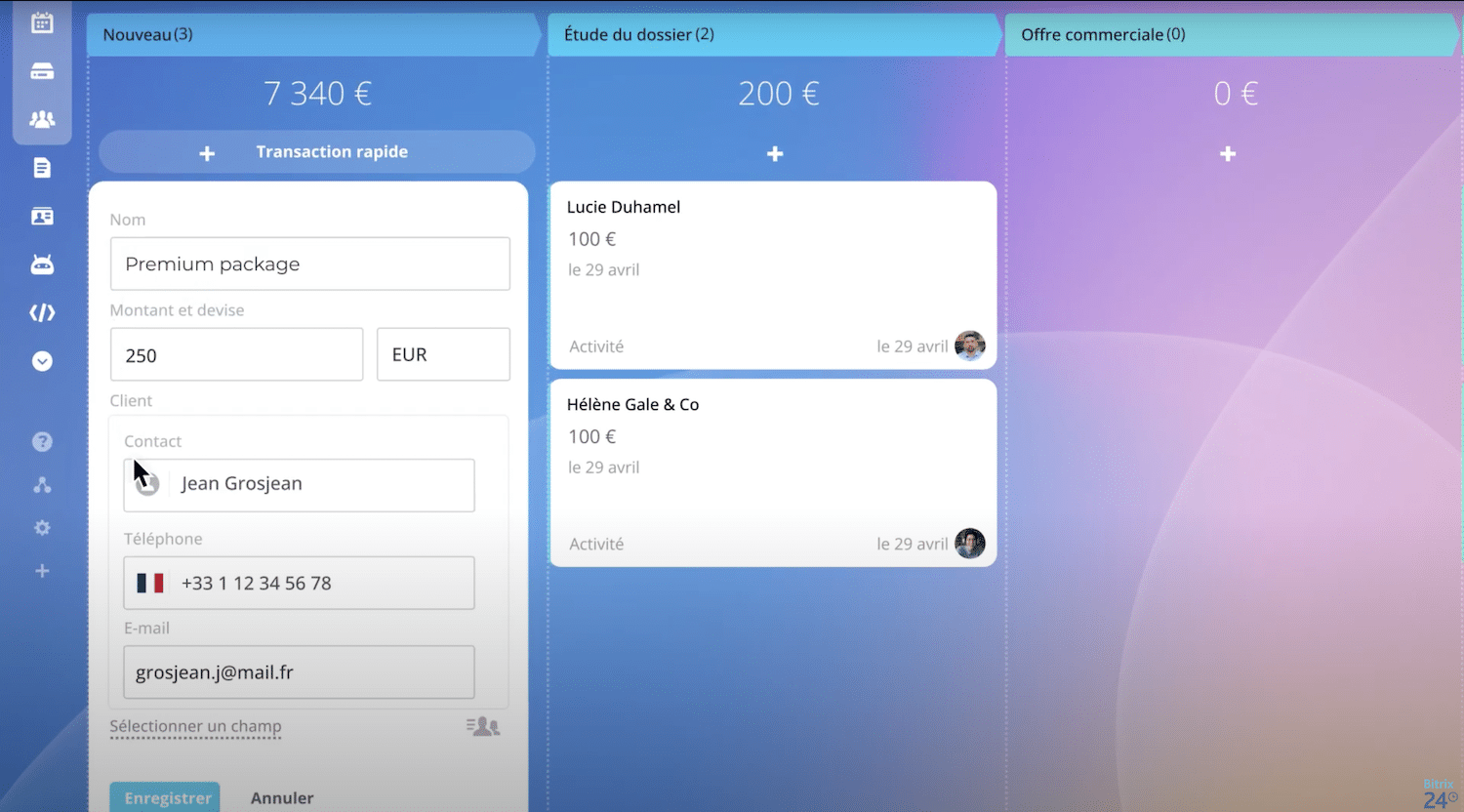
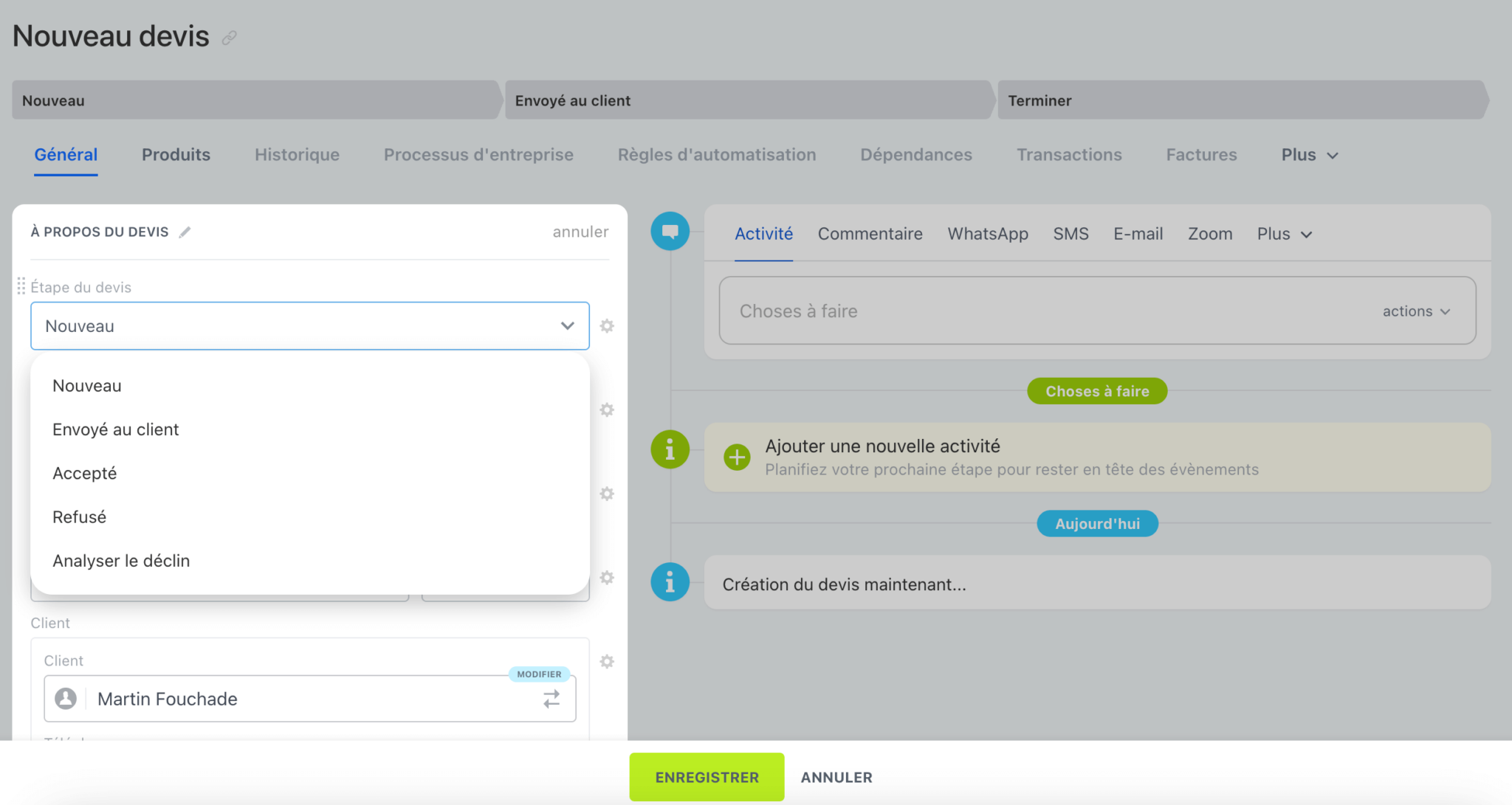
Bitrix24’s CRM is the heart of the system. It centralises every prospect, customer and opportunity in a single database. Each contact record aggregates the essential information, contact details, interaction history, documents, multichannel interactions, and keeps a clear trace of the customer journey.
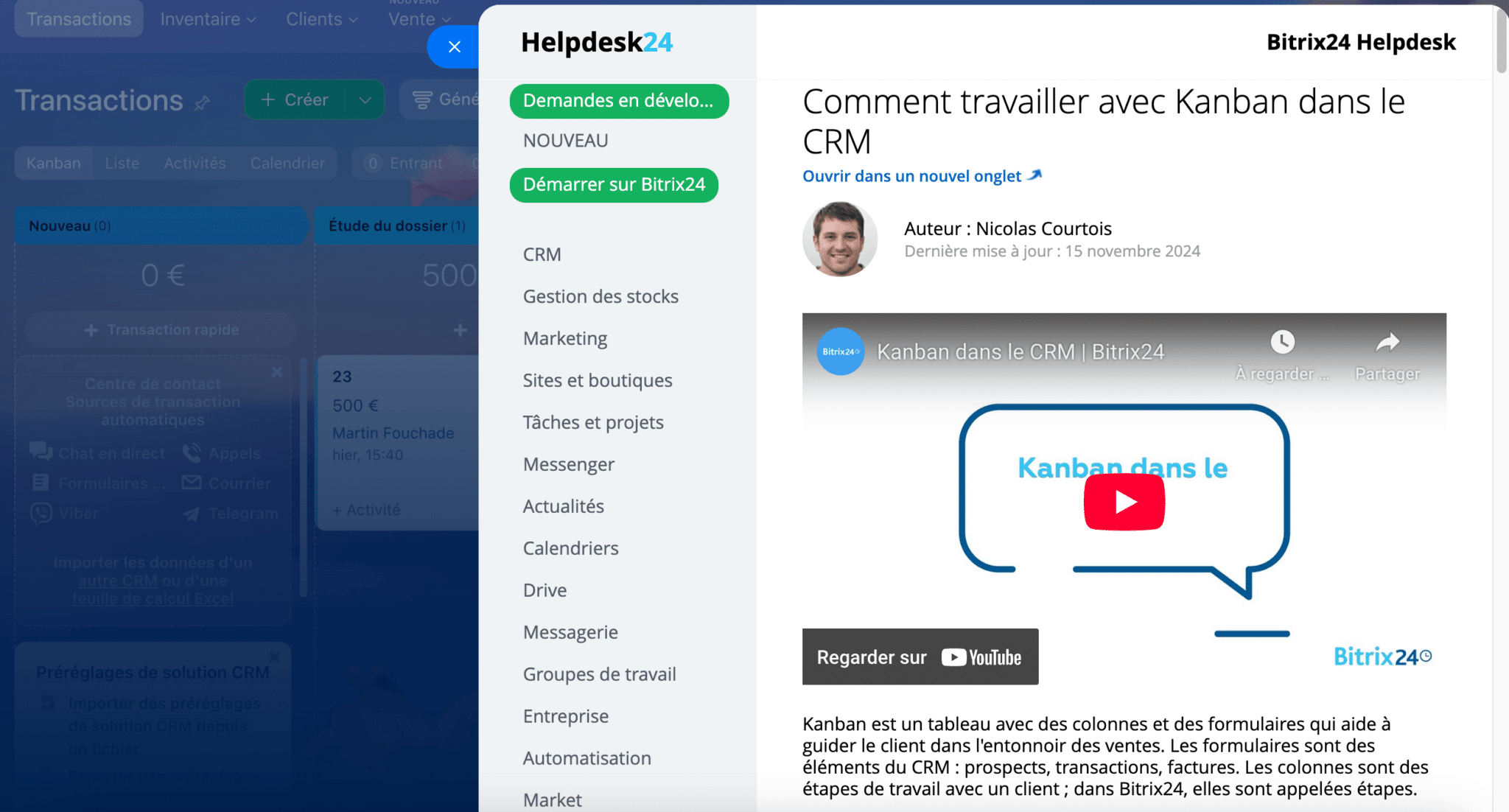
The sales pipeline is handled through a Kanban interface where you move deals from one stage to the next. It is simple to grasp, even for a team not used to CRM tools. Managers can see overall progress, spot bottlenecks and adjust the workload.
Bitrix24 also offers segmentation tools and basic scoring. You can filter contacts by demographic criteria, by activity or by source and trigger follow-ups or targeted campaigns. The tool stays less advanced than CRMs specialised in predictive scoring, but it covers the needs of an SMB wanting to structure its prospecting well enough.
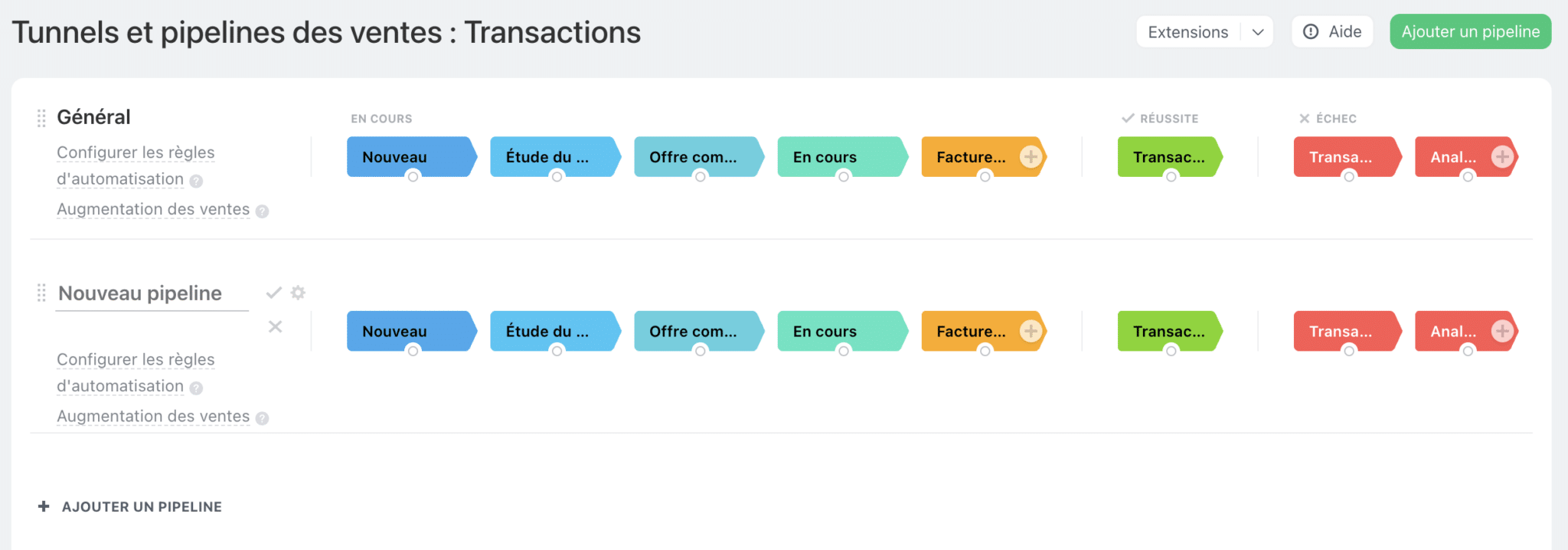
Salesdorado’s takeBitrix24’s CRM is a genuine strong point: rich, readable and well integrated with the rest of the suite. The flip side is that it demands a bit of discipline in the configuration and an internal conductor to draw out its full potential. For an SMB starting from scratch, it is a good way to put its contacts and its pipe in order.
Sales and quote management
One of Bitrix24’s big advantages is how smoothly it moves between the stages of a sale. A prospect becomes an opportunity in the pipeline, then turns into a quote or an order in a few clicks. All of it is attached directly to the contact record, which limits double entry and lost information.
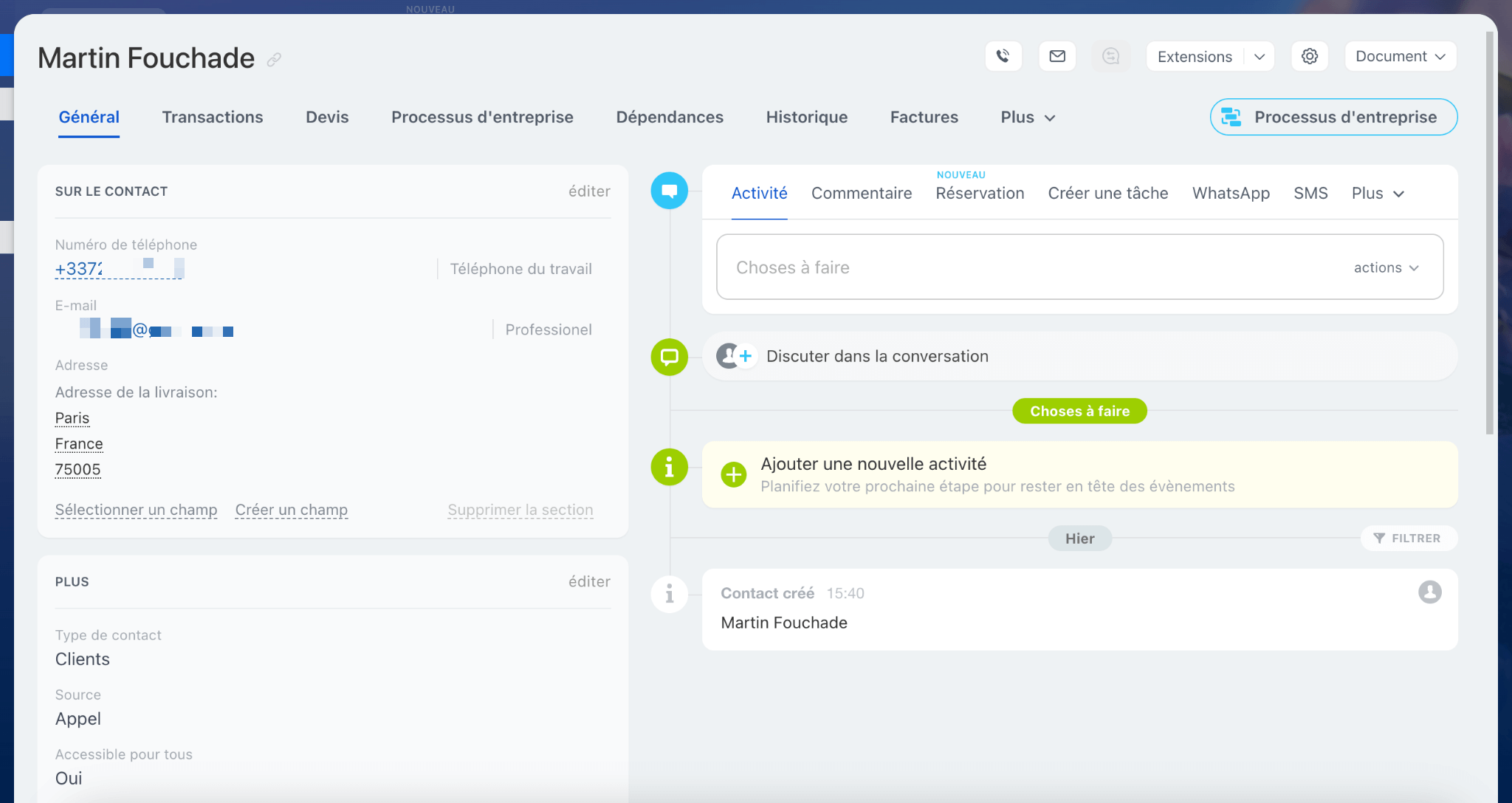
Quotes and invoices are generated from the tool, with template customisation, sales tax, discounts and commercial terms. The interface is modern and clear, which lets a small team handle its sales documents without piling up software. Built-in electronic signature and online payment modules reinforce that all-in-one logic further.
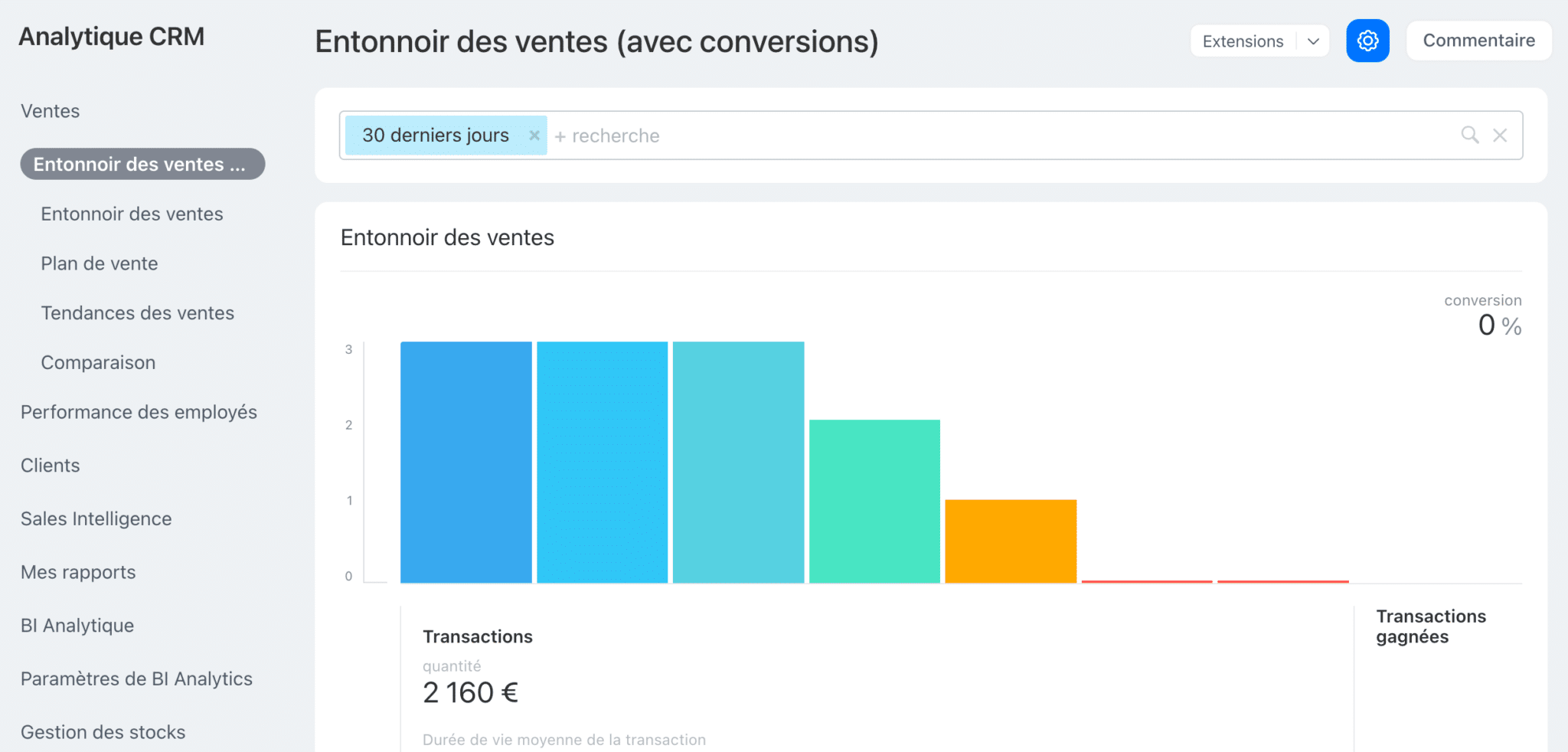
On the steering side, Bitrix24 offers far more than a few standard indicators. There are dashboards on opportunity value, conversion rates and sales cycle length, but also more advanced modules: sales funnel, employee performance tracking, call and conversation analytics, and Sales Intelligence.
The tool also includes an analytical BI module to cross-reference and refine the data.
Marketing
The marketing module lets you run email campaigns and SMS straight from Bitrix24, with targeting on the CRM database, a message editor and performance tracking.
The logic stays pragmatic. You build segments from CRM attributes, recent activity and sales statuses. The reports cover the fundamentals, opens, clicks, unsubscribes, with a view by campaign and by segment. For very fine multi-step scenarios you hit the limits of a generalist tool fast, but you gain a lot in ease of operation.
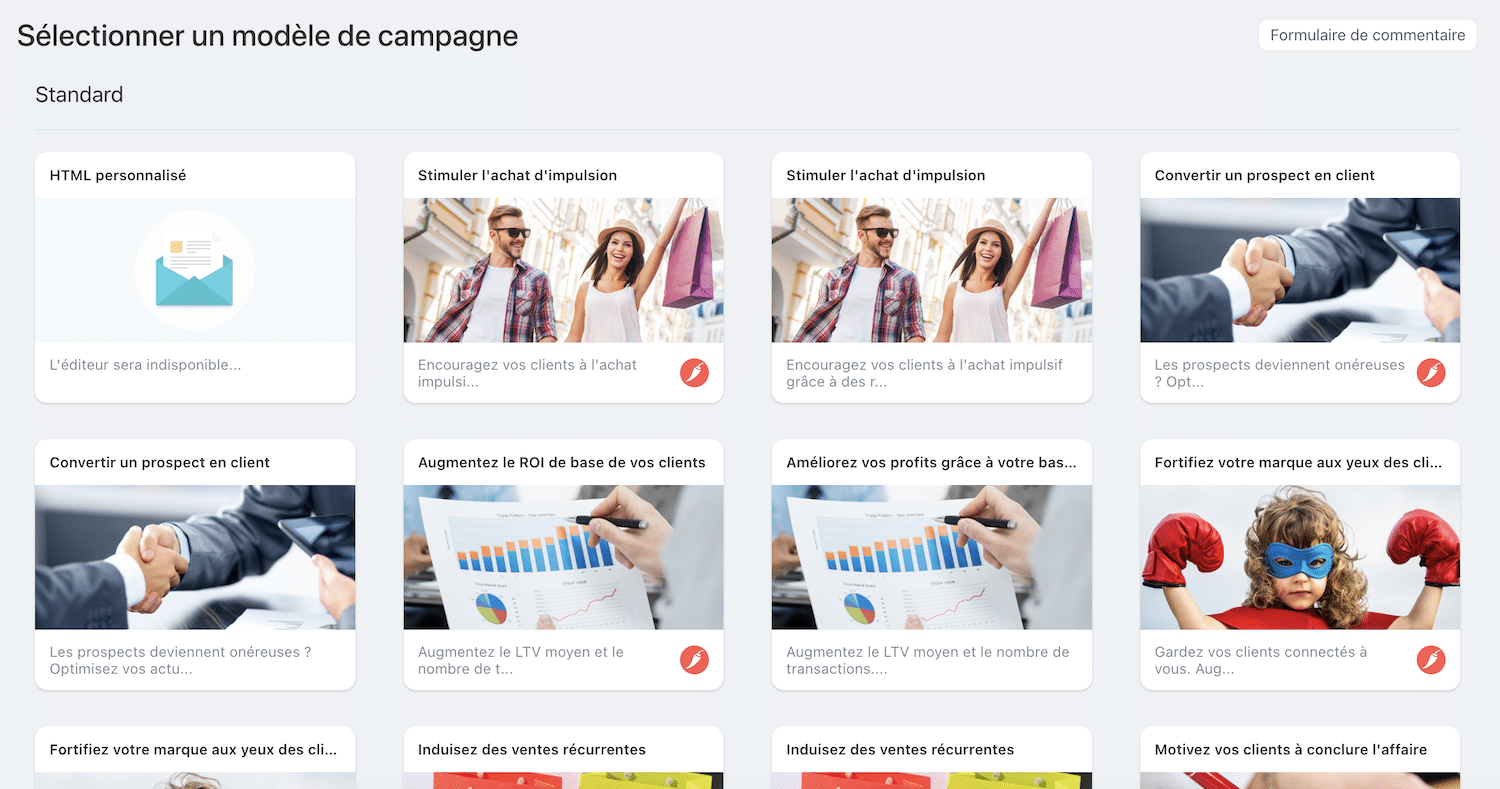
Another useful point is the advertising connections and basic conversion tracking. Without replacing a CDP or a dedicated marketing orchestrator, Bitrix24 gives a clean base to test messages, feed the pipe and grow the database within a controlled framework.
Salesdorado’s takeVery effective for reasonable campaigns and a team that wants to move fast without multiplying tools. If you are after advanced marketing automation, with deep behavioural scoring and large-scale testing, keep Bitrix24 as the CRM base and plug in a specialist as needed.
The omnichannel contact centre
Bitrix24 centralises customer exchanges in a single place: VoIP telephony, email, live chat, WhatsApp and social networks land in a unified inbox, with queue routing, prioritisation rules and assignment to the right agents. Every interaction files itself automatically on the CRM contact record. It is one of Bitrix24’s strong points.
For front-line teams the benefit is immediate. You answer from the same interface, you see the full history and you trigger a task, an opportunity or a ticket when needed. Supervisors have operational indicators at hand to steer the load, the response time and satisfaction.
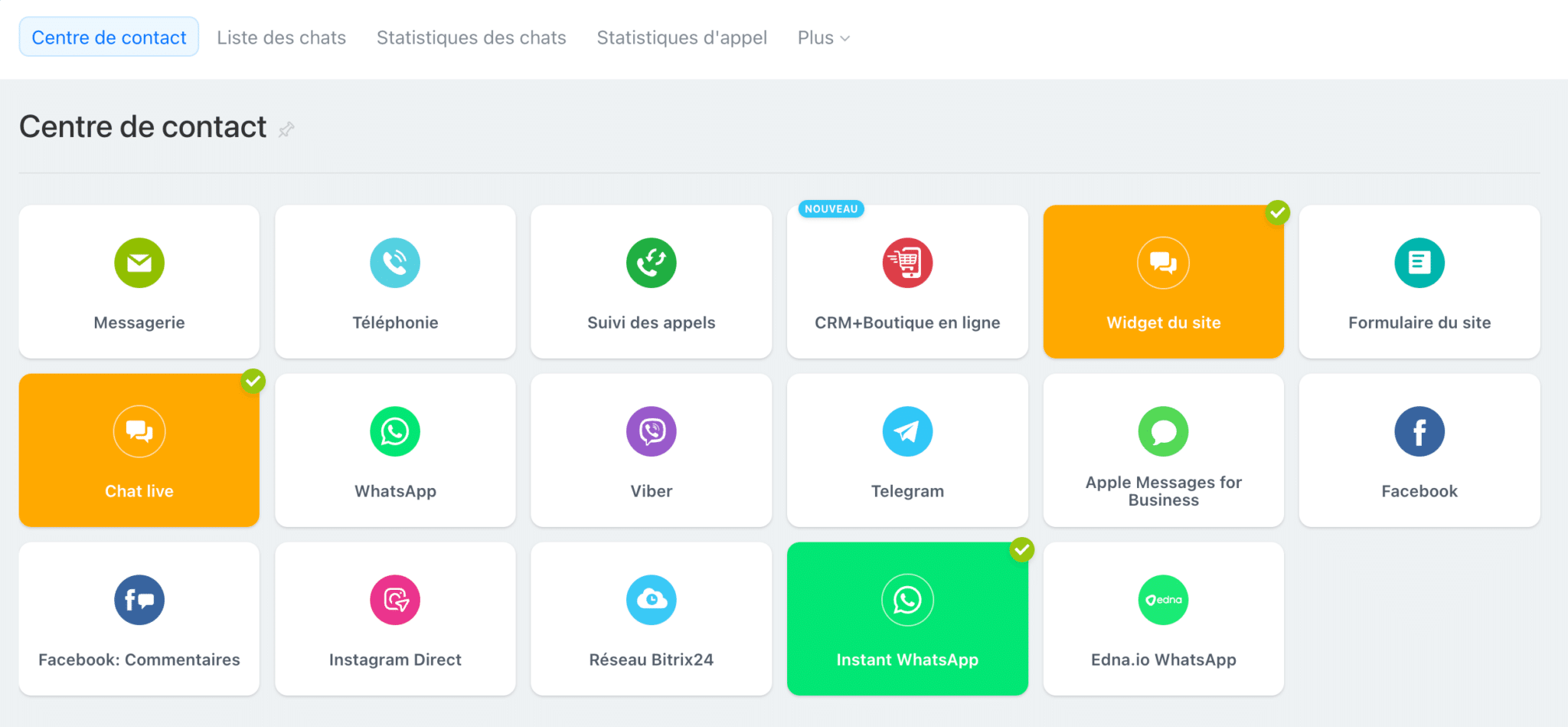
Telephony integrates cleanly with call recording, local numbers and simple scenarios. For more demanding needs, complex call centres, advanced IVR, real-time analytics, you can lean on the marketplace integrations to extend the scope without breaking service continuity.
Salesdorado’s takeThe contact centre does the job for an SMB that wants to bring its channels together and keep traceability. The value comes from its closeness to the CRM, less copy-pasting and less lost information. If large-scale support is your core business, you will need a specialised block alongside it.
Collaboration and teamwork
Bitrix24 is not limited to sales functions. The tool carries a whole layer of internal collaboration aimed at replacing or consolidating blocks like Slack, Teams or Google Drive. The central activity stream lets you push announcements, share documents and comment live, with the logic of an enterprise social network.
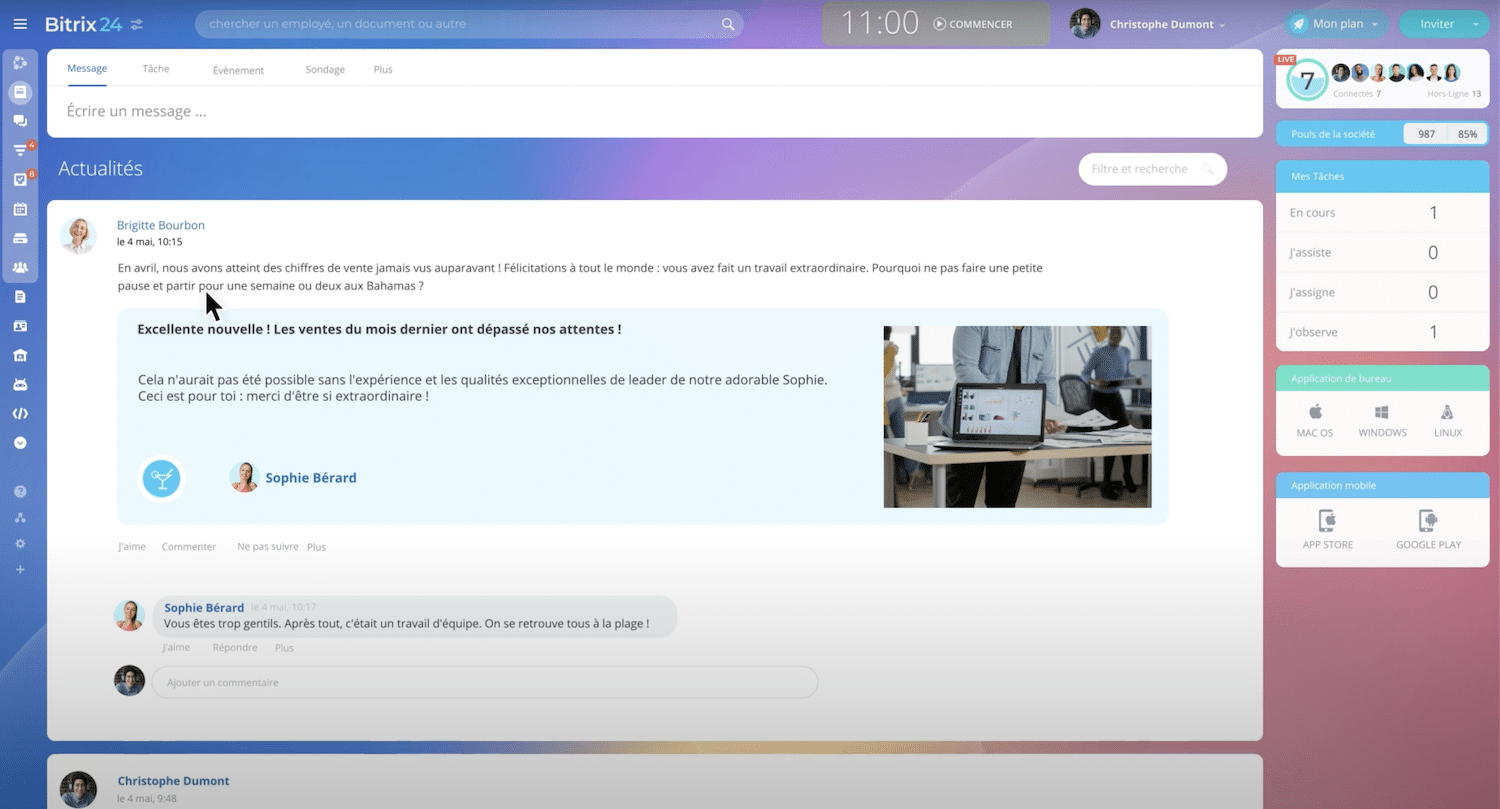
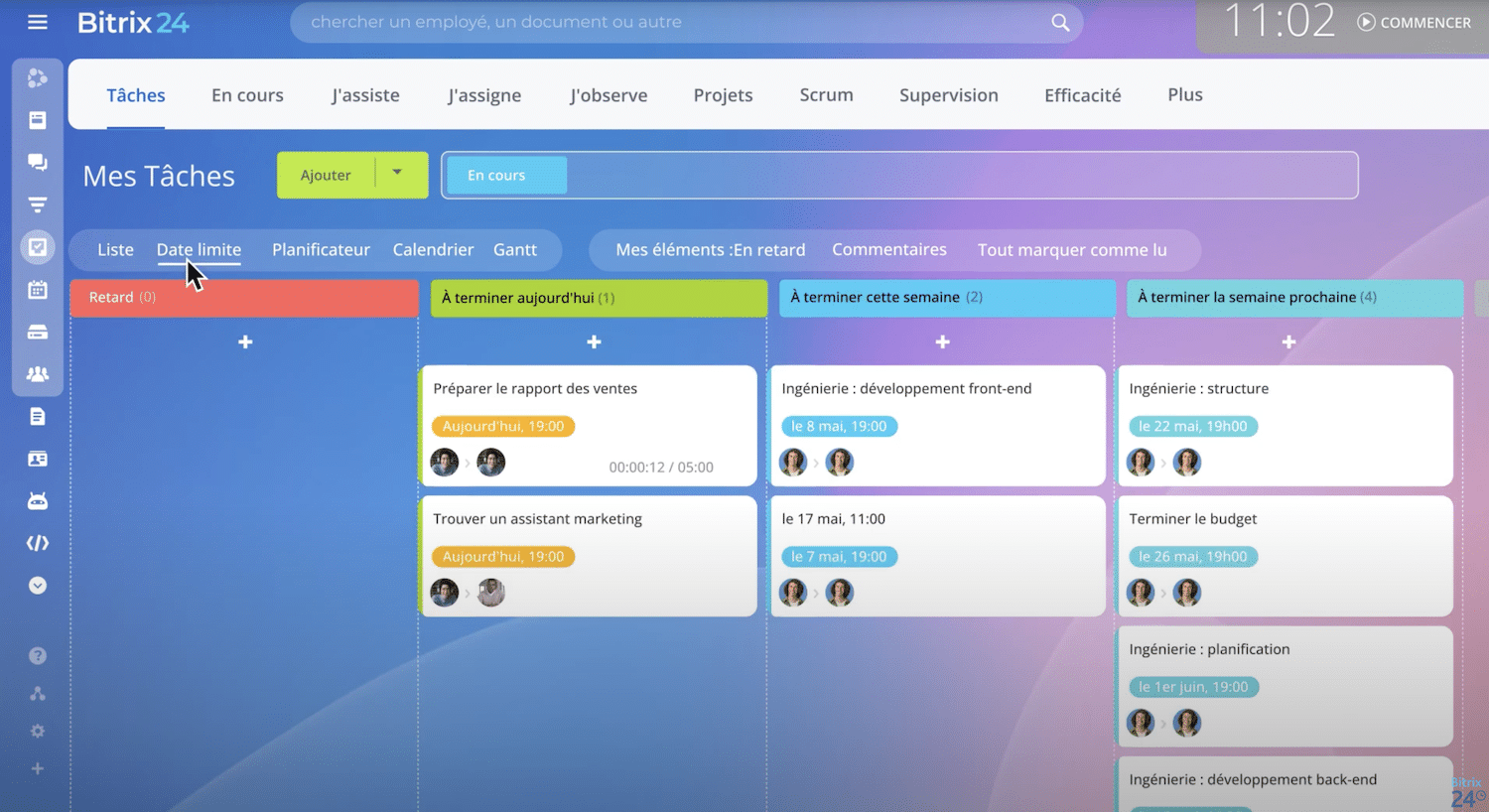
There is a built-in chat, audio and video calls, and the ability to hold video conferences with several dozen participants. The shared calendar makes it easier to plan meetings and projects, and task assignment keeps clear track of progress. The internal drive rounds it off, with folder storage, a search engine and document co-editing.
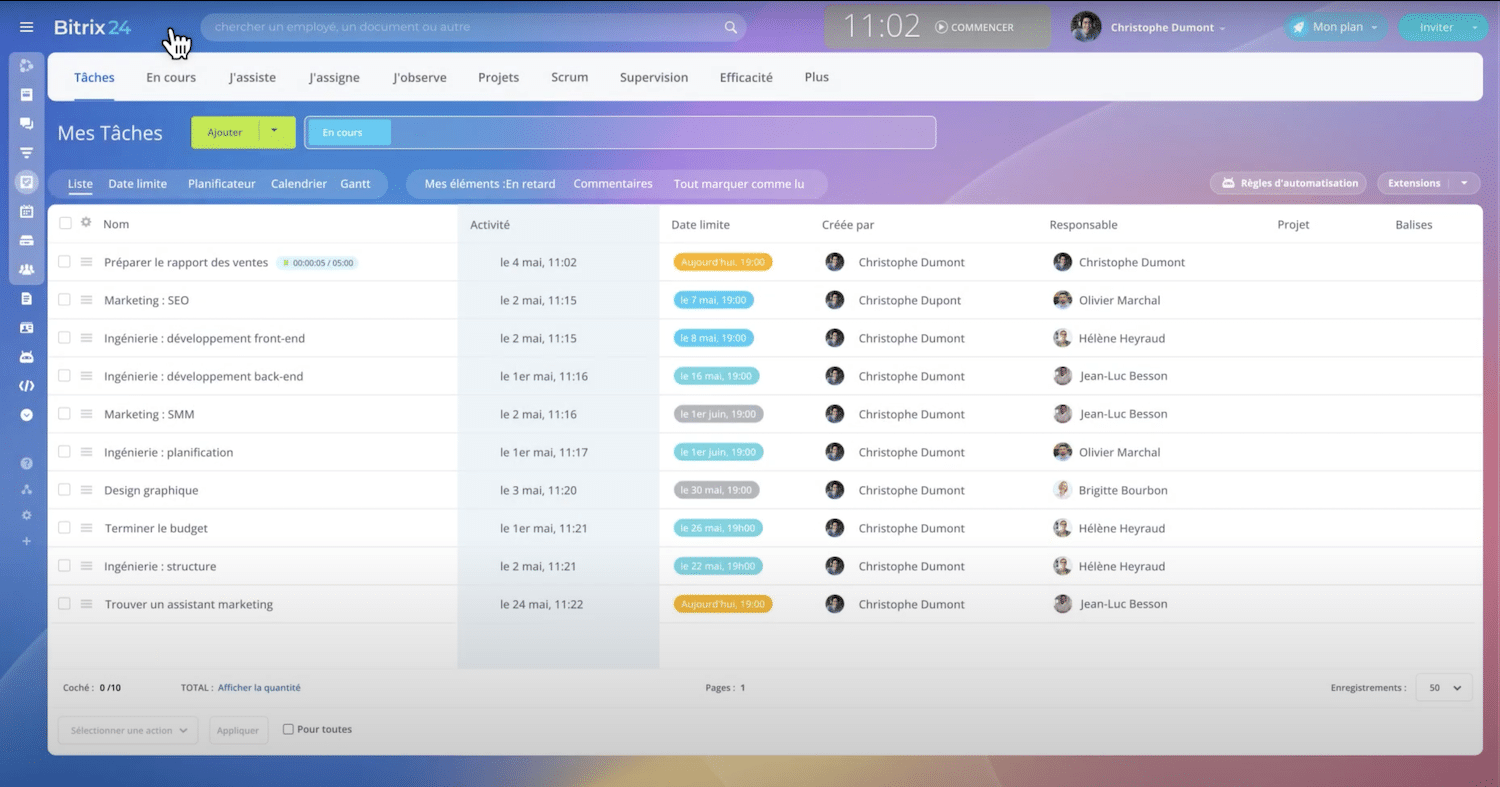
Project management is rather solid, with Kanban, Gantt and time tracking. Each project can carry its own discussions, files and tasks, which avoids scattering. Teams that used several different tools until now, Slack for chat, Trello for projects, Google Drive for documents, often appreciate finding everything in a single space.
Salesdorado’s takeBitrix24’s collaborative block is complete and coherent, but it stays generalist. For an SMB that wants to centralise and gain visibility, it is very effective. Companies already equipped with specialised tools will mainly see the point if they want to cut the number of programs used day to day.
E-commerce and site building
We have seen a lot, but that is not all. Bitrix24 also offers a drag-and-drop builder for websites and online shops. It is designed to create showcase pages, capture forms, landing pages or a complete shop connected to the CRM quickly. The templates on offer are modern, responsive and rather easy to customise without particular technical skill.
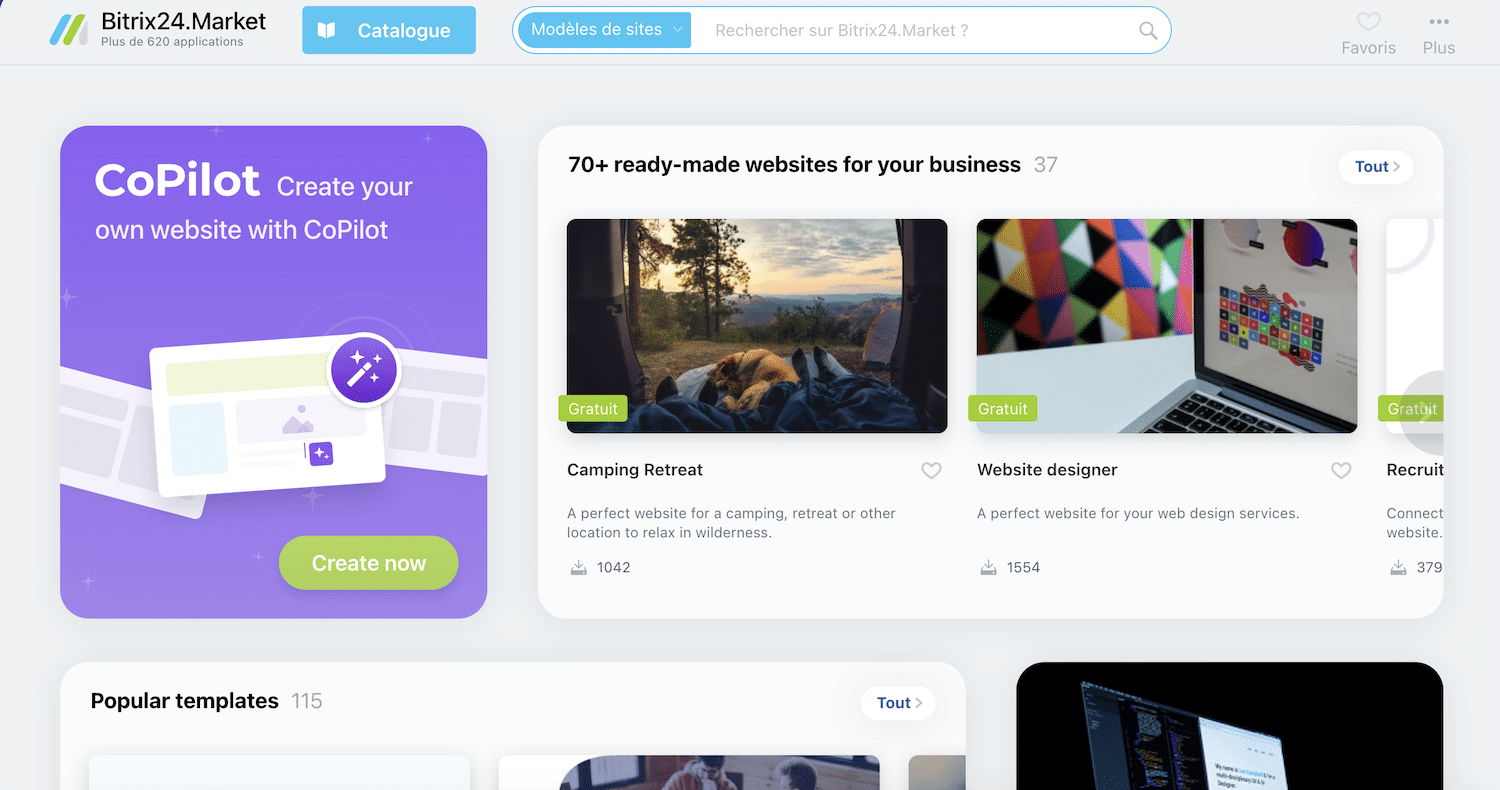
The online shops handle the product catalogue, carts and orders, with online payment solutions integrated. Sales are automatically linked to the CRM to follow the customer relationship end to end, from the visit on the site through to post-purchase follow-up. The approach is interesting for small structures that want an e-commerce base without piling up providers.
Of course, this remains an integrated tool, which does not rival a Shopify or a WooCommerce in terms of ecosystem and depth, but for an SMB or a mid-market company that wants to launch a simple shop or conversion pages connected straight to the CRM, it is a practical block, coherent with Bitrix24’s all-in-one logic.
Salesdorado’s takeBitrix24’s e-commerce and website block is a good complement for anyone wanting to centralise operations. It will not replace a dedicated e-commerce solution on high volumes or complex needs, but for basic or intermediate use, direct integration with the CRM really makes sense.
Customer service and support
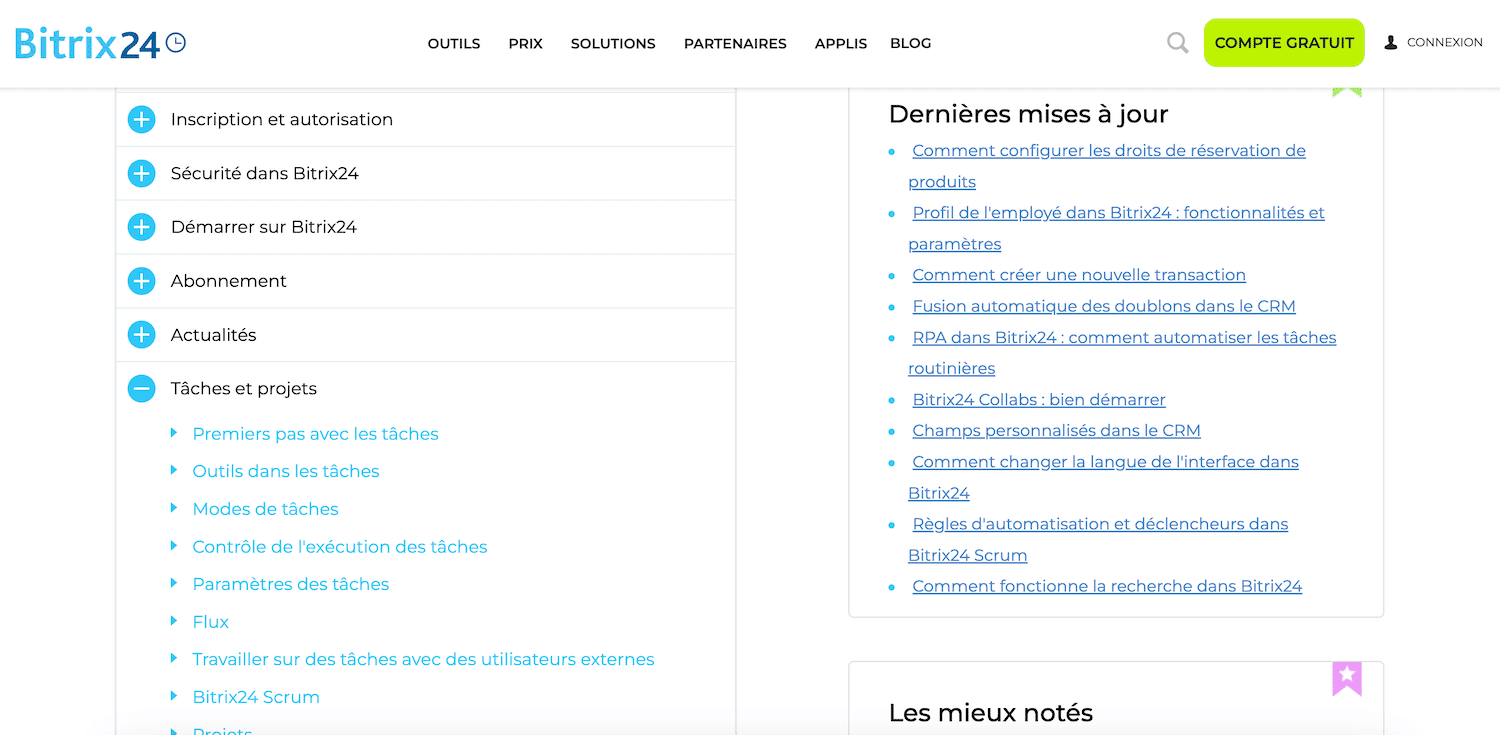
Bitrix24 provides a fairly rich knowledge base, with tutorials, videos and an active user community. That is enough to answer most everyday questions, especially on the standard features. The higher plans give access to ticket support and, in some cases, phone support.
In practice, feedback is mixed. Small teams often have to fend for themselves with the documentation, and response times can vary. For more ambitious rollouts, the vendor leans heavily on its network of certified partners. They are the ones handling implementation, advanced configuration and sometimes even user training.
That approach lets you lean on local experts, but it also adds a cost to plan for. Without structured support, it is easy to miss the tool’s potential, given how many different blocks it covers, as we have seen. An SMB that wants to move fast will have to budget money and time to frame the project.
Salesdorado’s takeBitrix24’s support is fine for getting started and coping day to day, but for a serious rollout, count on a certified partner. The vendor works through a network of local partners, seven of them in France. That is an extra cost to plan for carefully.
Integrations and marketplace
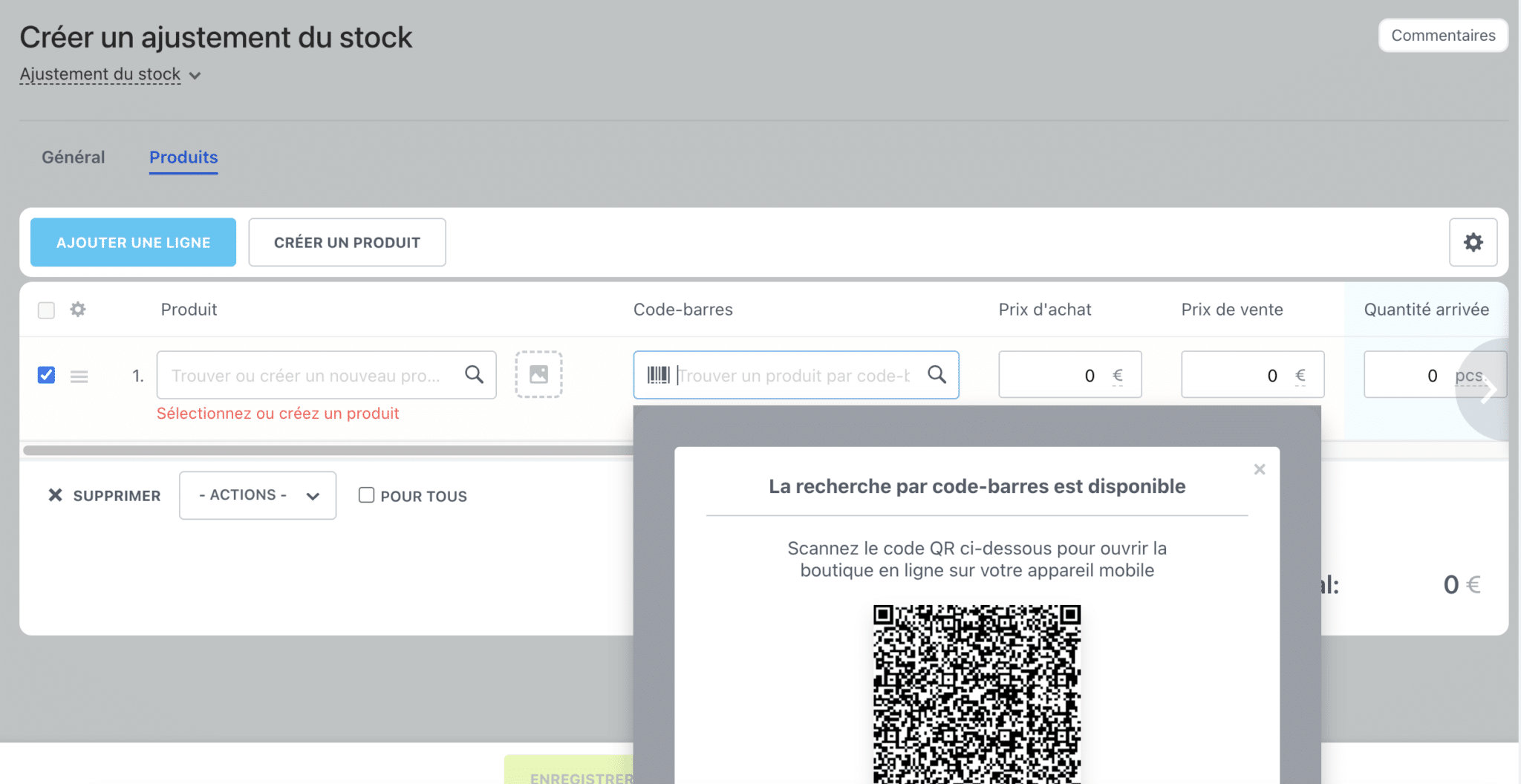
Bitrix24 has a marketplace bringing together more than 600 applications. You will find connectors with telephony solutions, ERPs, accounting tools, CMSs like WordPress and e-commerce platforms like Shopify or WooCommerce. The REST API also lets you go further with bespoke integrations.
It is a broad offer, but an uneven one. Some integrations are maintained directly by Bitrix24, others by outside partners, which creates variable levels of quality. The basic features are well covered, but more specific use cases sometimes go through paid third-party apps.
For an SMB, the ecosystem is generally sufficient. If you are a large organisation, on the other hand, you need to check carefully that the critical integrations are available and up to date. The marketplace remains a real asset, but it means sorting out what is native, what is reliable and what will need regular maintenance.
Pricing and value for money
Bitrix24 runs on a fixed-tier pricing model, which is a change from classic per-seat billing. In concrete terms, you pay a single amount for a defined number of users.
| Plan | Price (annual) | Users included | Storage | Best for |
|---|---|---|---|---|
| Free | €0 | Unlimited | 5 GB | Discovering the tool at no cost and testing its basic features |
| Basic | €49/month | 5 | 24 GB | Small teams wanting to centralise CRM, tasks and an online shop |
| Standard | €99/month | 50 | 100 GB | Growing SMBs wanting to switch on CRM, marketing and HR |
| Professional | €199/month | 100 | 1 TB | Companies looking to automate and steer with Sales Intelligence |
| Enterprise | From €399/month | 250 to 10,000 | Up to several TB | Large structures with security, high availability and SLA needs |
This pricing model makes the tool particularly interesting for medium to large teams, because the cost per user drops quickly. The free plan is already complete, and from 20 to 30 users onwards, the Standard or Professional plan becomes very competitive against the combination of several specialised SaaS products. The vendor advertises value for money that beats all comers and that is, in our view, Bitrix24’s main strong point.