Notion is a highly modular and customizable project management software that promises to bring all of a company’s information together in a single tool. With its many plans, it works for individual users as well as large teams.
More than just a project management tool, Notion is an advanced document editor, a storage space and a collaboration tool with many integrations. All of this makes Notion one of the most complete tools on the market.
Notion: features overview
Document editing
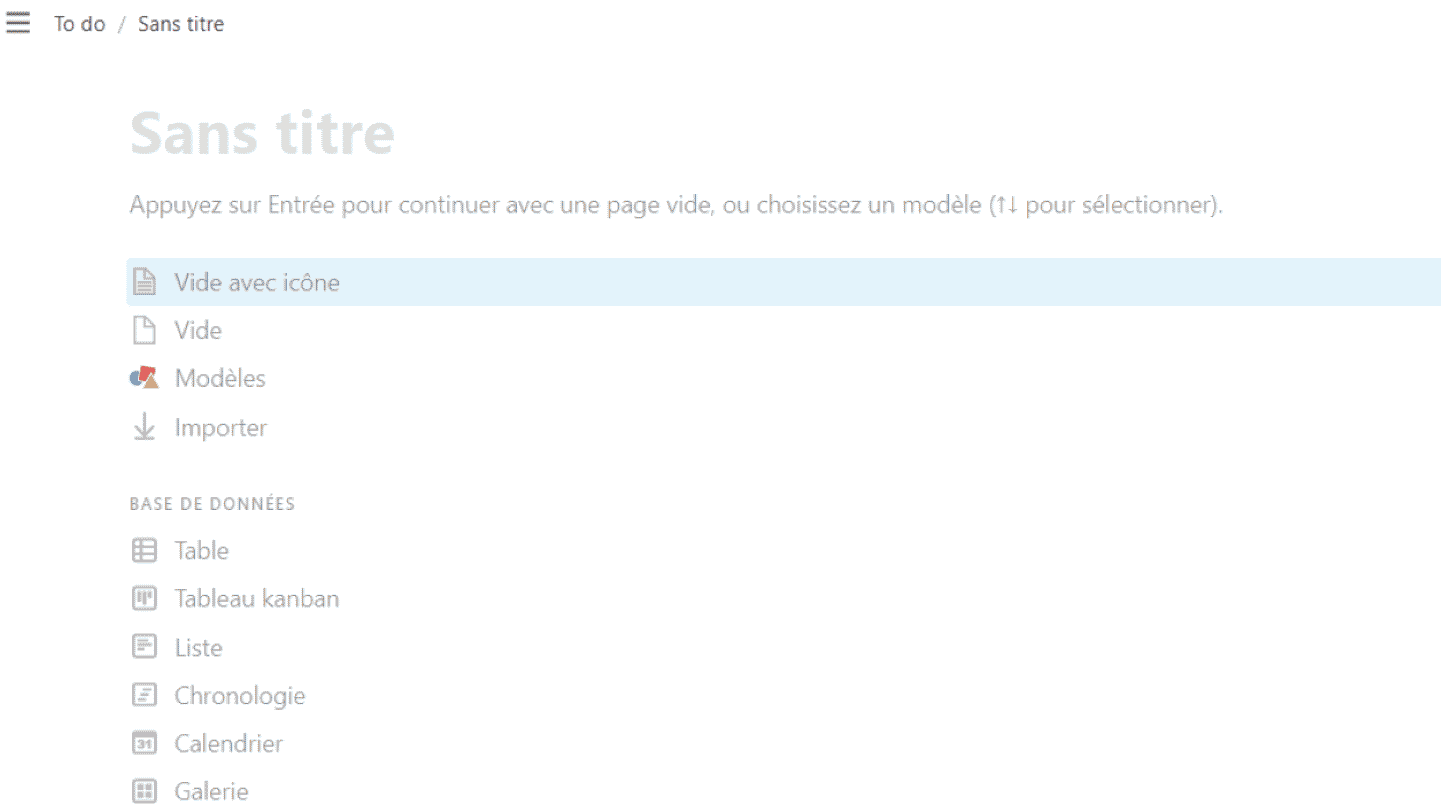
When you create a new page in Notion, the app opens a note with several buttons: click one of them to turn the page into a blank note, open a pre-built template, or import a document.
The buttons also let you turn the note into a database: a simple table, a kanban board, a list, a timeline, a gallery. Just press Enter to get a blank note and make the buttons disappear.
Notes in Notion are built from text blocks: each paragraph is its own entity, its own block. To the left of each block sits a button, six small grey squares, that lets you grab the block and move it.
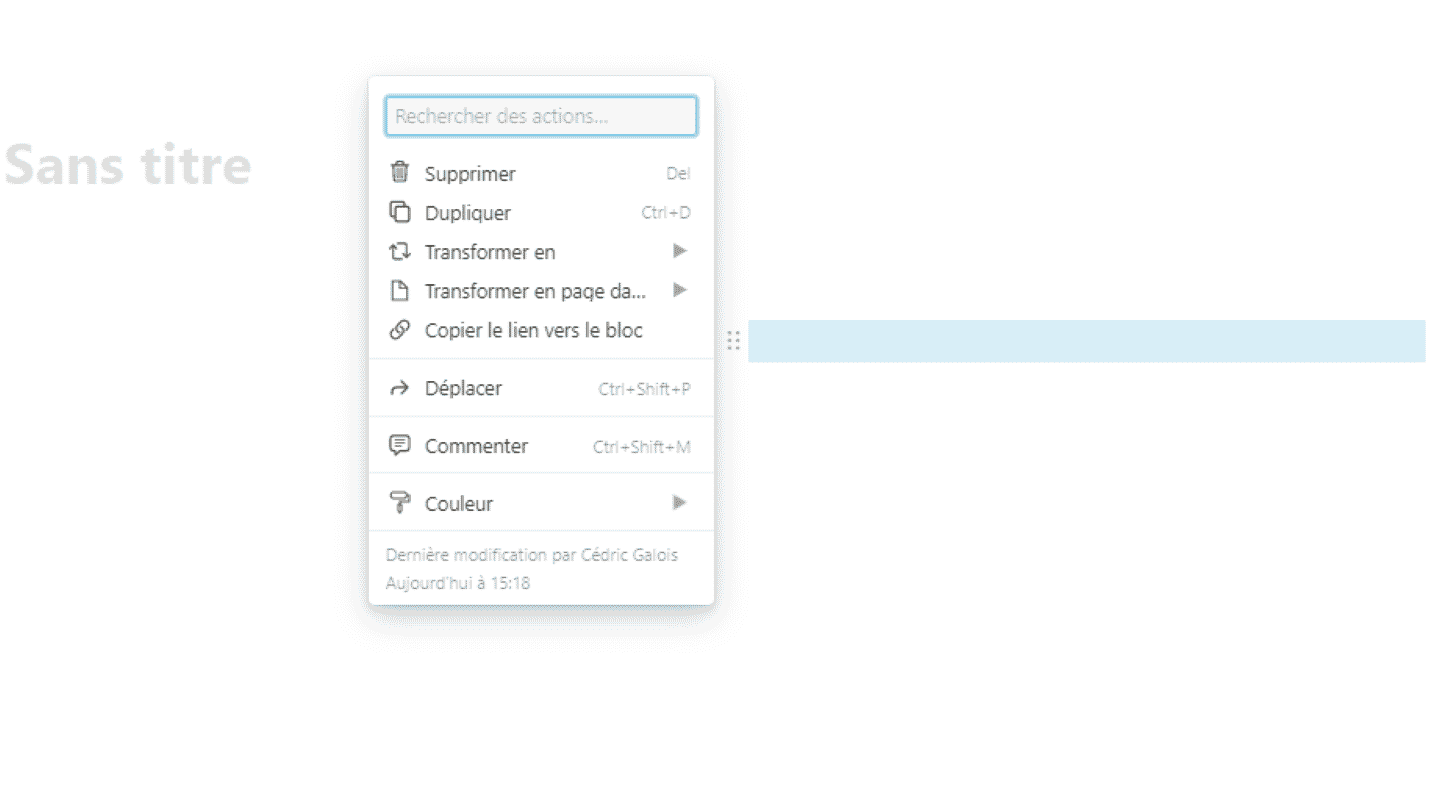
The same button lets you style the block and choose whether it will be plain text, a heading and its level, a bulleted list, a caption, a quote, a to-do list, or even a new page.
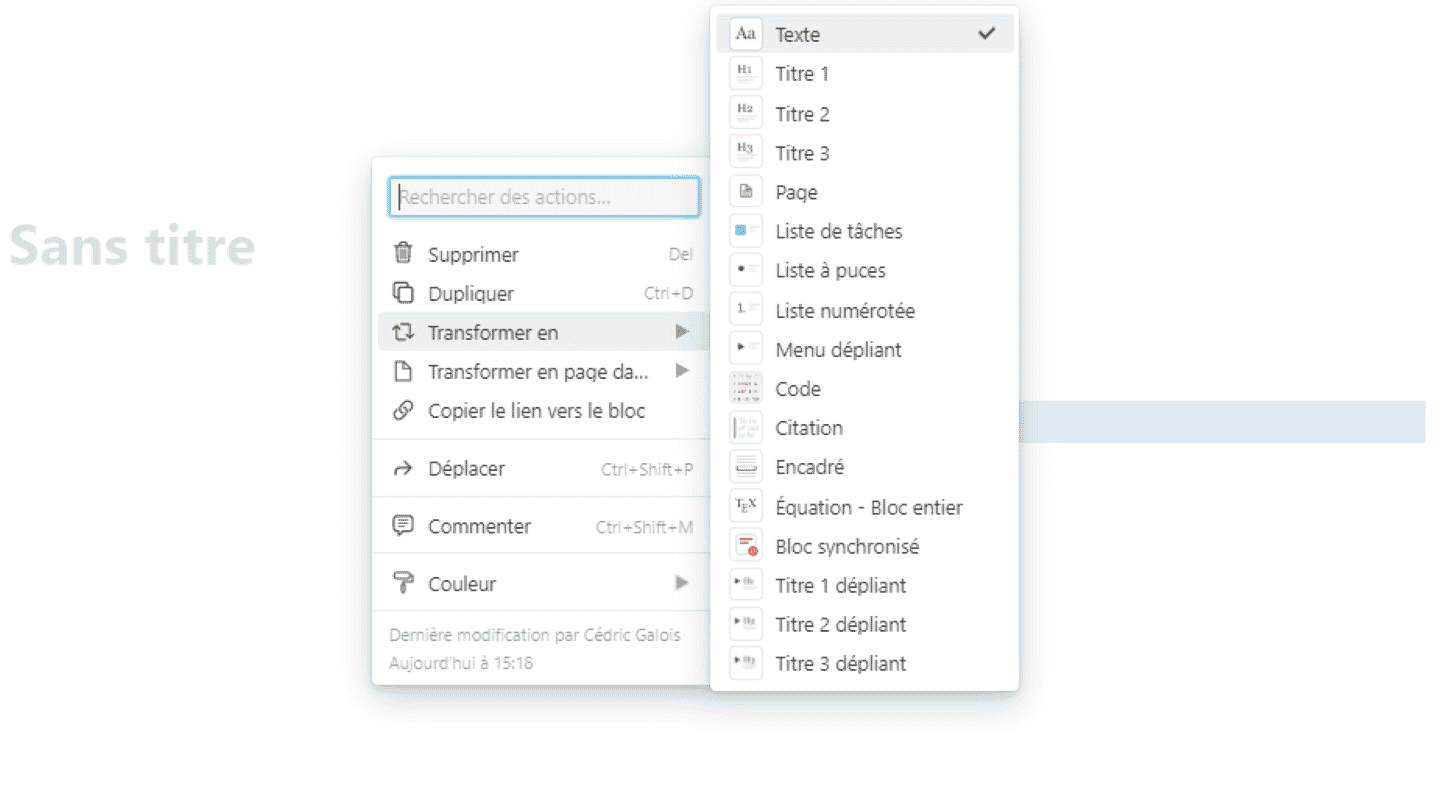
Formatting is therefore done block by block, not at page level as in a word processor. This can throw off users who are used to a formatting toolbar.
Collaboration and communication
Notion can be used on your own, mainly with the free version, or as a group, with the paid versions built around collaboration.
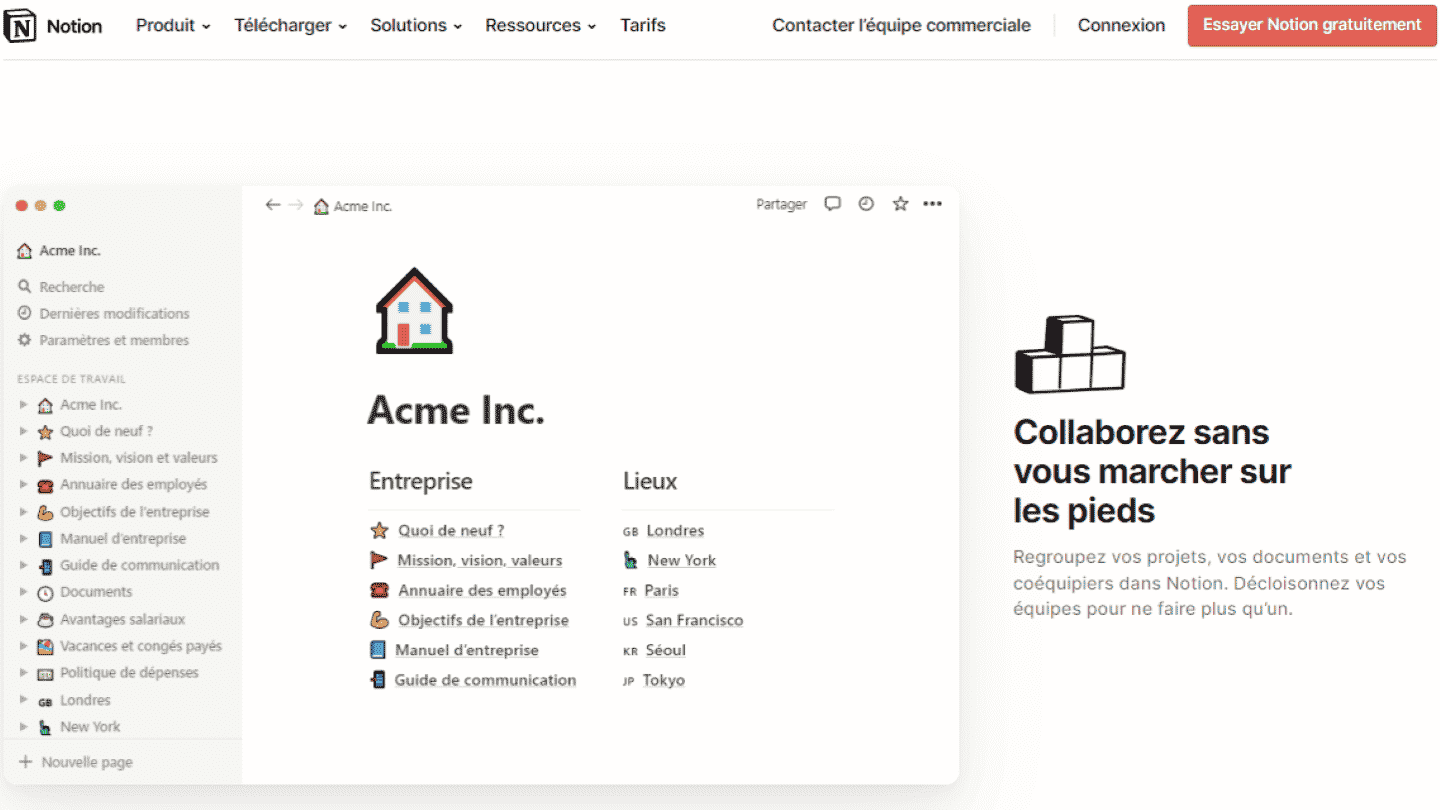
When several people are logged into the same workspace or the same note, their profile pictures appear at the top of the screen. Click a collaborator’s picture to jump to the last block they were active on.
Notion lets you follow pages to get notified when they change, and tag people in comments to get their attention. Notes can be shared in read-only and comment-only mode.
Task management and planning
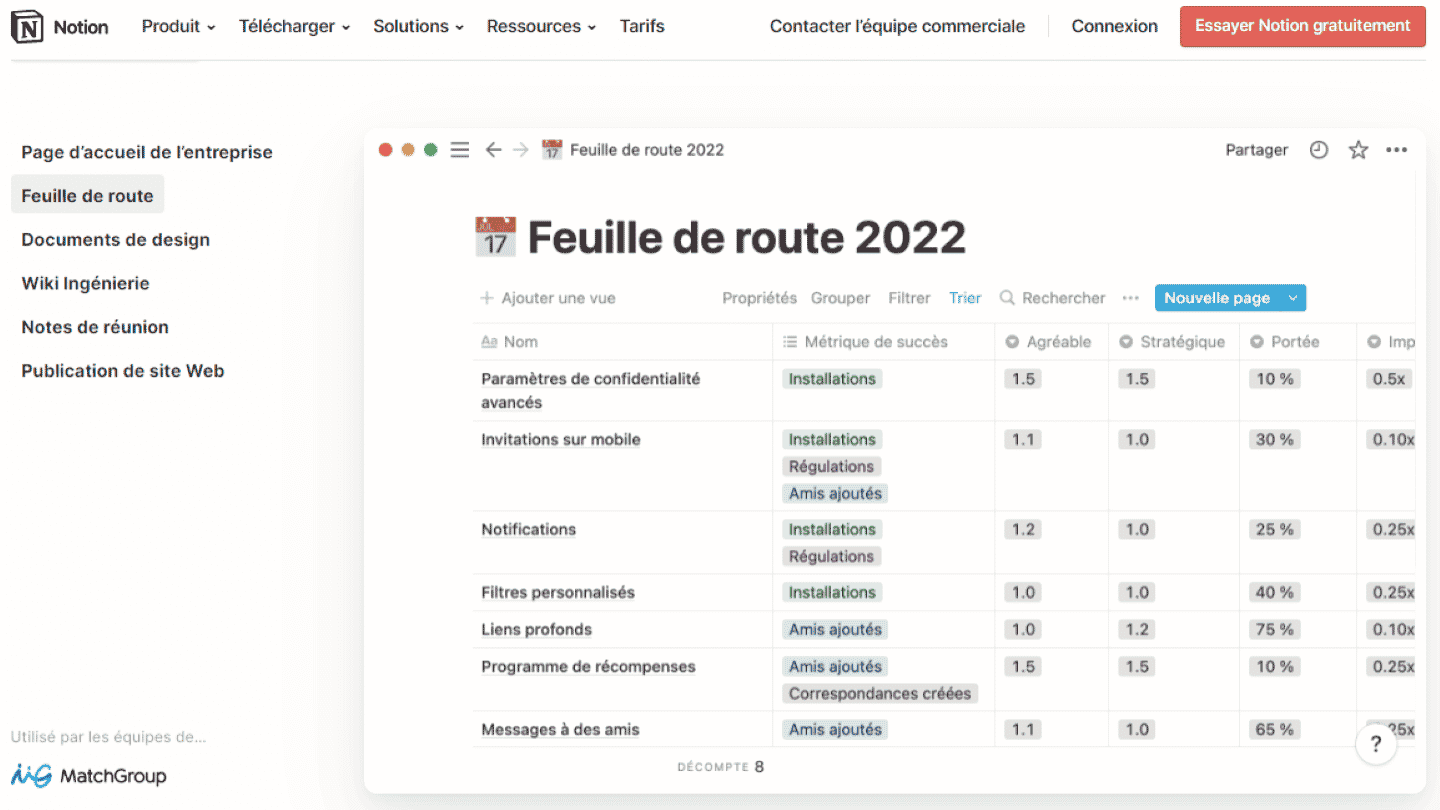
Notion is a highly modular project management tool. It handles the basic project management tasks with ease, such as planning, task tracking, or sharing documents and information.
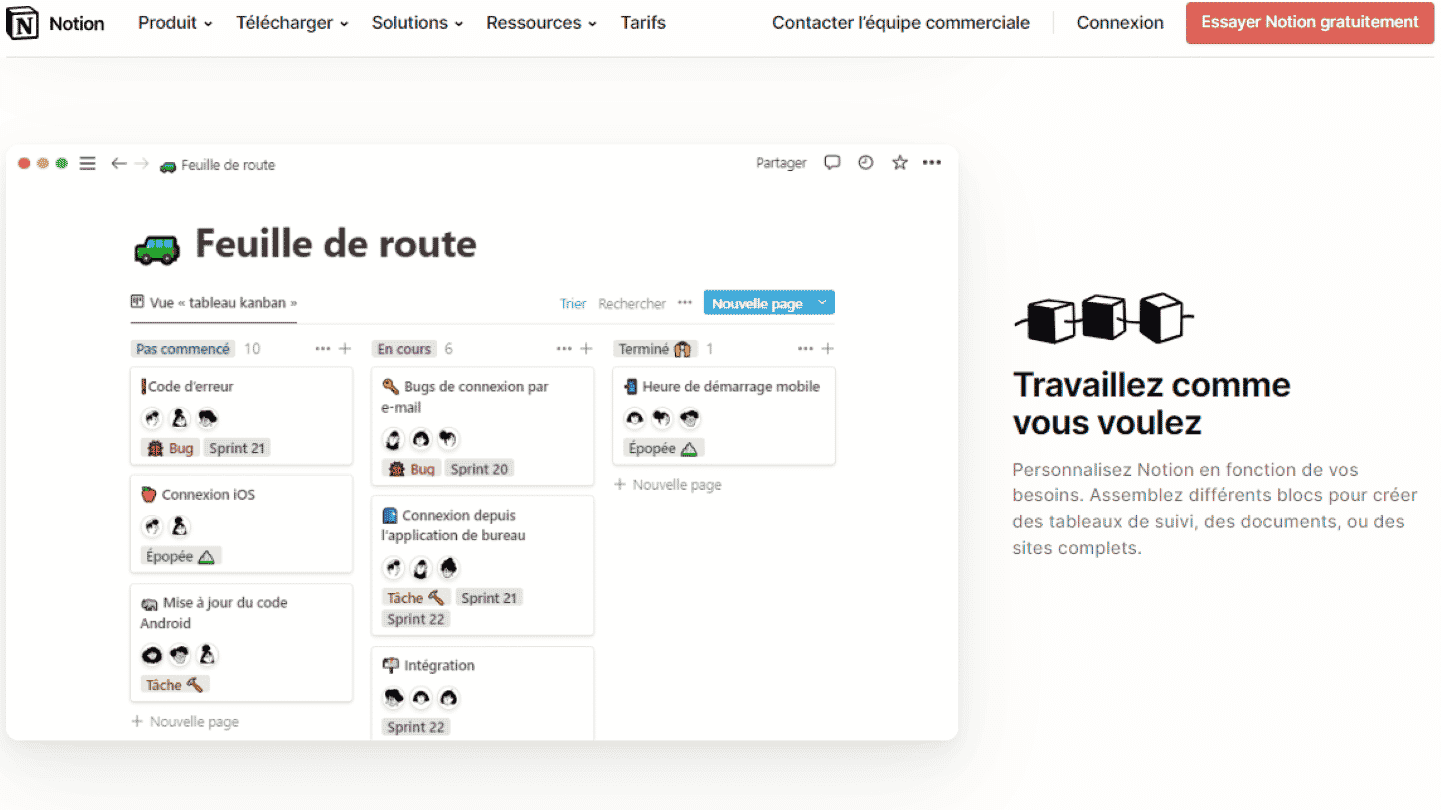
But Notion can also go much further. The tool can adapt to the most complex projects, thanks to its many customization options, databases, different view types, lists and filters, and integrations.
Customer support at Notion
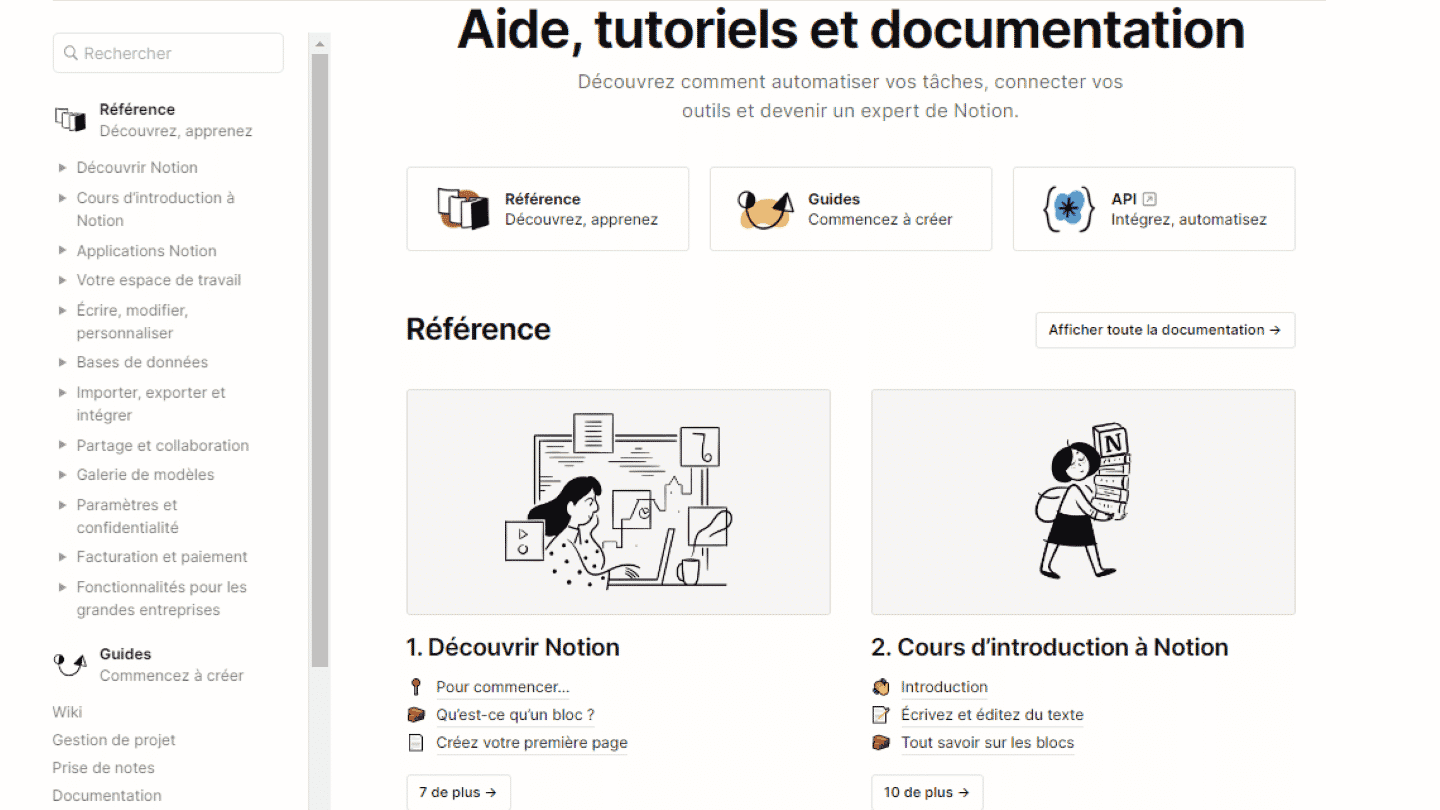
Notion’s help center is very complete. It offers many courses and guides organized by topic, so you can learn to master the tool at your own level of use.
Customer service can be reached by customers on every plan, by email and through in-app chat.
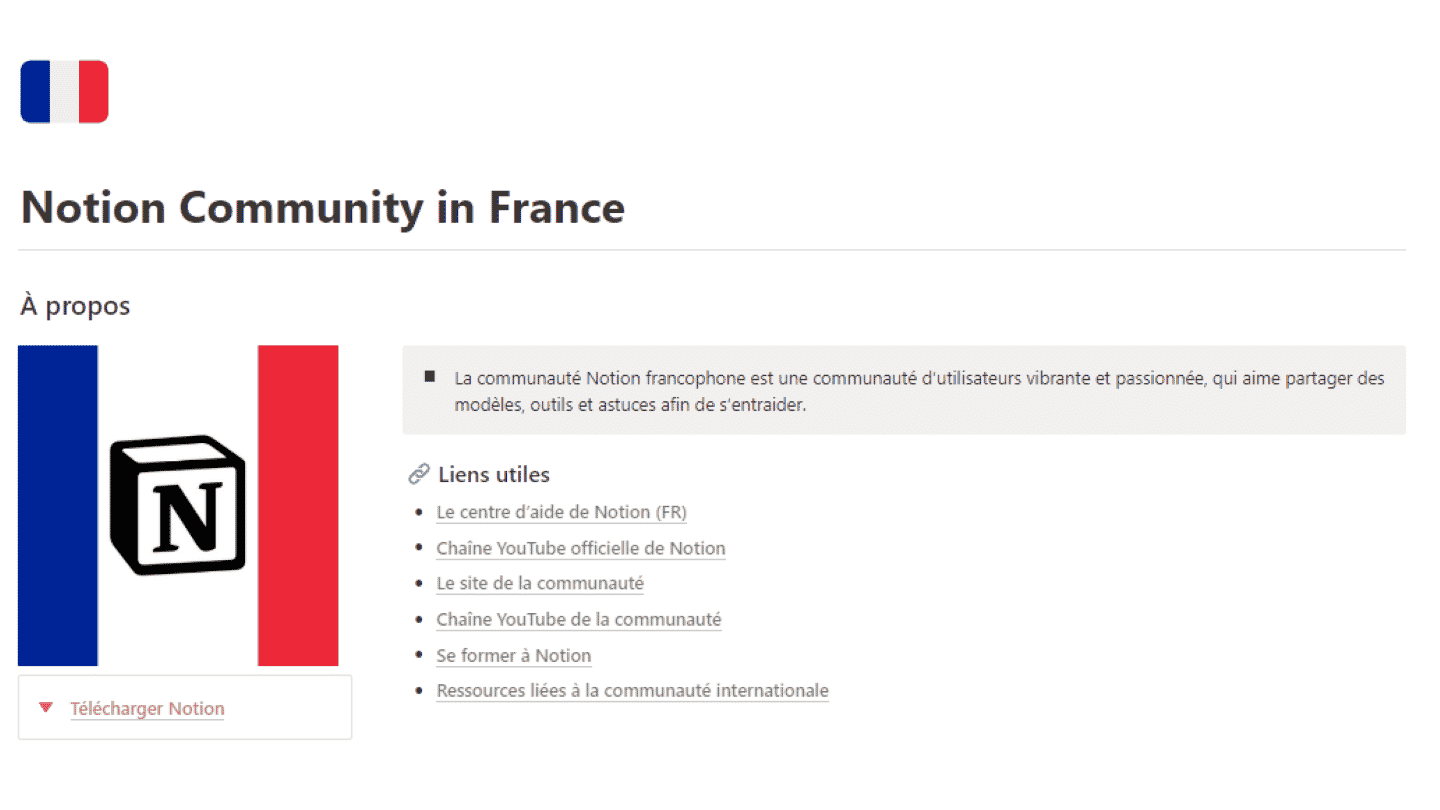
Finally, Notion has a page dedicated to its community, with useful links, plenty of events and meetups, templates, and a spotlight on ambassadors and certified consultants.
The Notion integrations marketplace
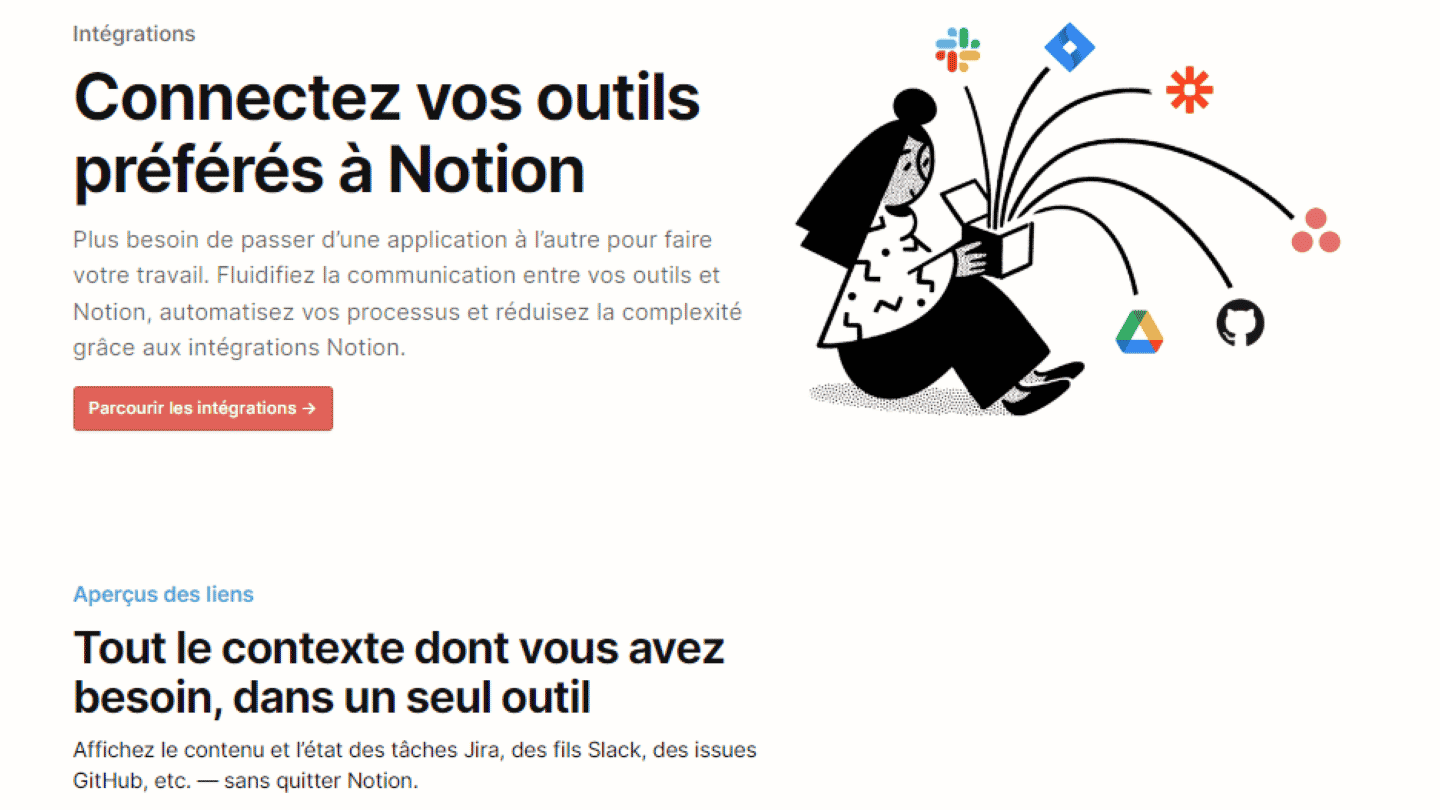
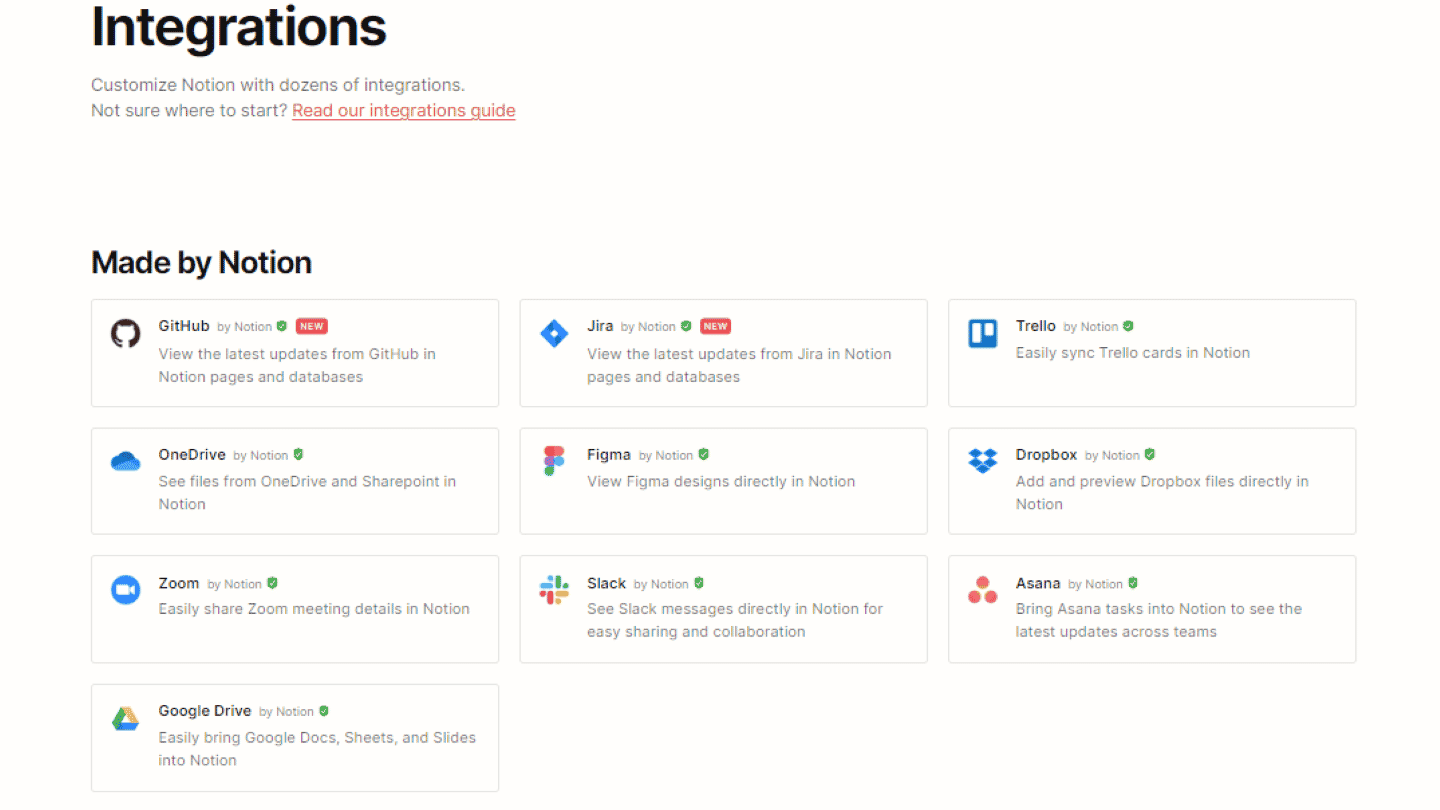
Notion offers a very large number of integrations:
- Communication channels: Slack, Zoom. Since Notion’s own communication features are fairly limited, integrations with these tools are very useful.
- CRM: through its API, and also through its Zapier integration, Notion connects to many CRMs. These integrations are very useful for tying project management to customer support management.
- Other project management software: Asana, Trello, Jira. Integrations with other project management software make it easier to work with people who use other tools.
- Internal communication and collaboration: Dropbox, OneDrive, Google Drive. These integrations also make collaboration easier.
Notion’s API is open to the public: developers can therefore build their own integration, whatever their plan.
Notion: pricing
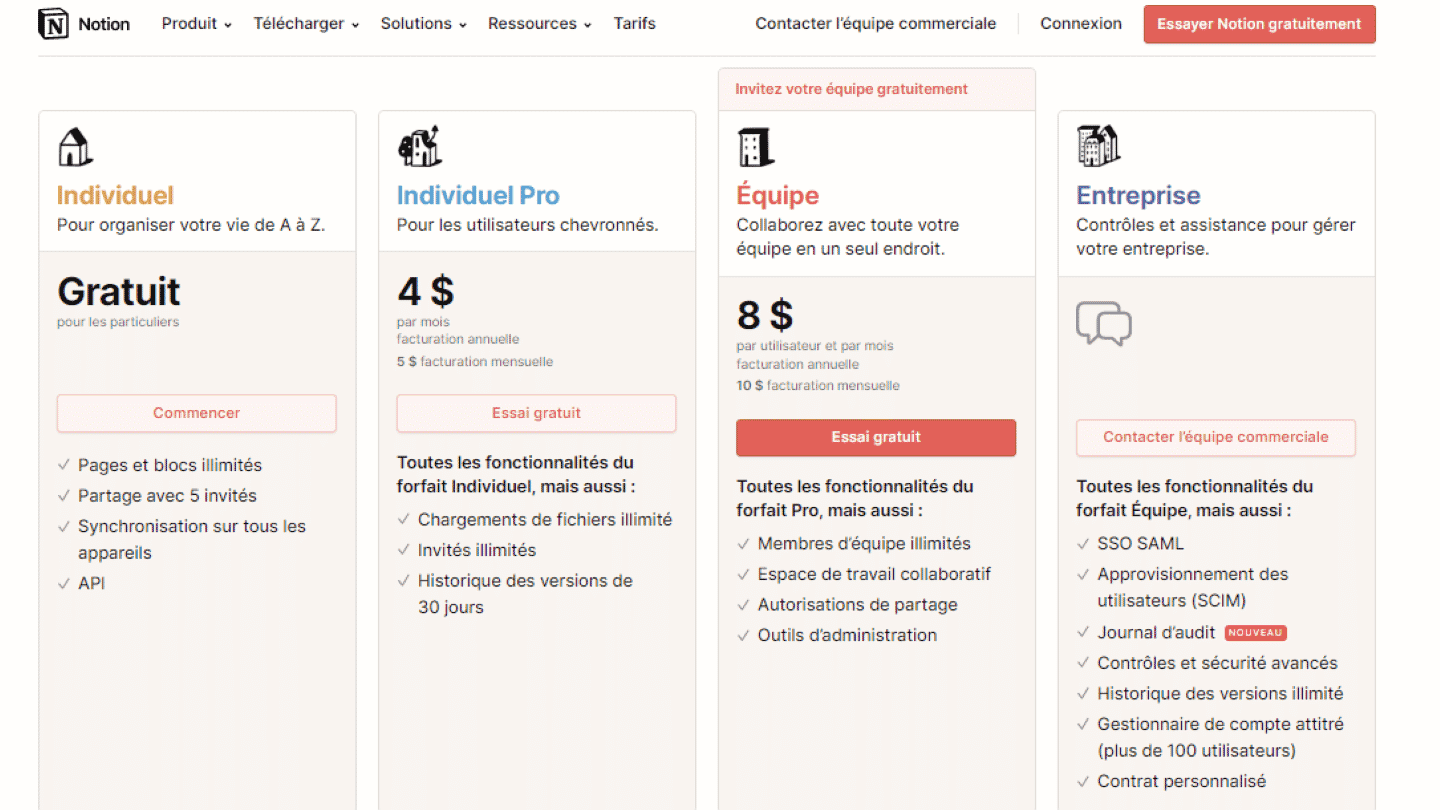
Notion offers 4 different plans:
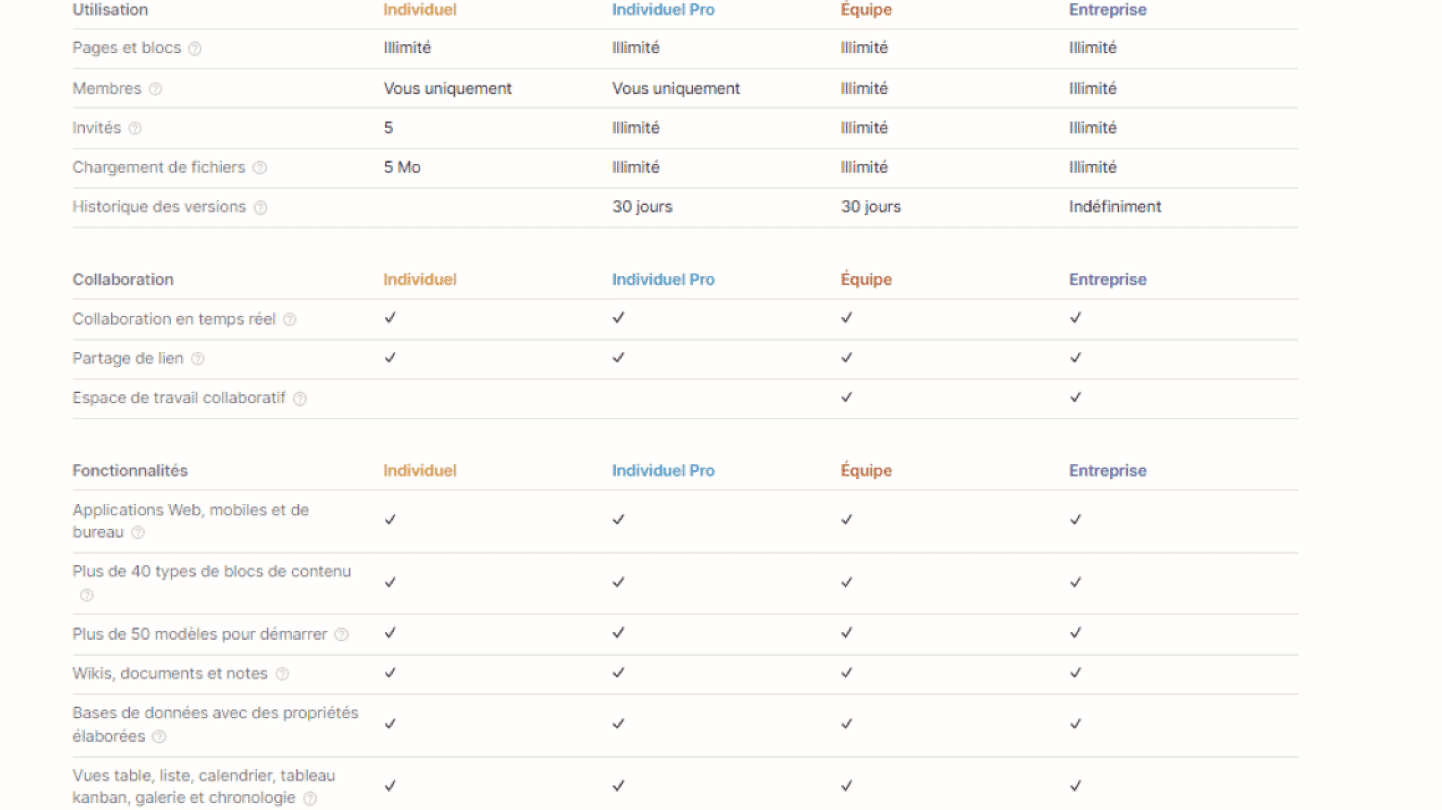
- Free: for individual use. Gives access to unlimited pages and blocks when used solo (limited from 2 members), sharing with 10 guests, sync across all devices, web and mobile apps, the API, 7 days of history and a trial of Notion AI.
- Plus: 10 dollars per member per month billed annually, 12 dollars billed monthly. Unlocks unlimited collaborative blocks, unlimited file uploads (5 MB per file on Free), unlimited guests, and 30 days of page history. AI is limited to a trial.
- Business: 20 dollars per member per month billed annually, 24 dollars billed monthly. Includes Notion’s AI (Notion Agent, AI meeting notes, search across connected tools in beta), SAML SSO and 90 days of history.
- Enterprise: custom pricing. Unlocks enterprise features to collaborate and manage user access and security, an audit log, unlimited history, and a dedicated team to help set up the account.
Salesdorado’s tipPaying annually saves up to 20% compared with monthly billing. Check which billing mode is selected on Notion’s pricing page before comparing.