ActiveCampaign is a pretty impressive tool for everything related to automating your marketing. It is both the best in-house database and one of the only tools to offer a built-in sales CRM, which lets your sales teams be ultra-responsive.
It is a particularly interesting tool for SMBs that are not yet equipped with CRM software and are looking to structure their sales processes.
ActiveCampaign’s feature set
Email marketing and lead capture
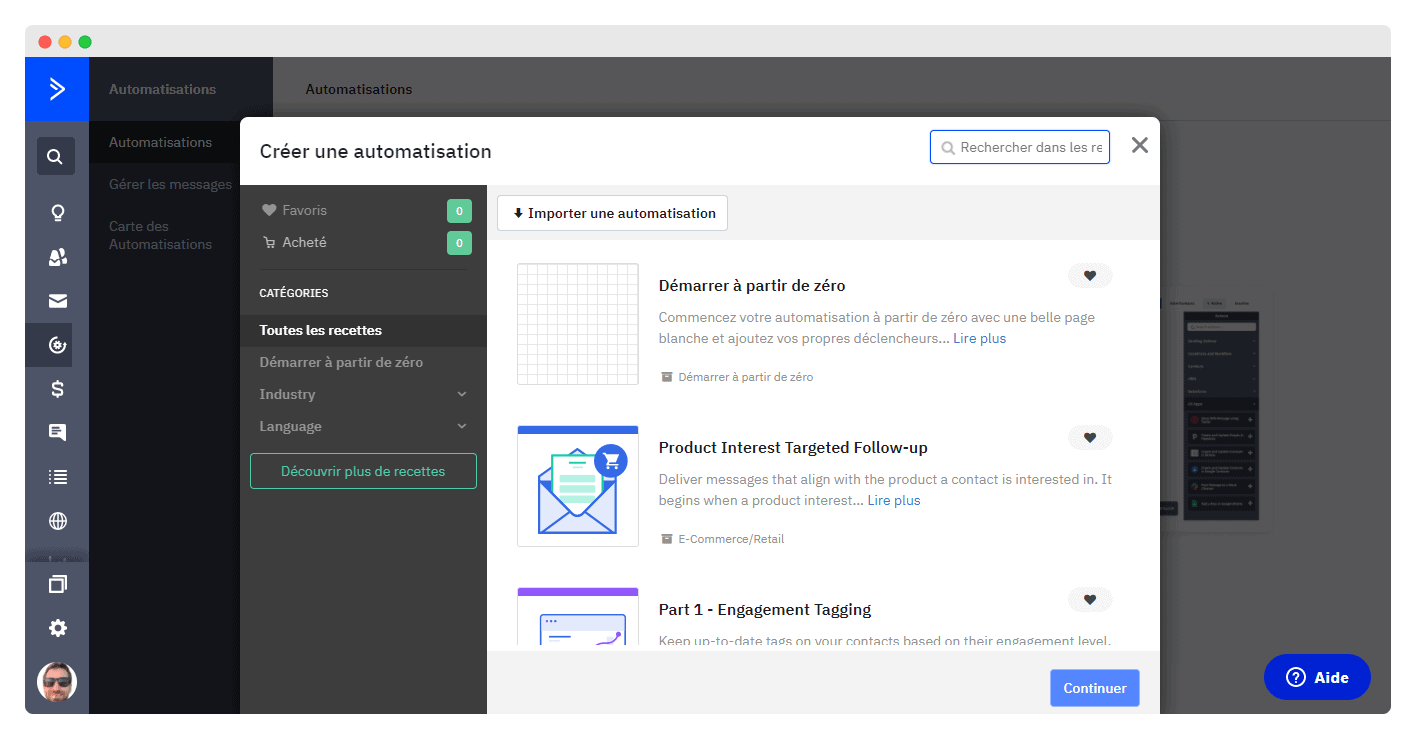
ActiveCampaign is a very comprehensive tool that lets you automate all your marketing processes. One of the first things you can do is create automations, that is, send emails automatically when a prospect performs an action you have defined, for example a click on your website.
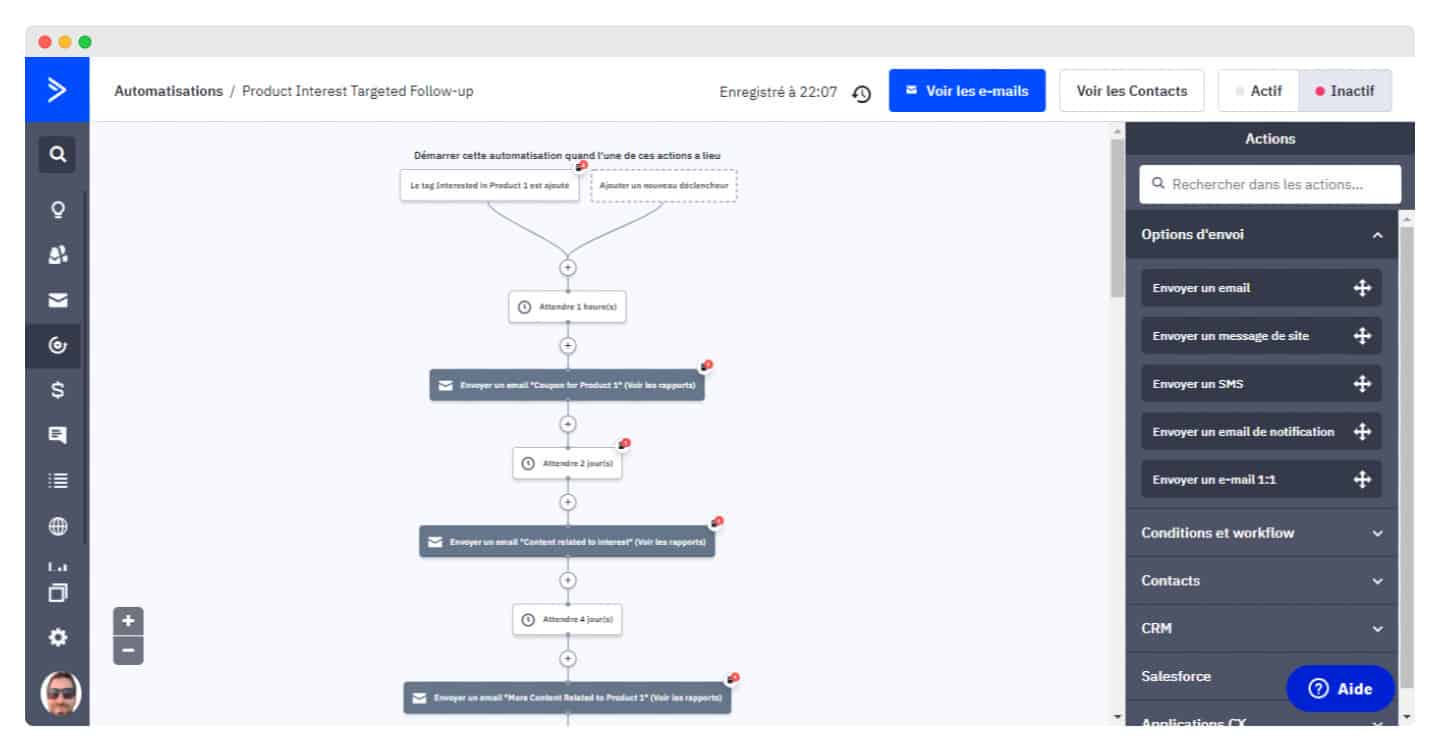
You then build automation chains: you can choose to send another email to a given prospect after X days. The customization options are almost endless.
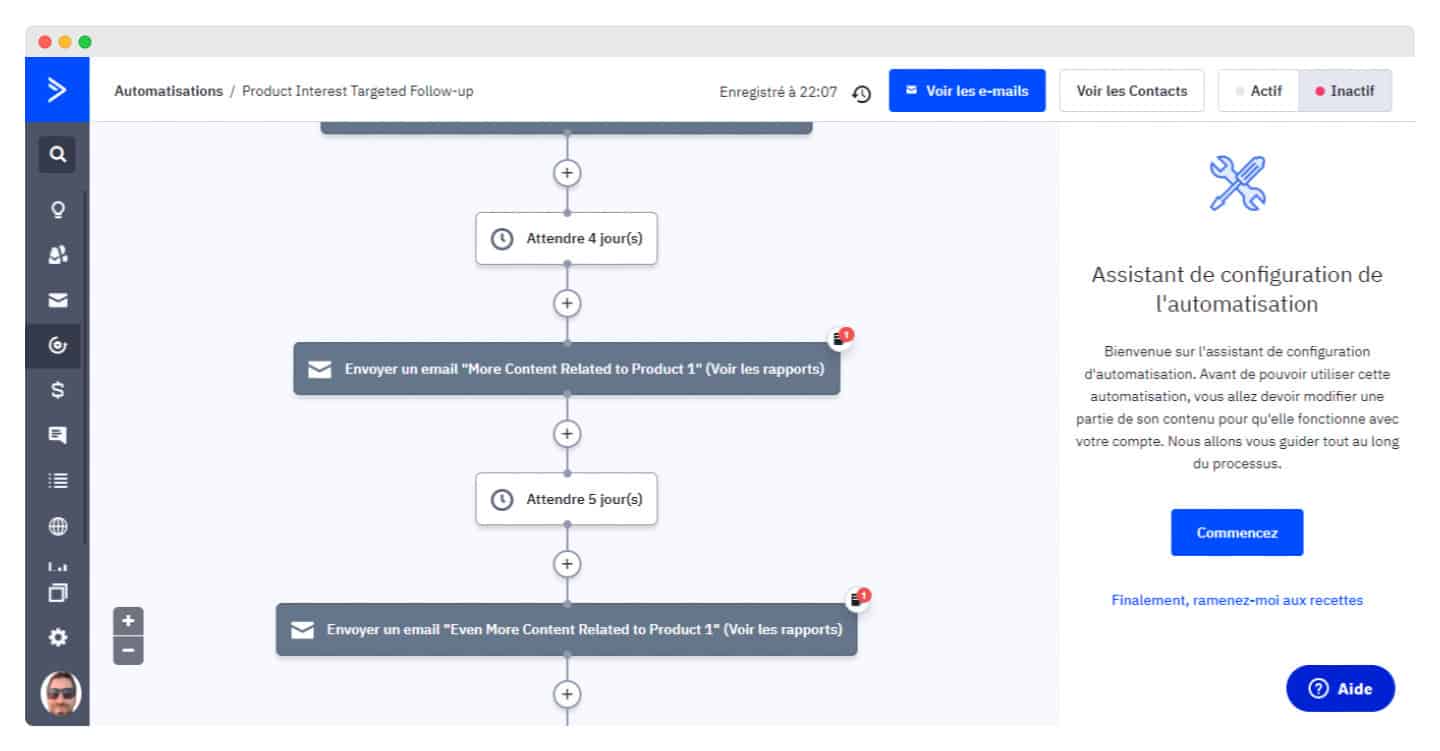
All of this with ActiveCampaign support that helps you get to grips with the tool so you can make the most of all its options.
The email builder is fast and has a few handy features, such as the ability to save custom blocks to reuse them, or to see changes made by other people, Google Docs style. The downside is that the document is constantly being modified, and it can be hard to find the last action to undo.
Among the few drawbacks, note that it is sometimes difficult to create columns, except for products with the new dedicated block. Surprisingly, there is no quick way to preview your newsletter: you have to go into the email settings.
On the personalization side, an easy-to-use if-then-else function is available through conditional content, which lets you show some customers different content based on their interests, the links they clicked in the past, and so on.
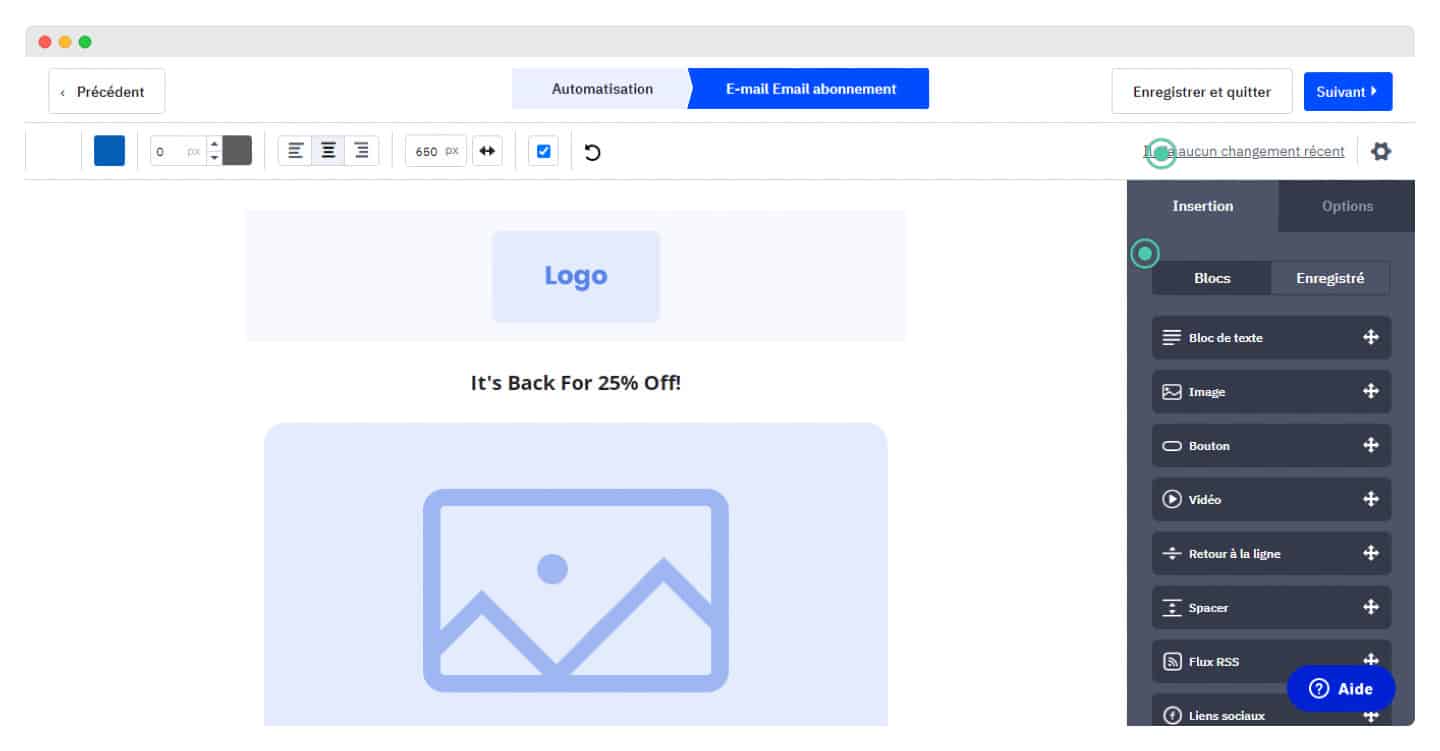
As for email types, you can send classic newsletters, SMS, autoresponders, A/B tests, RSS-triggered sends and advanced automation. Transactional emails are not included in the subscription: they come through a paid add-on, available on all plans.
For signup forms and opt-in and opt-out processes, you can easily create your own custom fields. Besides the standard forms, which are flexible, you can also create custom surveys.
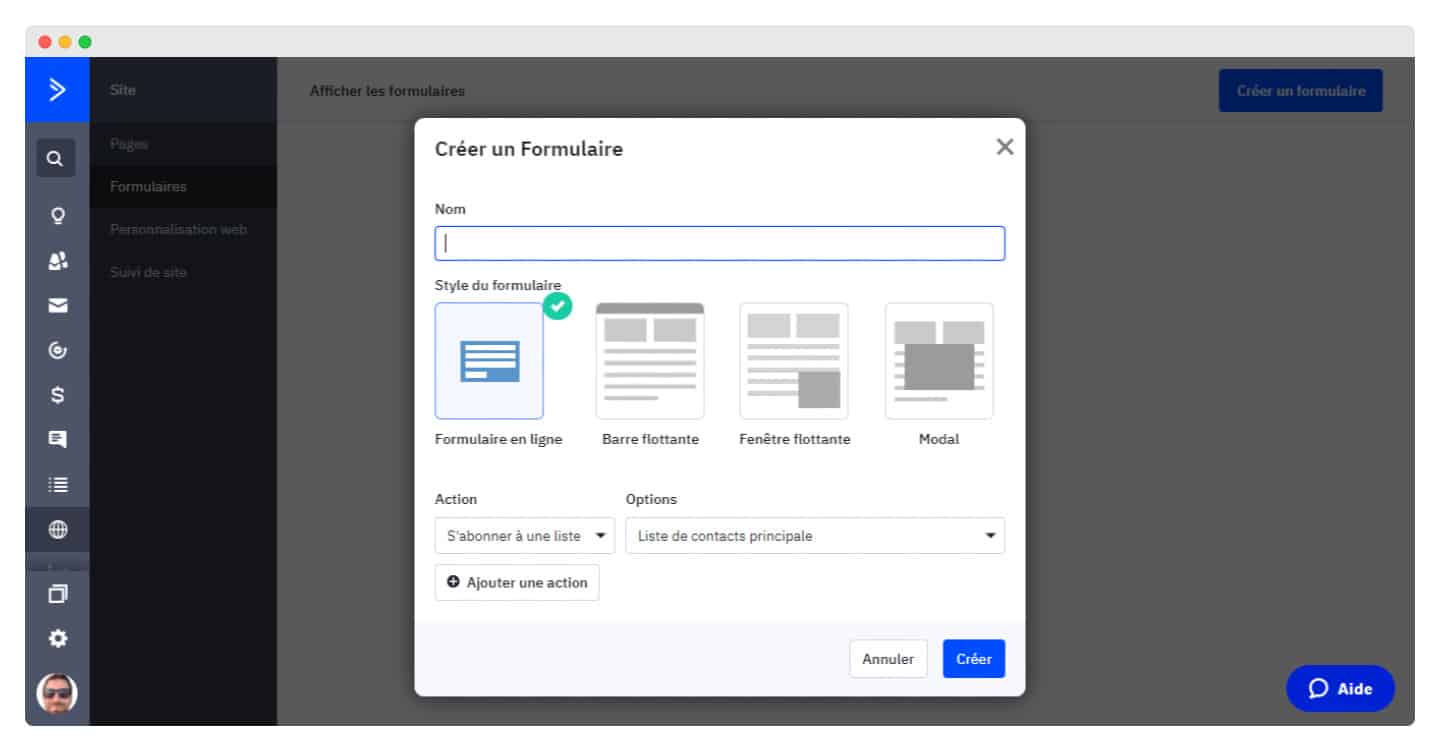
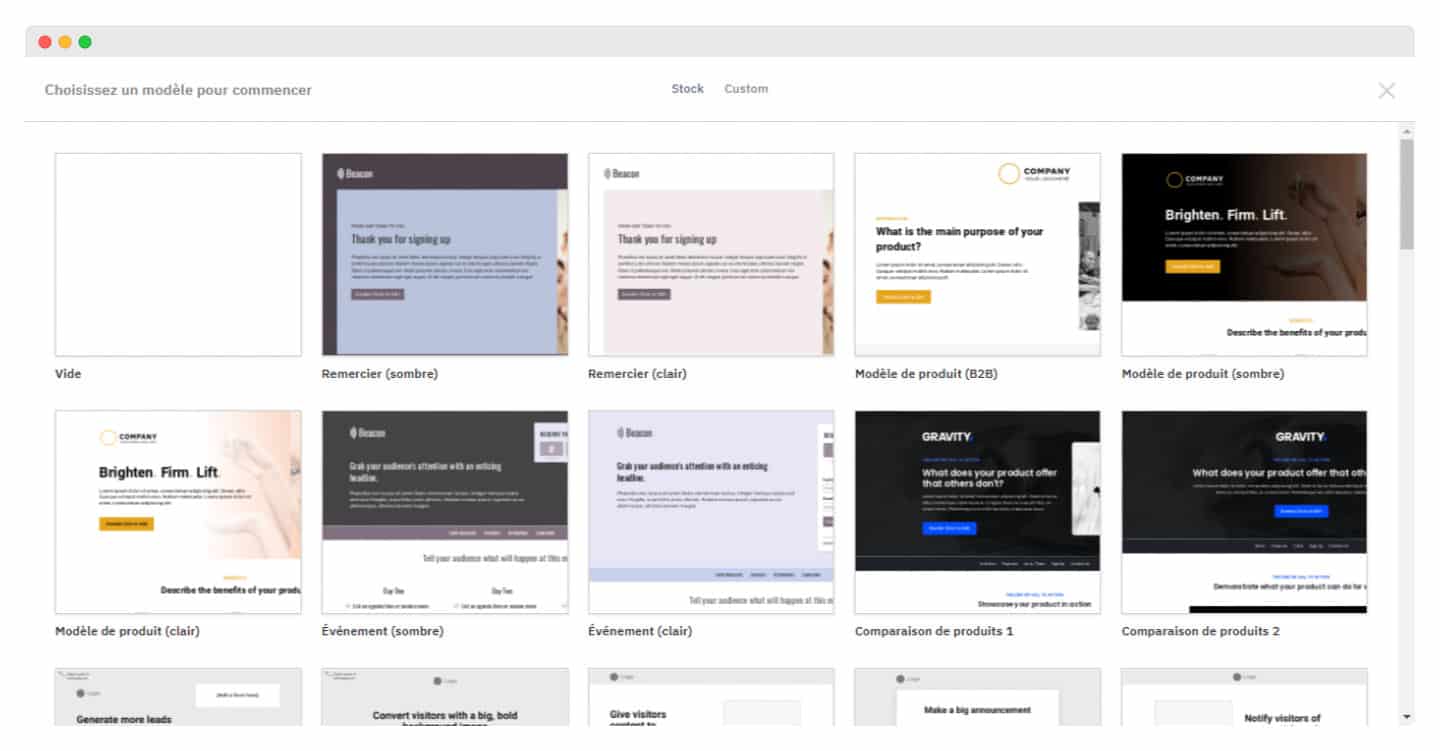
You can also create landing pages from varied templates that are easy to edit. They are hosted on a custom domain or subdomain. The Pro plan lets you create personalized web experiences, by hiding or removing certain elements.
You can also add special buttons, in particular to call a phone number, download a file or send an email.
Lead management and segmentation
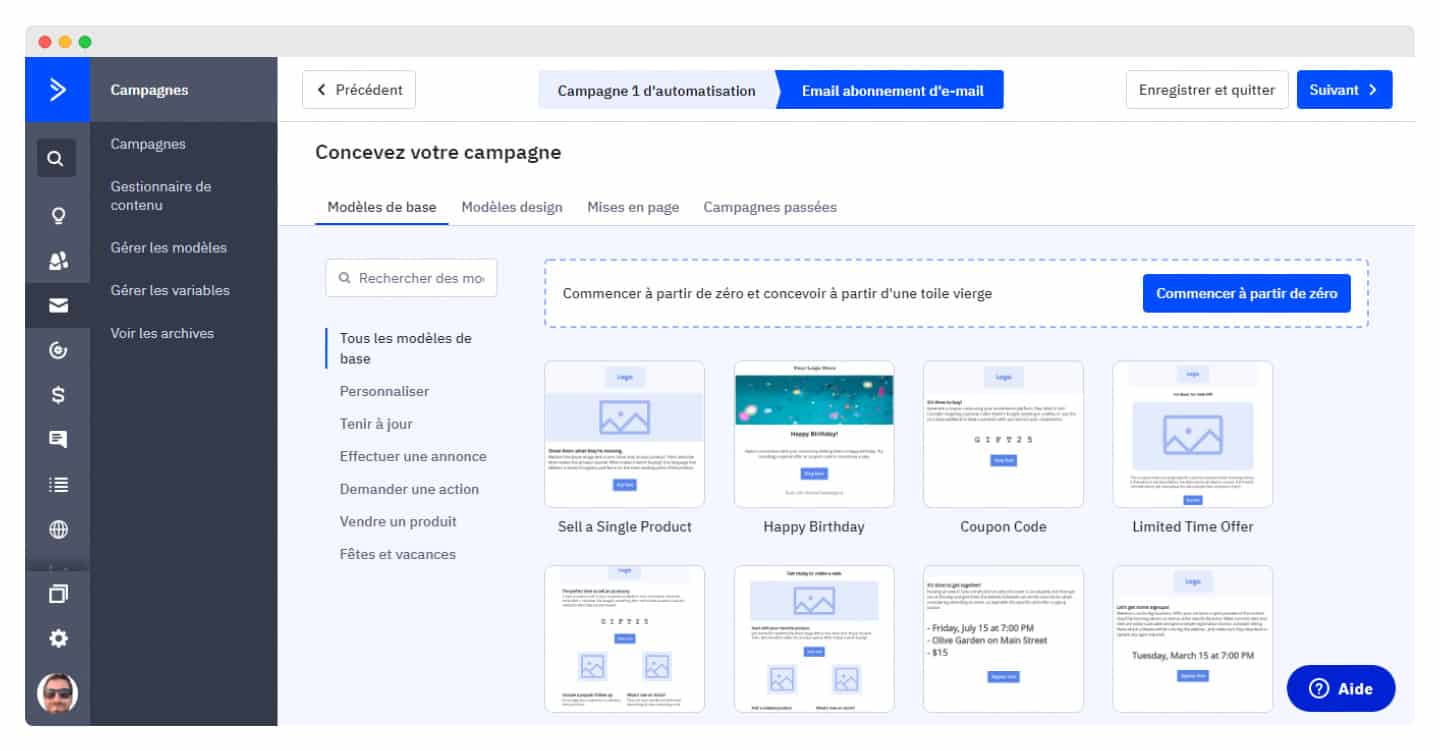
You can create marketing campaigns from predefined templates, or start from scratch. But ActiveCampaign’s strength is very fine-grained segmentation, which lets you cut the cost of your campaigns by reducing sending volume.
The platform includes segmentation tools that build customer segments from the data stored in the system, which makes your emails more relevant.
You can set segmentation conditions to include or exclude parts of your list: contact activity, number of clicks and pages visited, personal information, email and IP address, or location.
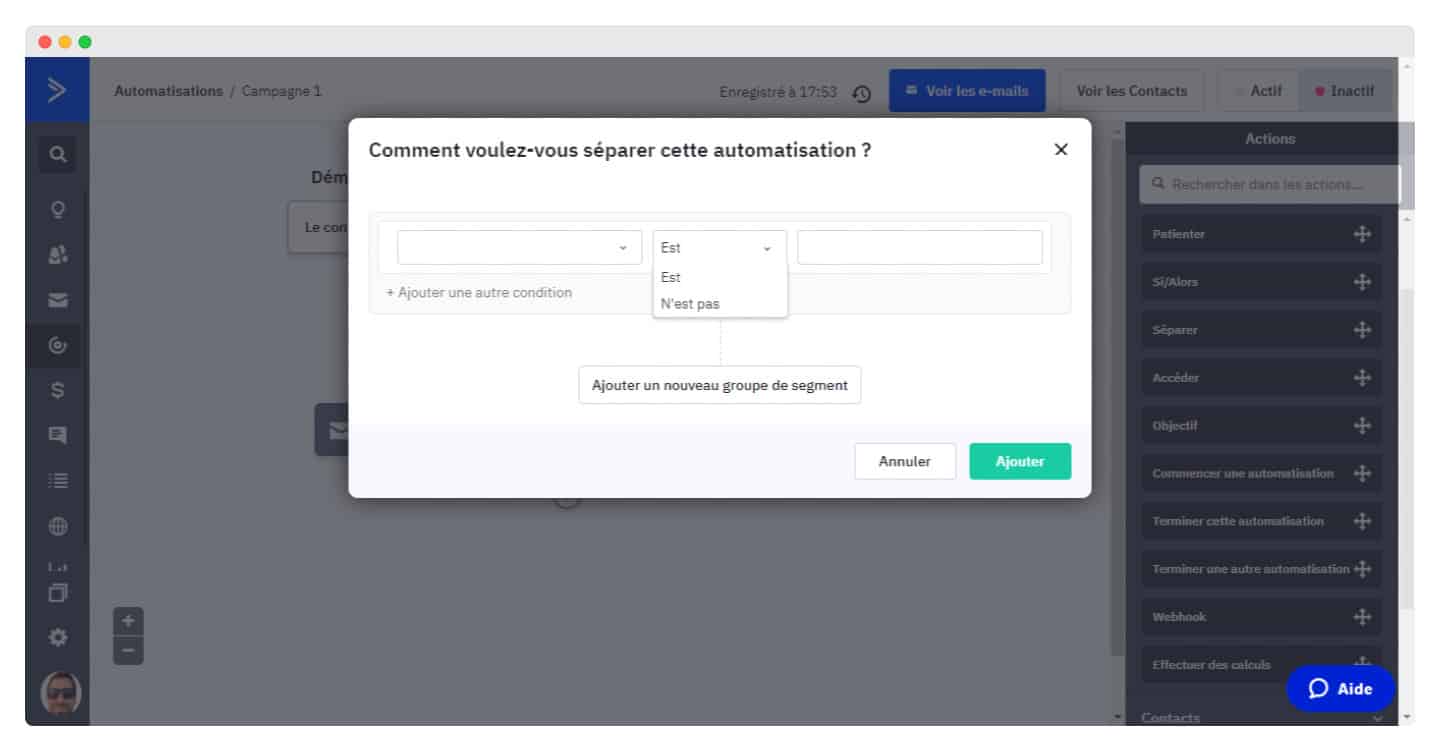
You can create complex segments using any logic, with operators such as contains or does not contain, less than or equal to, is before or after.
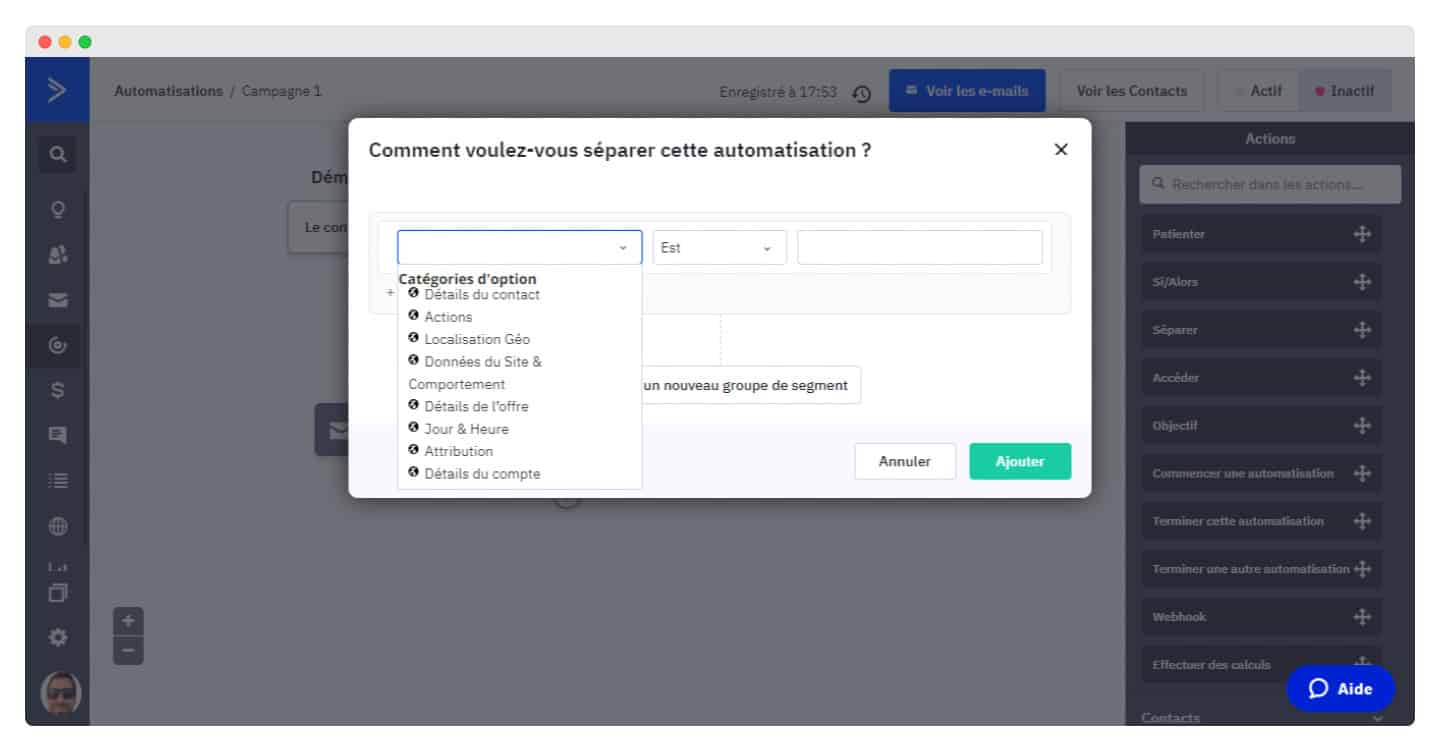
ActiveCampaign lets you create a virtually unlimited number of segments. There are, however, a few limits:
- Up to 20 conditions per segment.
- Up to 5 Action-type conditions per segment.
- Up to 3 conditions using the Contains operator per segment.
ActiveCampaign also includes automation features to manage prospects. Leads can be added, updated, moved and prioritized in your CRM automatically, based on a set of criteria. For example, if a recipient clicks a specific link in your email, they can be added as a lead.
The CRM lets you assign a score to each lead. This helps you target those most likely to convert, and allocate your resources accordingly.
Scenario builder
ActiveCampaign offers dozens of prebuilt scenarios that you can customize to your needs, all guided well enough that you don’t get lost in dozens of options, as happens with other software.
These scenarios are activated by one of 22 triggers, a contact’s birthday, a web page visit, which you can complete and edit very easily, without endless back-and-forth between the email and automation dashboards. Here again, not every tool can say the same.
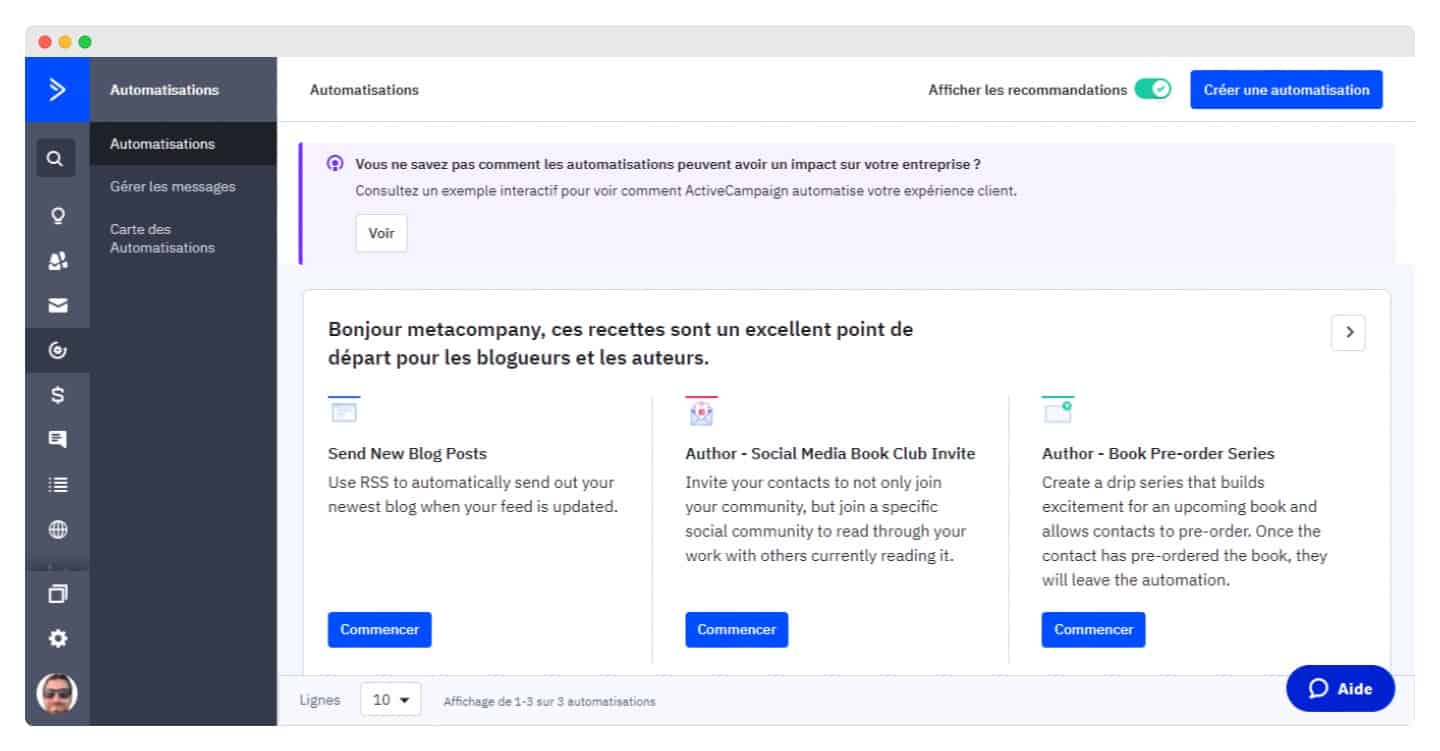
ActiveCampaign also gives you starting points for your automations, such as sending your site’s new articles or pre-order alerts for a book, for bloggers and authors. These starting points are also the vendor’s recommendations on recipes that work.
The split action feature lets you A/B test everything: emails, wait times, SMS versus email, or any type of custom action created in the tool. It also lets you vary the offers people receive depending on when they enter your scenario.
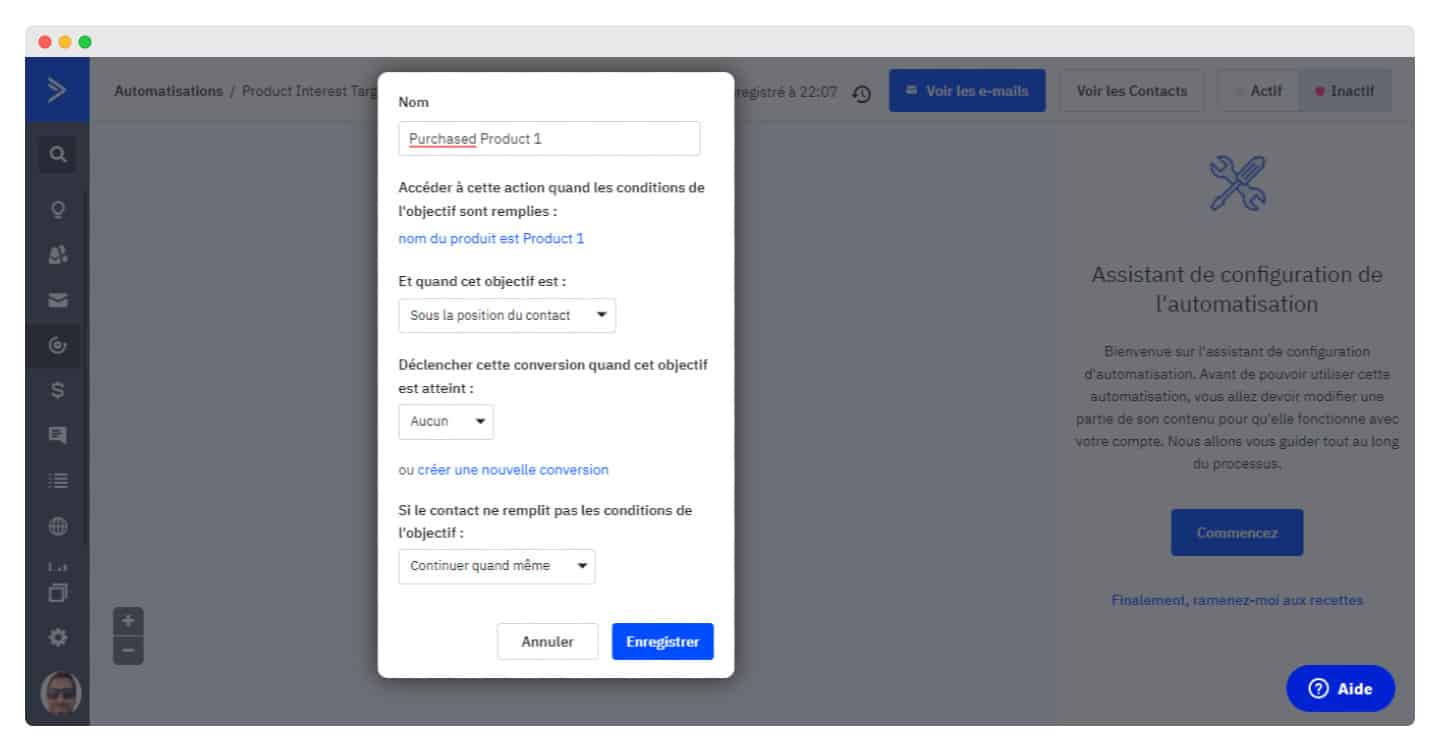
The Goals feature lets you skip certain automation steps if a contact performs an expected action. If someone makes a purchase at the very first step of a nurturing campaign, for example, you can use the Goals tag to take them straight to the upsell step.
Live chat and SMS
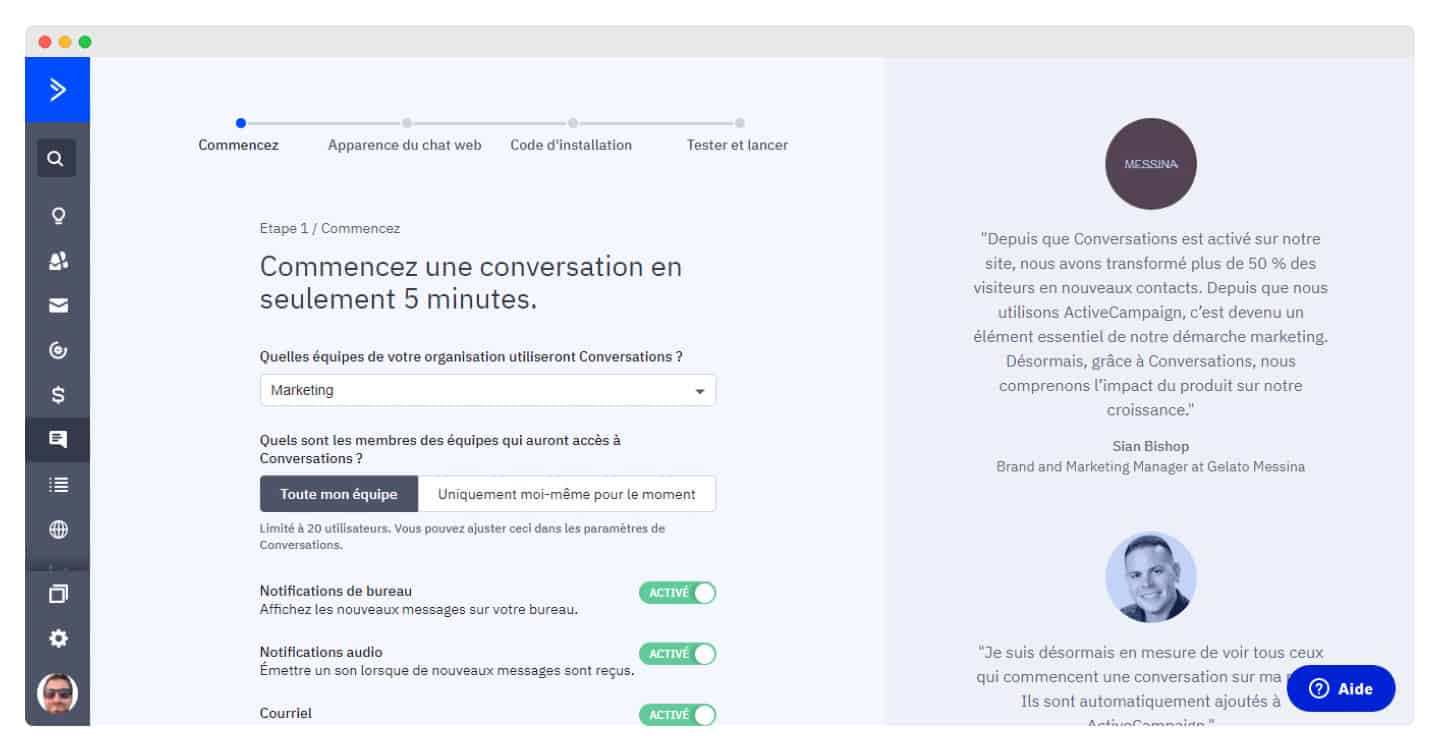
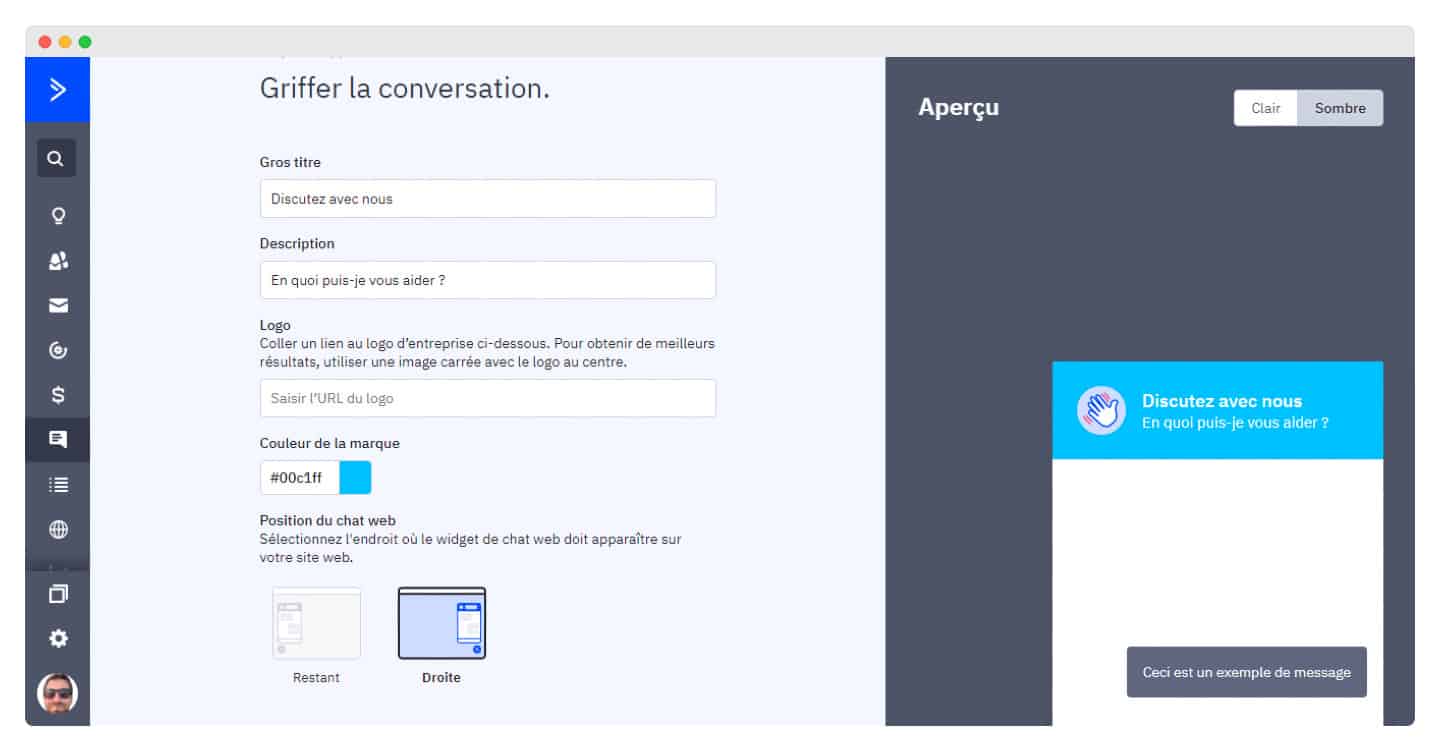
ActiveCampaign lets you create an omnichannel messaging experience that increases conversions. The conversation tool can be customized for the teams that will use it.
- Text messages and SMS: with an open rate well above 50%, their effectiveness is proven. With ActiveCampaign, contacts can subscribe directly by SMS or from an account, if they provide their phone number. It is one of the few tools to include SMS.
- Live chat and conversations: you can reply to messages to help customers and prospects, but also send proactive messages to site visitors and include a call to action. The vendor no longer sells this Conversations module to new customers.
- Facebook: ActiveCampaign offers a deep integration with Facebook Ads, to add and remove people from custom audiences.
The on-site messaging and conversation features are separate, but not standalone. You can use ActiveCampaign’s site tracking and other targeting options to personalize messages and reach specific people, based on how they have interacted with your brand.
Finally, ActiveCampaign uses machine learning: for email campaigns, the software analyzes each of your contacts, determines how they interact with your messages, then waits for the optimal moment to send. You can also write several versions of an email and let the tool decide the best recipient for each one.
Reporting in ActiveCampaign
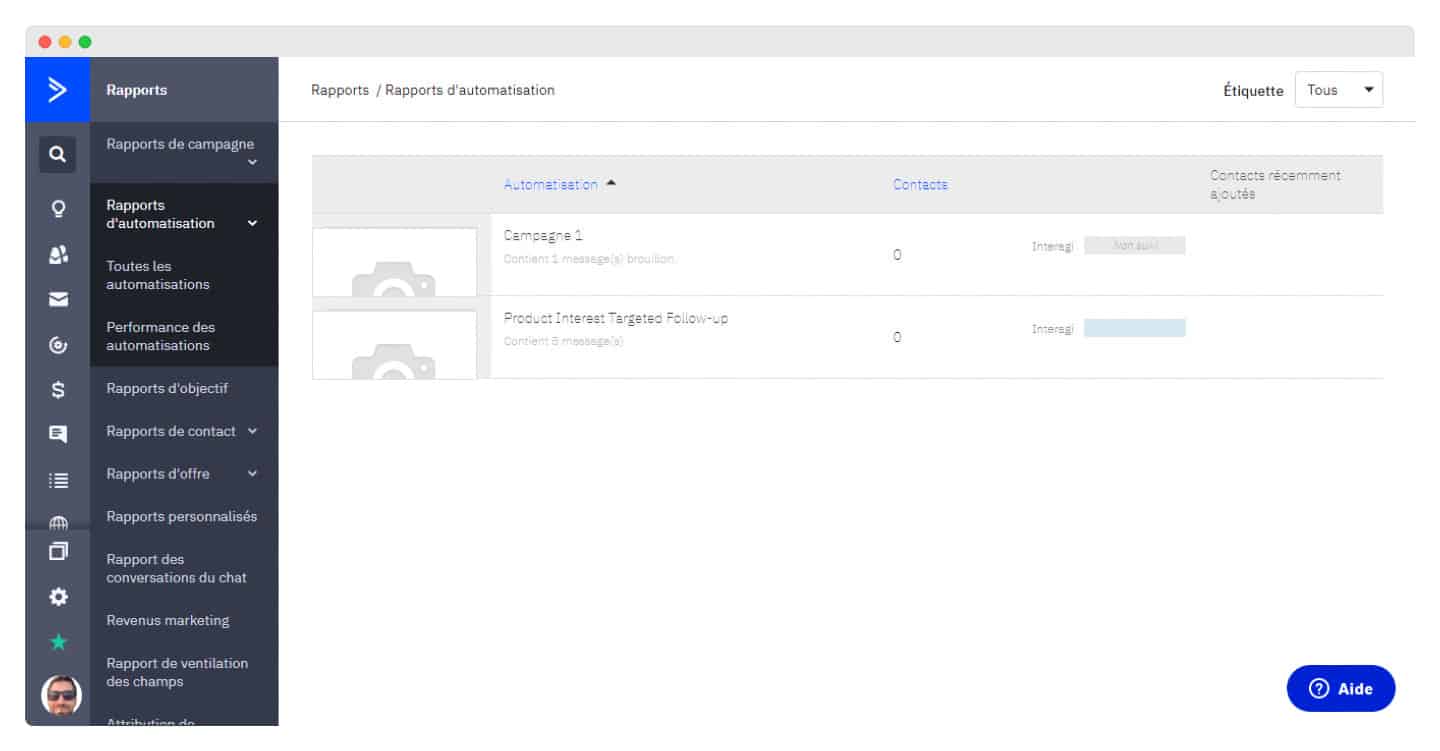
ActiveCampaign generates reports to see what works and what doesn’t. It analyzes your numbers on campaigns, automations, goals, contacts and deals. Custom reports are included in the Enterprise plan, and offered as a paid add-on on the Plus and Pro plans.
All campaign reports give total opens and clicks. But you can dig deeper by selecting individual campaigns and analyzing:
- Bounces
- Email clients
- Locations
- Social shares and mentions
- Unsubscribes
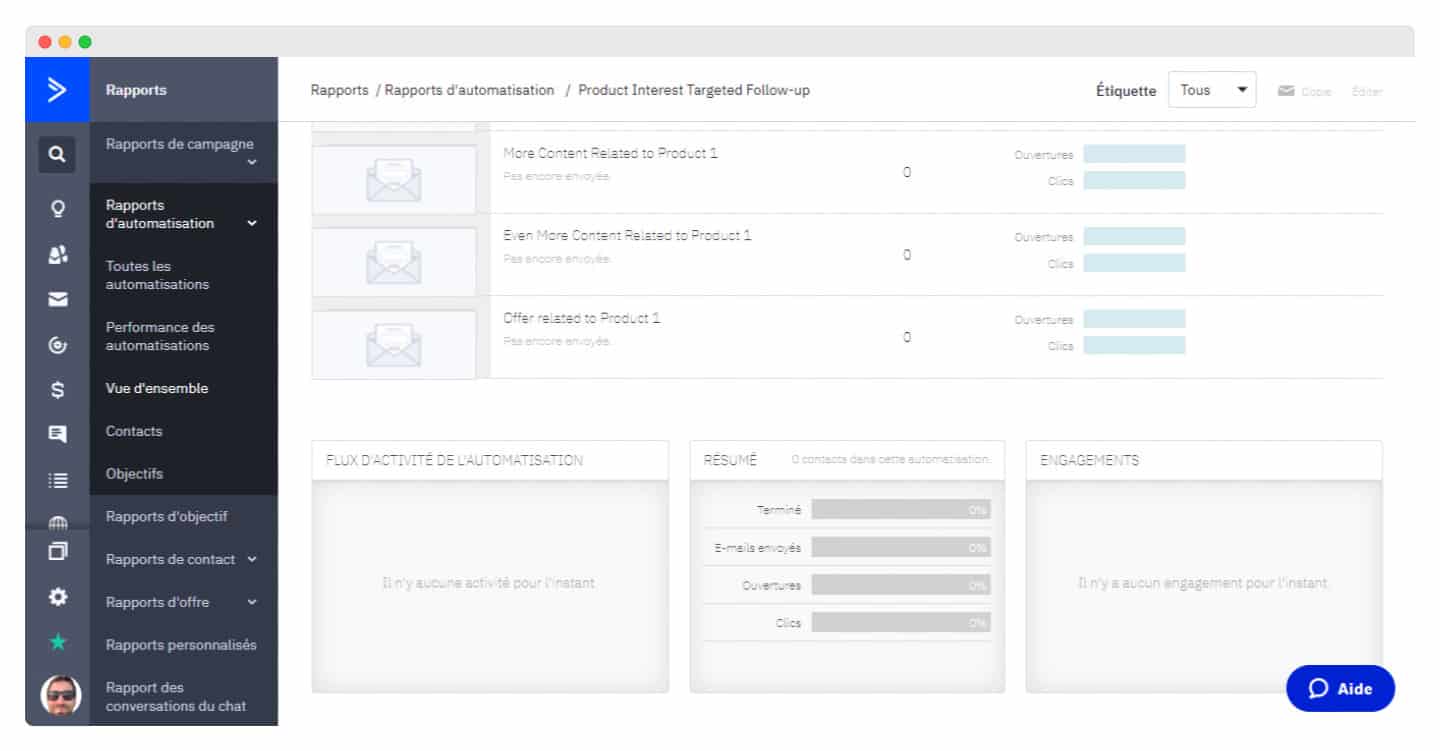
The report includes a dashboard giving an overview of engagement, a chart of open trends and an activity feed.
The Recommendations for you section suggests useful actions. For example, you can resend your campaign to subscribers who did not open your first email, or to new contacts who joined your list later.
ActiveCampaign’s integrations
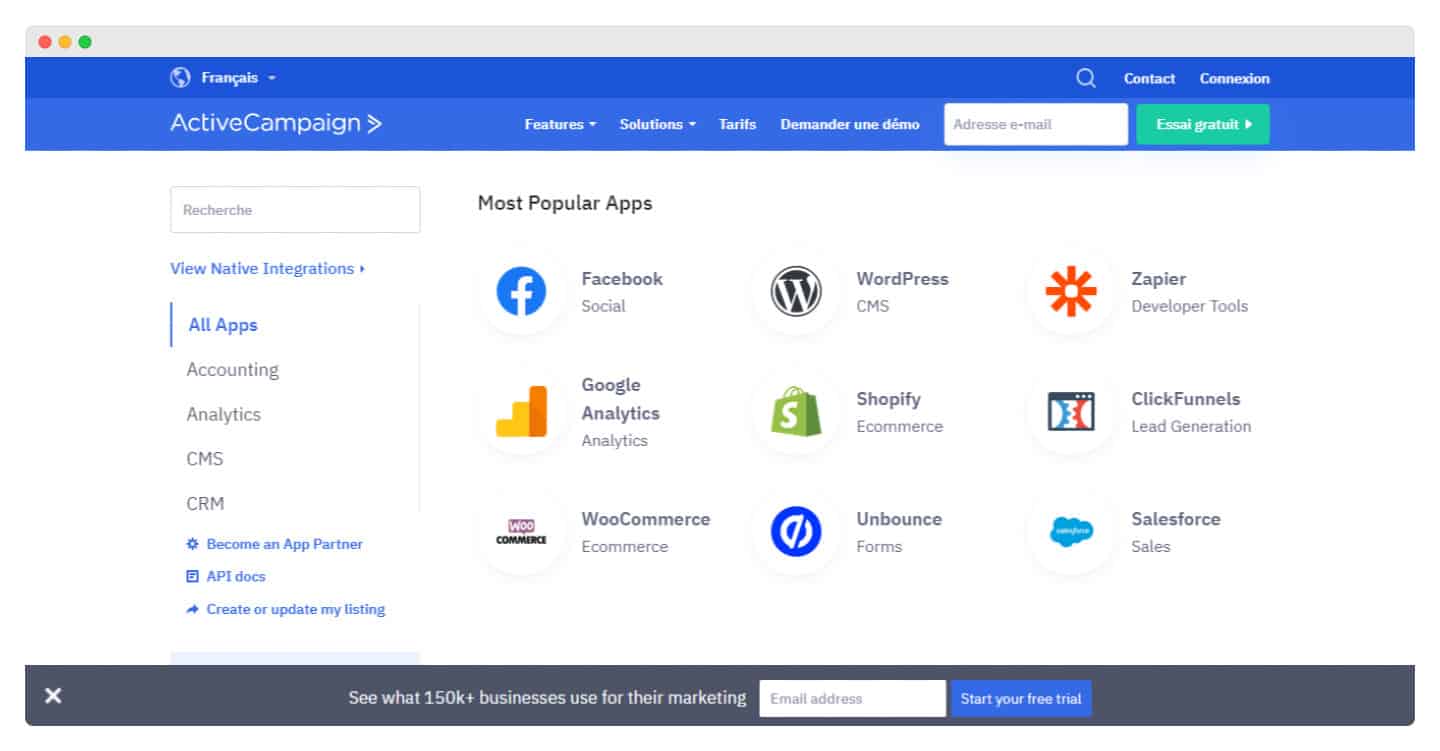
There are plenty of ActiveCampaign integrations, all the more so since with Zapier or the open API you can connect any software, including in-house tools.
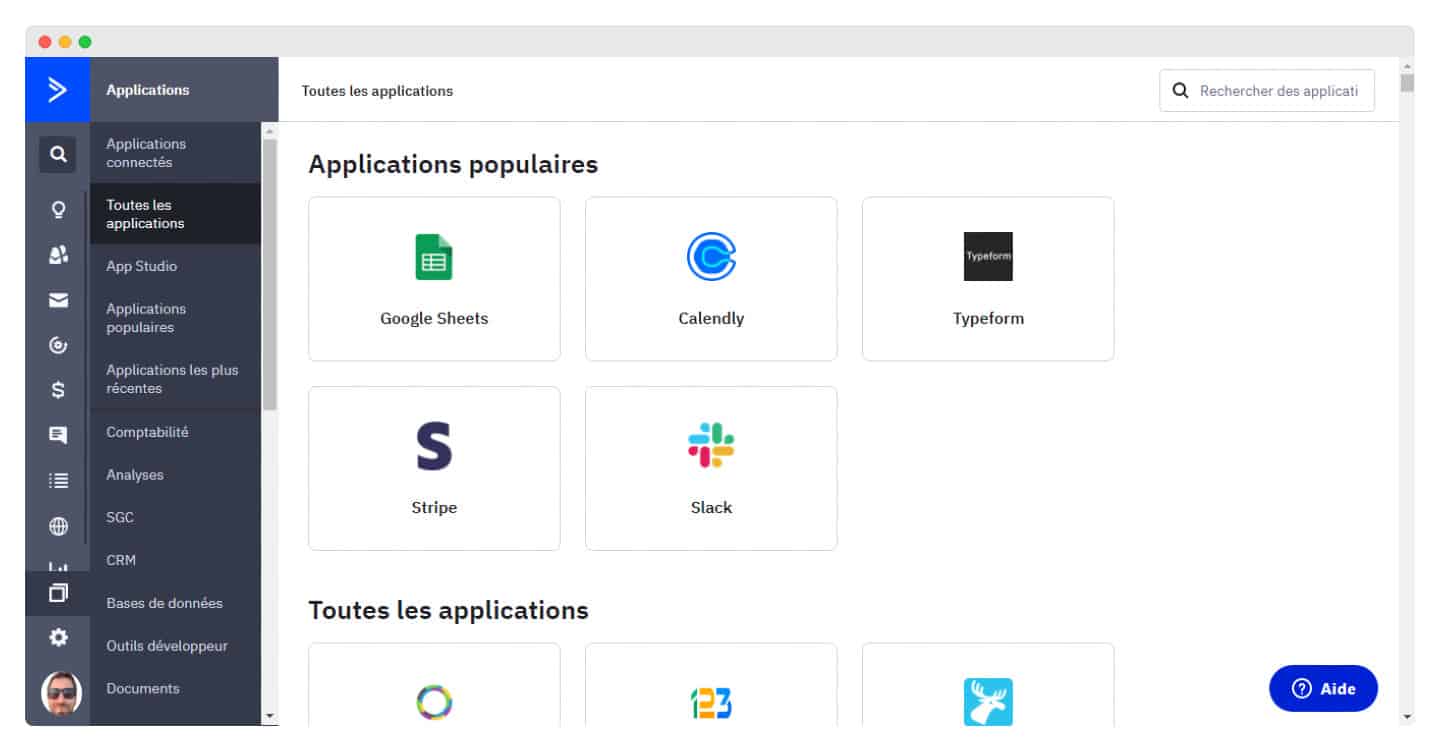
Among the most popular integrations:
- Shopify, BigCommerce and WooCommerce: these are deep integrations that let you pull extra data, add fields to the contact record and get purchase history.
- BEE, an email editor for ActiveCampaign.
- Facebook.
- WordPress plugin.
- Google Analytics.
- Calendly.
- Salesforce CRM.
- Basecamp.
Customer support at ActiveCampaign
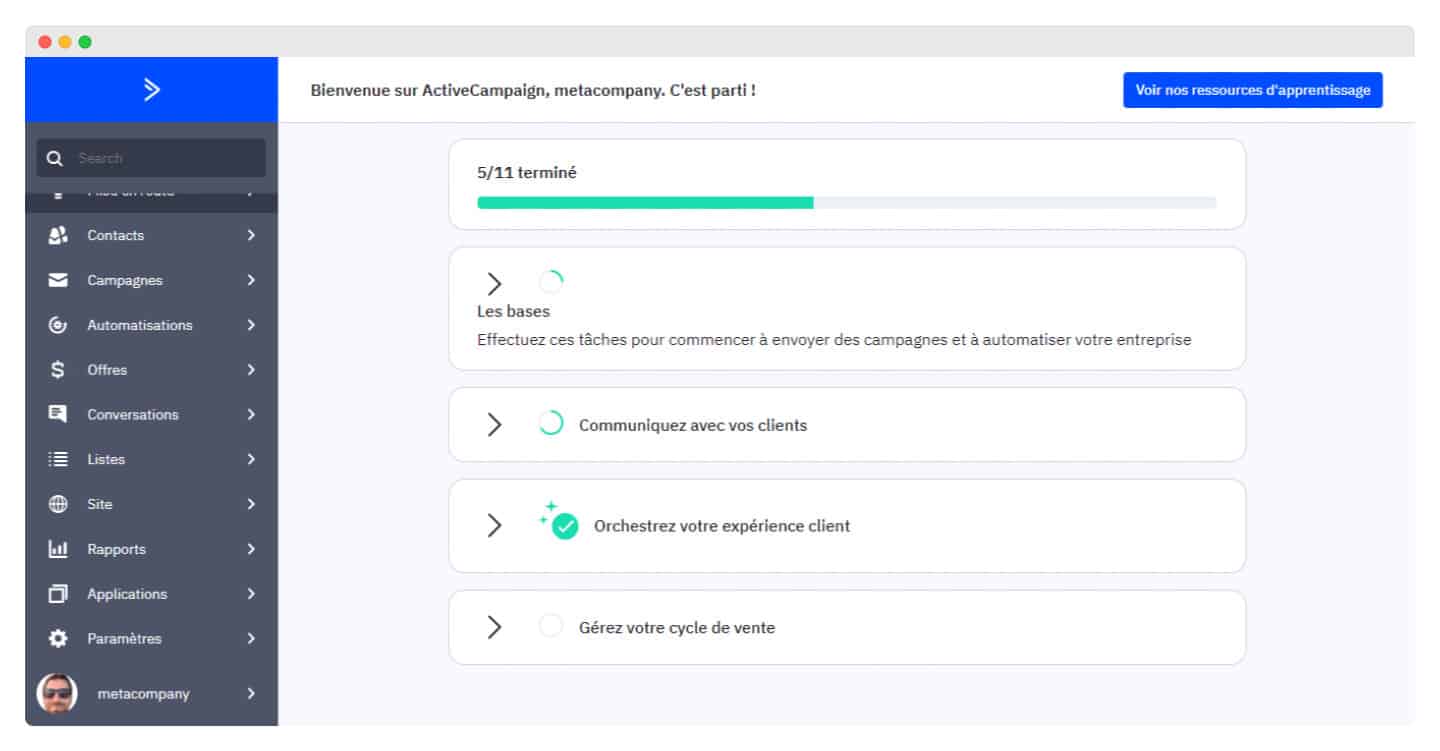
ActiveCampaign offers the following support options on all its pricing plans:
- Live chat
- Forum
- Video tutorials
It also provides phone support, but it is only available on the Enterprise plan, the most expensive one. That’s a shame, but it is common to most of the email marketing platforms we have tested.
Onboarding is closely supervised, with constant assistance to help you get to grips with the software.
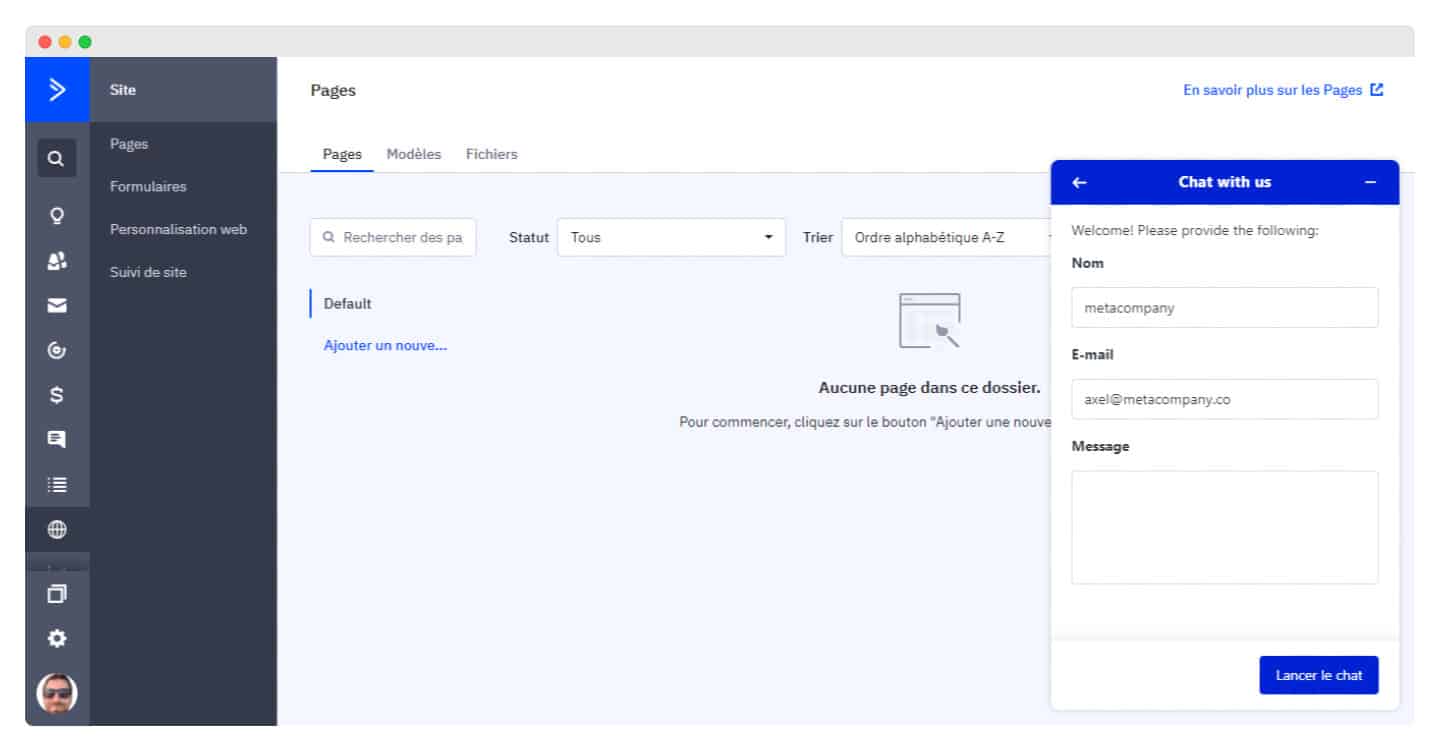
To make onboarding even easier, ActiveCampaign offers a data migration service, included even in the Starter plan but subject to the number of contacts to import.
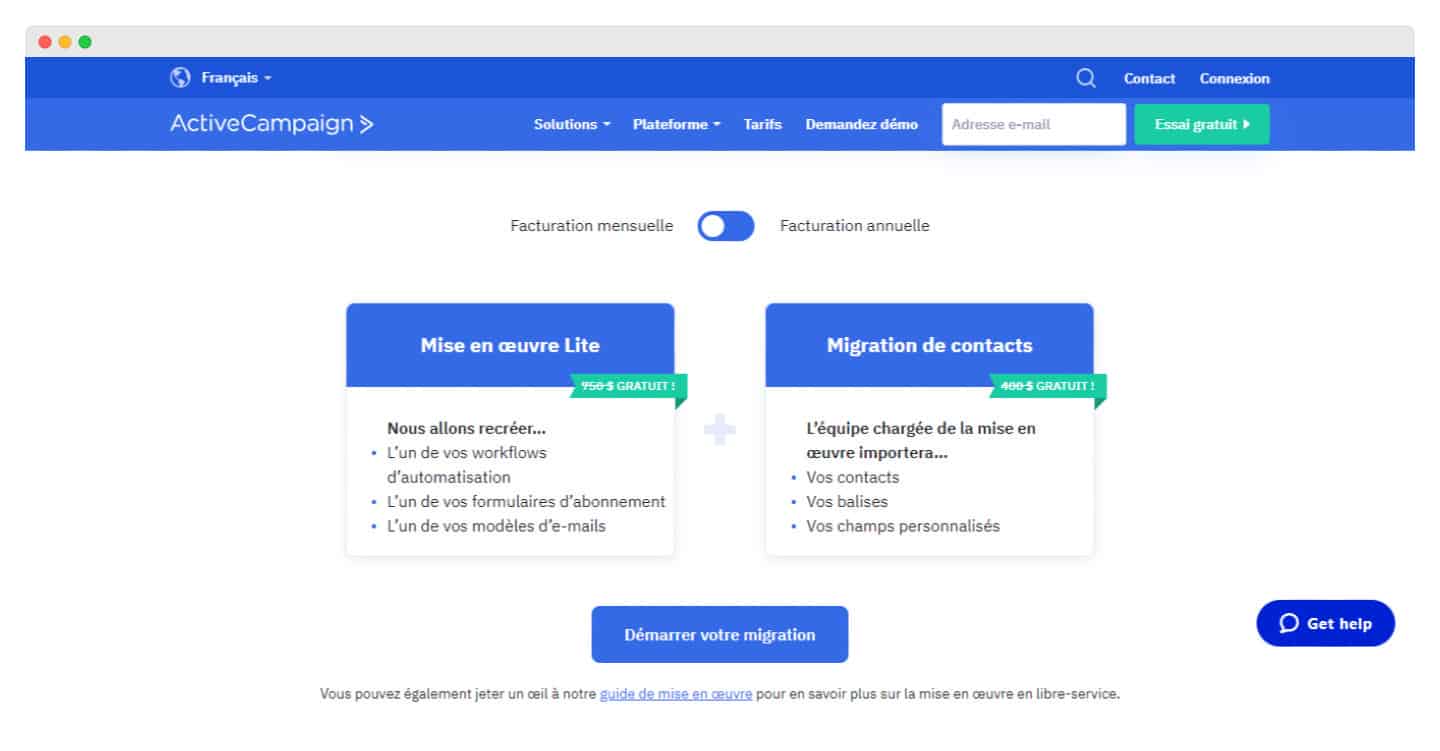
The good news is that you can access email and live chat support whatever your plan. The help center is also always accessible, with many useful guides and articles.
On every page you explore, the chat shows you the related frequently asked questions.
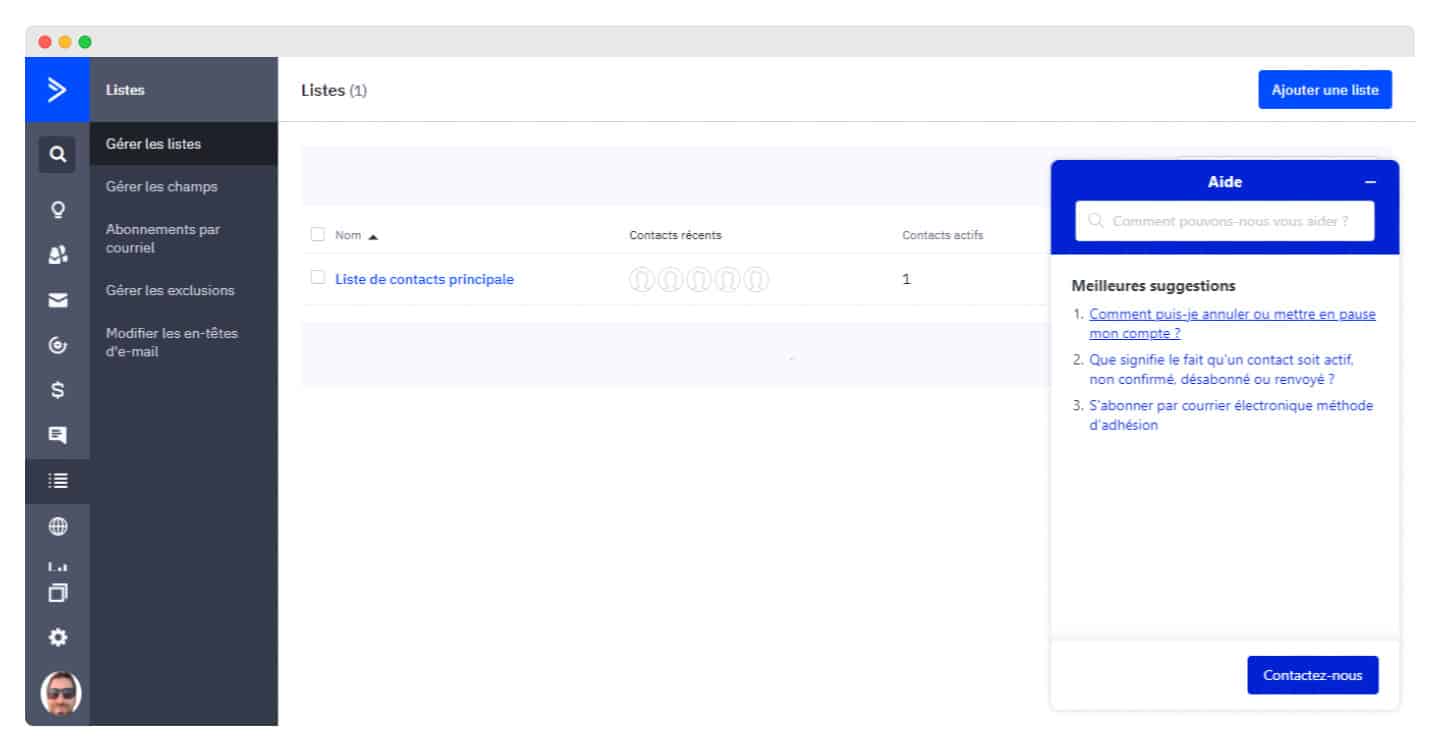
Overall, ActiveCampaign gets 4.4 stars out of 5 for help and support, making it the second highest-rated platform for customer support.
ActiveCampaign: pricing
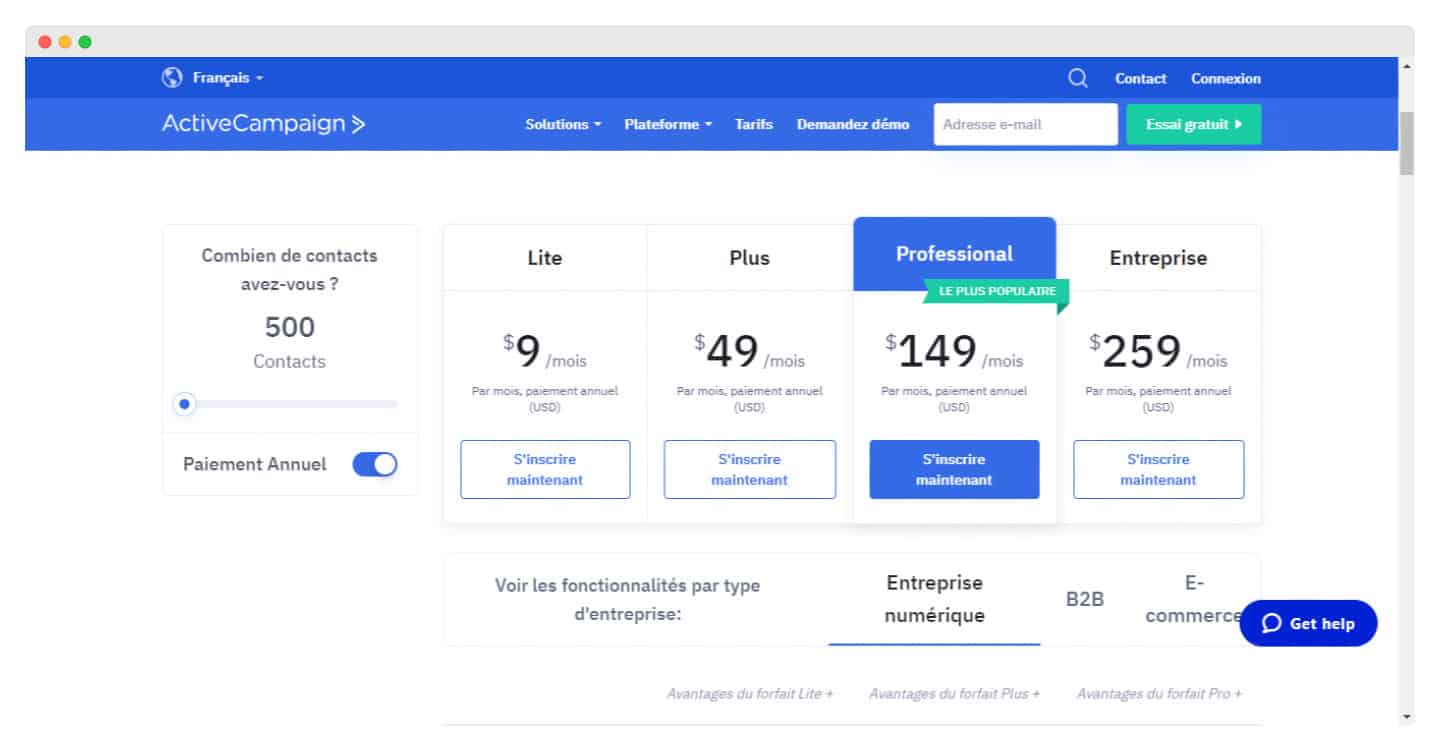
The main alternatives to ActiveCampaign
Brevo, formerly Sendinblue

Brevo is an excellent choice if you are mainly interested in sending newsletters and don’t need ActiveCampaign’s advanced features.
Its strengths: a very easy-to-use newsletter builder, a basic CRM, an excellent tool for transactional emails and SMS marketing. Its weaknesses: less intuitive software and less advanced features.
HubSpot
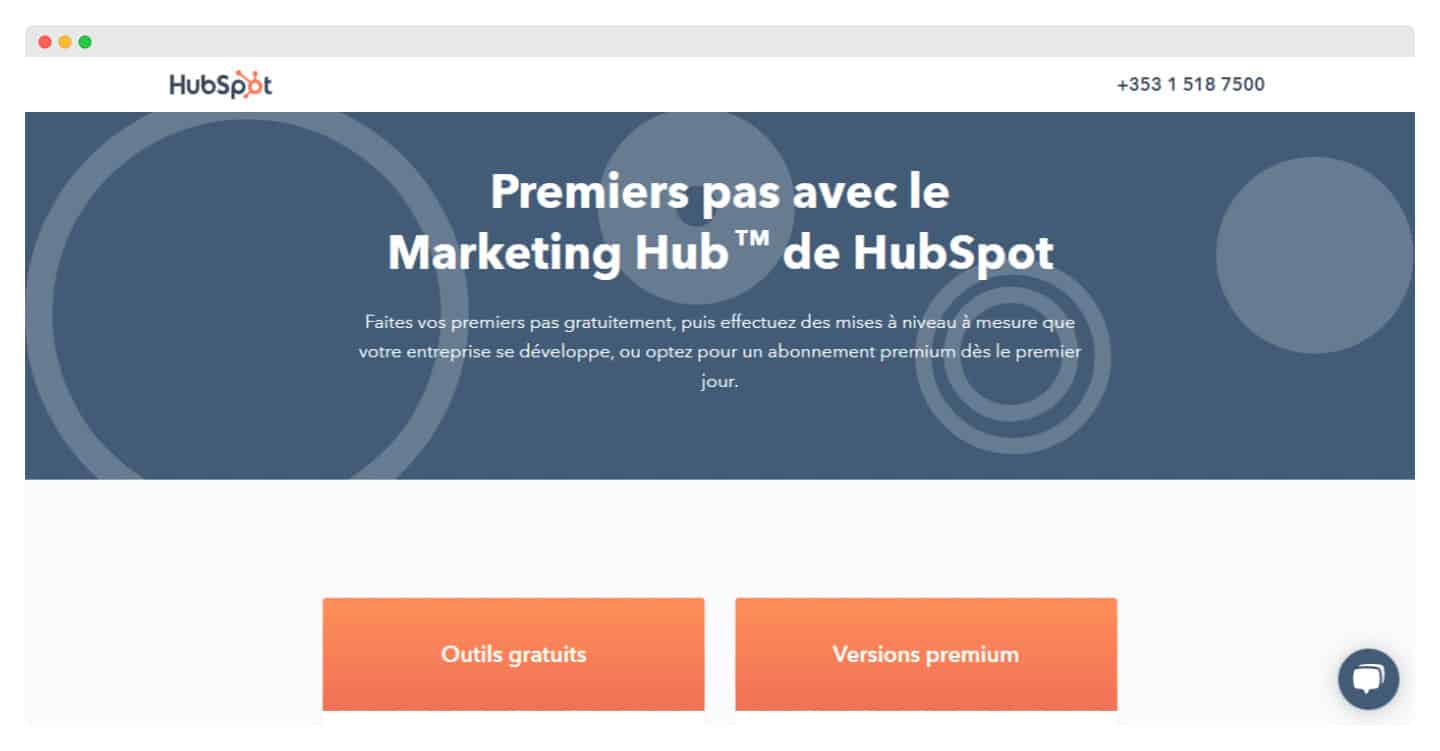
HubSpot goes beyond ActiveCampaign: it has a full suite of tools that help you optimize your organic traffic and your conversions.
Its strengths: a free CRM, live chat, website and landing page creation, and marketing automation. Its weakness: HubSpot is more complete, but also much more expensive than ActiveCampaign.
Keap
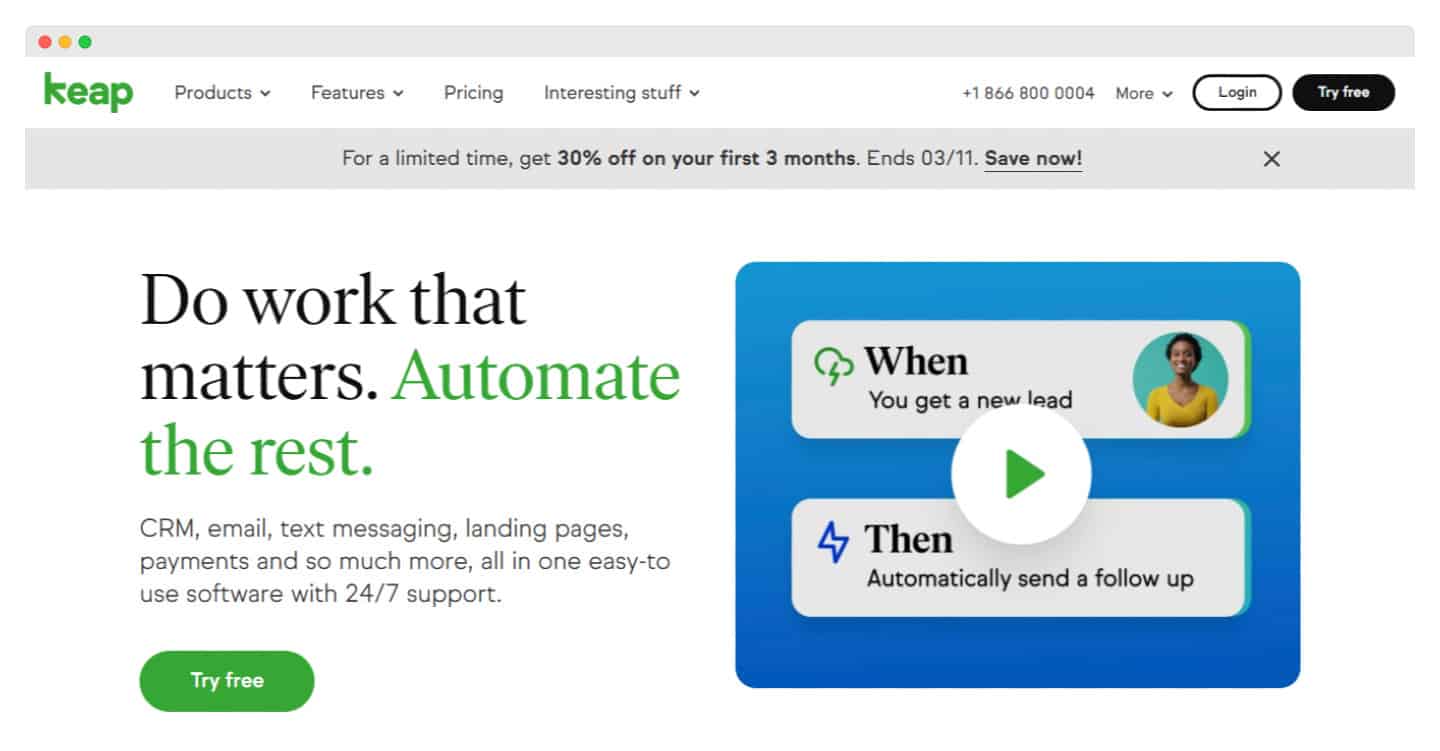
Keap, formerly Infusionsoft, combines an email marketing tool and a CRM.
Its strengths: invoices and payments, a sales CRM, appointment scheduling and marketing automation. Its weakness: Keap is fairly complicated to get started with, and it will take you time to master it.
ActiveCampaign offers a 14-day free trial with access to all features, so you can get a good idea of what the tool can do.