At Salesdorado, Loom has been part of our toolbox for several years. Spoiler: our verdict is positive. The tool has become the benchmark for screen recording and asynchronous video sharing, so much so that its name has turned into a common noun: people “send a Loom”.
The principle is simple: you record your screen, with or without your camera, with or without sound, to show how something is done, and you share the link with recipients who can comment directly in the video. The software’s very simple operation drove Loom’s success, and Atlassian bought it in 2023 for nearly a billion dollars, no less.
Loom’s key features
If Loom has become a reflex for so many professionals, it’s because it stays true to a simple idea: recording, sharing and collaborating on video should be as easy as sending a message. Mission accomplished.
One-click screen recording
With Loom, you can choose to record your entire screen, a browser tab or just one window. Anyone who uses video conferencing tools will recognize the principle. It’s very handy, and it lets you get straight to the point.
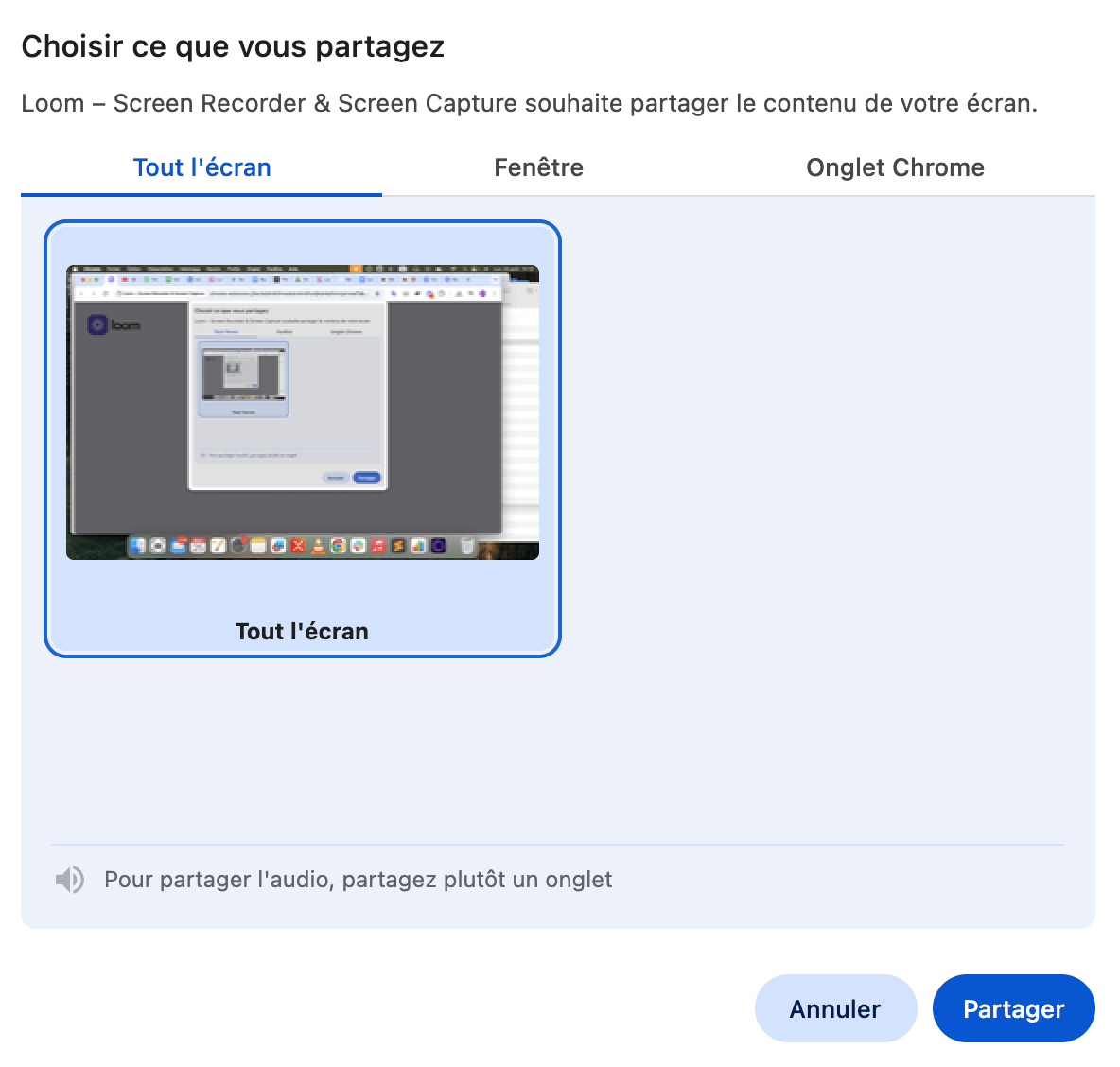
You can also turn the camera and audio on or off, depending on what you want to show or explain.
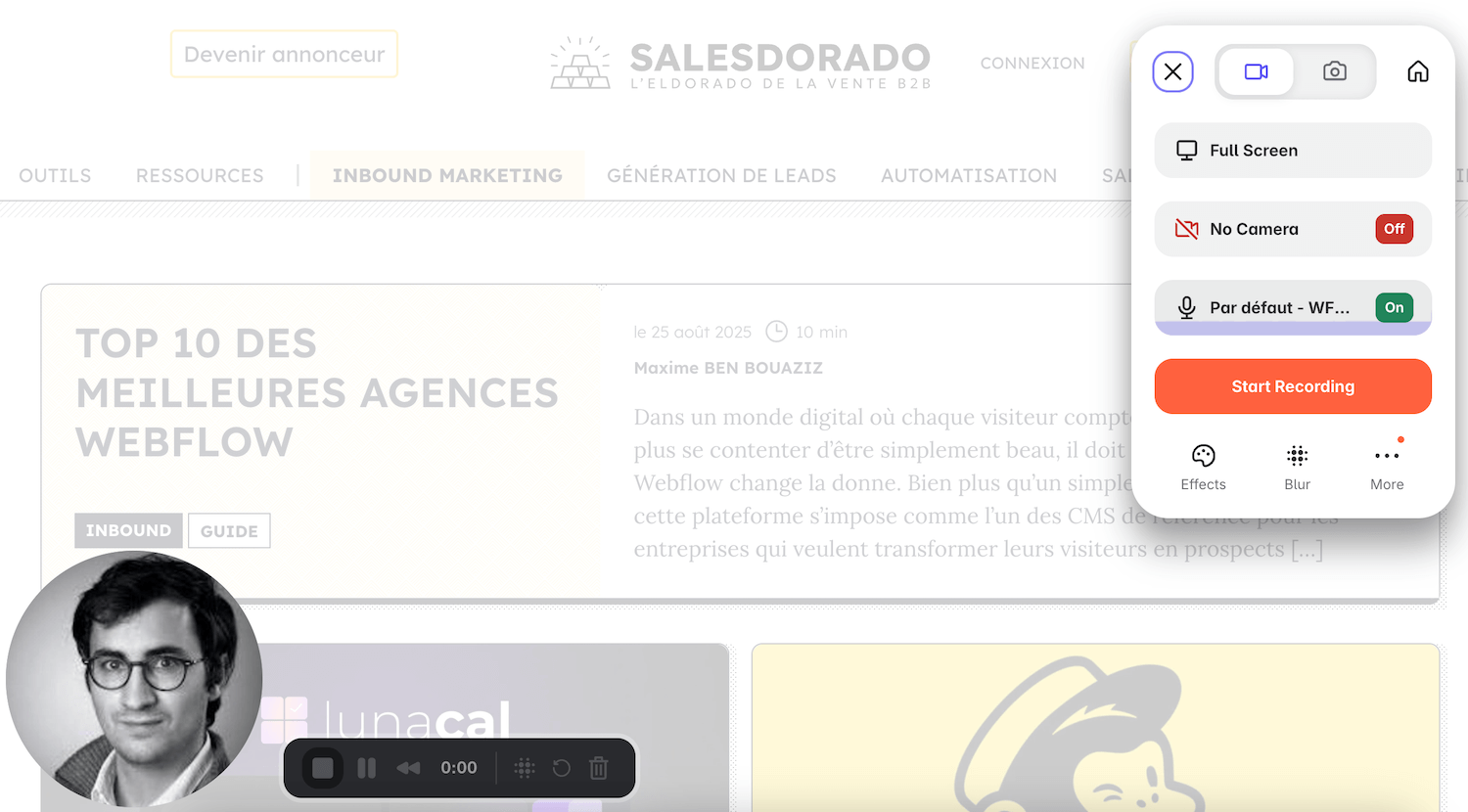
Many people use the Google Chrome extension to start recording: it’s probably the easiest way to use Loom. You click the Loom icon in your browser bar, choose your recording mode and off you go. This is really one of the tool’s strengths: simplicity and speed.
Instant video sharing
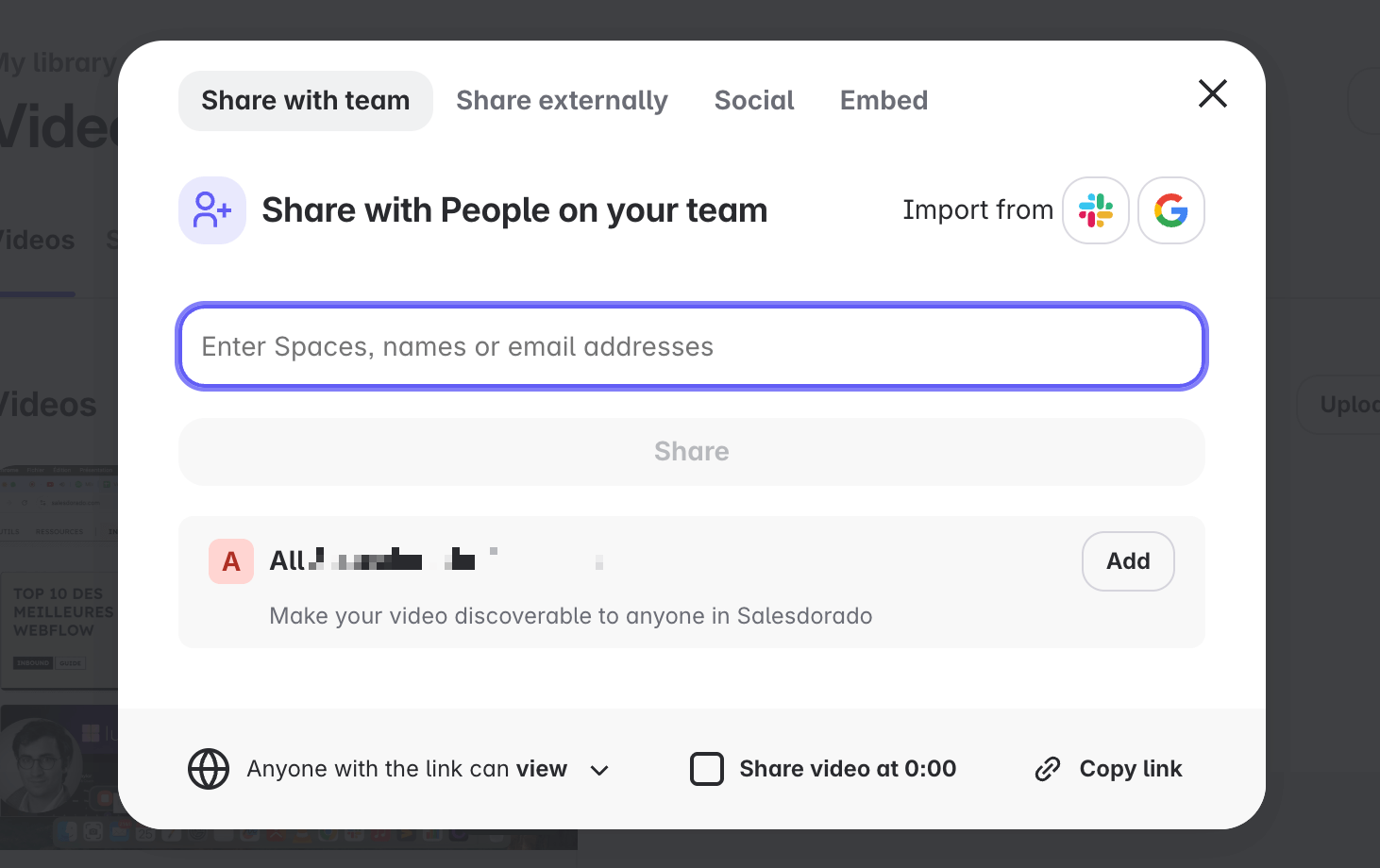
As soon as the recording ends, Loom automatically generates a shareable link, which you can send by email, embed in your collaborative documents or send via Slack. You can also embed your Loom videos on your web pages.
Editing cut down to the bare minimum
The built-in editor is deliberately minimalist. You can cut passages, blur sensitive areas or highlight the cursor. To be honest, at Salesdorado we almost never use these features: in most cases, the raw recording is more than enough.
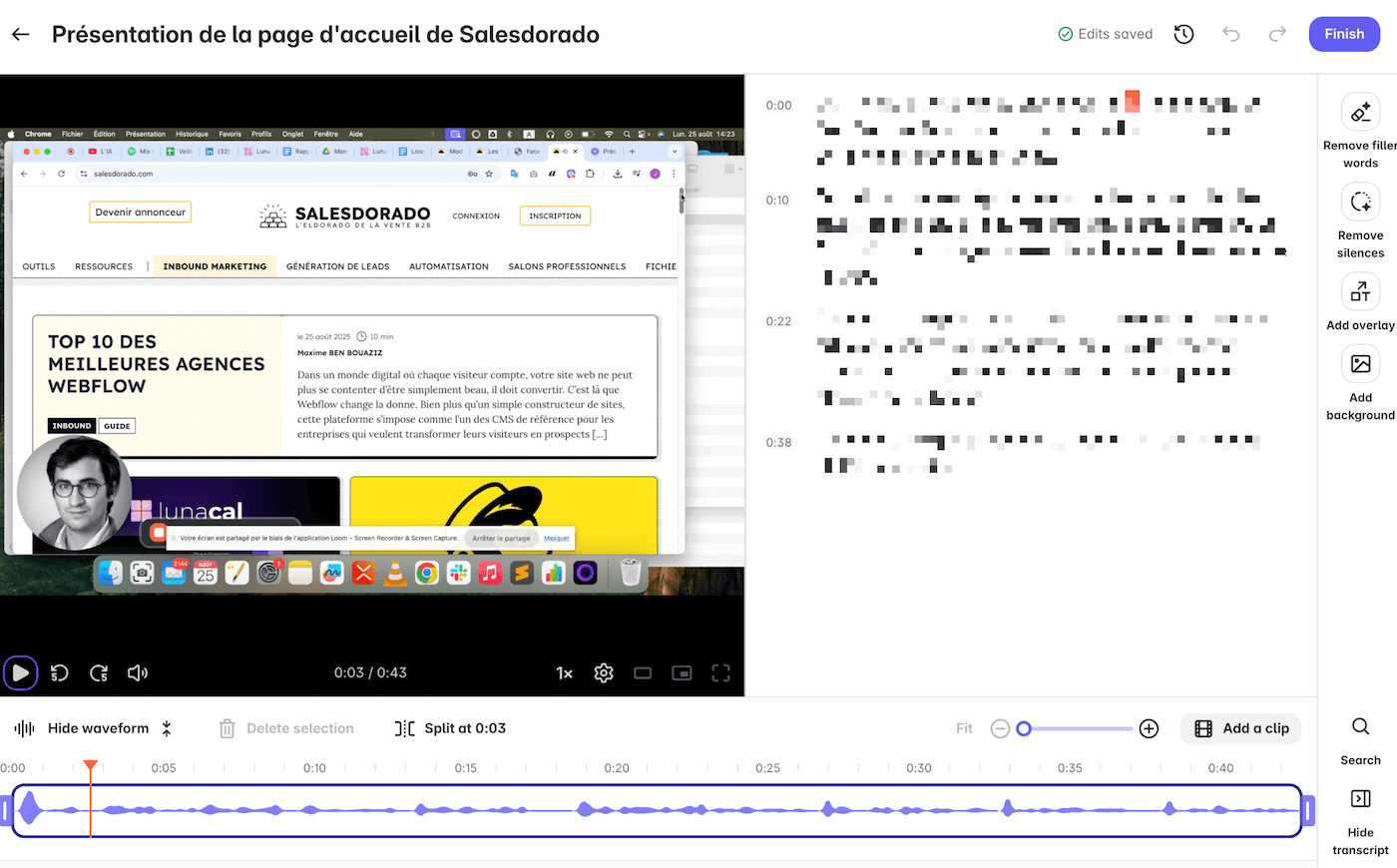
Collaboration and interactive viewing
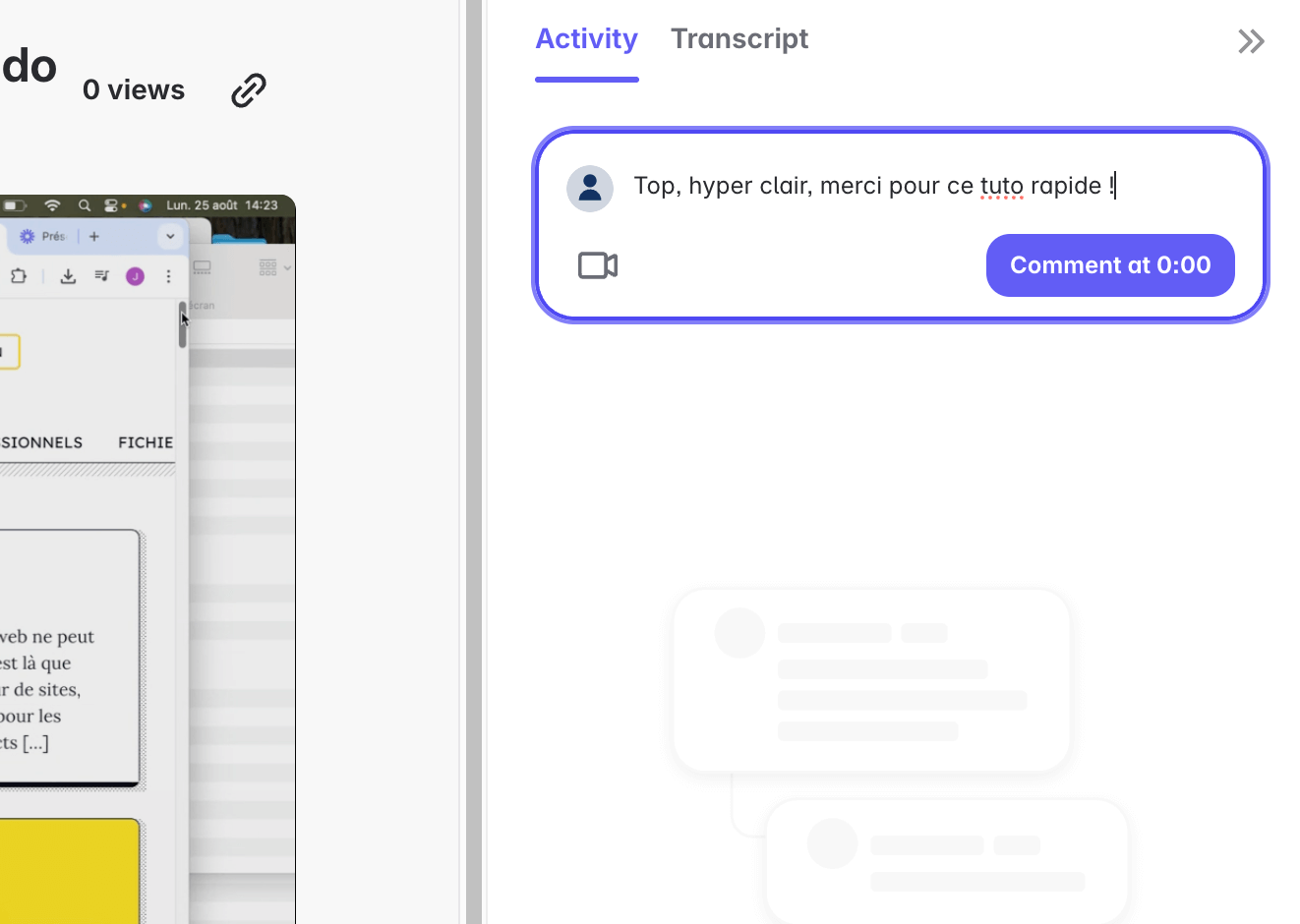
One of Loom’s big advantages is how interactive the videos are. Recipients can comment directly under the video, react with emojis or leave a question at a specific point in the timeline.
It turns a simple video into a collaboration tool.
Loom AI
Loom’s AI layer adds real value. In practice, it automatically generates titles, summaries and chapters. It also optimizes the audio by removing silences and filler words. These features are reserved for the Business + AI plan. This plan also adds meeting notes and recaps sent automatically by email.
A library to find everything
All your videos are stored in a centralized library. You can browse the history, organize your Looms and even search them through their transcripts. It’s handy as soon as you start producing them regularly.
Loom is not video editing software, and it doesn’t aim to be. The tool bets on speed and efficiency, and that is exactly what makes it an everyday work companion. Record, share, comment: everything is designed to take 30 seconds, no more.
How sales reps use Loom
The tool isn’t just for explaining a technical procedure internally, even if that’s probably its most common use. It can also become very useful in your prospecting and follow-ups.
On video, you gain clarity, you build rapport and you avoid booking a meeting for every small point.
Here are a few ways to use Loom when you work in sales:
- Send a personalized video message to a prospect: it’s more engaging and it sticks in people’s minds.
- Show a specific feature of your product in two minutes, rather than offering a full demo.
- Send a short thank-you Loom or a recap after a meeting, to keep the relationship going.
- Give your prospects material they can easily share with their colleagues or their manager.
- Make follow-up easier: a well-made Loom travels better than a long meeting report, and you stay in the loop.

Plans and pricing
Loom runs on a freemium model that has played a big part in its adoption. You can start for free, but the limits of the Starter plan will quickly push you to a paid plan if you use it regularly.
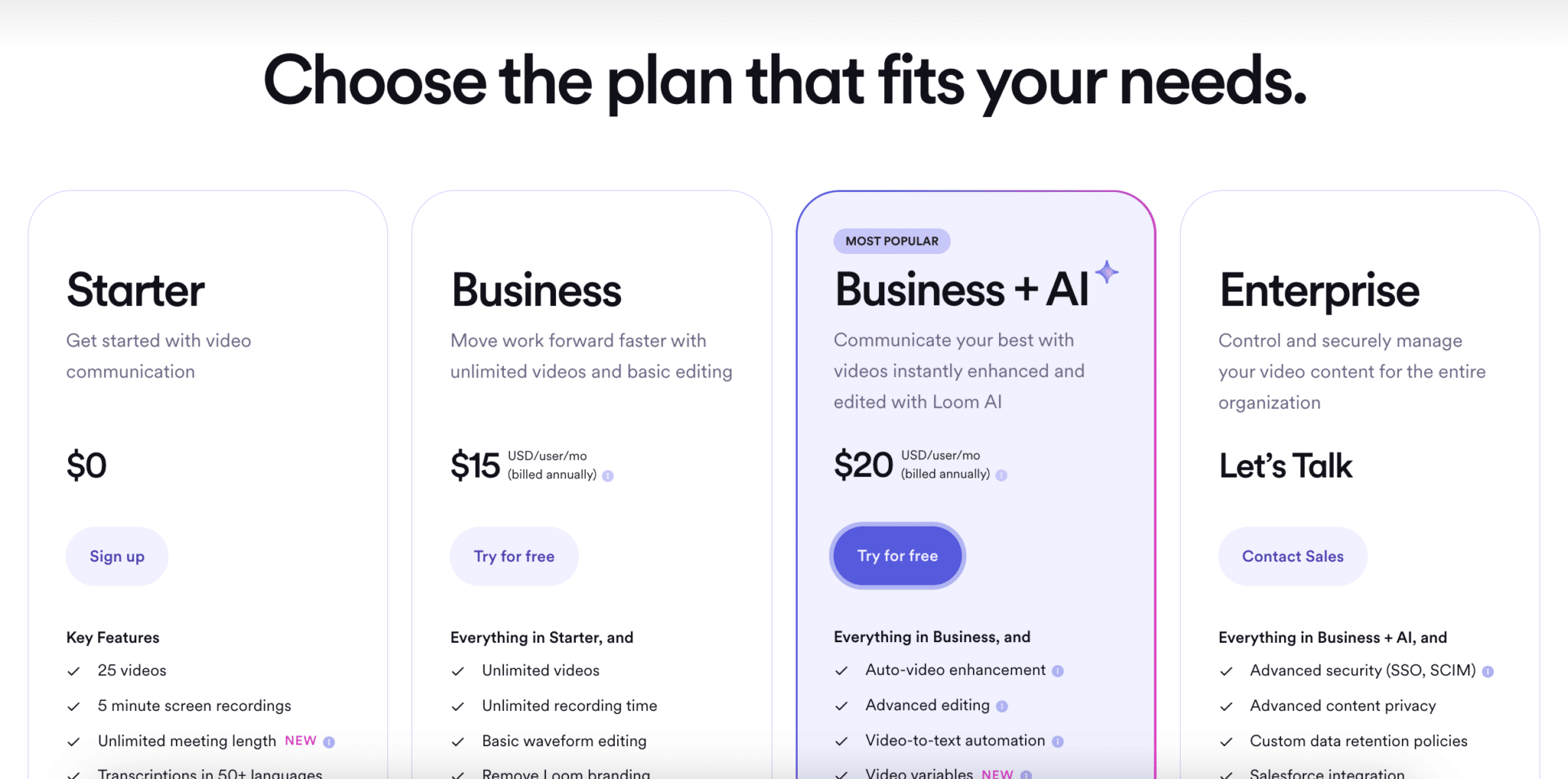
- Starter, free: limited to 25 videos per person and 5 minutes per screen recording. It includes transcriptions in more than 50 languages, comments and reactions, and now meeting recording with no length limit. It’s enough to test the tool or for occasional use, but clearly too restrictive as soon as you record several tutorials or team feedback videos.
- Business, at $15 per user per month billed annually ($18 billed monthly): videos and recording time become unlimited, and quality goes up to 4K. You can remove Loom branding, do simple editing and upload or download your videos. This is the plan that really fits professional use.
- Business + AI, at $20 per user per month billed annually ($24 billed monthly): it includes all the features of the Business plan and adds the AI suite, with: automatic video enhancement and advanced editing, video-to-text conversion, meeting notes and recaps sent automatically by email, usage statistics for admins.
- Enterprise, on quote, for large organizations. This plan adds advanced security (SSO, SCIM), the Salesforce integration, a 99.95% uptime SLA and EBA compliance.
Our take on Loom’s plans: the free plan is a good way in, but it quickly becomes frustrating. At $15 per month, the Business plan covers most needs and stays affordable.