The electronic signature has become widespread in companies, and the market is still largely dominated by the American giants, with DocuSign in the lead. For French and European SMEs, this raises a fundamental question: should you trust your contracts and sensitive data to servers subject to the US Cloud Act?
This is exactly where Youtrust, known until 2026 as Yousign, has positioned itself. The French vendor, founded in Caen in 2013, claims more than 280,000 users and 30,000 business customers in Europe. Its promise: a simple, eIDAS-compliant solution, with data hosted exclusively in France.
But does Youtrust really deliver against DocuSign? We analysed the tool in depth: features, pricing, limitations, user feedback. Here is our full review.
Youtrust (formerly Yousign): what exactly is it?
Youtrust is a French electronic signature solution founded in 2013 in Caen by Luc Pallavidino and Antoine Louis, under the name Yousign. The company grew quickly, particularly after a 30 million euro funding round in 2021. Today it claims more than 280,000 users, 30,000 business customers and a presence in 83 countries.
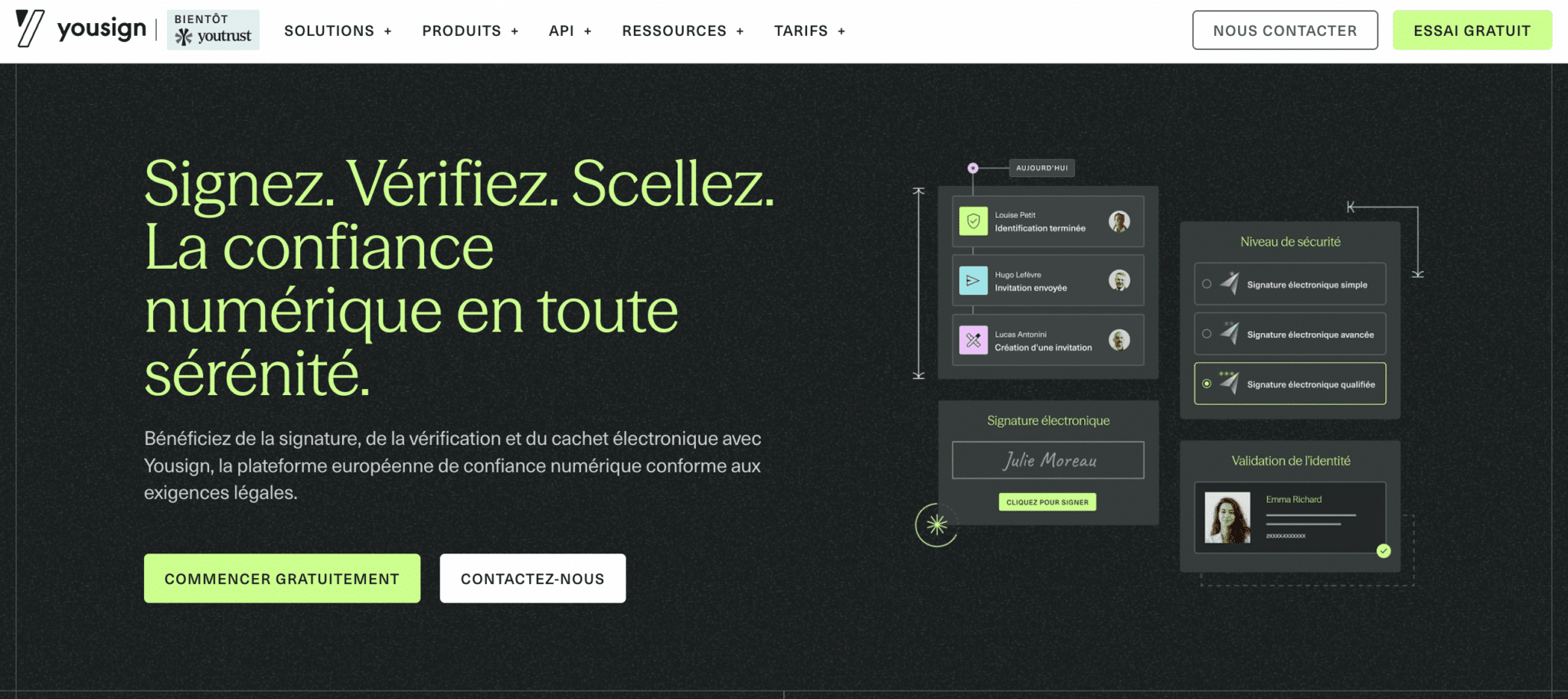
Youtrust’s positioning rests on three pillars:
- Simplicity: a clean interface, designed to be usable without training. Getting started with the tool takes only a few minutes (or a few hours to really master all the features).
- Sovereignty: data hosted exclusively in France, SecNumCloud-certified infrastructure, ANSSI security visa. No exposure to the US Cloud Act. This is a key argument for some organisations.
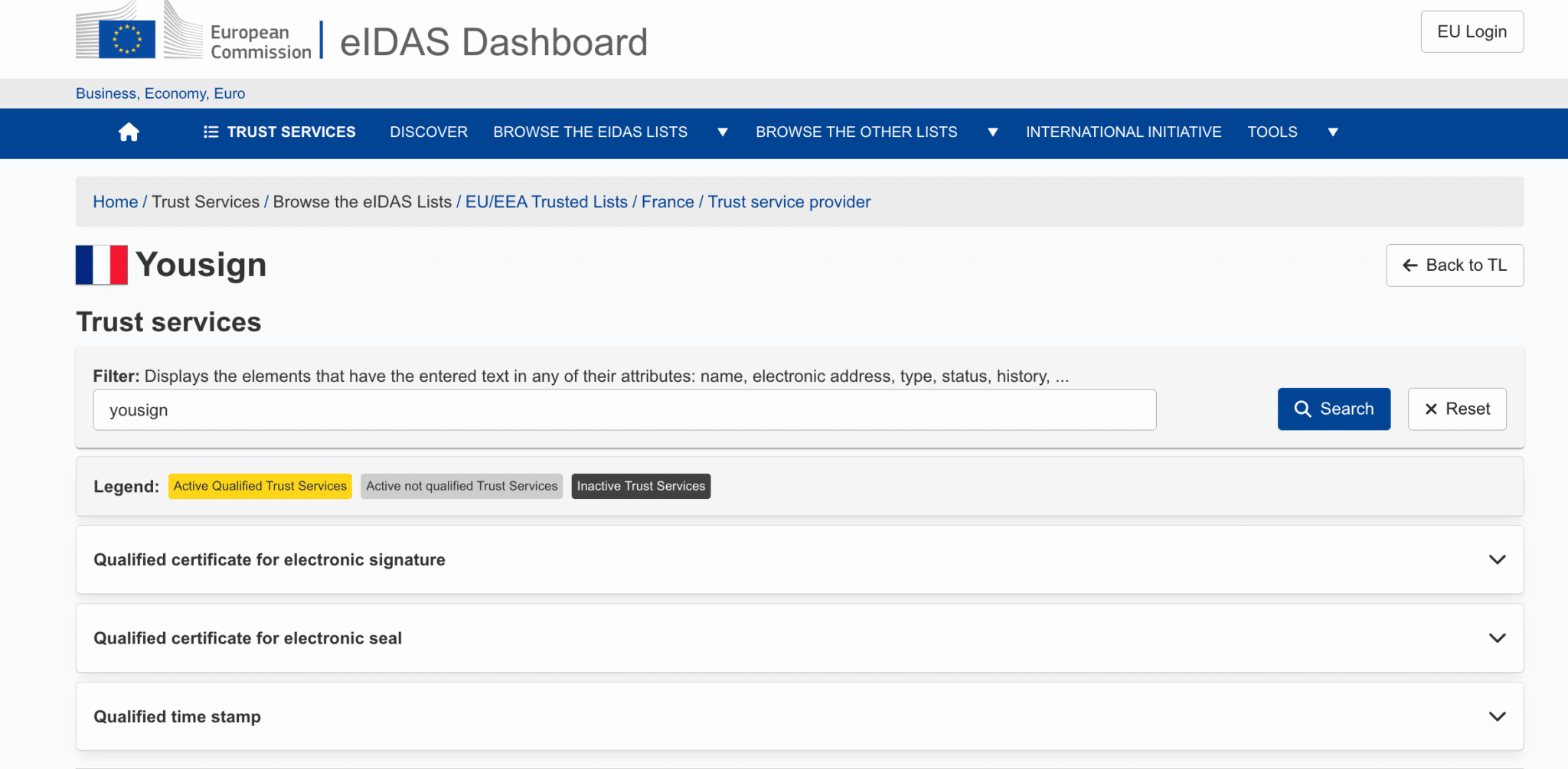
- eIDAS compliance: Youtrust is recognised as a Qualified Trust Service Provider (QTSP) on the European Commission’s Trust List. Its signatures are legally recognised in every member state.
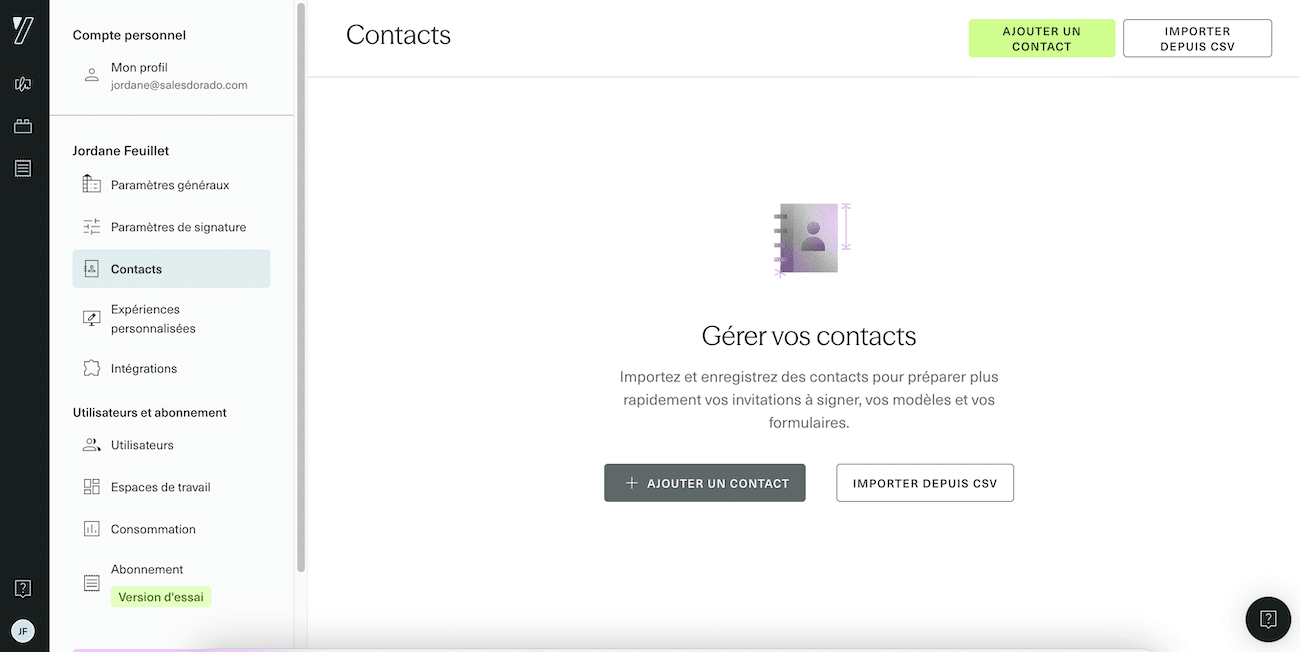
Since summer 2026, Yousign has been called Youtrust. The new name comes with a strategic shift: moving from a simple signature tool to a digital trust platform built on three building blocks: signing, verifying identity and documents (Verify) and sealing documents (electronic seal). A logical move given the rise of document fraud. For customers, pricing, contracts and support do not change. The application, however, is being renamed gradually until 2027: you will still come across the Yousign name in the interface, as in our screenshots.
Youtrust’s key features
The 3 signature levels (eIDAS-compliant)
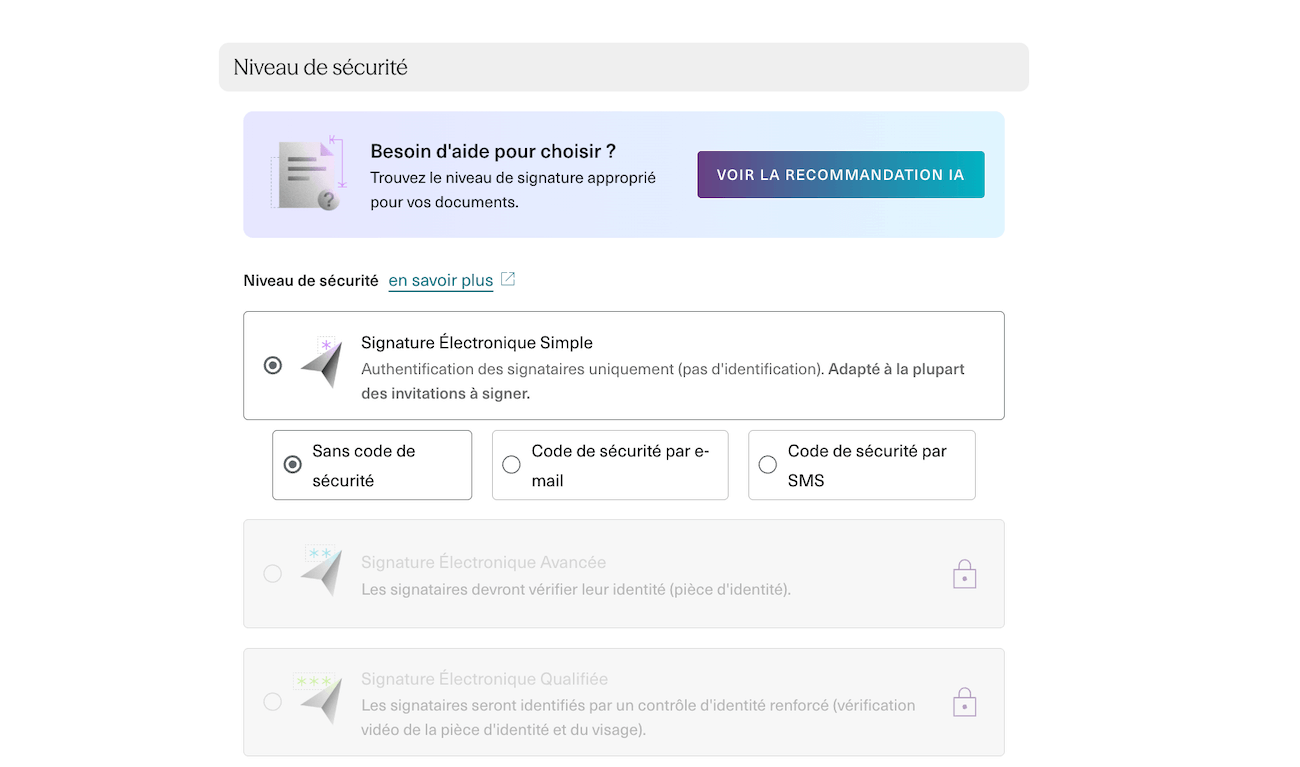
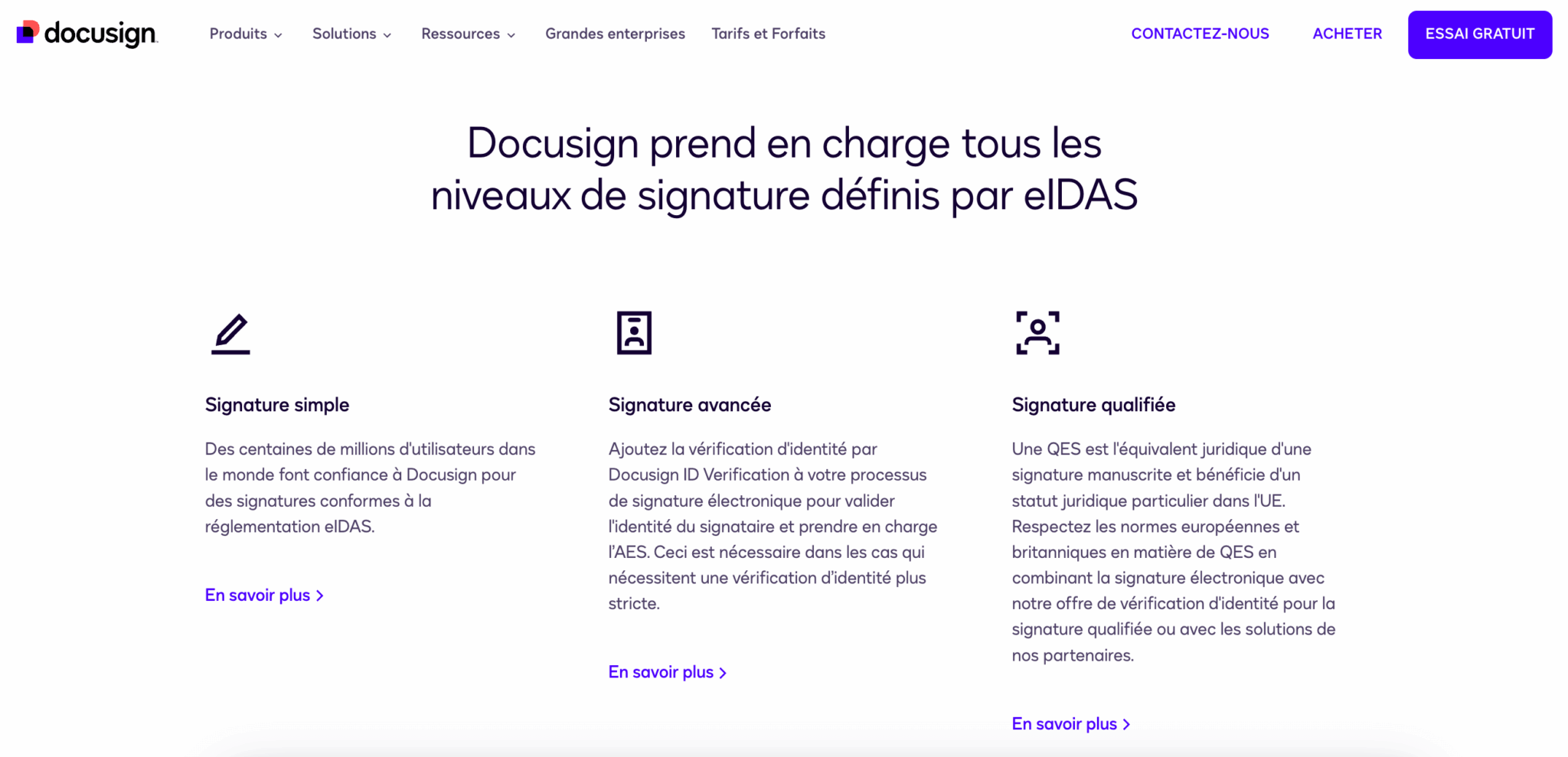
Youtrust strictly implements the eIDAS standards, which structures its offer into three signature levels:
- Simple Electronic Signature (SES): This is the most common level, accounting for around 90% of volumes. Authentication relies on sending a link by email + an OTP code. It is admissible in court, but the burden of proof lies with the party relying on the signature. Use cases: quotes, purchase orders, terms and conditions, simple residential leases, internal HR documents.
- Advanced Electronic Signature (AES): This level introduces stronger identity verification: the signer must provide an identity document (national ID card, passport) and confirm with an SMS code. The integrity of the document is guaranteed after signature. Use cases: employment contracts, real estate sale agreements, bank account openings, SEPA mandates.
- Qualified Electronic Signature (QES): The highest level, the legal equivalent of a handwritten signature. It requires the issuance of a qualified certificate with face-to-face identity verification (in person or certified video). In the event of a dispute, it is up to the contesting party to prove that the signature is false (reversal of the burden of proof). Use cases: notarial deeds, public procurement, complex financial transactions.
Salesdorado’s takeFor 90% of SME use cases (quotes, purchase orders, sales contracts), the simple signature is enough. The advanced signature is recommended for employment contracts and real estate transactions. The qualified signature is rarely needed and is billed as an extra (€10-15/signature).
Workflows and automation

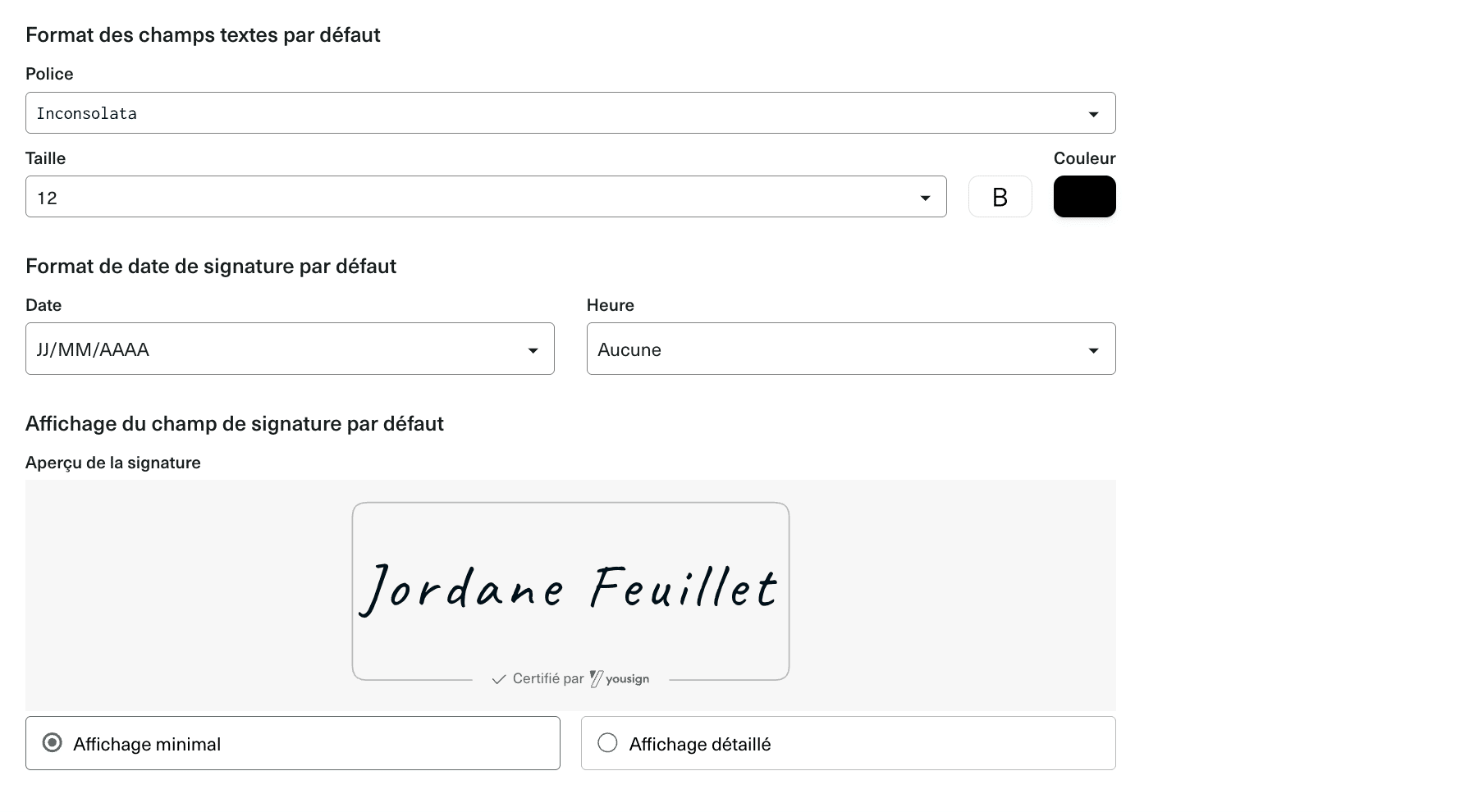
Beyond the signature itself, Youtrust lets you build document flows adapted to your internal processes. This is often where the real time savings happen: not in the act of signing itself, but in everything around it.
This set of features is built around several building blocks:
- Signer ordering is the first of them. You can set a sequential order (the manager signs first, then the employee, then HR) or a parallel one (everyone signs at the same time). In practice, sequential order is useful when one signature conditions the others: typically, a purchase order that must be approved by the CFO before being sent to the supplier. Parallel order speeds up processes when the order does not matter.
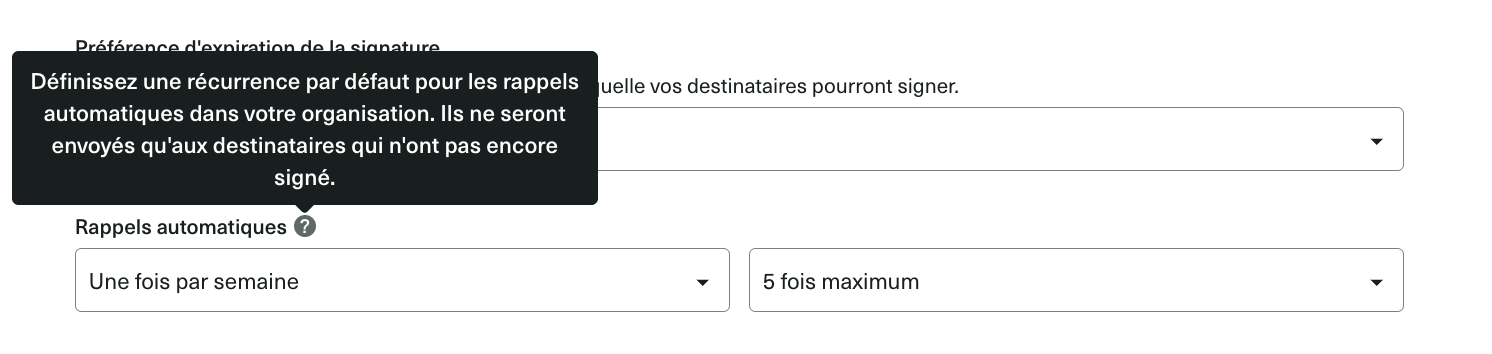
- Automatic reminders solve a problem every admin team knows: the signer who “forgets” to sign. Rather than chasing them manually by email or phone, Youtrust sends reminders at regular intervals: every 24h, every 48h or once a week depending on your settings. The signer receives a reminder email until they take action. Simple, but remarkably effective at unblocking files that drag on.
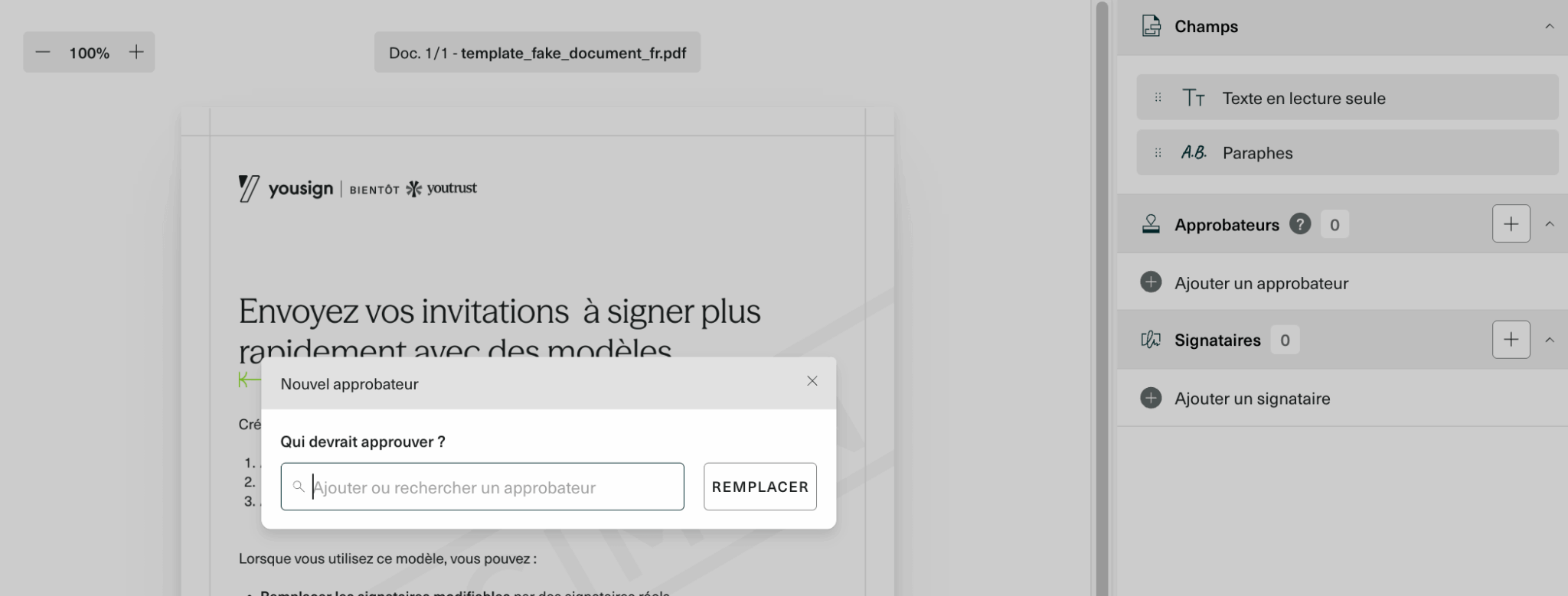
- Approvers add an internal validation step before the document goes to the final signers. Typical case: a sales rep prepares a customer contract, but the sales director must approve the pricing terms before it is sent. The approver receives the document, approves it (or rejects it with comments) and only then does the customer receive the signing link. It avoids awkward back-and-forth along the lines of “sorry, we sent you the wrong price”.
- Expiration lets you set a deadline after which signing is no longer possible. It is useful for quotes with limited validity, promotional offers or simply to avoid an outdated contract being signed six months later. Once the deadline has passed, the signing link becomes inactive and you can send a new version if needed.

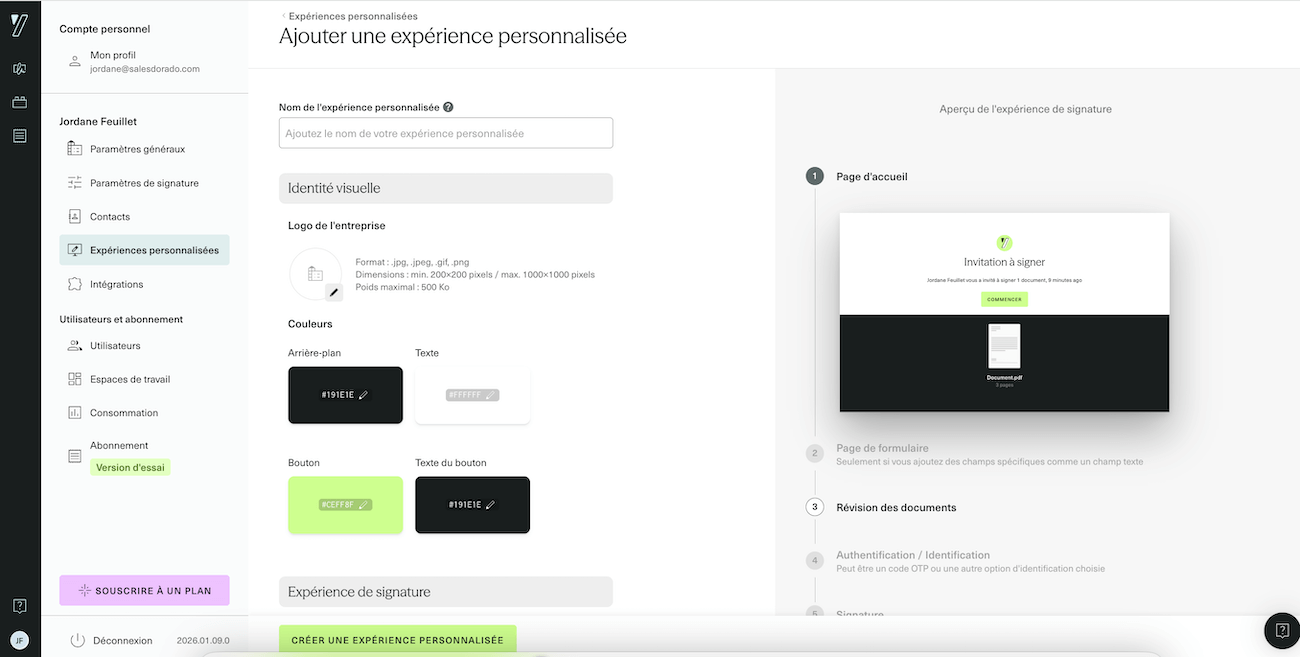
- Document templates are indispensable as soon as you regularly sign the same type of contract. You create a template with the signature fields positioned, the fields to fill in, the mandatory mentions, and you reuse it indefinitely. No more reconfiguring each document from scratch.
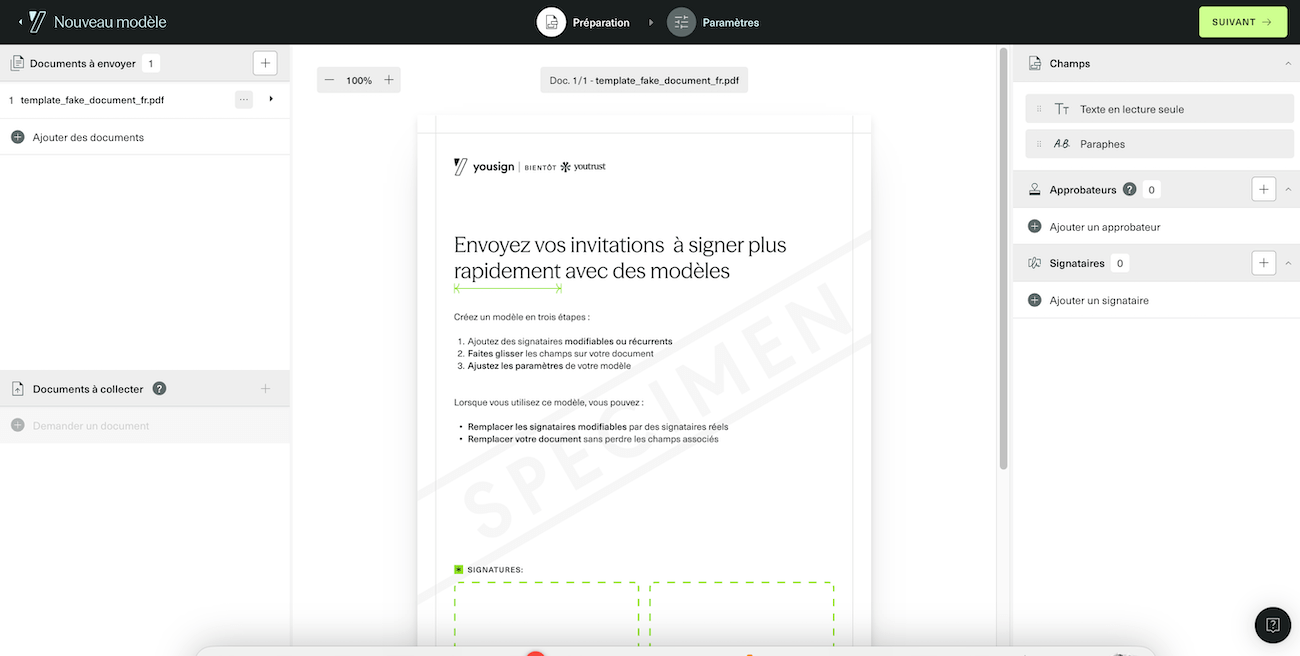
In concrete terms, these automations turn administrative processes that take several days into a few hours.
Take the example of an SME that hires 100 people a year:
- Without Youtrust: print 100 contracts, send them by post or organise in-person meetings, chase latecomers by phone, scan the signed contracts, archive them…
- With Youtrust: create an “Employment contract” template, generate the 100 personalised contracts via a form, send them in bulk, let the automatic reminders do the work, and retrieve the signed contracts already archived.
The HR process that used to take a week is wrapped up in a day.
Archiving and audit trail
Each signature automatically generates a time-stamped audit trail containing all the metadata: signer identities, IP addresses, timestamps, browser used, etc. This file is archived for 10 years through a partnership with CDC Arkhineo.
It is an economic strength: evidential archiving is included in every plan, whereas some competitors charge for it as an option.
Integrations
Youtrust offers native connectors with the most common tools:
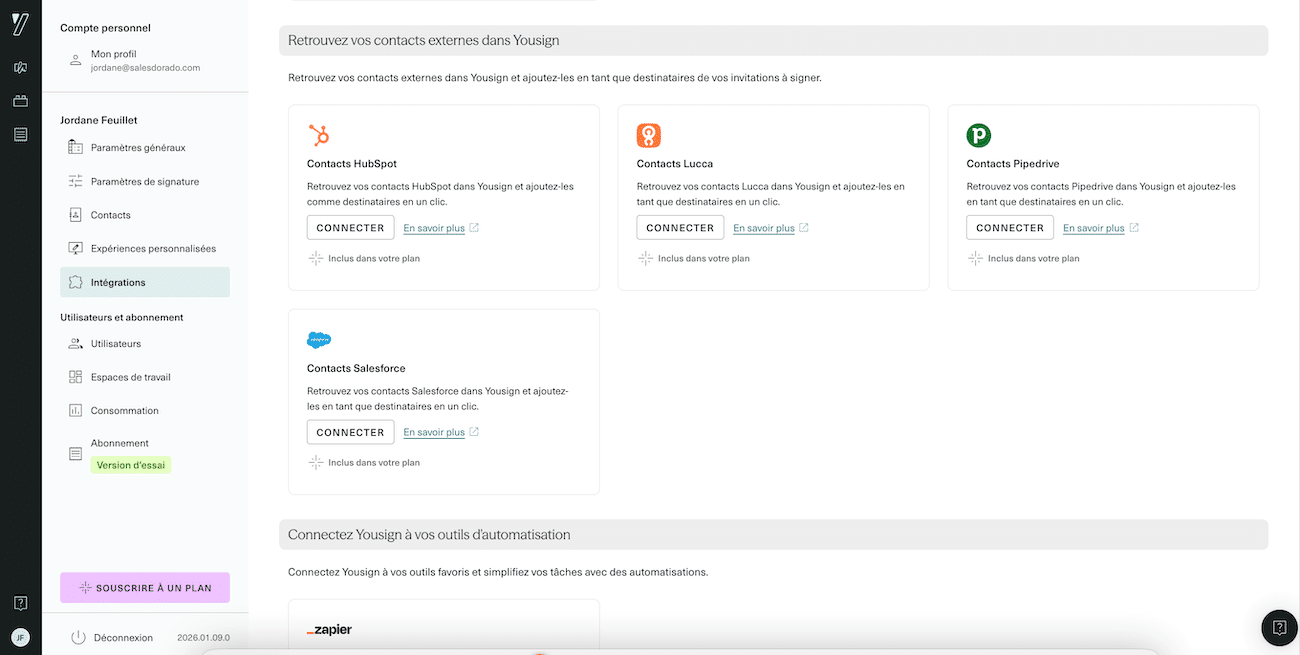
- CRM: Salesforce, HubSpot, Pipedrive
- Automation: Zapier, which unlocks access to more than 8,000 third-party applications. Youtrust does not, however, offer a Make integration. A shame…
- AI: an MCP connector to launch signatures from ChatGPT or Claude.
For more advanced needs, the Youtrust API (from €104 excl. VAT/month) lets you integrate signing directly into your business applications.
Youtrust pricing: how much does it cost?
Youtrust makes pricing transparency a marketing argument against the traditional opacity of enterprise contracts. Here are the details of the plans. The prices shown are excl. VAT, with an annual commitment: with monthly billing, the bill goes up (from €30 excl. VAT per month for the Plus plan).
Application plans (SaaS)
| Plan | Price | Signatures included | For whom |
|---|---|---|---|
| Free | €0 | 2/month | Testing, very occasional use |
| One | €9/month | 10/month | Freelancers, micro-businesses |
| Plus | €23/month/user | Unlimited (simple) | Very small businesses/SMEs (1-10 users) |
| Pro | €38/month/user | Unlimited (simple) | SMEs/mid-sized companies, advanced needs |
What is included in every plan
- Simple electronic signature (SES)
- Time-stamped audit trail
- 10-year evidential archiving (CDC Arkhineo)
- Email support
What is billed as an extra
- Advanced Signature (AES): paid add-on module (price not public)
- Qualified Signature (QES): €10 excl. VAT/signature (annual bundle of 10+) or €15/signature (monthly)
- SMS authentication: included from the Plus plan
- Approvers: from the Plus plan
- Automated forms: optional (from €10/month) on the One and Plus plans, included in the Pro plan
The API offer
For companies that want to integrate signing into their own applications:
- API Plus: €104 excl. VAT/month (500 signatures/year included)
- API Pro: €129 excl. VAT/month (500 signatures + white label + 99.9% SLA)
Salesdorado’s takeThe One plan at €9/month looks attractive on paper, but 10 signatures a month quickly falls short for an active SME. As soon as you regularly sign contracts, quotes or purchase orders, you will switch to the Plus plan at €23. Do the maths before you commit.
Youtrust vs DocuSign: which tool should you choose?
This is the classic face-off, and the prices are now identical. DocuSign offers a Personal plan at €9/month, a Standard plan at €23/month and a Business Pro plan at €38/month. Youtrust lists €9 (One), €23 (Plus) and €38 (Pro). On pricing, it is a draw.
The real difference lies elsewhere. DocuSign is the global leader, with 100+ million documents signed per year and a presence in 95% of the Fortune 500. Its strength: functional completeness (notarisation, in-person signing, very deep Salesforce integrations, advanced workflow designer, native mobile app). It is a solution designed for large international companies with complex needs.
Youtrust plays on a different field: simplicity and sovereignty. Where DocuSign can feel like an “overengineered machine” with hundreds of options, Youtrust guides the user step by step. Above all, for a European SME, hosting in France + native GDPR compliance + ANSSI certification considerably simplify the risk analysis. No questions to ask yourself about the US Cloud Act.
The other notable difference: DocuSign offers a native mobile app (iOS/Android) that lets you collect signatures on a smartphone or tablet, even offline. Youtrust does not have one: it is its Achilles’ heel for field teams.
In short: DocuSign if you are a large international account, if you need advanced features (notarisation, KBA) or if your teams work a lot on mobile. Youtrust if you are a European SME or mid-sized company that prioritises simplicity, data sovereignty and French-speaking support.
Our final verdictYoutrust is the obvious choice for French and European SMEs that want to combine simplicity, compliance and sovereignty. The interface is intuitive, the prices are transparent and the support is responsive. Try it free for 14 days to form your own opinion.