Its light footprint, its low cost and its ease of use all make it a genuinely interesting CRM.
Teams whose sales processes are more elaborate, or whose customisation needs run deeper, may find the platform limiting.
HubSpot CRM made a name for itself very fast (and built a solid user base) thanks to its free plan. Under what conditions is HubSpot the right tool ? How far does the free plan really take you ? What are the limits of this CRM software ?
In this article, we give you the results of our full test.
HubSpot CRM: one of the deepest feature sets on the market
#1 Contact management in HubSpot CRM: our review
The CRM lets you import your contacts from Gmail, Outlook, or from your company mailbox and your web forms. Once your contact base is imported, the platform updates contacts automatically and records every sales activity tied to them.
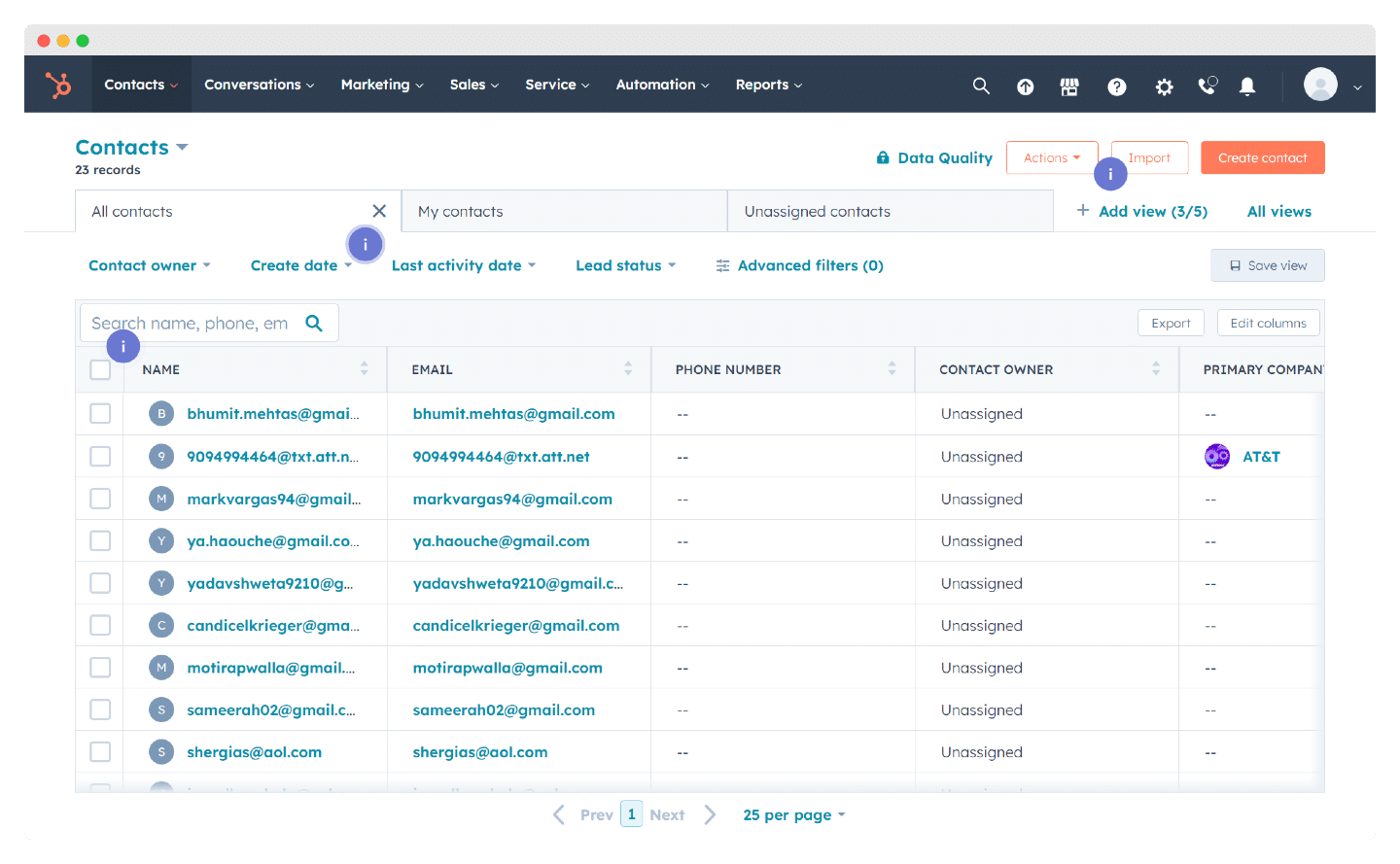
HubSpot automatically mines its database of more than 20 million companies and pulls revenue, industry and other details into contact records wherever it can. Their contact records are not the most readable ones out there, but the automation strategies go very deep, with up to 135 fields per contact.
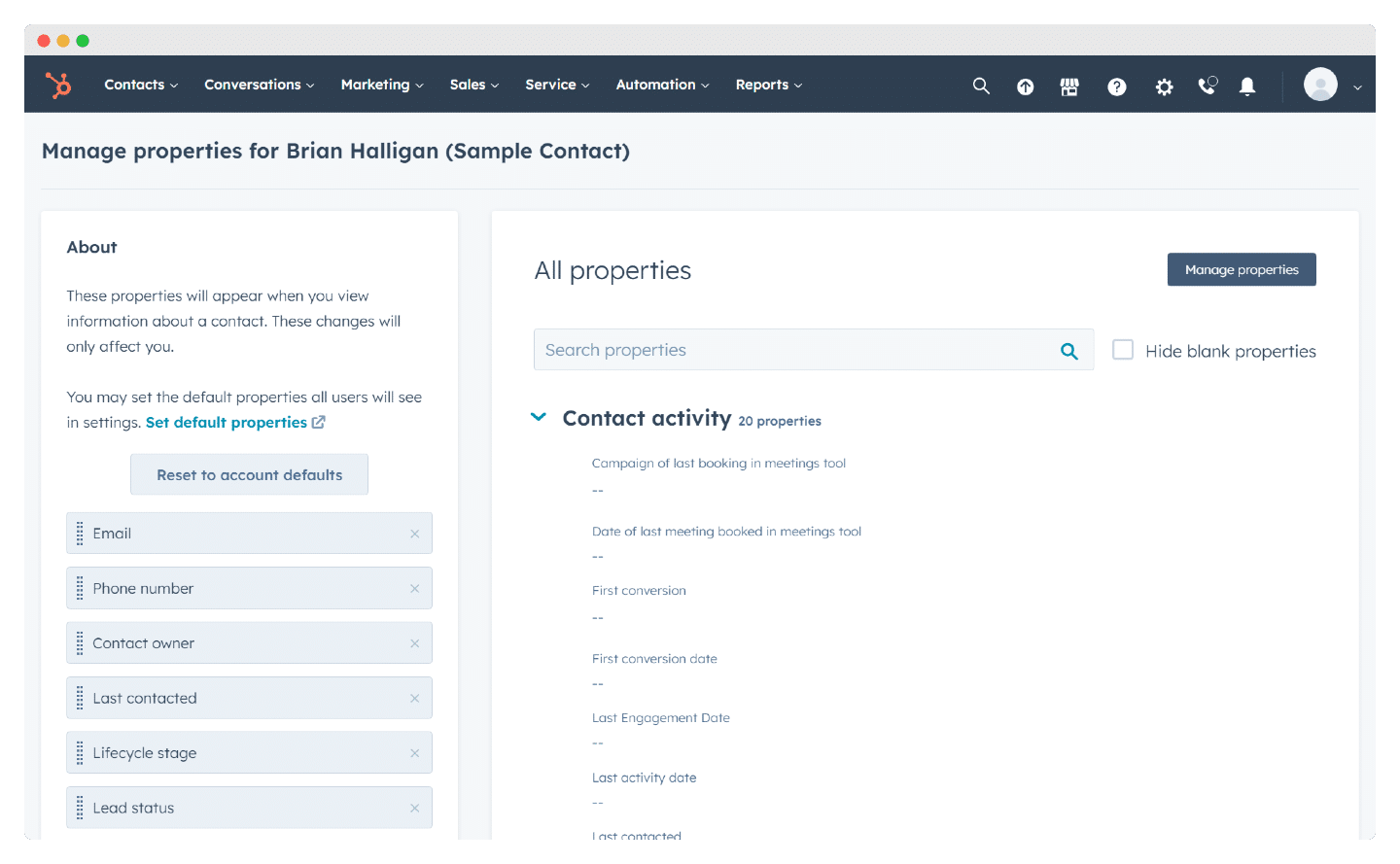
Beyond the sales process, this information helps you segment your customer and prospect base to run better targeted, more effective marketing campaigns. The platform handles up to 1 million contacts and companies, which covers what most mid-sized companies need, especially in B2B.
Salesdorado’s tipContact filters could stand to be more precise, but the tool will not cap the number of contacts you import, and that carries real weight when you are rolling out a CRM in your organisation for the first time.
#2 Sales funnel & opportunity management in HubSpot
HubSpot CRM is an excellent tool to help your sales team tighten up its processes: the sales pipeline in “Kanban” view makes it much easier to track how leads move through the funnel.
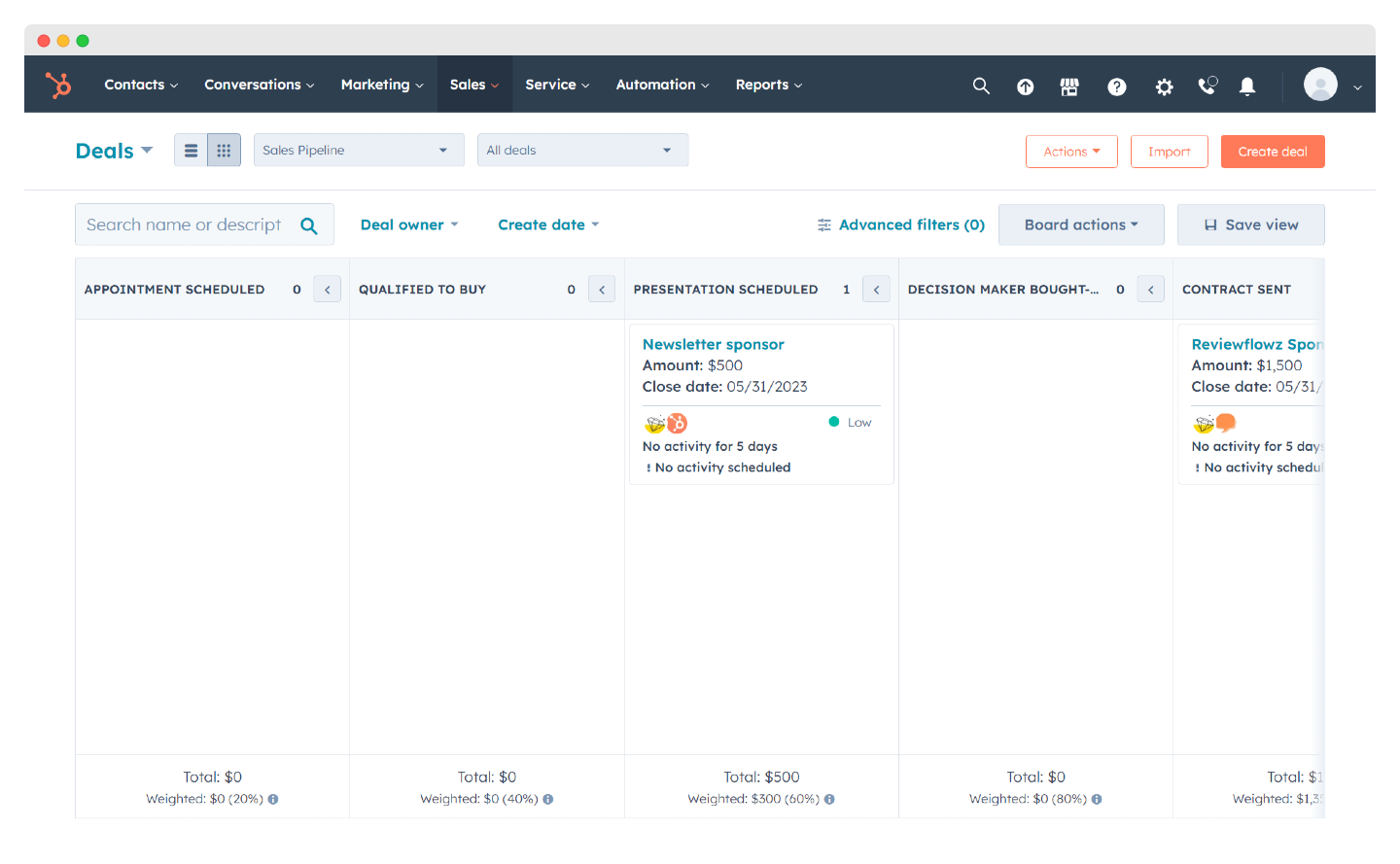
The tool lets you create up to 50 different pipelines, which is very useful for organisations selling products or services with different sales processes. You can edit and add stages to the sales pipeline, on top of the seven preconfigured ones (Appointment scheduled, Qualified to buy, Presentation scheduled, Decision maker bought-in, Contract sent, Closed won/lost).
You can, for instance, build a dedicated “upsell” pipeline for your existing customers, or one for renewing subscriptions that are about to expire.
As a deal progresses, it moves along your sales pipeline. You can create and save filters to quickly surface deals above a certain size, deals expected to close this month, or deals in a specific industry.
Watch outHubSpot’s sales pipeline is solid but it is not the most visual one. Some find it a little cluttered, with fairly dark colours. The customisation options go deep enough to get past that, though.
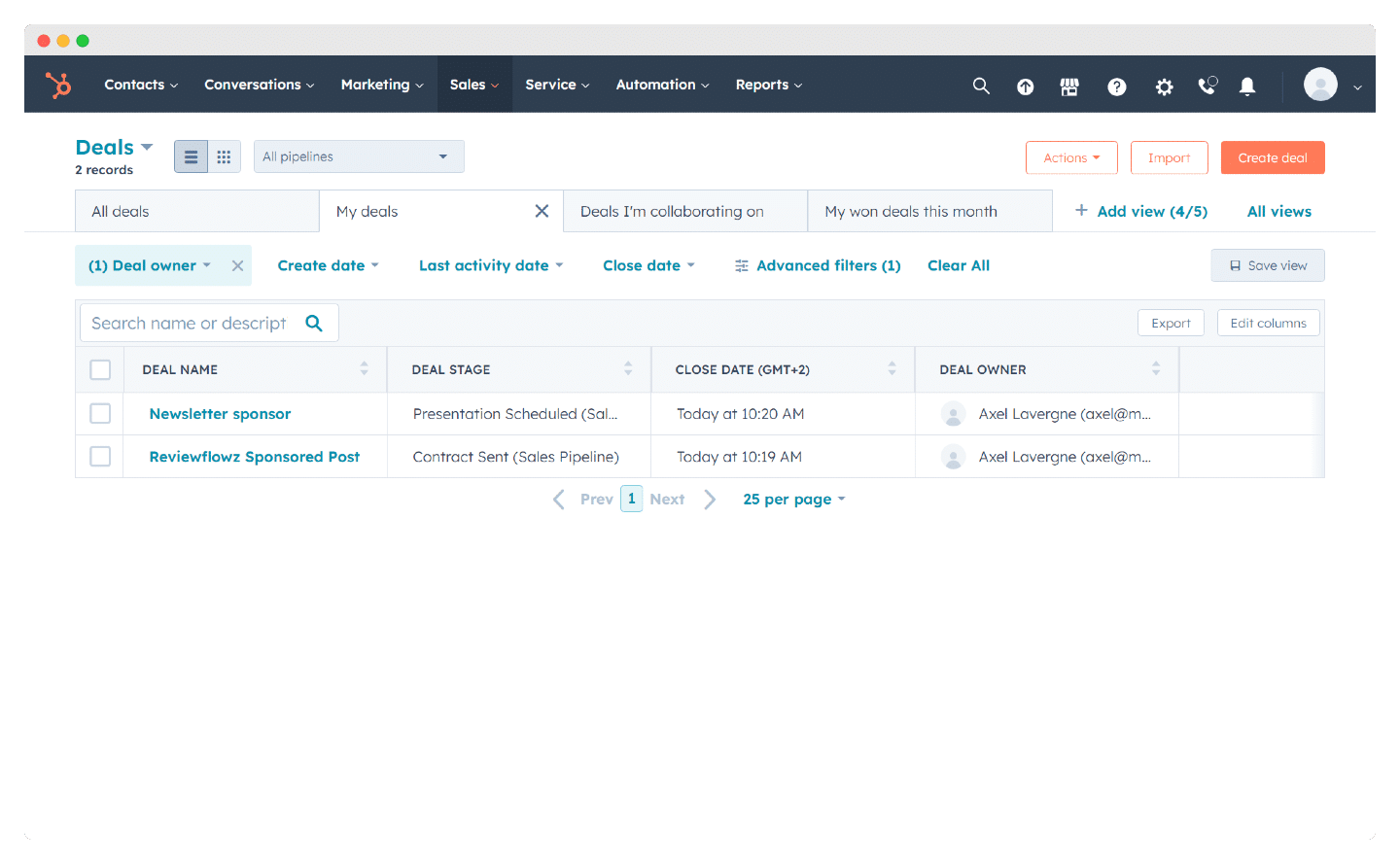
There is also a table view, handy for sorting deals by assigned rep, by stage or by expected close date.
HubSpot CRM lets you keep a close eye on how your customers behave. Once all the data is in the system, you start receiving notifications every time a prospect opens an email or clicks a link or an attachment.
Salesdorado’s tipThe highly visual sales pipeline is an effective way to follow the overall progress of your sales activity. The integration with HubSpot’s marketing suite is also a powerful way to push targeted marketing campaigns at your hottest leads.
#3 Administration & reporting in HubSpot CRM
HubSpot CRM has a clear position: the tool is aimed mainly at SMBs, and it is therefore built to be picked up quickly, without hours of training to get value out of its features.
On usability, that is a success: navigation is modern and intuitive, and it will make your sales team more efficient on plenty of fronts.
That said, while importing contacts from your mailbox simplifies setup and speeds up onboarding, it is a shame that the learning curve is this steep for a tool that presents itself as lightweight.
Once your organisation has used the tool for a while and your reps know the main features inside out, working in it is smooth.
Adoption by your teams, on the other hand, can be a challenge, because getting the most out of HubSpot CRM means a “cultural” shift in your reps’ daily work.
Salesdorado’s tipHubSpot CRM is a very powerful tool, but rolling it out in your organisation is a long-term commitment. Go in knowing that adoption will take time. If you are after something light and simple to set up, we would rather point you to Pipedrive or ActiveCampaign.
That ramp-up period should not be underestimated: your teams will need time before they are fully operational.
Once your reps have absorbed the daily habits that make HubSpot CRM pay off, the tool makes their life a lot easier, in particular on the following:
- Answer your prospects fast: you get a pop-up alert whenever a prospect does something worth noticing (opening a deck, visiting your website) and one click gives you several ways to interact with them.
- Use it where you need it: in Gmail or Outlook 365, a pop-up window gives you every piece of information attached to the contact.
- Access to powerful features: in Gmail and Outlook 365, you can pull up your templates, email sequences, snippets, documents and meeting links. You save a lot of time writing emails and following up.
- Automation: the tool automates meeting scheduling and, through the integration with your conferencing software, you can reach prospects quickly. HubSpot CRM also integrates with Twilio, which lets you place calls straight from the software; calls can be logged directly in the tool, so you keep better track of your prospects.
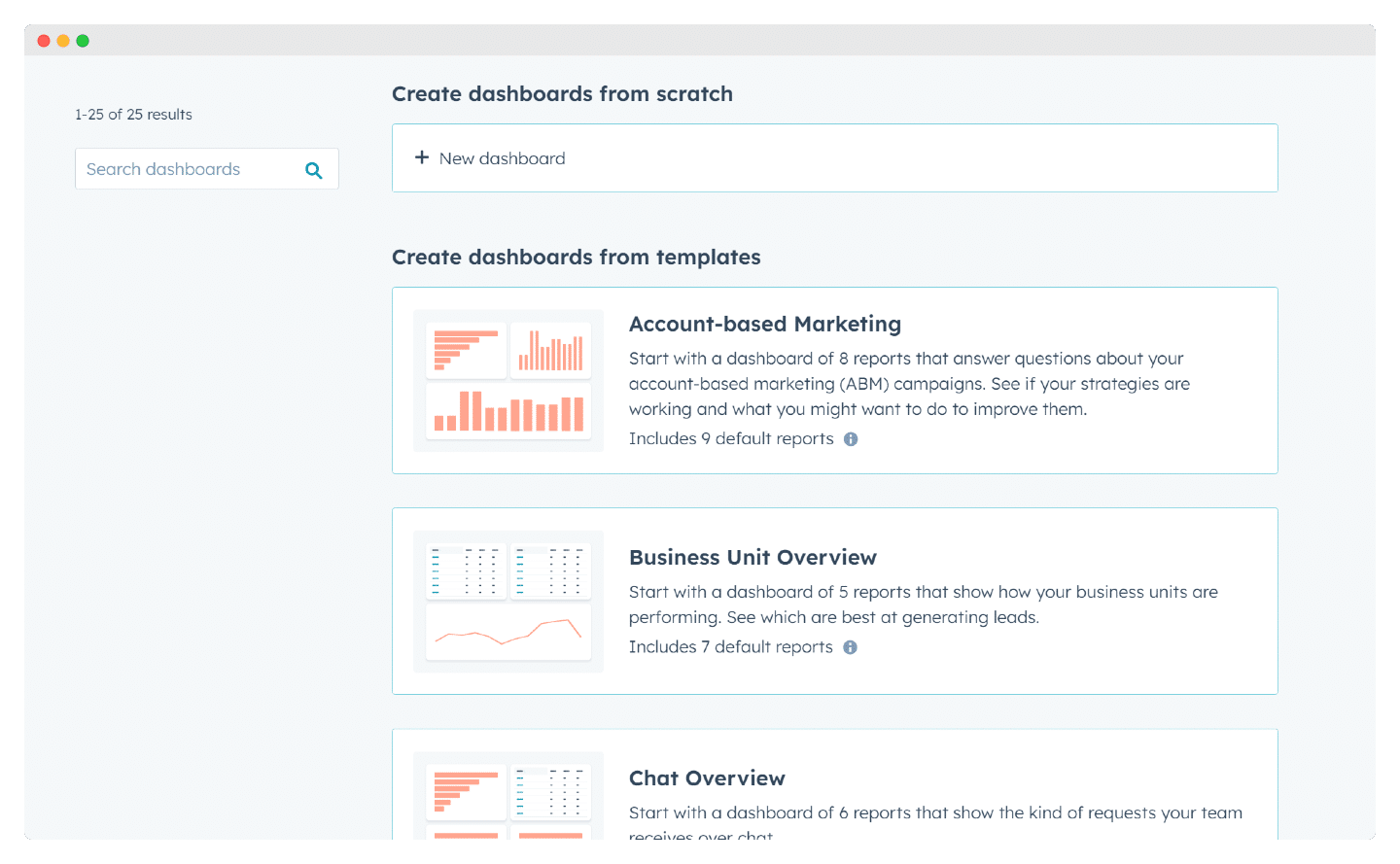
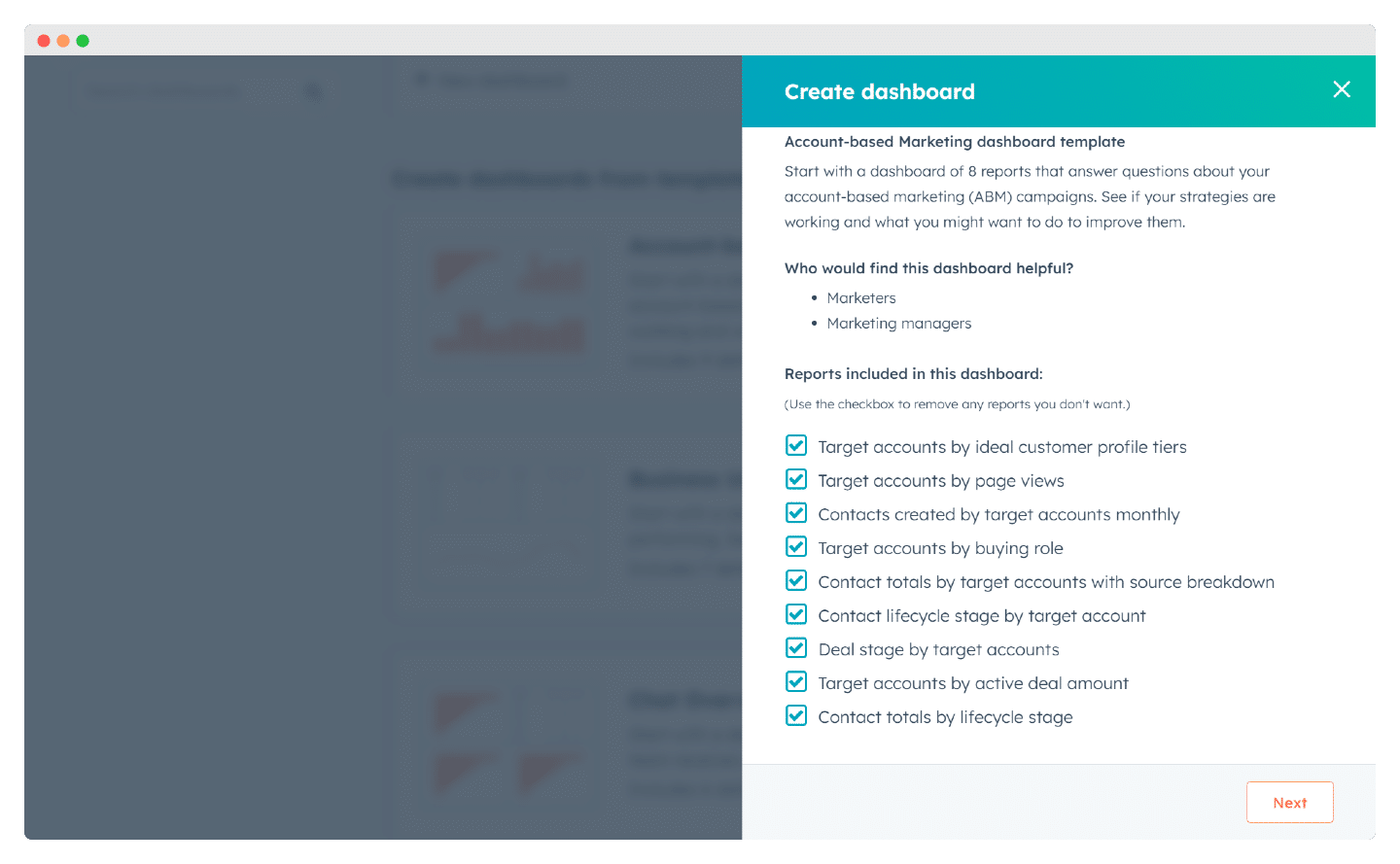
On reporting, every dashboard template comes with a set of reports you can choose to keep or not. Building a custom dashboard also lets you pick exactly the reports that matter to you.
#4 Prospect records & data model in HubSpot CRM
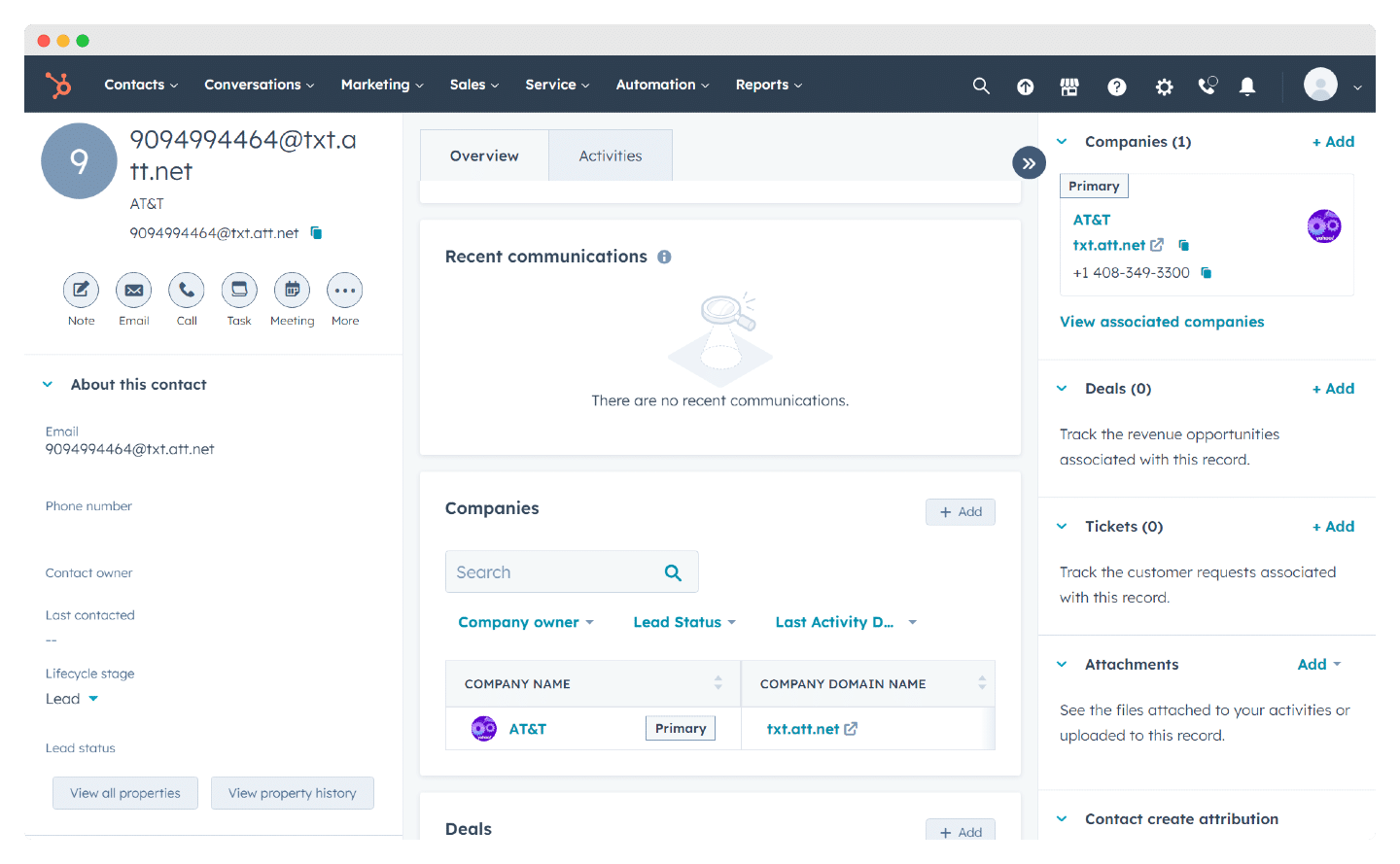
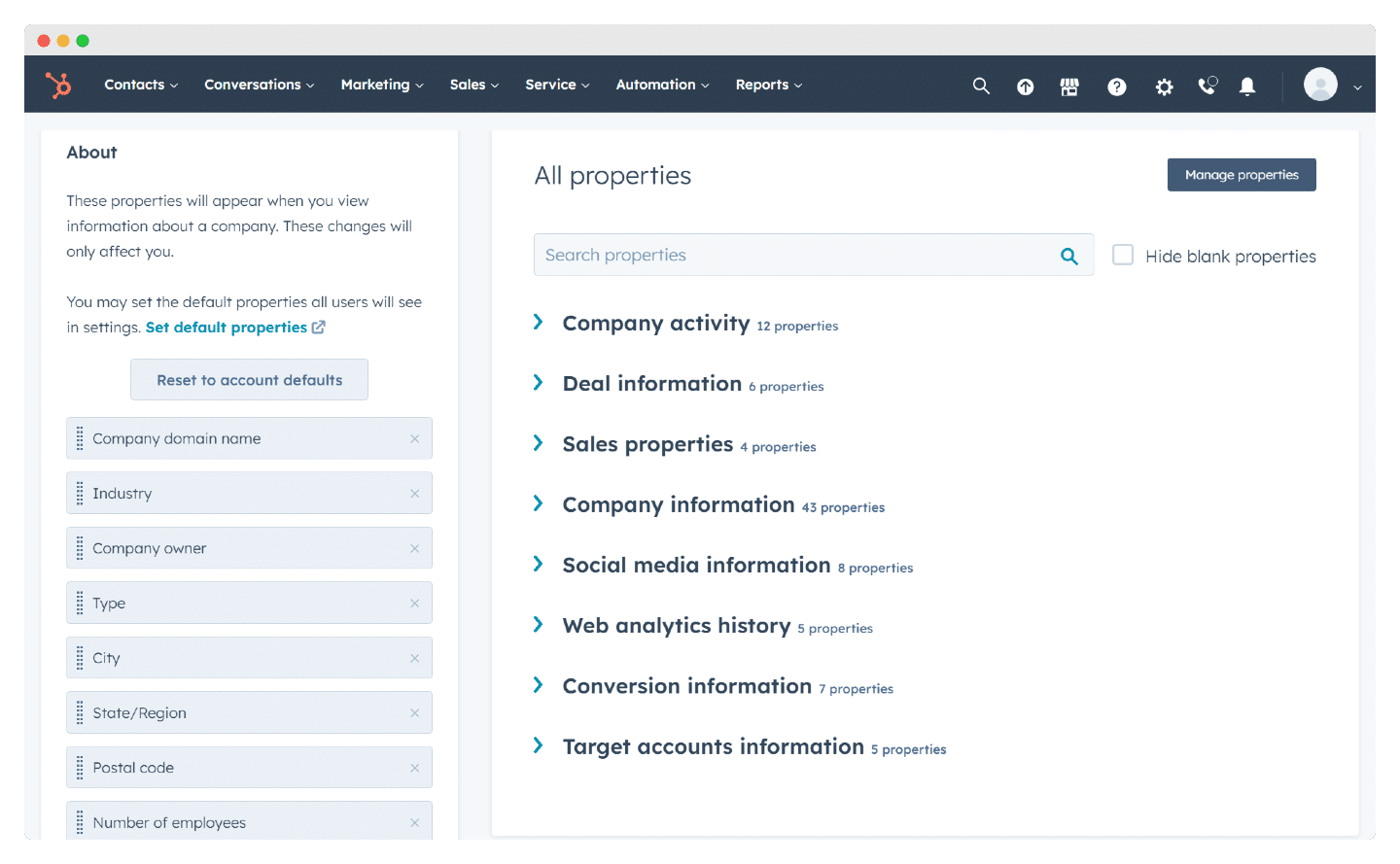
The contact record
This is where you enter the details of all your customers, then link them to their company and to every open deal you have with them.
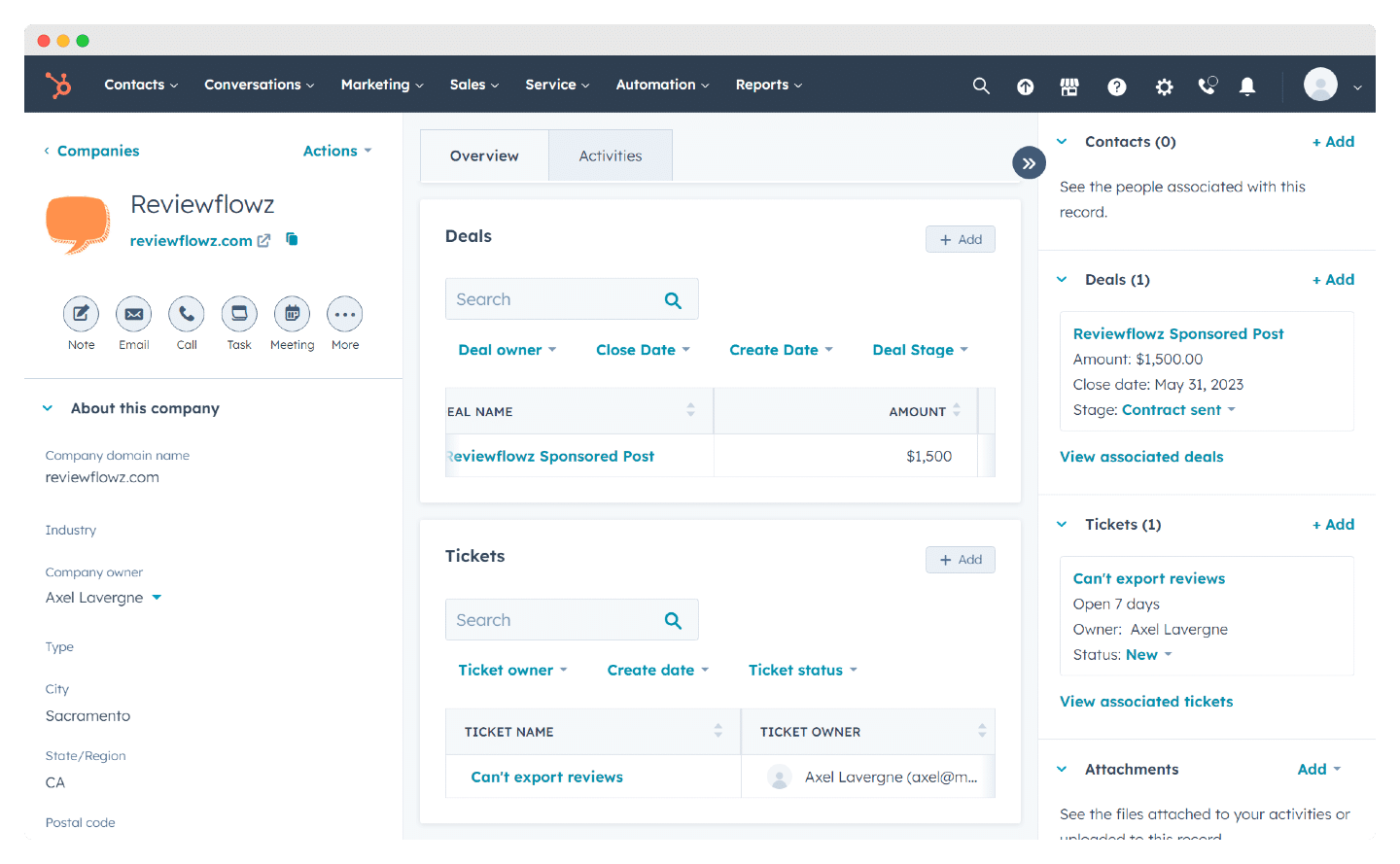
The company record
You can also fill in company records, where you list everyone who works there, with notes on what that company is doing.
Custom fields
Depending on what your company needs, you can create custom fields and then filter your data on them. Those fields can apply to people, deals, organisations, and so on.
#5 Automation, documents & CPQ
Once you have closed a sale, you probably have a pile of documents to send, sign and send back. The faster you get through them, the faster you move to the next deal.
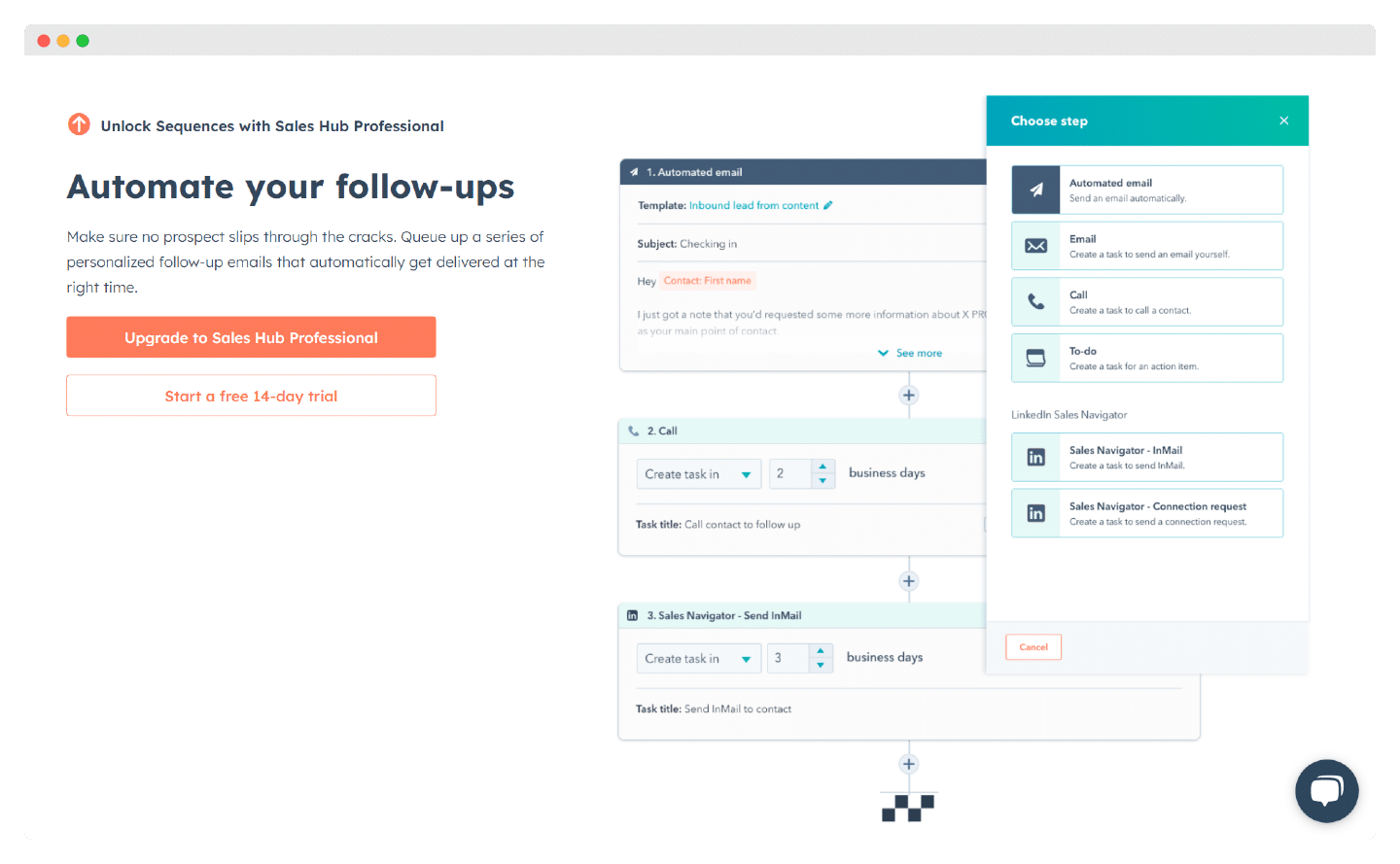
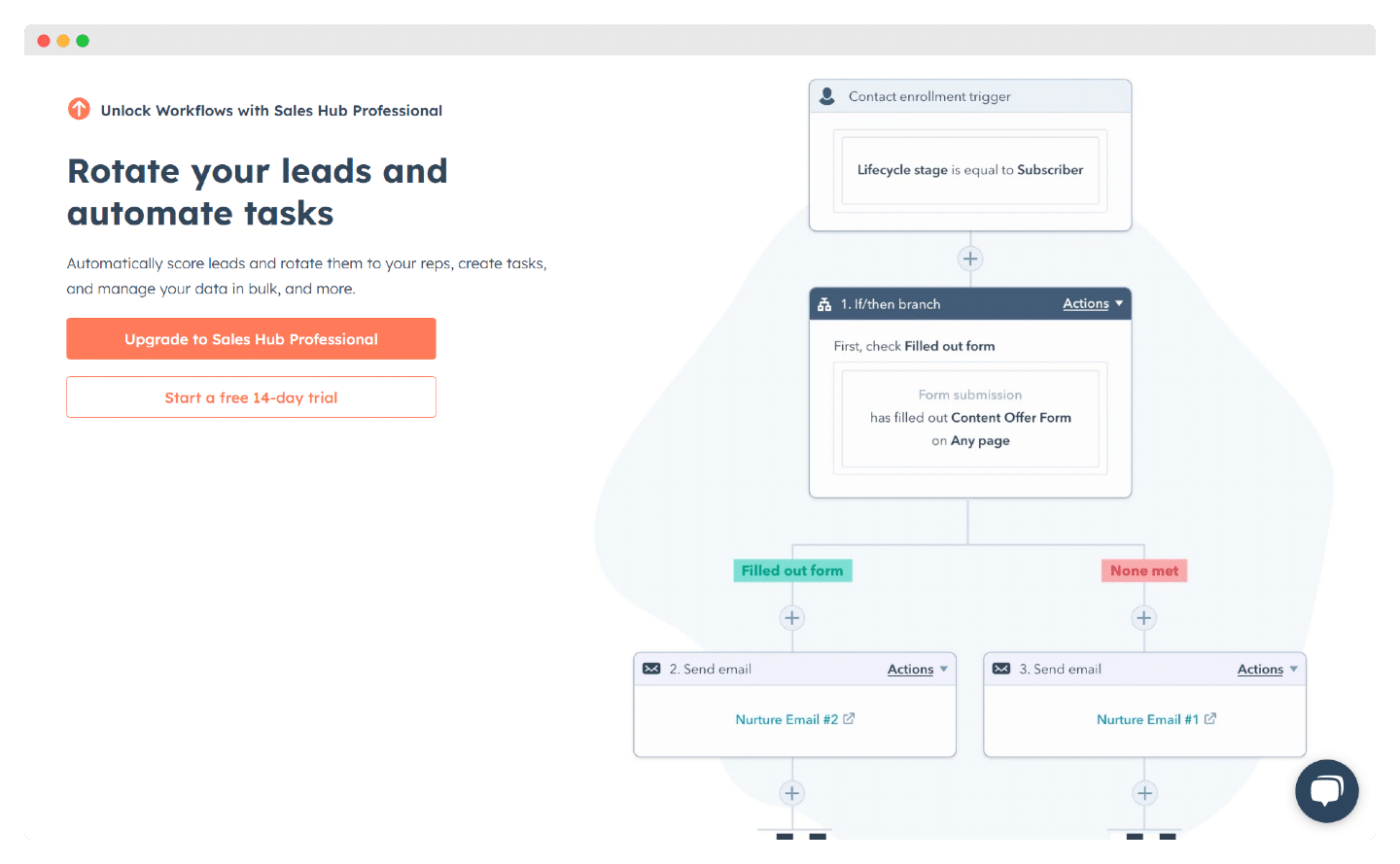
HubSpot has a workflow feature, available on the Pro and Enterprise plans, to automate your sales processes. But it is nowhere near the depth, flexibility and customisation Salesforce offers.
On the free version, HubSpot lets you upload documents of up to 250 MB. Free users get five shared documents at any one time. If your business needs to store files above 250 MB, you will have to pay. The upside here is that there is no overall storage cap.
Customer support & training at HubSpot
HubSpot has a reputation for suiting the “Do It Yourself” crowd, the kind that needs very little support.
But the CRM does offer support in English, available Monday to Friday, for paid accounts. HubSpot Academy gives you access to a lot of content and very detailed training, for instance on getting started with the tool – and the whole catalogue is in English, so nothing is lost along the way.
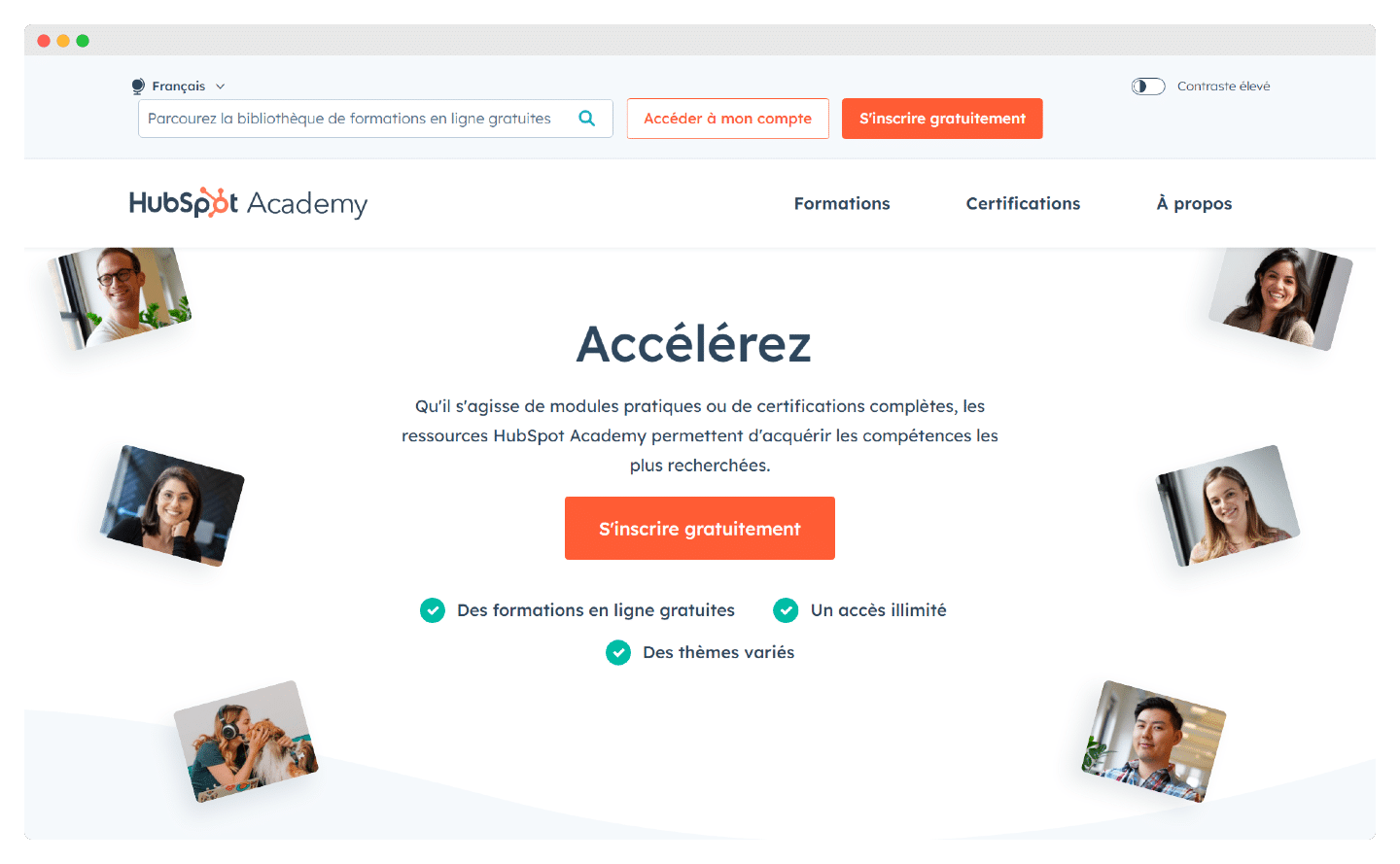
You can also take certifications with HubSpot, focused mainly on lead generation.
Onboarding sessions for new reps are detailed, lively and intuitive – budget around $1,500 per user. You can also go for in-depth sessions to work through complex problems, which cost more than $5,000.
HubSpot CRM pricing
What is HubSpot’s free plan really worth ?
The free version of HubSpot CRM gives you up to 1 million contacts in your database, open to an unlimited number of users. You get the following features:
- Access to the CMS (website building software).
- Website activity tracking: get an overview of what your contacts do on your website (page views, form submissions, and so on)
- Gmail or Outlook integration: to schedule emails from within the CRM.
- Limited productivity tools (email scheduling, tickets and meeting scheduling).
- Email tracking and templates: get real-time notifications when your emails are opened or links are clicked.
- Access to third-party integrations through the App Marketplace.
- Forms to capture leads across your whole site
- Live chat and basic chatbots you can embed on your website.
Watch outHubSpot’s free version is fairly thin on features, including some very basic ones. It is a good starting point, but if what you want is a real marketing CRM, the free version will not cut it.
On sales management tools, for example, you are capped at 15 minutes of calling per user per month, a single sales pipeline, no email automation (and HubSpot branding on your emails).
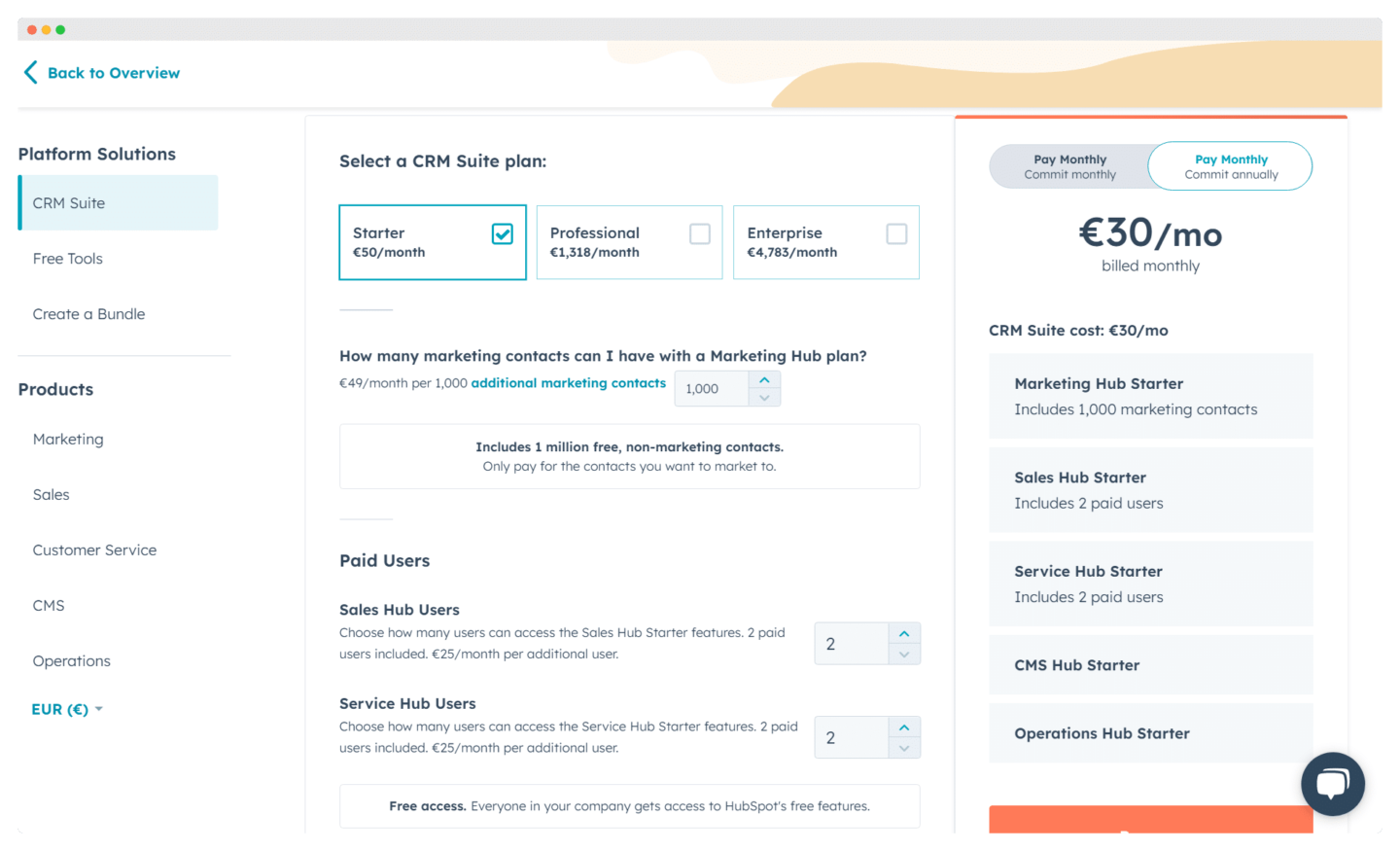
HubSpot’s genuinely interesting offer is the Starter CRM Suite plan, which includes all 5 HubSpot tools (marketing automation, sales CRM, helpdesk, CMS and operations) for 50 € a month for 2 users. Right now it is one of the best-value plans on the market, at a fairly low price given the functional breadth on offer.
HubSpot CRM’s paid plans
HubSpot CRM’s freemium approach means the core CRM features are free, and that you can reach for more advanced, paid features as your needs grow.
Being able to pick the add-on modules you actually need, without swallowing huge upfront costs for a pile of features you would never touch, is genuinely appealing.
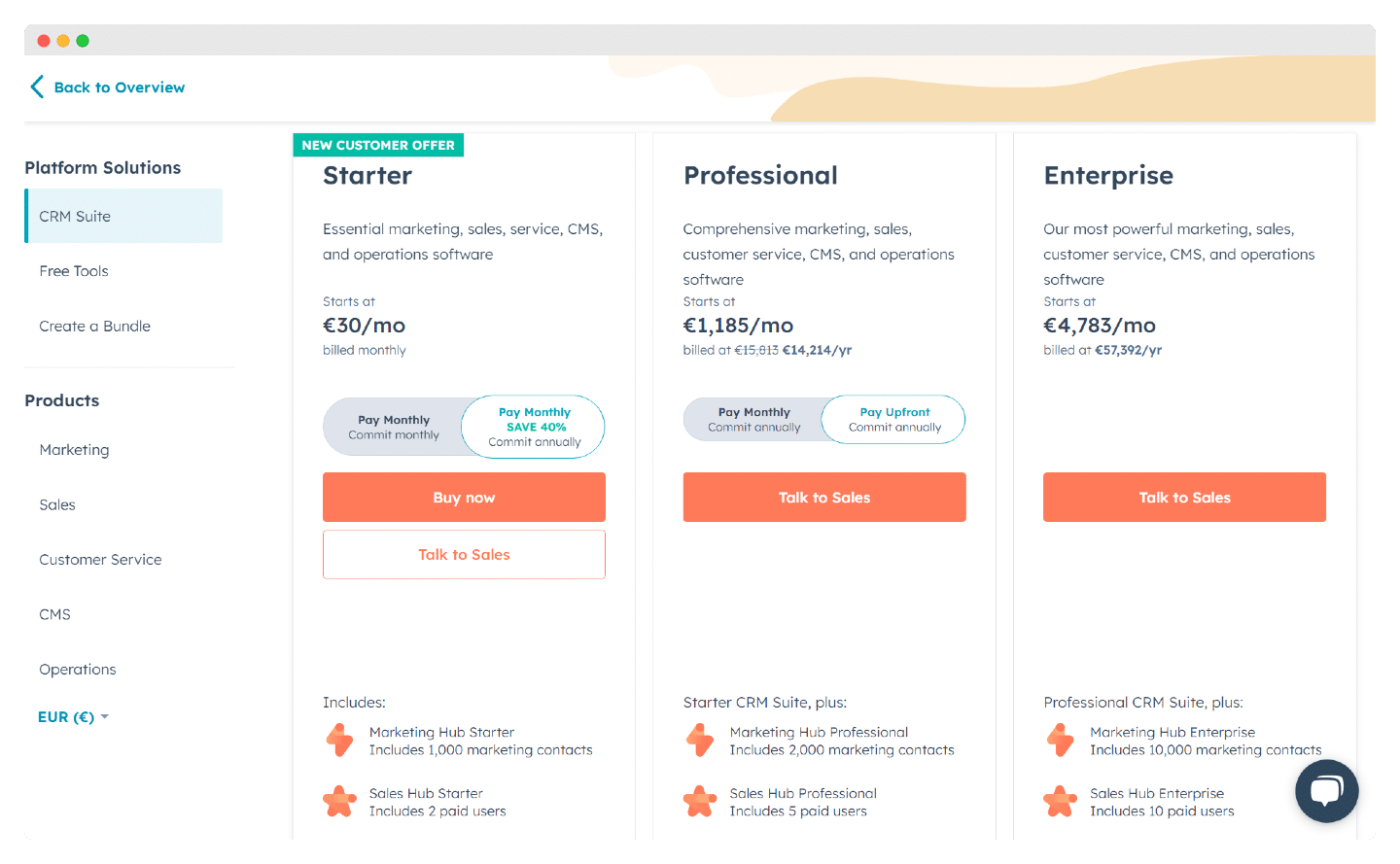
To go further in your customer relationship management, there are three paid plans:
- Sales Hub Starter: from 30 € a month (or 50 euros billed monthly) for 2 paid users, 8 hrs of calling through the tool, unlimited email tracking, 1000 email templates, 1,000 personal and team meeting links, 10 dashboards and 2 deal pipelines.
- Professional: from 1185 € a month (billed annually) for 5 paid users, up to 100 quotes per deal with e-signature, 100 inboxes, 25 dashboards and 15 sales pipelines.
- Enterprise: from 4783 € a month (billed annually) for 10 paid users, 33 hrs of calling, 50 dashboards, 50 sales pipelines and up to 1000 automation workflows to run your teams.
Need more detail on pricing ? We have a full article on HubSpot pricing.
Training costs on HubSpot
The best-known CRMs are, broadly, very intuitive tools that need very little training on how to use sales features.
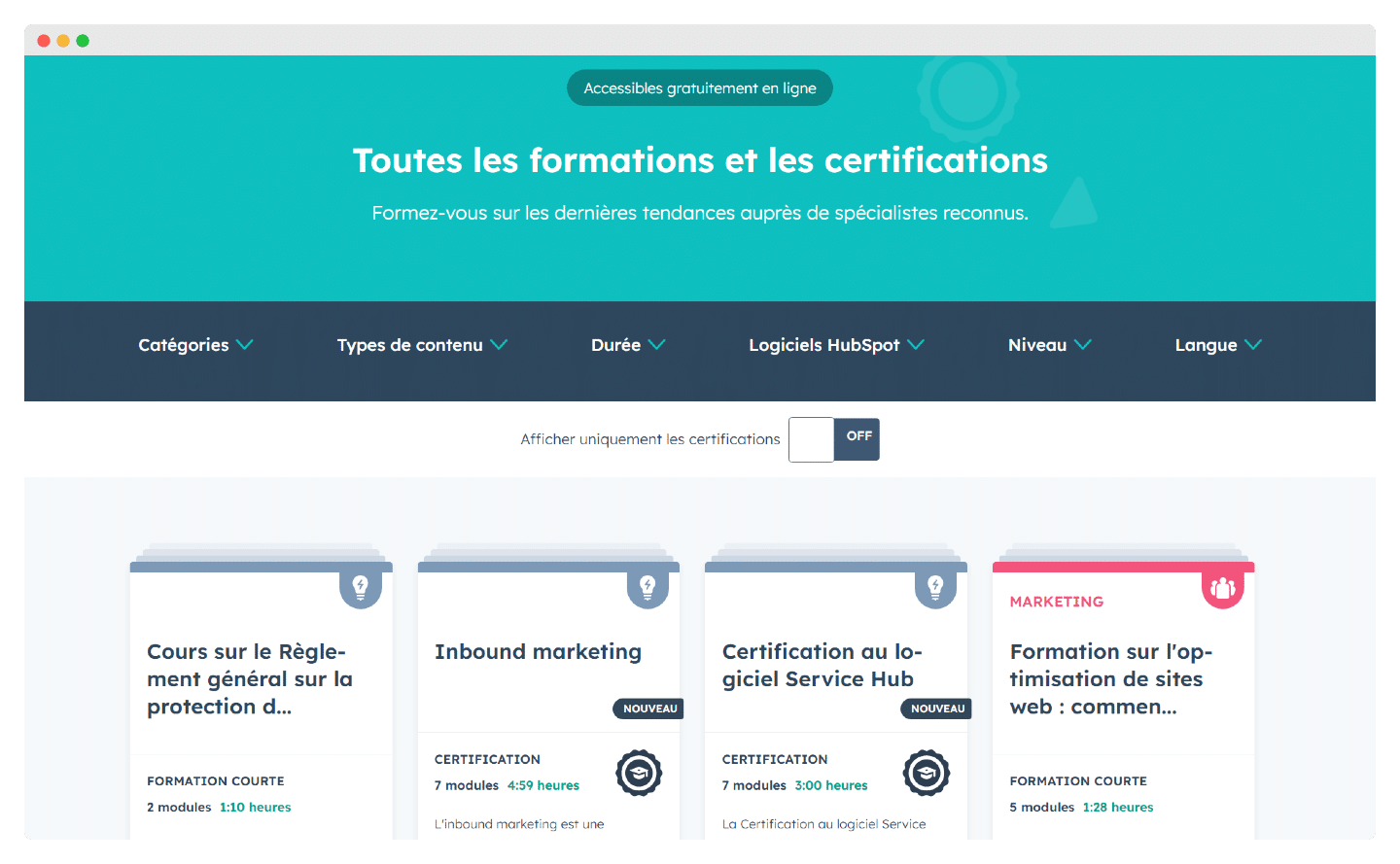
HubSpot has a very complete resource centre, HubSpot Academy, where users can follow thorough courses – videos, downloadable slides, practical exercises – and earn certifications.
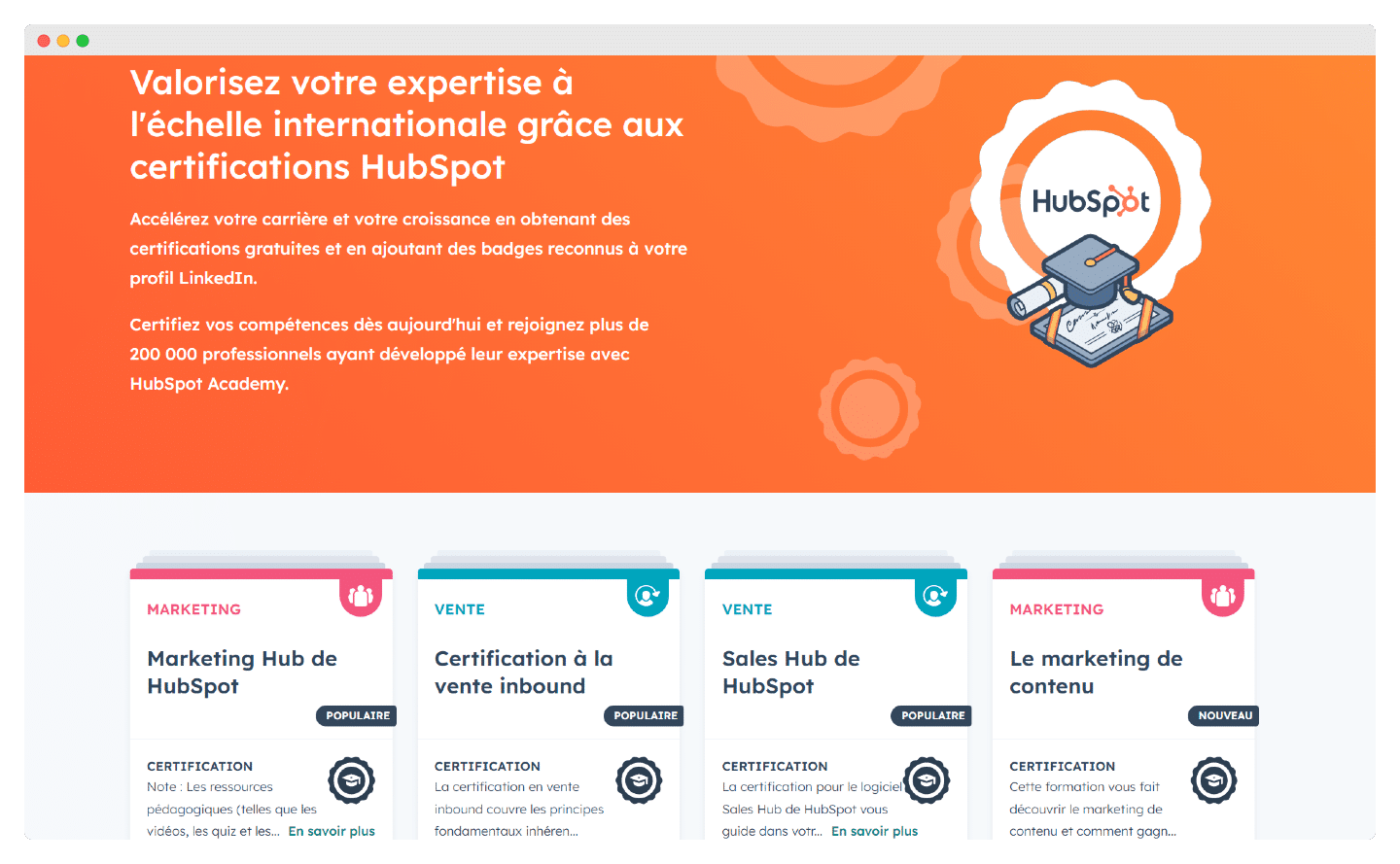
The CRM currently offers 11 certifications, earned through a free training path available in English, if you want your HubSpot expertise certified.
Plenty of HubSpot agencies, such as Markentive or Invox, run training courses, aimed both at beginner teams and at experts already in post who want to sharpen their knowledge of the CRM.
Implementation costs on HubSpot
There are several ways to implement HubSpot: through an agency, through the vendor, or on your own.
Watch outImplementation costs depend heavily on the plan you have picked. The more complex the plan, the more expensive it gets, simply because there are more options to configure.
If you go through a certified agency, HubSpot has a number of partner agencies that will support you through the rollout. HubSpot gives them 5 different badges depending on their level: Partner, Gold, Platinum, Diamond and Elite.
That guarantees deep HubSpot expertise and genuinely tailored support, but it also has a price: agency-led implementation usually starts at 1000 euros minimum.
HubSpot also sells its own remote implementation: for Marketing Hub onboarding, for example, budget 2760 euros for a Pro account and 5500 for an Enterprise one. Here is an example of their Marketing tool onboarding plan.
You can also implement the tool yourself: HubSpot offers plenty of free training on HubSpot Academy that can take you all the way. It is a slower route, but it can be very effective and very economical if you understand the tool and know your own needs well.
The 5 products in the HubSpot suite
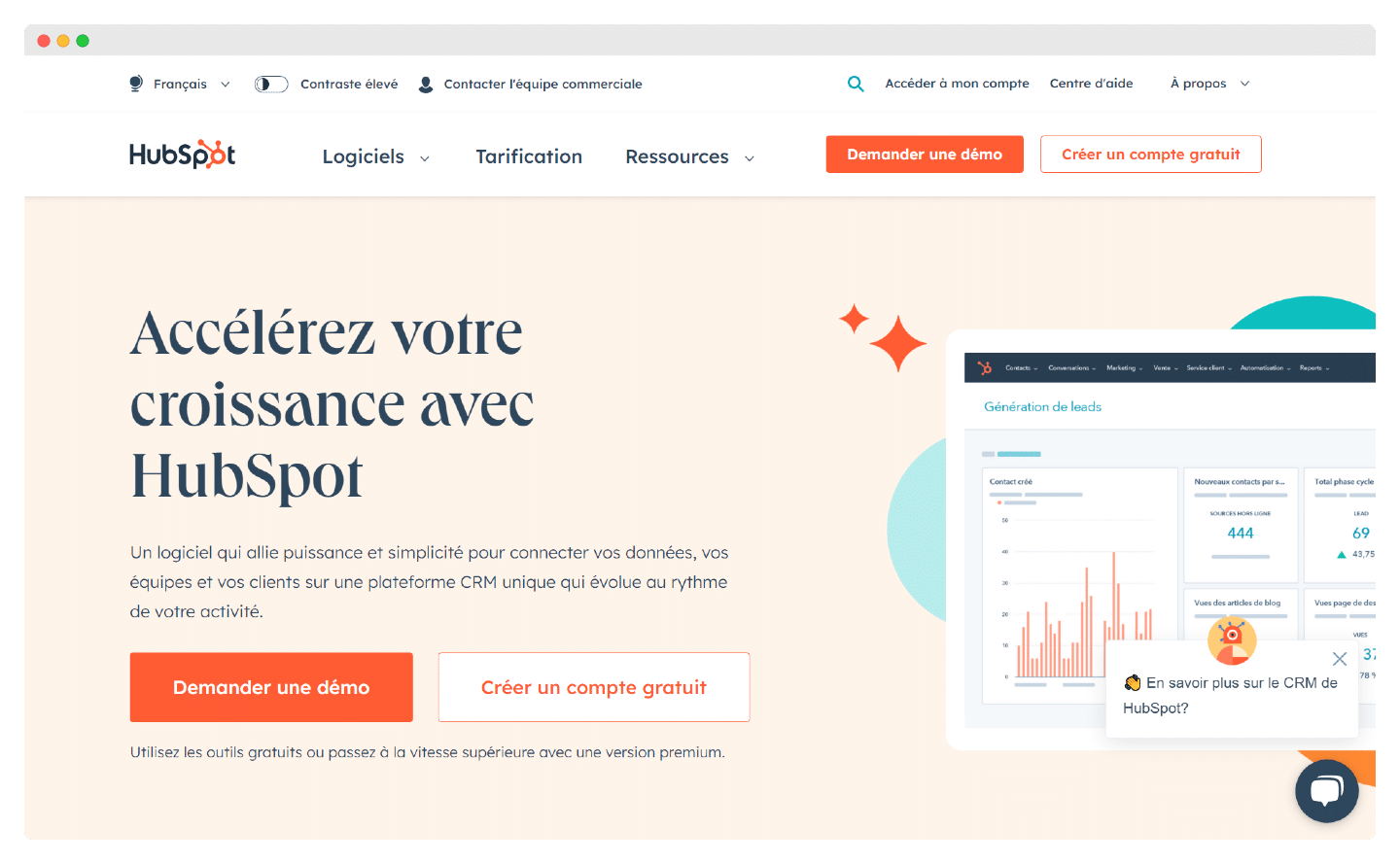
The HubSpot suite is made up of 5 products:
- Marketing Hub – what they are best known for, and probably one of the most complete marketing automation platforms on the market
- Sales Hub – the sales CRM with the emblematic free plan
- Service Hub – HubSpot’s customer support software suite, on a par with the most recognised tools such as Zendesk
- CMS Hub – HubSpot offers a CMS (Content Management System) to build and run sites of varying complexity. In practice it is not the best CMS on the market, but the (very) big draw is that the whole analytics and web-tracking stack, and the link to the CRM and the marketing automation tools, are native. Since the point of a website is to make money, that matters more than being able to customise the bottom border colour of your email fields.
- Operations Hub – this one is more of an add-on for every other tool in the suite: the features that smooth out interactions between the other 4, but also accepting payments, automating lead scoring and contact scoring, lead assignment, and a whole range of features to secure better data quality.