Mailchimp is a reference product in the email marketing software and direct marketing market. It is a very simple tool with an appealing design, and it did a lot to improve the experience of building a newsletter, largely thanks to its free plan.
The software makes it simple to create email campaigns and marketing automation sequences, and it comes with fairly effective lead generation tools.
It is mainly aimed at email marketing beginners, since some of its features are a bit limited, especially when it comes to audience management.
Mailchimp: feature overview
Creating email campaigns
The four campaign types
Mailchimp lets you create four types of email campaigns.
- Custom HTML email campaigns, which you can schedule.
- Campaigns built from the templates provided, using the automation features.
- Plain-text email campaigns, with no images or formatting.
- Email campaigns built with the drag and drop method.
Email templates
Mailchimp offers several email templates that you can customize yourself. The software also lets you build your own templates from scratch. This is one of Mailchimp’s strong points.
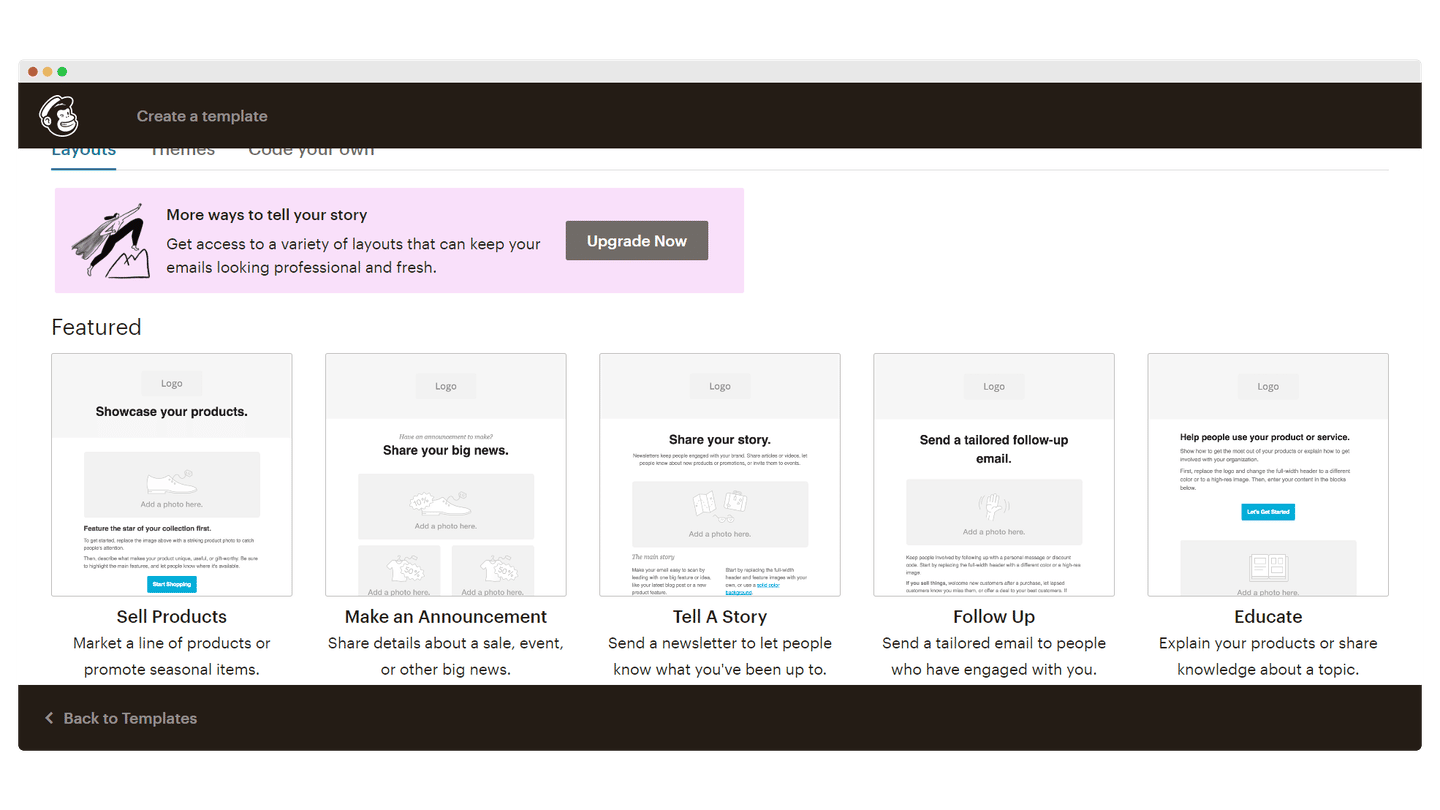
Drag and drop
The drag and drop feature lets you design email campaigns on the fly, in a flexible and intuitive way. Plenty of customization options let you build good-looking email templates. It is probably Mailchimp’s most remarkable feature.
Automation features
Mailchimp offers standard automation features, such as sending an automatic email on a customer’s birthday, but also more advanced ones. Customer Journeys lets you build automations tied to goals or actions.
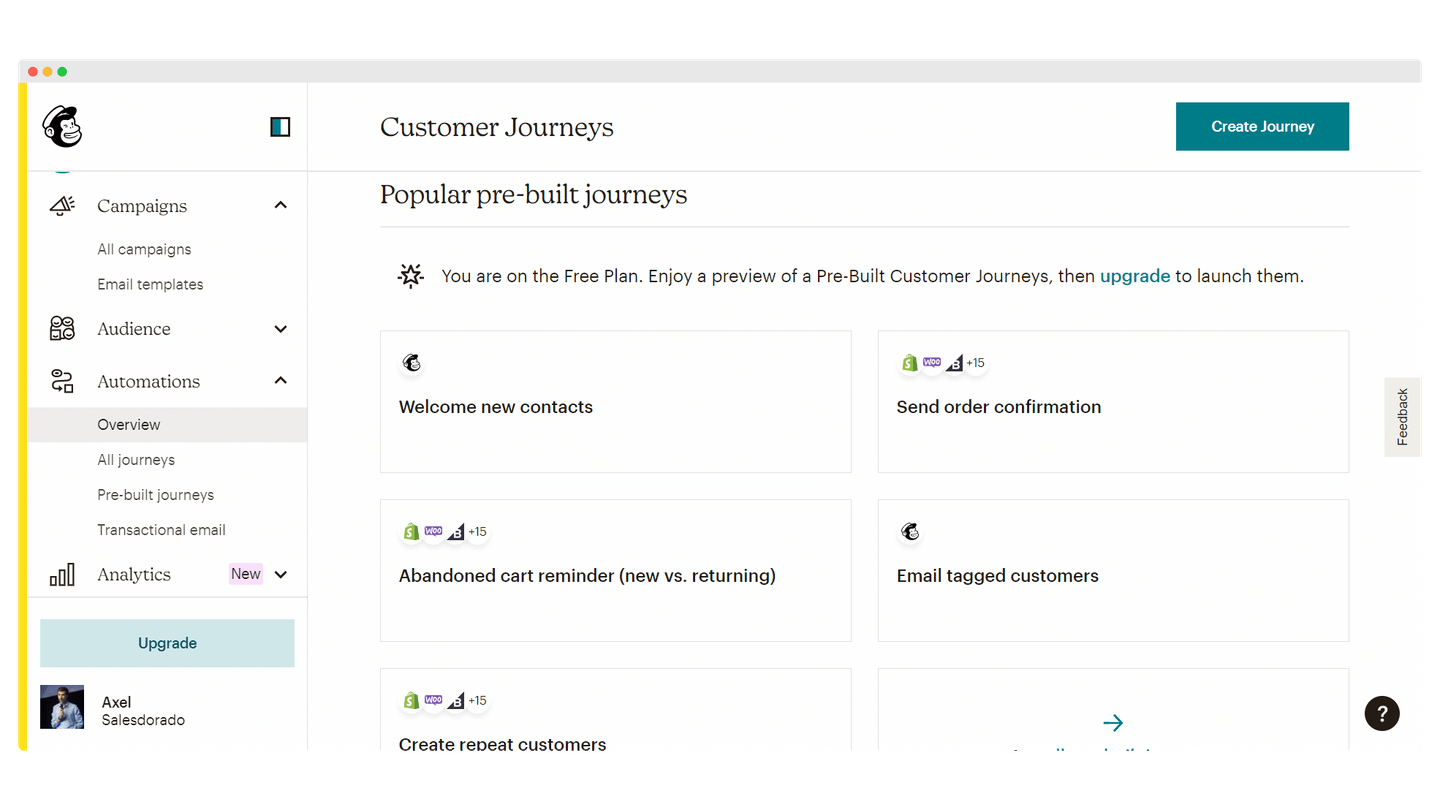
Mailchimp is somewhat limited when it comes to campaign personalization, compared with solutions like Brevo or ActiveCampaign. But for beginners, it is more than enough.
Contact management
Mailchimp lets you manage contacts by segments, grouping them according to several criteria: signup form data, group preferences, location. It is fairly easy to use: you just copy and paste a list of addresses manually from a global list and then use an existing segment, or use a series of filters that build the segment automatically for you. That is the simplest option if your contact list is large.
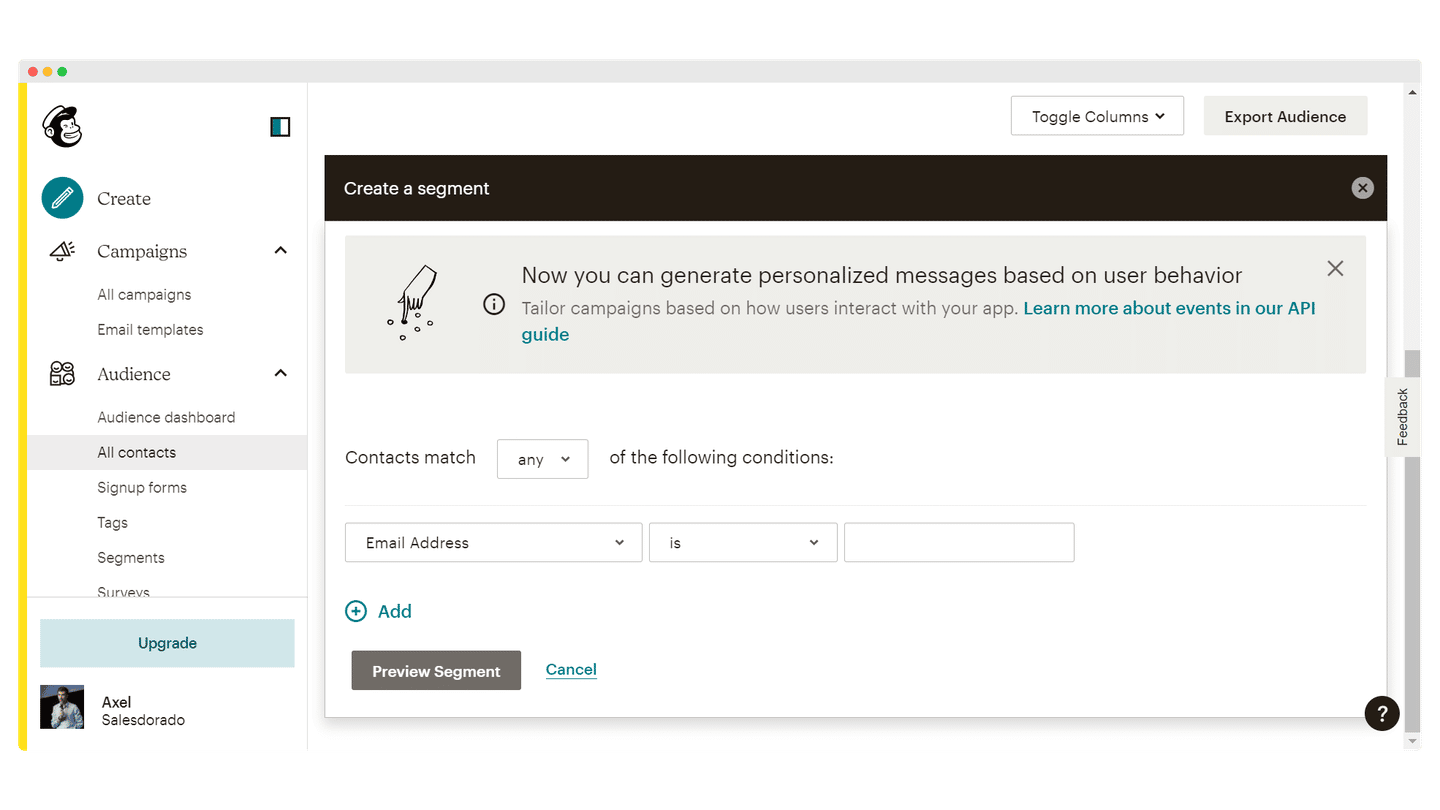
On the other hand, the software does not offer list-based contact management.
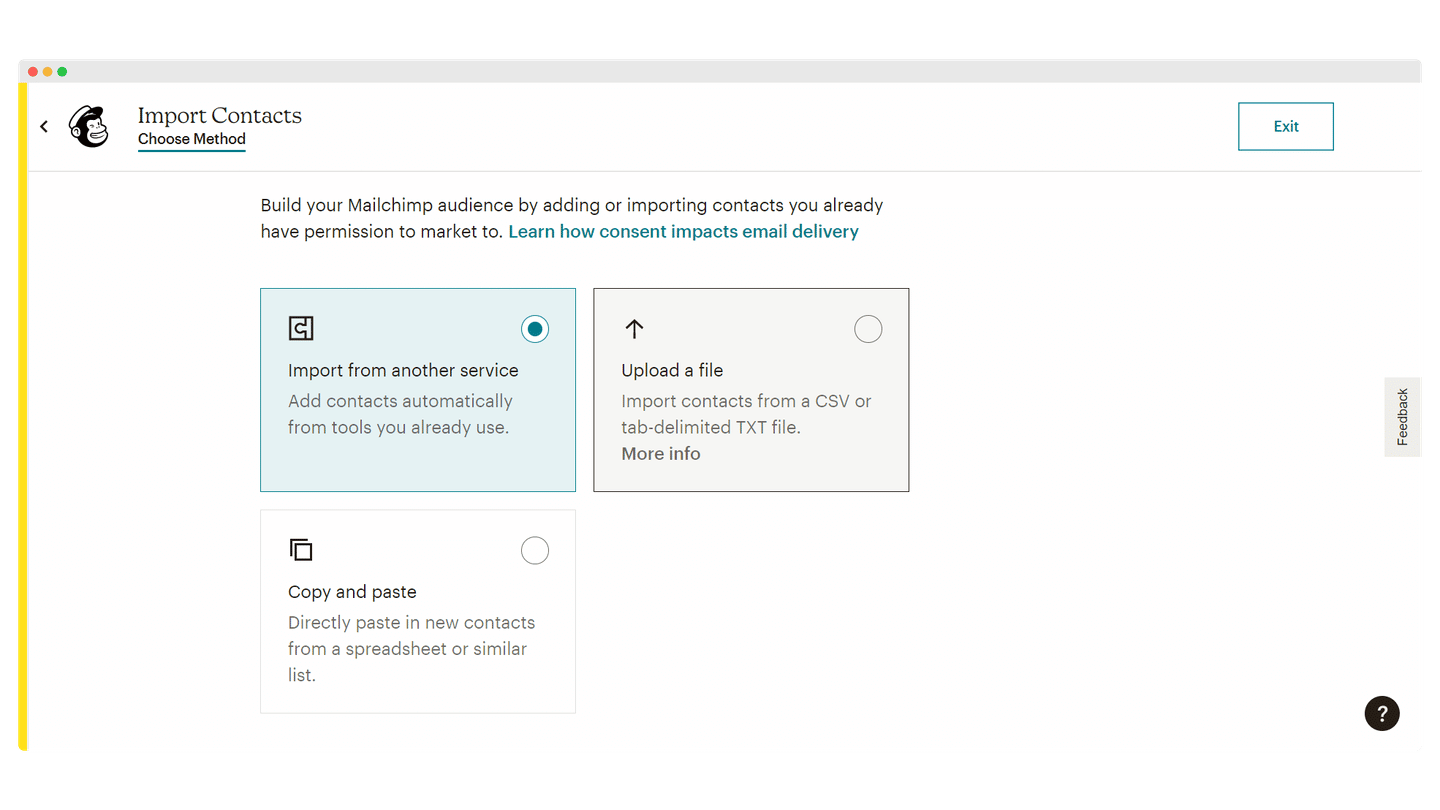
To import your contacts, the software lets you upload them from a file, copy and paste them from a spreadsheet, or use an integration to sync them.
Lead generation
Form builder
A Mailchimp subscription gives you access to a built-in form builder to help you get started with your email marketing campaigns. It is fairly average and the interface is not very intuitive, but it is enough to create forms and embed them on your website easily.
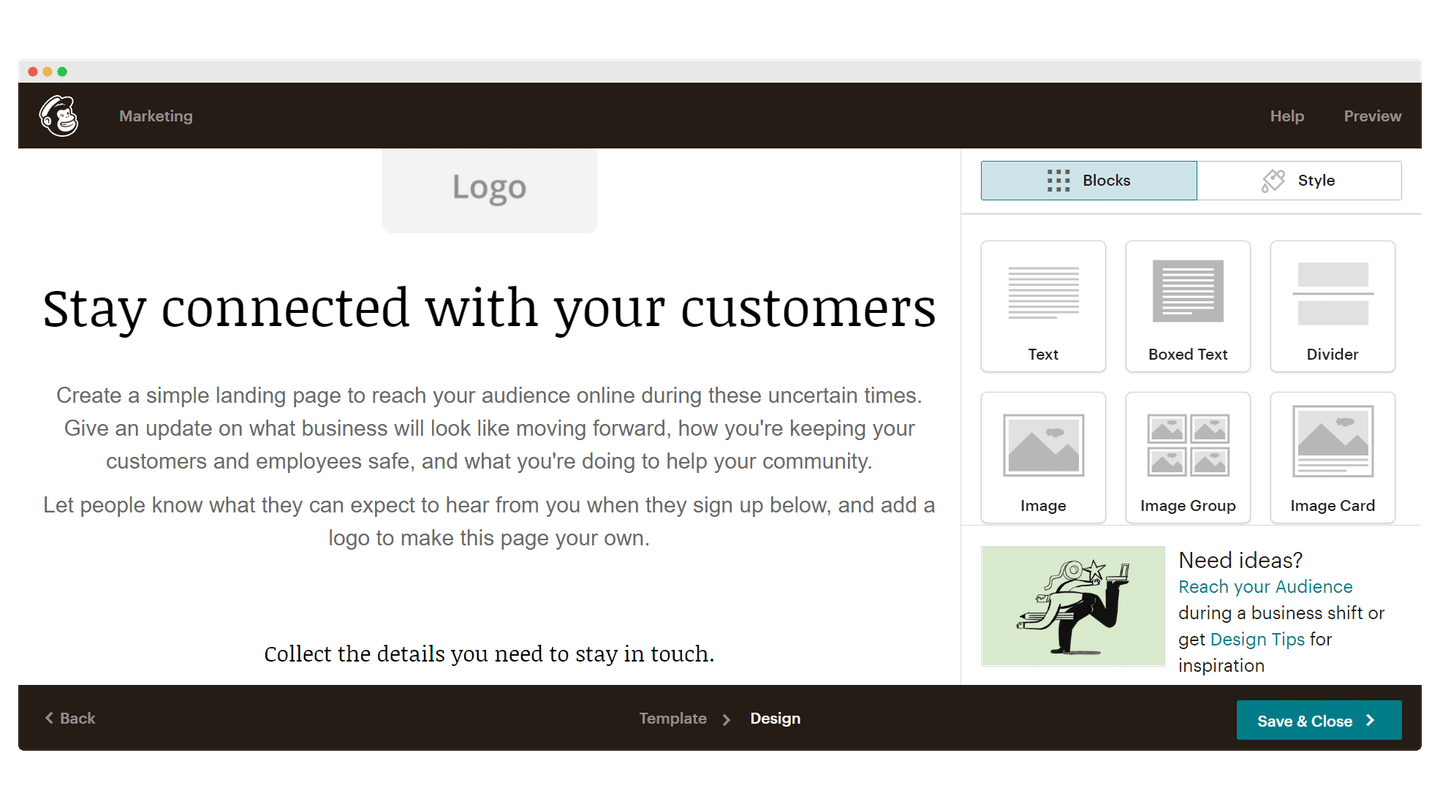
For more effective and more sophisticated forms, you are better off using dedicated design tools such as Leadformly.
Landing pages
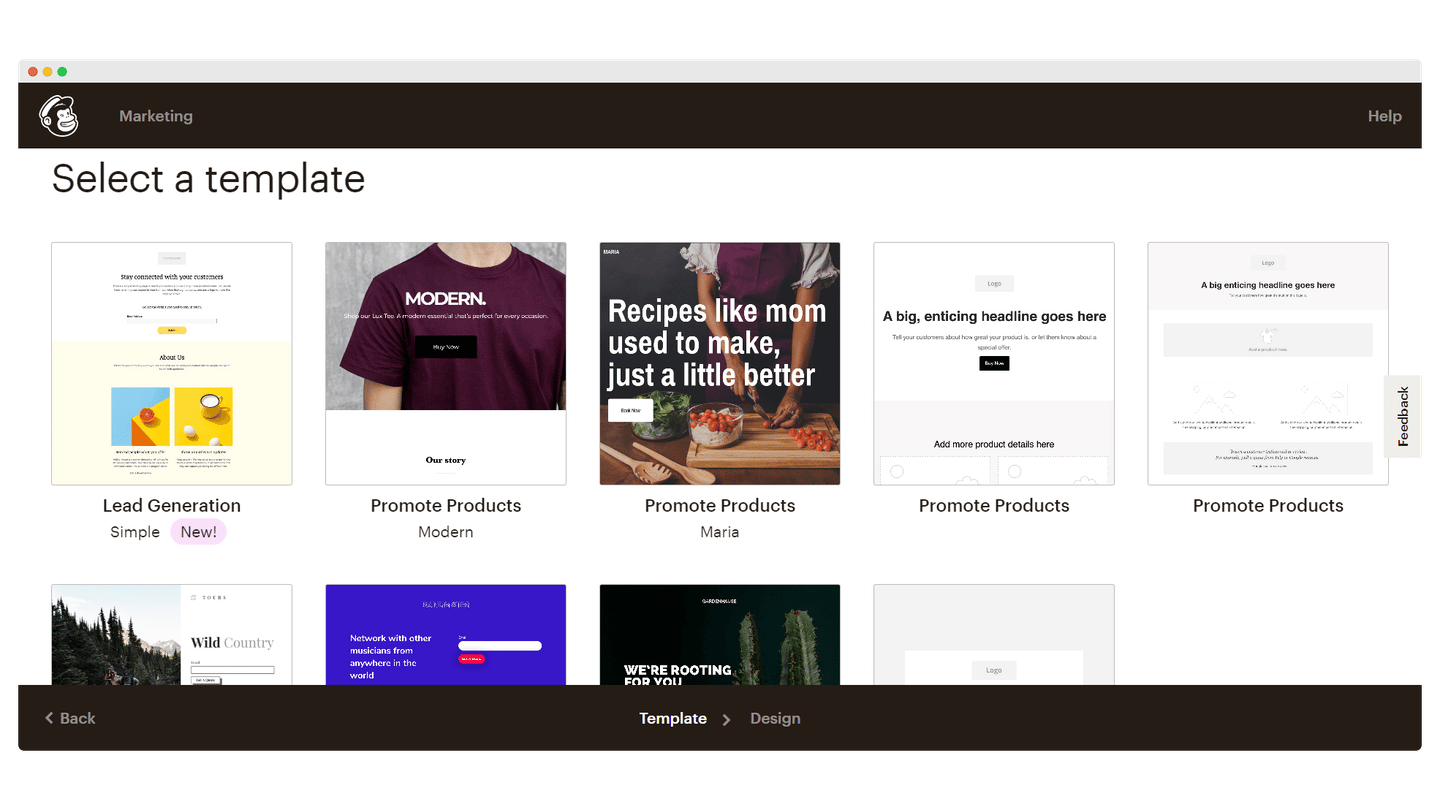
Mailchimp also has a built-in landing page builder, which you can use as much as you like, whatever version you are on. There are two types of templates: one for building your email lists, another for promoting products.
Facebook ad campaigns
To help you reach a wider audience and build a bigger email list, Mailchimp includes a Facebook ad campaign feature. It lets you buy ads on Facebook and Instagram to promote your email offer.
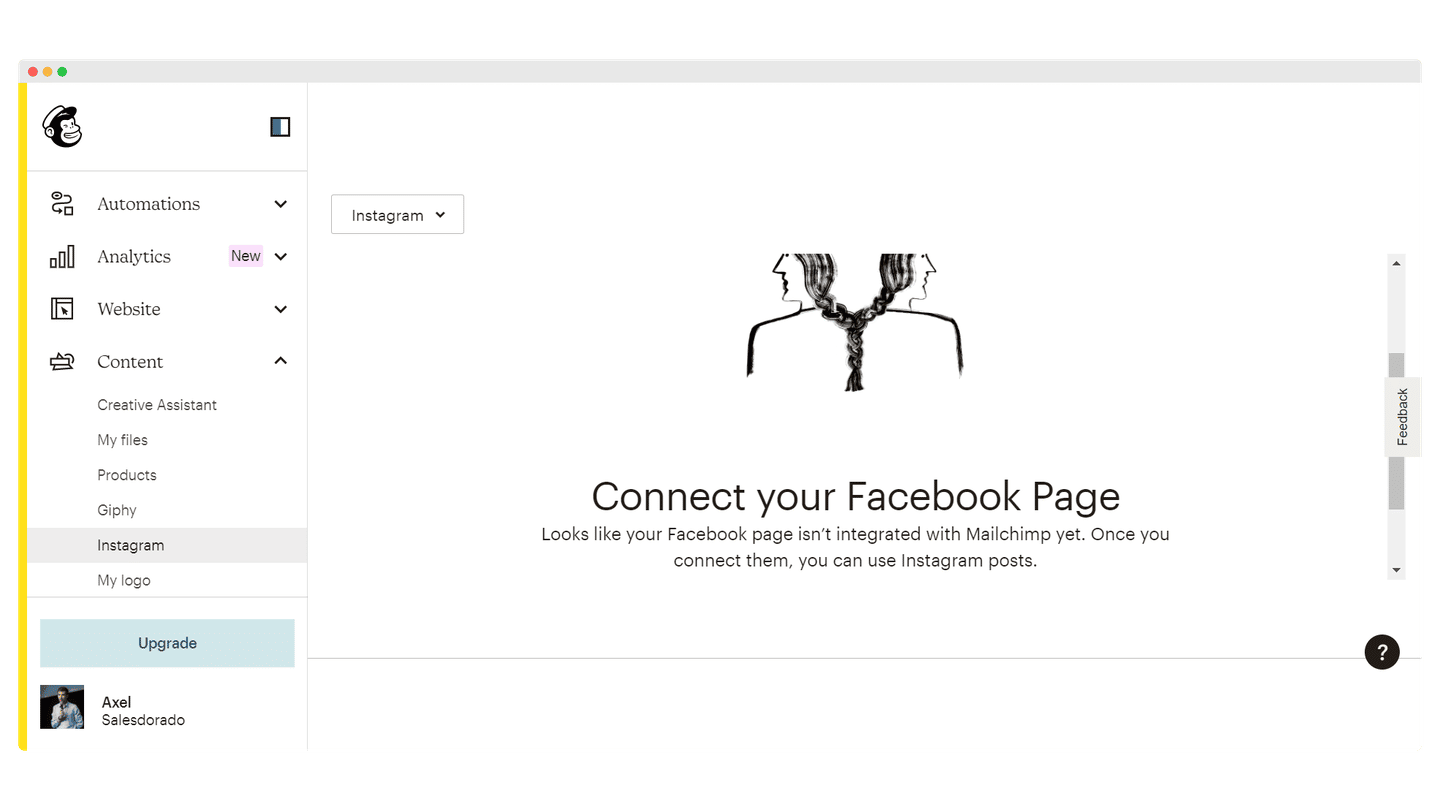
It is a useful tool for small businesses that want to grow their audience but are not yet ready to run their own Facebook ad account.
Reporting
Mailchimp offers good reporting, with analytics that are easy to find and the usual information on your email deliverability. The Predicted Demographics section lets you identify the different demographic groups in your contact list and target your campaigns more effectively by building new segments.
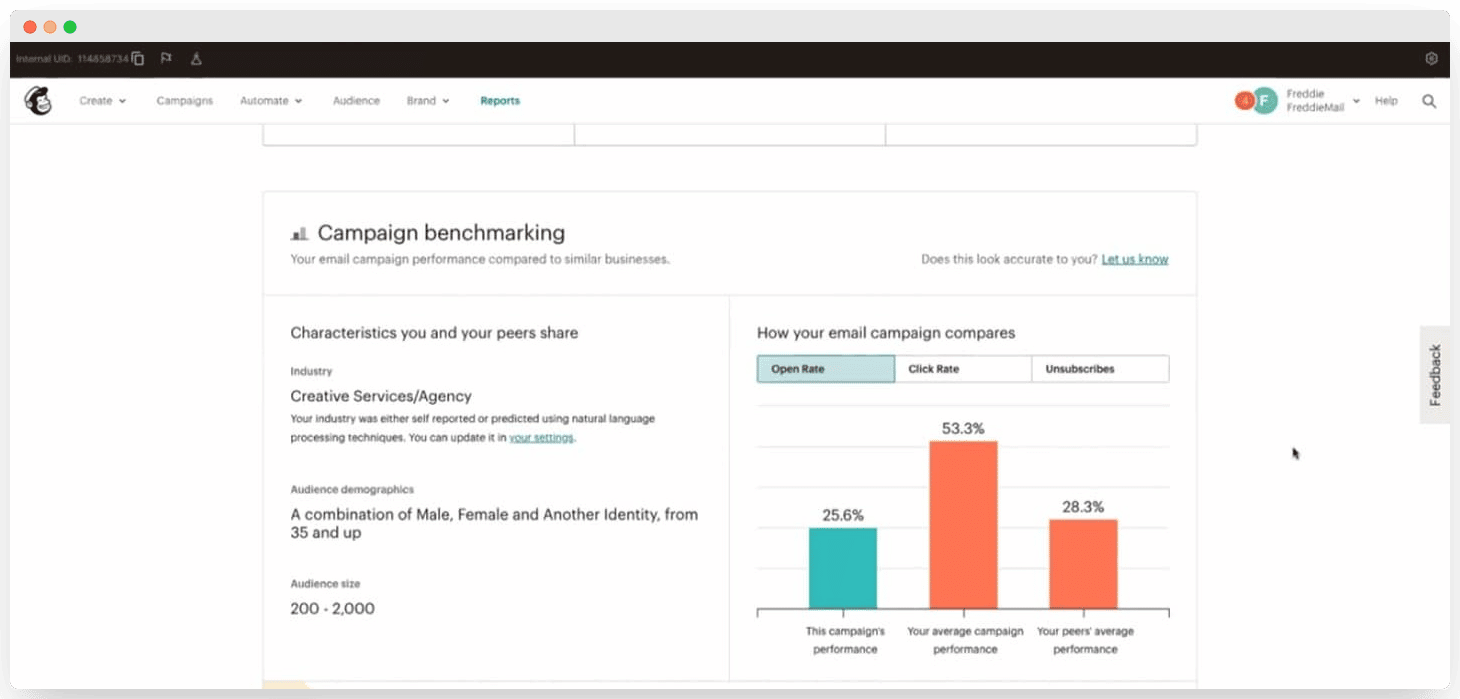
Another big strength of Mailchimp is its huge user base, which lets it provide benchmarks so you can compare your performance with the averages it observes. It is not always very relevant, but it gives you a reference point, which is very welcome, especially for beginners.
It is very simple and easy to use, suited to beginners who manage a single audience, but fairly restrictive if you want to manage several. The way custom URLs work is not easy to understand, and the user guides are sometimes rather vague.
Mailchimp also offers a product recommendation feature. It uses the purchase data from your online store to suggest products from your inventory that your subscribers might like. When you send emails, Mailchimp can include up to 10 of these recommendations. Then, in the reports, you see how many sales each send generated.
The bonus for B2C: e-commerce features
CMS integrations
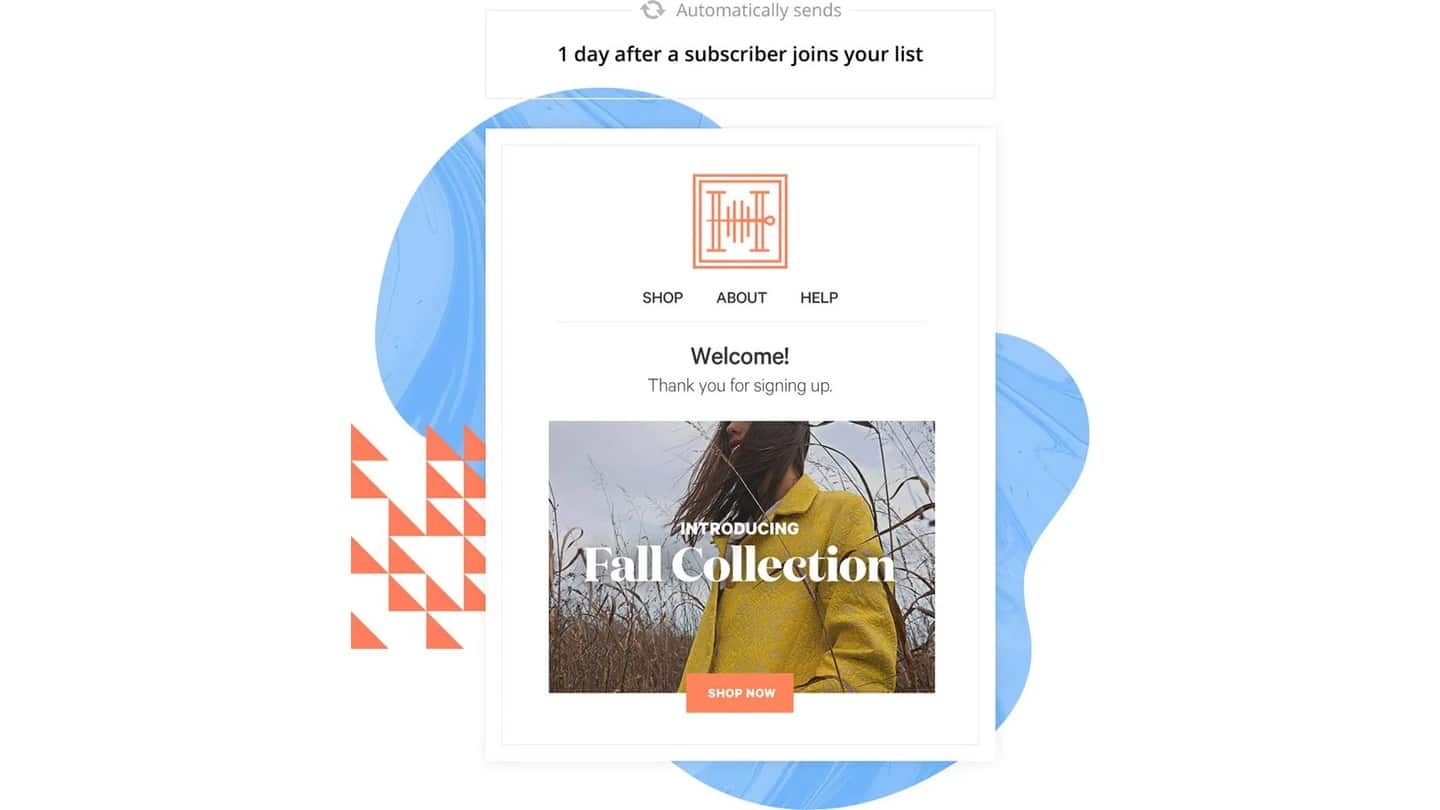
Mailchimp’s CMS integrations let you set up autoresponders and send messages to new contacts as soon as they sign up.
Abandoned carts
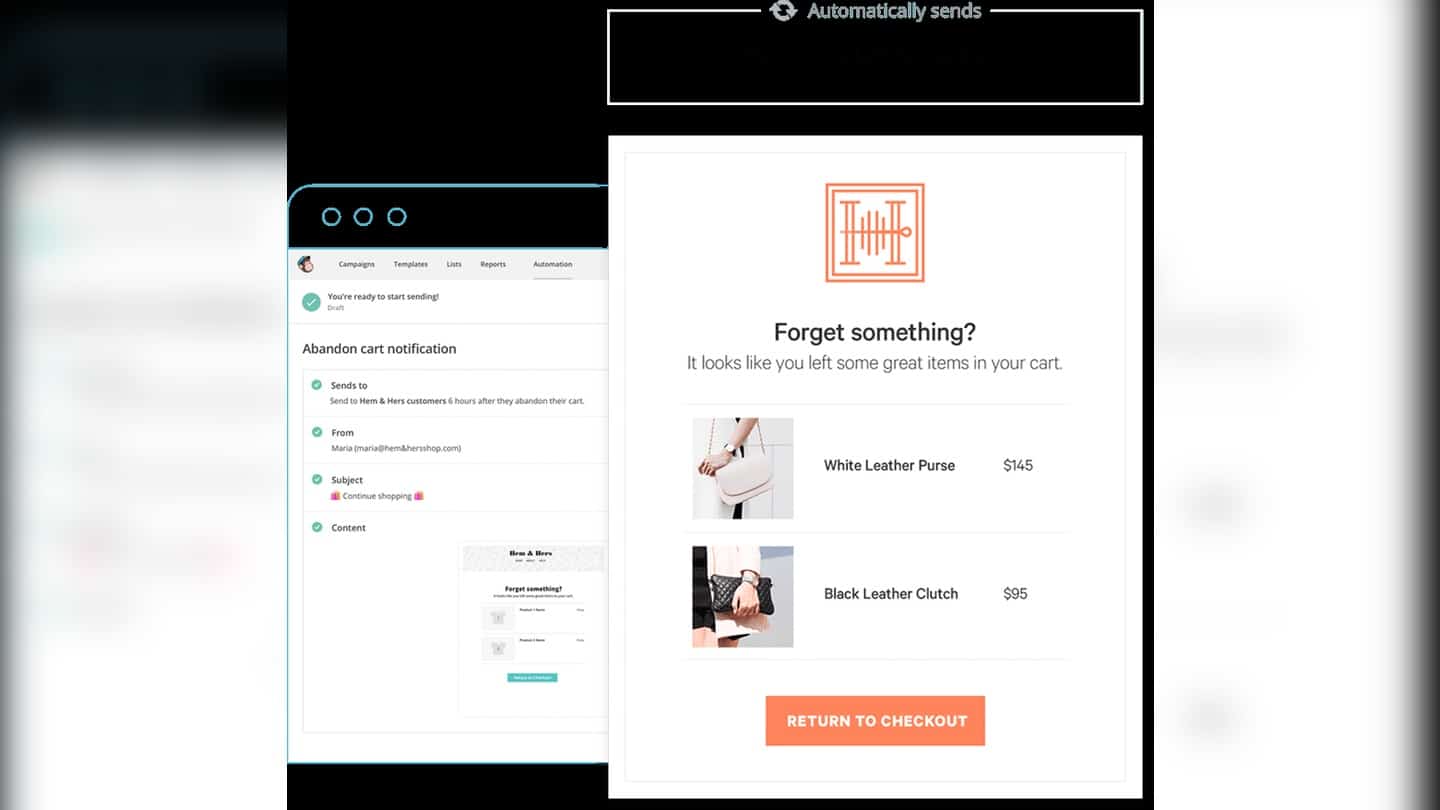
Fairly common, but particularly well done at Mailchimp. The feature lets you send email reminders to customers who abandoned their cart, to encourage them to complete their purchase. Immediate return on investment guaranteed.
Personalized product recommendations
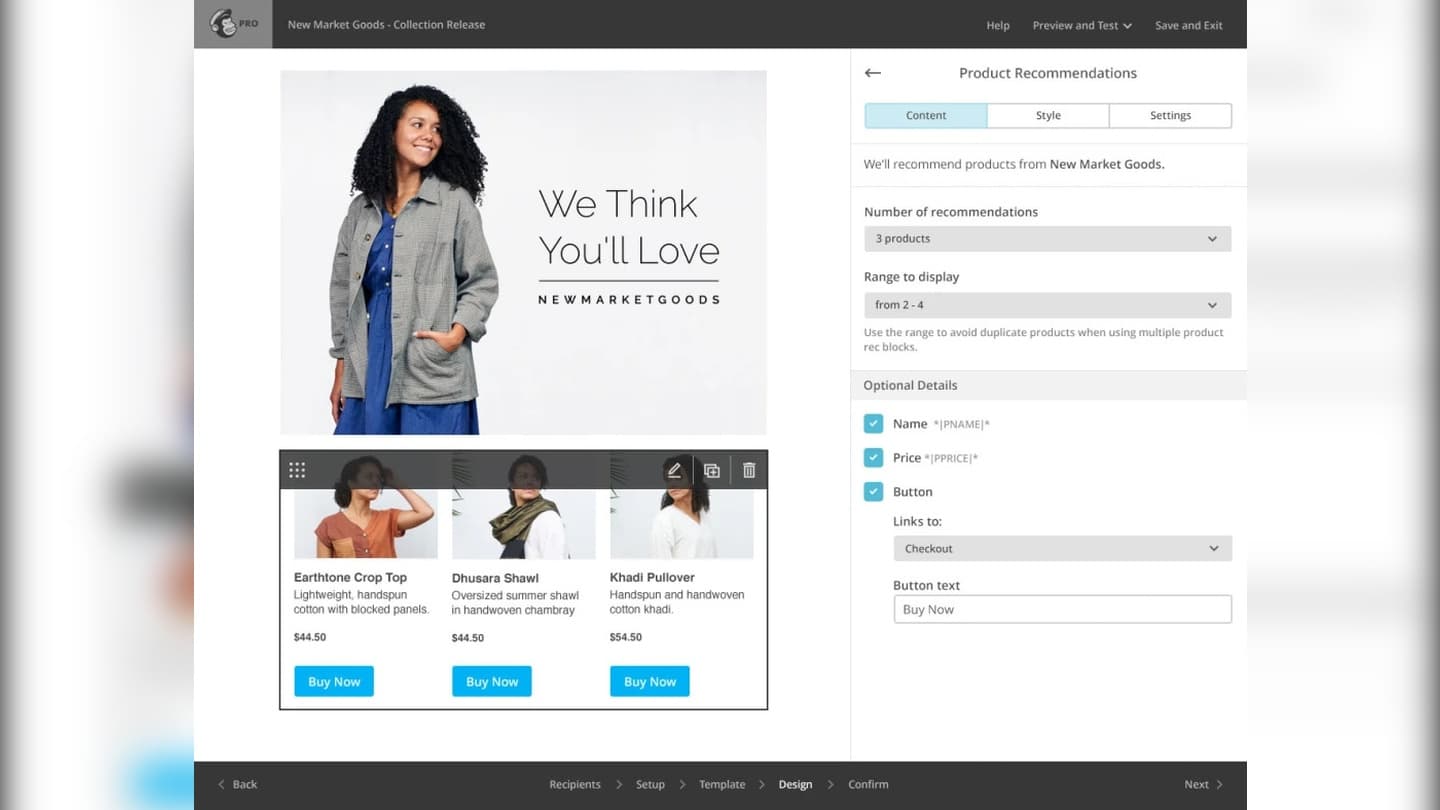
This feature lets you design an email based on the list of recommendations Mailchimp automatically builds from your customers’ purchase history. Your emails show different products to each contact.
Customer support at Mailchimp
Mailchimp’s customer support is available by email or chat 24/7, in French and English, but only for paying users. Free plan customers can only contact Mailchimp by email for 30 days from the start of their subscription.
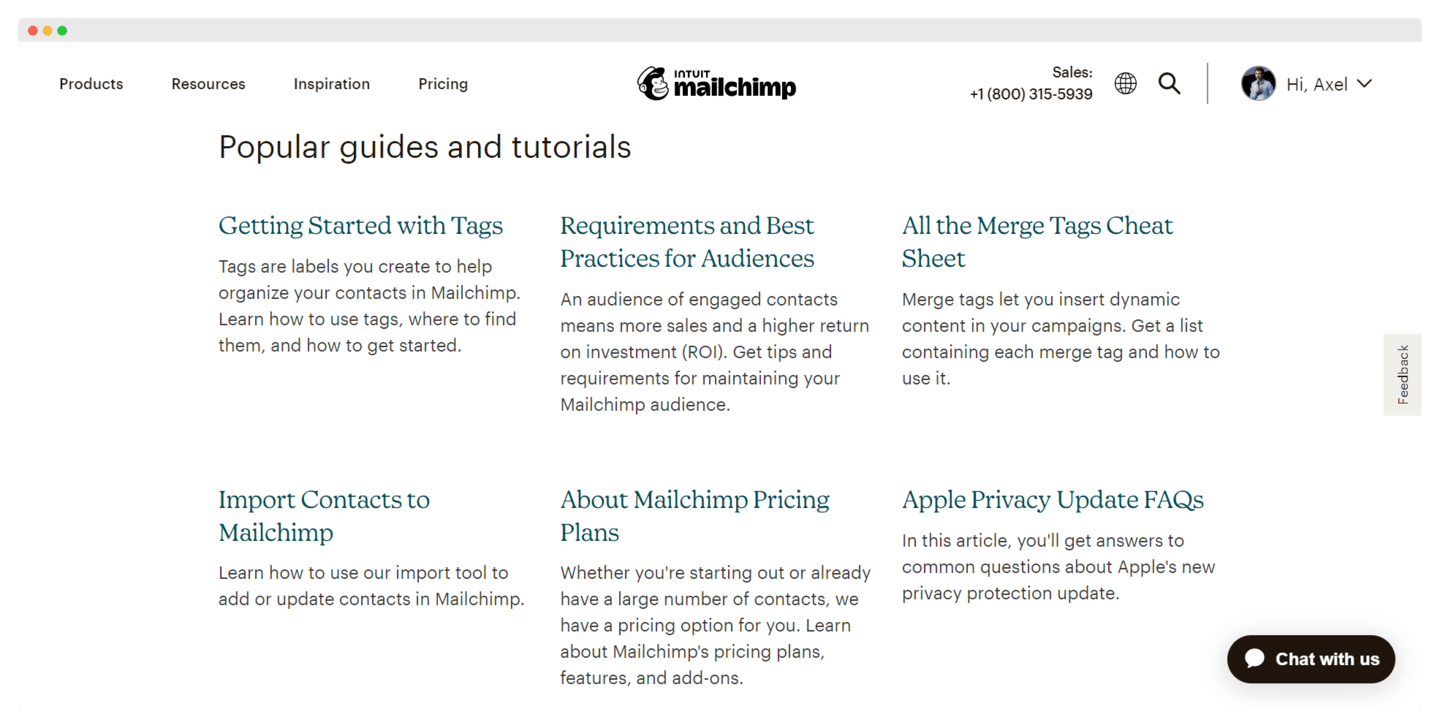
The help center is rich and clear. It offers guides and tutorials sorted by category: automations, deliverability, landing pages. The information is detailed, organized by section, and sometimes illustrated. Videos and webinars are also available.
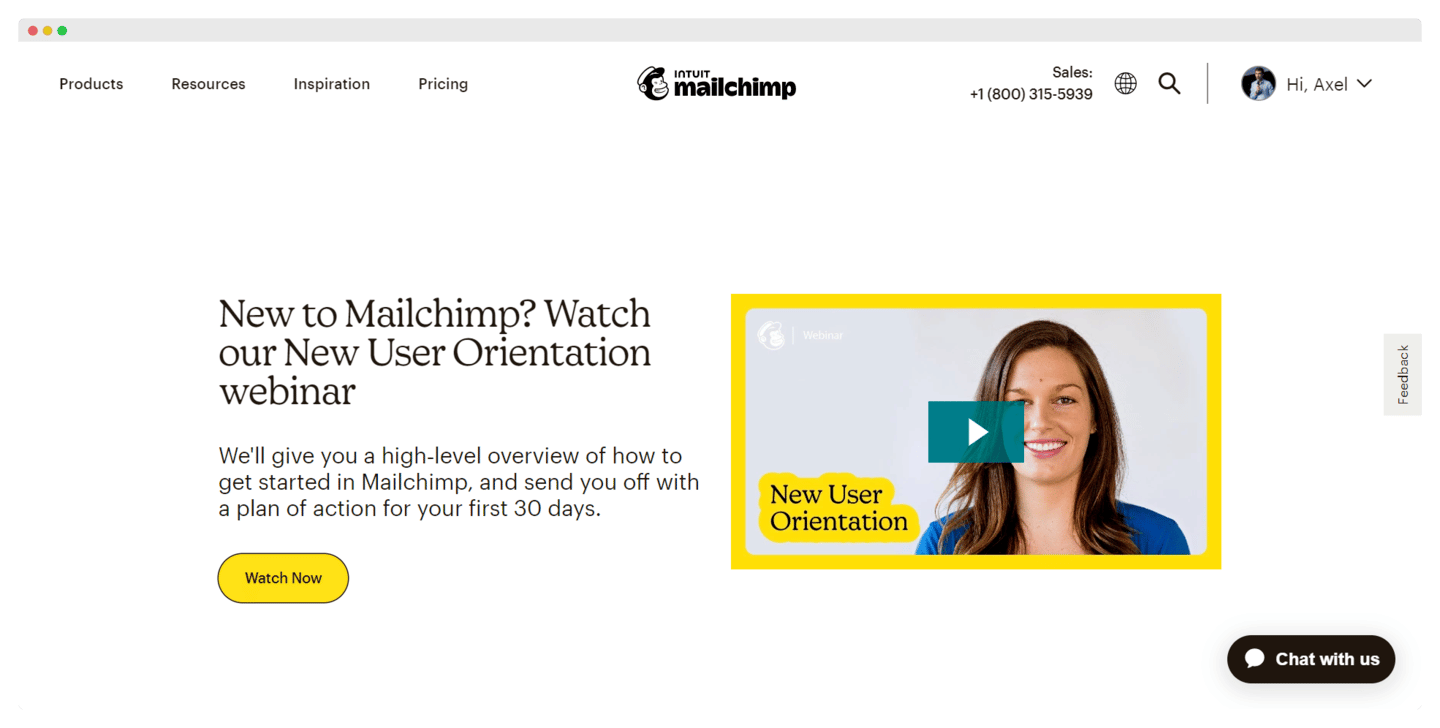
Mailchimp lets its user community interact on its YouTube channel, but there is no collaborative blog or forum where users can talk to each other directly. On the other hand, the company runs online events, conferences and webinars.
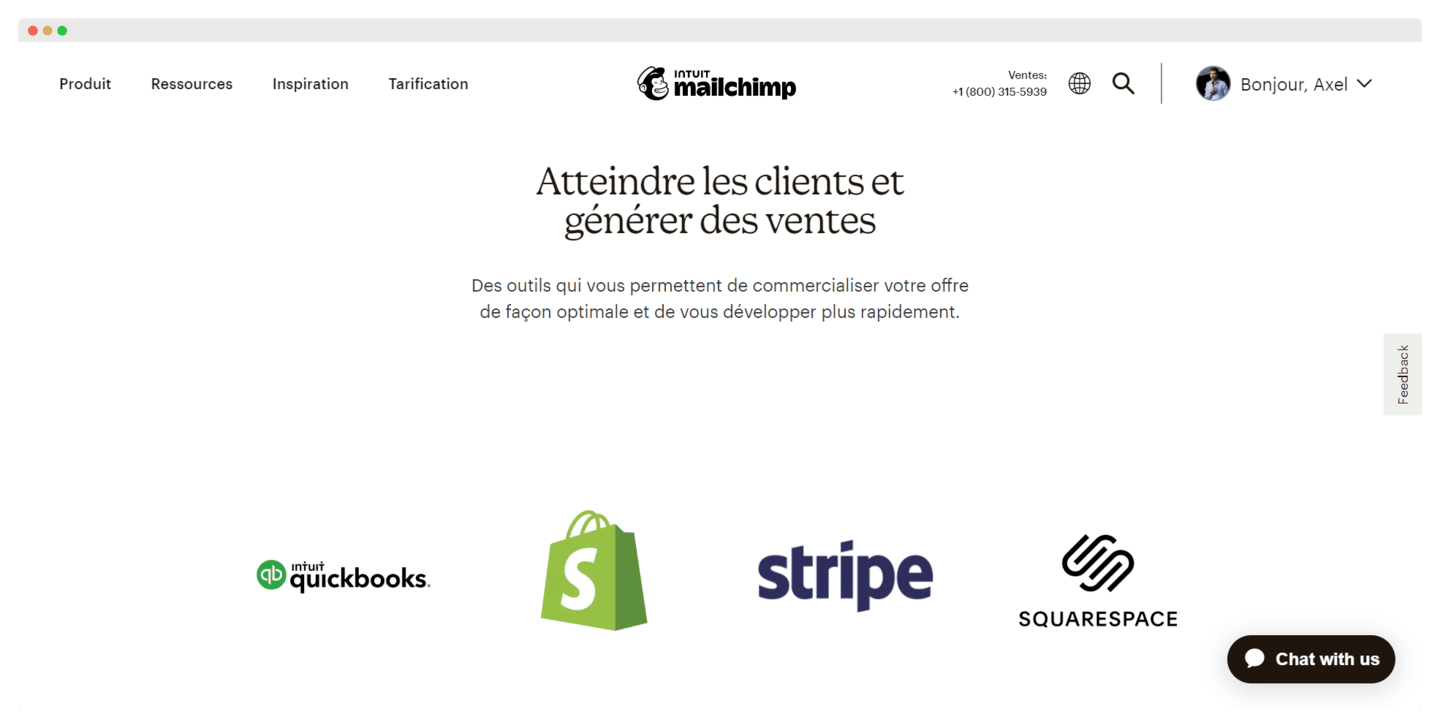
The Mailchimp integrations marketplace
- Lead generation tools: LinkedIn, SurveyMonkey for Facebook, Typeform. Useful for making better-informed marketing decisions, they let you sync your forms with Mailchimp, for example LinkedIn Lead Gen Forms.
- E-commerce: QuickBooks, Shopify, Stripe. An effective way to generate revenue, attract new customers and drive purchases.
- Customer support tools: LiveChat, SimpleTexting, Zendesk Activity. Mailchimp offers useful integrations to grow your subscriber list, extend the reach of your campaigns and sync your contacts.
- The Zapier integration lets you connect to more than 1,300 applications without writing a single line of code.
Mailchimp: pricing
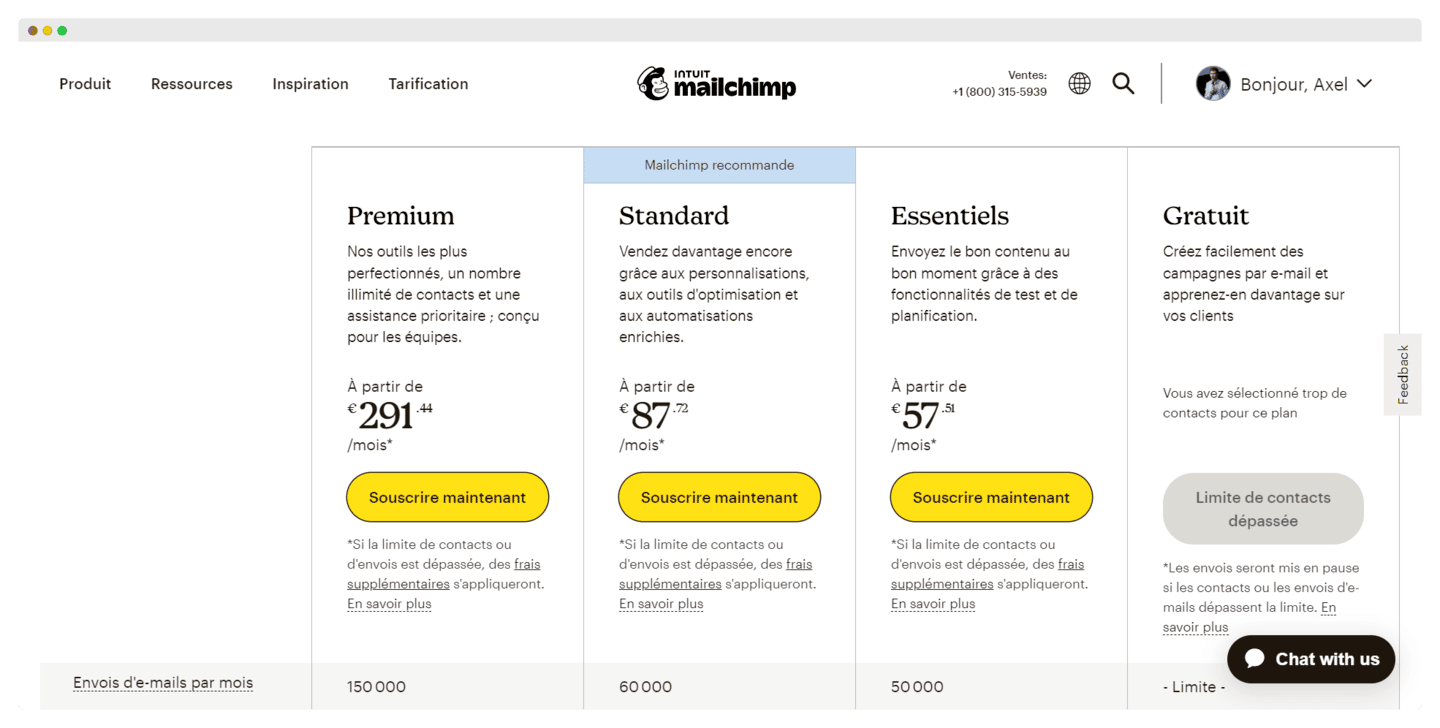
Mailchimp offers several plans:
- Free plan: it allows a list of 250 contacts and 500 emails per month (250 per day at most), and gives access to the predefined email templates, more than 300 integrations, plus forms and landing page templates.
- Essentials plan: at €58 per month for a list of 5,000 contacts, it lets you send 50,000 emails per month and includes 24/7 email and chat support, A/B testing and email scheduling.
- Standard plan: at €88 per month for a list of 5,000 contacts, it lets you send up to 60,000 emails per month and gives access to predefined journeys, custom-coded templates, dynamic content and a content optimizer.
- Premium plan: from €315 per month for a list of 10,000 contacts, its entry tier, it allows 150,000 emails per month, multivariate testing, comparative reports, advanced segmentation, and the help of an onboarding specialist.
What future for Mailchimp?
Intuit bought Mailchimp in 2021 for 12 billion dollars, even though the founders had built the software twenty years earlier without raising any funding, which remains a remarkable feat.
The acquisition led to higher prices and fewer benefits on the free plan, whose contact limit went from 2,000 to 500, then to 250. Time will tell whether prices keep rising and whether that will hurt the software’s value for money.