Miro is the most widely used collaborative whiteboard tool on the market. It has changed a lot in recent years: the vendor has repositioned its platform as an “innovation workspace” and injected AI at every level.
So we took the tool back in hand to answer a concrete question: is Miro worth its price today, and for whom?
What exactly is Miro?
Miro is a visual collaboration platform founded in 2011, originally under the name RealtimeBoard. The tool took its current name in 2019 and had a truly spectacular run during the Covid period, going from a few million to several tens of millions of users in less than two years. Today the vendor claims more than 100 million users and 250,000 customer organizations, including almost the entire Fortune 100.
On the funding side, Miro raised 400 million dollars in a Series C in early 2022, at a valuation of 17.5 billion dollars. It is officially a decacorn. The company has more than 1,800 employees split between San Francisco and Amsterdam, plus a dozen other hubs.
These figures place the company, but they say nothing about what really interests us: what Miro is used for day to day, and what has changed recently.
From whiteboard to innovation workspace
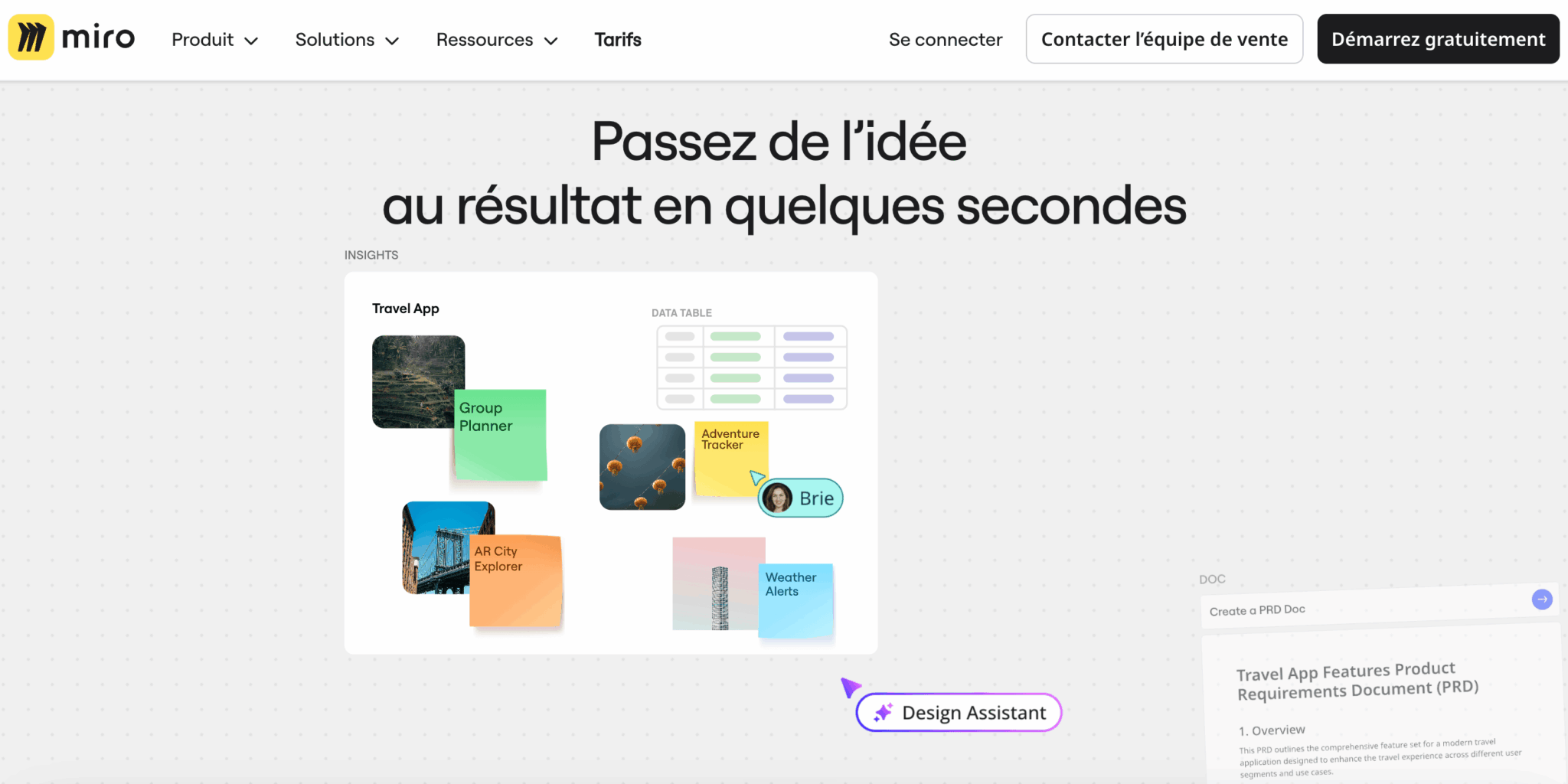
Miro’s 2025-2026 repositioning deserves a closer look, because it changes the nature of the product. For years, Miro sold itself as “the best online whiteboard”. The official pitch now talks about an “AI Innovation Workspace”, a visual workspace meant to cover the whole life cycle of a project, from discovery through to delivery.
In practice, Miro has added several building blocks to its original infinite canvas that take it beyond the strict scope of a whiteboard:
- Tables, Timelines and Slides, which turn the canvas into a full-fledged visual project management tool.
- Collaborative AI workflows, Flows and Sidekicks, which let several people work with AI agents on the same board.
- Integrations with coding tools such as Cursor or GitHub Copilot, to turn visual specs and diagrams into code.
This repositioning is what justifies the current valuation. Miro no longer wants to be the tool you open for a meeting: it now aims to be the cross-functional platform of innovation teams.
Who is Miro really for?
On paper, Miro targets everyone. In practice, some profiles get much more value out of it than others:
- Product and engineering teams use it for product discovery, roadmaps and architecture.
- UX and design teams build their user journeys and co-design workshops in it.
- Agile coaches and RTEs in SAFe environments use it for PI Planning and retrospectives.
- Strategy departments and PMOs run their planning and their OKRs in it.
Miro’s key features
The infinite canvas and the template library
The core of Miro is still its zoomable infinite canvas. You freely drop sticky notes, shapes, images, videos, documents, tables, diagrams or slides on it, and you navigate by zooming as you would on a map.
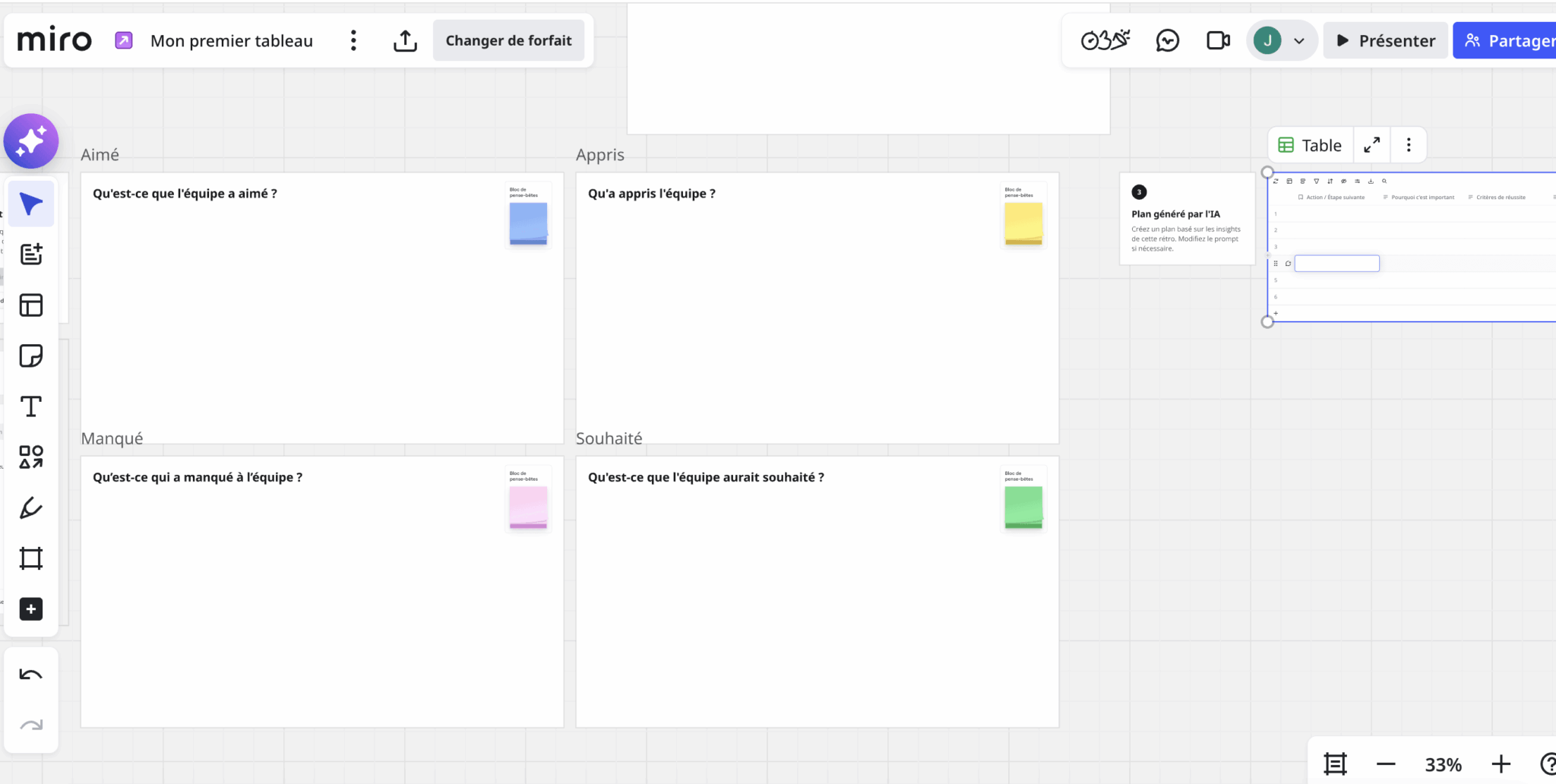
This foundation is shared by all competitors, Figma in particular, but Miro pushes it further. Frame management, auto-layout for diagrams, connectors that snap automatically to objects, a presentation mode that turns frames into a deck: all of this reflects years of product investment. In use, you can feel it. The canvas is smooth, precise, and holds up even on crowded boards.
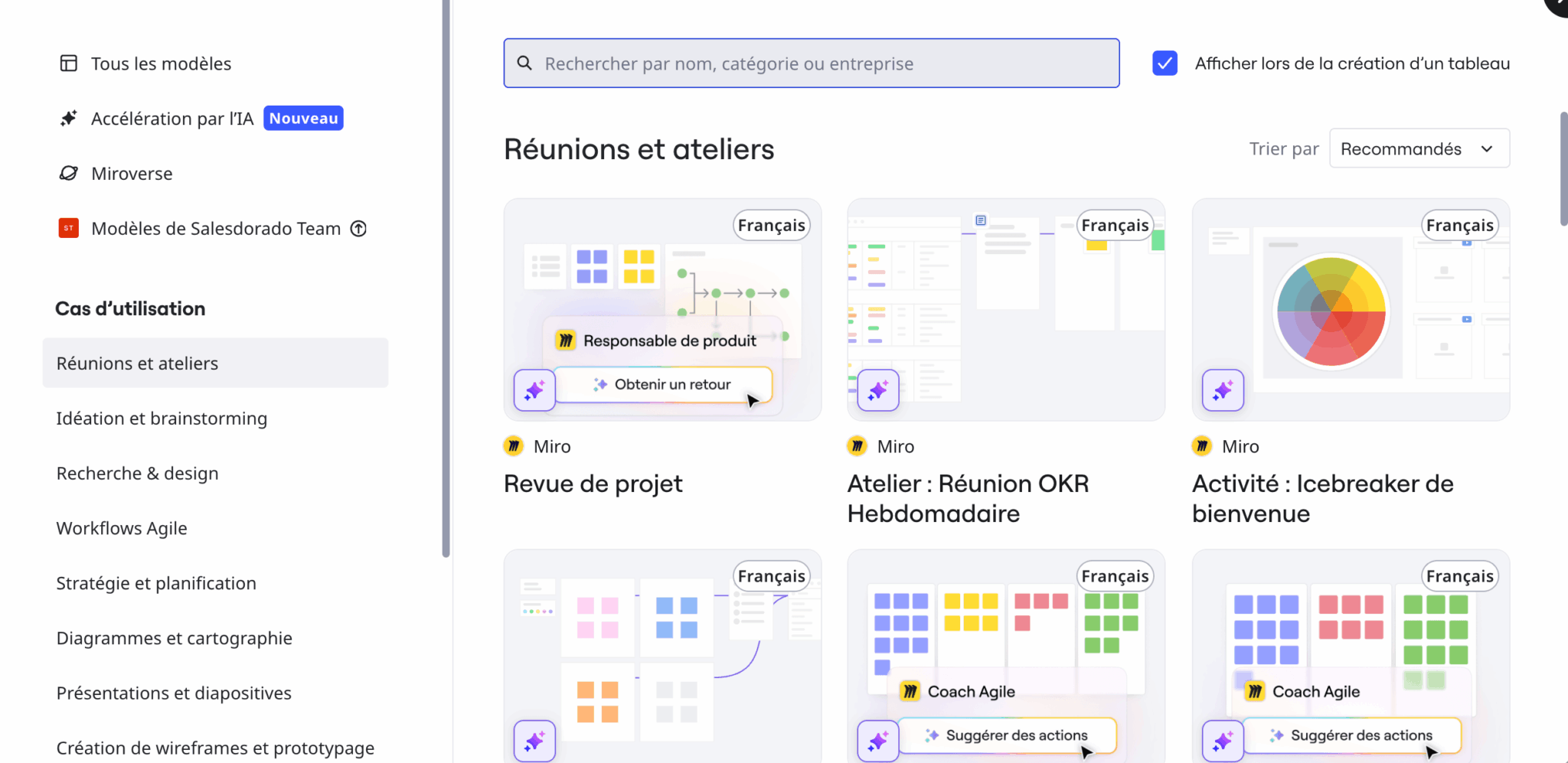
The other major strength is the template library. Counting Miroverse, the community of shared templates, Miro goes beyond 5,000 templates. That is well above what FigJam or Mural offer. You will find a starting point for almost any workshop: sprint planning, customer journey map, business model canvas, BPMN, cloud architecture, agile retrospective, story mapping. For anyone who regularly prepares workshops, this depth saves a considerable amount of time.
Collaborative AI: Flows and AI Sidekicks
This is where Miro stands out the most today.
Miro AI can generate a mind map or a diagram from a prompt, automatically group sticky notes by theme, summarize the content of an entire board, or turn a brainstorm into a presentation.
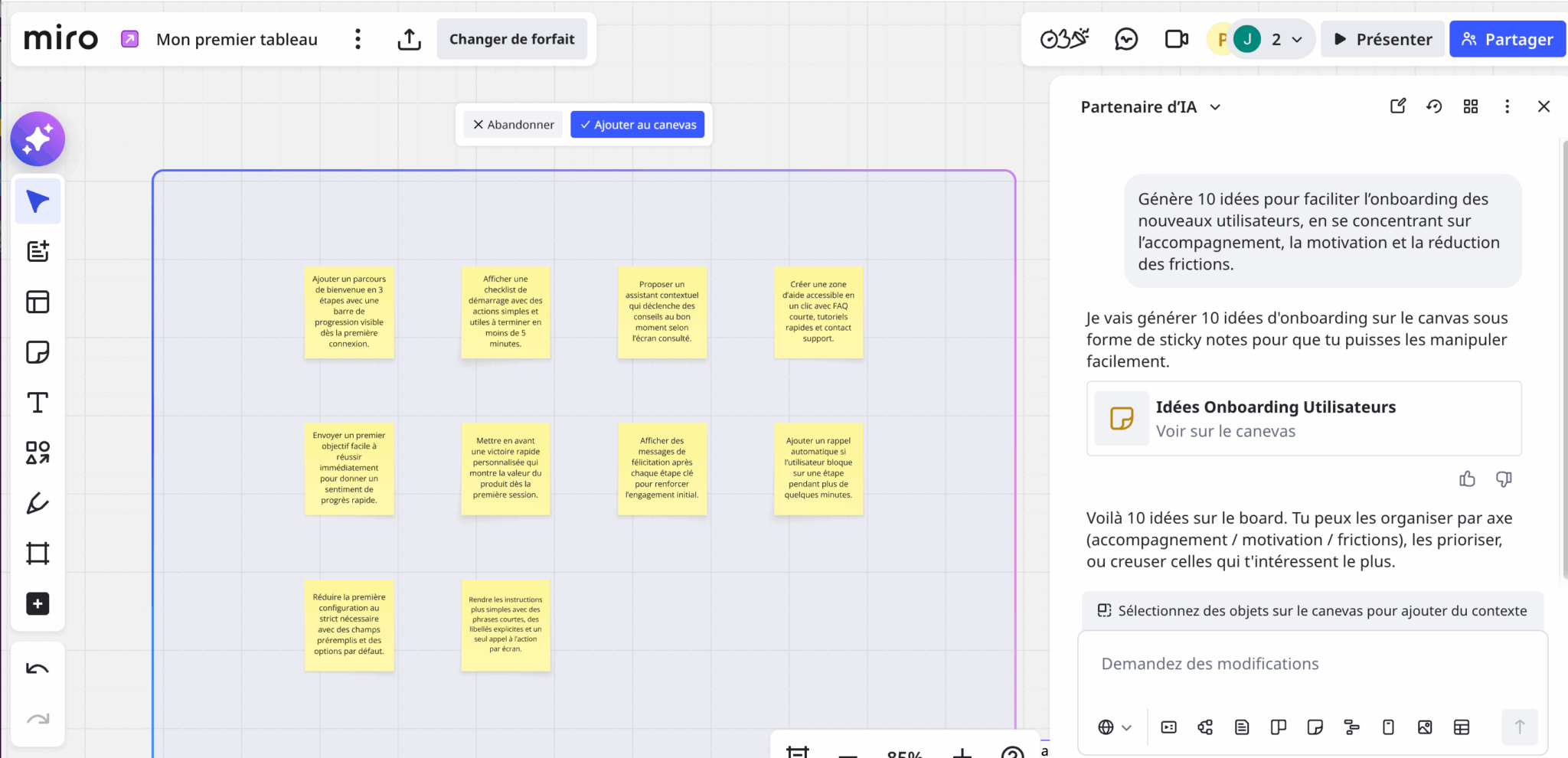
Flows go further: they are multi-step visual workflows that chain AI actions while keeping a human in the loop. For example, you can build a flow that pulls in a batch of customer feedback, clusters it, extracts the main pain points and then generates a product brief.
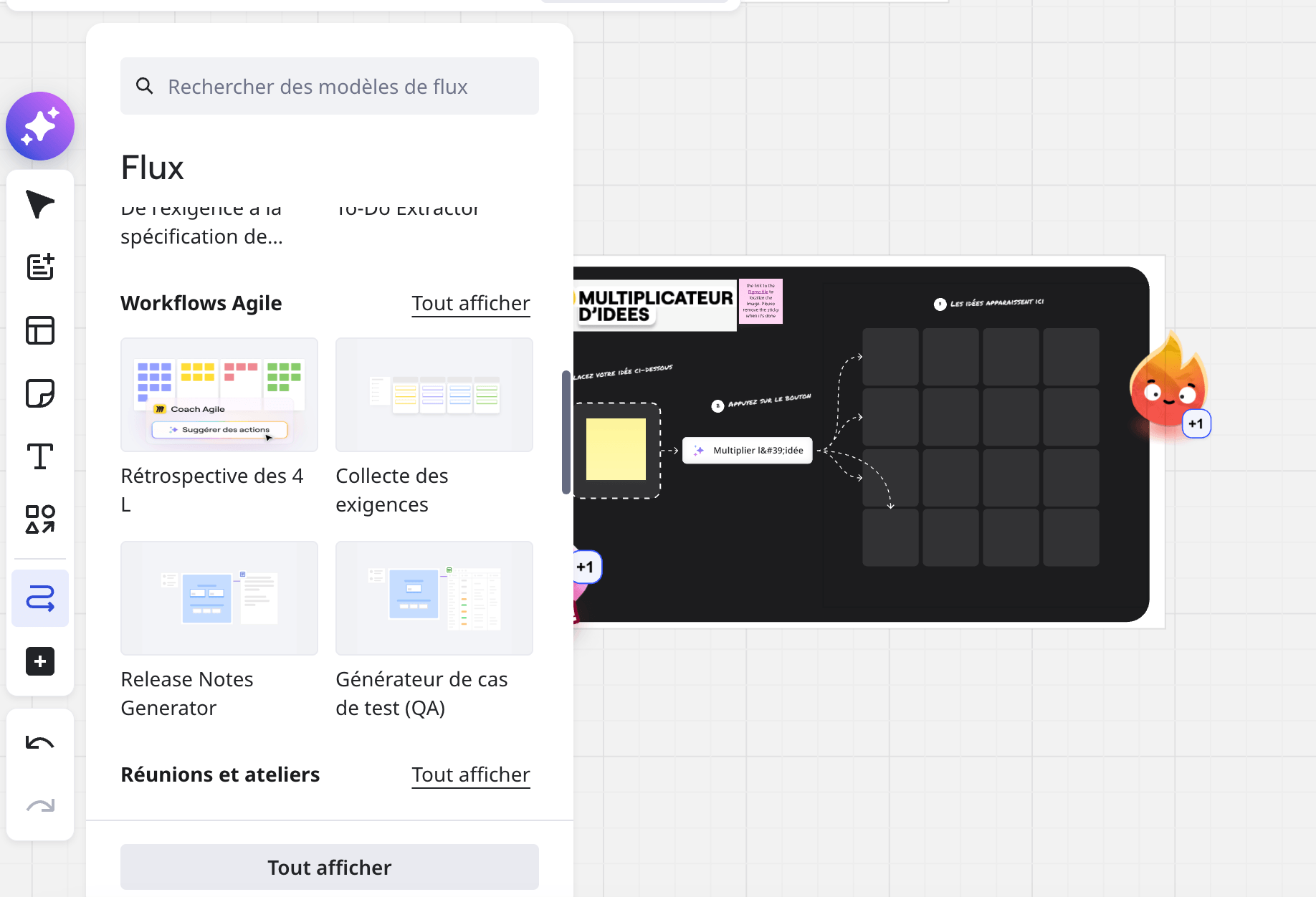
AI Sidekicks, for their part, are conversational agents specialized in a specific task, such as writing a PRD or synthesizing user insights.
The system runs on monthly credits, whose volume increases with the plan you subscribe to. For intensive use, an add-on for extra credits quickly becomes necessary. On Miro’s free plan, AI workflows and agents are limited to a trial.
Salesdorado’s takeMiro’s AI is effective, but it stays confined to the context of the current board. For long projects that require links between several boards, external documents and a history of decisions, the experience becomes fragmented. If your challenge revolves around organizational memory over time, don’t count on Miro alone to carry it.
Workshop facilitation
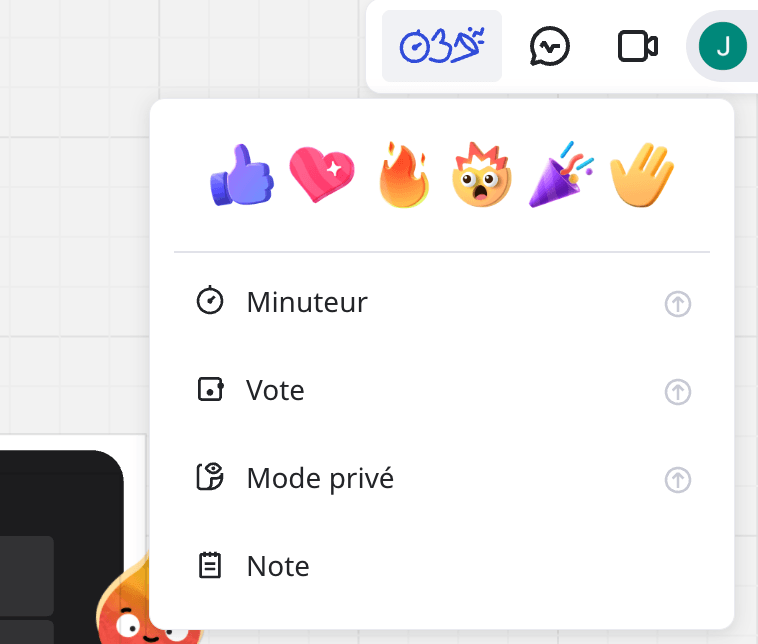
If you run workshops regularly, this is one of the areas where Miro is most convincing. The combination of voting, the timer, attention management and Talktrack lets you orchestrate a design sprint as well as a large-scale retrospective:
- Voting organizes dot votes on cards or sticky notes.
- Attention management brings all participants back to a specific frame in one click, which keeps you from losing the room. And Miro handles up to 200 simultaneous collaborators on the same board, which makes it one of the few tools truly built for multi-team PI Planning.
- The Talktrack feature lets you record an audio or video guided tour directly in the board. Viewers then follow the presenter’s cursor and explanations, while still being able to interact with the board during playback. It is a bit like a Loom.
Integrations and API
This is another strong point for Miro. Miro’s marketplace lists more than 160 native integrations to date:
- On the communication side, you’ll find Slack, Microsoft Teams, Zoom and Google Meet.
- On the project management side, Miro connects to Jira, Azure DevOps, Asana, Trello, ClickUp and Notion.
- Add to that the Google Workspace and Microsoft 365 suites, design tools such as Figma, as well as Salesforce and ServiceNow.
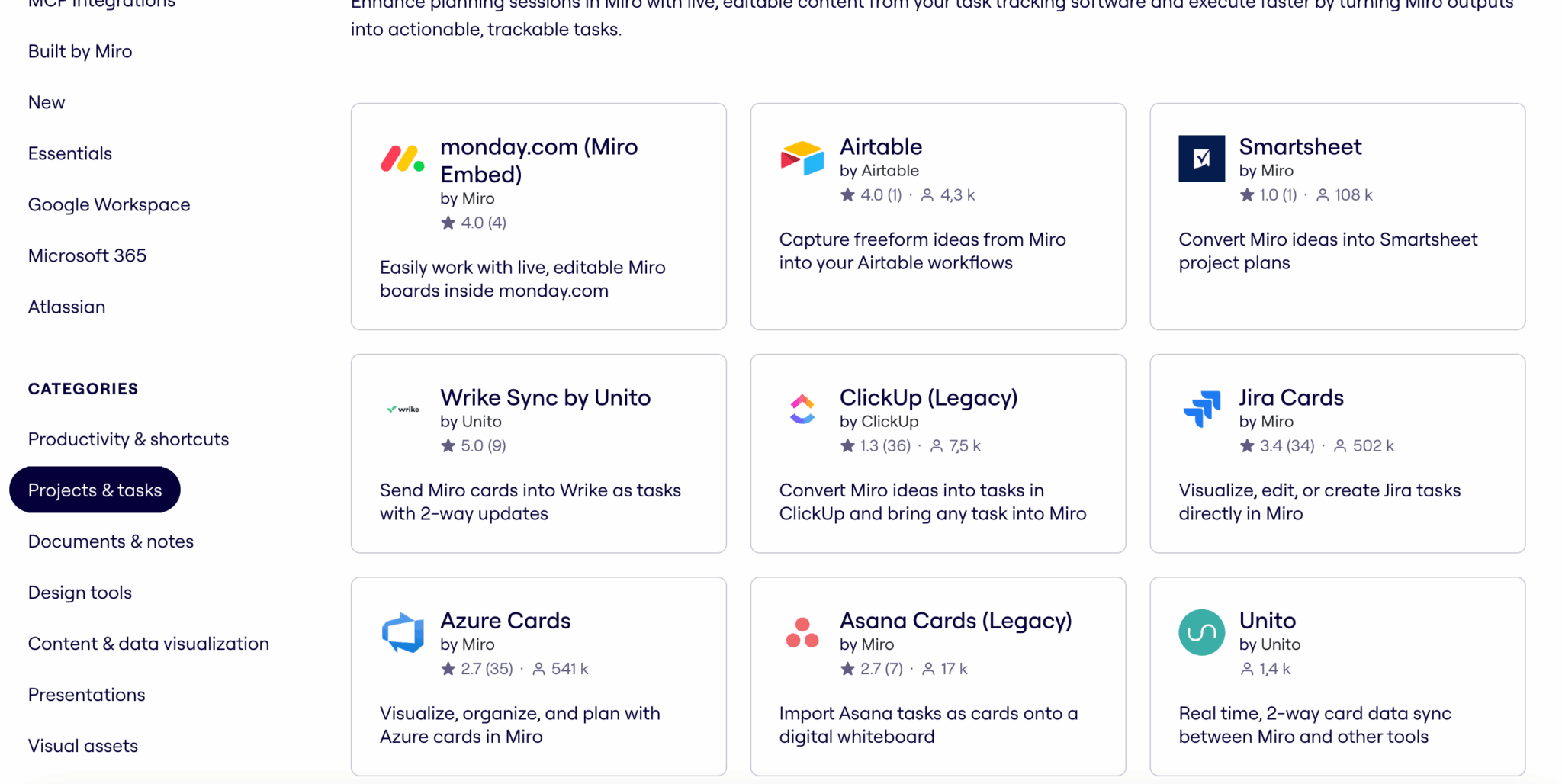
For more specific needs, Miro provides a full REST API with OAuth 2.0 authentication and a Web SDK for building your own plug-ins.
Security, compliance and hosting
For a US vendor, Miro is rather ahead on European compliance. Certifications cover SOC 2 Type II, ISO/IEC 27001:2022, ISO/IEC 42001 for AI management, TISAX, on top of GDPR alignment. The infrastructure runs on AWS, with encryption in transit and at rest.
The point that matters most for a European readership is that data has been hosted in Europe by default since 2023. Customer content is stored in data centers located in the EU, backups included.
On the Enterprise offer, the Enterprise Guard add-on adds an advanced governance layer: automatic detection of sensitive data, classification, sharing guardrails, audit logs, eDiscovery. This is the level that lets Miro be adopted in highly regulated sectors such as banking, insurance or healthcare.
Miro pricing: how much does it really cost?
Miro’s four plans in detail
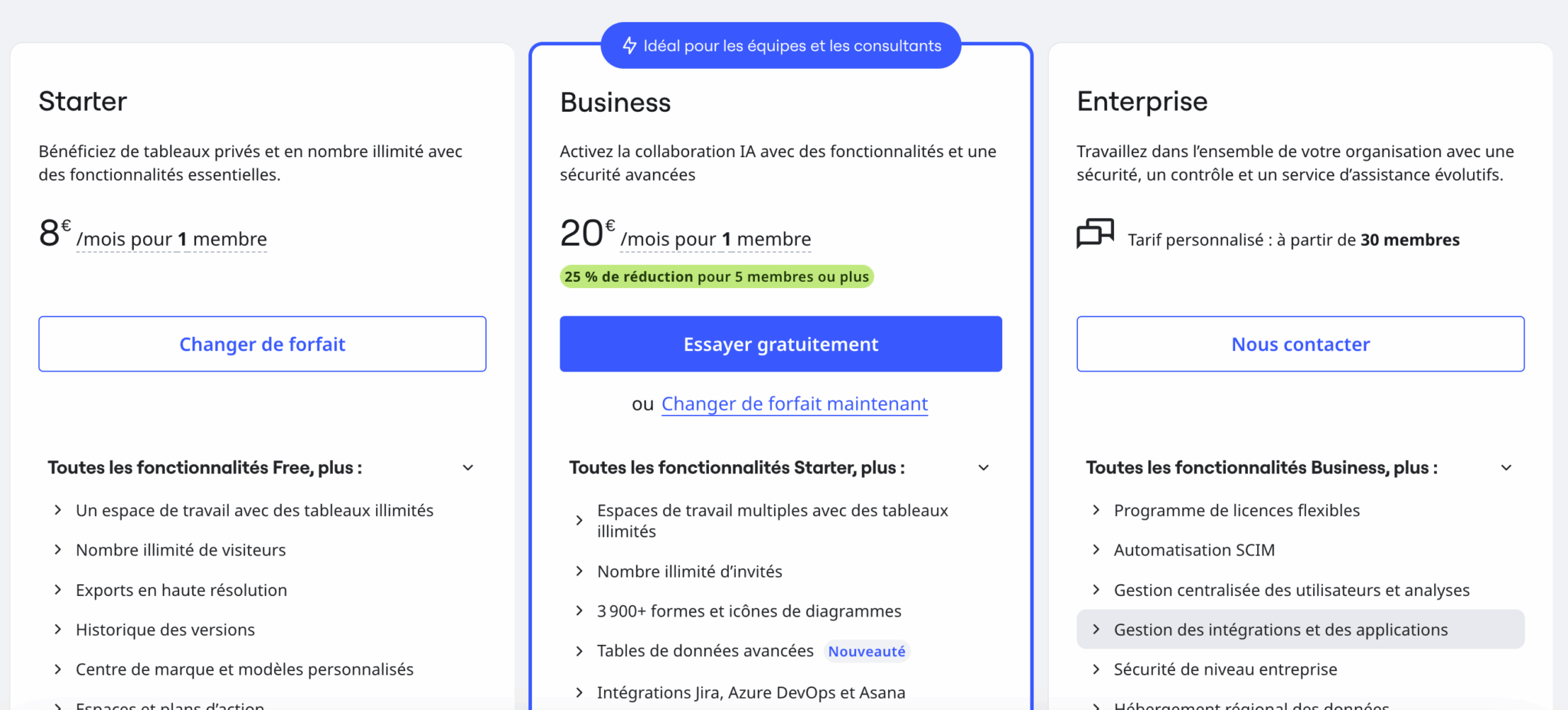
Miro offers a classic four-tier price grid, with a 20% discount for an annual commitment.
| Plan | Price | For whom |
|---|---|---|
| Free | $0 | Discovery, very occasional use |
| Starter | $8/user/month | Small teams, freelancers |
| Business | $20/user/month | SMBs and mid-size companies with advanced needs |
| Enterprise | Custom quote | Large organizations (30+ users) |
- The Free plan is generous on paper, with access to more than 3,000 templates and all integrations. But it is severely restricted on what matters: only 3 editable boards, no custom templates, no voting or timer, and a very low AI quota. It is perfect for discovering the tool, insufficient as soon as a team collaborates regularly.
- The Starter plan unlocks what the Free plan lacks: unlimited boards, custom templates, voting, timer, unlimited Talktracks. At $8 per user per month billed annually, it is the right entry point for a small team.
- The Business plan adds the features a structured organization expects: SAML SSO, two-factor authentication, private workspaces, unlimited guests, advanced diagramming. Above all, it opens full access to AI workflows. It is the serious minimum for an SMB.
- The Enterprise plan is negotiated on quote. The orders of magnitude observed on the market range from a few thousand to several tens of thousands of dollars per year depending on the size of the deployment, with volume discounts, the Enterprise Guard add-on and a dedicated CSM included.
Understanding Miro’s seat-based billing
This is the real issue when you assess the cost of Miro. The price per user is not a problem: $8 or $20 per month is in line with the market average.
What you need to understand is how the number of billed seats changes, because the mechanism is not intuitive and that is where the surprises come from.
Miro distinguishes several roles on a board:
- Members are the paying users on your team.
- Guests are external collaborators with editing rights.
- Visitors access the board through a public link.
- Commenters are limited to reading and commenting.
The nuance that costs money: unlimited guests are only unlocked from the Business plan upward. On Starter, the guest role does not exist, and when you share a board with edit rights with an external collaborator, Miro tends to convert them into a member, and therefore to add a paid seat to your subscription.
Let’s take a concrete case. You subscribe to Starter just for yourself, i.e. $96 for the year. You then share a board with a designer, a freelance developer and a consultant so they can contribute. If these three people switch to members, your bill goes up to 4 seats, i.e. $384 per year. The gap adds up fast, and scaling back down requires going through team management again, which is anything but immediate.
Watch out for the seat mechanismBefore sharing a board with edit rights with an external collaborator on a Starter plan, always check the role they are assigned. To let external editors contribute without inflating the bill, you have two options: move to Business, which includes unlimited guests, or stay in commenter mode on Starter. This is the governance reflex to adopt from day one.
It is not a deal-breaker, but it is a real point of attention. Miro’s role and permission management is comprehensive, but it lacks clarity and the sharing screens do not always clearly flag what triggers a paid seat. For a structured team used to administering its tools, it is a setting you configure once and you’re done. For a freelancer or a small business discovering the tool, it is better to know this before multiplying shares.