Zoho Campaigns is an easy-to-use piece of software for building emailing and marketing automation campaigns. It is a good fit for people who need to send large volumes of email and who already use Zoho applications.
The software was completely redesigned in 2018, and since then the interface and user experience have improved, which puts Zoho Campaigns in the top 10 emailing software on the market.
In this article, we go through all of the software’s features to help you decide whether the tool fits your use case.
Zoho Campaigns: feature overview
Creating email campaigns
Zoho Campaigns provides several templates for building email marketing campaigns. The email editor is fairly feature-rich, especially for regular newsletters, e-commerce campaigns and surveys.
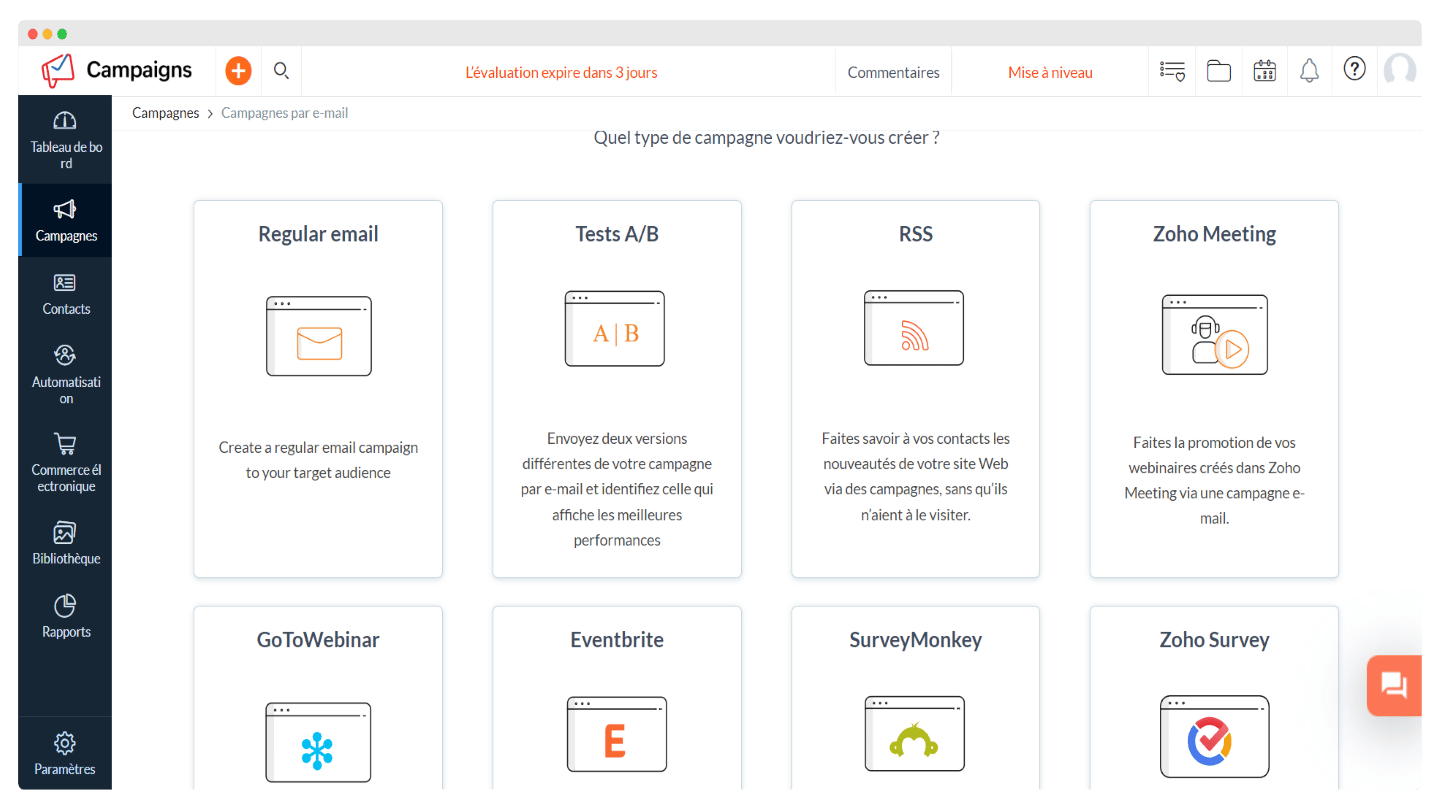
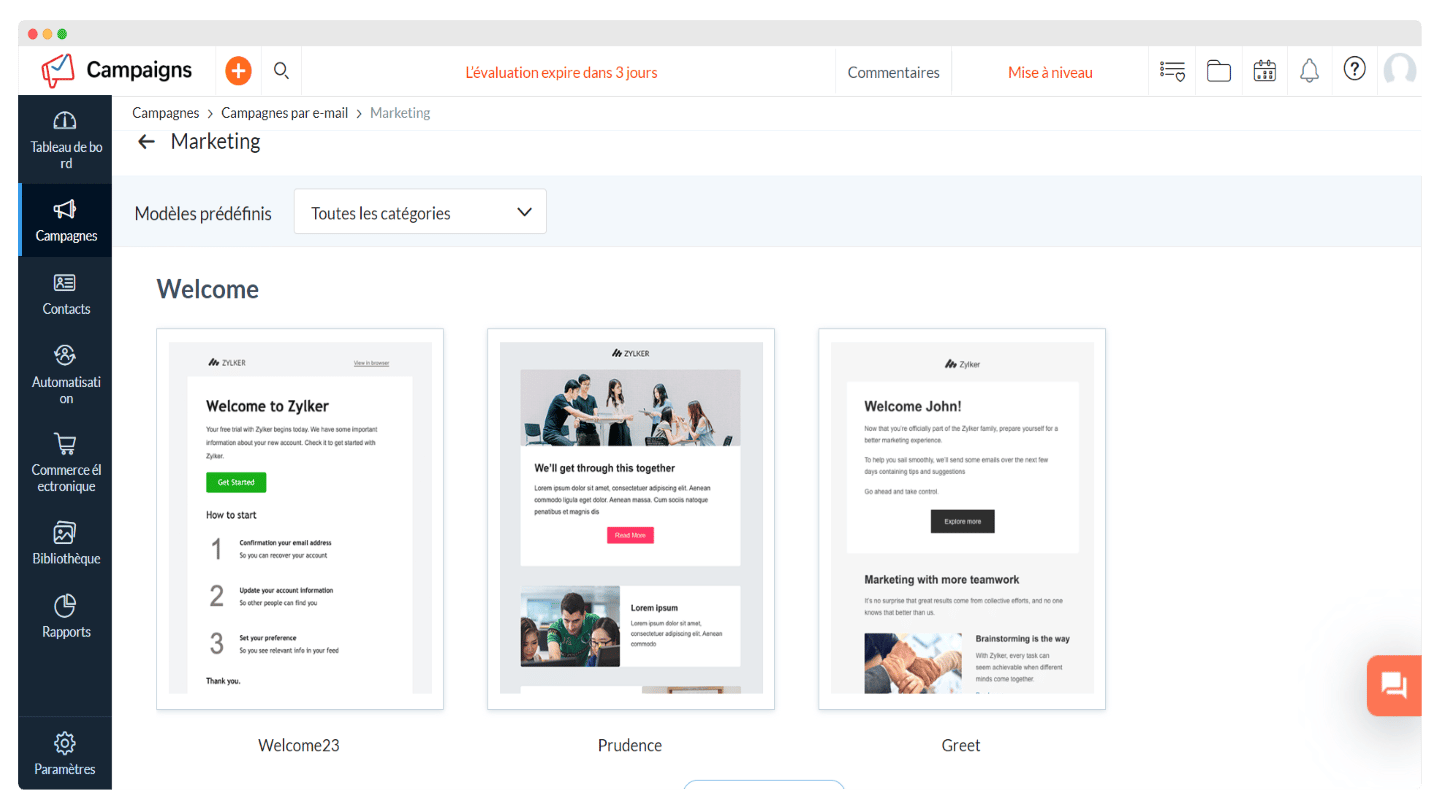
Zoho Campaigns provides three types of templates:
- saved templates you have already used,
- customizable pre-designed templates,
- basic templates, with no images or text.
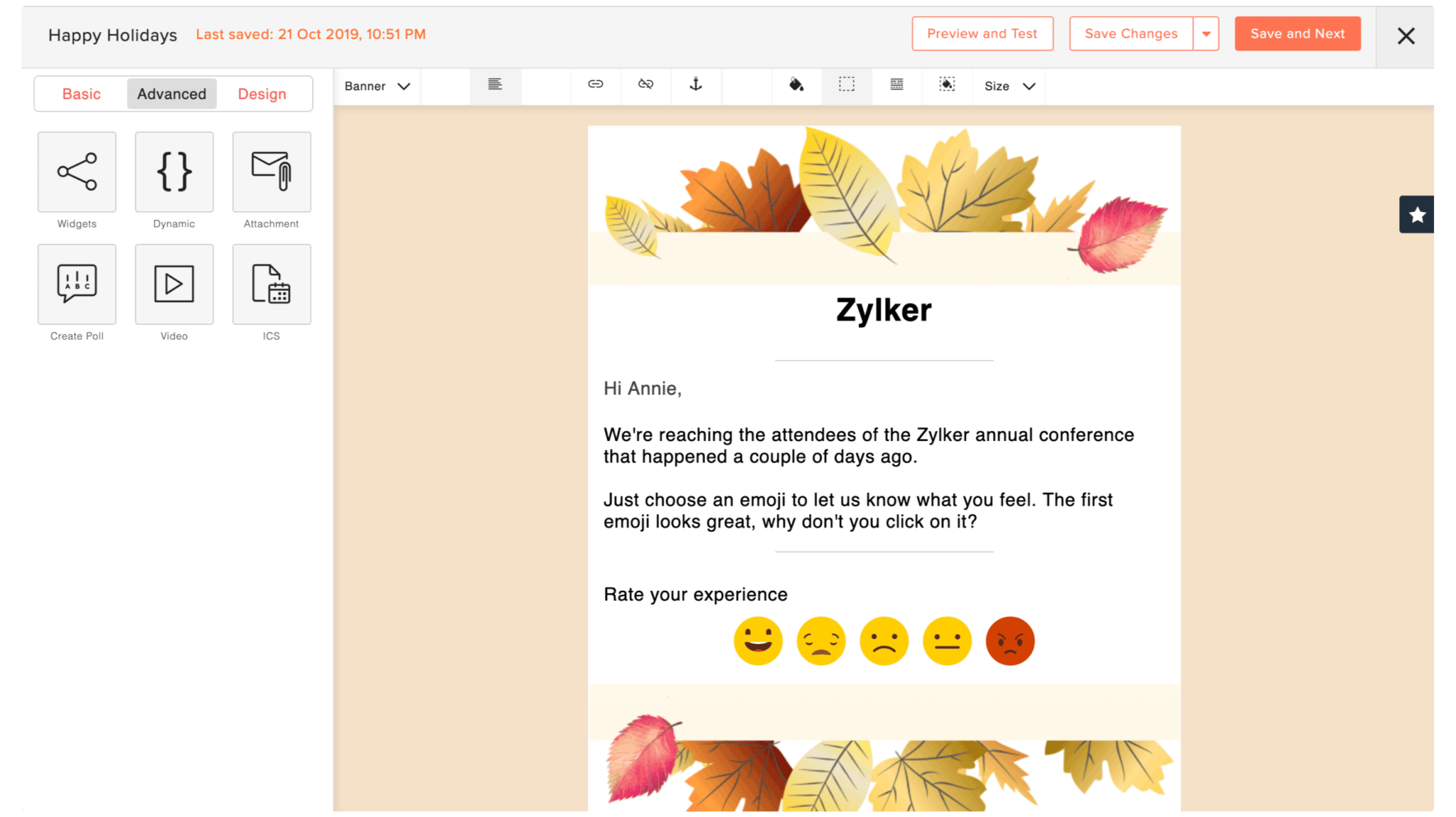
The drag-and-drop email editor is easy to use, the interface is practical and the user experience is on par with the best tools, such as Brevo or Mailchimp.
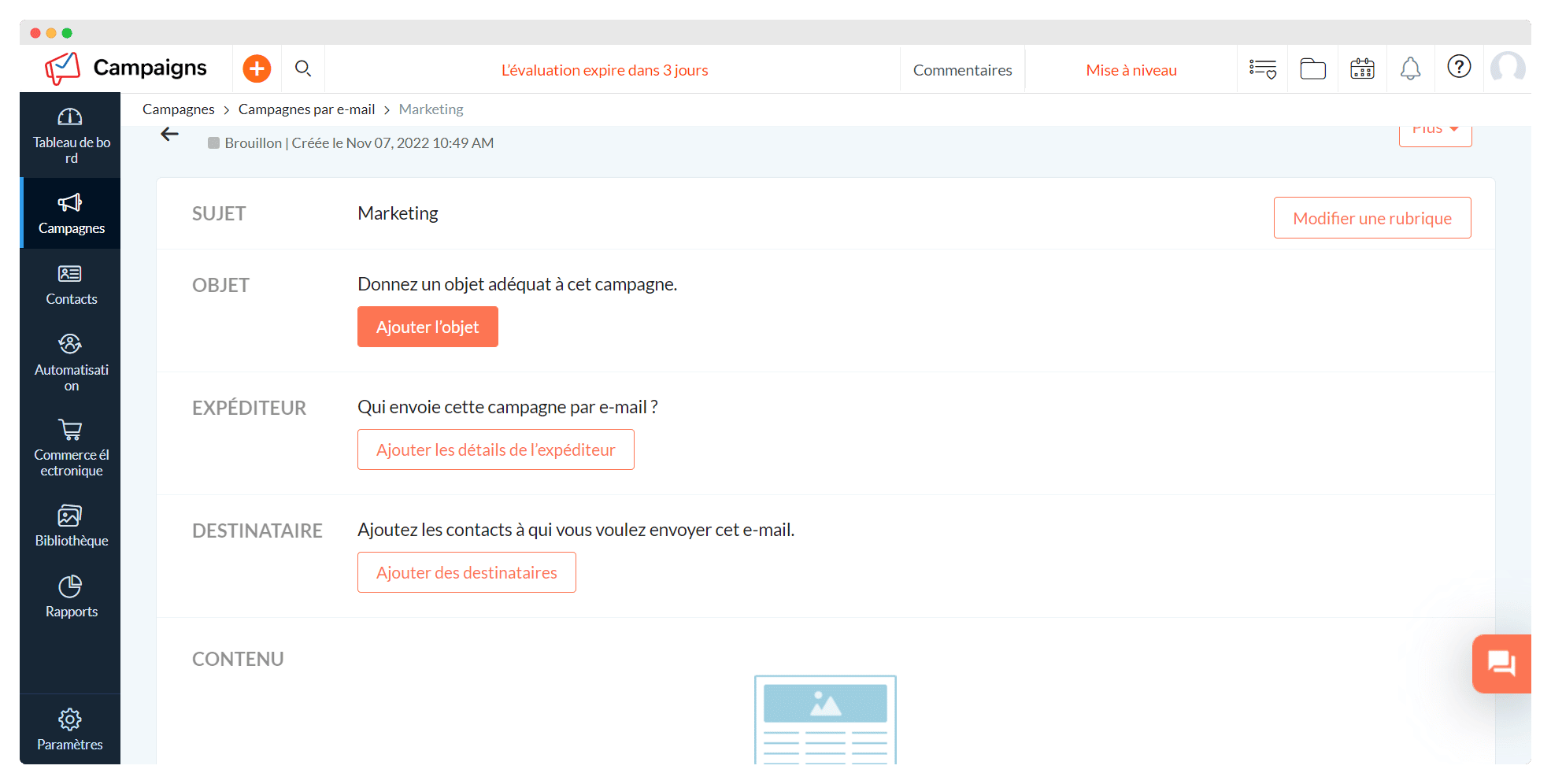
The software guarantees good email deliverability and has put together a set of anti-spam measures. It also provides information on the CAN-SPAM Act.
This is both an advantage and a drawback of Zoho Campaigns: many beginners can run into problems with their first campaigns if they are not aware of anti-spam rules.
Automation
Zoho Campaigns offers autoresponders, triggers and additional workflows, so marketers can automate their exchanges with customers in advance.
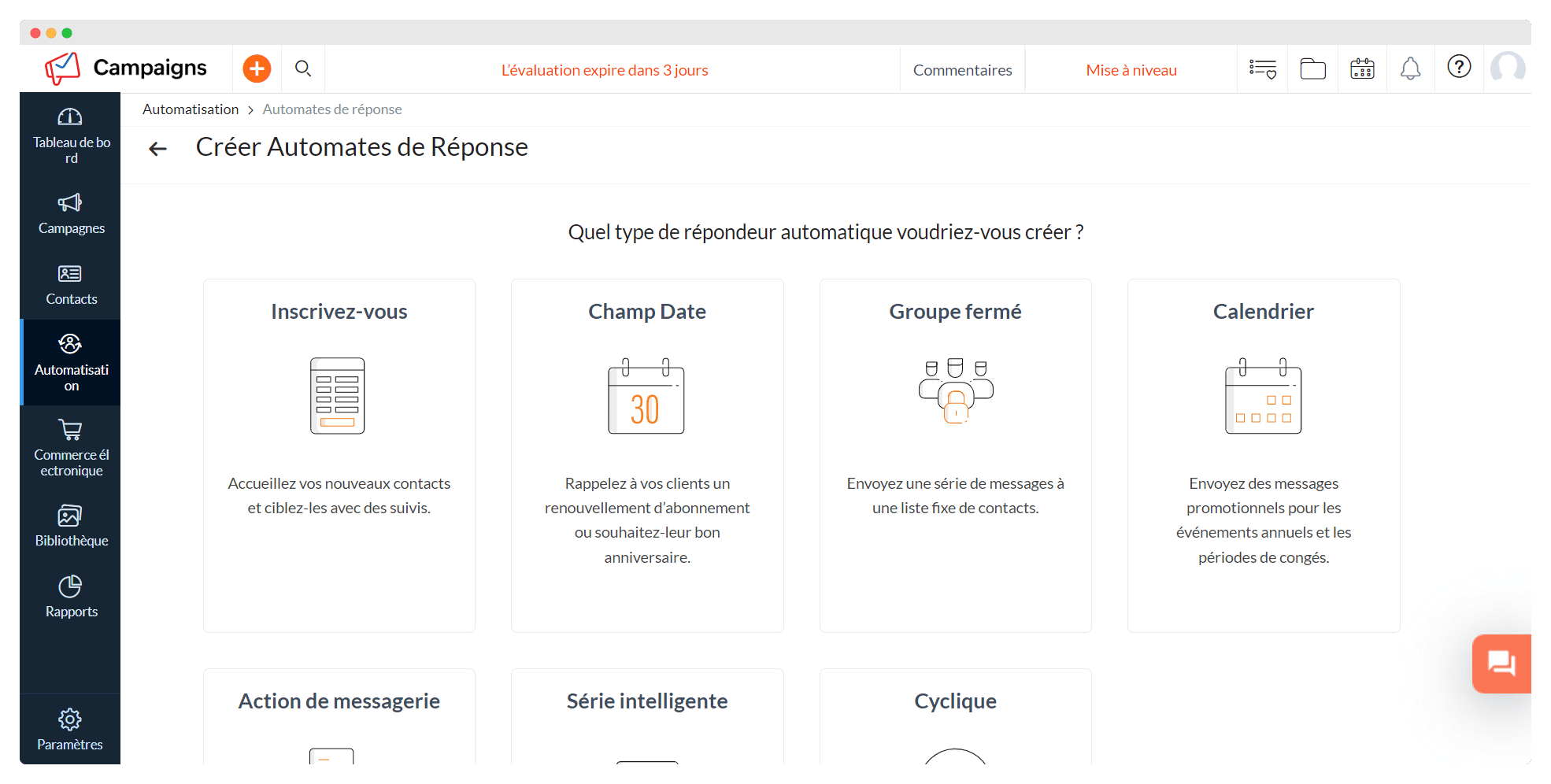
To become even more competitive, the software offers new features: re-engaging lost contacts, building loyalty with new customers, informing customers about ongoing transactions. Zoho Campaigns also gives you precise information on how well the automation features perform, in particular autoresponders and workflows.
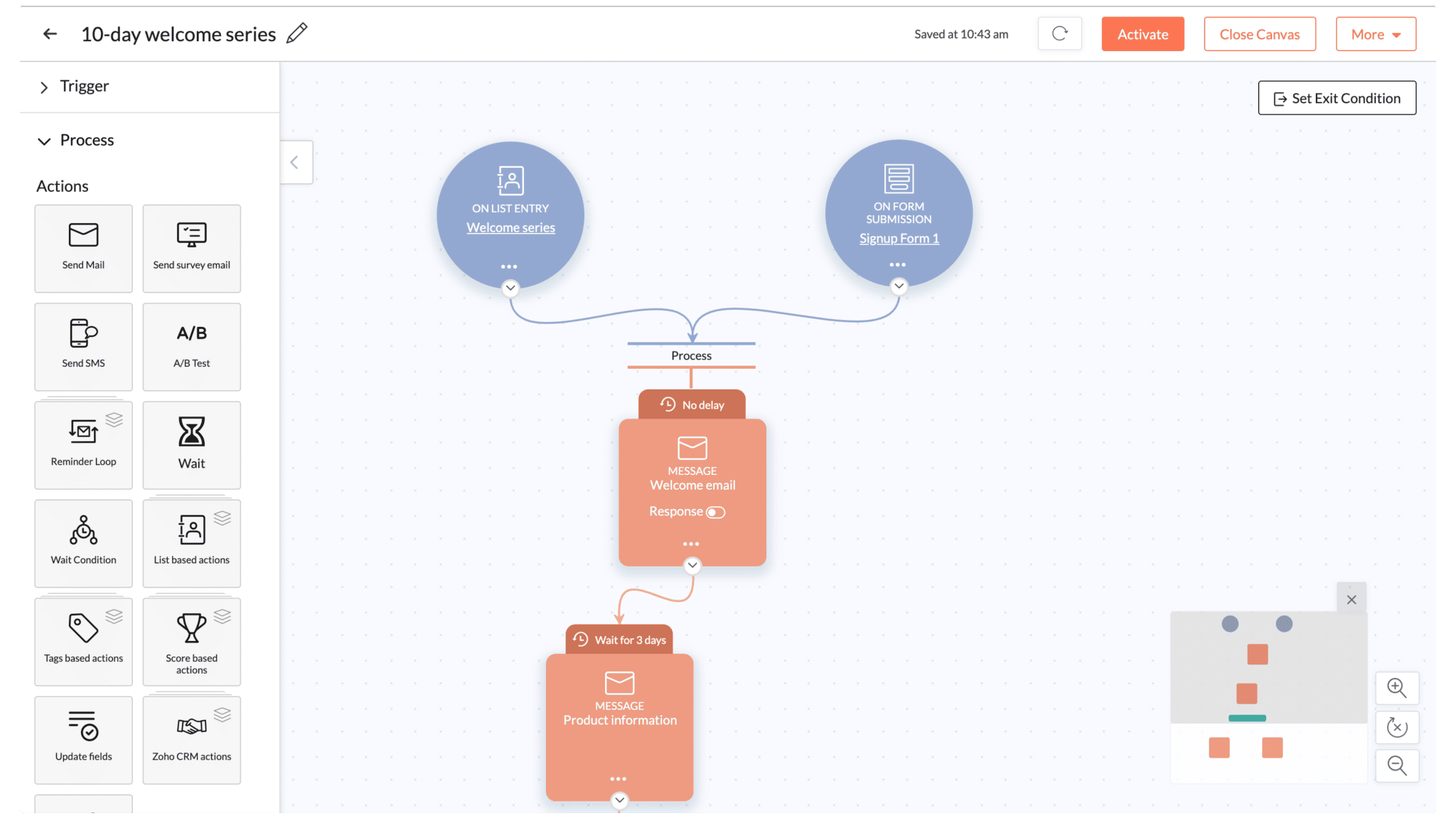
Compared with the other tools on the market, the automation offered by Zoho Campaigns is fairly light overall, and above all fairly limited. But the vendor has put a lot of intelligence into the templates to simplify the user experience, and that is more than enough to set up effective sequences.
With the Professional plan, workflows now include abandoned cart and purchase tracking, a real plus for e-merchants.
Contact management
Zoho Campaigns lets you build contact lists in several ways:
- by adding them manually,
- by importing them from an Excel spreadsheet,
- by letting new contacts sign up themselves through a web form embedded on your site.
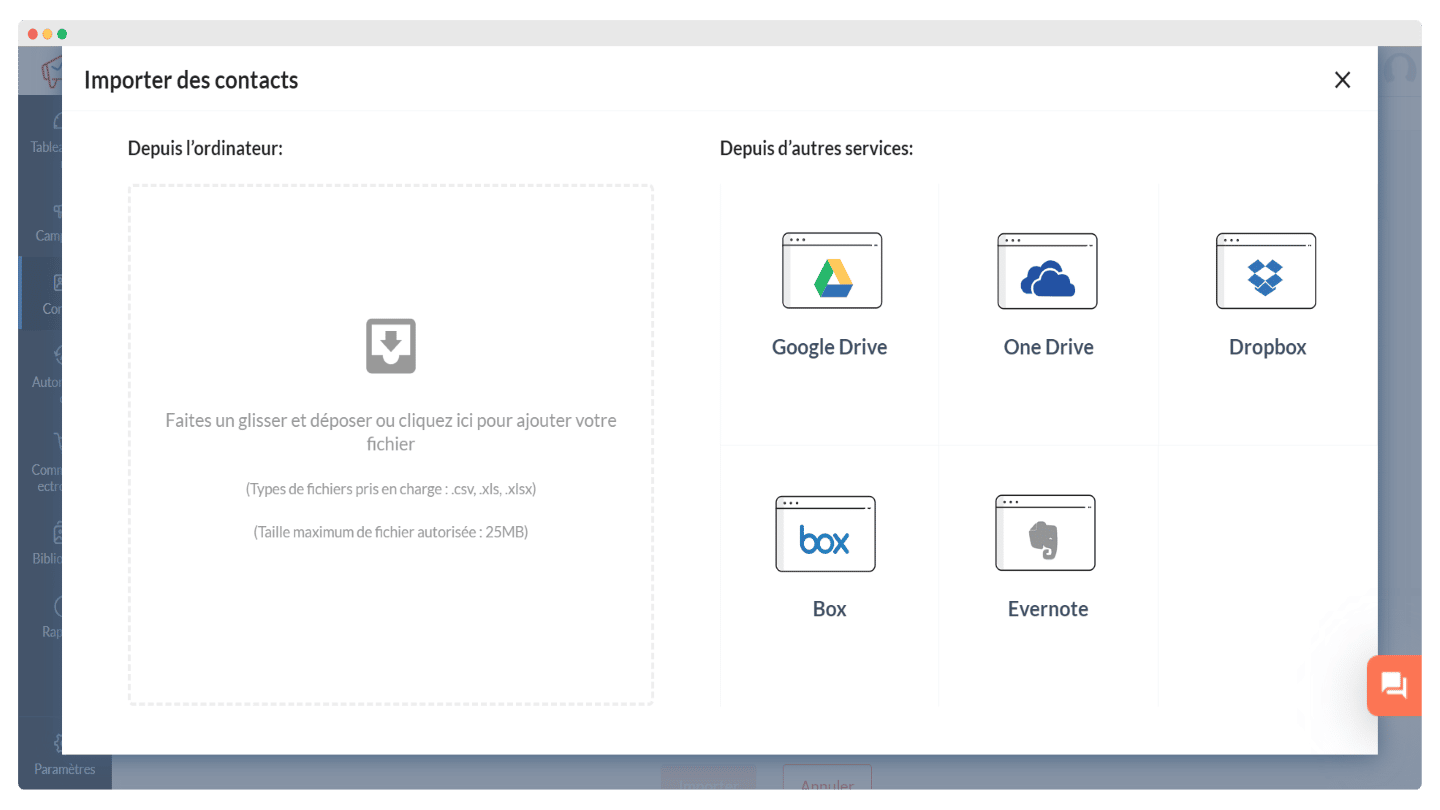
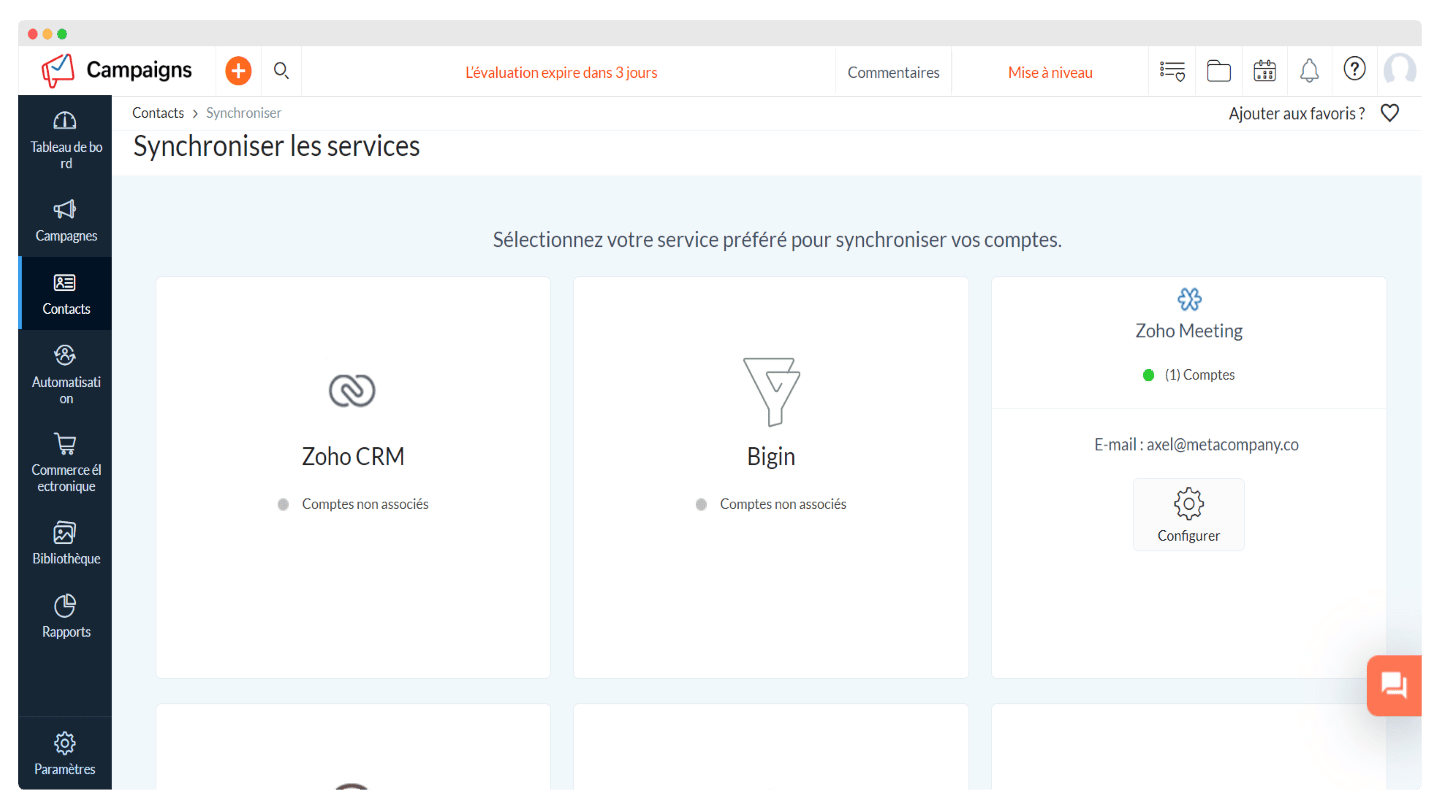
You can also import your contacts by syncing with a customer relationship management tool. This method is simpler if that other product is part of the Zoho ecosystem, but the software has a few third-party integrations, notably Salesforce and HubSpot.
Overall, the contact import process is fairly simple and intuitive, and backed by resources in the help center if you have questions.
Zoho Campaigns’ strong point: reporting
Zoho Campaigns’ reporting is more interesting than that of many competing tools: it offers a report summary that clearly shows the percentage of delivered emails, bounces and unsent emails. We like the design, with a smart use of color that makes it easier to read.
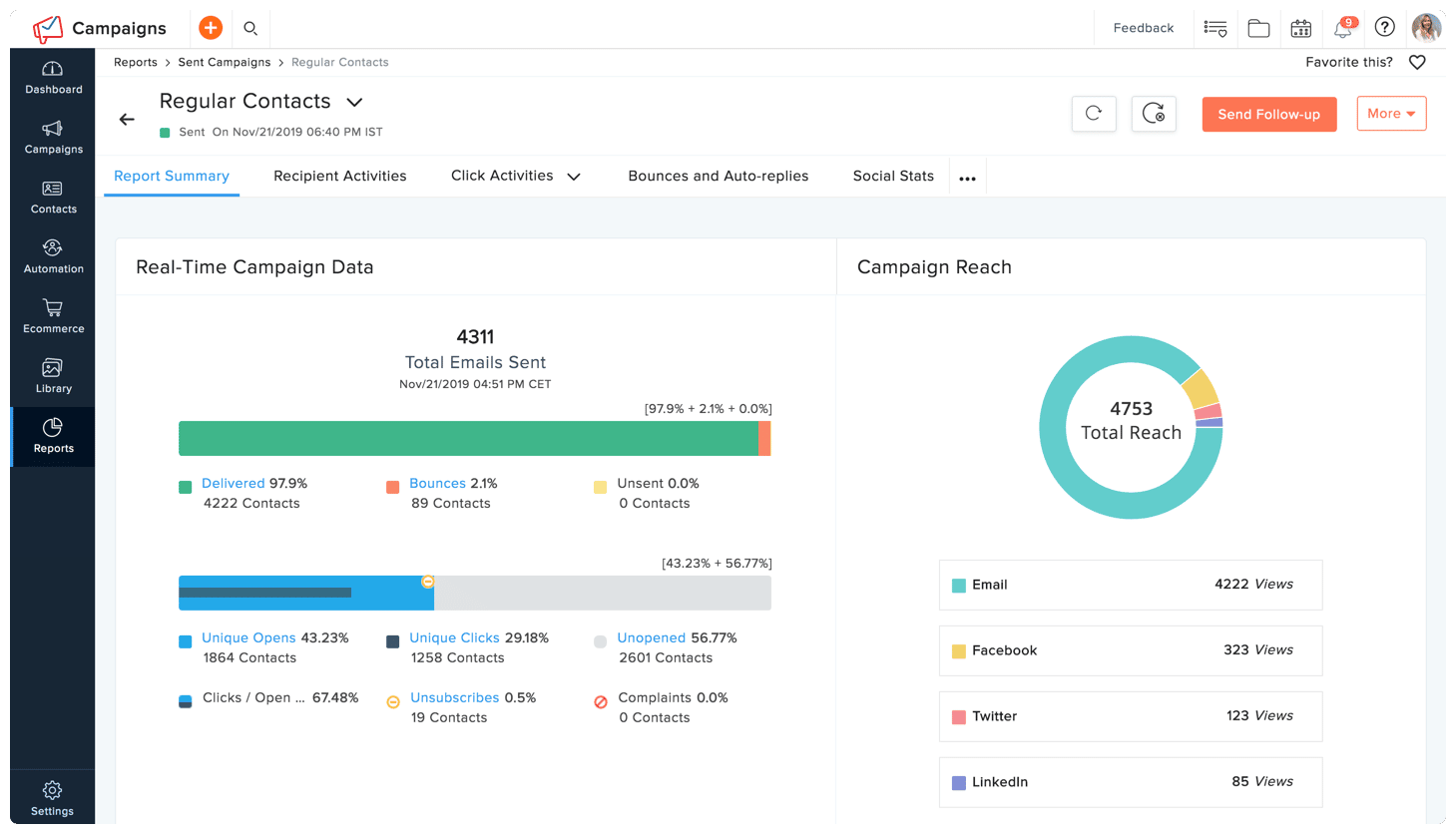
You can get reports by campaign or by list, with precise information on opens by device, unsubscribes, number of opens and clicks, or performance over a given period.
The reports are detailed, but they do not let you track revenue-related metrics, as Mailchimp does. For what Zoho Campaigns costs you, it is still a solid performance.
Customer support at Zoho Campaigns
Zoho Campaigns customer support is available by email and chat for everyone. Customers on a paid plan can also reach it by phone. Support is limited on weekends.
The help center is very rich and well done. It includes user guides, deliverability guidelines, FAQs, webinars, e-books, an API guide and videos.
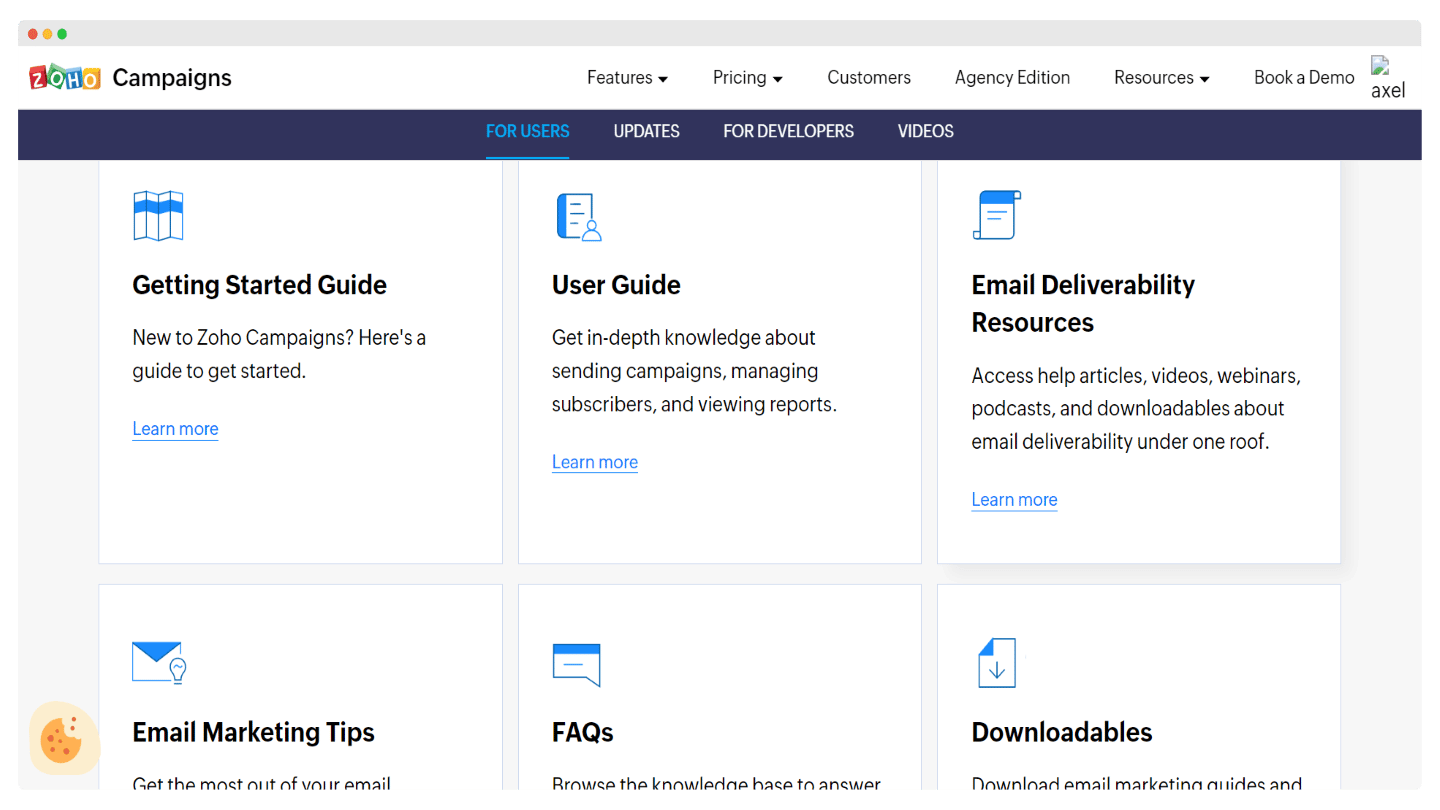
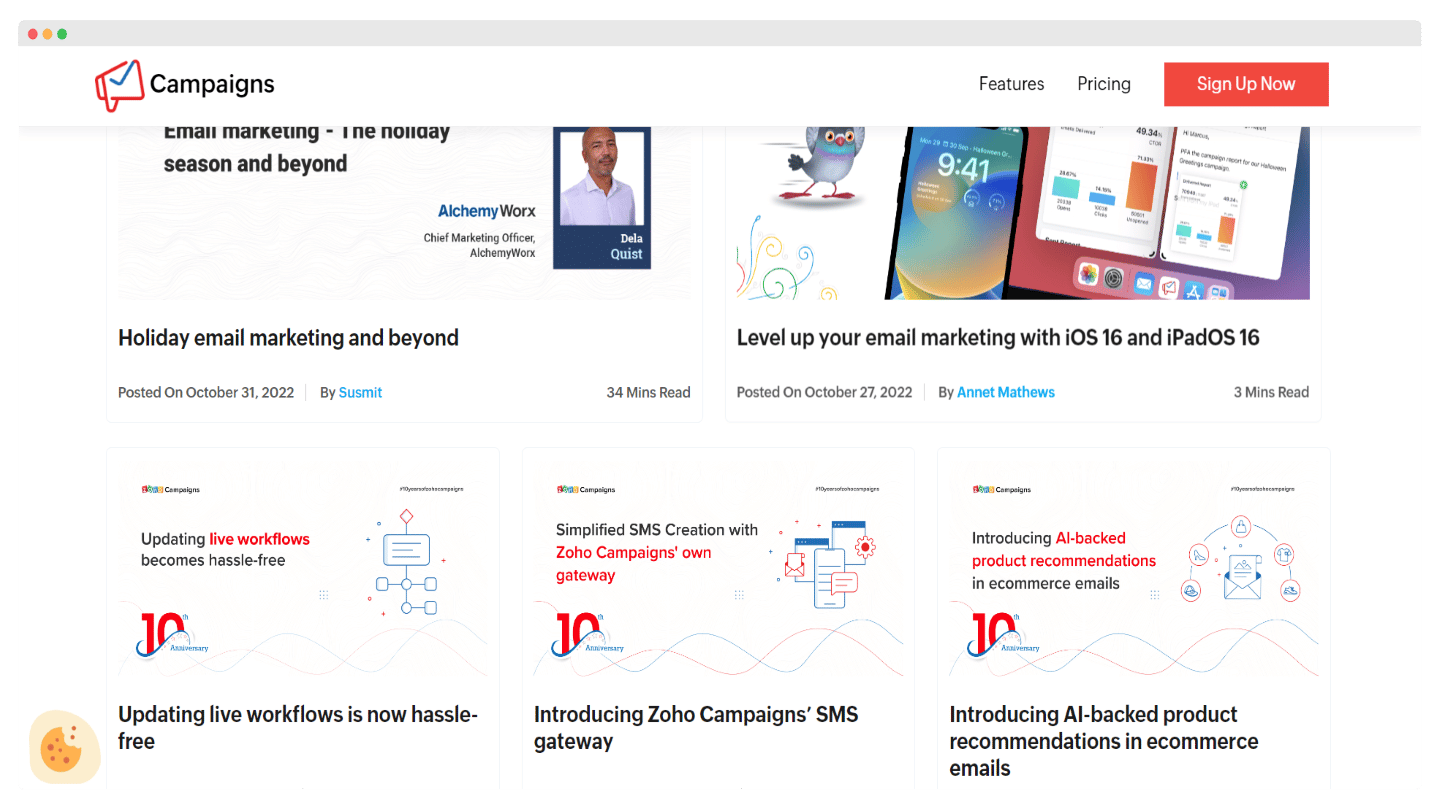
The user community can exchange on the software’s collaborative blog and on discussion forums. Note that the forums are only available in English.
The community can also gather at events organized by Zoho Campaigns, such as conferences or meetups with experts. Overall, the vendor tries to build a community around its product and make it easy for users to exchange, and it works fairly well.
The Zoho Campaigns integration marketplace
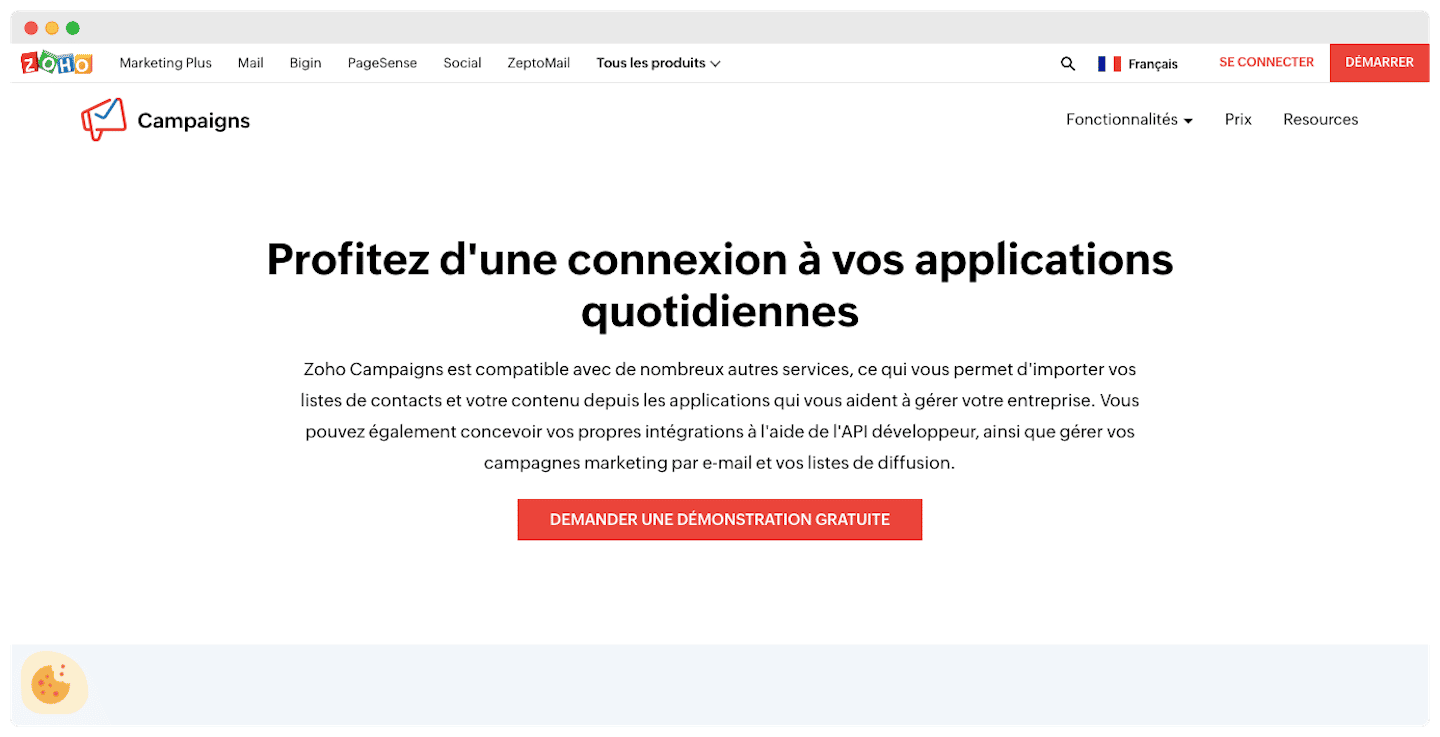
The number of third-party integrations available is a bit thin compared with other emailing tools.
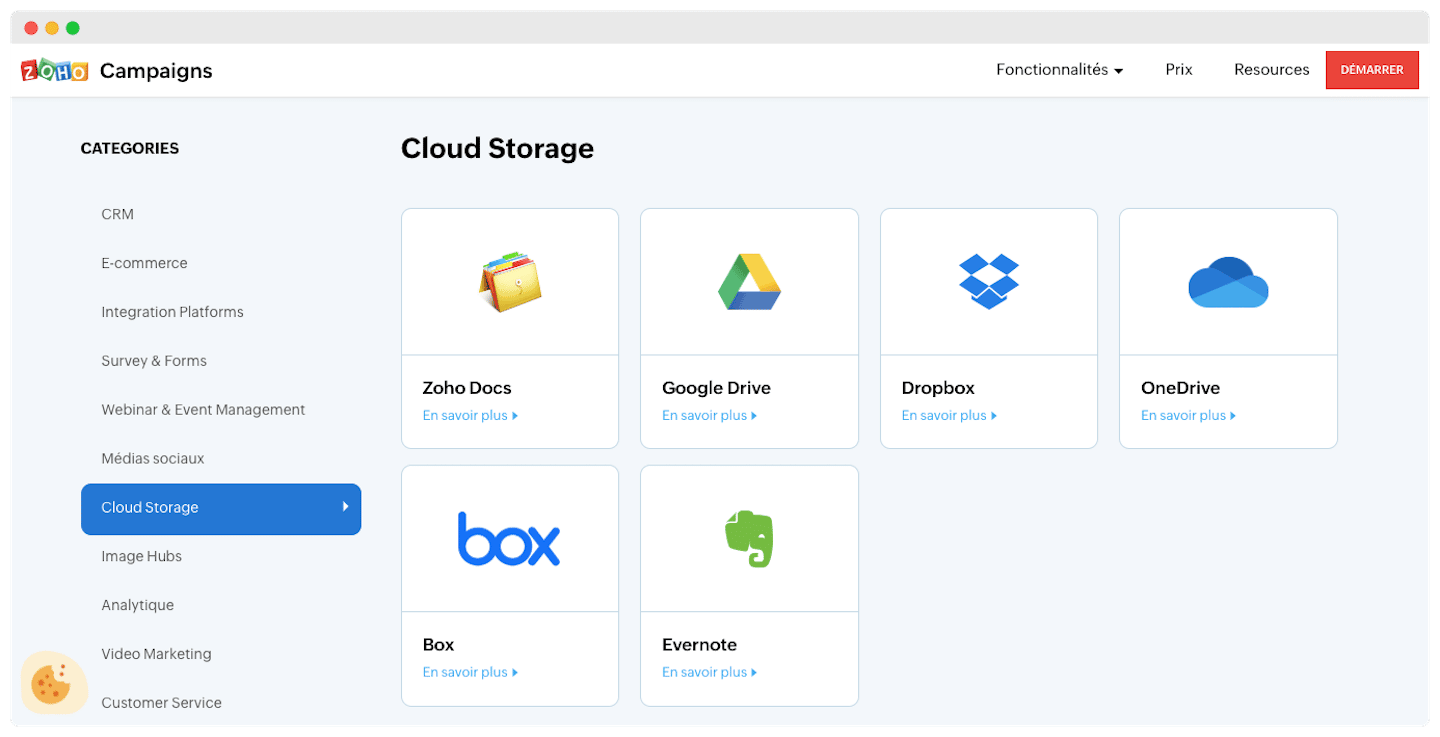
- The big advantage is above all access to the whole Zoho ecosystem: CRM, invoicing, project management, customer support. Zoho Campaigns has, for example, an integration with Zoho Meeting that lets you record and broadcast your webinars directly through a campaign.
- Social networks: Facebook, X (Twitter) and LinkedIn, to sync your contact lists with your email campaigns.
- Marketing: Eventbrite for event management, and Shopify or WooCommerce for e-commerce.
- CRM: Salesforce, HubSpot or Zoho CRM.
The Zapier integration is available and lets you connect to many other tools missing from the marketplace.
Zoho Campaigns: pricing
Zoho Campaigns offers several plans, priced according to the number of contacts you manage:
- Free plan: it gives you a list of 2,000 contacts, lets you send up to 6,000 emails per month and gives access to signup forms and basic email templates, for 5 users.
- Standard plan: €31 excl. VAT per month for a list of 5,000 contacts. It lets you send unlimited emails and gives access to basic segmentation, advanced email templates, basic drag-and-drop workflows and SMS marketing, for 10 users.
- Professional plan: €52 excl. VAT per month for a list of 5,000 contacts. It gives access to advanced segmentation, contact tags and scoring, popup forms, email surveys and sending at the recipient’s optimal time. It also adds abandoned cart tracking in workflows, for 20 users.
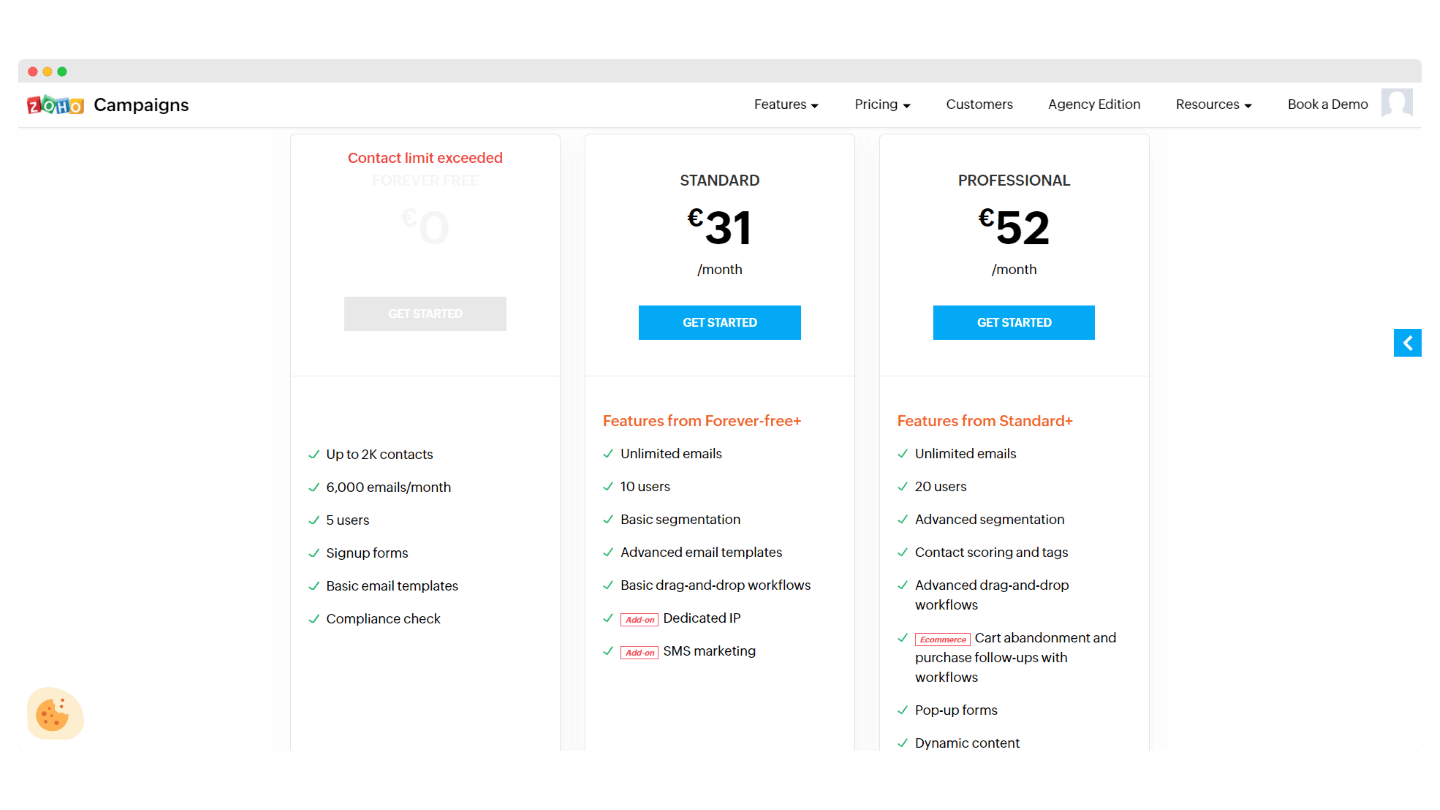
An annual subscription gets you a 25% price reduction, i.e. €23 per month for the Standard plan and €39 per month for the Professional plan. The dedicated IP address, for its part, is an option you buy separately.
The main alternatives to Zoho Campaigns
Brevo is a credible alternative, with deeper functionality, and it is also very attractive financially.
ActiveCampaign is another option for those who want a few extra features, especially in automation or lead capture.