Moosend is an easy-to-use email marketing software that packs a lot of features at very affordable prices.
Moosend has no free plan, just a 30-day trial, and it lacks functional depth compared with other tools on the market. But it remains an effective way to run email campaigns simply, with very attractive value for money for small teams.
Moosend: feature overview
Email marketing
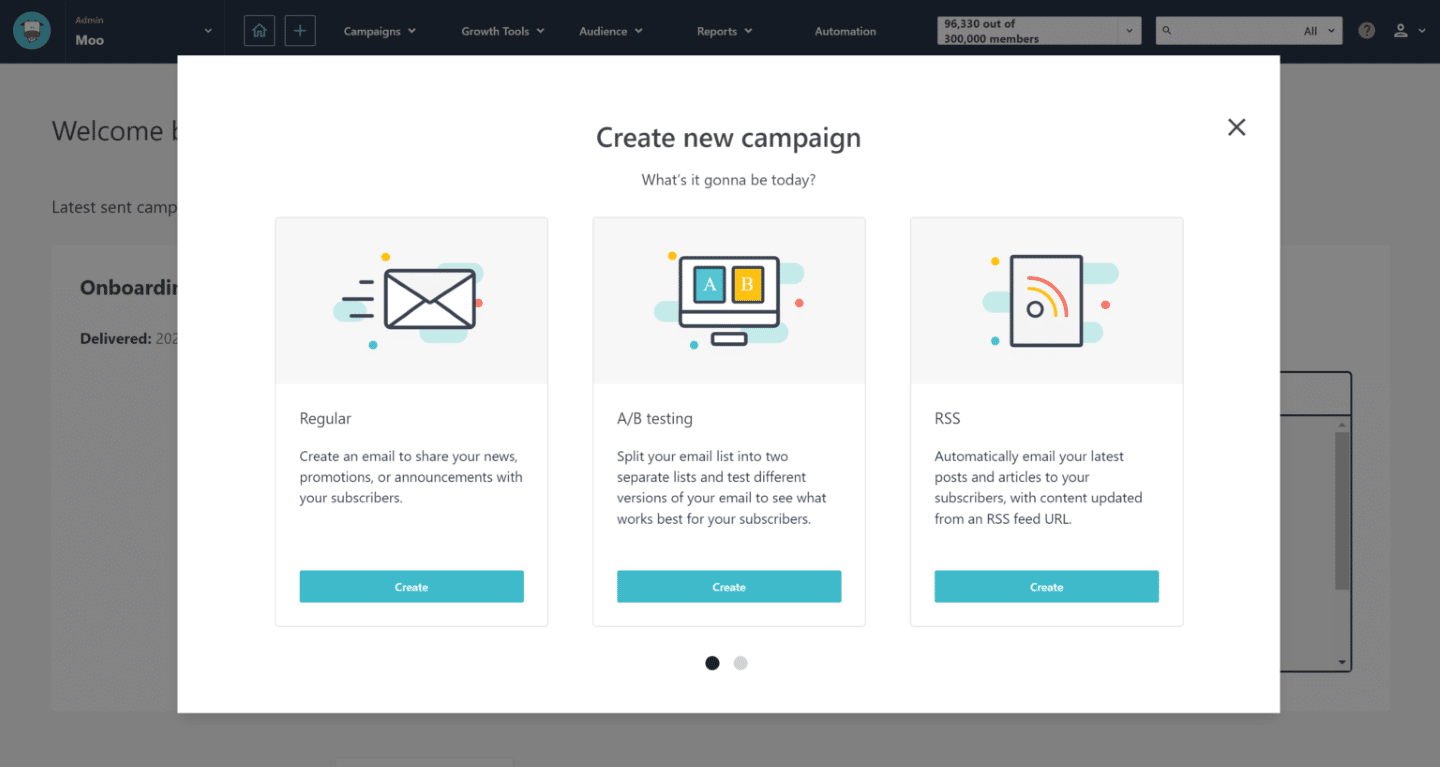
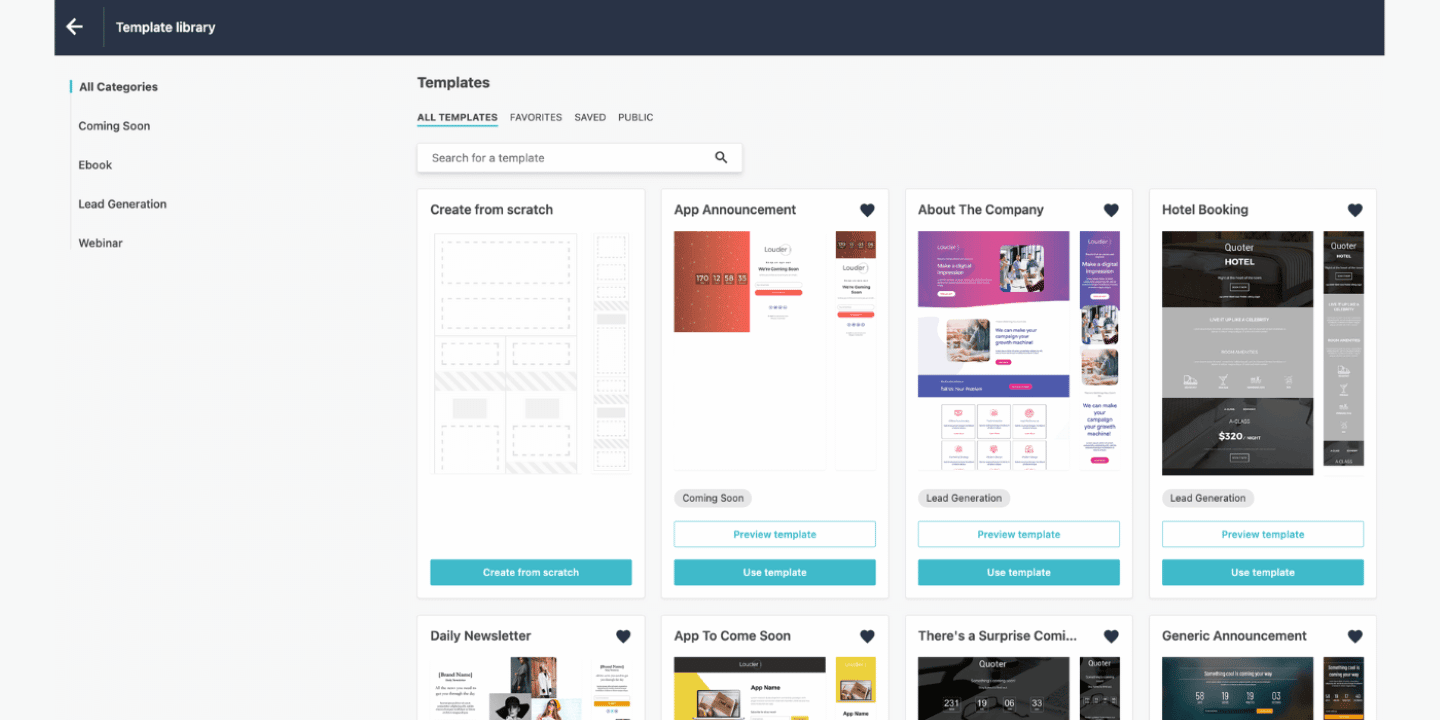
Moosend’s newsletter builder lets you design personalized campaigns efficiently. It offers fewer free templates than most competitors, but they are clean and well organized.
You can edit the templates to suit your needs and save your favorites in the library. You can also import your own templates, from your computer or from an online source, via their URL or their HTML code.
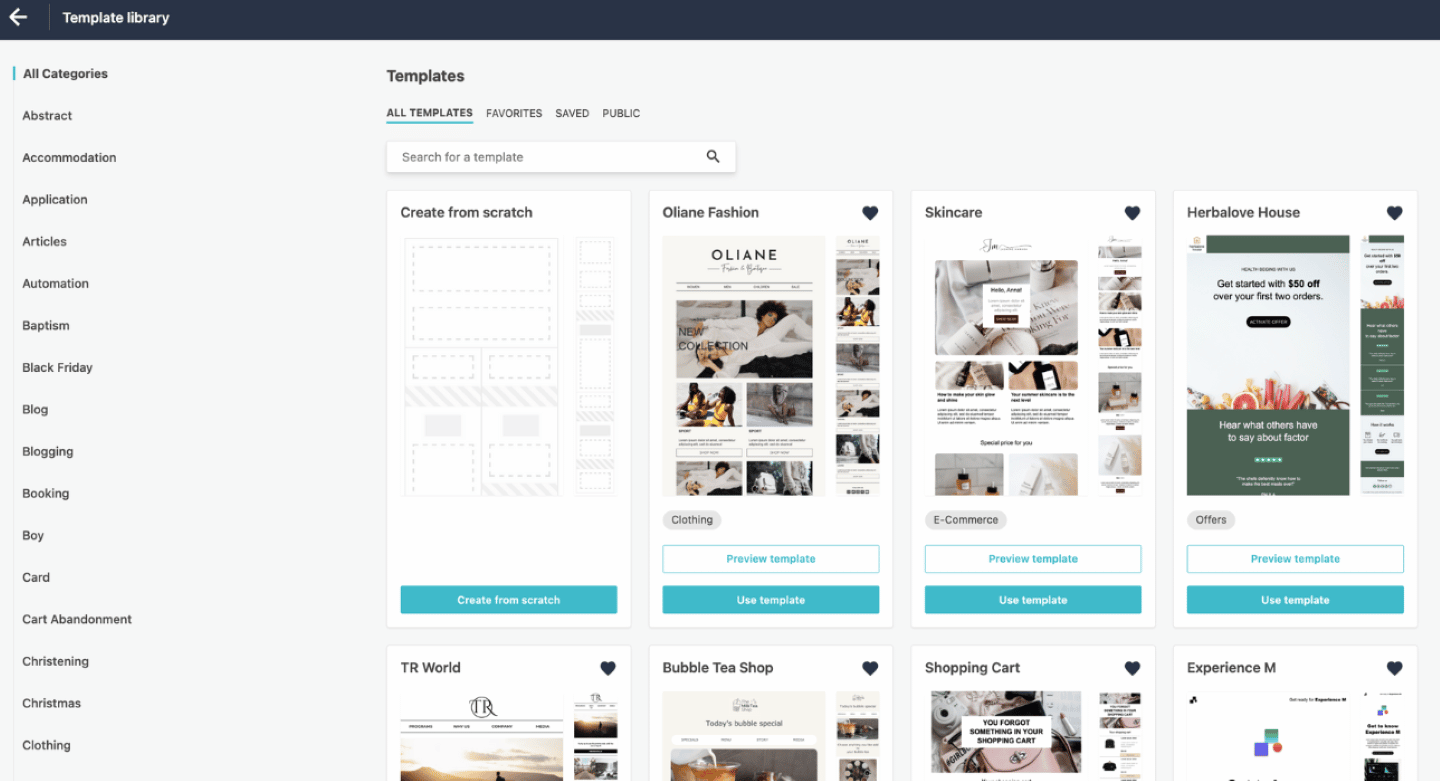
Moosend also lets you build your campaign from scratch, with drag and drop content blocks: images and videos, buttons, text, HTML blocks, timers or dynamic content.
With dynamic content, you can personalize emails, for example by showing the recipient’s name, displaying specific blocks based on their location, or setting recommendations based on the pages they visited on your site.
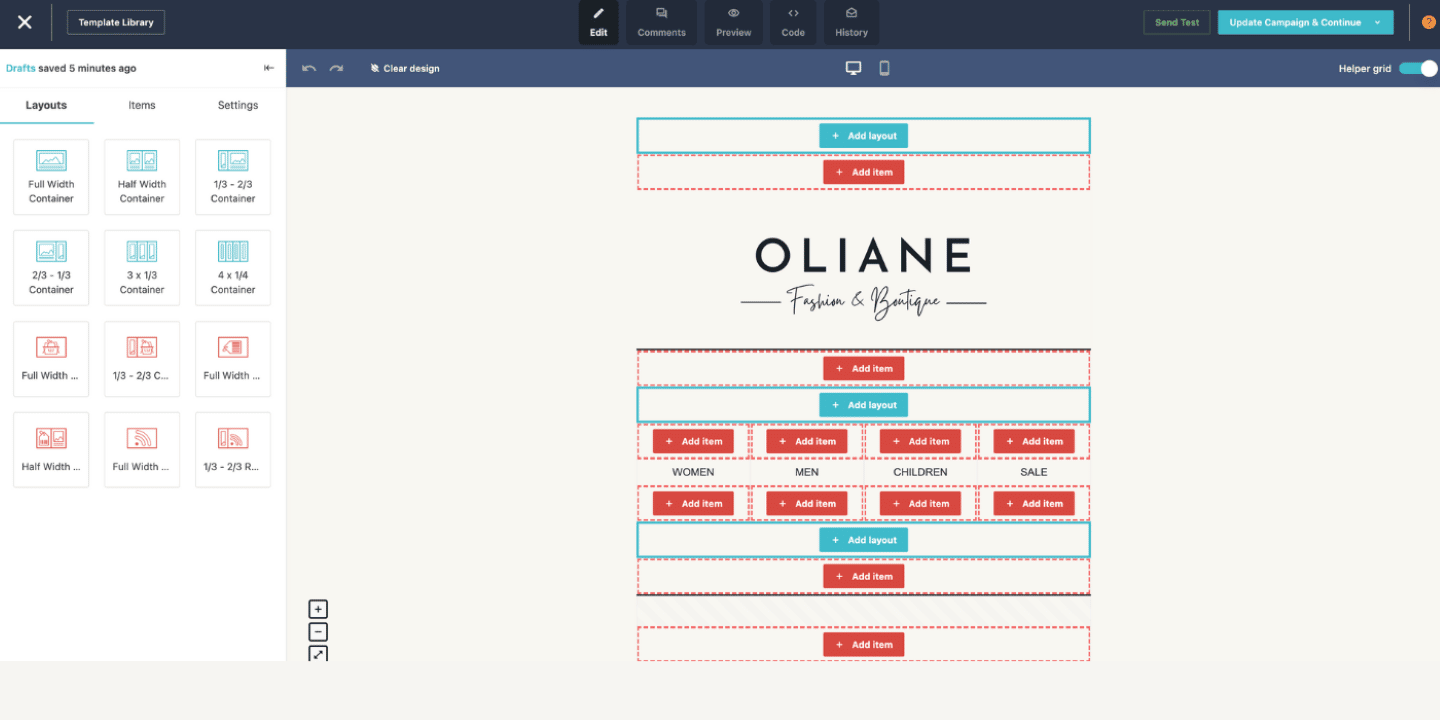
Moosend lets you run A/B tests on the sender, the subject line and the email content. You can preview how emails look on desktop, tablet and mobile, and run a free spam test to check whether they will get through mailbox filters.
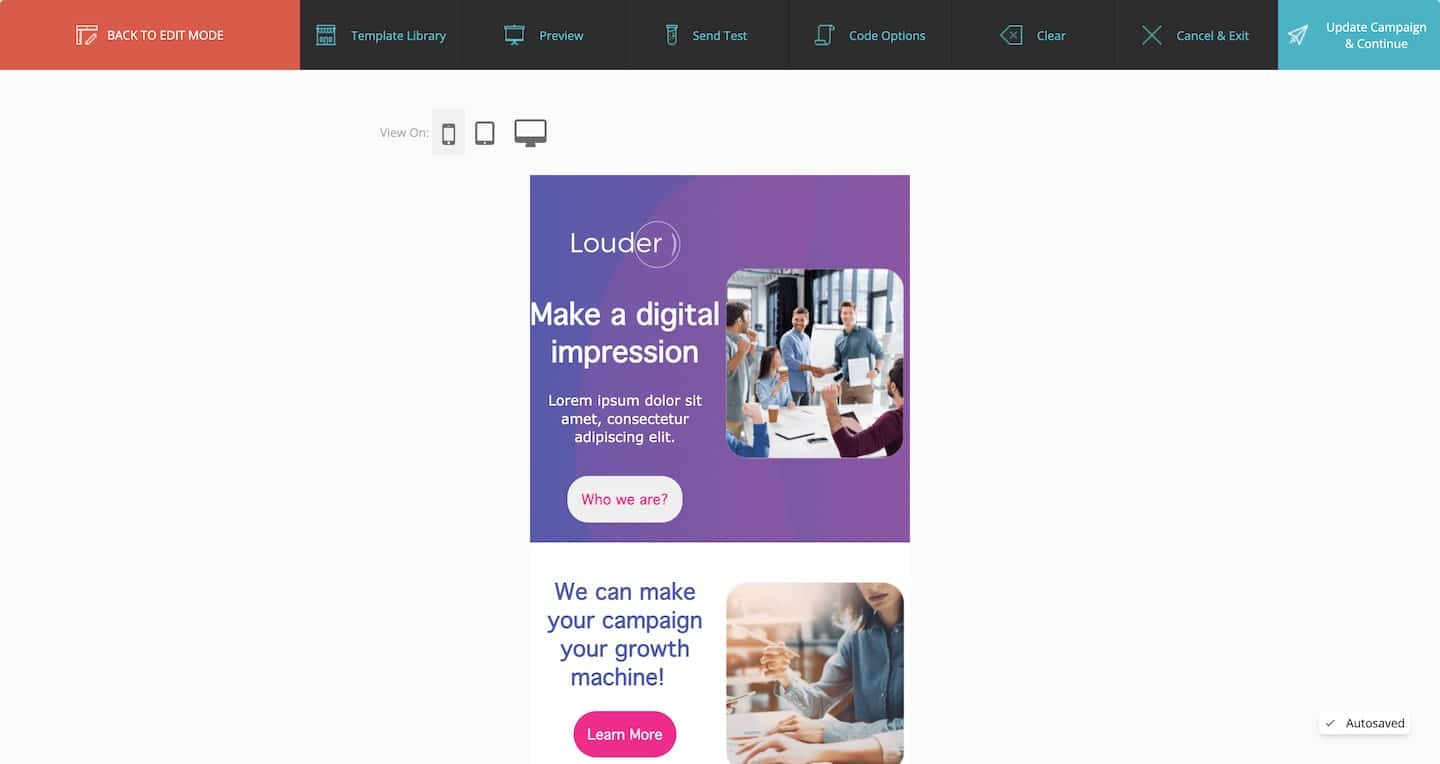
On the collaboration side, each team member can add comments to the others’ drafts in comment mode. Users can then mark them as resolved or unresolved.
Automation
Once your campaign is set, the workflow builder lets you automate the whole process: you design your own workflows and define triggers, sequences and buckets so the user journey is fully automated.
For example, if someone signs up through a form, you can send them a welcome email, then, one day later, trigger a follow-up if they don’t open it.
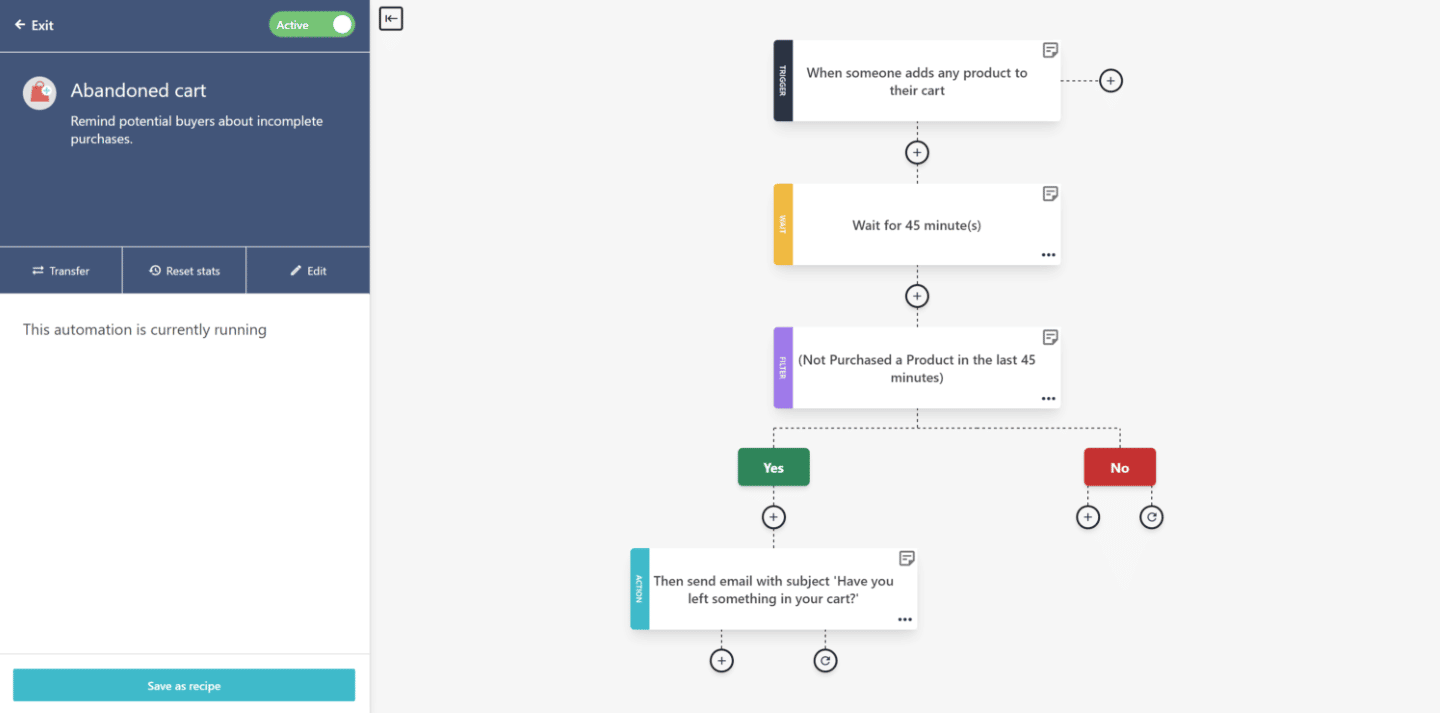
With each trigger, Moosend makes it easy to define several paths. You can set filters based on the trigger and choose the matching action.
On top of designing your own workflows and journeys, Moosend offers prebuilt marketing automation sequence templates, to keep the process simple and smooth.
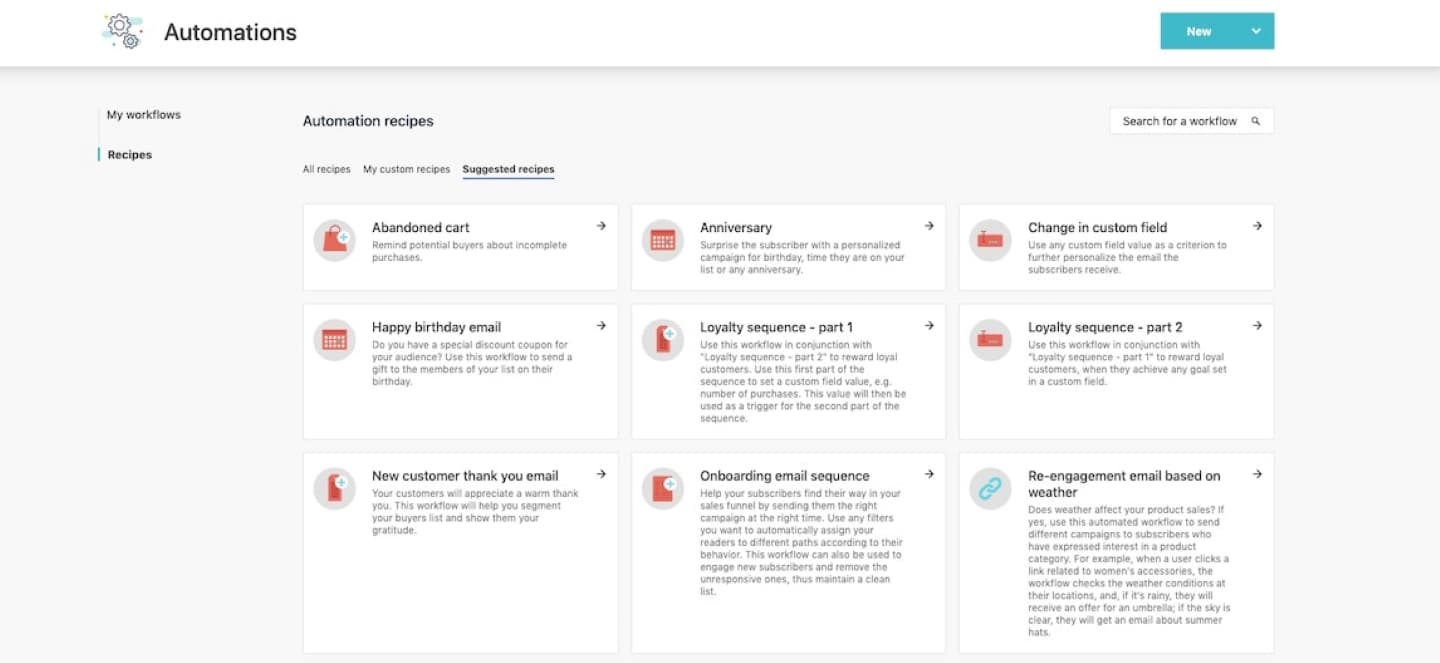
Moosend also offers a VIP campaign, which creates a sense of exclusivity and encourages higher purchase volumes among your main prospects.
Lead capture
Moosend offers effective lead capture tools. The built-in landing page builder works with drag and drop and offers plenty of customization options, with many ready-to-use templates.
There are countdown timers to create urgency, and so-called success booster modules: Facebook pixel and Google Analytics tracking, custom JavaScript, anti-bot protection, custom fonts and GDPR compliance.
Subscription forms let you design popups, inline forms, floating bars and boxes.
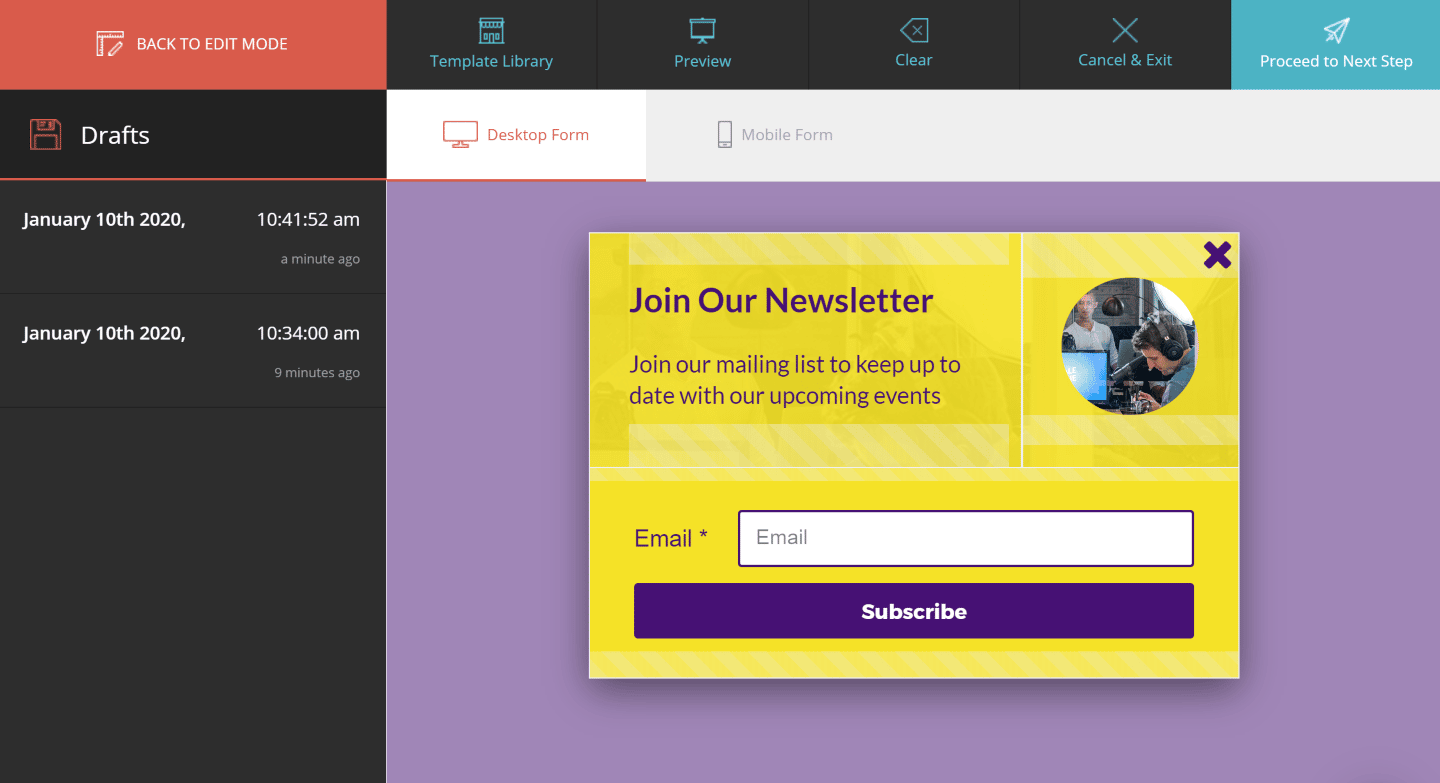
Moosend lets you tell mobile users from desktop users, select forms based on location, and add certain cookies for dynamic forms.
Contact management
Managing your subscriber lists is fairly simple in Moosend. The tool covers all the basics, such as double opt-in: once at sign-up, then a second time by email.
Moosend has a large number of predefined filters to work on segmentation and adjust campaigns based on subscriber behavior.
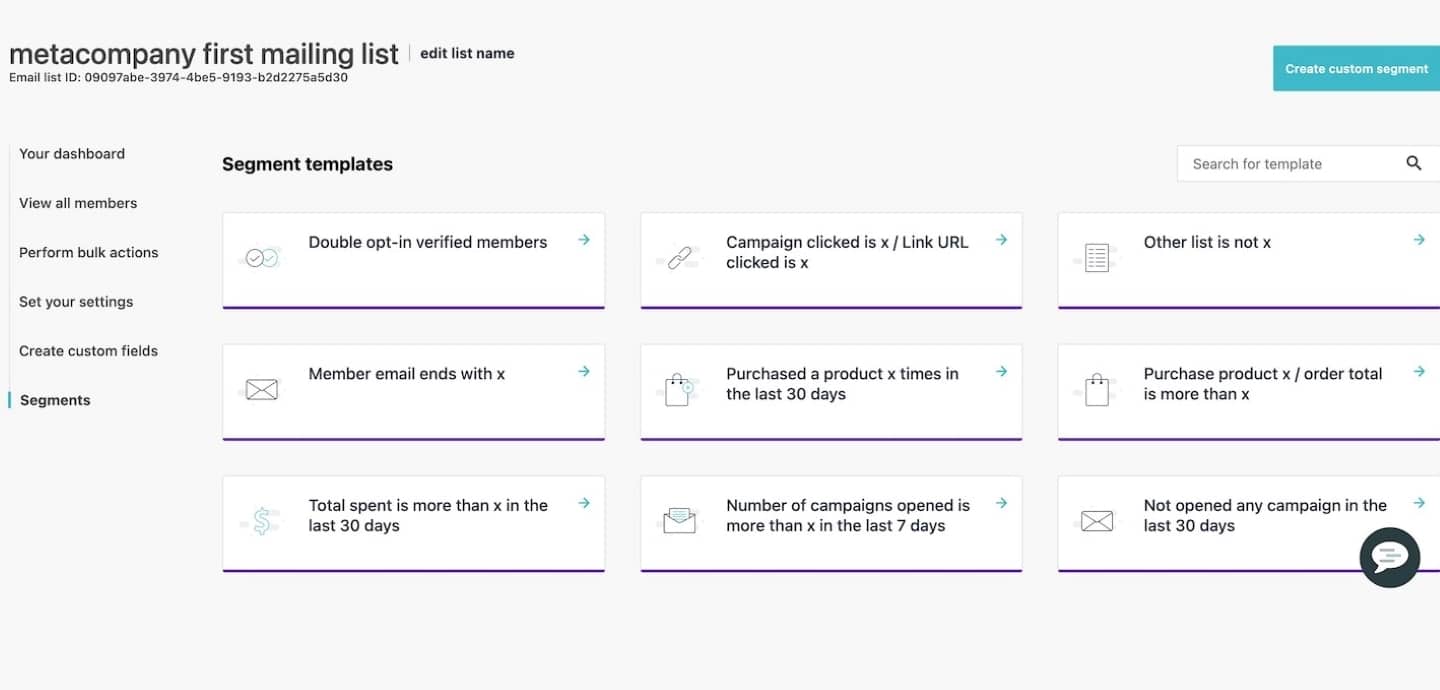
Moosend offers 9 preset segment templates and 33 filtering criteria. You can use web tracking to adjust your filters based on a contact’s actions.
Finally, suppression lists reliably block the addresses of people who no longer want to be contacted, across all your campaigns and mailing lists.
Customer support at Moosend
Moosend offers plenty of resources to solve problems on your own, including a knowledge base whose articles cover a wide range of topics: email campaigns, integrations, automation.
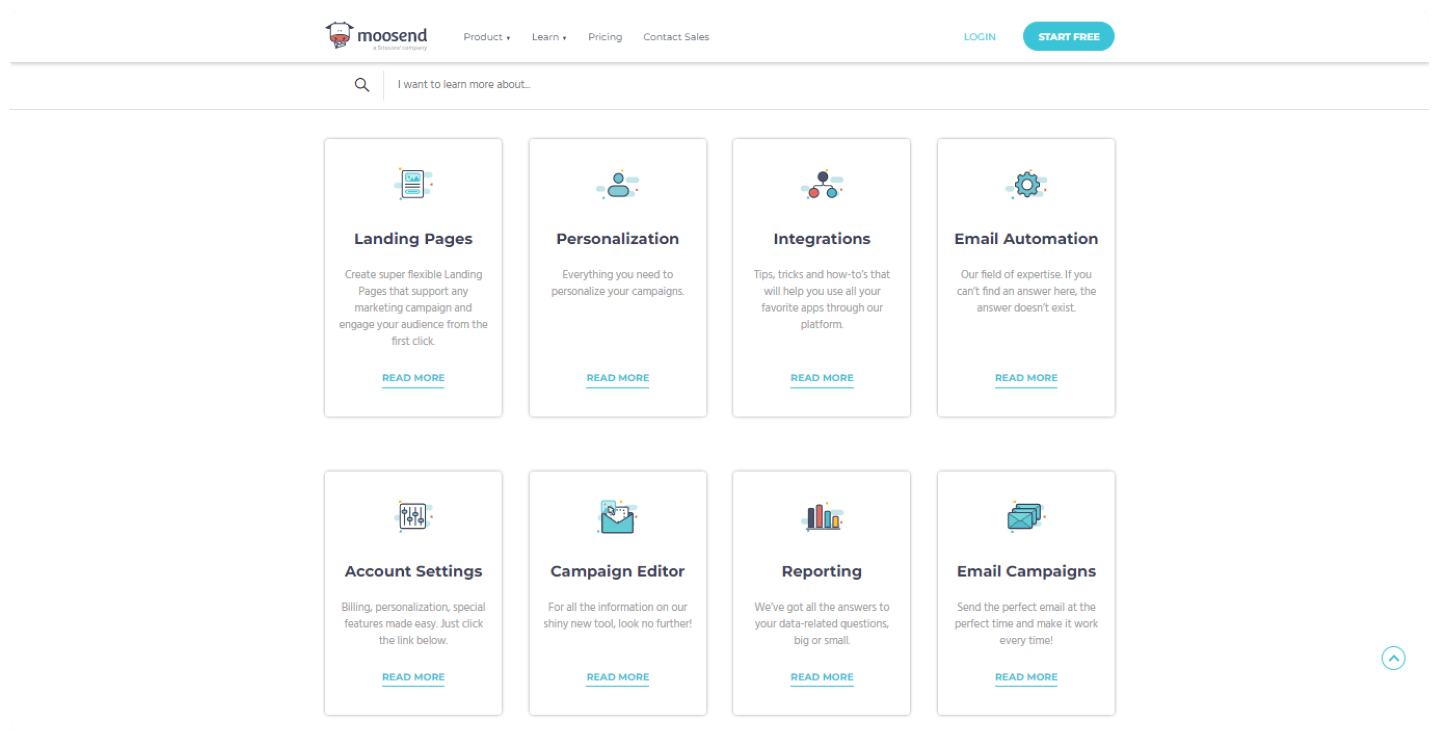
Moosend also offers long webinars and video tutorials, hosted on Vimeo rather than YouTube.
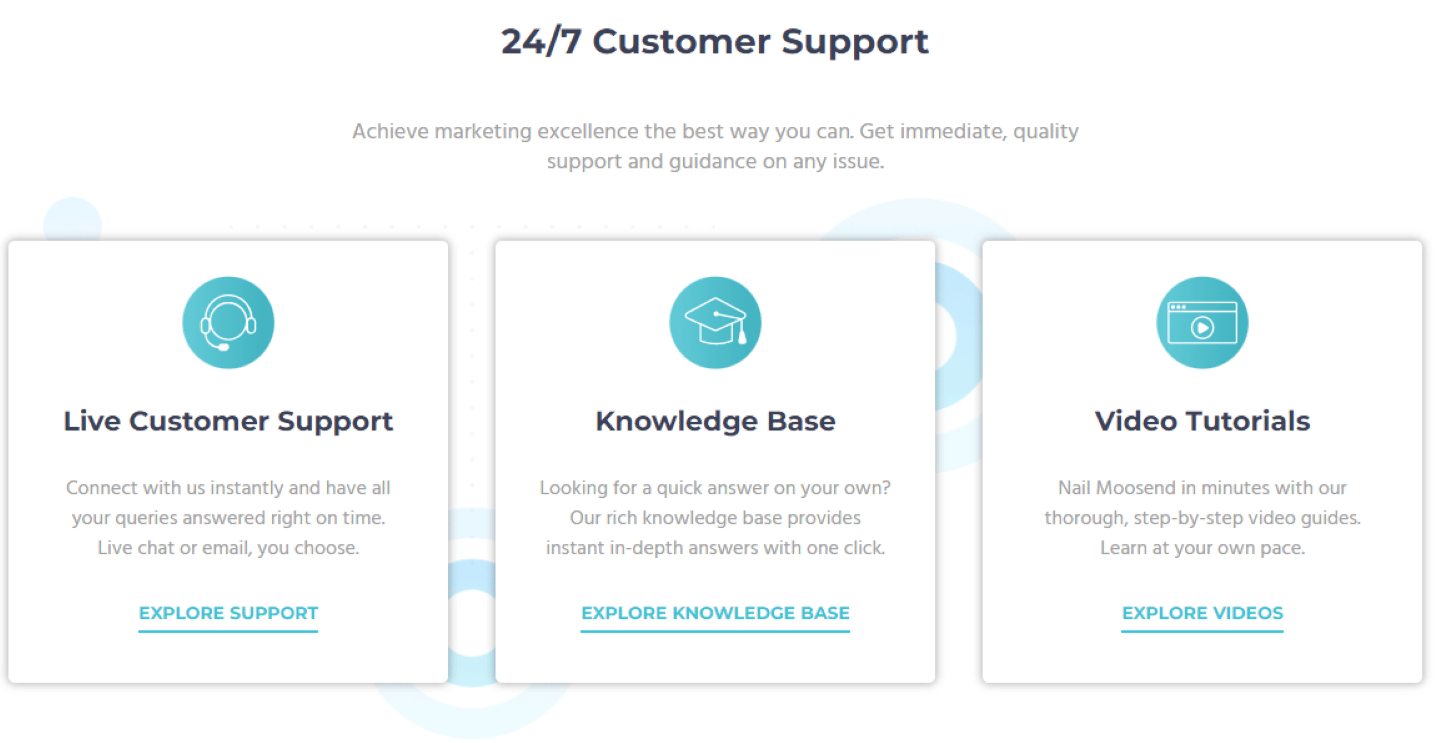
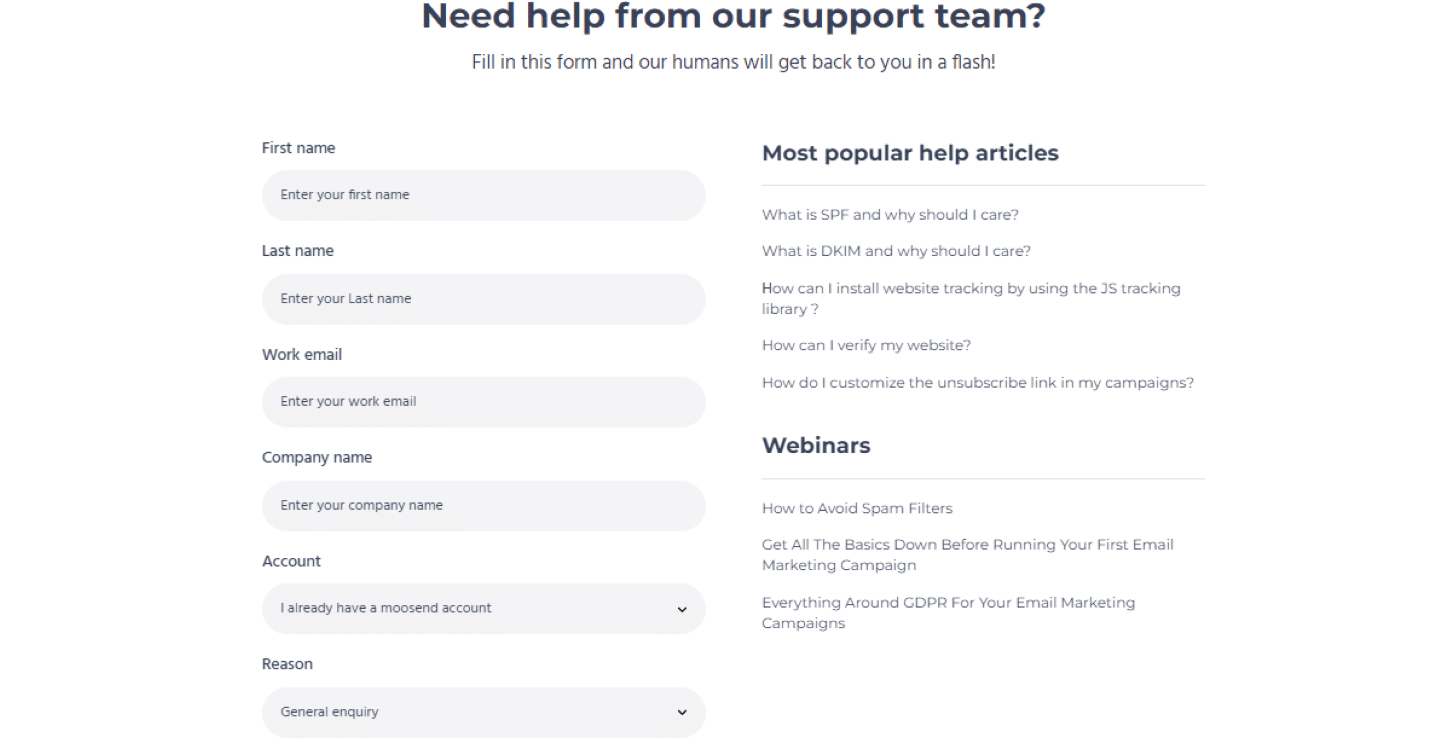
If the resources provided are not enough, Moosend’s customer support can be reached 24/7 through a contact form. Live chat, available from the free trial onward, also gets you near-instant answers.
The Moosend integrations marketplace
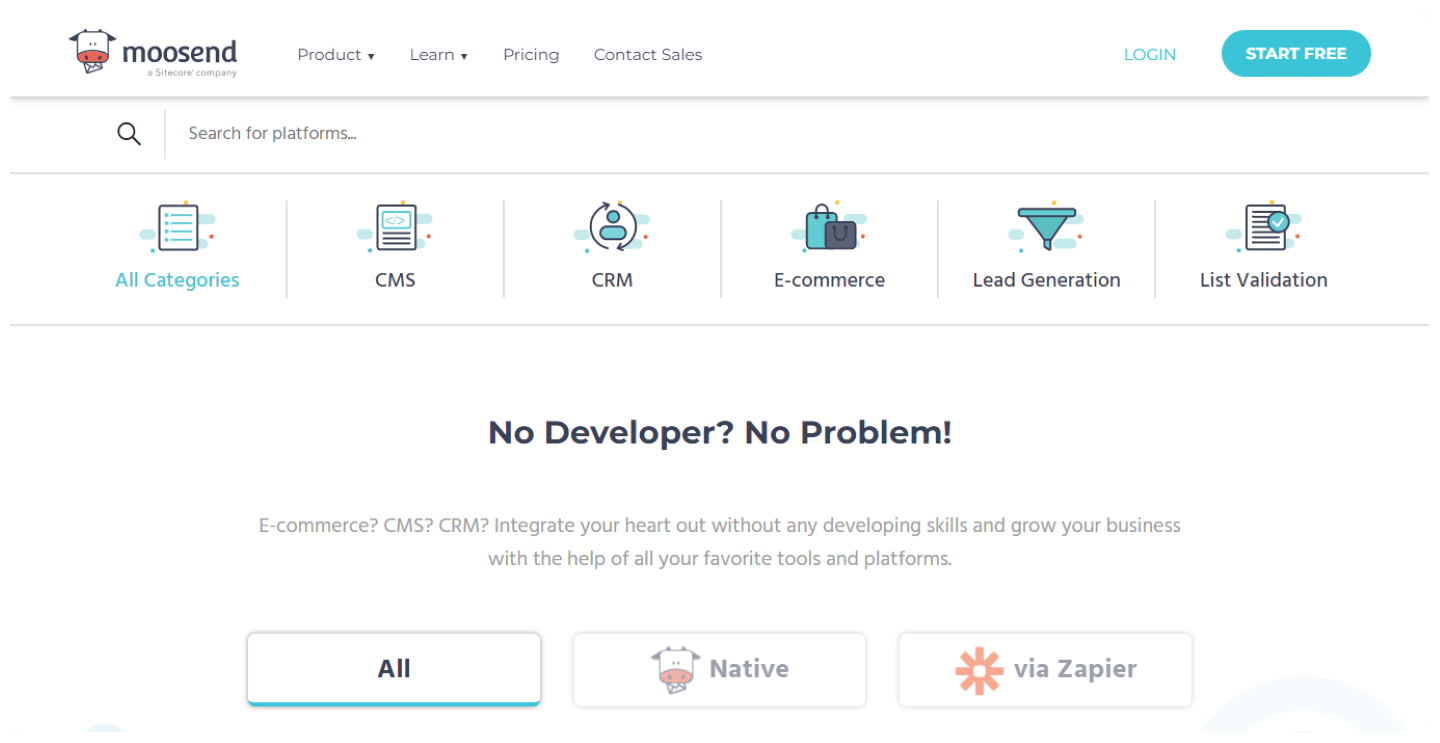
Moosend offers many integrations:
- CRM: HubSpot, Zoho, Salesforce, Pipedrive. To fold your email campaigns into your overall customer relationship management strategy.
- E-commerce: WooCommerce, PrestaShop, Magento. These integrations are useful for deeper lead segmentation based on buying behavior.
- Lead generation: Zendesk, Mailchimp, Unbounce, Eventbrite. Moosend integrates with many lead generation tools, which make up for the tool’s sometimes limited features.
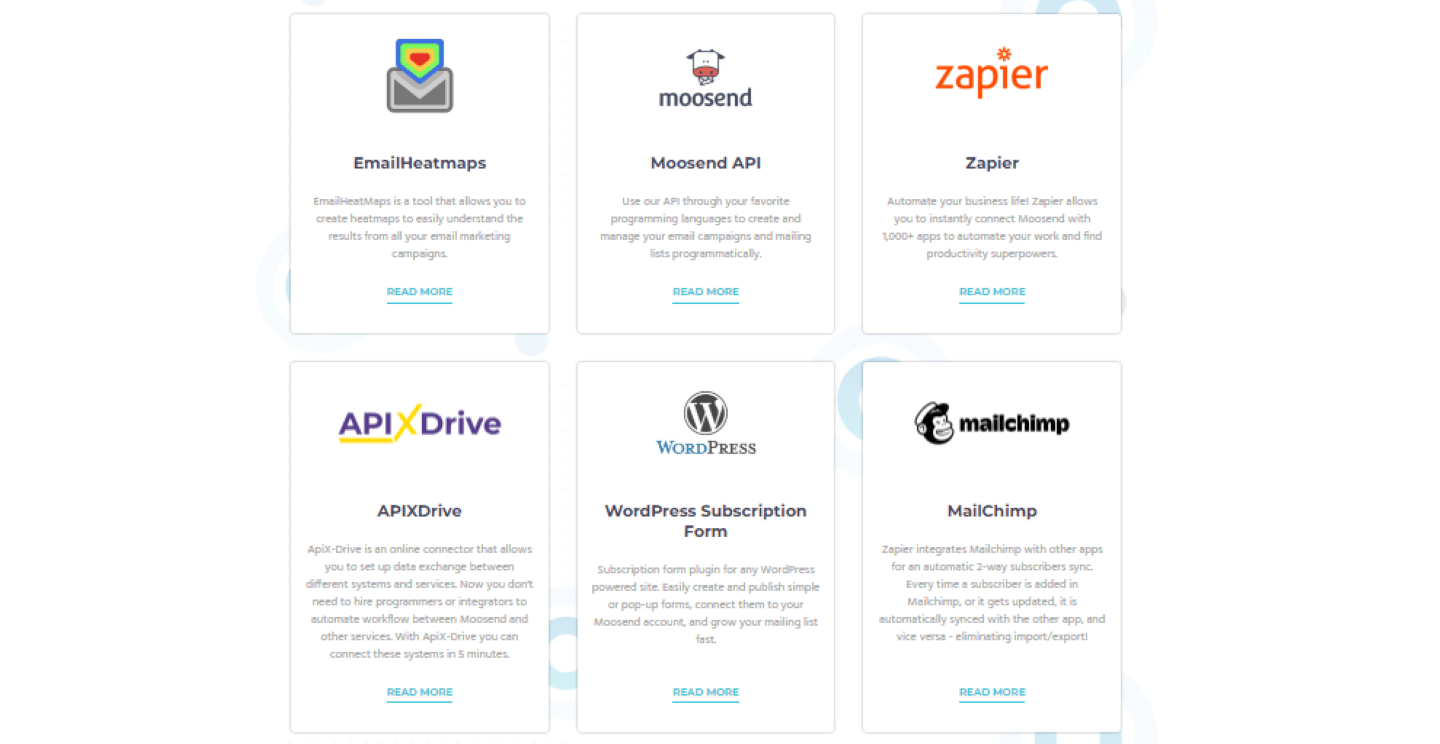
The Salesdorado take
Moosend has its own catalog of native integrations, plus the Zapier extension in case you can’t find what you need.
Moosend: pricing
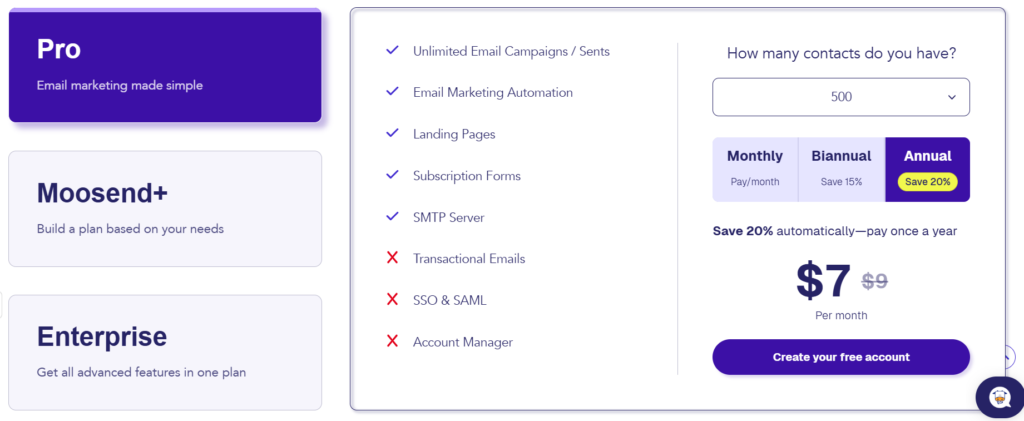
Moosend offers 4 options:
- A free trial: for 30 days, no credit card required, with unlimited sends for up to 1,000 contacts. It remains limited: a single published automation workflow, forms and landing pages that cannot be published, and 2 team members.
- A Pro plan: from $9 per month for fewer than 500 subscribers, with the price rising with the number of subscribers. It includes all of Moosend’s features, for an unlimited number of emails, for 5 team members.
- A Moosend+ plan: on quote. It builds on the Pro plan and lets you pick the Enterprise options you need: transactional emails, dedicated IP address, custom reports, SSO or extra team members.
- An Enterprise plan: on quote. It gives access to every feature, plus an account manager, priority support and deliverability guidance.
For occasional senders, Moosend also offers sending credits, from $350 for 350,000 emails to $1,000 for 1 million emails, i.e. $1 per 1,000 sends. These credits never expire and do not cap the number of subscribers. They give access to automation, forms, landing pages, the SMTP server and support. An ideal option for seasonal sending.
Pro tip
Moosend offers a discount on the listed prices for an annual subscription.
The main alternatives to Moosend
We recommend Brevo to those who want to go further on features, and to larger organizations.
MailerLite is one of Moosend’s direct competitors in the small business segment. Both offer similar features for roughly equivalent value for money. The best approach is to try both tools and pick the one you feel most comfortable with.
Moosend offers a 30-day free trial.