A good landing page is what guarantees a high conversion rate, and therefore as many leads as possible.
We already gave you a comparison of landing page builders, but there is no getting around it: Unbounce is one of the leading landing page tools on the market.
Packed with features and easy to use at the same time, Unbounce also offers AI features and a long list of integrations. In short, it has earned its place among the leading landing page tools.
In this article, you will find everything you need to know about Unbounce!
Unbounce: our take on the core features
The landing page builder
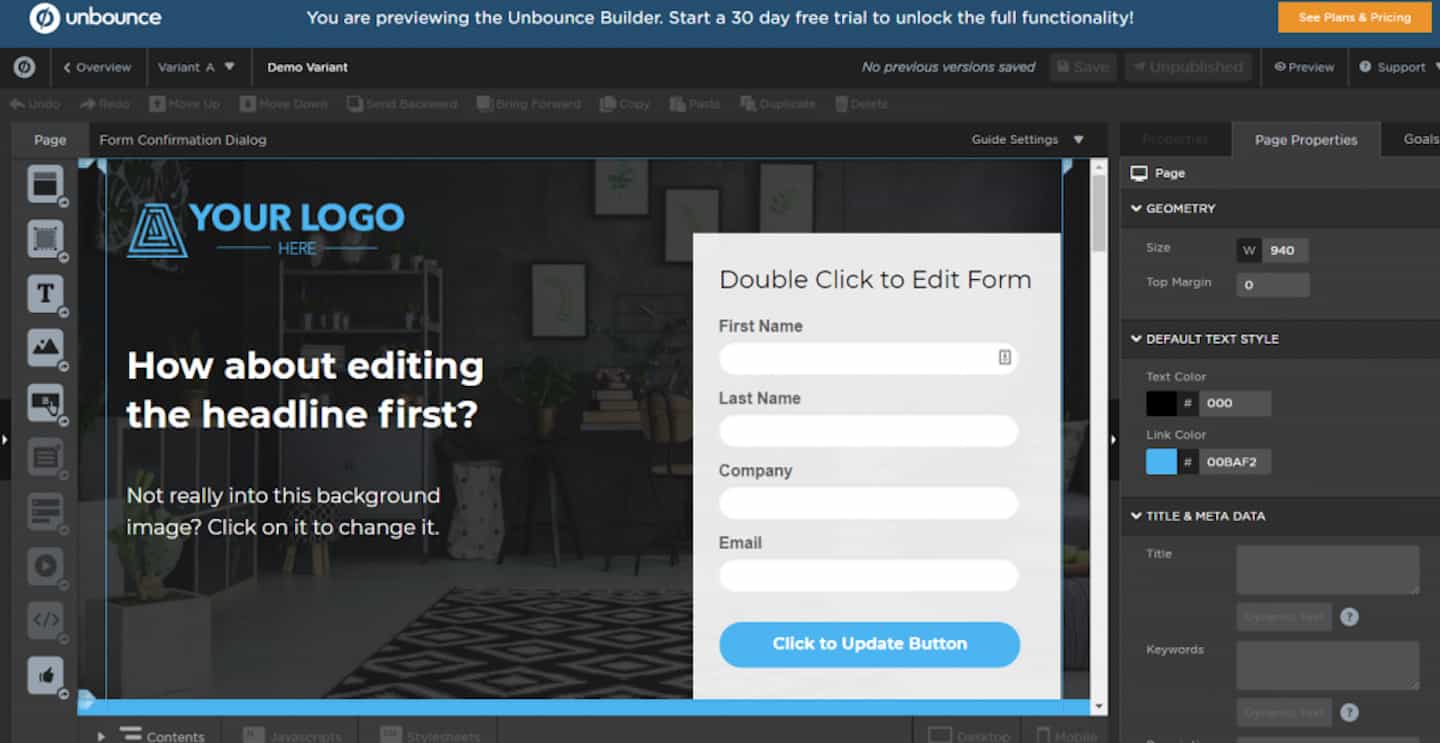 The Unbounce drag-and-drop landing page builder is very easy to use: anyone can build pages without knowing how to code or using specialist software.
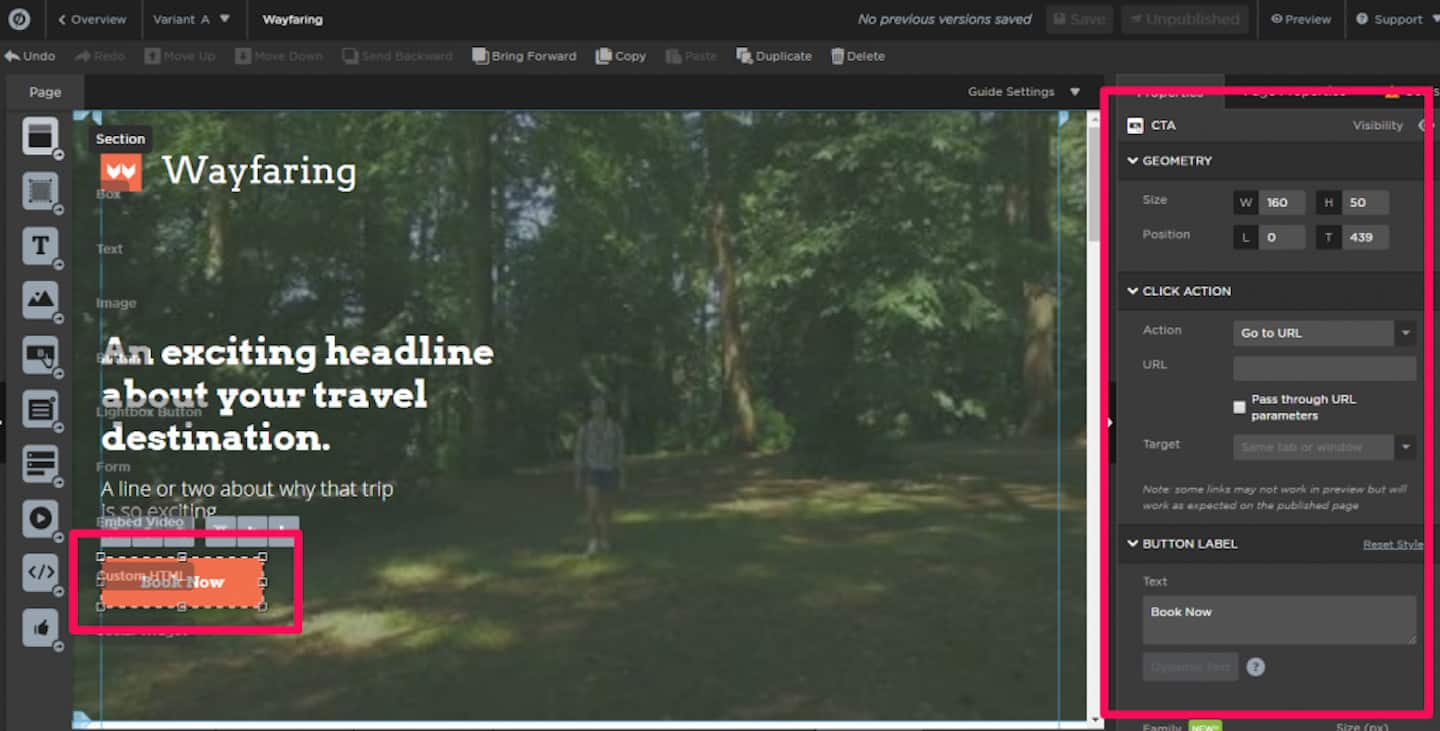
A few of its features at a glance:
- Drag-and-drop: Add, remove or customize any part of your landing pages in a few clicks.
- 100+ templates: Generate pages quickly from a template, or build your own from scratch.
- Duplication: Save time by duplicating and editing your best landing pages for new campaigns.
- Copy and paste: You can copy and paste elements from one landing page to another to work faster.
- Fine-grained control: Customize every detail down to the pixel and stamp your brand identity on every page, in depth.
- Fast publishing: Publish your pages straight to your WordPress site with the Unbounce WP landing page plugin. You can also publish them on your own custom domain.
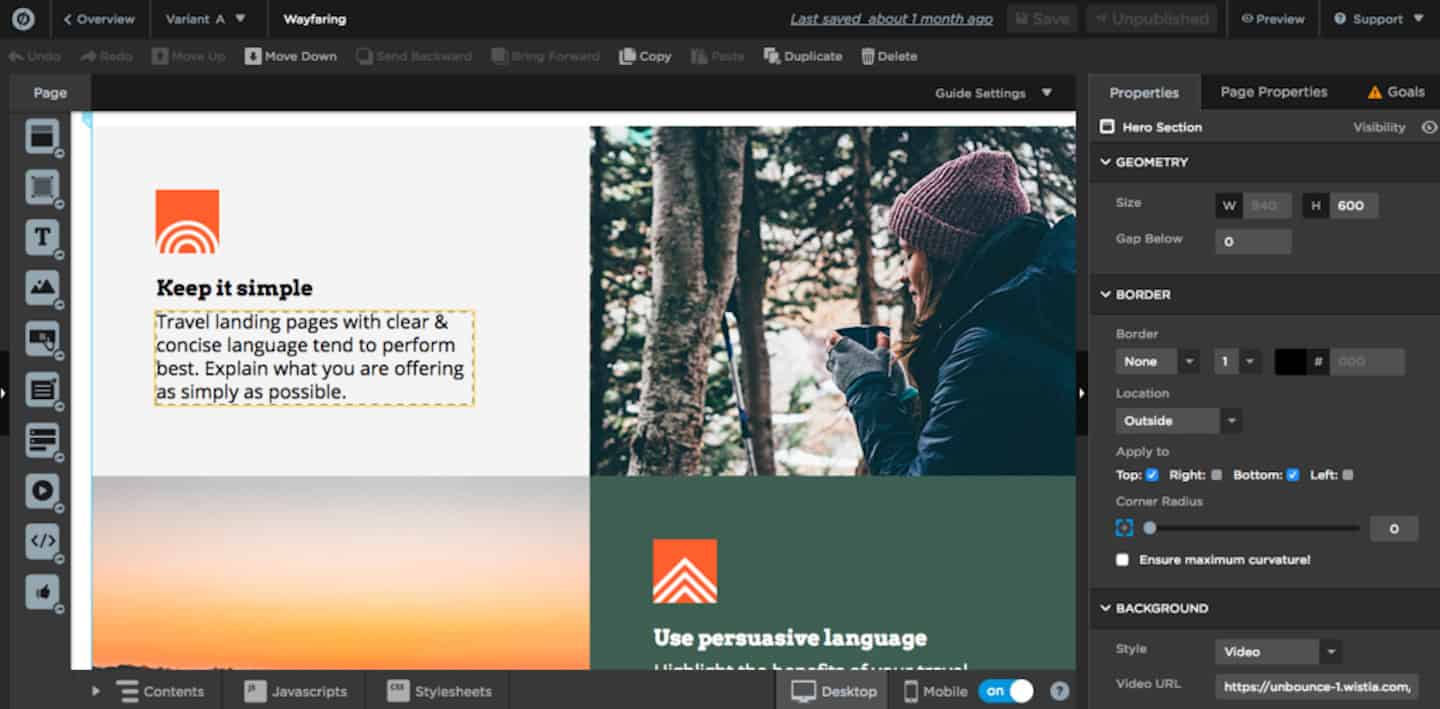 To get started, you can pick from more than 100 templates and customize them to fit your organization’s needs.
And to go even faster, use the duplication and copy-paste features, and save your templates to reuse them later.
Performance-wise, the Unbounce landing page builder is one of the smoothest on the market. You have complete freedom over landing page design, so you can match your needs and your brand identity as closely as possible.
MCP server
Since August 2026, Unbounce has offered an official MCP server, included in every plan. It connects your account to ChatGPT and Claude so you can build landing pages from a brief, an existing page or a Figma mockup, launch A/B tests and pull performance data, without leaving your AI assistant.
The A/B testing engine
A/B tests are available from the Experiment plan upwards.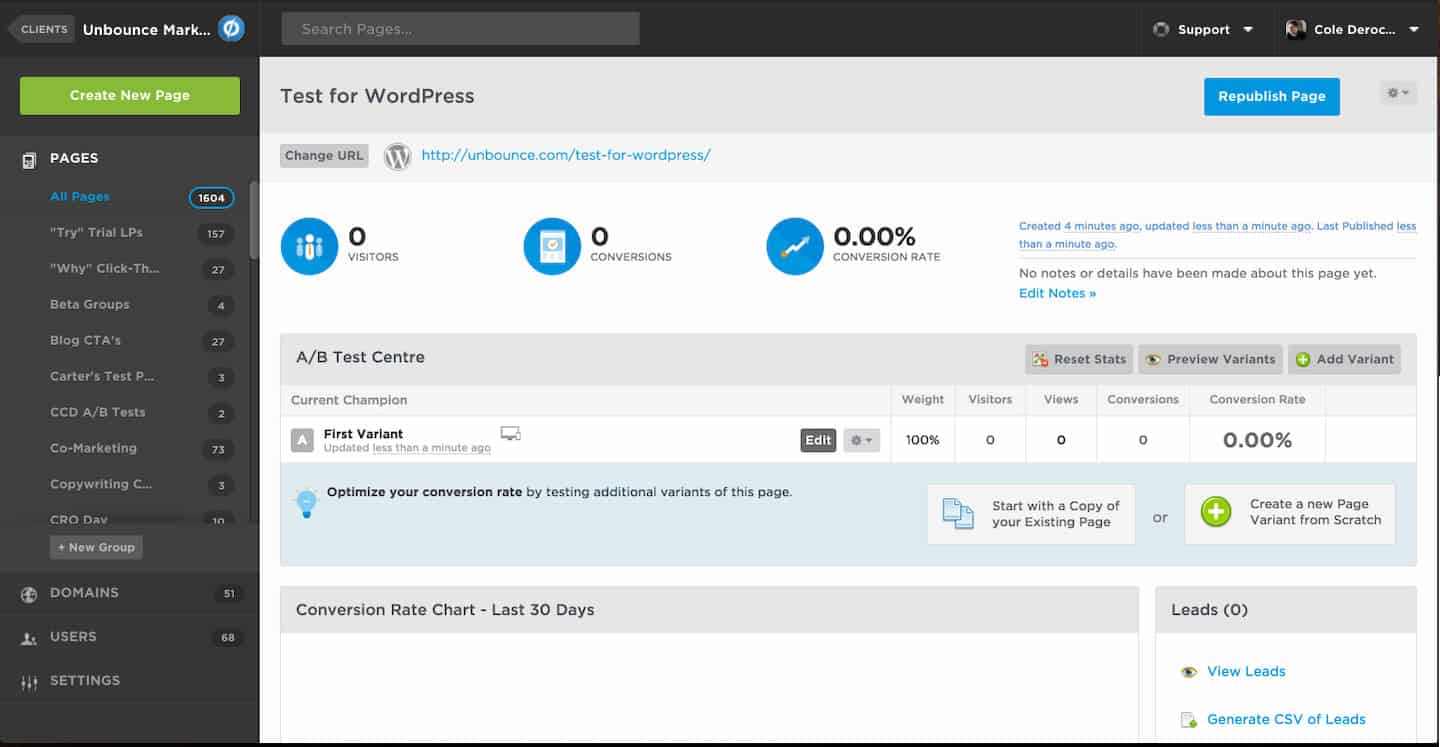
If you are an A/B testing fan, you can duplicate a page and create a variant to edit. There is no limit on the number: you can create as many variants as you like. But you are better off not generating too many of them for your tests.
A/B tests are there to find out which copy performs best in terms of conversion rate. So making changes that are too big on your variants is not recommended: you will no longer even be able to tie them back to the original page.
Before launching the variants, you need to set their weight. The percentage you choose determines how often each one is shown to visitors.
The best option is still to give them equal weight:
- For 2 variants: 50% each.
- For 4 variants: 25% each.
That way, they appear the same number of times for a sample of 100 visitors.
The Salesdorado tipOnce the test is done, you can check which one has the best conversion rate. And if need be, Unbounce helps you spot it with the “Confidence” column.
AI traffic optimization (formerly Smart Traffic)
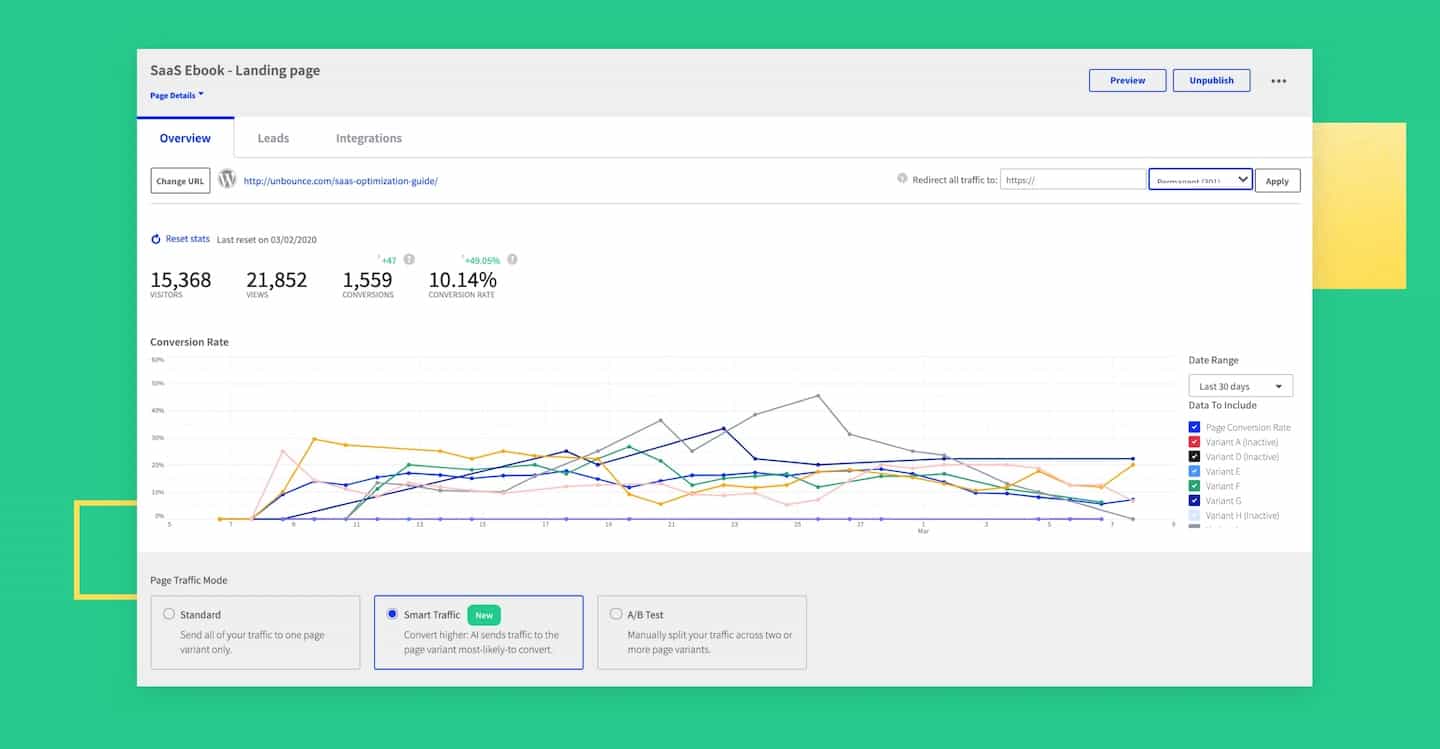 AI traffic optimization is an AI-powered conversion tool. It analyzes the characteristics of each visitor and sends them to the most relevant landing page. To do this, it looks in particular at the user’s location, the device they are on…
- AI-driven optimization: The Unbounce algorithm starts optimizing after 50 visits.
- Automated CRO: Increase your conversions without waiting for your tests to reach statistical significance.
- Fast results: Use AI traffic optimization (formerly Smart Traffic™) to test landing page variations faster.
According to Unbounce, the tool boosts your conversion rates by 20% on average. If that is true, the return is very good, given that the AI does all the work for you!
That percentage is hard to verify, but it is still a real plus for the platform, reserved for the Optimize plan.
Forms, popups & sticky bars
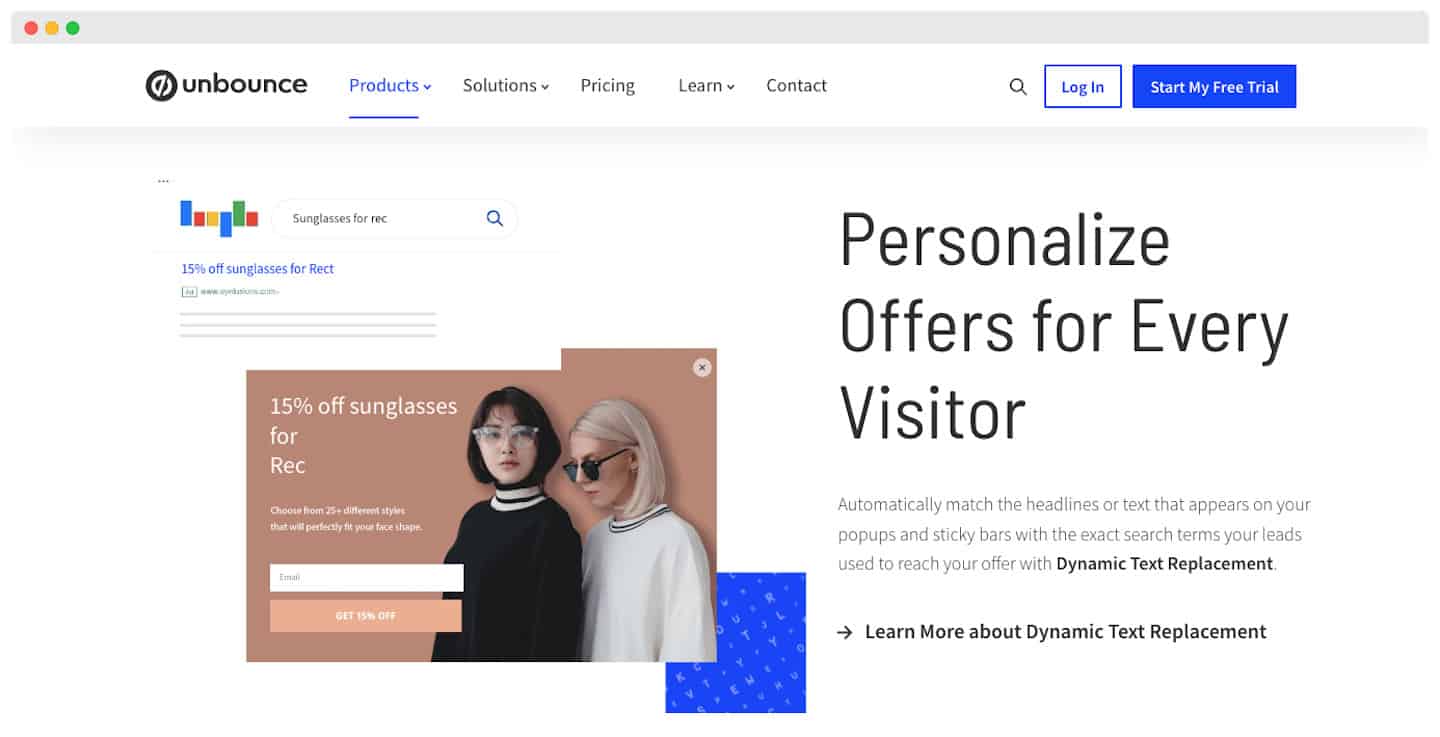 On top of the landing page builder, Unbounce also has a popup and sticky bar builder, available from the Build plan upwards. It helps you raise your conversion rates, especially when combined with other lead generation tools to make your revenue take off.
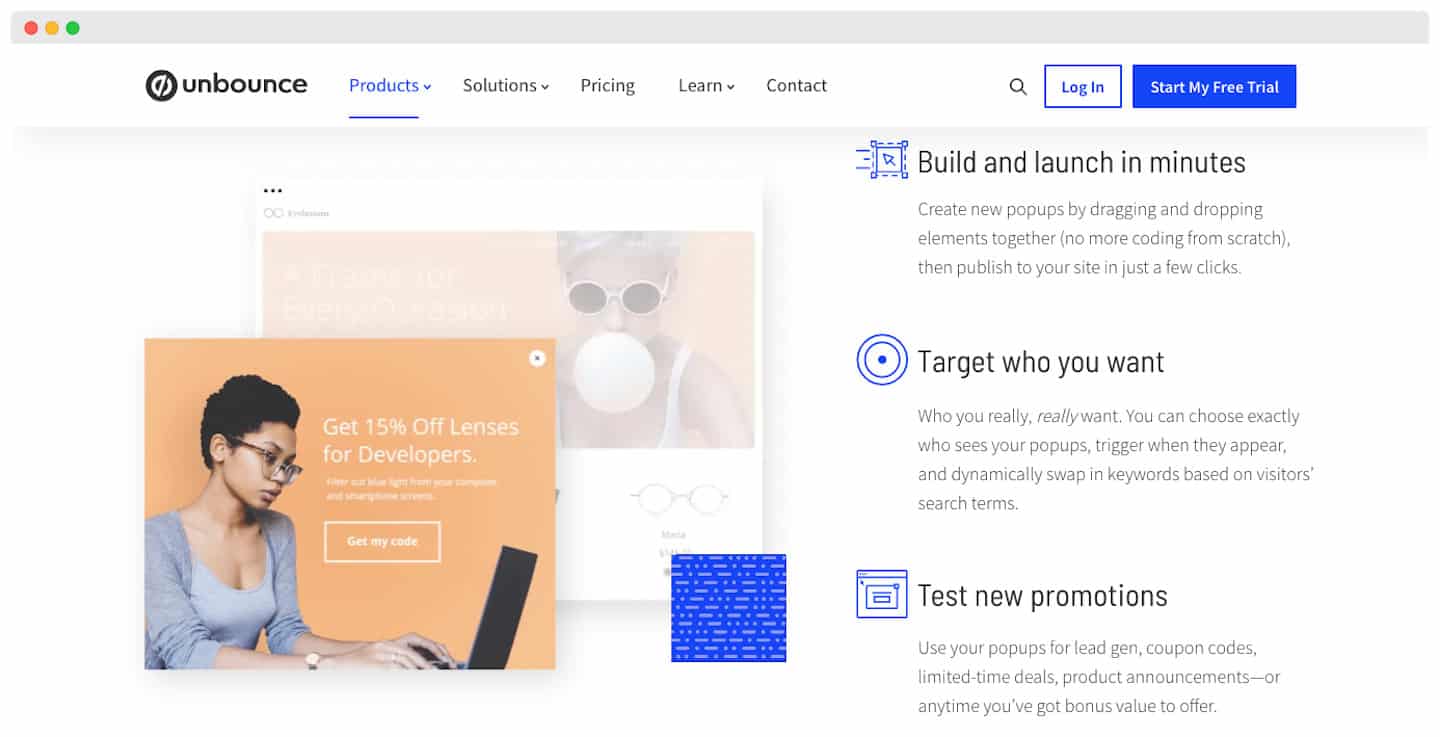
Among its features:
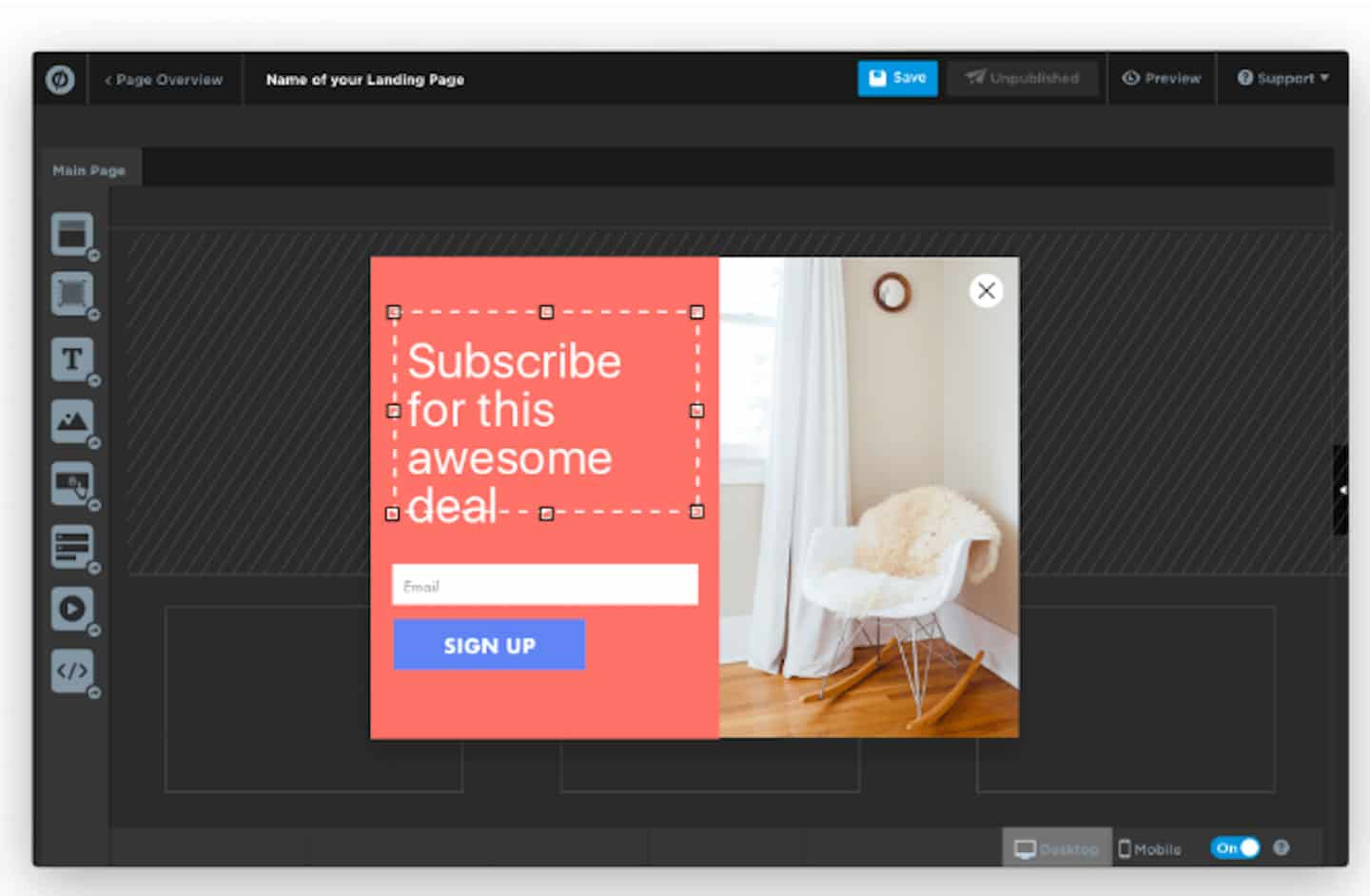
- Drag-and-drop builder: Once again, you get a fast, solid tool to build your popups and sticky bars.
- Templates: Generate popups and sticky bars quickly from a template, or build your own from scratch.
- Target & trigger: You can choose who sees your popups and when they fire. With dynamic text replacement, change their content based on your visitors’ keywords.
On that subject, find our advice for highly targeted campaigns in our Top 10 marketing CRM software.
- Scheduling: Schedule automated campaigns so you always display your most relevant promotions. Reserved for the Optimize plan.
- A/B tests: You can test different messages and offers to maximize the impact of your popups and sticky bars.
Make sure your returning visitors don’t always get the same popup when they land on the site.
The Salesdorado tipFor desktop visitors, use exit popups. For mobile visitors, use sticky bars to optimize their experience.
Dynamic text
Dynamic text replacement is Unbounce’s way of personalizing your landing pages. With this feature, the text on your landing page matches the keywords users type before clicking on your PPC ads.
Combined with Google Ads dynamic keyword insertion, you can build paid campaigns that match the user’s search exactly, for every single interaction.
This feature makes your landing pages more relevant. Your messages have more impact on users, which raises your conversion rates.
How do you set up dynamic text replacement in Unbounce?
- Select the text you want, then click the “Dynamic Text” button.
- Define the dynamic text that replaces your default text. Then confirm the default text to show when dynamic replacement is not triggered.
- Repeat this for your campaign’s target keywords. Unbounce takes care of the rest!
The Salesdorado verdictThis feature saves you time and makes you more efficient. A real asset for your internal organization.
AI copywriting
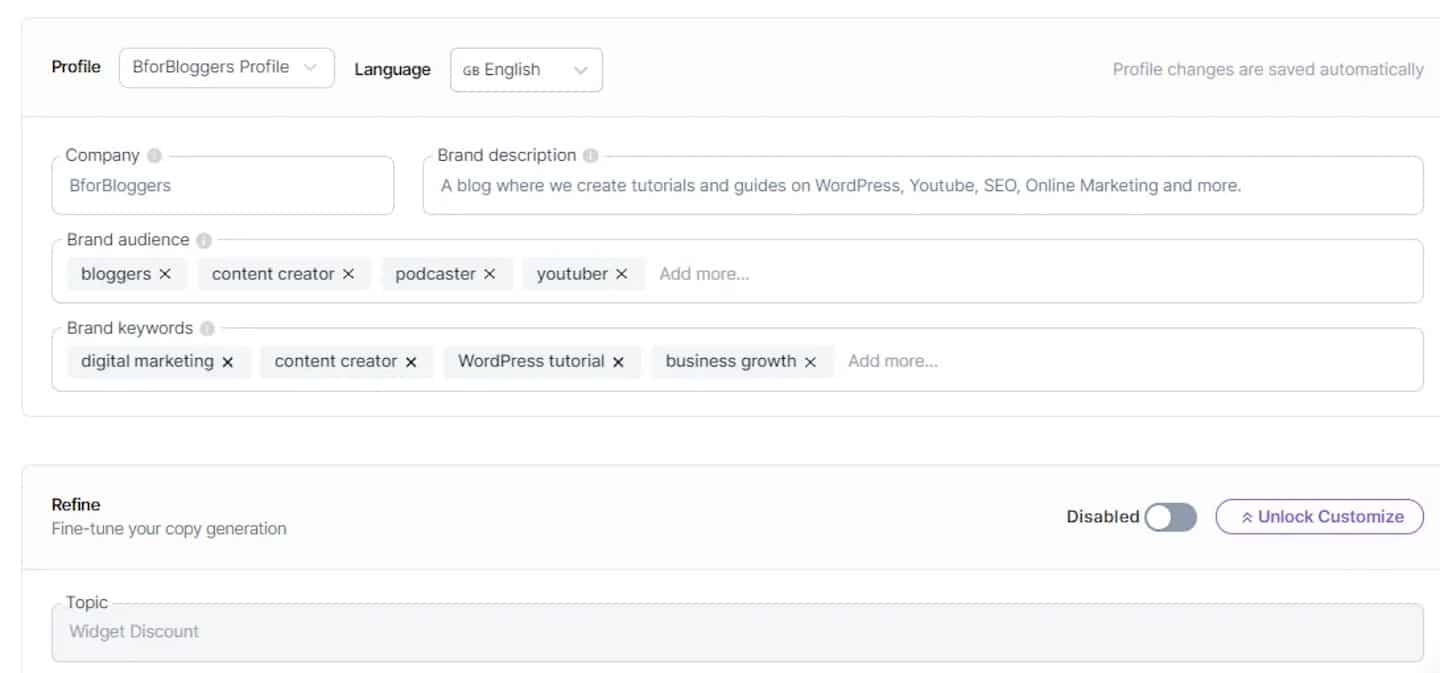 Smart Copy no longer exists as a separate tool: AI copywriting is now built directly into the Unbounce builder, from the “Build” plan upwards. It lets you quickly generate and vary the headlines, hooks and key messages of your landing pages, to create variants that speak to different audiences.
Unbounce integrations
Unbounce apps: the deep Unbounce integrations
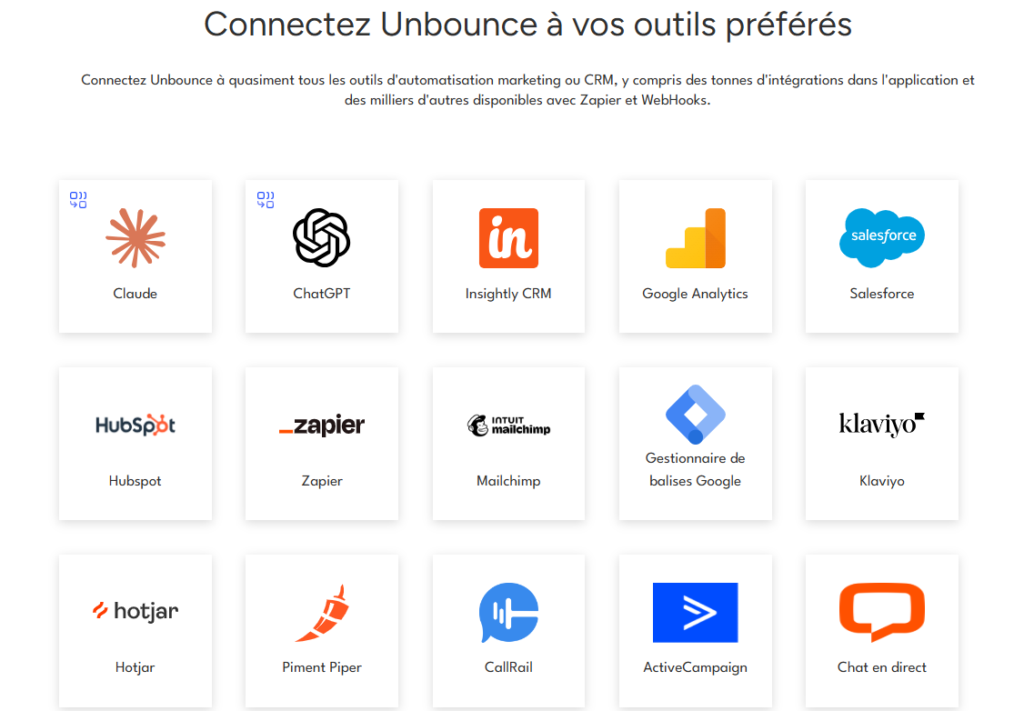
Unbounce offers a full range of third-party integrations:
- Unsplash: The image library, to import photos straight from the landing page builder.
- Stripe: To take payments directly from your landing pages.
- Shopify: The integration lets you sell products directly through your Shopify store, but from your Unbounce landing pages. It imports the product or products, records the purchase, and feeds it into your Shopify analytics.
- Typeform & Jotform: If you want to build complex multi-step forms, you can do it straight from the builder using dedicated tools.
- Vimeo: To show videos on your landing pages.
According to Unbounce, Google Ads is not part of the Unbounce Apps lineup, but it is without doubt the software’s deepest integration.
We mentioned dynamic text, but the integration goes very far on tracking, especially for feeding conversions back into your Google campaigns, however complex the account!
Standard Unbounce integrations
- Marketing CRM software: ActiveCampaign, HubSpot, Marketo, Salesforce…
- WordPress: To publish Unbounce landing pages directly on your WordPress site.
- Zapier module: It lets you connect virtually every marketing CRM on the market (plus Slack), and most CRM software and cold emailing tools (such as Woodpecker).
For our part, we prefer Make (formerly Integromat), and we explain why in our Integromat review.
Customer support at Unbounce
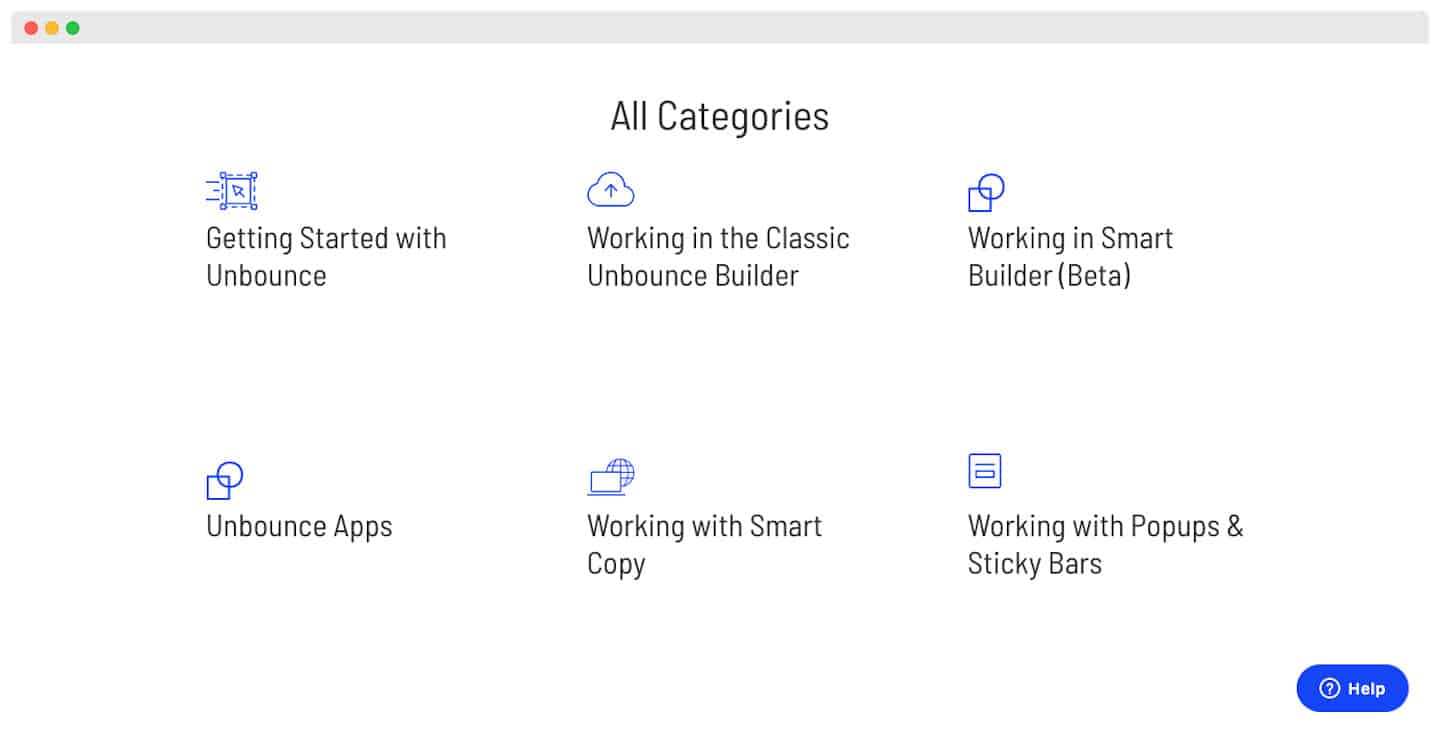
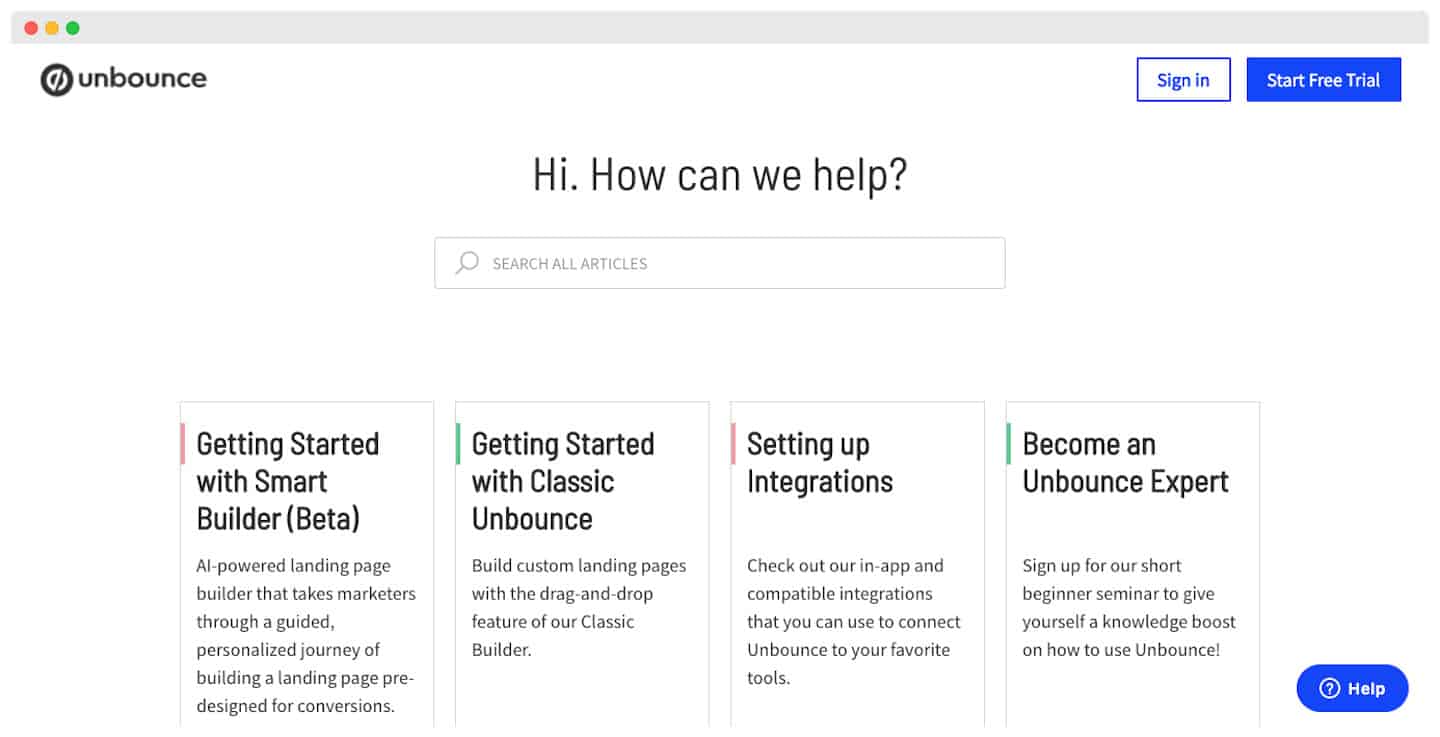 The Unbounce help desk is really comprehensive (and built on Zendesk). It is easy to navigate and you quickly find what you are looking for, thanks to the large number of resources available.
On top of that, support agents can be reached through several channels: email, live chat and phone. They are available Monday to Friday during standard business hours.
Overall, customer reviews are excellent: support is responsive and effective. It is clearly one of the reasons for their very good reputation on the market.
Watch outThe tool is not available in French, and neither is the support. Make sure you check with your teams on this before you get started!
Unbounce: pricing in detail
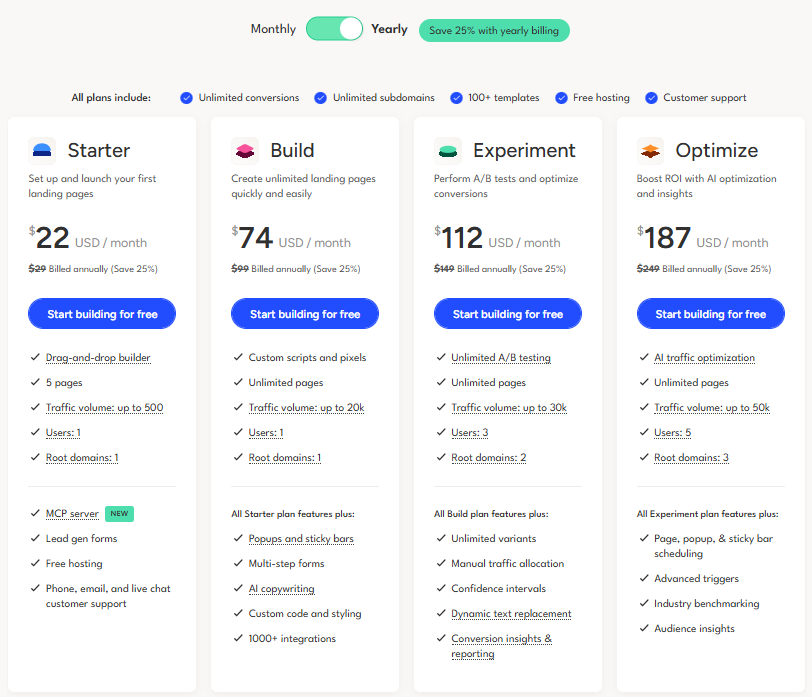
Unbounce offers 4 self-serve plans. All of them include unlimited conversions, unlimited subdomains, 100+ templates, free hosting and access to support.
- Starter at $22 per month ($29 billed monthly). To launch your first landing pages, with 5 pages, up to 500 visitors per month and lead generation forms.
- Build at $74 per month ($99 billed monthly). Pages become unlimited, up to 20,000 visitors per month, with popups and sticky bars, multi-step forms, AI copywriting and 1,000+ integrations.
- Experiment at $112 per month ($149 billed monthly). You move up to 30,000 visitors and 3 users, with unlimited A/B tests, dynamic text replacement and conversion reports.
- Optimize for $187 per month ($249 billed monthly). Up to 50,000 visitors and 5 users, with AI traffic optimization (formerly Smart Traffic), page and popup scheduling, and industry benchmarks.
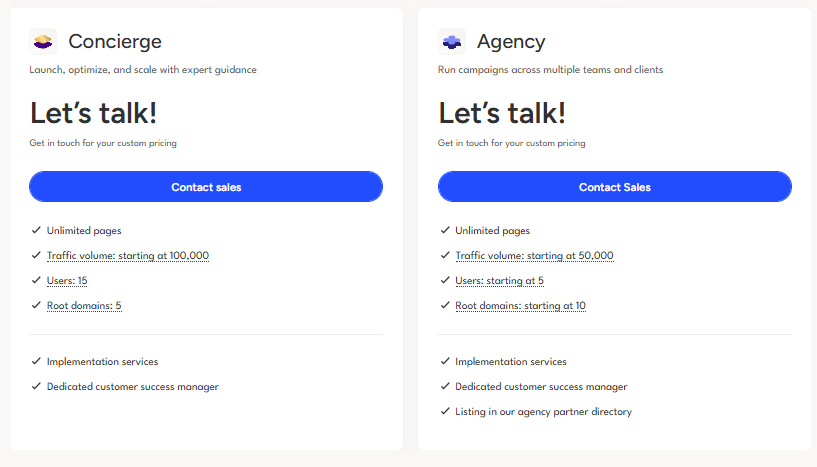
For larger volumes, Unbounce also offers two quote-based plans. Concierge starts at 100,000 visitors, with onboarding help and a dedicated customer success manager. Agency is designed for agencies managing several clients, starting at 50,000 visitors and 10 domains.
The Salesdorado tipAll plans are available with monthly or annual billing. With an annual subscription, you get 25% off the prices!