Most people looking for a warm-up tool have the same reflex: “my emails are landing in spam, I’m going to warm up my inboxes.” And most articles about Warmy.io answer them with a feature list and a “it’s very good, 4 stars”. Except that’s not the real issue.
Warm-up alone won’t fix misconfigured DNS records, a prospect list full of invalid addresses, or content that’s too salesy. If your deliverability is a disaster, Warmy can help, but it won’t replace a thorough audit. What really sets Warmy apart from its competitors is that it gets this. Behind the warm-up tool sits a complete email deliverability monitoring infrastructure: blacklists, domain reputation, DNS analysis, performance by provider…
That makes Warmy.io one of the most advanced tools in its category. But the flip side is that it’s also the most expensive… with an opaque pricing model that can quickly become prohibitive if you don’t know exactly why you need it. Read our full review of Warmy.io.
Try Warmy.io for freeWarmy offers a 7-day trial with no credit card. Enough to test the tool in real conditions before committing to a plan.
What exactly is Warmy.io?
Warmy.io is a specialized email deliverability platform, founded in 2020 in Tel Aviv by Daniel Shnaider. The story of how it was created is fairly typical of a certain kind of SaaS tool: Shnaider ran several companies, one of which relied heavily on cold email to acquire customers.
His teams hit a deliverability wall (collapsing open rates, emails falling into spam traps). The software built in-house to solve the problem was eventually commercialized: that’s Warmy.
Today, Warmy.io claims more than 35,000 customers and 650,000 domains whose deliverability has been improved. The tool belongs to AnyBiz LTD, which also publishes AnyBiz.io, an AI outbound prospecting platform (see our full review of AnyBiz.io). The relationship between the two products is symbiotic: AnyBiz generates the campaigns, Warmy makes sure the emails reach their destination. It’s a rather clever vertical integration in the SalesTech market.
Salesdorado’s takeWarmy.io is not an outreach tool, and that’s worth stating right away. It doesn’t replace Lemlist, Instantly or La Growth Machine. It only takes care of your domains’ reputation and your sending infrastructure. For effective email prospecting campaigns, the two are complementary but clearly distinct.
Warmy.io’s key features
Adeline AI: the warm-up engine
Classic email warm-up relies on a simple logic: gradually send more and more emails to get providers “used to” your domain. The problem is that Google’s and Microsoft’s algorithms have learned to recognize these regular, predictable increments… and penalize them.
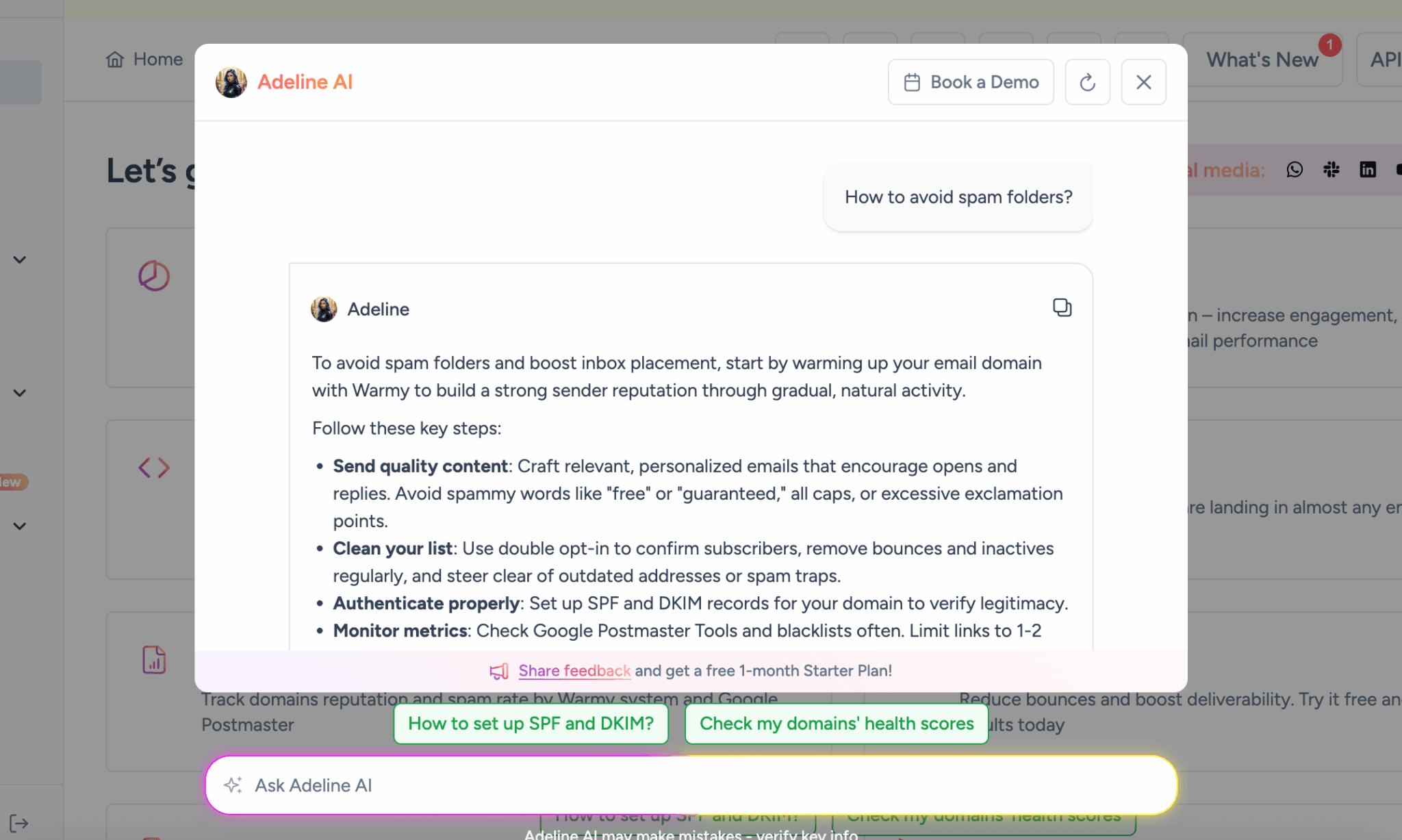
Warmy developed a proprietary AI called “Adeline” to break out of this pattern. Adeline continuously analyzes the metadata generated by the entire network of inboxes connected to Warmy (response speed, reading time, deletion, starring) and makes up to 20 million automated decisions a day to calibrate the behavior of each inbox individually.
The underlying network is made up of real mailboxes (1 million+ accounts, according to Warmy anyway), not bots or automated scripts. These accounts send each other emails, read them, pull them out of spam, reply to them. To mailbox providers, it looks like normal human activity, because that’s what it is, at scale.
Another strong point: its “crowd-learning” capability. If Microsoft changes its filtering rules for a subgroup of users, Adeline picks up the signal and adapts the warm-up strategy for the whole network. That real-time responsiveness is what sets Warmy apart from a simple send scheduler.
Also worth readingTop 20 Best Cold Mailing Software
Industry-specific semantic warm-up
This is the feature you won’t find with low-cost competitors, and probably the main reason to choose Warmy over an alternative that costs half as much.
In 2026, ESPs (mailbox providers) no longer just count the number of emails sent. They analyze the semantic content of exchanges to categorize a domain’s legitimacy. A domain that regularly exchanges terms related to legitimate finance is treated differently from a domain whose emails talk about “unique opportunity” and “click now”.
Warmy lets you define the thematic industry of your warm-up: cybersecurity, real estate, SaaS, finance, healthcare, e-commerce…
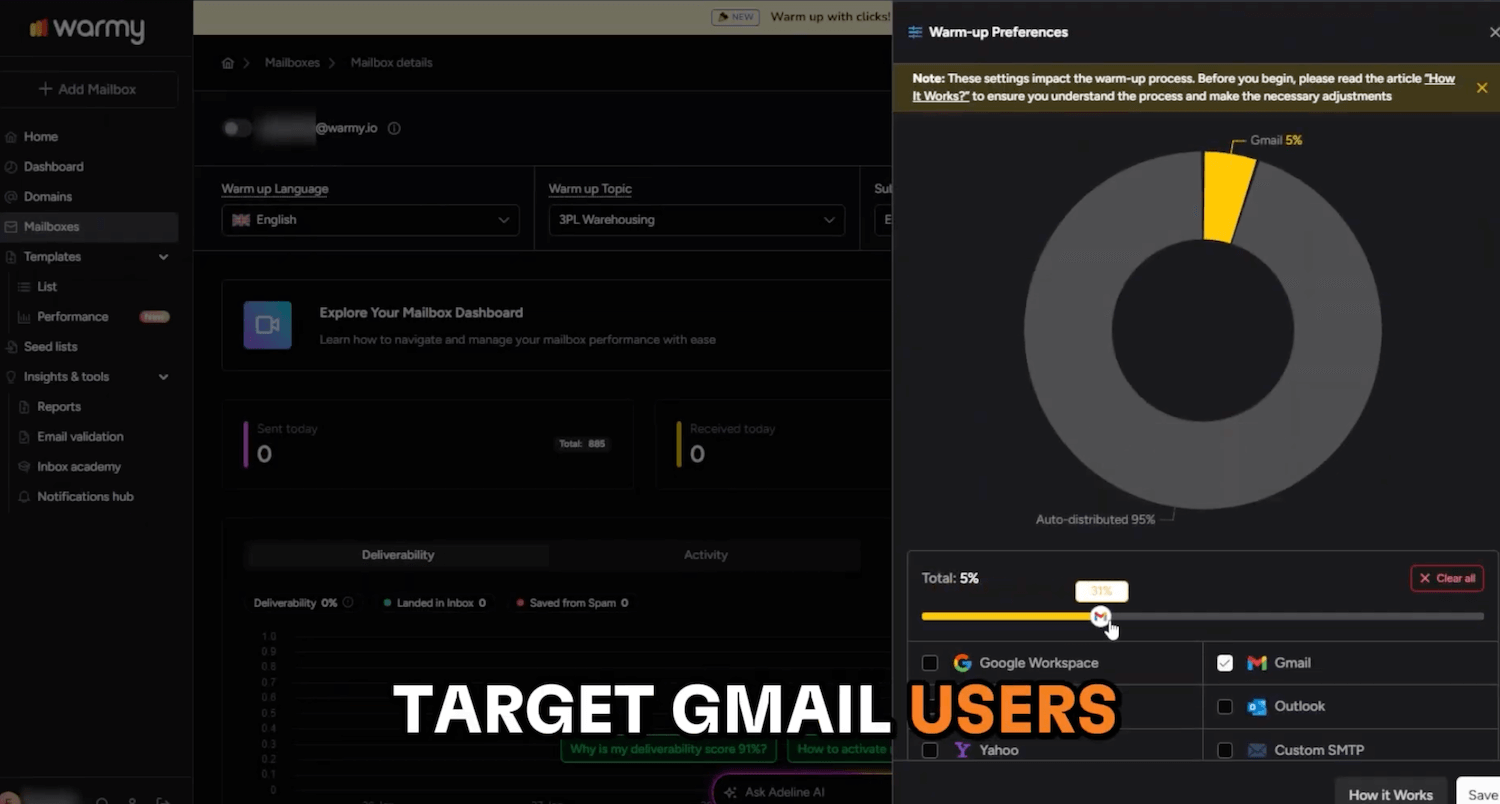
The tool then generates automated exchanges in your industry’s professional vocabulary, in more than 30 languages.
The most striking example is cybersecurity: a legitimate email from a company in that sector contains terms like “phishing”, “vulnerability”, “threat”, “firewall”. To a standard spam filter, that lexical density is immediately suspicious.
By training your domain to exchange this vocabulary naturally with real inboxes that reply and move your emails out of spam, Warmy “educates” providers’ algorithms to recognize your domain as a legitimate sender of that type of content.
Salesdorado’s takeIf you send B2B email campaigns in a sensitive industry (finance, healthcare, cybersecurity, legal…), this feature alone justifies Warmy’s cost. Without semantic warm-up, you start with a structural handicap that neither the best copywriting nor the cleanest list can make up for.
“Warmup with Clicks”
An open or a reply is good. A click on a link in the email is even better for ESP algorithms, which read it as a strong signal of real interest.
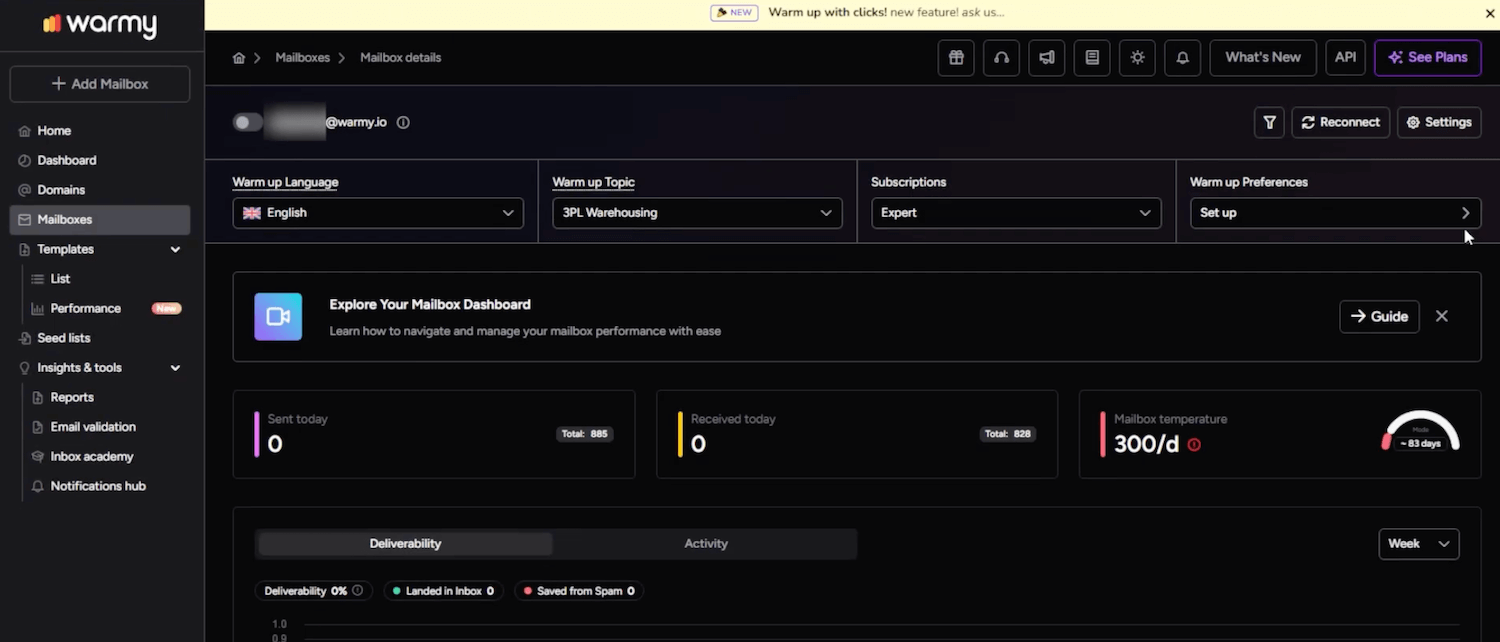
Warmy built a feature that goes as far as simulating this behavior: accounts in the network open the emails, click the embedded links, and browse briefly. A dedicated dashboard tracks five specific metrics at the domain level and at the level of each individual inbox. It’s an extra layer of trust signals that few tools offer at this level of sophistication.
The deliverability dashboard and continuous monitoring
This is where Warmy really steps outside the “simple warm-up tool” box to become a genuine email health platform.
The “Domain Health Hub” aggregates real-time data across several critical dimensions:
- Inbox / spam / promotions placement by provider (Gmail, Outlook, Yahoo)
- Domain and IP address reputation
- Presence on global blacklists
- Validity of DNS records: SPF, DKIM, DMARC
- Google Postmaster Tools integration (Google’s official reputation in real time)
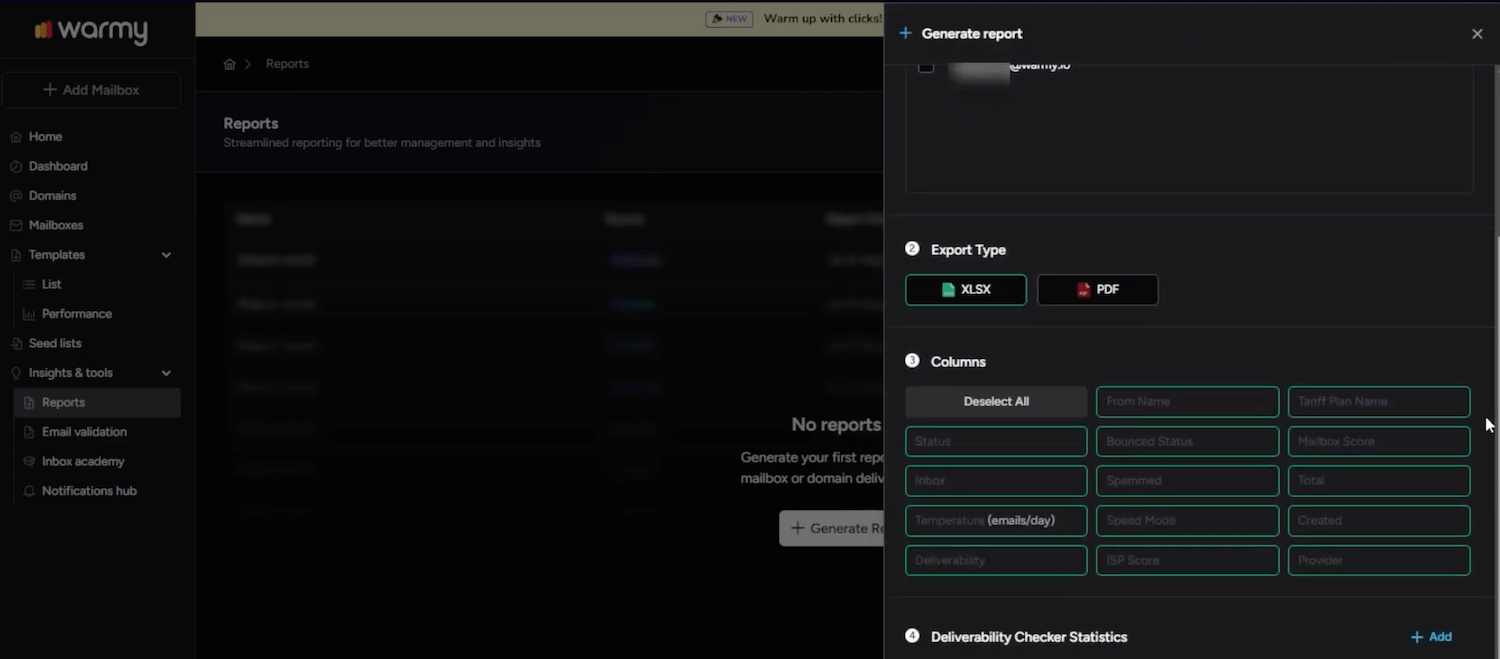
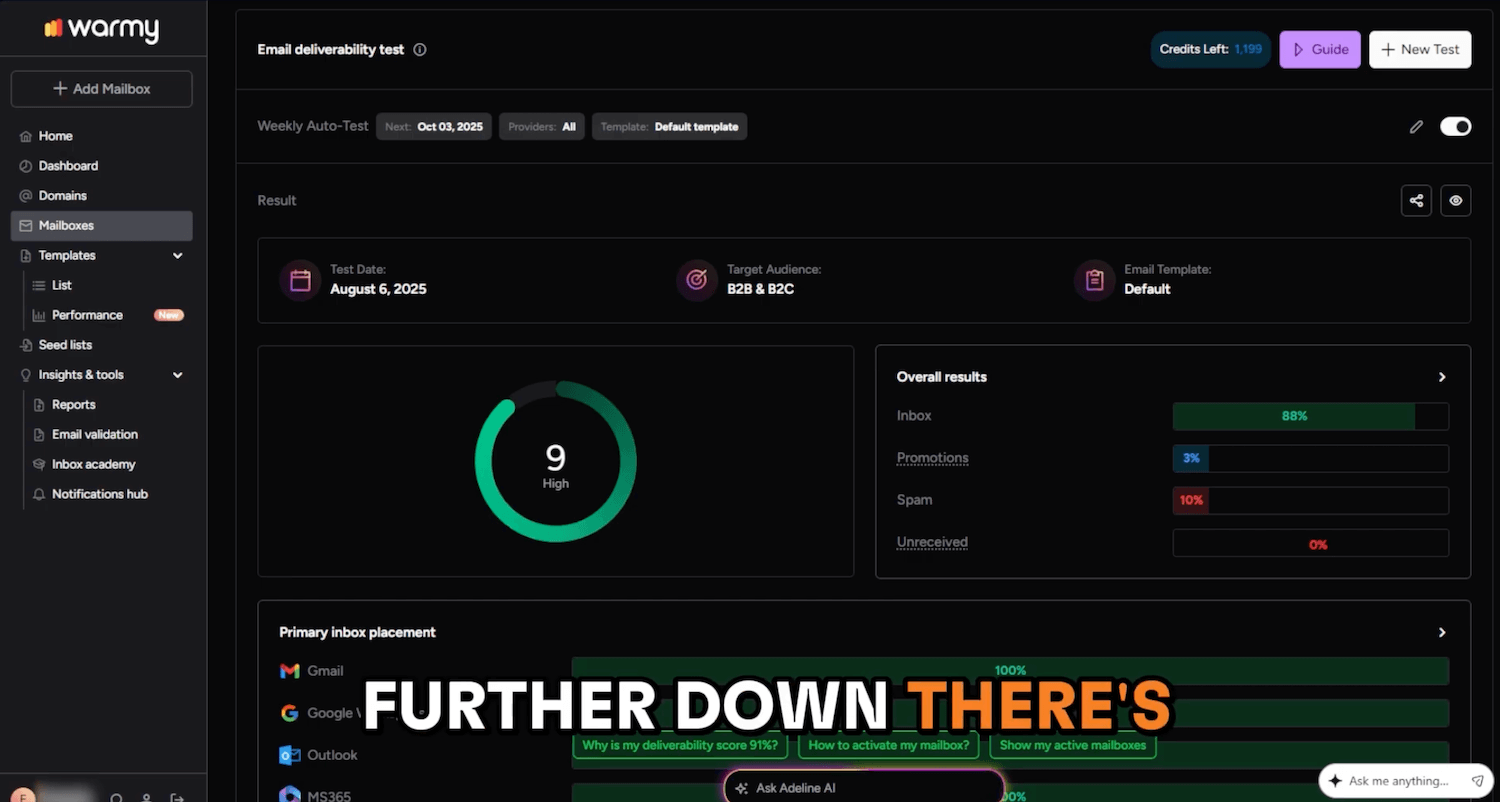
The difference with tools like MailReach is that Warmy doesn’t take on-demand “snapshots”: it monitors continuously in the background and alerts you if a problem emerges, before your campaigns even suffer.
The “Template Performance Dashboard” is also very useful in practice: it lets you test whether an email template performs differently on Gmail vs Outlook and identify HTML formatting or signature problems before you burn through a list of qualified prospects.
Going further
- Our complete guide to email deliverability to understand every lever you can pull
- The best tools to verify your email lists, to do before you even start a warm-up
- Our ZeroBounce review to clean up your databases
The suite of free tools
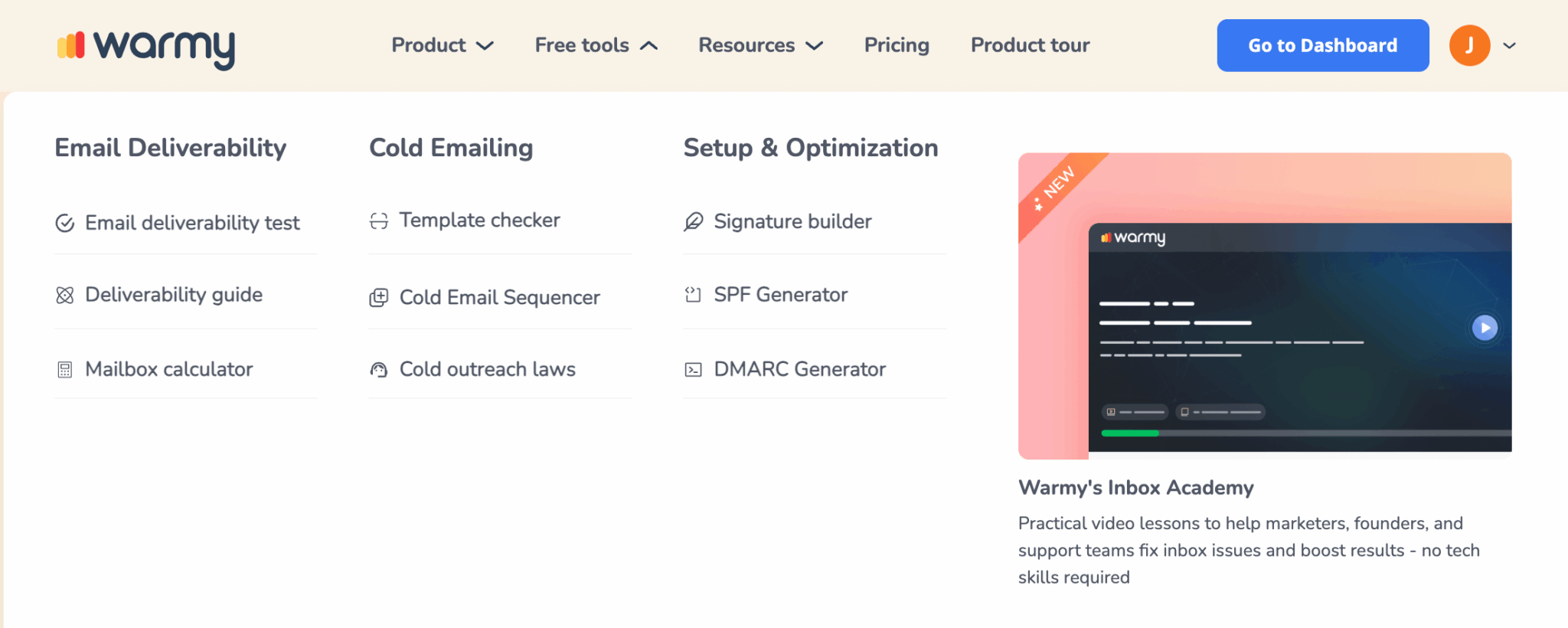
Warmy provides a series of tools you can use without a subscription, and they’re useful in their own right:
- SPF Generator and DMARC tools: to generate and check your DNS authentication records
- Email Template Checker (Chrome extension): analyzes the text/image ratio and HTML structure to identify elements that trigger filters
- Signature Builder: to create a professional email signature that follows best practices
- Deliverability Test (Seed List): sends a test email to control inboxes and gives you an immediate report on inbox / spam / promotions placement
- Cold email sequence builder
These tools are a good entry point for teams that want to diagnose their deliverability without committing to a subscription. And they clearly reinforce Warmy’s “deliverability authority” positioning.
Warmy.io pricing: how much does it really cost?
This is the most uncomfortable part of this article…
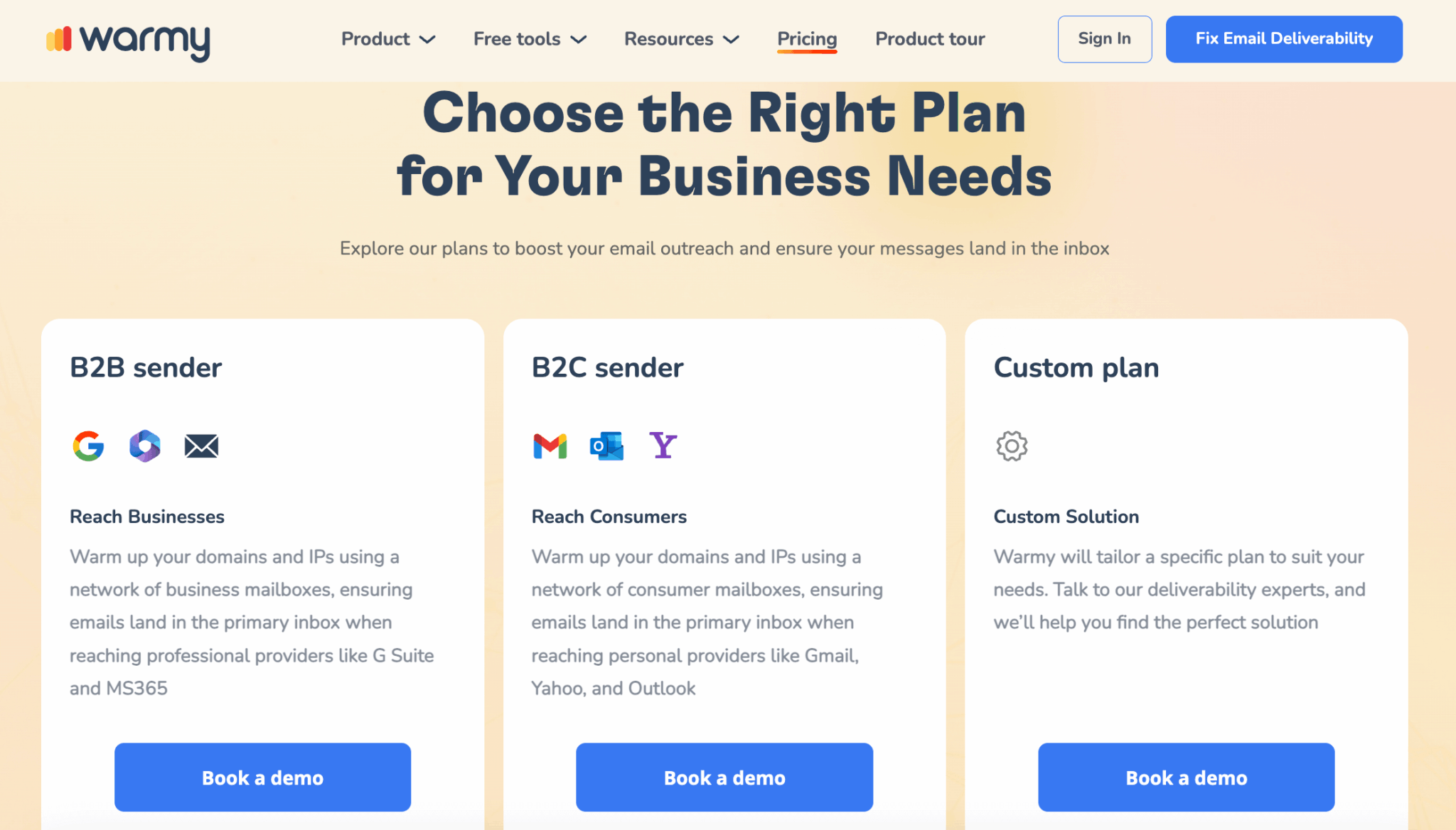
Warmy doesn’t publish a price list on its pricing page: only a “starting from $49/month” is displayed, with pricing presented as based on warm-up volume. Three plans are shown: B2B Sender, B2C Sender and Custom. For each one, the only option offered is to “book a demo”. That’s a clear signal: the tool is expensive and the sale happens on a sales call so the offer can be adjusted case by case.
What we know from external review data and specialized forums (Reddit):
| Plan | Indicative price / month | Inboxes included | Warm-up emails / month |
|---|---|---|---|
| Starter | ~$49 | 1 | 2,000 |
| Business | ~$129 | 3 | 5,000 |
| Premium | ~$189 | 5-6 | 10,000 |
| Agency | ~$249-429 | up to 15 | up to 25,000 |
| Enterprise | Custom quote | Unlimited | Unlimited |
Salesdorado’s takeThe real problem with Warmy’s pricing model is the “per inbox” mechanic. Managing 10 mailboxes can easily cost you $400-500/month. Whereas competitors like TrulyInbox or Mailivery offer unlimited inboxes for $22-29/month. Warmy’s technical superiority is real, but it isn’t always worth 10x the price of an alternative for teams that simply need a working warm-up. Do the math before you commit.
Warmy.io vs the alternatives: which one to choose?
The email warm-up market changed profoundly between 2024 and 2026. On one side, specialized tools like Warmy or MailReach, expensive but technically very advanced. On the other, all-in-one platforms like Instantly or Smartlead that include warm-up for free in their outreach subscription. And in between, flat-rate unlimited tools (TrulyInbox, Mailivery) that split the difference.
| Solution | Warmy.io | MailReach | Lemwarm | TrulyInbox |
|---|---|---|---|---|
| Best for | Multi-client agencies, B2B teams in sensitive industries, industrial volumes | Precise placement tests, one-off diagnosis | Lemlist users who want everything in one place | Teams with lots of inboxes and a limited budget |
| Price | ~$49 to $429/month (per inbox) | From $19.50/month per mailbox | Included in Lemlist (from $69/month, $55 billed annually) | $29/month (unlimited inboxes) |
| Semantic warm-up | 30+ industries, 30+ languages | No | No | No |
| Continuous monitoring | Always on in the background | One-off tests (snapshot) | Basic | Basic |
| Max warm-up volume/month | Up to 150,000 | ~3,000 (capped) | Varies with Lemlist plan | Daily cap depending on plan |
| Unlimited inboxes | No (per inbox) | No | Depends on Lemlist plan | Yes (flat rate) |
| Learn more | Warmy.io | MailReach | Our Lemlist review | TrulyInbox |
A word on all-in-one platforms (Instantly, Smartlead)
Watch outWarm-up is a necessary but not sufficient condition for good deliverability. Before investing in Warmy, first make sure your SPF, DKIM and DMARC records are properly configured, that your prospect list is clean (ZeroBounce or Dropcontact for verification), and that your email content isn’t packed with spam markers. Warmy can do a lot, but it can’t make up for a sloppy email infrastructure.
The major disruption of the last two years is the rise of platforms like Instantly or Smartlead, which offer both outreach sending and warm-up for a single monthly fee with unlimited inboxes.
That said, the warm-up built into these platforms is rudimentary. It does the basic job, but offers no advanced monitoring, no semantic warm-up and no real-time visibility into reputation changes.
Some users even report that Instantly’s free warm-up can, in edge cases, damage the reputation of a freshly acquired domain due to a lack of algorithmic sophistication. Warmy then acts as paid but reliable technical insurance for teams using these tools.
Salesdorado’s takeThe best stack for serious B2B teams in 2026: an outreach tool (Instantly, Emelia or La Growth Machine) for campaigns + Warmy for deliverability, if your budget allows it and your email activity generates a clearly measurable ROI. If you’re just starting out or manage only a few mailboxes, start with the built-in warm-up of your outreach tool.