The upsides and downsides of Zendesk
- Market leader, it is the deepest customer support software out there feature-wise, whether on channels handled, integrations available, automations or reporting.
- The software is very simple to use, and rather less heavy than functional equivalents such as JIRA, even if it remains a big machine.
- The price is genuinely high, even if it becomes negotiable past a certain number of licences. It is roughly the Salesforce premium equivalent for CRM software.
- It is a big machine to roll out: if your needs are lighter, it may be a touch overkill.
Zendesk support: feature scope
Omnichannel support ticket management
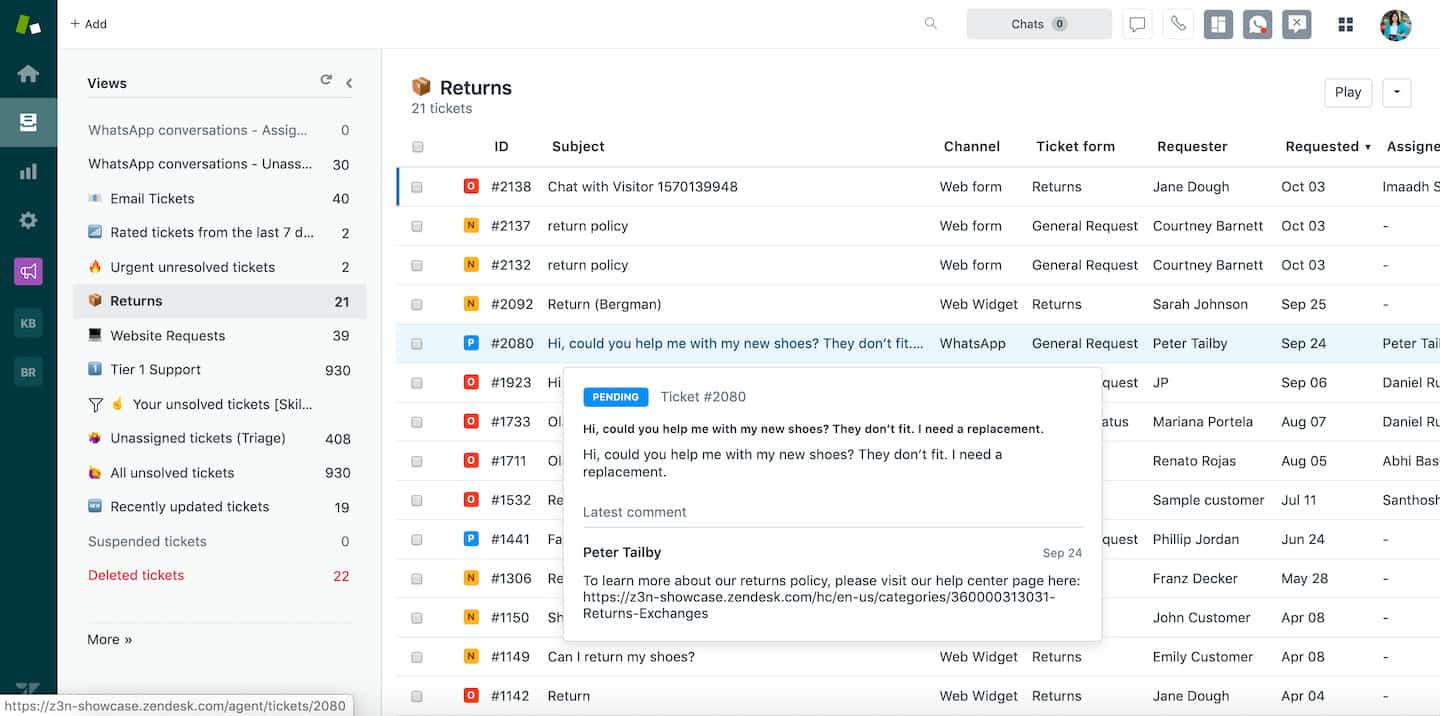
 Zendesk lets its users generate support tickets. That can happen through various channels: social networks (Facebook and Twitter) or chat apps (WhatsApp and Facebook Messenger).
It also offers more traditional support methods: email, phone assistance and an online portal.
The small bonus: Zendesk now supports business messaging tools (through Slack and Apple Business Chat).
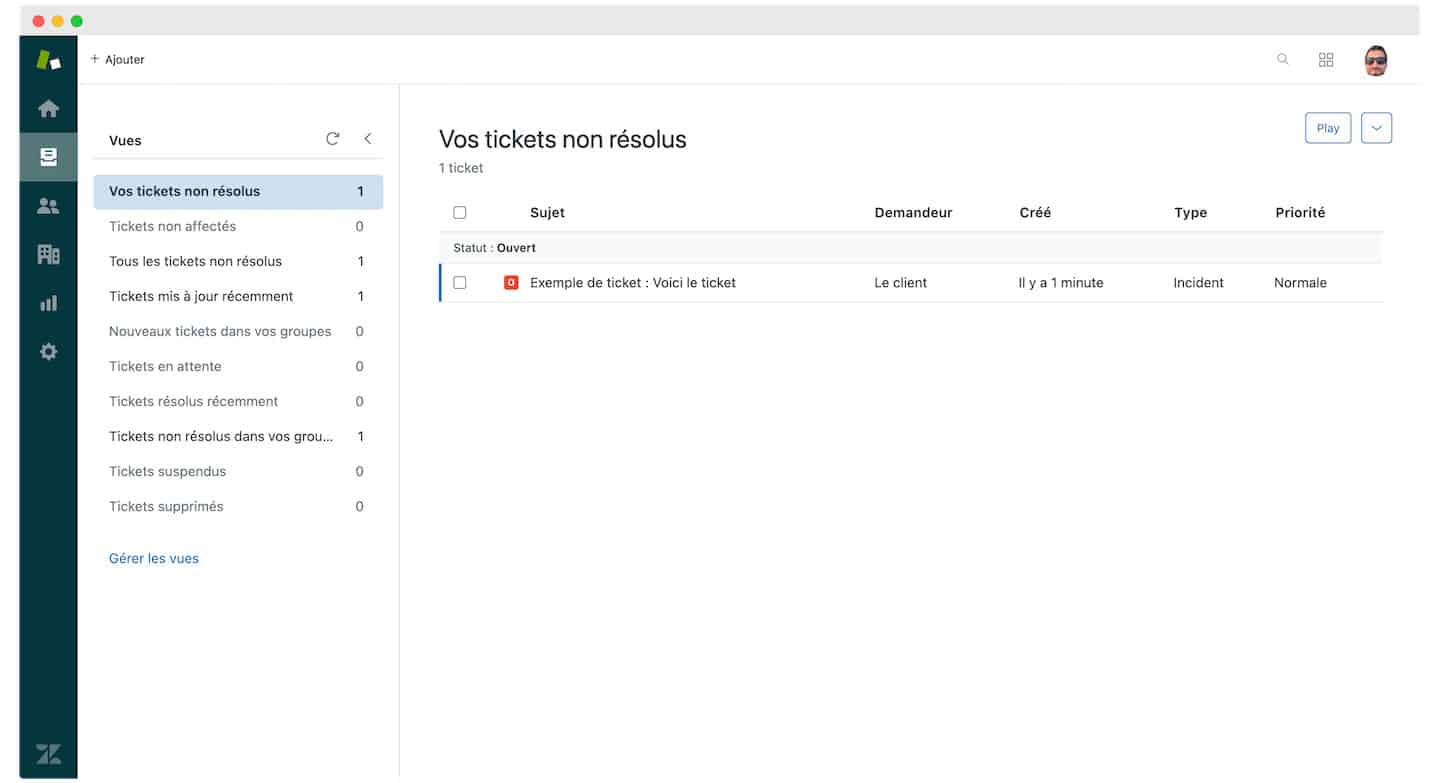
Every channel is organised through the concept of Views: it lets agents sort tickets against particular criteria. Views are customisable so you can settle on whatever organisation is most practical and effective for your structure.
Zendesk therefore lets you fit the service to your support department’s internal organisation. An agent can group tickets by product, by the customer’s region, or by the nature of the problem, for instance. Managers can also make those organisational choices at the level of the whole department.
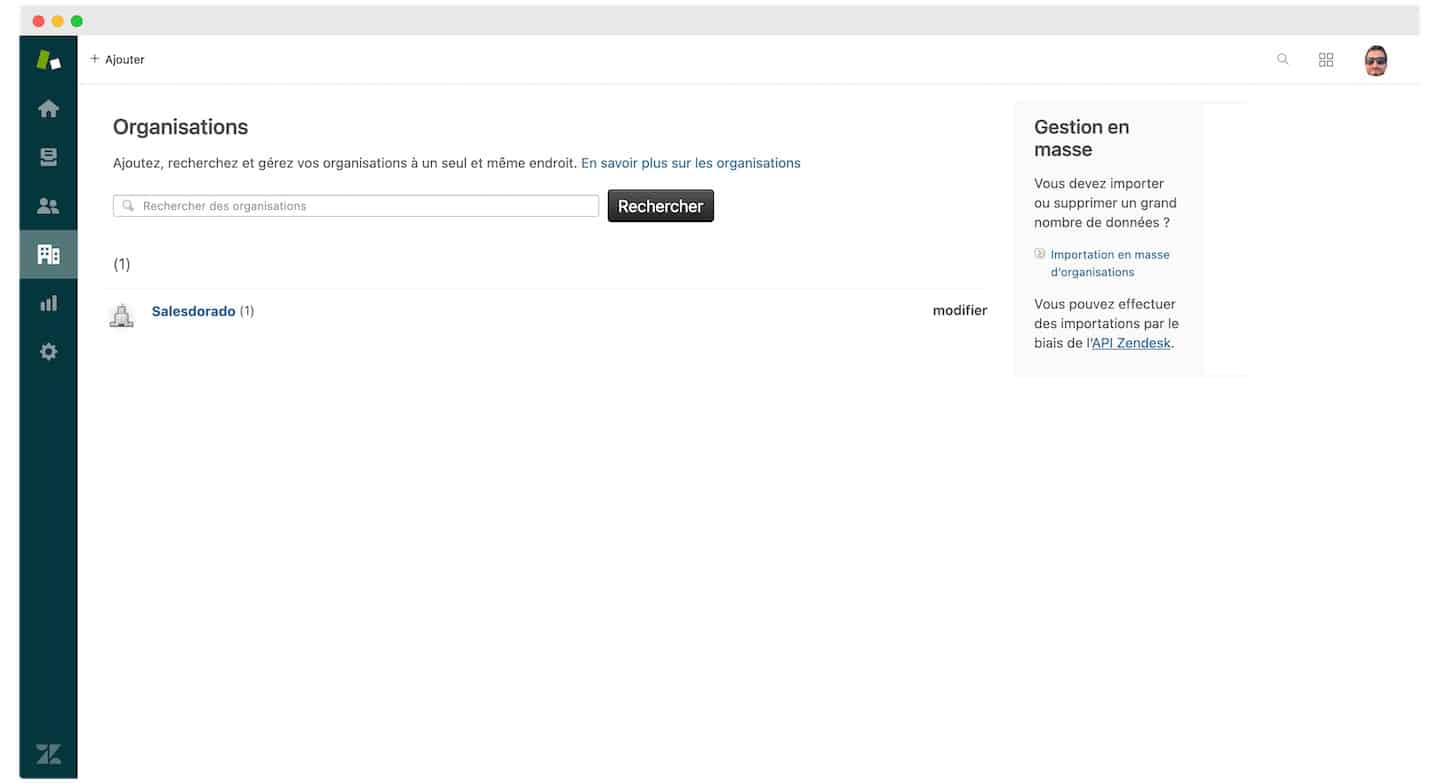
Ticket scheduling lets you add repetitive tasks to the system and follow their progress. That is particularly handy for equipment needing regular servicing (scheduled printer maintenance, for example).
To help with your scheduling, there are apps such as Ticket Scheduler.
The Salesdorado tip
Adopting multichannel communication is a genuine asset for managing your customer relationships. We say so many times over on Salesdorado. So we can only push you towards it
Collaboration tools
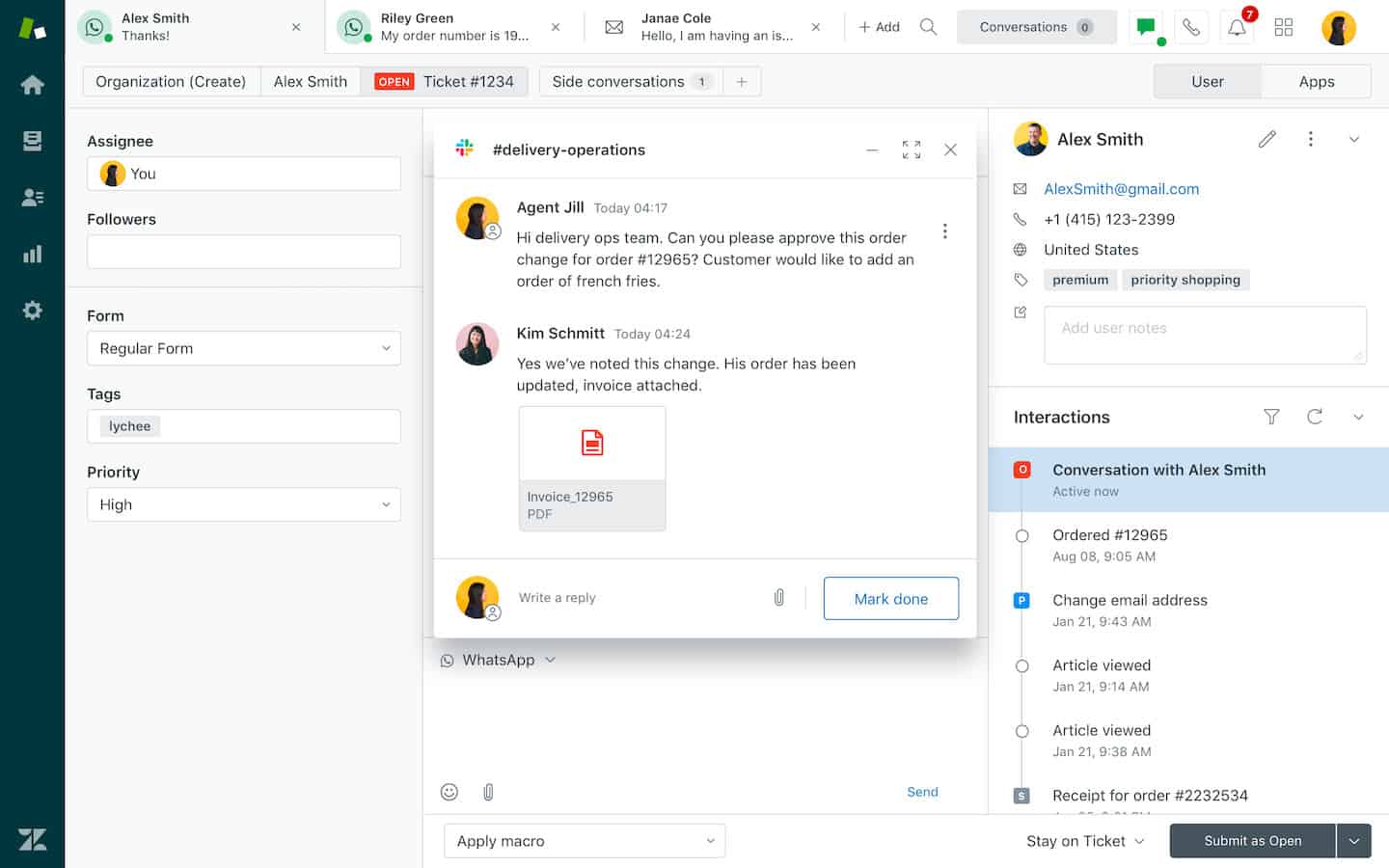 Alongside omnichannel management, Zendesk offers a collaboration tool that improves communication between administrators, agents and users so the work stays effective.
You can give your agents different roles with varying reach. The light agent status, for example, lets someone act as an adviser, stay informed on requests and add private comments where needed.
A side conversations system lets internal and external team members talk without interrupting the main flow of communication.
The help desk lets agents keep control over public and private comments alike. They can add, delete and follow the support ticket without the user being told.
This tool matters especially for organisations working internationally: it makes handing a ticket from one office to another easier, time differences accounted for.
Automation tools
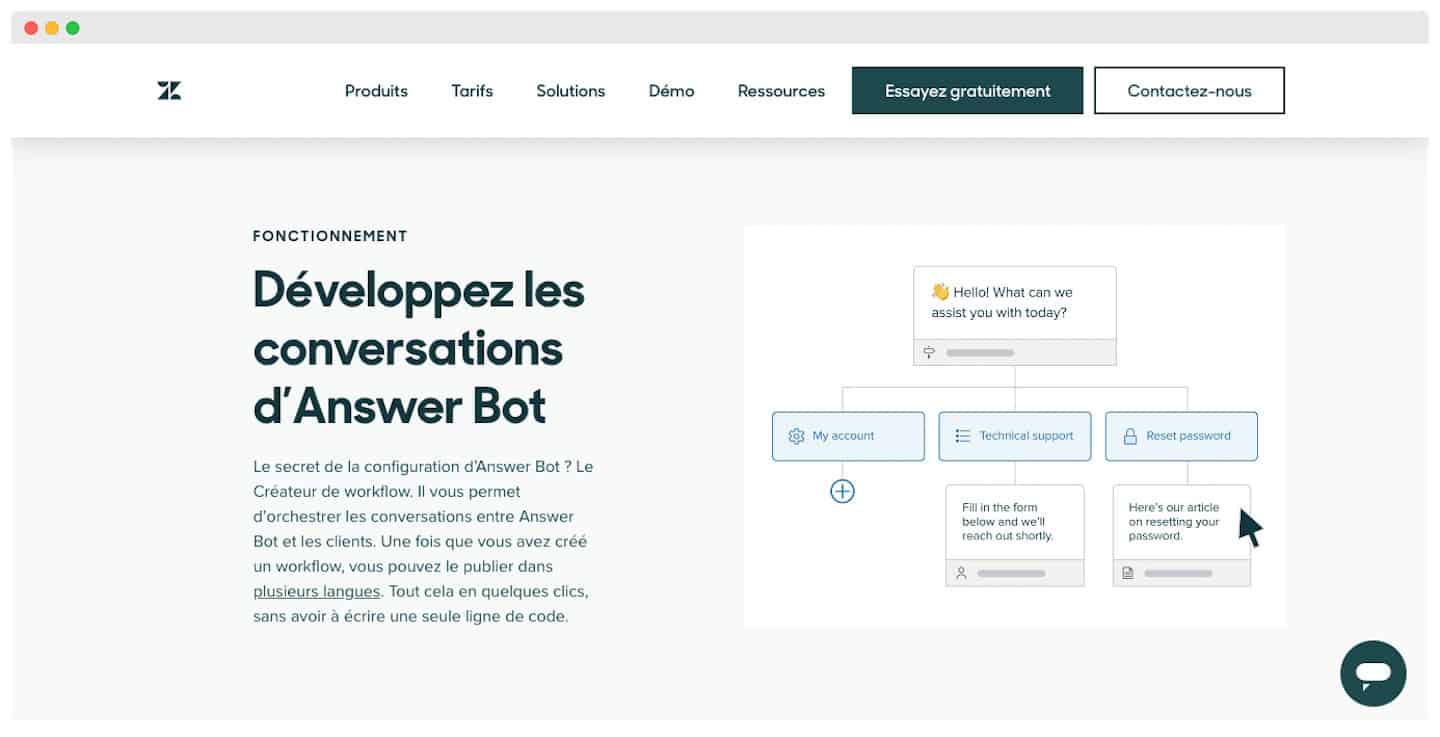 Zendesk’s Artificial Intelligence (AI) feature works alongside your support team to help your customers.
The Answer Bot is always online, even when your agents aren’t available. It answers common questions and handles simple tickets coming from any channel.
With this feature you can reach the requests of more customers, cut waiting times and lift the overall satisfaction rate.
Automation also cuts down the repetitive work your staff have to do .
The Answer Bot also pre-fills support ticket fields. It shares conversation transcripts with your staff to give them context around a problem raised.
Worth knowing: you can create new bots, or sync an existing one.
Live chat with Zendesk
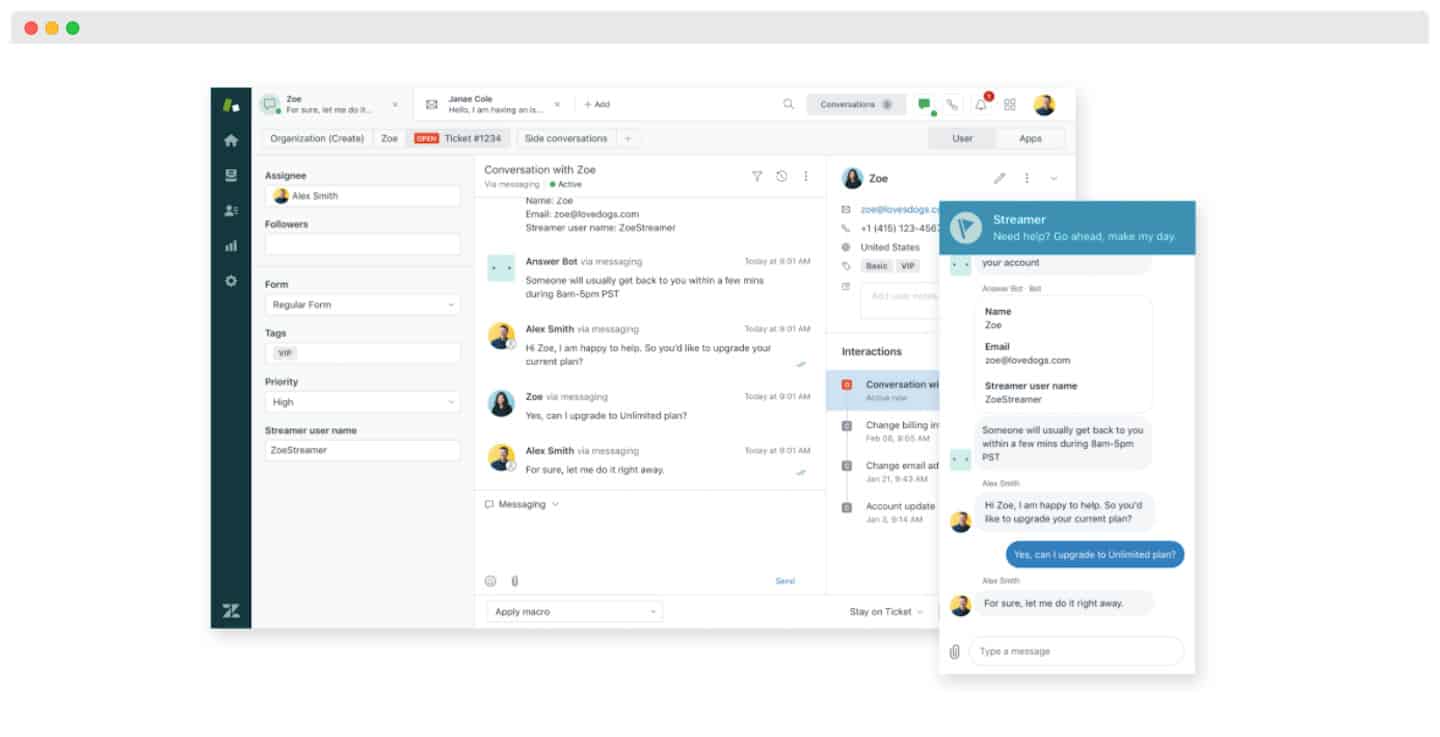 Zendesk offers a complete messaging service: you can add live chat to every one of your support channels. Managing and reporting on ticket statuses is centralised in a single workspace.
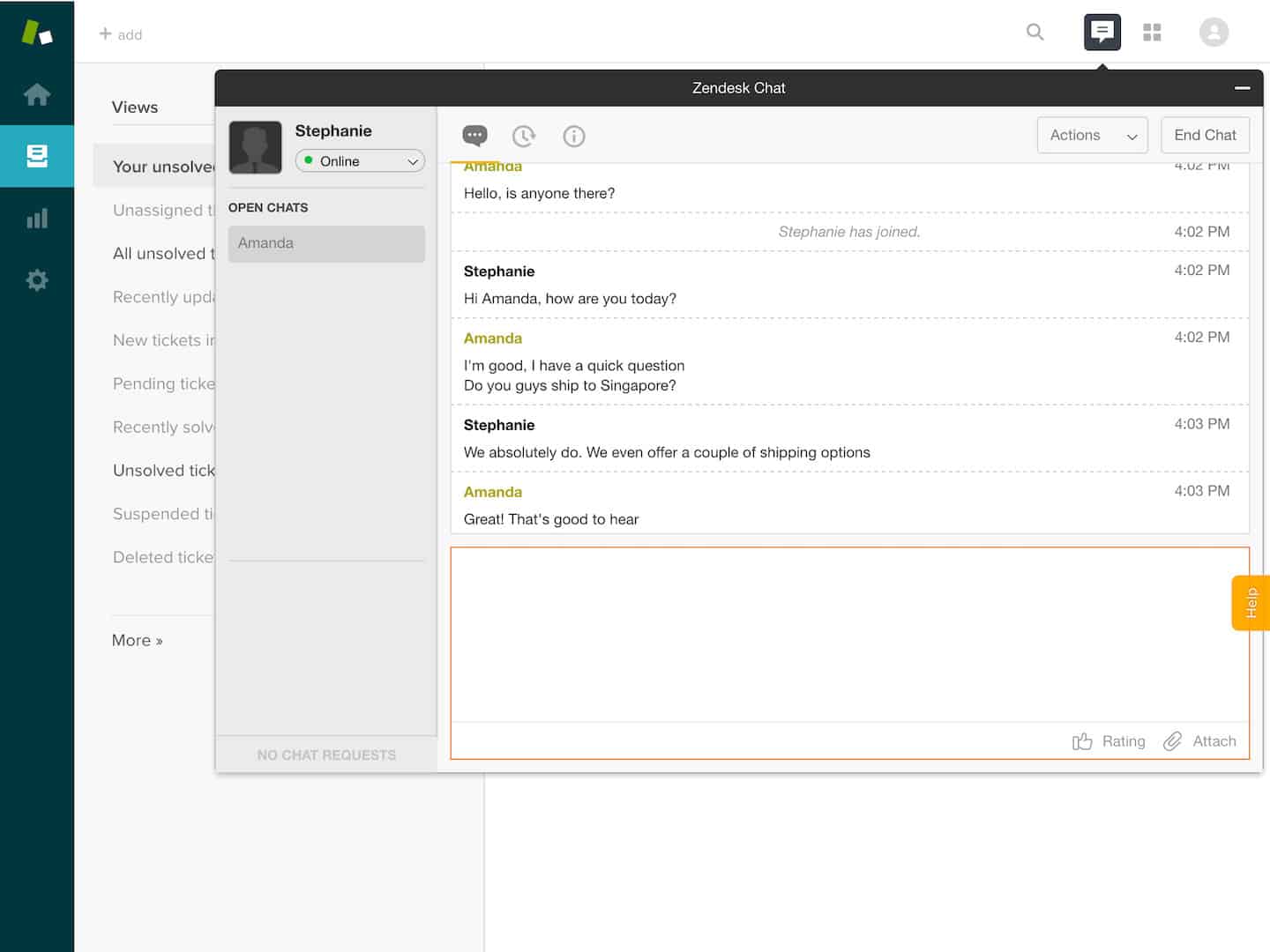
Chat and messaging can also be tailored to your company’s needs.
Thanks to AI and automation with the Answer Bot, you can give your customers fast answers, even when your staff aren’t around.
The Zendesk help centre
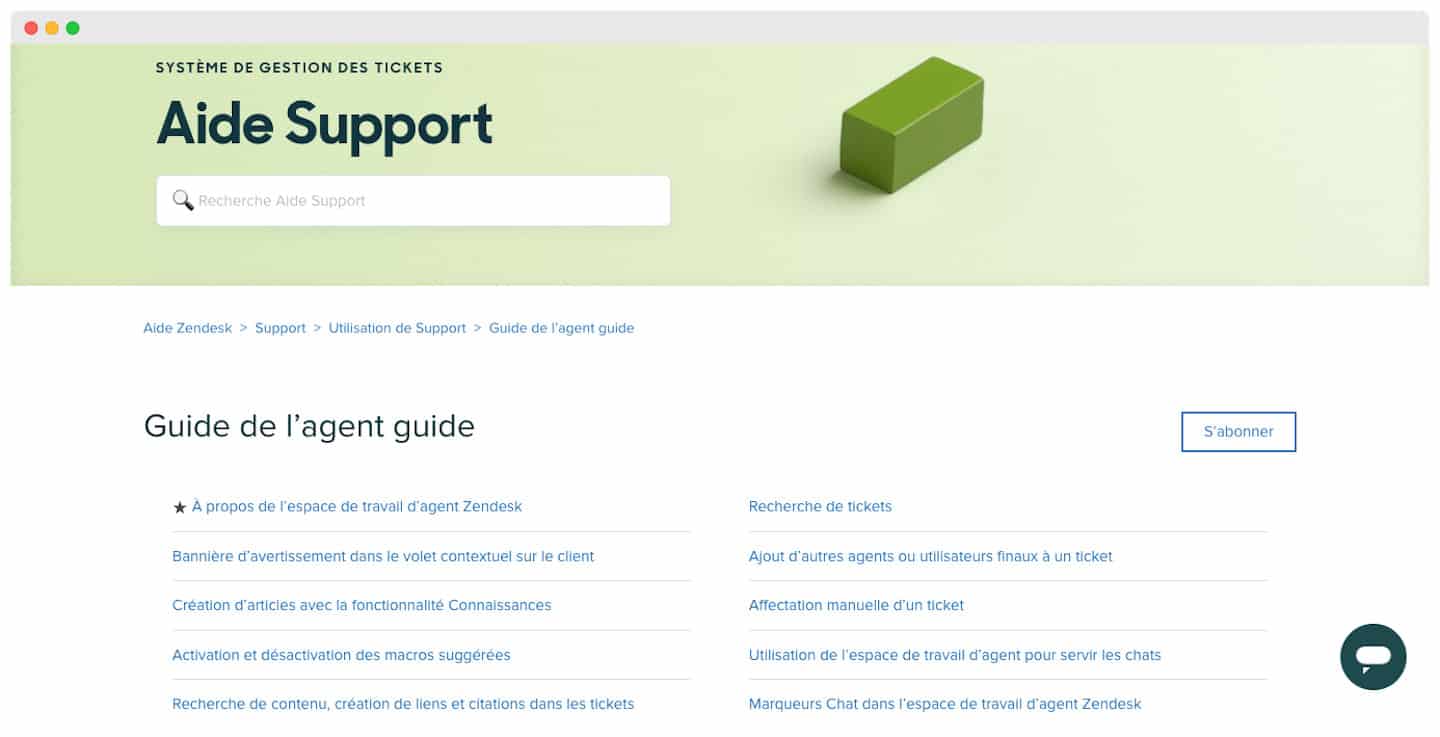
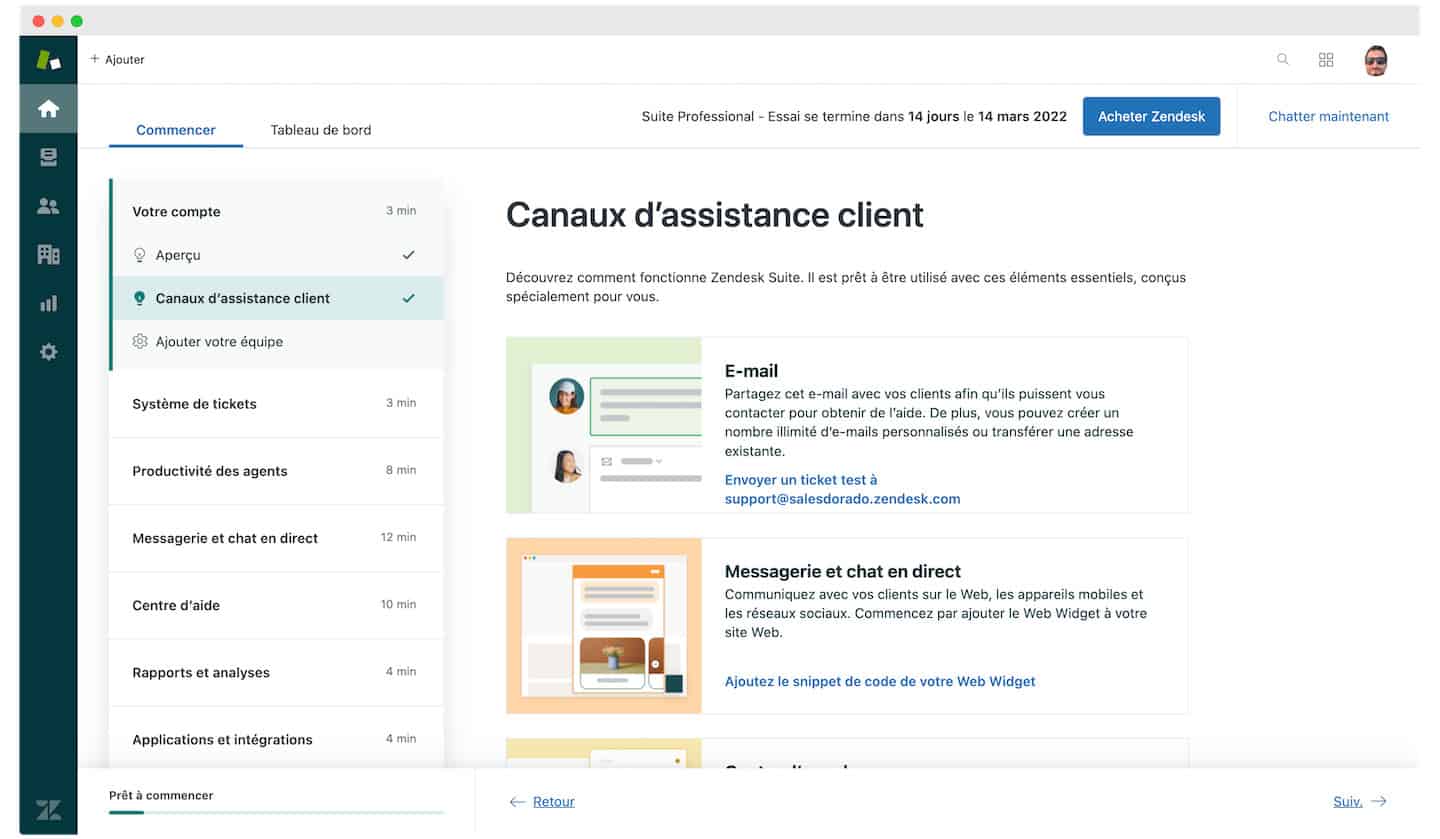 Zendesk lets you build a self-service customer portal using its knowledge base and community features.
Paired with AI, FAQs and support tickets that need little action are sent to this portal. This self-service function frees your agents from repetitive tasks: they can focus on high-value tickets and potential leads.
The portal lets you make your customer service more efficient.
Reporting on Zendesk support: our take
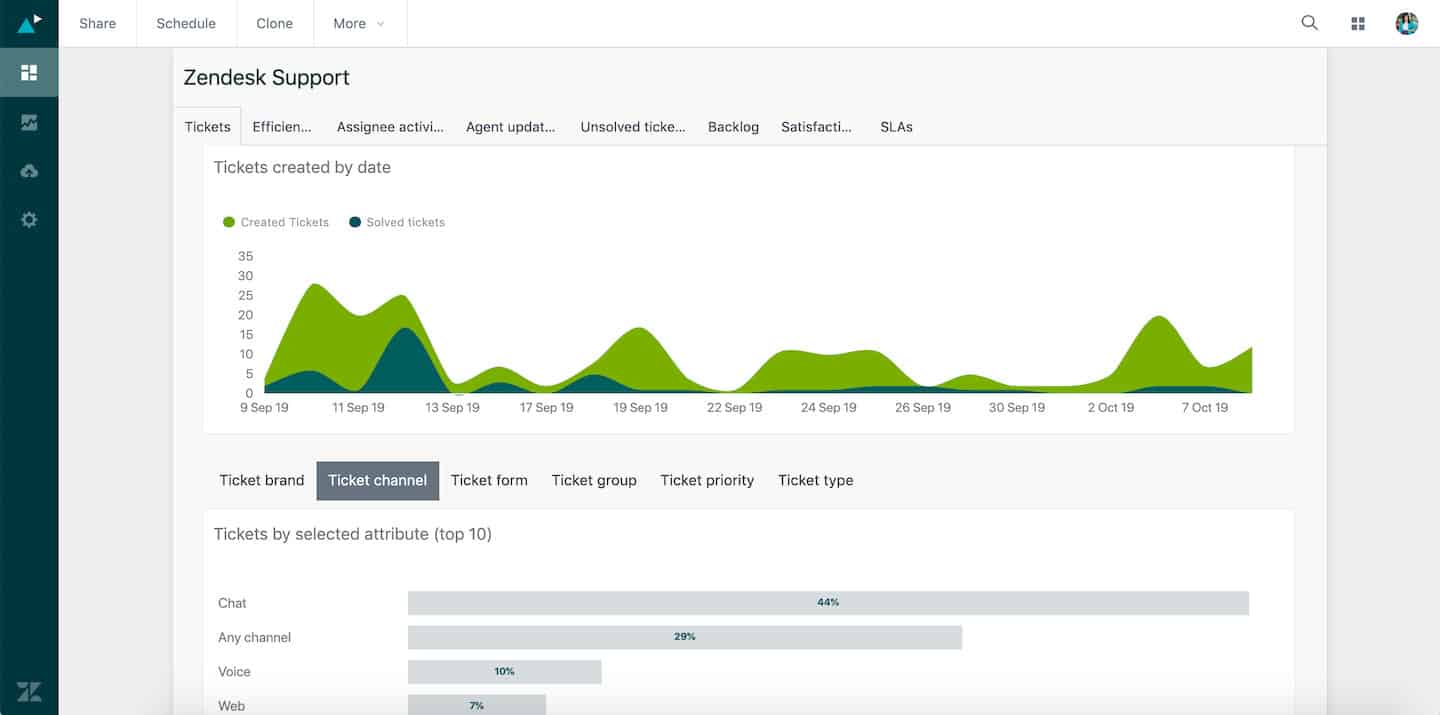
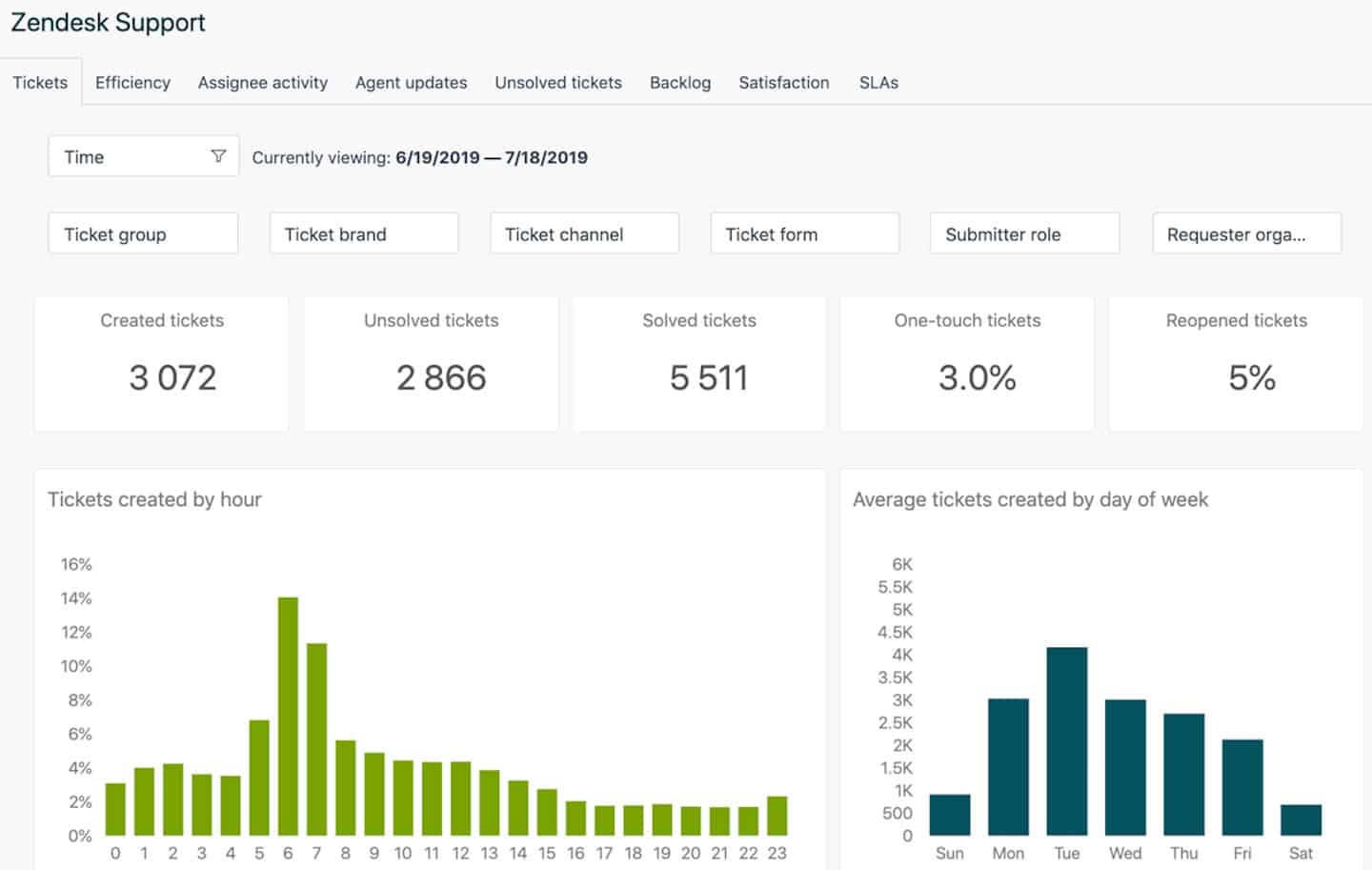 The Zendesk Explore reporting tool lets you run your analytics. It is now included in the Enterprise plans.
It is built from ready-made dashboards that display the main information as charts. Enterprise plan users can create editable copies of those dashboards and tailor them to their needs.
You can export dashboard data to Excel, CSV, PDF file or as an image (dimensions adjustable by device).
Sticking to in-app analysis, Zendesk Explore does very well. It uses queries to drive reports and dashboards, against specific data defined by the agents (support, discussion, guide or chat, for example).
A set of default queries comes as a pre-built dashboard, editable by agents to suit their needs. You can also build a new query from scratch.
Other products on the market have the same capabilities, but the solution is complete and easy to use.
Careful
Zendesk isn’t the right tool if you need your data outside the platform. If that’s your case, go for another solution.
Customer support at Zendesk
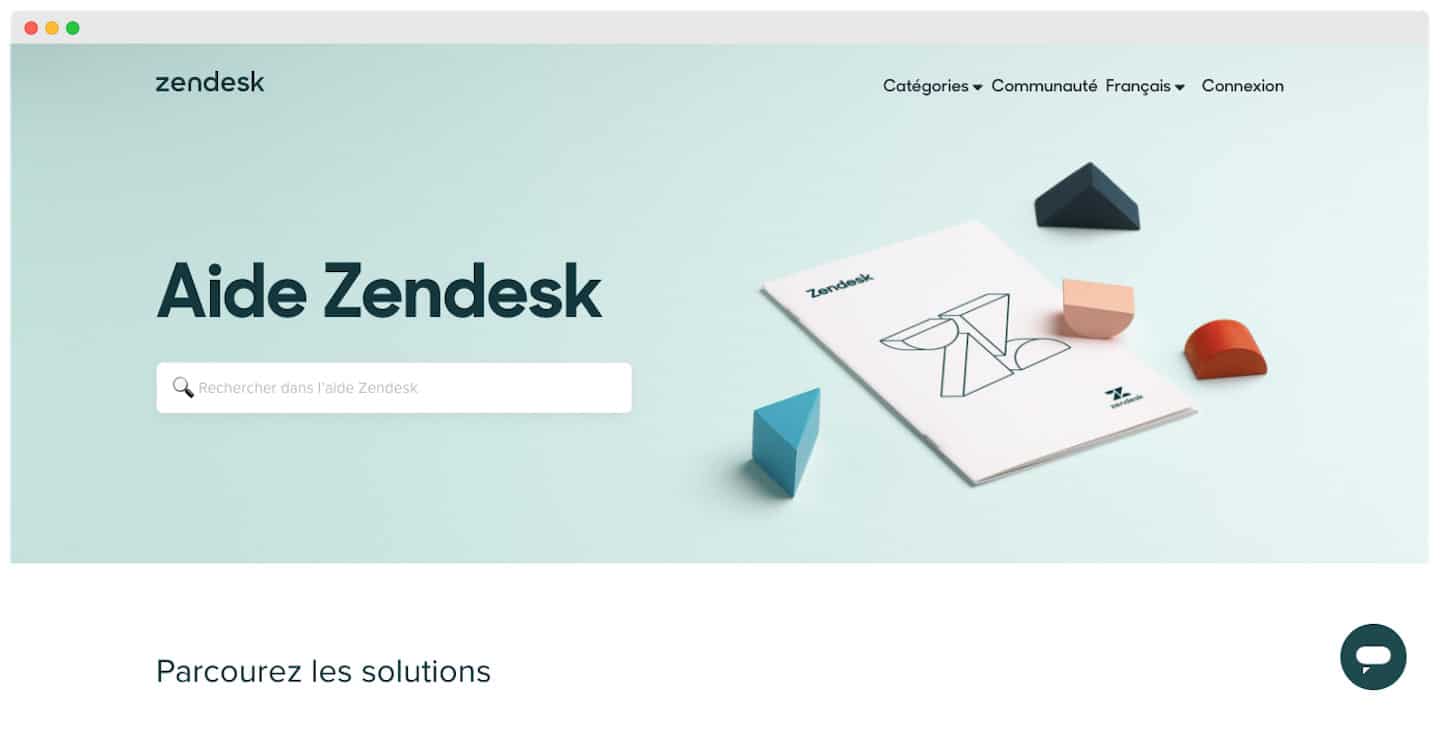
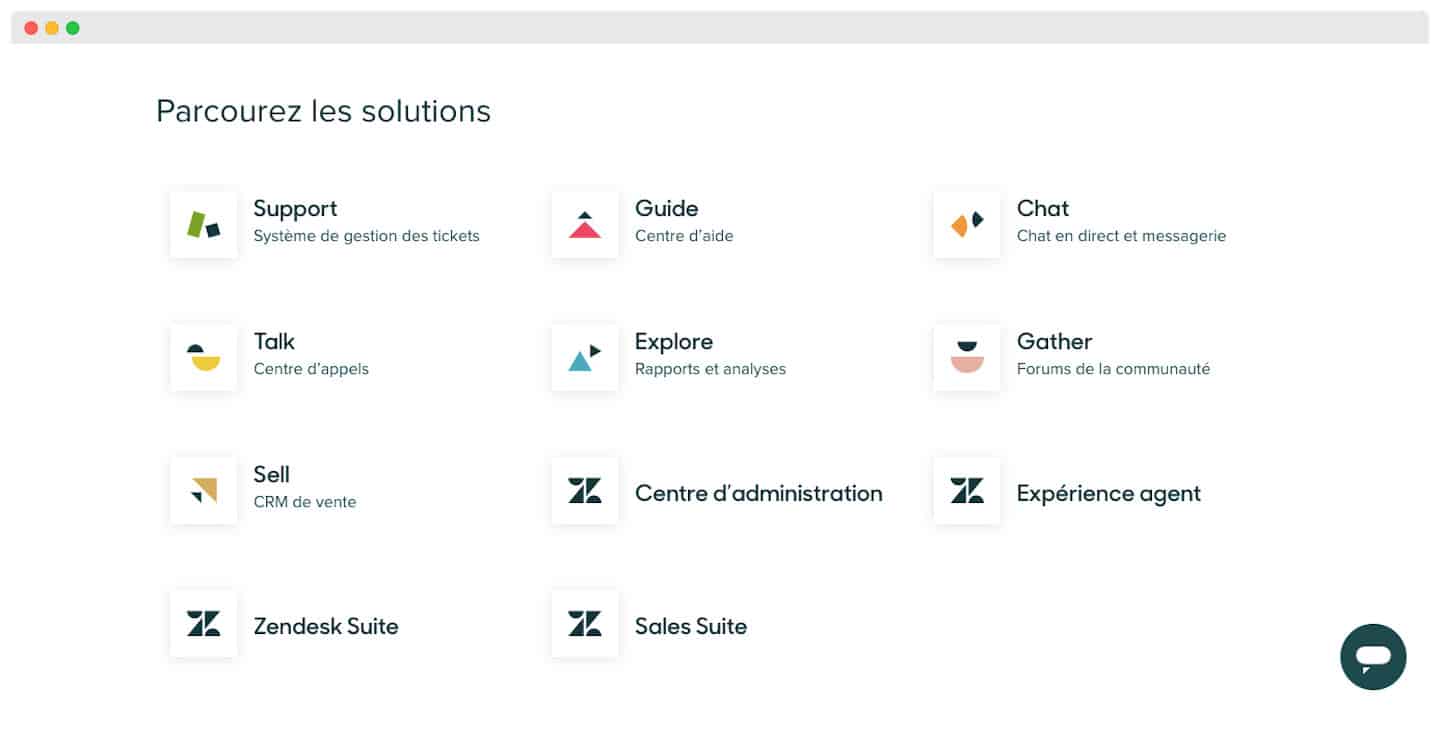 Support is reachable by live chat, email and even phone from the Suite Team plan onwards. It is available in French, very thorough and well built.
Zendesk offers various assistance methods built into its own products: a knowledge base, community forums, help widgets and a live chat (only available while you are logged into your account).
Zendesk has 23 offices spread around the world, most of them with contact phone numbers or email addresses. Careful: opening hours are not stated on the site.
The Salesdorado tip
Think about analysing your assistance needs beforehand. The support contact options aren’t the same depending on the plan you pick.
Zendesk integrations

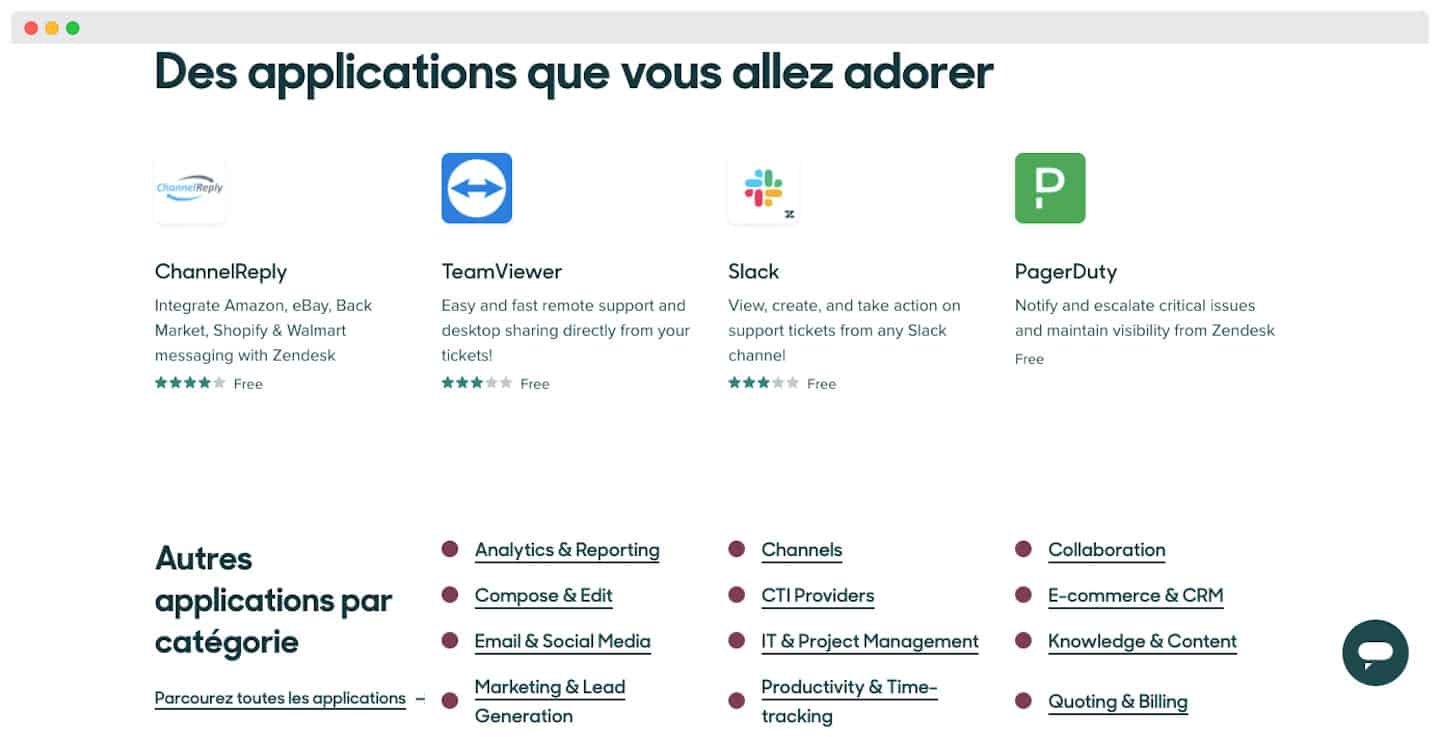 Zendesk offers around 1200 third-party apps and integrations. Even if that comes at an extra cost, it lets you tailor the platform and resolve your usual compliance issues.
The solution offers an open, well-documented API. It lets users add tickets programmatically (one at a time or in bulk), particularly those that came in through phone support.
This service is especially interesting if you are migrating to Zendesk from another help desk: you can keep your support tickets or move your data across for follow-up purposes.
The Salesdorado take
The bonus: the Zendesk website gives your developers thorough help on using the API, along with code samples.
Zendesk: pricing
Zendesk pricing isn’t always easy to grasp because it comes in three types of plan, which we decode right here:
Zendesk’s “Foundational Support” plans
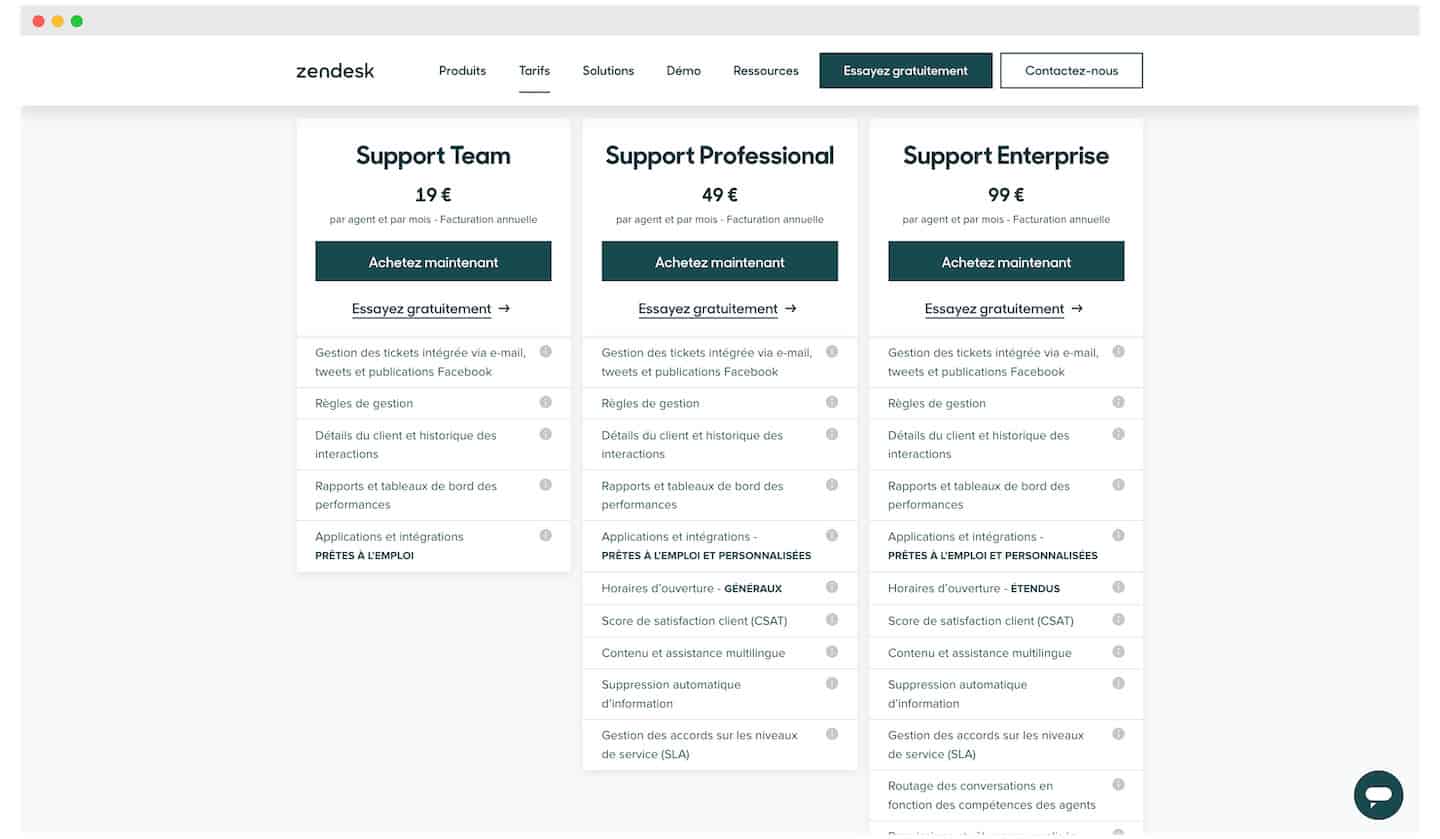 These plans give access to the customer support function alone.
- Support Team: 19€/month – Ticket management, access to customer information and history. The plan also includes reporting on ticket volume and customer satisfaction level.
- Support Professional: 49€/month – The plan adds Customer satisfaction surveys to measure the satisfaction score per agent, per team and overall. Support is also available in several languages (around 40 on offer).
- Support Enterprise: 99€/month – Here, tickets are assigned to your agents automatically by skill for more efficiency. The platform can be tailored to your needs, and you get storage space, notably for third-party data.
Zendesk’s standard plans
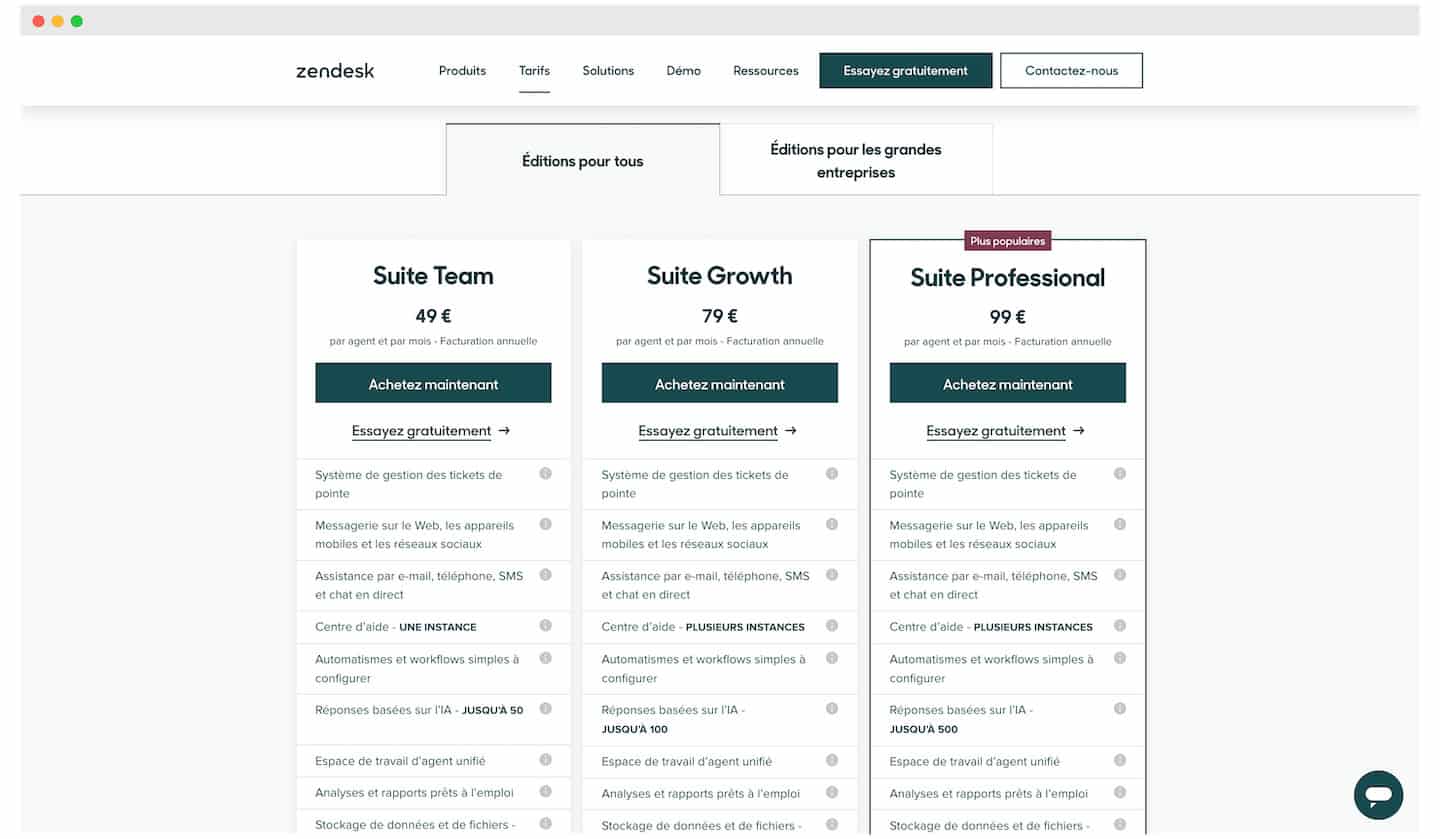 Here you get access to every support, sales reporting, analytics and automation feature.
- Suite Team: 49€/month – A very capable ticket management system, with conversion from email or social networks. You get an Answer Bot with up to 50 automatic answers available. The plan also gives access to a storage system and to Zendesk support during office hours.
- Suite Growth: 79€/month – The Answer Bot’s automatic answers go up to 100. You can give expert third parties (up to 50) access to your ticket management system where needed. You can customise ticket layouts for better efficiency in gathering information.
- Suite Professional: 99€/month – Access to private conversation channels for your agents, and to a community forum for your customers. Tickets are assigned to your agents automatically by skill for more efficiency.
Zendesk’s enterprise plans
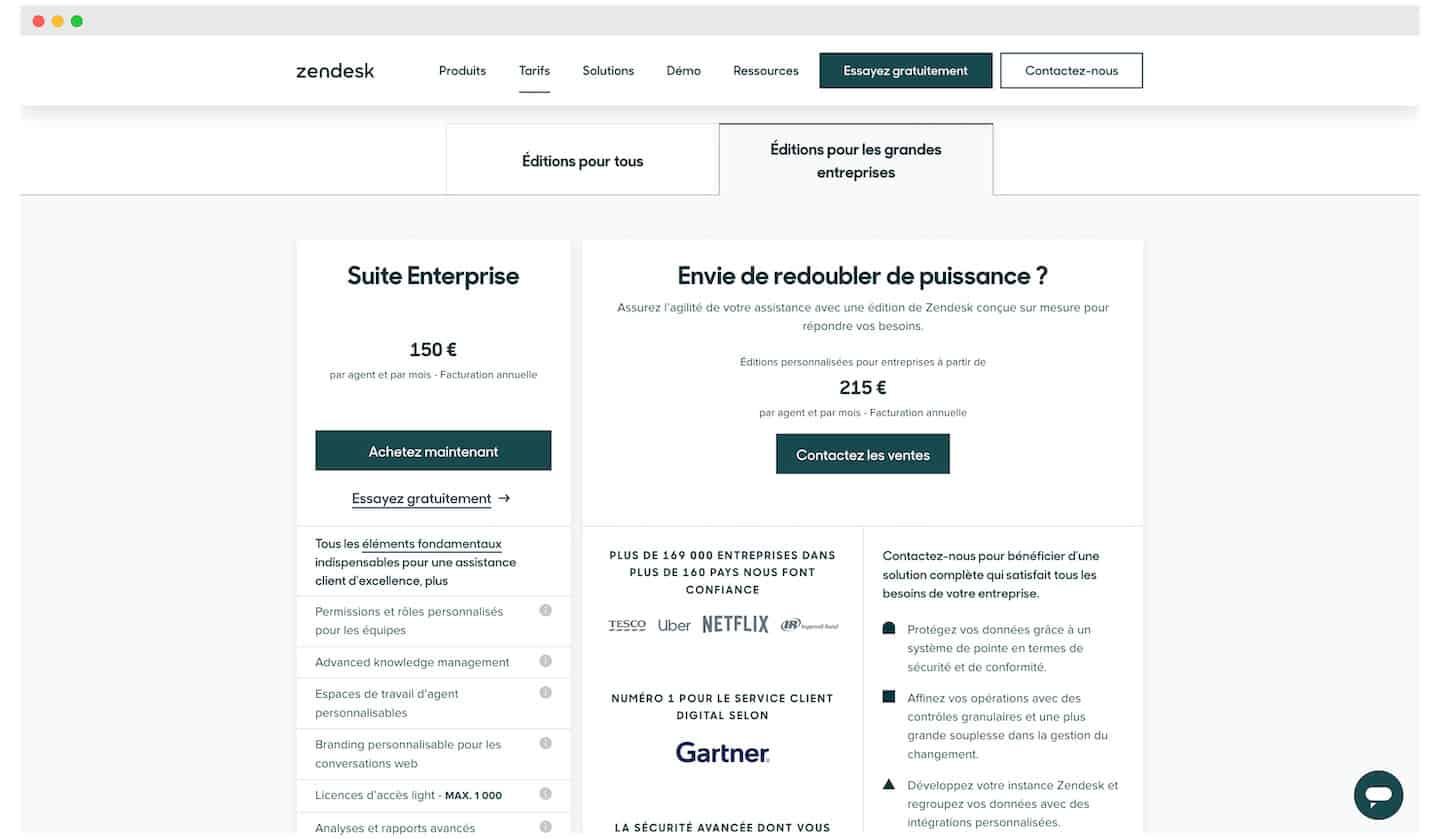
The options for moving up a level:
- Suite Enterprise : 150€/month – On top of every service included in the previous plans, you get automatic generation of activity reports for your staff. You can customise the platform to match your brand. Each agent can also tailor the platform to their own needs.
- Custom plan: for 215€/month, to be discussed with Zendesk.